Explore New Year Boy AI Prompts
Browse new year boy prompts for adult men portraits, tuxedos, winter coats, rooftops, city lights, cabin scenes, retro flash and countdown photography. Use each idea for video templates, reels, social posts, covers, and export-ready visuals.
Loading more new year boy prompts...
 Category:
 Duration:
 Aspect Ratio:
Why Create New Year Boy Images With Filmora?
New Year boy prompts work best when wardrobe, posture, environment, light direction and the scale of the celebration are described together. Filmora turns the results into confident portraits, campaign covers and motion-ready edits.
Generate New Year Boy With Filmora
Generate New Year Boy With Filmora
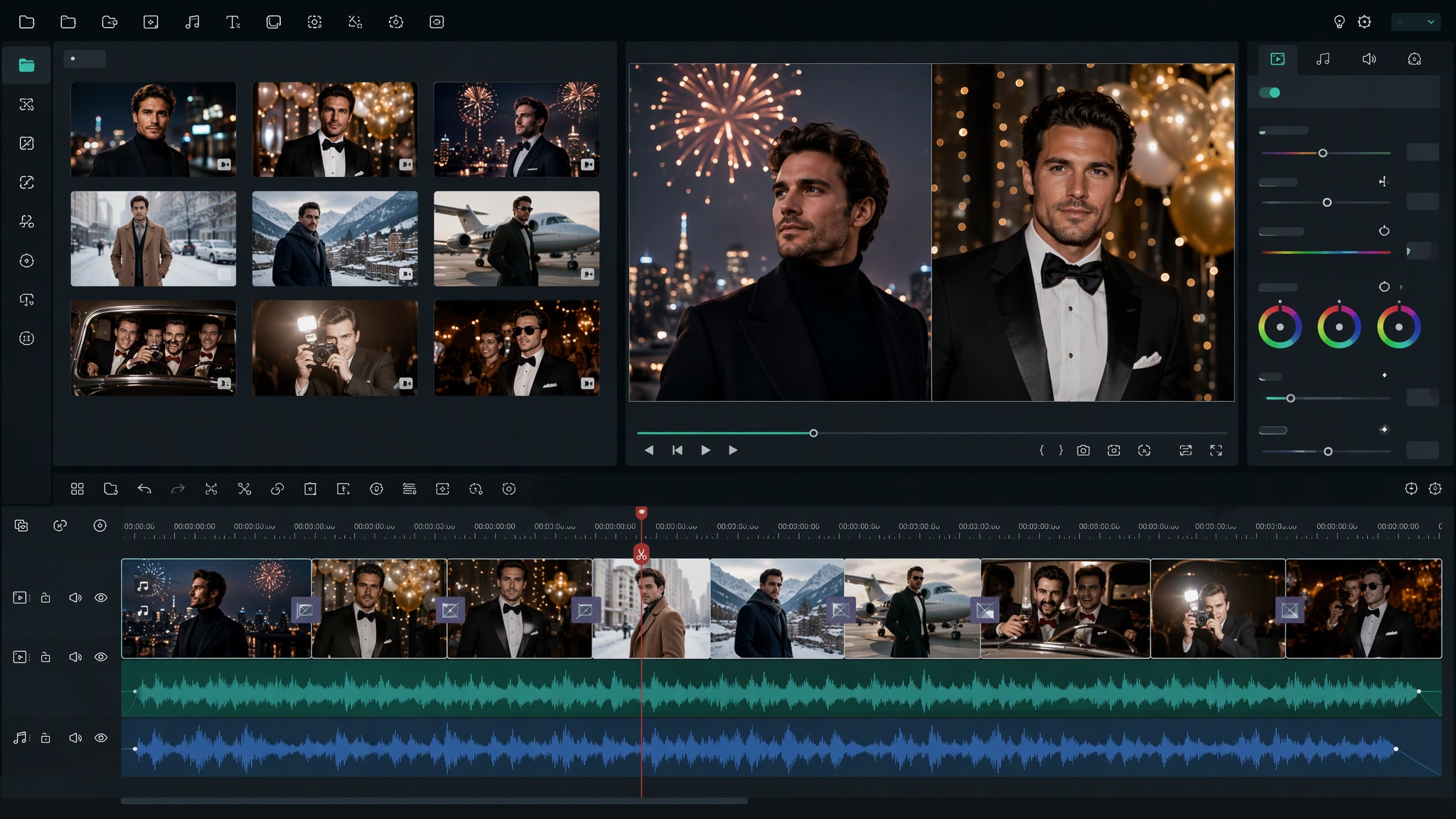
Start with a precise new year boy prompts, then use Filmora's AI image generator to turn adult men portraits, tuxedos, winter coats, rooftops, city lights, cabin scenes, retro flash and countdown photography into clean, edit-ready stills. Use it for adult men portraits, tuxedos, winter coats, rooftops, city lights, cabin scenes, retro flash and countdown photography, then refine crop, color, overlays, and motion in Filmora.
- Prompt to Image - Name the adult subject's wardrobe, location, posture, lighting direction, and the scale of the midnight celebration.
- Clean Visual Structure - Filmora's AI Image Generator helps shape confident New Year portraits for posts, campaign covers, and reels.
- Fast Iteration - Compare rooftop, street, cabin, lounge, travel, and club atmospheres before choosing a final frame.
Use GPT Image 2 for Controlled Composition and Detail
Use GPT Image 2 for Controlled Composition and Detail
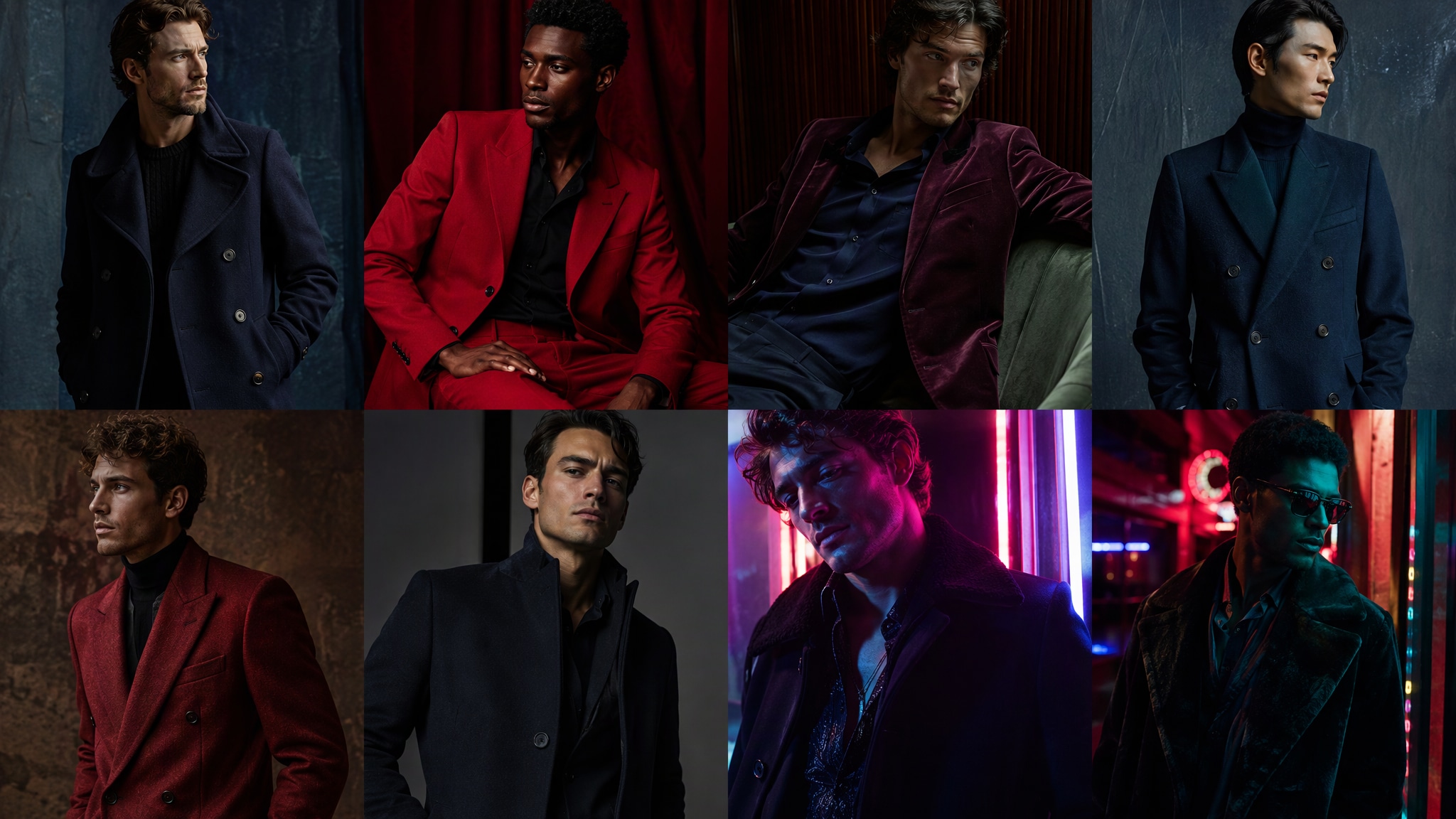
When the scene needs dependable subject detail, texture, or background control, Filmora's GPT Image 2 helps follow a structured prompt. GPT Image 2 helps organize the subject, setting, lighting, materials, and clean space reserved for later design.
- Prompt Following - Define coat texture, facial expression, skyline depth, glass reflections, and clean room for accurate title overlays.
- Detail Control - GPT Image 2 preserves layered portrait details while Filmora keeps text, stickers, and timing editable.
- Edit-Ready Results - Generate clean imagery without baked-in slogans so the final message stays sharp.
Try Nano Banana for Fast Creative Variations
Try Nano Banana for Fast Creative Variations
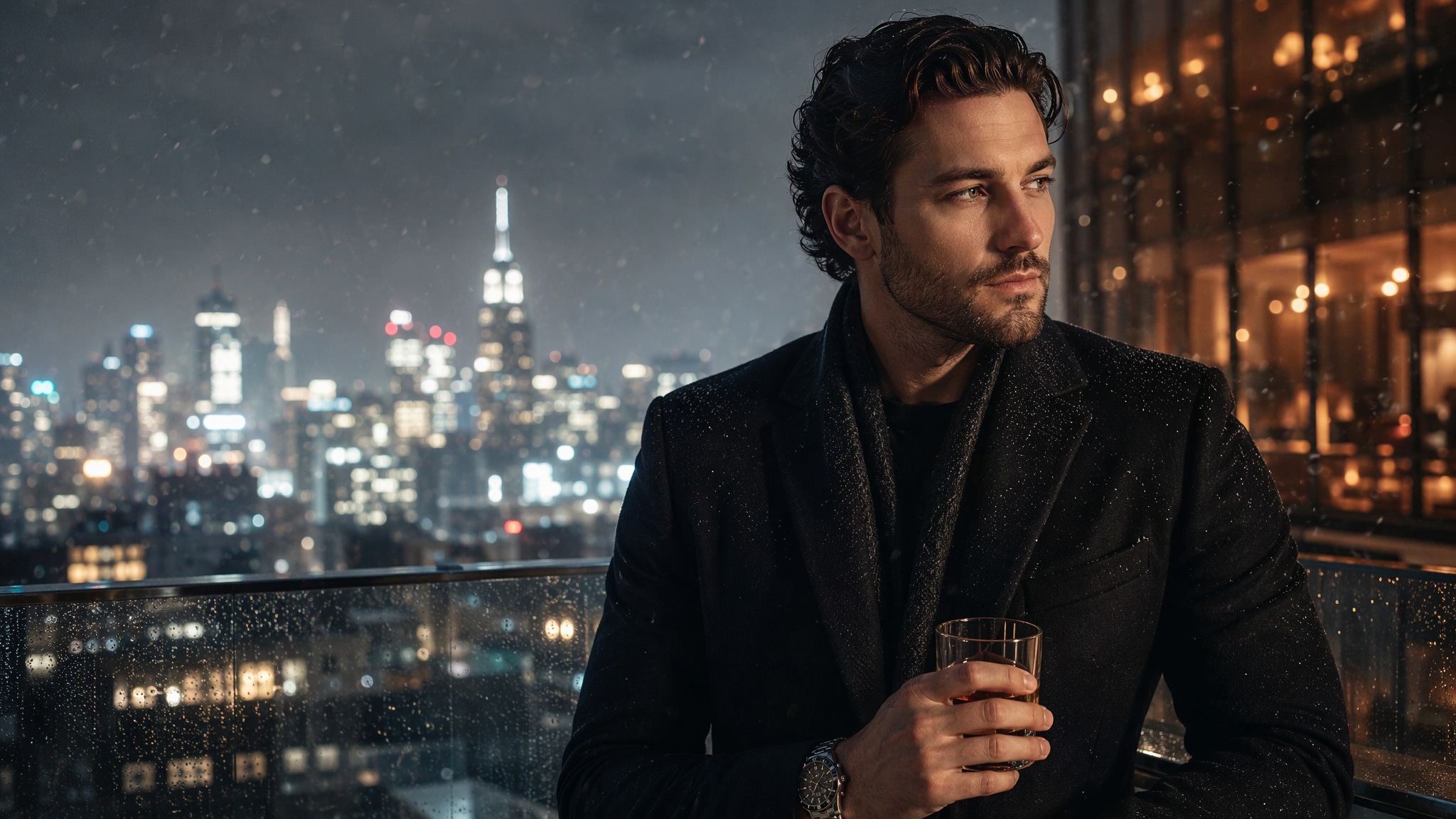
Use Filmora's Nano Banana when one idea needs another palette, mood, composition, or social treatment. Nano Banana helps test alternate palettes, props, backgrounds, and moods while retaining the main direction.
- Style Range - Explore tuxedo, wool, velvet, red tailoring, neon nightlife, analog flash, and winter travel treatments.
- Variant Testing - Nano Banana makes quick styling and color variations useful when a male portrait needs a new New Year mood.
- Creative Flow - Move from AI exploration to crop, grade, motion, and channel-specific exports in one workflow.
Turn New Year Boy Into Video
Turn New Year Boy Into Video
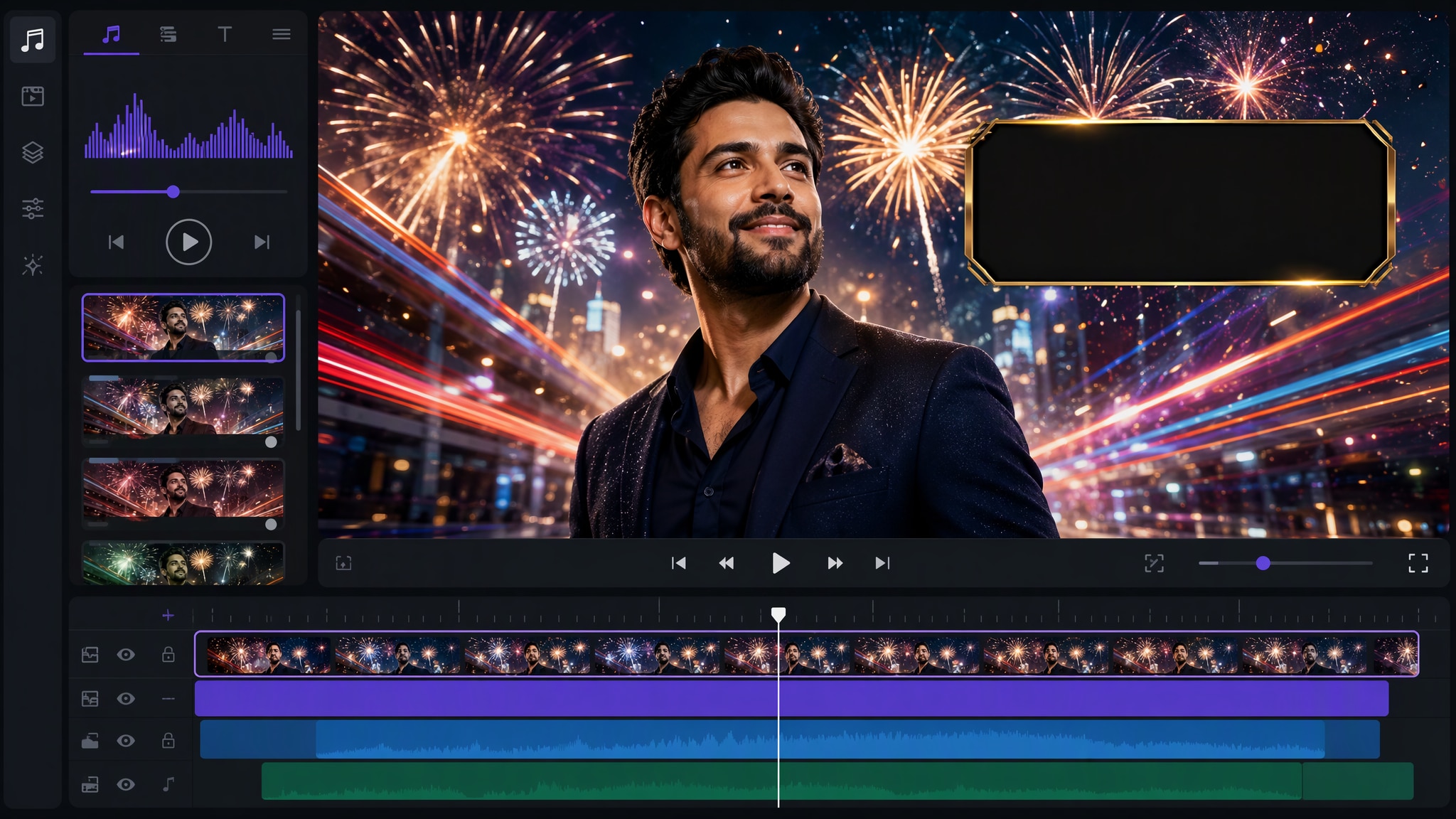
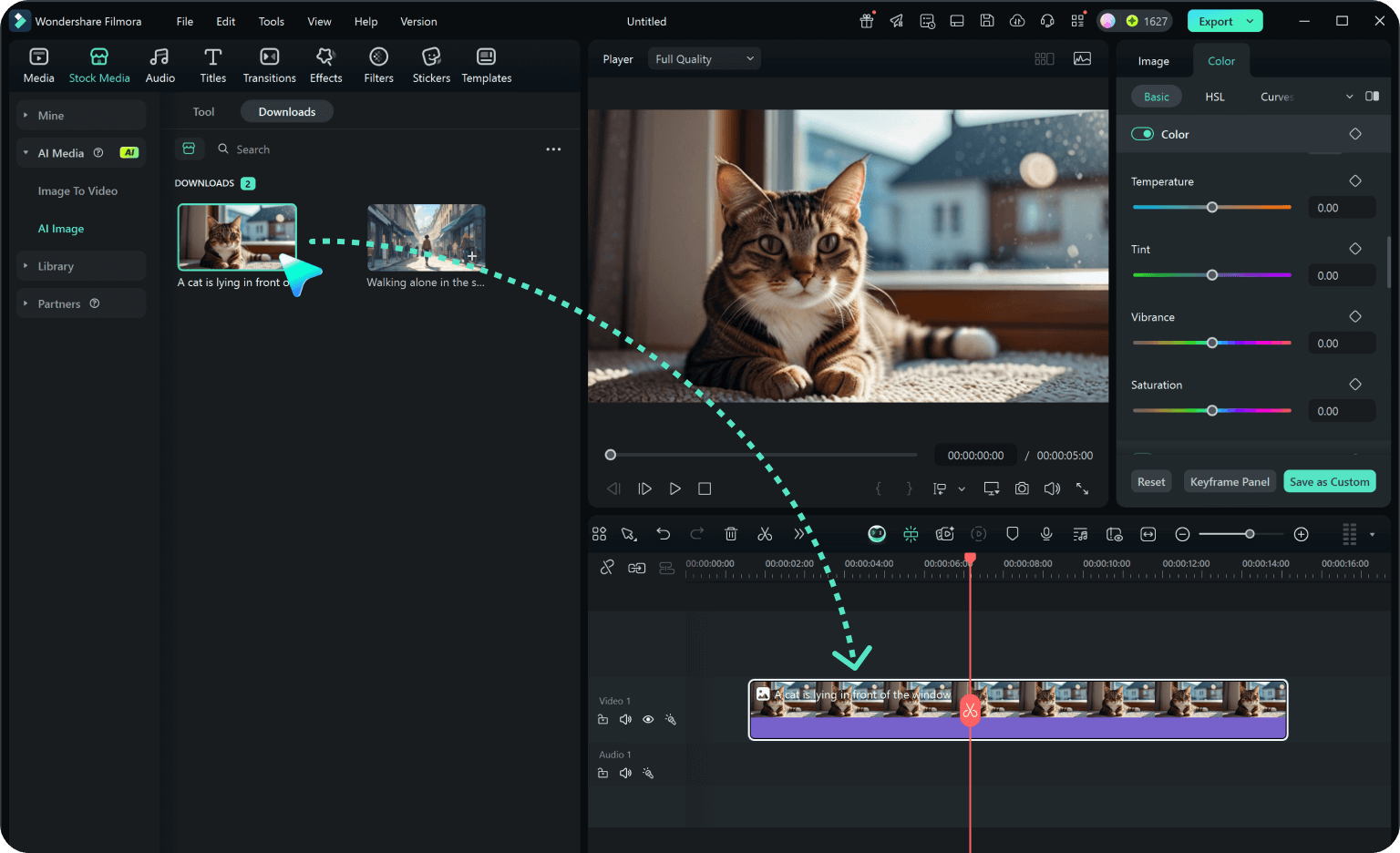
After generating the still, use Filmora's AI Image to Video workflow to add camera movement, overlays, effects, sound, and social-ready exports. Animate a camera move, light change, crowd motion, star trail, motion blur, or a restrained title reveal.
- Motion Ideas - Animate skyline fireworks, a lantern release, passing train lights, a record spin, or a restrained portrait push-in.
- Social Formats - Filmora's AI Image to Video tools turn a still portrait into an energetic or reflective celebration opener.
- Final Export - Finish with music, captions, transitions, and every needed social ratio.
Frequently Asked Questions About New Year Boy Prompts
How to Generate New Year Boy Images With AI
Choose a new year boy setup, define the visual mood, generate the still, then personalize or animate it in Filmora.
Step 1 Choose a New Year Boy Prompt
Step 2 Set Style, Model, and Ratio
Step 3 Generate, Edit, and Export
-
1: Choose a New Year Boy Prompt
Pick a new year boy setup such as an adult man at a rooftop countdown, a tailored evening portrait, a winter travel scene, a cabin celebration or a retro party frame. -
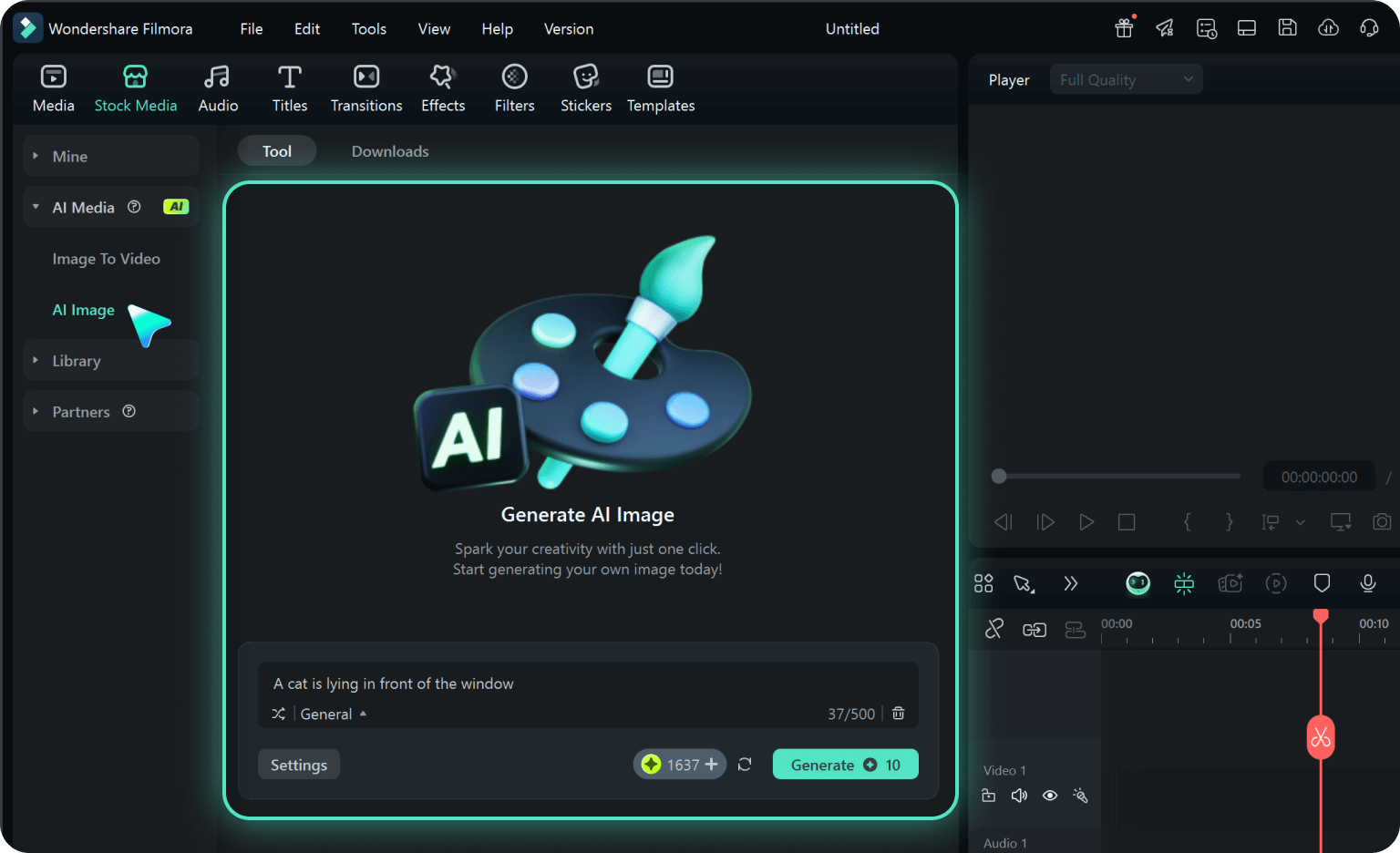
2: Set Style, Model, and Ratio
Paste the prompt into Filmora's AI Image tool, choose GPT Image 2 or Nano Banana, select a ratio, and refine subject detail, lighting, and framing. -
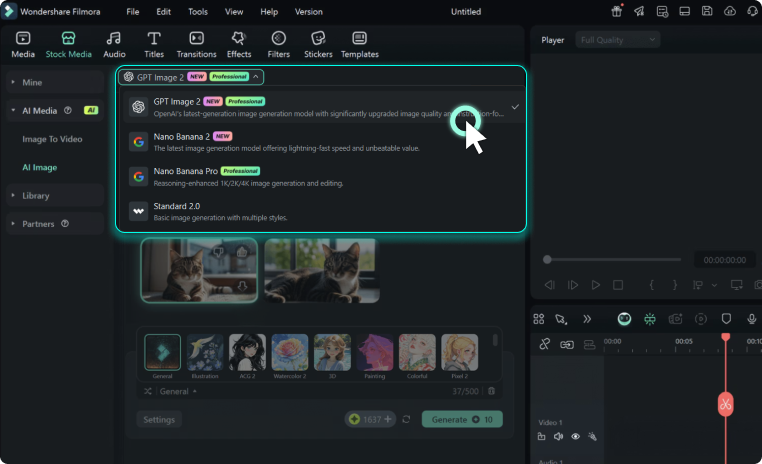
3: Generate, Edit, and Export
Generate the still, adjust crop and color, add motion or overlays if needed, then export it for men's portrait posts, New Year cards, fashion references, celebration reels, profile visuals and cinematic video covers.
New Year Boy AI Prompts for Premium Visuals
Use new year boy prompts to create adult men portraits, tuxedos, winter coats, rooftops, city lights, cabin scenes, retro flash and countdown photography and motion-ready visuals for Filmora editing.