
Explore Trending AI Portrait Prompts
Discover a variety of ai portrait photo prompt ideas designed to highlight your best features. From cinematic lighting to dreamy aesthetics, find the exact trending ai portrait prompt you need to create your next viral masterpiece.
Loading more AI portrait prompt examples...
 Category:
 Duration:
 Aspect Ratio:
Why Use Filmora for AI Portraits?
Crafting a masterpiece requires the right tools. With Filmora, an ai photo portrait prompt transforms into a stunning visual asset. Whether you need a cinematic headshot or a creative avatar, our software is engineered for flawless, professional-grade results.
Unrivaled AI Model Flexibility
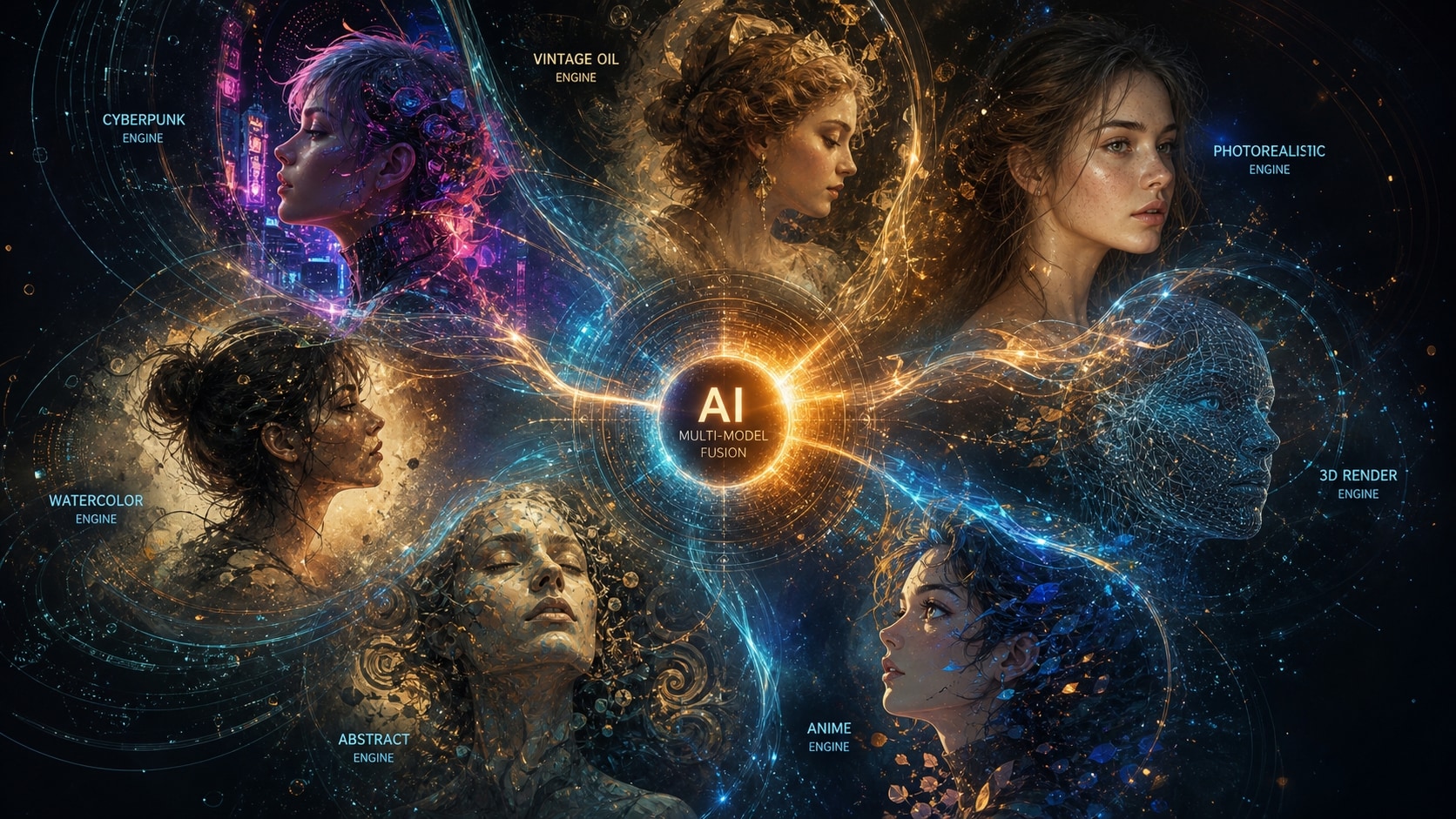
Unrivaled AI Model Flexibility
Experience ultimate control with Filmora's versatile AI engines. Whether you want to leverage a detailed chatgpt ai portrait prompt or experiment with the built-in Nano Banana Pro model, Filmora gives you the freedom to choose. It incorporates leading models like GPT image 2 internally, offering you endless possibilities.
- Multiple Engines - Seamlessly switch between Nano Banana 2, Nano Banana Pro, and GPT image 2.
- Google Gemini Synergy - Perfect your google gemini ai prompts for portrait generation within our interface.
- Tailored Flexibility - Pick the model that perfectly matches your desired aesthetic.
Achieve Professional Studio Quality
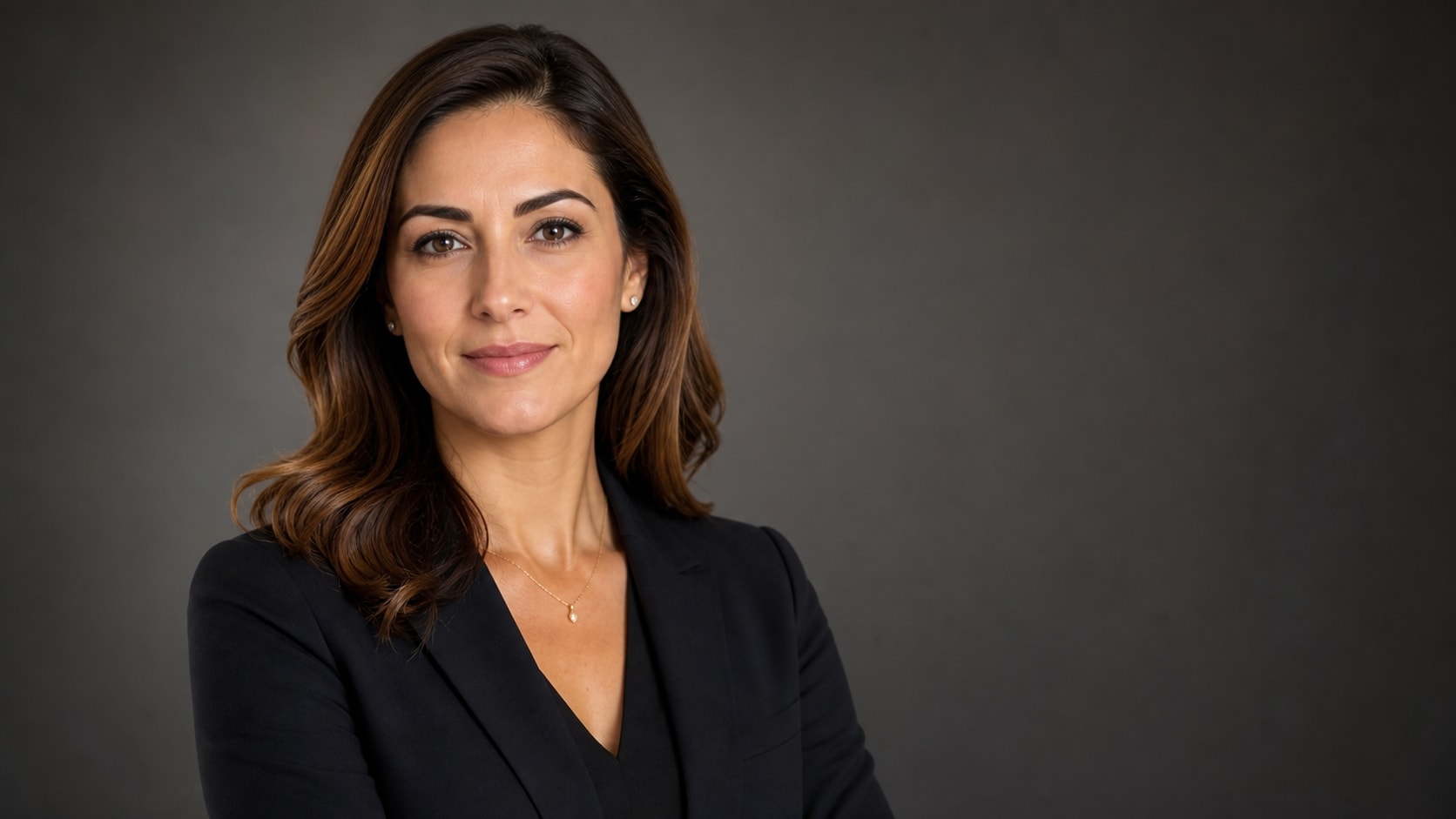
Achieve Professional Studio Quality
Stop settling for mediocre generated images. Use a realistic ai portrait prompt to unlock crisp, high-definition visuals that look like they were shot in a premium studio. Filmora's advanced rendering guarantees highly detailed facial features and perfect lighting.
- Ultra-Realistic Details - Elevate your edits with a hyper realistic portrait ai prompt for lifelike textures.
- Professional Appeal - Generate an ai professional portrait prompt for LinkedIn or business profiles.
- Consistent Output - Produce high-fidelity results every single time you hit generate.
Diverse Styles for Every Subject
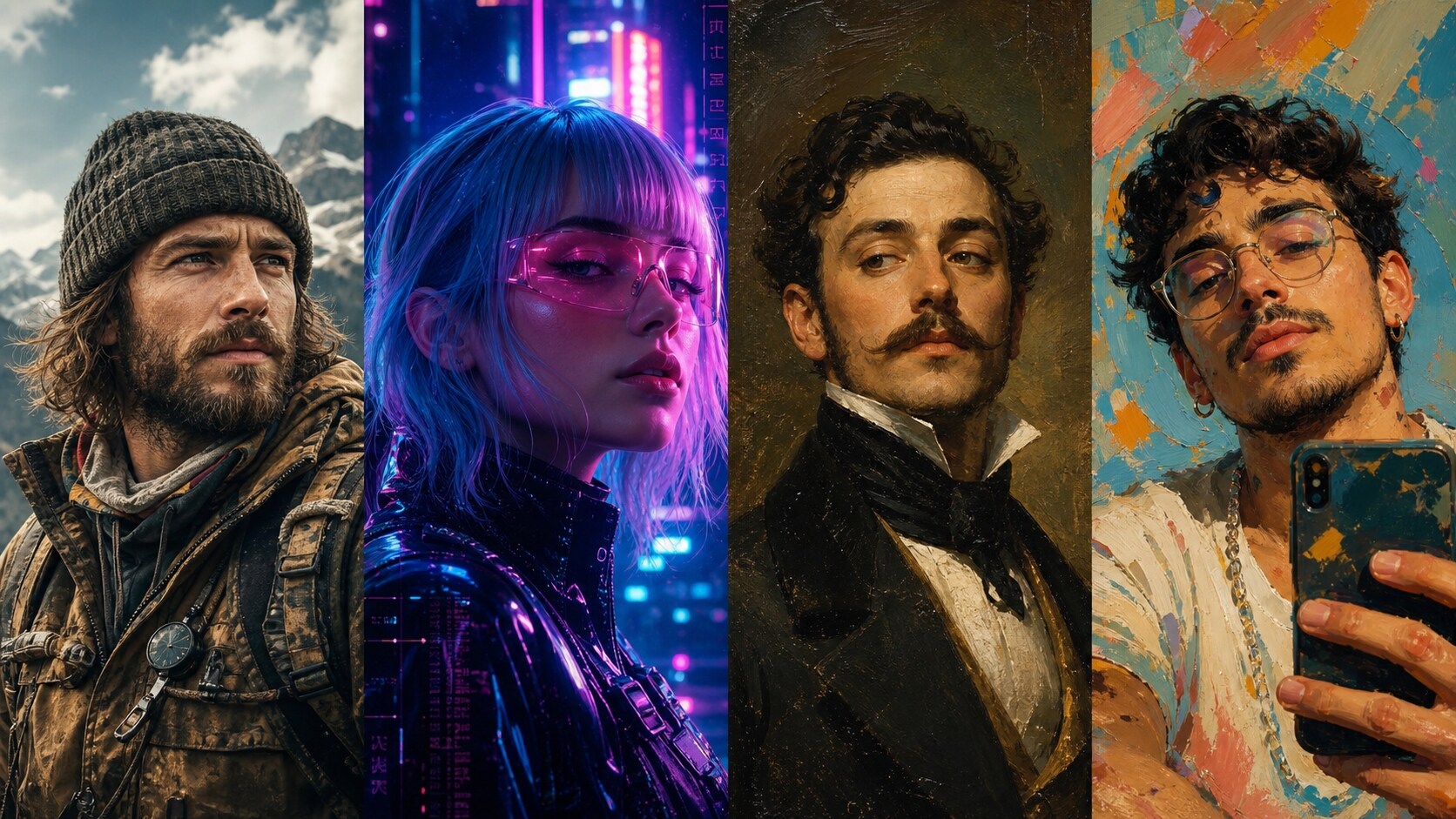
Diverse Styles for Every Subject
Every creator's vision is unique. Whether you need a rugged ai portrait prompt for men or an artistic ai self portrait prompt to re-imagine your selfies, Filmora offers an infinite canvas. Combine your generated art with engaging video templates to amplify your reach.
- Endless Creativity - Explore styles ranging from cyberpunk to vintage oil painting.
- Viral Trends - Hop on the latest viral ai portrait prompt aesthetic taking over social media.
- Custom Modifications - Easily tweak the prompt to change backgrounds, lighting, or poses.
Effortless Text-to-Image Creation
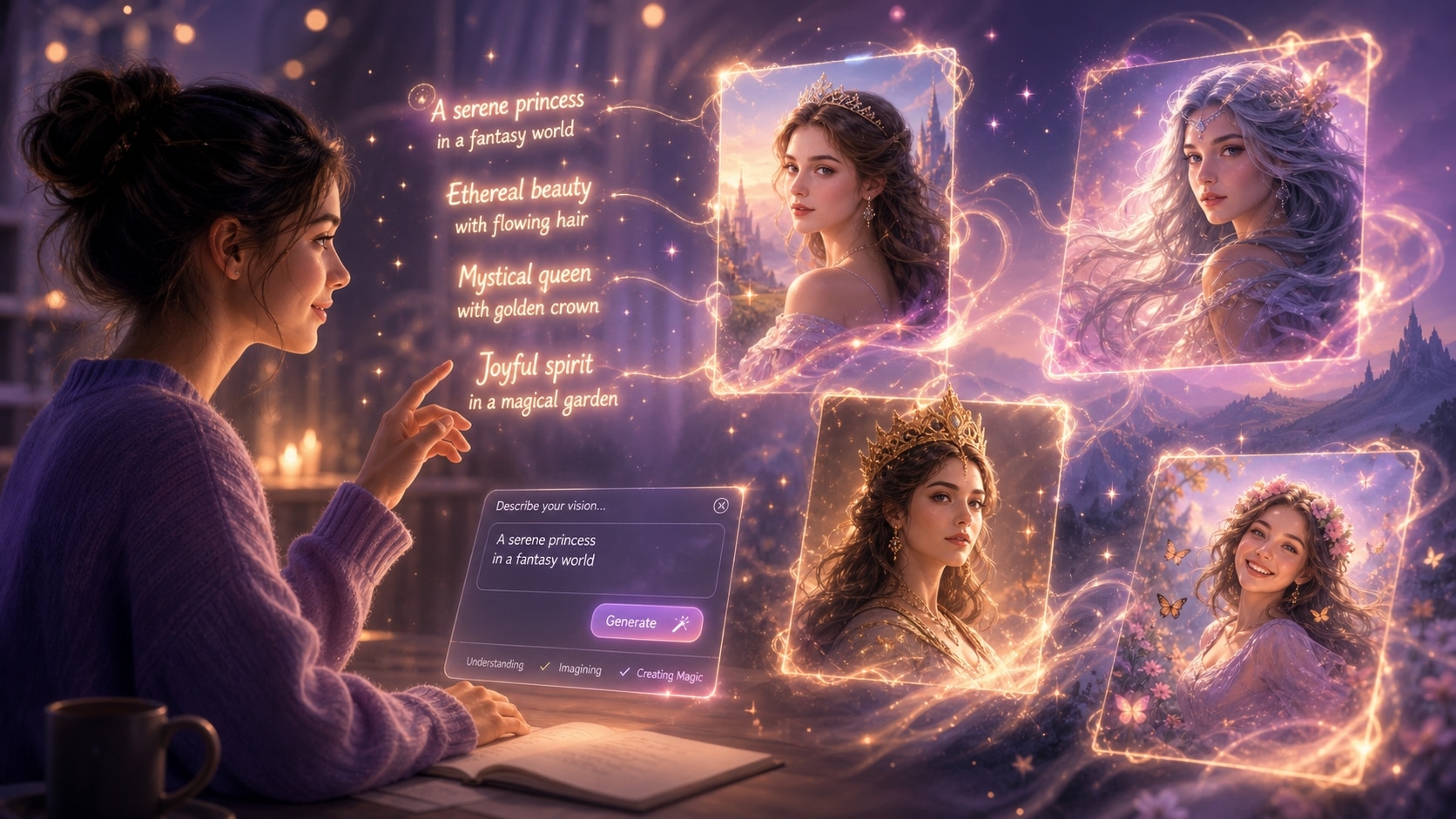
Effortless Text-to-Image Creation
You don't need a degree in AI to create stunning visuals. With a simple gemini ai portrait prompt copy paste action, you can instantly populate Filmora with breathtaking imagery. Take advantage of our curated ai portrait prompts free resources and start creating in seconds.
- One-Click Generation - Simply input your gemini ai portrait prompt and watch the magic unfold.
- Beginner Friendly - Our interface is designed to make complex AI processing intuitive for everyone.
- Rapid Workflows - Generate, refine, and drop your new images directly onto the editing timeline.
Frequently Asked Questions About AI Portrait Prompts
How to Use an AI Portrait Prompt for Cinematic Results
Transform your ideas into stunning visuals using Filmora's integrated AI engines. Whether you prefer a chatgpt ai portrait prompt or a nano banana ai portrait prompt, follow these simple steps to generate your masterpiece. 🚀
Step 1 Choose Your AI Model

Step 2 Paste Your AI Portrait Prompt

Step 3 Generate & Export

-
1: Choose Your AI Model
Open Filmora's AI Image Generator and select your preferred engine — GPT image 2, Nano Banana 2, or Nano Banana Pro for the best ai portrait prompt chatgpt results. 🎨 -
2: Paste Your AI Portrait Prompt
Find a trending ai portrait prompt from our free library, copy it, and paste it directly into the text box. Customize keywords like lighting or subject to fit your vision. ✨ -
3: Generate & Export
Hit generate and watch your ai professional portrait prompt come to life. Enhance it with stunning video effects or export it directly for social media. 📸
AI Portrait Prompts: Create Stunning AI-Generated Portraits
Explore the best AI portrait prompts for generating photorealistic headshots, editorial fashion portraits, cinematic couple shots, vintage family photos, and studio-quality self-portraits. Use them with Gemini, ChatGPT, and other AI image generators — then refine and enhance your visuals in Filmora for polished, share-worthy results.




