
AI Superhero Video Examples & Guides
Explore popular transformation styles and superhero creation tutorials
Loading more templates...
 Category:
 Duration:
 Aspect Ratio:
Ultimate Features for Epic AI Superhero Video Creations
Crafting an elite AI superhero video requires more than just a filter; it needs precision AI styling and cinematic polish. Filmora provides the AI superhero transformation tools you need to swap outfits, add energy surges, and create professional-grade visuals without the manual heavy lifting. When you need new motion from stills, generate clips with Seedance 2.0 inside Filmora, then keep editing on the same timeline—no app switching.
Whether you want to build a high-tech armored look with an AI mecha transformation or a classic comic book aesthetic, our platform simplifies the complex VFX process. Simply select your shot, apply the effect, and let the AI handle the rendering.
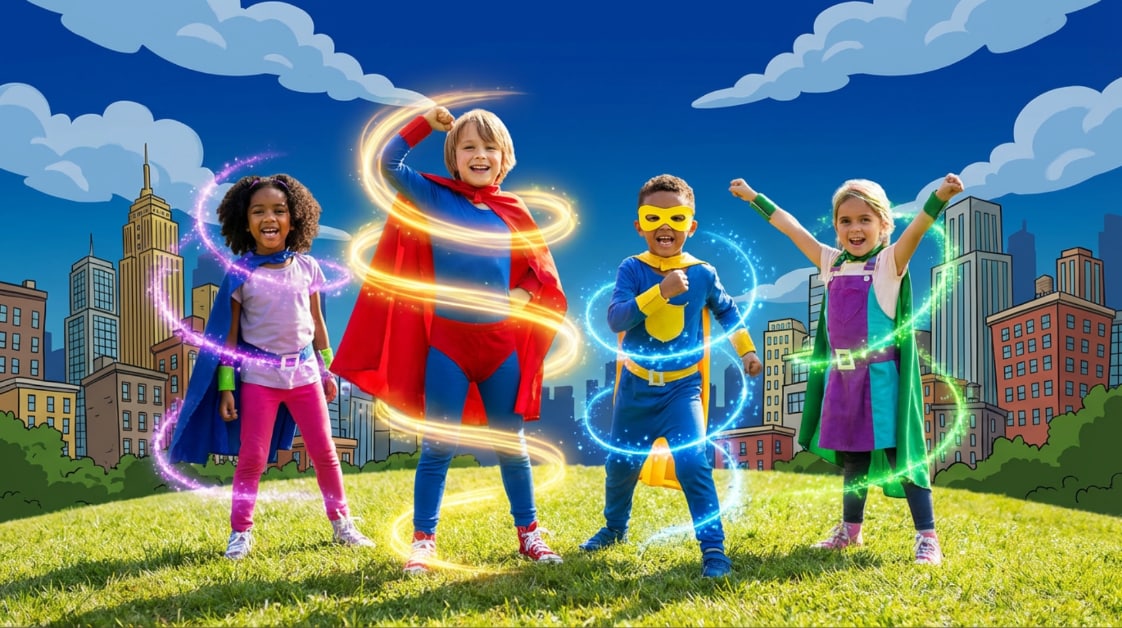
One-Click Styles for Instant AI Superhero Transformation
One-Click Styles for Instant AI Superhero Transformation
Skip the expensive costume shop. With Filmora's transformation engine, your subject can shift into heroic attire instantly. Our AI models analyze body movement to ensure your superhero suit stays locked to your frame, providing a realistic AI superhero video experience that looks like it belongs on the big screen. You can also start from a Seedance 2.0 take and layer looks, color, and titles on top for a full hero polish.
- Dynamic Outfit Swapping - Choose from caped crusaders, elemental warriors, or futuristic guardians.
- Consistent Style Mapping - The AI maintains your facial features while altering your clothing and environment.
- Pro-Level Color Grading - Automatically apply heroic add luts to video for that moody blockbuster atmosphere.
Master the Complex AI Mecha Transformation Effect
Master the Complex AI Mecha Transformation Effect
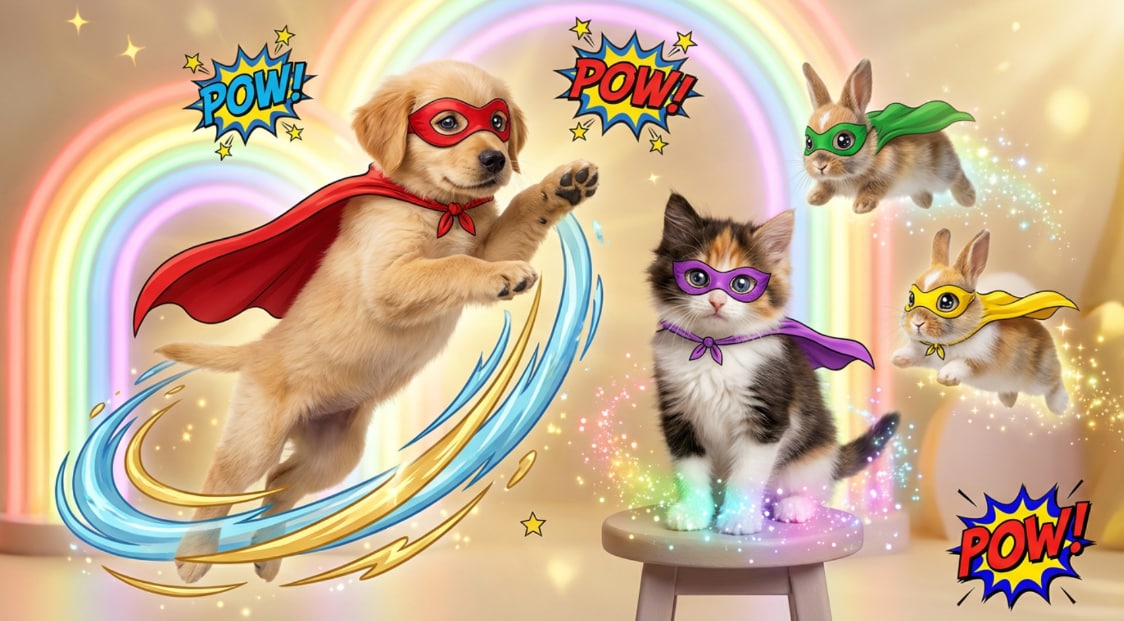
Take your sci-fi edits to the next level with a seamless AI mecha transformation. This advanced module generates intricate mechanical armor parts that assemble around your character. It is the perfect tool for creating viral social media clips where you "suit up" in a split second, utilizing the power of a modern timeline editor to sync the reveal.
- 🤖 Armor Piece Assembly - Watch as mechanical components fly into place with high-precision AI rendering.
- ⚡ Energy Particle Effects - Add glowing circuits and power-up auras to your mecha suit for extra impact.
- 💥 Environment Interaction - Make the ground shake or add debris as your mecha persona lands on screen.
- 🛠️ Custom Texture Control - Choose between shiny chrome, weathered steel, or carbon fiber finishes.
Elevate Your Story With Cinematic Superhero Overlays
Elevate Your Story With Cinematic Superhero Overlays
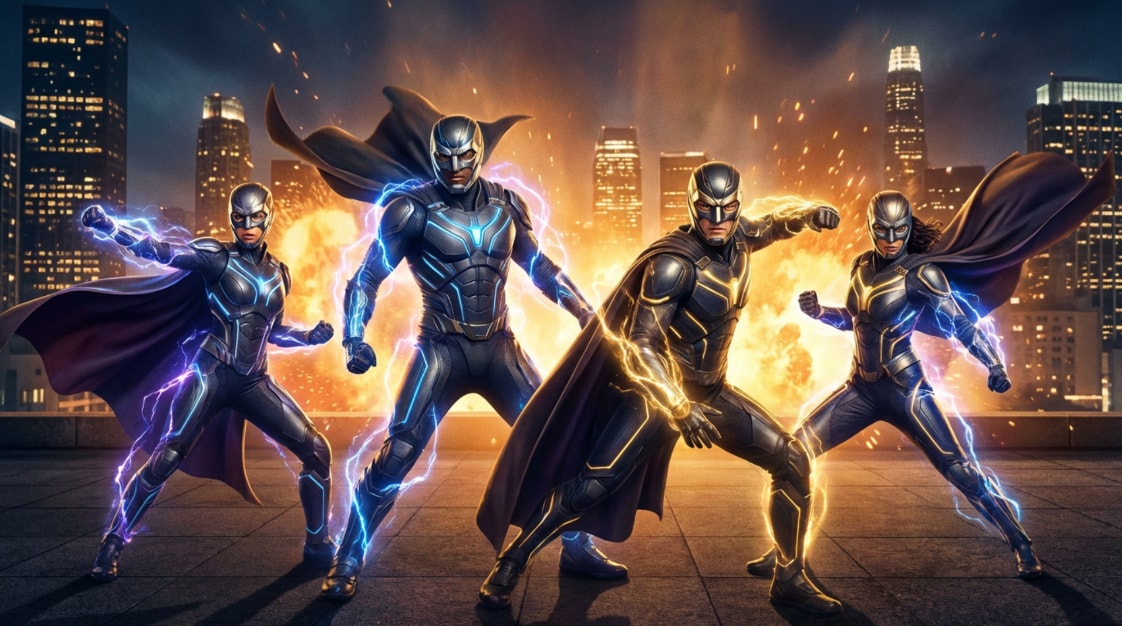
A true AI superhero video needs the right branding. Beyond the visual transformation, you must add and edit titles in video to introduce your hero's name or a dramatic chapter heading. Filmora offers comic-style typography and cinematic lower thirds that perfectly match your transformation sequence.
- Comic-Style Text Presets - Use "POW!" and "BOOM!" overlays or sleek modern typography.
- AI Portrait Backgrounds - Swap out mundane rooms for epic battlefields or futuristic cityscapes.
- 3D Motion Tracking - Attach your superhero titles to moving objects within your frame for a 3D feel.
- Social Media Optimization - Export your hero edits in vertical 9:16 or wide 16:9 for any platform.
Frequently Asked Questions About AI Superhero Video
How to Create an AI Superhero Video Template with Filmora
Create an AI superhero video template with Filmora's Image to Video tool—enter the feature, upload your images, then choose a model (try Seedance 2.0) and a prompt to generate an epic superhero-style clip in minutes, and keep refining it on the timeline.
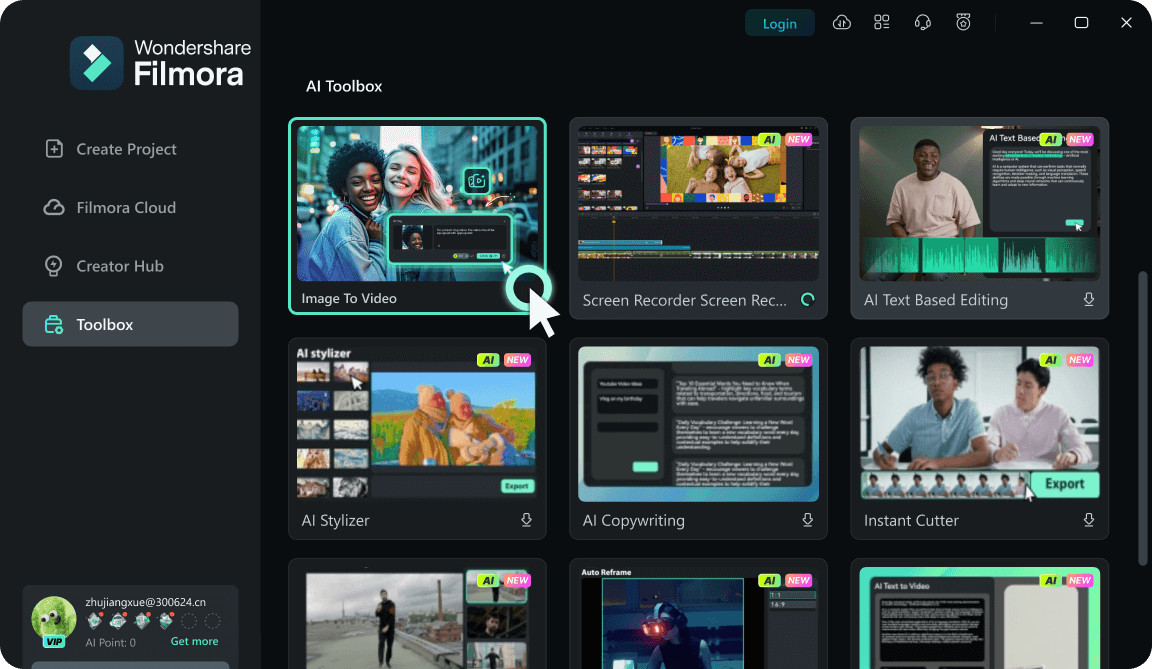
Step 1 Open Toolbox & Go to "Image to Video"
Step 2 Upload Your Photo(s) for the Hero Look
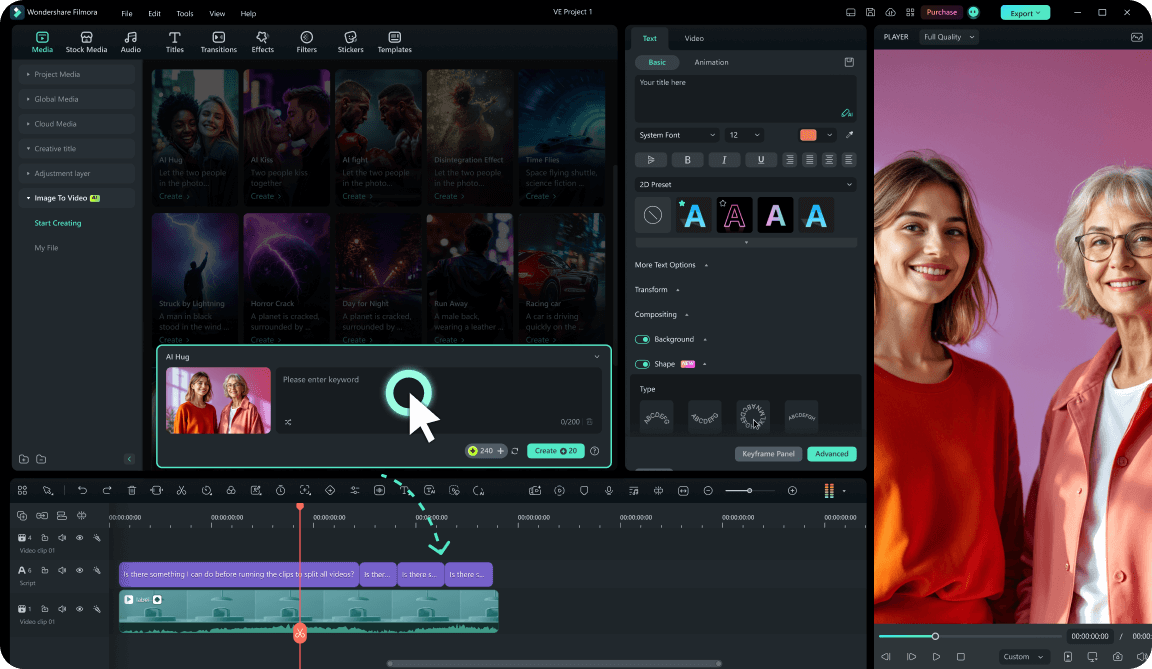
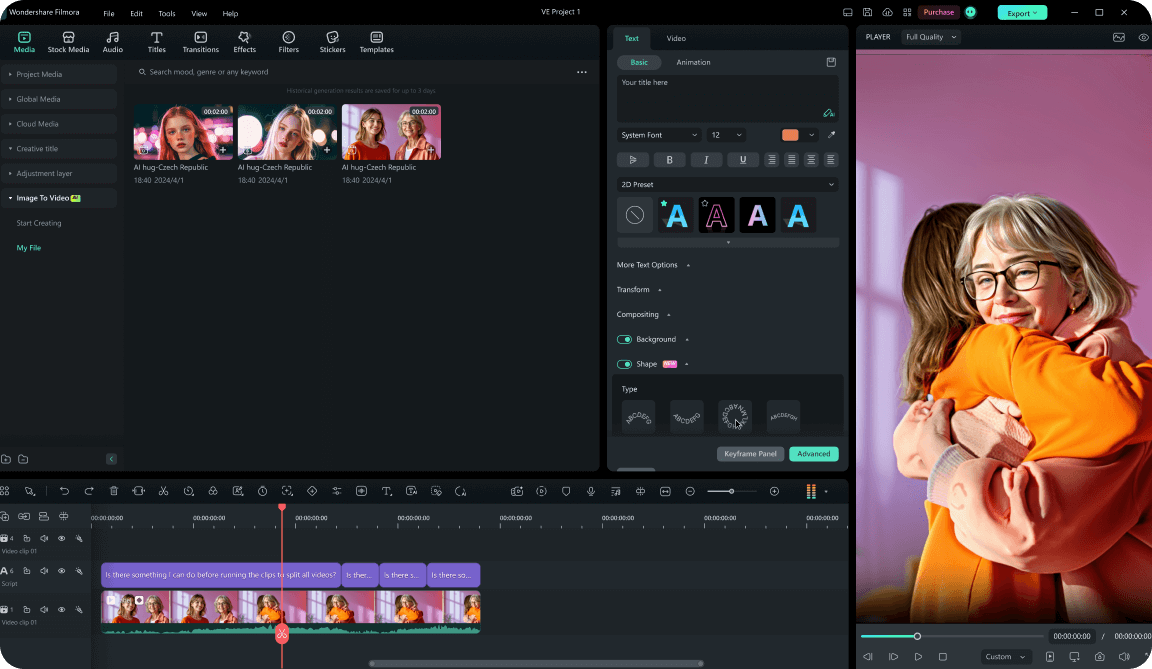
Step 3 Pick a Model, Write a Superhero Prompt, and Generate
-
1:Open Toolbox & Go to "Image to Video"
Launch Filmora, open Toolbox, and click Image to Video. This is the fastest way to start building your AI superhero video template. -
2:Upload Your Photo(s) for the Hero Look
Upload a clear portrait or full-body image. For the best superhero result, use a well-lit photo with a clean subject outline—perfect for suit upgrades, power awakenings, and cinematic hero reveals. -
3:Pick a Model, Write a Superhero Prompt, and Generate
Choose your preferred model—Seedance 2.0 is available for high-quality generation—then enter a prompt describing the superhero style (suit design, emblem, cape, lighting, VFX energy, camera motion, and mood). Click Generate, then edit transitions, audio, and titles in Filmora to finish your AI superhero video template and reuse it for new characters anytime.
Scale Your Heroic Edits Beyond the Screen
Transitioning from a normal person to a powerful protagonist requires more than just one effect. To truly sell the AI superhero video vibe, you need consistent visual storytelling. Generate hero shots with Seedance 2.0 in Filmora, refine the edit on the timeline, then layer immersive soundscapes and dynamic motion tracking—pair that polish with a strong AI mecha transformation when you want maximum impact. Whether you are aiming for a gritty cinematic look or a vibrant comic book aesthetic, our suite of AI-driven creative assets ensures your hero's journey is visually spectacular and ready to trend on any platform.








