Filmora
Filmora - AI Video Editor
Edit Faster, Smarter and Easier!
OPEN

Seedance 2 AI Video in Filmora — Create, Edit, and Export in One Workflow

One prompt. Native audio sync. Full editing power. Filmora brings Seedance 2.0 into a trusted desktop workflow, so you can turn text or images into videos, then edit and export them without switching tools.

Try Seedance 2.0 in Filmora
Seedance 2.0 AI Video Generato

One prompt. Native audio sync. Full editing power. Filmora brings Seedance 2.0 into a trusted desktop workflow, so you can turn text or images into videos, then edit and export them without switching tools.

Where Seedance 2.0 Meets Real Video Editing

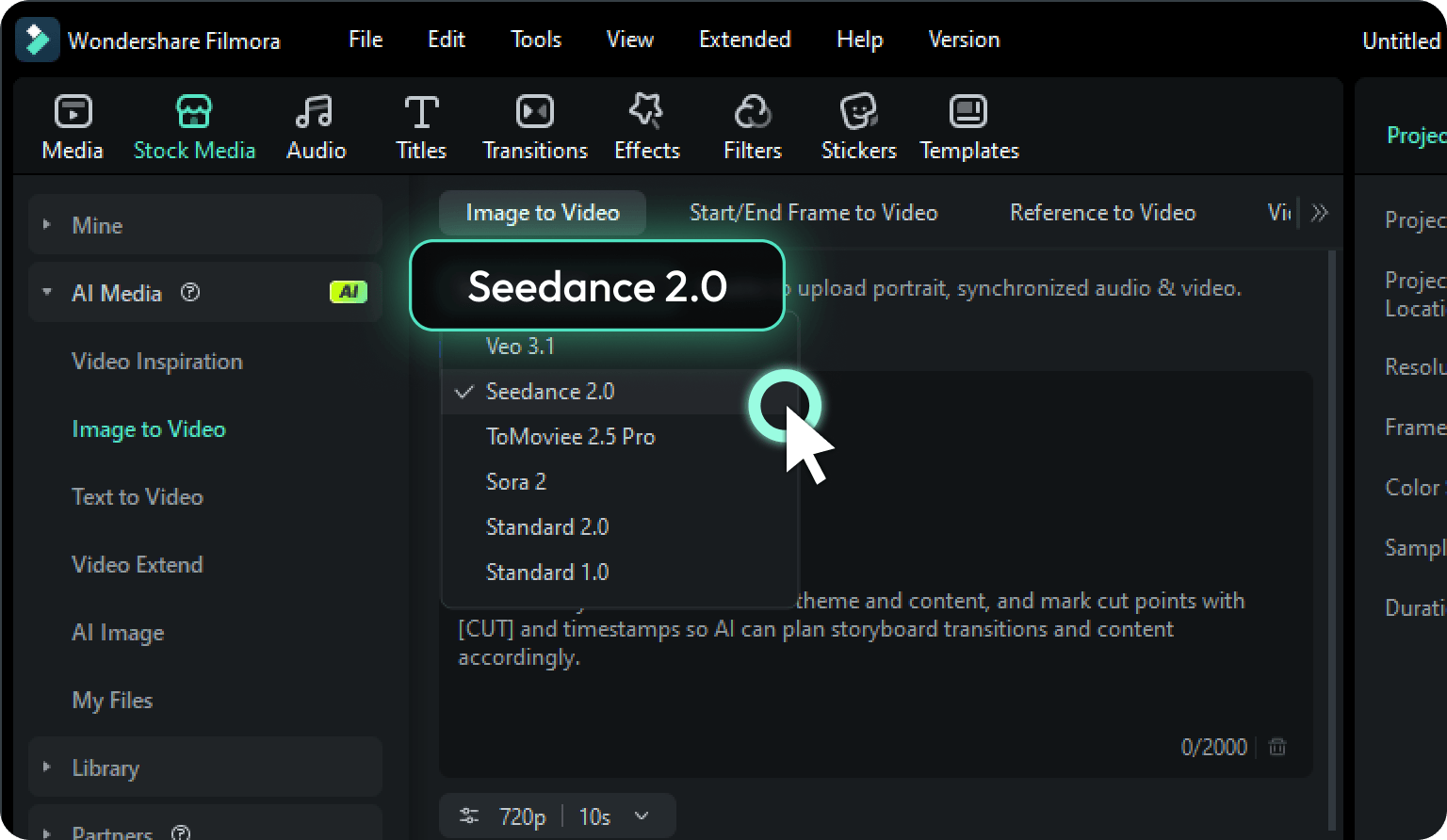
Seedance 2.0 is built directly into Filmora. Generate from text or images, edit on the same workspace, and export — no app-switching, no quality loss, no extra steps.

Turn Text or Images into Video with Synced Audio

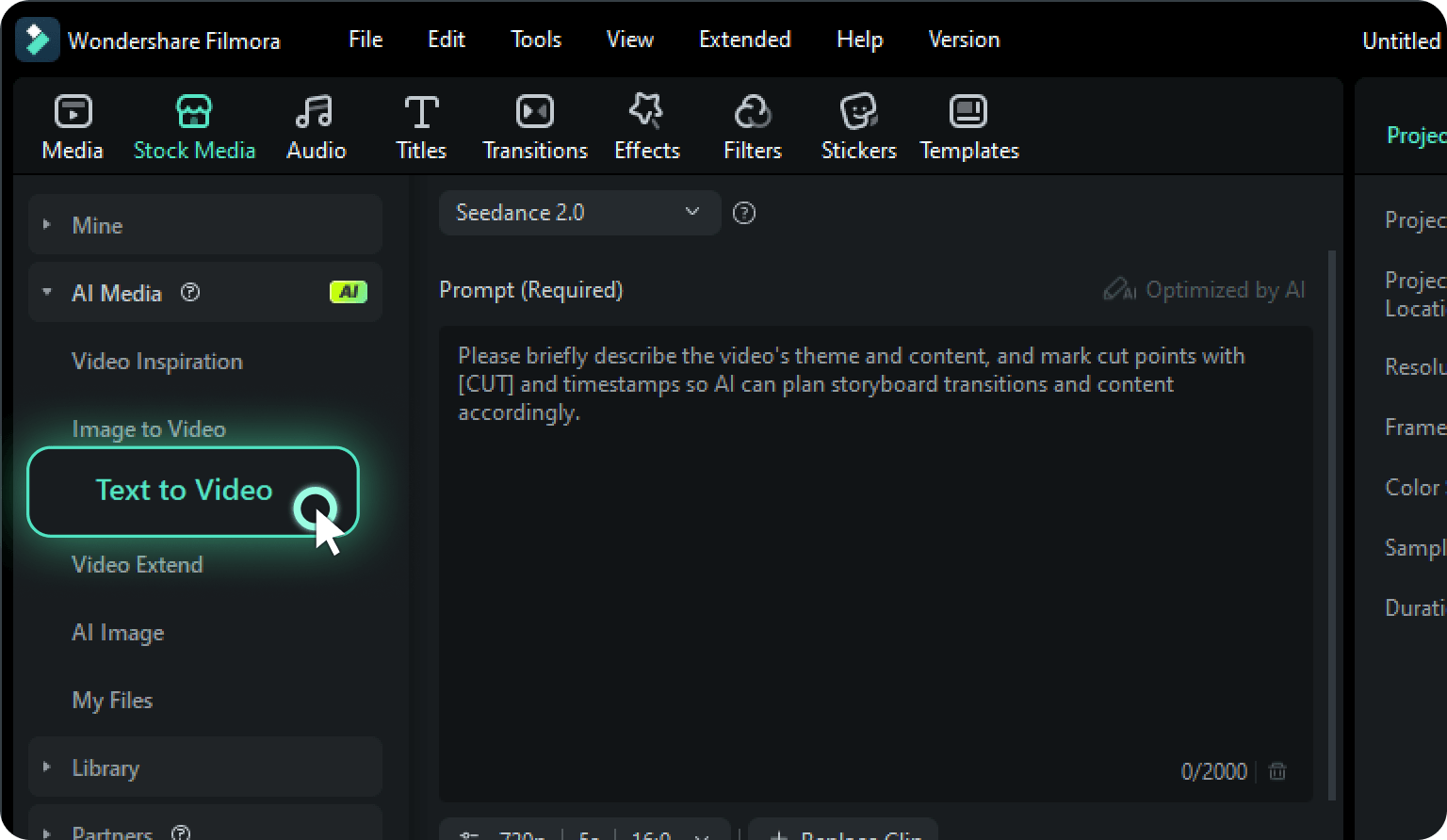
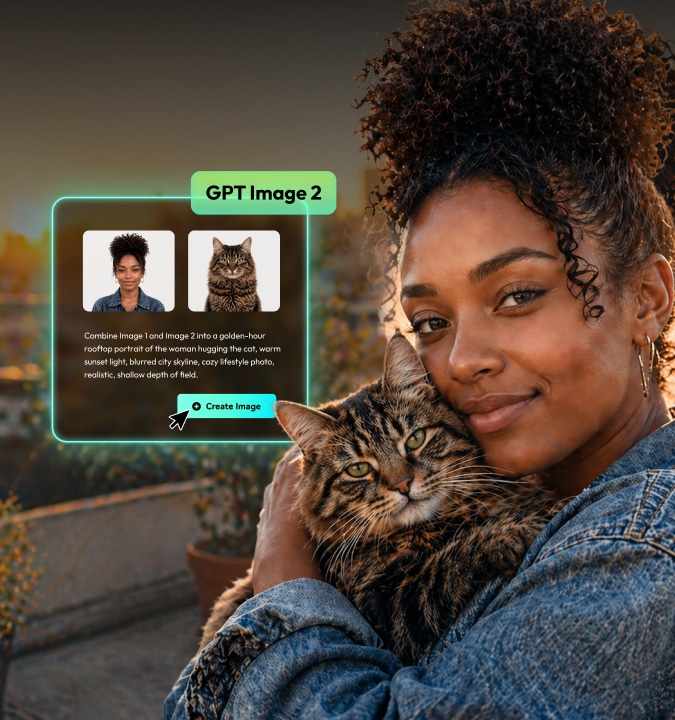
Describe a scene or upload a reference image, and Seedance 2.0 returns a 720p video — up to 15 seconds — with audio composed and synchronized to every frame in one pass. What we call Beat-Sync Video eliminates separate audio sourcing entirely.

  • Text to video: high quality output with synced dialogue, sound, and music
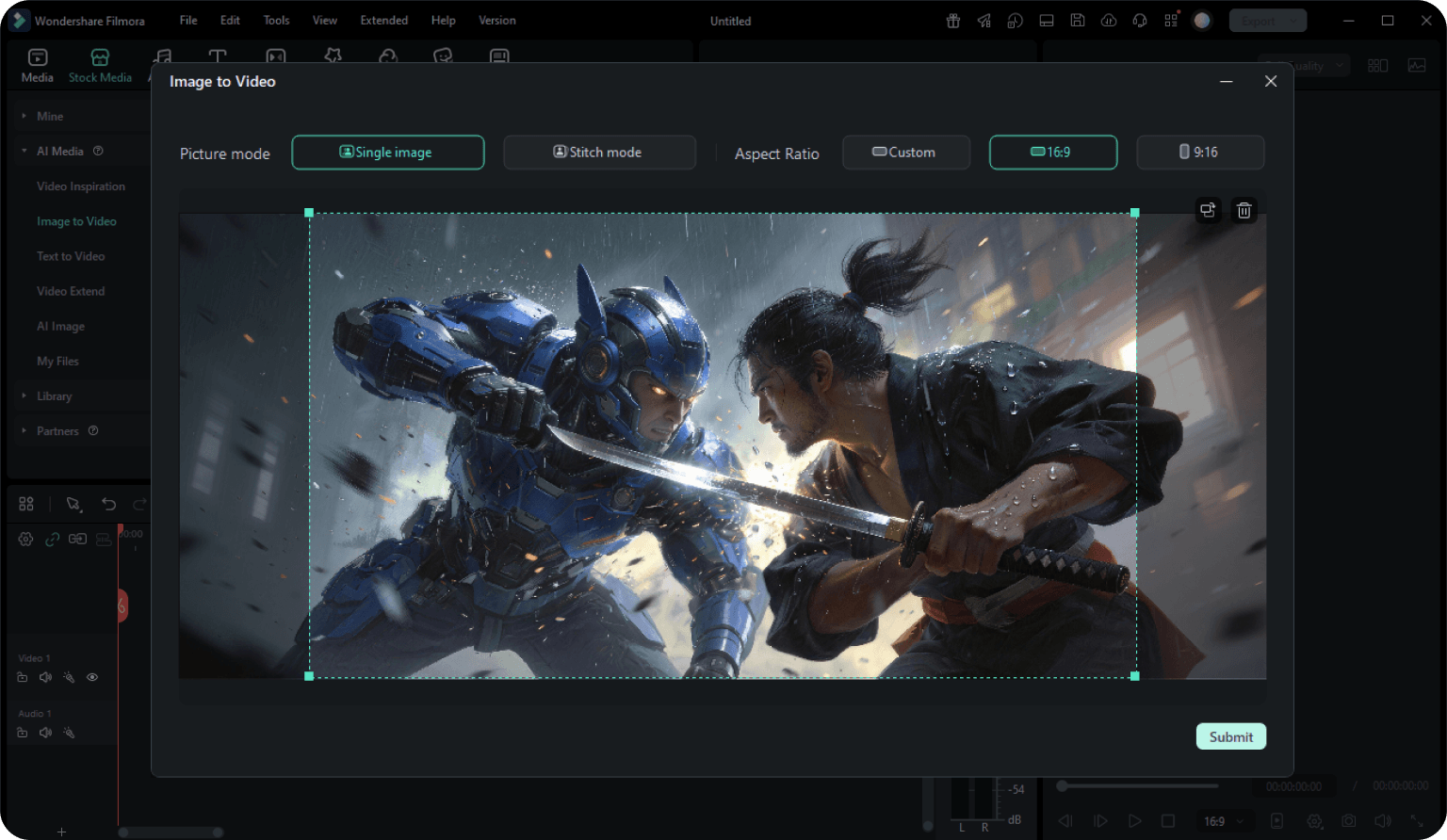
  • Image to video: animate JPG/PNG stills with synced audio
  • AI reads emotion and motion cues for coherent visual output
Turn Text or Images into Video with Synced Audio

Create Multi-Shot Sequences with Storyboard Control

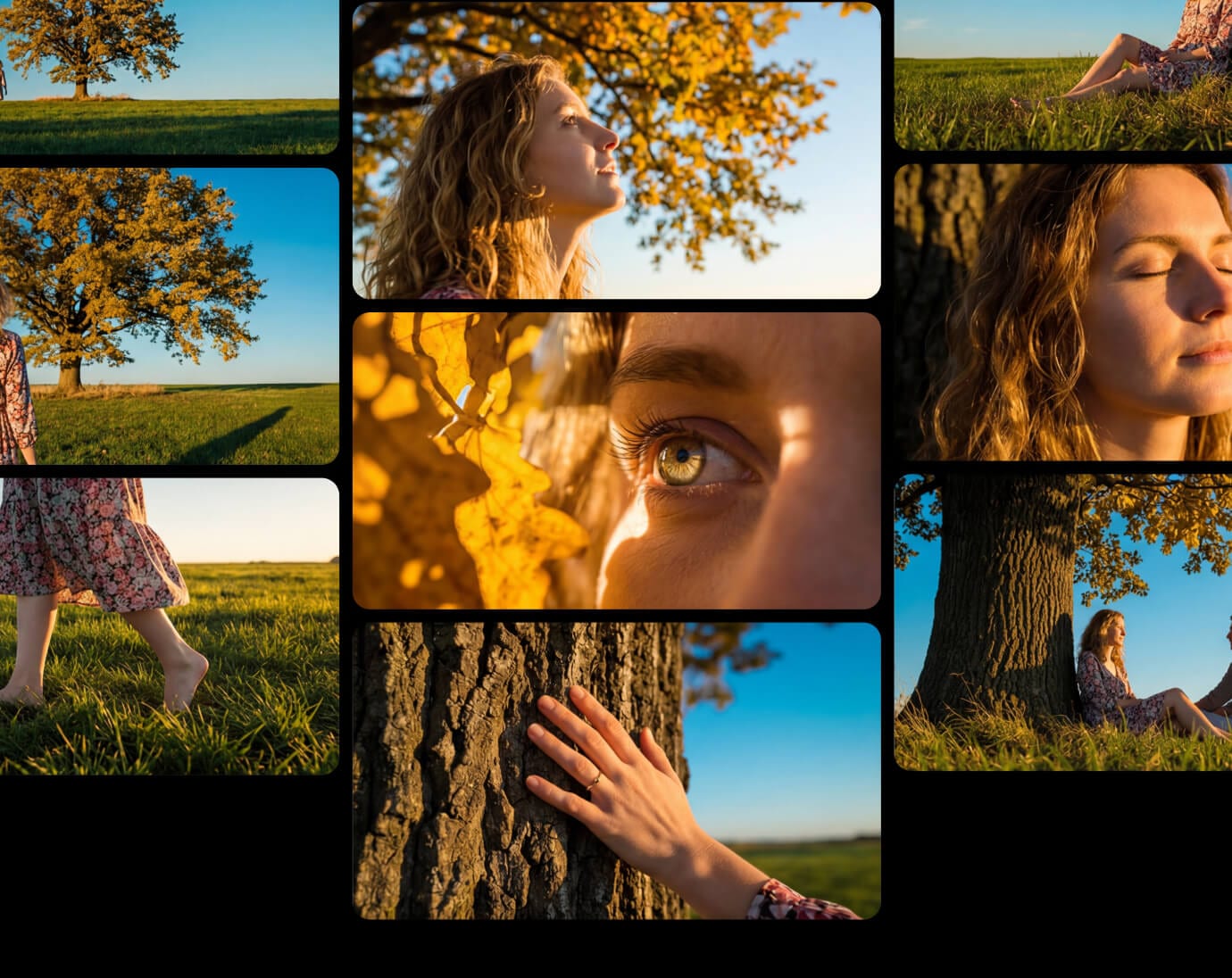
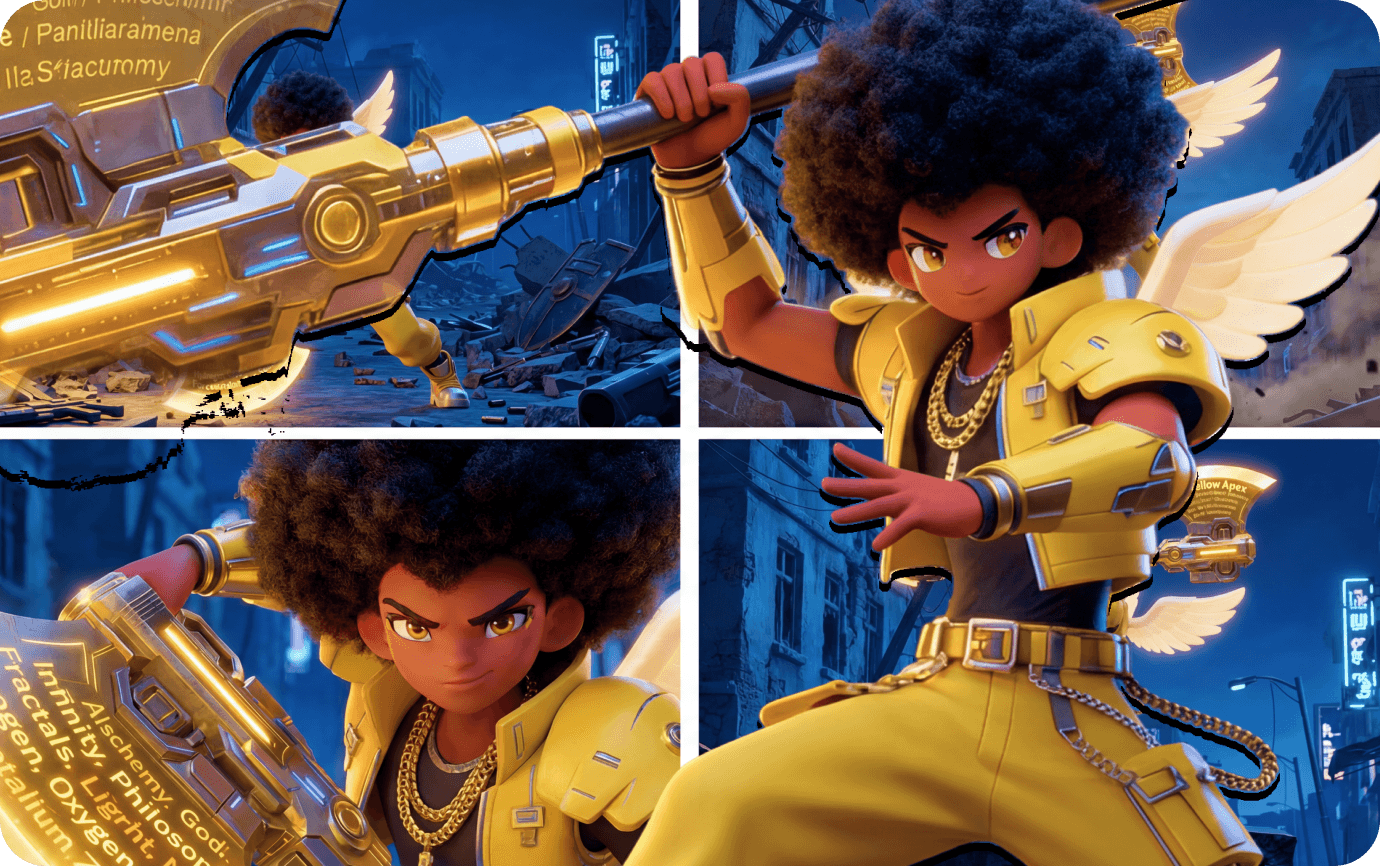
Insert [CUT] markers in your prompt to define scene transitions. Seedance 2.0 builds a coherent shot sequence — each clip connected by narrative logic and visual consistency — from a single creative brief.

  • Define scene breaks with [CUT] tags in your prompt
  • Multi-shot sequences from one brief, no stitching
  • Character and atmosphere consistent across every cut
Create Multi-Shot Sequences with Storyboard Control

Smooth Transitions and Cinematic Pacing Built In

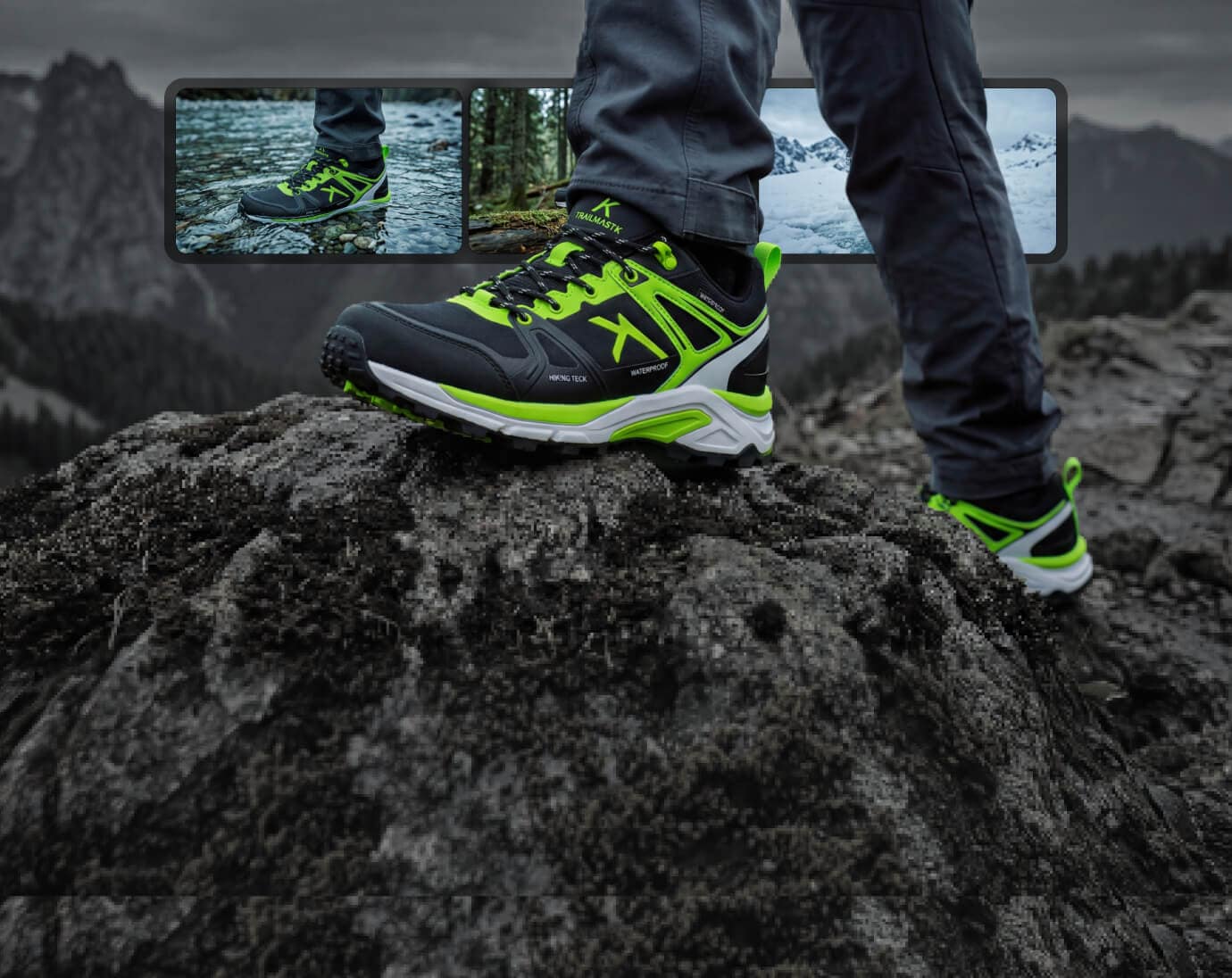
Seedance 2.0 handles shot-to-shot transitions and pacing automatically — camera movement, scene rhythm, and emotional arc stay natural across the entire video. What we call Cinematic Flow means your output looks edited, not generated.

  • Natural camera transitions and scene cuts throughout
  • Pacing matched to your prompt's emotional tone
  • No manual keyframing or transition editing required
Smooth Transitions and Cinematic Pacing

Produce Ad and Marketing Videos at Scale

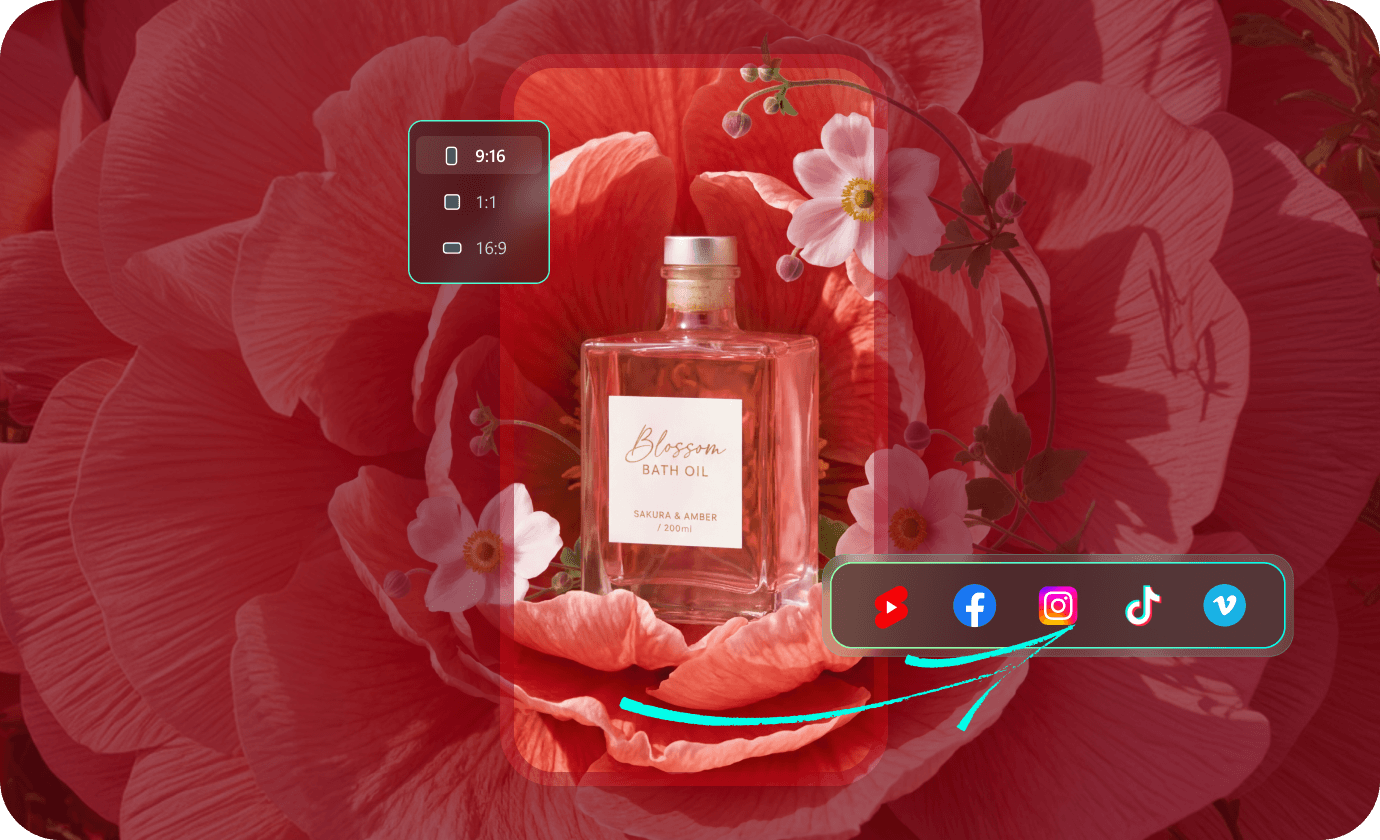
Feed Seedance 2.0 a product image and key copy. It generates ad-ready video structured for Hook, Feature, Proof, and CTA — then Filmora lets you duplicate, swap hooks, and export dozens of A/B variants without leaving the app.

  • Ad video from text or product images in minutes
  • Multiple variations for A/B testing on Meta, TikTok, YouTube
  • Export in 16:9, 9:16, or 1:1 from the timeline
Produce Ad and Marketing Videos

See What Creators Are Making with
Seedance 2.0

Explore AI-generated videos created with Seedance 2.0 inside Filmora — from cinematic shorts and beat-sync edits to marketing creatives and brand promos. Each video was generated from a text prompt or reference image, edited, and exported entirely within Filmora.

data-
{{ getRatioText(template.ratio) }}

Loading more templates...

Create Pro-Level AI Videos for Every Platform
with Seedance 2.0

best ai music generator

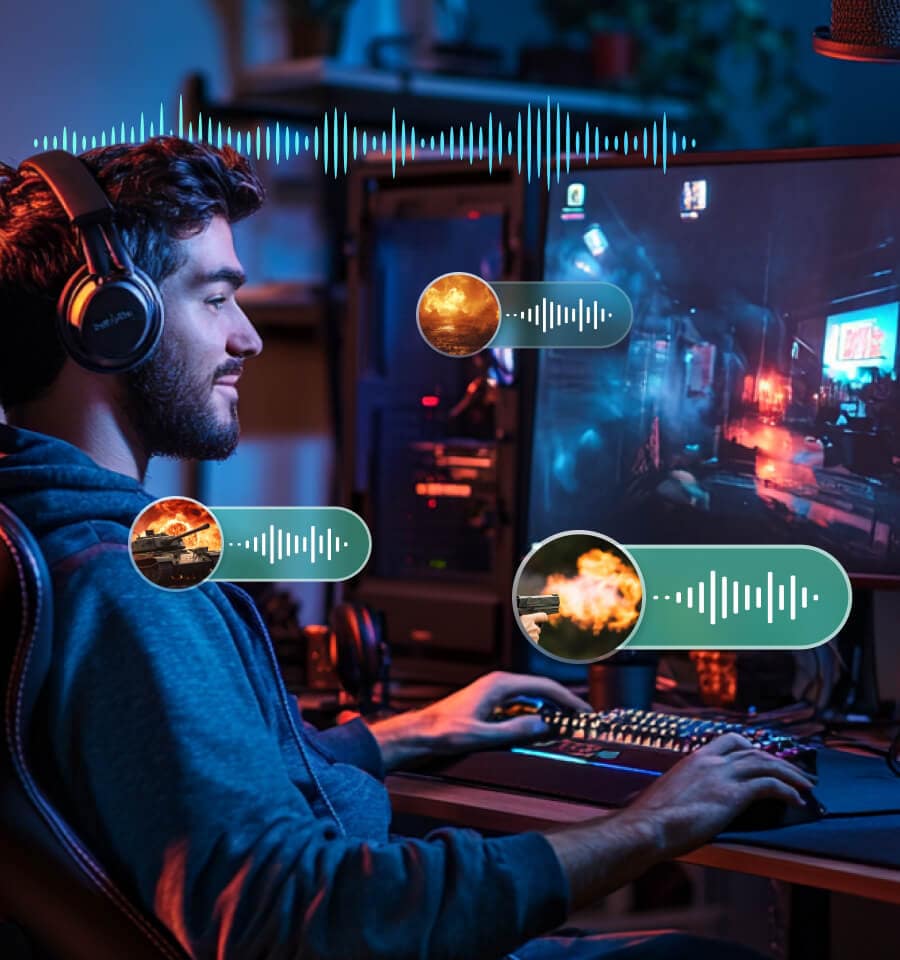
Beat-Sync Music Edits for Social Virality

Beat-Sync Music Edits for Social Virality

  • Sync Visuals to Every Beat

    Feed your BGM into Seedance 2.0 and it auto-detects rhythm, generates matching visuals, and places cut points on every beat — no manual alignment needed.

  • Publish Without Copyright Risk

    All generated visuals are original AI output. Upload to TikTok, Reels, or Shorts without worrying about takedown notices or licensing disputes.

  • Scale Your Music Content Pipeline

    Produce beat-synced edits in minutes instead of hours. Music creators and dance accounts can go from one post a day to three — with consistent quality.

ai to create music

Short Drama and Cinematic Storytelling

Short Drama and Cinematic Storytelling

  • Turn Scripts into Multi-Shot Sequences

    Describe your story with [CUT] markers and Seedance 2.0 generates a coherent scene sequence — no storyboard artist, no crew, no reshoots.

  • Maintain Visual Consistency Across Scenes

    Characters, lighting, and atmosphere stay locked from the first shot to the last. Your short film looks like one project, not a patchwork of AI clips.

  • Edit Every Frame on the Timeline

    Generated sequences drop directly into Filmora. Trim pacing, adjust transitions, and add effects with the same control you use on camera footage.

benefit-pic

Ad Creative Generation for Performance Marketing

Ad Creative Generation for Performance Marketing

  • Generate Structured Ad Video from a Brief

    Upload a product image and selling point. Seedance 2.0 outputs video structured for Hook, Feature, Proof, and CTA — the format ad platforms reward.

  • Export Multiple A/B Variants in One Session

    Duplicate, swap the hook, adjust the CTA, and export variations for Meta Ads, TikTok Ads, and YouTube — all without leaving Filmora.

  • Cut Production Cost, Not Creative Quality

    Agencies and in-house teams replace days of production with a single morning of generation. More tests, faster learnings, better ROAS.

video-editor-icon

All-in-One Video Editor

Stop switching between generator, editor, and export tool — Seedance 2.0 does it all inside Filmora in one workflow.

social-media-icon

Create Anywhere, Anytime

Start a project on desktop, finish on mobile. Seedance 2.0 works across Windows, Mac, iOS, and Android.

quick-easy-icon

Quick and Easy to Use

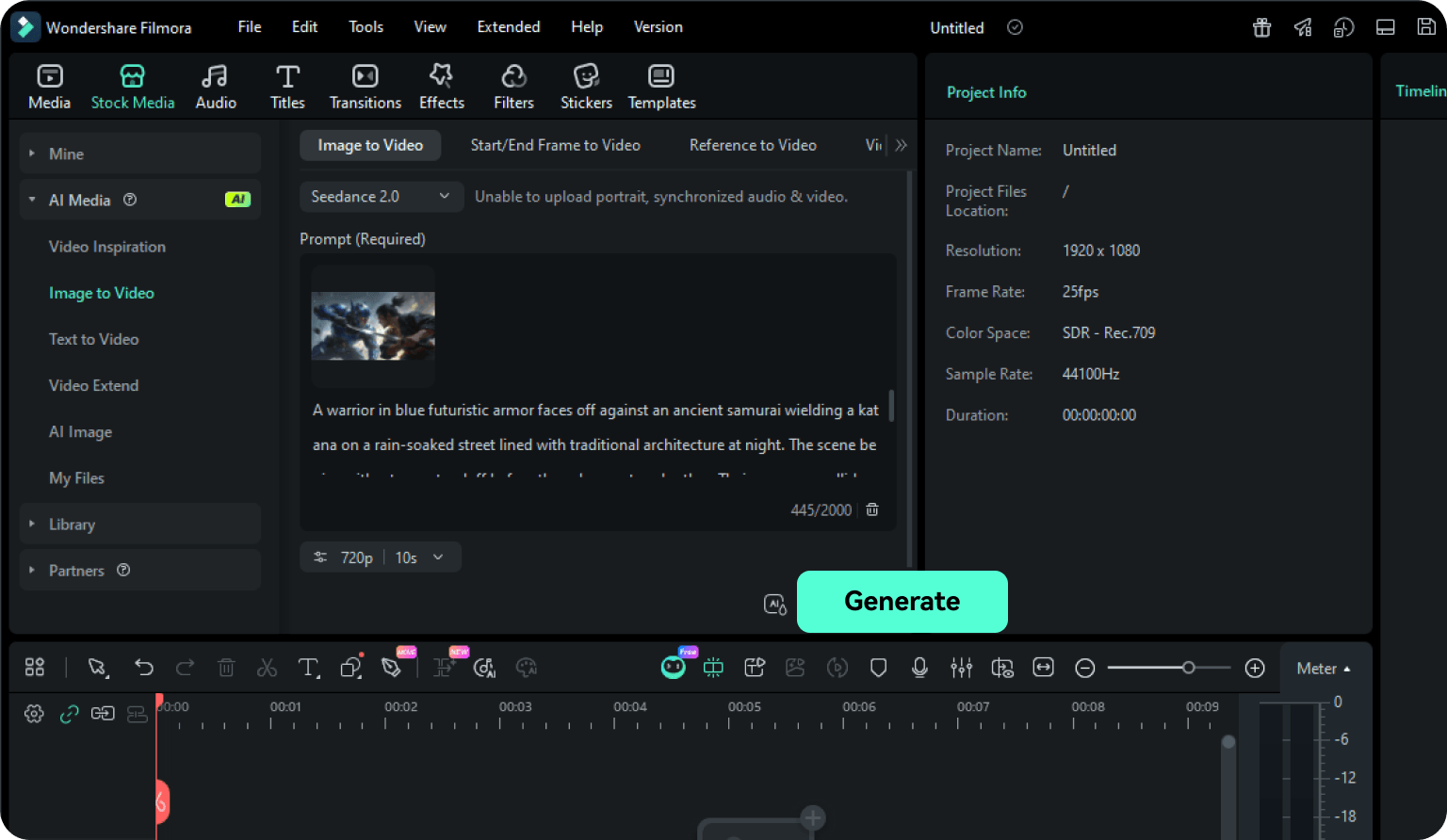
Type a prompt, upload an image, or both — get a video with synced audio on your timeline in one click.

Seedance 2.0 vs Sora 2 vs Veo 3.1: AI Video
Model Comparison

All three models are available in Filmora. Compare capabilities side by side to find the right fit for your creative workflow.

AI Video Creation Method Comparison
Specifications
Seedance 2.0
Sora 2
Veo 3.1
Output Resolution 720p 720p 720p, 1080p
Video Duration 5s, 10s, 15s 4s, 8s, 12s 4s, 6s, 8s
Aspect Ratio 1:1, 9:16, 16:9 9:16, 16:9 9:16, 16:9
Native Audio Generation Yes Yes Yes
Character & Scene Consistency High (via [CUT] tags) High High
Input Types Supported Text / Image Text / Image Text / Image

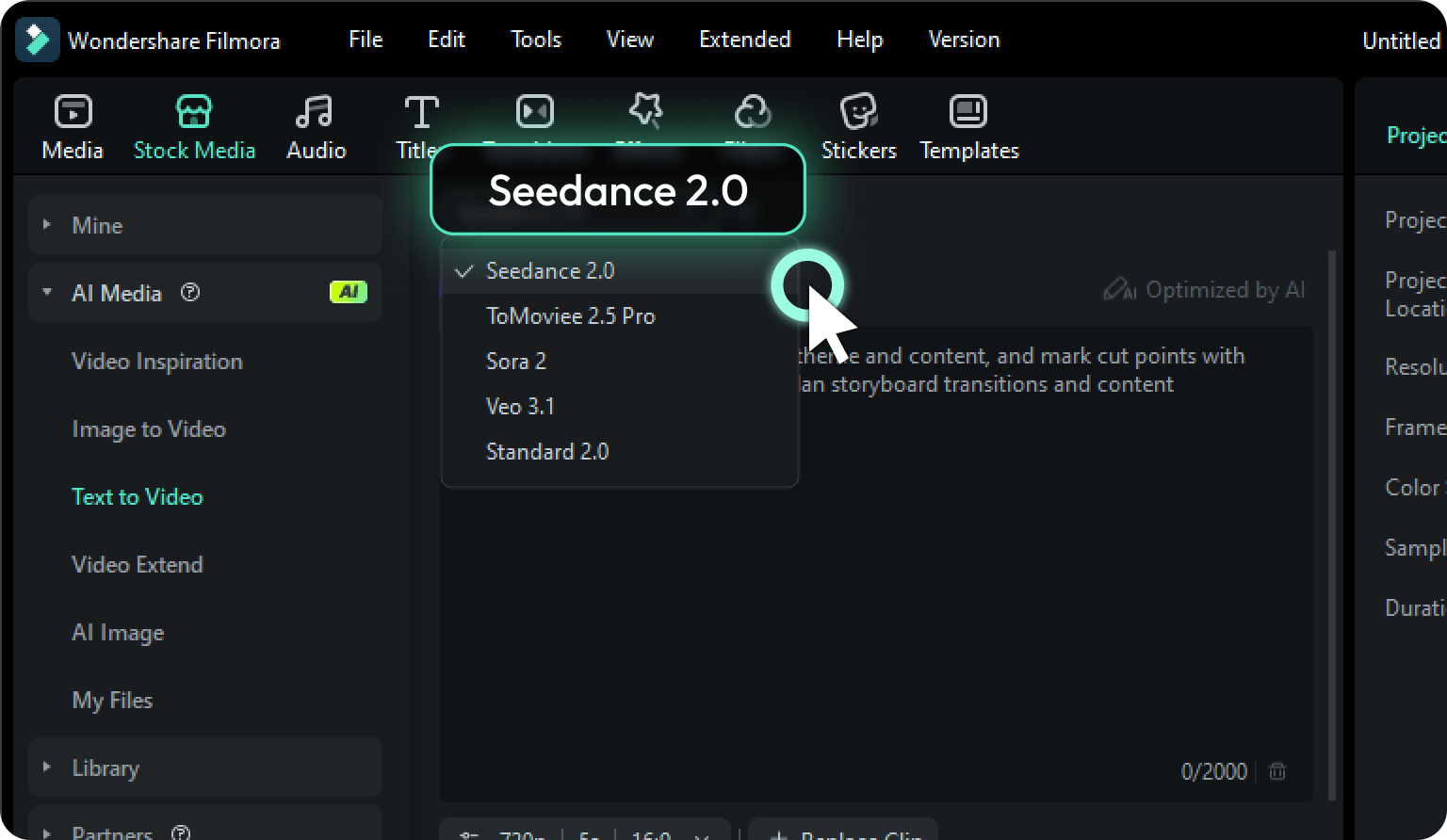
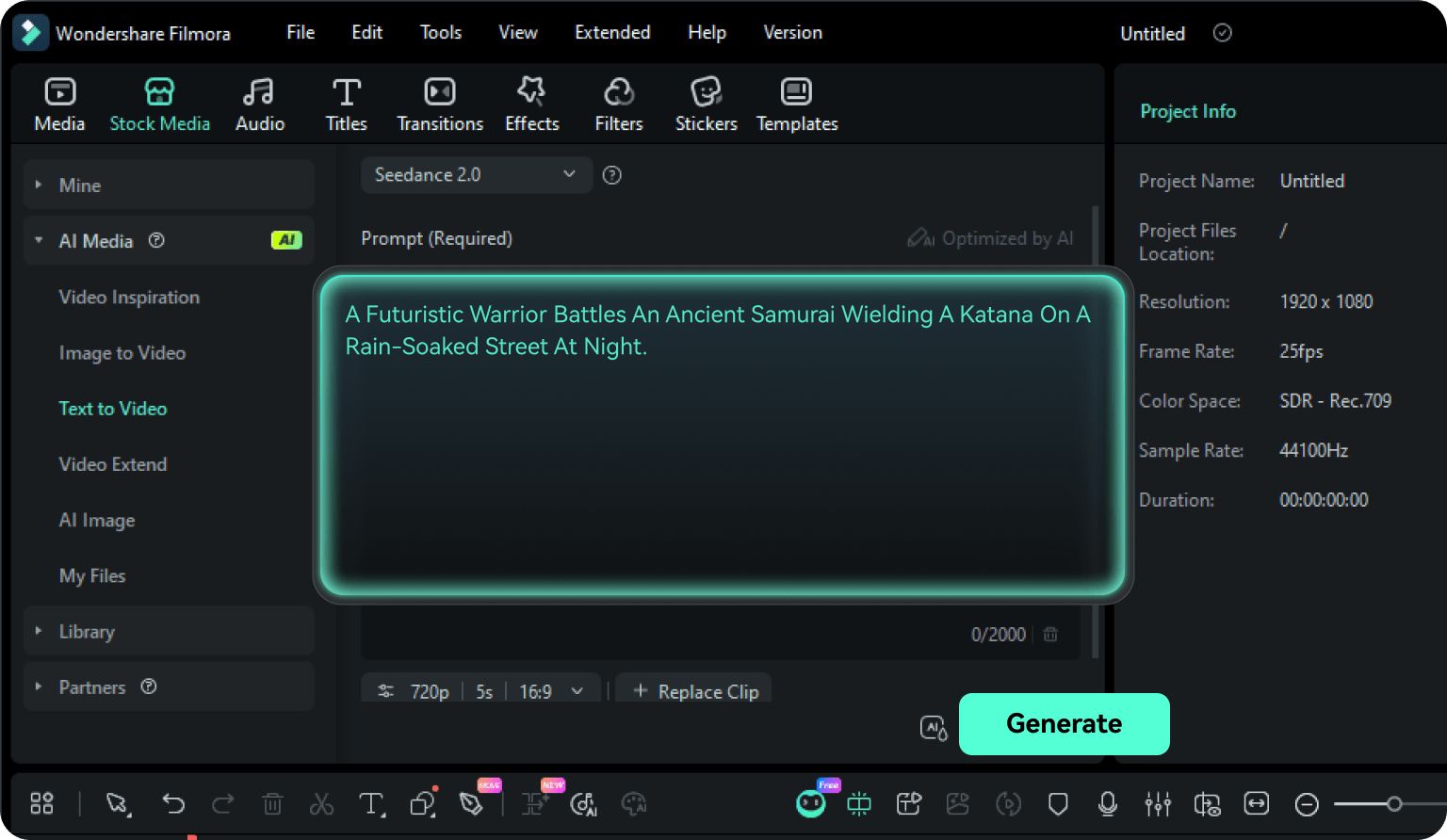
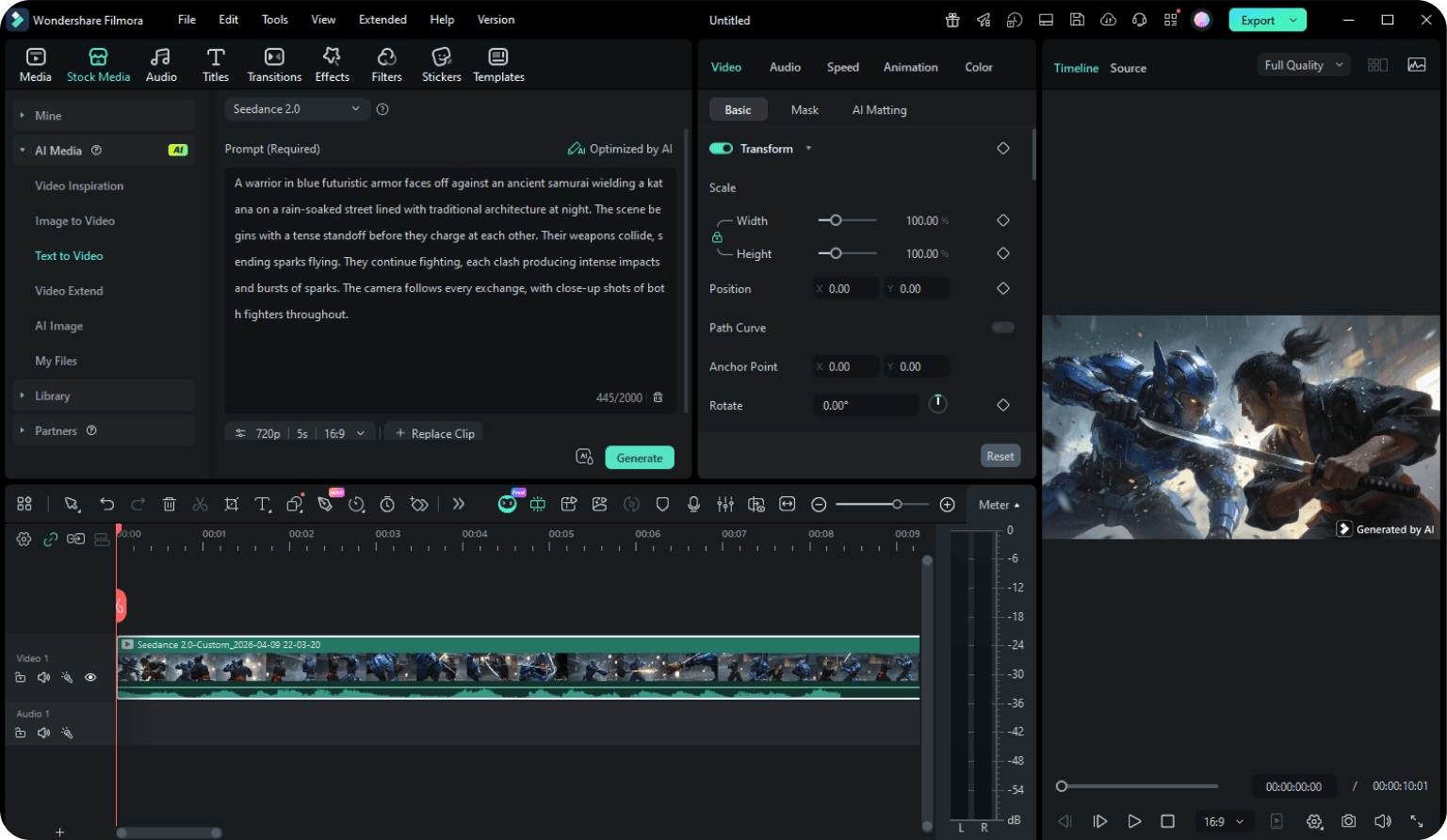
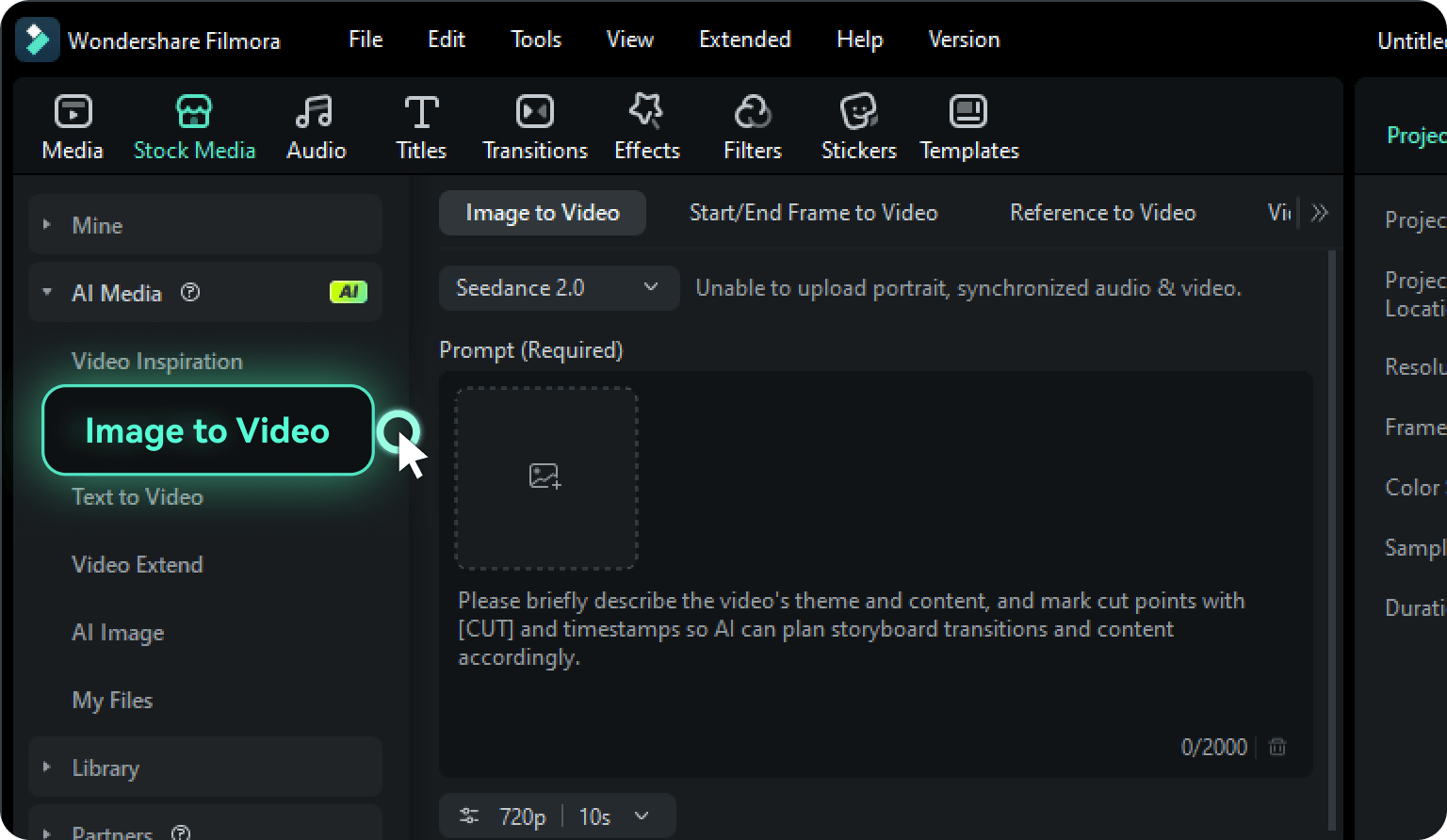
How To Create Video With Seedance 2.0 in Filmora

Follow these simple steps to create your first AI video with Seedance 2.0 — from text prompt or reference image to a fully edited, export-ready clip, all inside Filmora.

Frequently Asked Questions

No. Each generation consumes AI credits based on duration and resolution. Your Filmora plan includes a monthly credit allocation — check the pricing page for details.

720p resolution. Durations: 5s (default), 10s, or 15s. Aspect ratios: 16:9 (default), 9:16, and 1:1. Audio is auto-generated and synced with every output.

Yes. Generated clips land directly on Filmora's timeline — trim, split, add transitions, effects, color grading, and text overlays just like camera footage.

JPG and PNG only. Images with real human faces or animal faces are not supported. Use product photos, illustrations, or graphic designs.

[CUT] tags in your prompt define scene transitions. Example: "A woman walks into a cafe [CUT] She opens a laptop [CUT] Close-up of the screen" generates a three-shot sequence with natural cuts.

Be specific: subject, action, camera movement, mood. Use [CUT] for multi-shot sequences. Enable AI Prompt Expansion in Filmora for automatic refinement. More examples in our Seedance 2.0 Prompt Guide.

See our Seedance 2.0 AI Review for a full breakdown of capabilities, output quality, and model comparisons.

View All Show Less

What Creators Say About Seedance 2.0 × Filmora

customer Alex
Alex Romero

TikTok Music Creator

I typed a mood description, hit generate, and the video came back with audio that actually matched the energy I wanted. Dropped it on the timeline, layered my own BGM, added a few cuts — the whole edit was done in fifteen minutes. The audio sync alone saves me hours every week.

customer Chloe
Chloe Whitfield

Short Film Creator

The [CUT] marker feature is what sold me. I described a three-scene story, and Seedance 2.0 returned a sequence that felt like it had been storyboarded by a human. Being able to fine-tune every cut on Filmora's timeline made the final result feel like my project, not AI output.

customer Marcus
Marcus Chen

Performance Marketing Lead

We used to spend two days producing one ad variation. Now we upload a product image, generate five versions before lunch — different hooks, same product shot — and export them straight to Meta Ads format. The workflow from prompt to platform-ready creative is completely inside Filmora. Our testing velocity tripled.

customer Priya
Priya Kapoor

Brand Campaign Manager

We turned a static event poster into a 15-second brand promo using image to video in one session. I could add our logo, adjust the pacing, and export in our brand-correct format without opening a second tool. That end-to-end control in one application is the actual difference.