Trending F1 AI Video Templates:
Drop into the Podium, Own the Trend
Pick a template, drop in your photo, and export a polished racing video that's ready to blow up on TikTok, Instagram Reels, or YouTube Shorts.
Loading more templates...
 Category:
 Duration:
 Aspect Ratio:
Create Viral F1 Racing Videos with AI-Powered Video Templates
Going viral isn't just about the fantasy — it's about the edit. Filmora's F1 AI video templates are engineered to transform your everyday photos into high-octane motorsport moments. Whether you're capturing yourself as a solo F1 driver, your friends in a competitive duet, your pets in adorable racing gear, or your kids as junior racing champions, our AI tools give your clip the cinematic punch it deserves with dynamic camera pans, engine sound effects, speed blur transitions, and high-energy race-day cuts.
Transform Any Photo into a Racing Champion with Drag-and-Drop AI
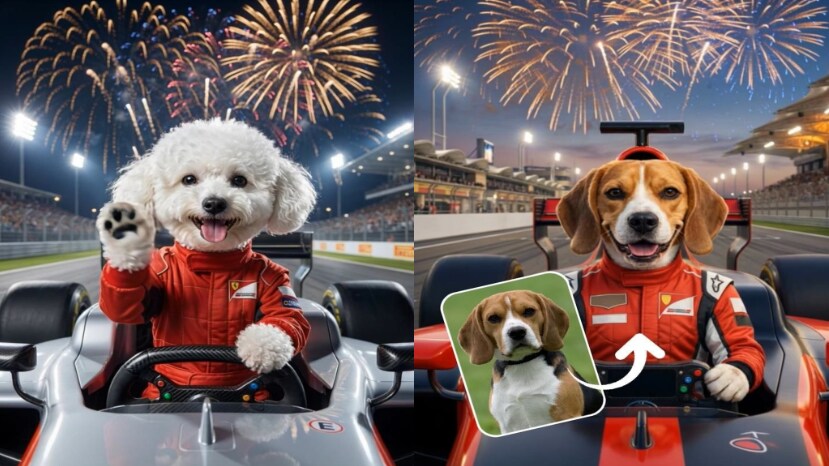
Transform Any Photo into a Racing Champion with Drag-and-Drop AI
You don't need racing experience to create an epic F1 video. Simply choose an F1 AI template, swap in your own photo, and let Filmora's AI handle the rest. Every template preserves the high-energy rhythm and visual style that makes Formula 1 so thrilling — your personal moment becomes the star while the championship energy stays intact.
- Smart Photo Recognition - Upload any photo and Filmora's AI automatically detects faces and bodies, seamlessly placing them into racing suits, cockpits, and podium moments.
- One-Click Racing Transformation - Instantly convert your portrait into a cinematic F1 scene without any editing skills needed.
- Personalized Captions - Add custom text overlays, driver names, team logos, or championship hashtags with one click.
Amplify the Adrenaline with Cinematic Racing Effects
Amplify the Adrenaline with Cinematic Racing Effects
The raw speed of Formula 1 deserves equally powerful visuals. Filmora's preset effect layers are tailor-made for motorsport aesthetics — dynamic camera angles, speed blur effects, neon HUD overlays, engine roar sound design, and particle effects that make every overtake pop off the screen.
- motion blur & Motion Effects - Apply signature motion blur and acceleration effects that match F1's breakneck pace.
- Beat-Sync Camera Pans - Automatic camera movements timed to engine revs and dramatic moments for maximum impact.
- Podium Celebration Overlays - Confetti, champagne spray, and crowd cheers that amplify every victory moment.
Share Your F1 AI Video Across Every Platform Instantly
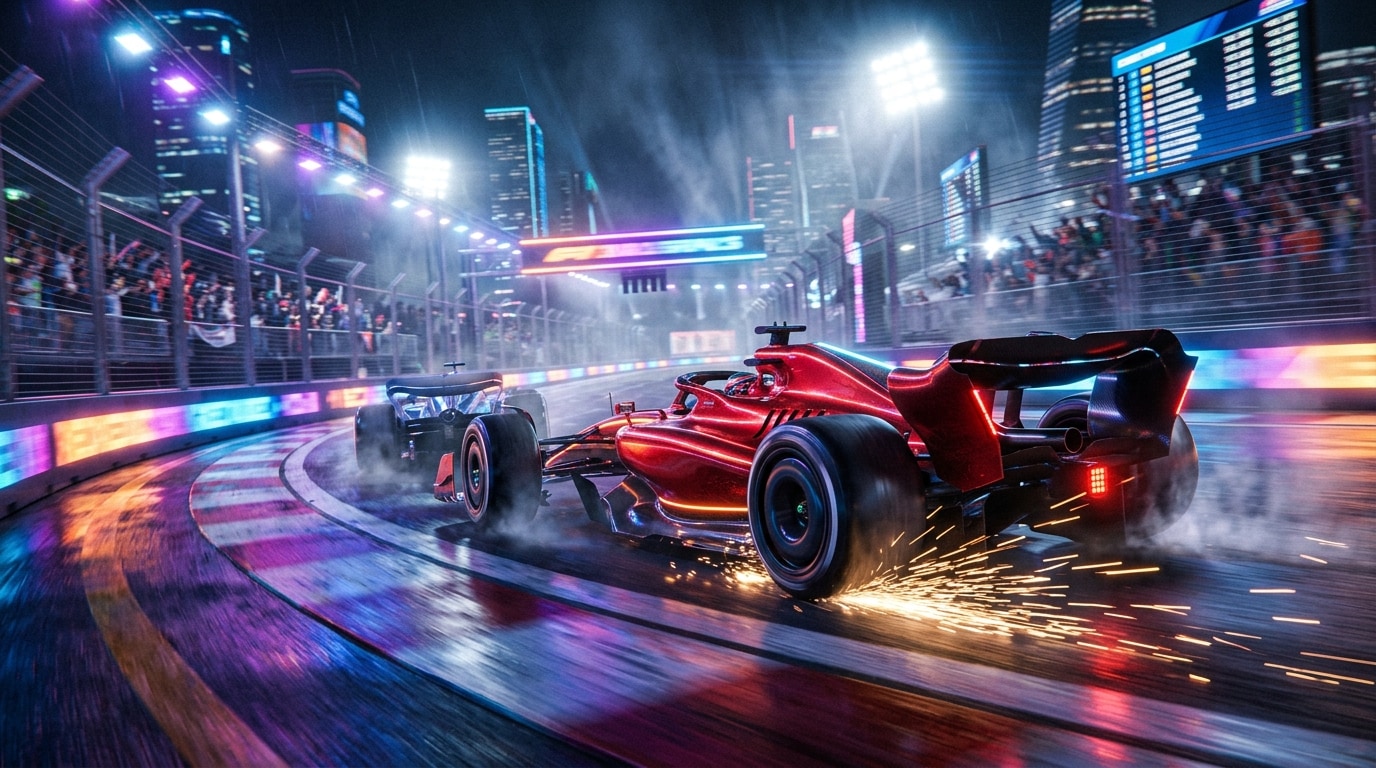
Share Your F1 AI Video Across Every Platform Instantly
Whether you're posting a vertical F1 racing TikTok challenge, an Instagram Reels duet with friends, a YouTube Shorts F1 compilation, or a Facebook racing moment, Filmora's export presets ensure your video looks perfect on every screen. All F1 video templates are optimized for 9:16 vertical formats with safe zones for platform UI elements.
- 🚀 Multi-Platform Presets - One-click export for TikTok (9:16), Instagram Reels, YouTube Shorts, and Facebook.
- 🎬 HD & 4K Quality - Export your F1 racing video in crystal-clear resolution so every moment stays sharp.
- 📱 Instant Social Sharing - Upload directly to your favorite platform from within Filmora without switching apps.
FAQs About F1 AI Video Templates & Racing Video Creation
How to Create a Viral F1 Racing Video with Filmora AI Templates
The F1 AI racing trend is dominating TikTok, Instagram Reels, and YouTube. This guide shows you how to turn any photo — yours, your friends', your pets', or your kids' — into a championship-ready F1 racing video using Filmora's AI templates in just three simple steps.
Step 1 Select Your F1 Template
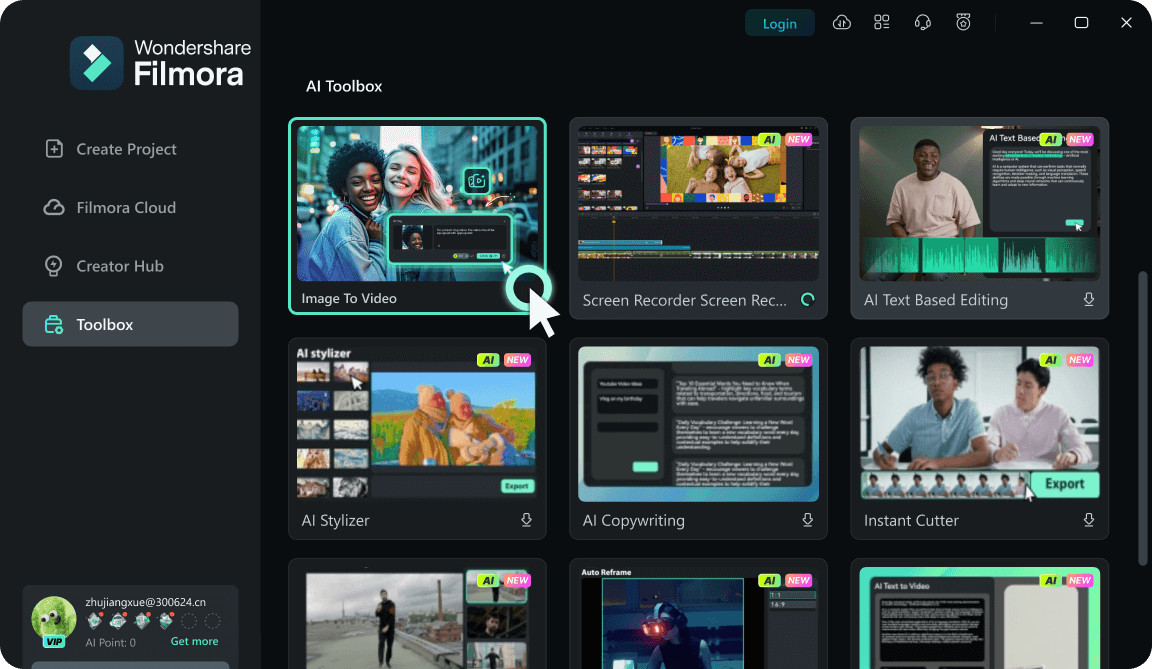
Step 2 Upload Your Photo & Customize
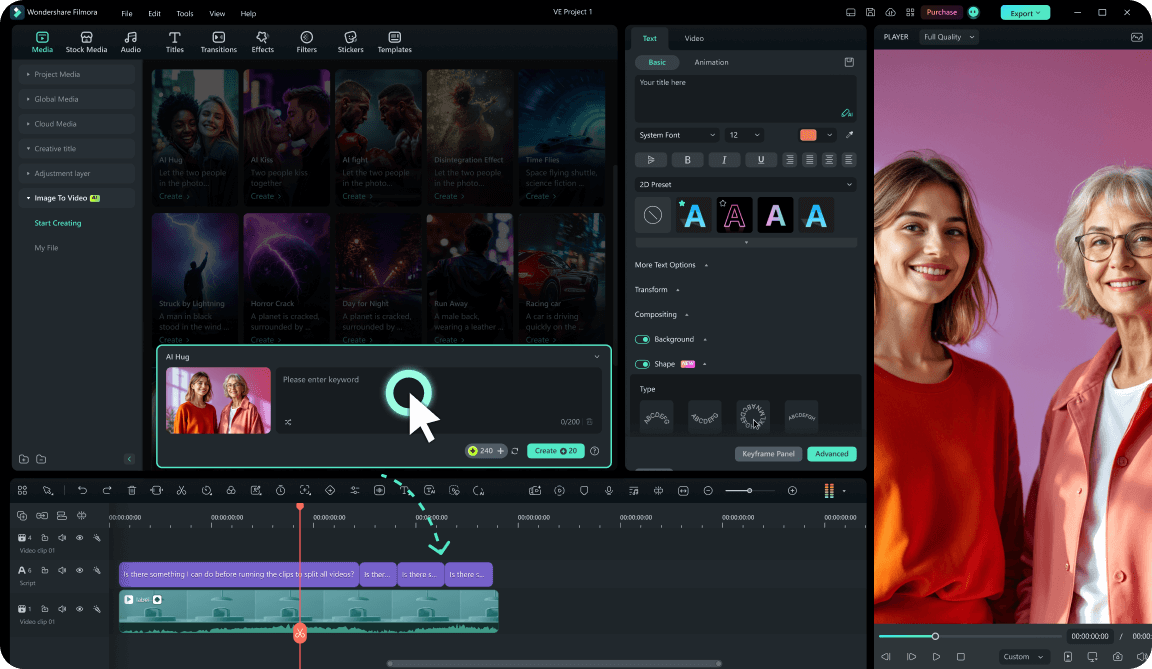
Step 3 Export & Go Viral
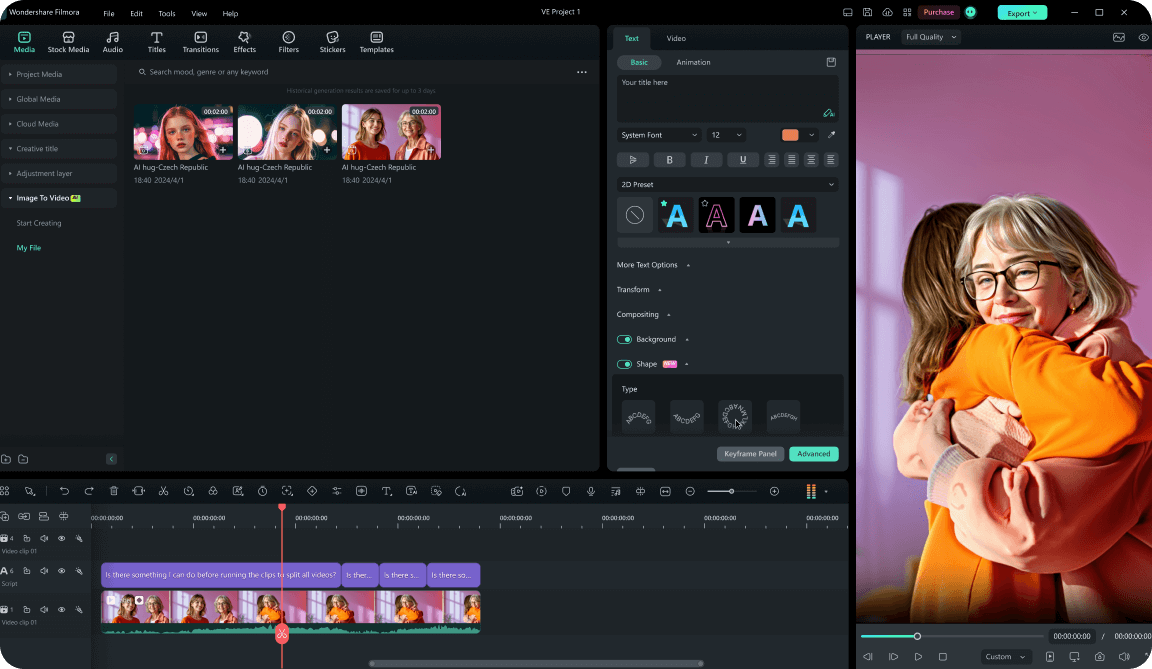
-
1:Select Your F1 Template
Open Filmora and go to the "Templates" tab. Search for "F1 AI" or browse the Racing Trends category. Choose from solo driver, couple racing duels, family pit-crew, pet driver, kid champion, or podium celebration versions. -
2:Upload Your Photo & Customize
Click "Use Template" and import your photo (headshot works best). Filmora's AI automatically recognizes faces and maps them into racing suits, cockpits, helmets, and victory moments. Customize team colors and add driver names. -
3:Export & Go Viral
Preview your F1 racing video, add captions, trending hashtags (#F1Challenge #AIDriver #RacingTok), and hit Export. Select the 9:16 preset for TikTok or Instagram Reels and share directly from Filmora.
Explore More Viral Racing & Sports Video Templates
From the trending F1 AI racing videos to the latest celebrity transformation challenges — explore Filmora's free, ready-to-use templates for every viral moment that matters.