
AI Transformation Video Examples & Guides
Explore trending AI transformation video styles powered by Seedance 2.0, then refine timing, captions, and sound in Filmora.
Loading more templates...
 Category:
 Duration:
 Aspect Ratio:
Advanced Stylization with AI Transformation Video Tech
Viral trends have made AI transformation video workflows easier than ever. Browse creative assets to build a surreal world, or create an image from a single frame—then use Seedance 2.0 in Filmora to generate and keep the energy of your footage while adding neural styles that would take days to hand-draw.
Neural Style Transfer for Cinematic Visuals
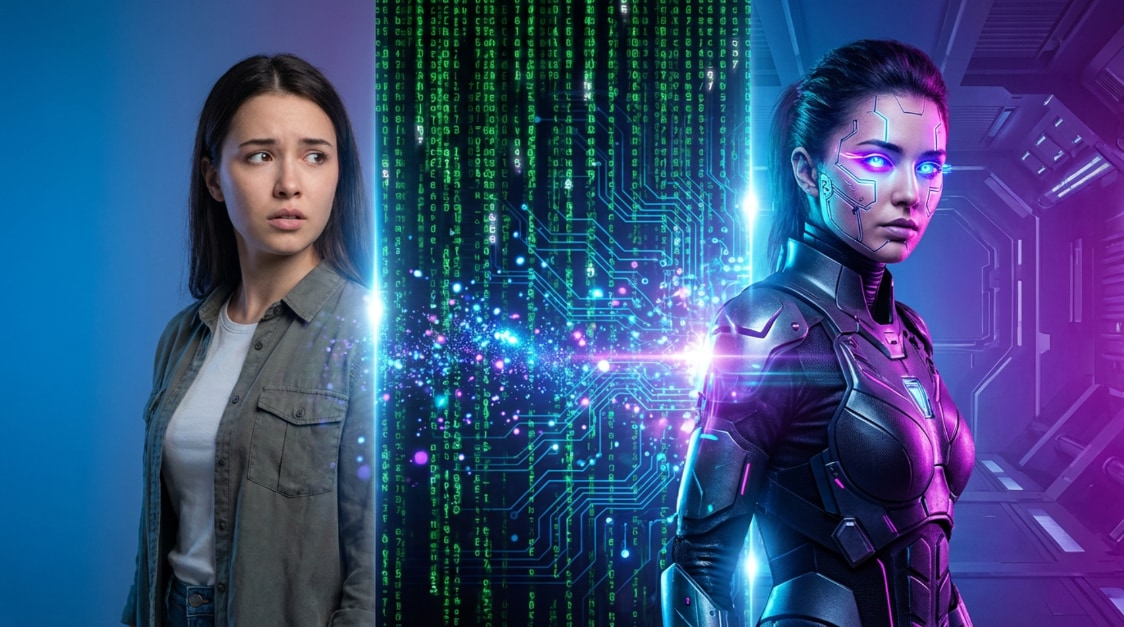
Neural Style Transfer for Cinematic Visuals
Our AI transformation video engine analyzes each frame so oil-paint, sketch, or neon looks stay consistent—fluid from start to finish, without flicker between cuts.
- Consistent Frame Rendering - Maintains style stability so your video doesn't flicker during the transformation.
- High-Fidelity Artistic Textures - Choose from dozens of presets designed by AI artists for maximum impact.
- Real-Time Style Preview - Preview looks before you commit; compare presets and Seedance 2.0 outputs side by side in Filmora.
Seamlessly Morph into Trending Digital Personas
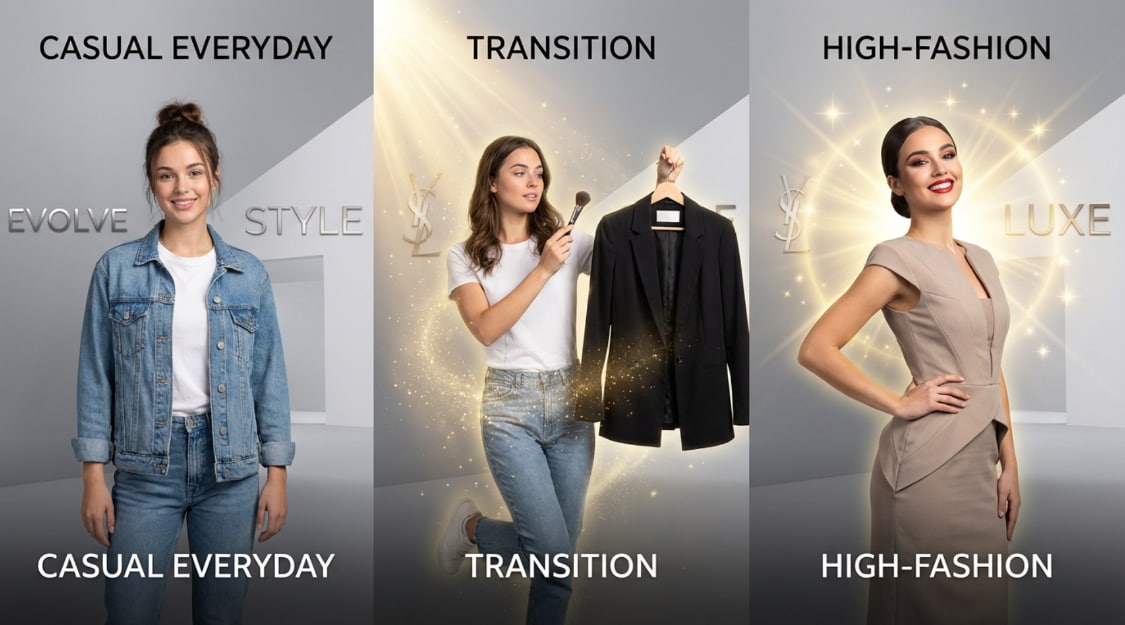
Seamlessly Morph into Trending Digital Personas
Go beyond backgrounds—reimagine who appears on screen. With an AI transformation video template, swap your look for a cyberpunk avatar, a period costume, or a stylized hero; Seedance 2.0 in Filmora keeps motion and pose aligned to your performance.
- 🎭 Digital Identity Swaps - Instantly replace subjects with highly detailed AI-generated characters.
- ⚡ Lightning-Fast Processing - Optimized engine ensures your complex transformations are ready in record time.
- 📐 Dynamic Pose Tracking - Advanced AI logic keeps the transformation locked to your subject's motion.
- ✨ Customizable Intensity - Blend your original footage with the AI style for a unique semi-realistic look.
Complete World Re-Imagination with AI
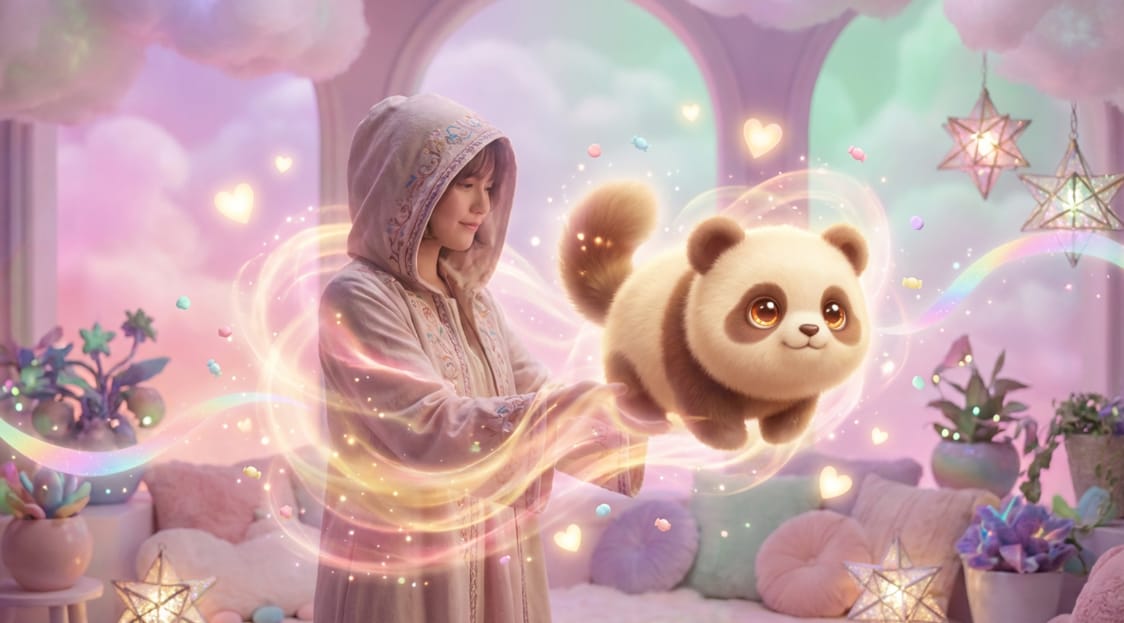
Complete World Re-Imagination with AI
The setting sells the story. Create a video from images, add an AI transformation video pass to re-light the scene, then trim and mix on the Filmora timeline—daylight to neon night, office to spacecraft.
- Global Scene Redesign - The AI understands depth and lighting to transform entire landscapes naturally.
- Intelligent Object Recognition - Separate your main subject from the background for targeted world-building.
- Cinematic Texture Overlays - Add atmospheric elements like fog, digital rain, or cosmic dust to your transformation.
Frequently Asked Questions About AI Transformation Video
How to Create an AI Transformation Video Template with Filmora
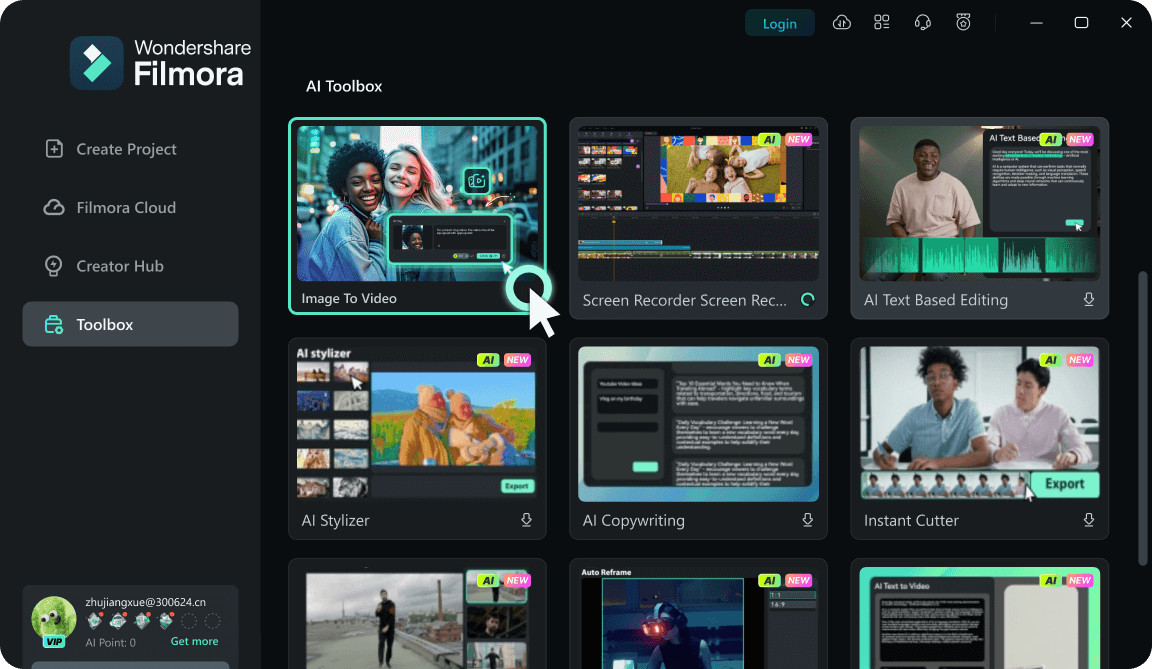
Use Toolbox → Image to Video, select Seedance 2.0 when it appears in the model list, upload stills, and prompt for motion and style to build an AI transformation video template you can reuse—then finish cuts, captions, and mix on the Filmora timeline.
Step 1 Open Toolbox & Choose Image to Video
Step 2 Upload Your Images
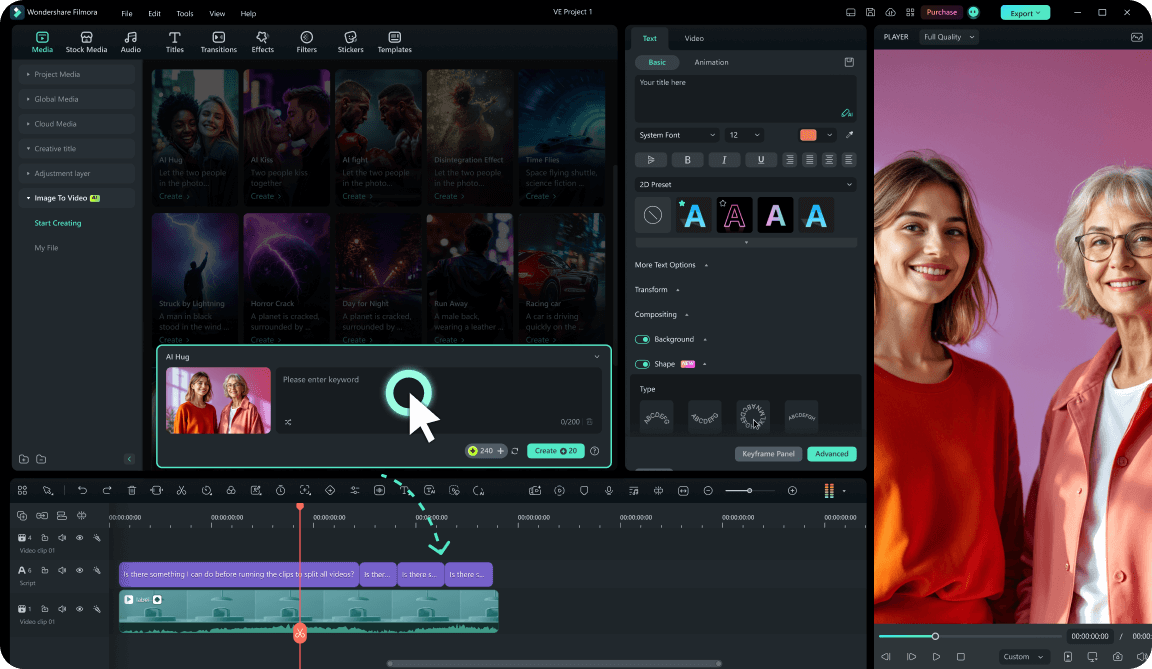
Step 3 Select Seedance 2.0, Prompt, and Generate
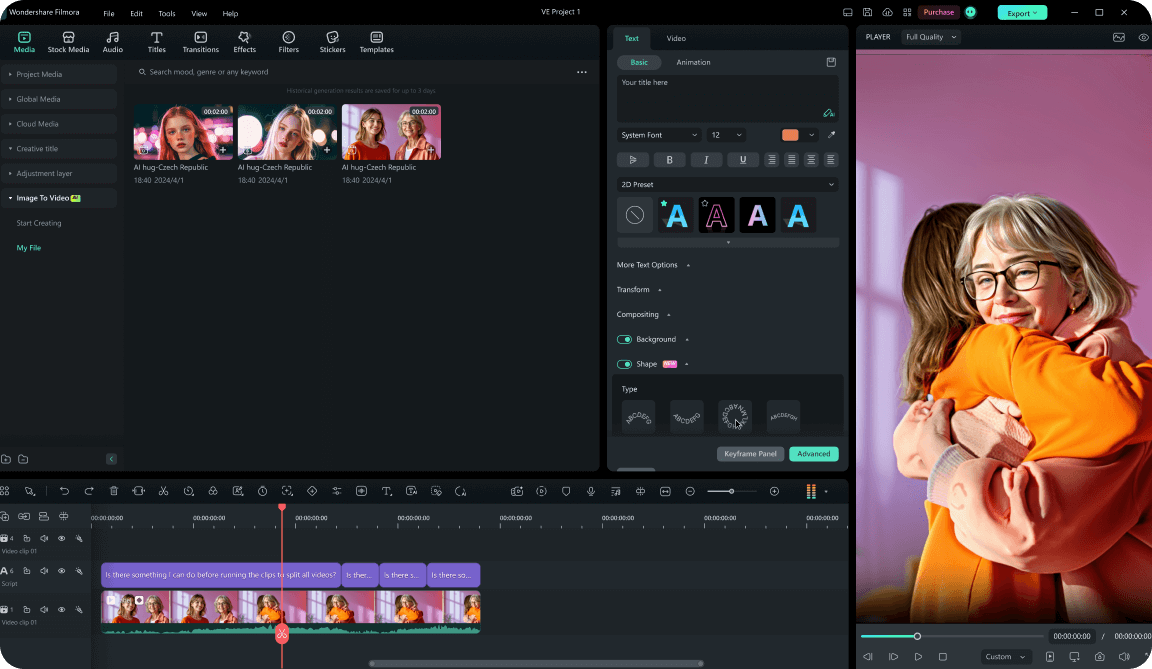
-
1:Open Toolbox & Choose Image to Video
Launch Filmora, open Toolbox, and select Image to Video to start your AI transformation video template with Seedance 2.0. -
2:Upload Your Images
Upload reference stills—a portrait, product hero shot, storyboard frame, or key visual. Clear subjects and lighting help Seedance 2.0 track detail. -
3:Select Seedance 2.0, Prompt, and Generate
Choose Seedance 2.0 in the model list when available, then write a prompt covering style, motion, lighting, and mood. Click Generate to create your clip and save it as an AI transformation video template for future edits.
Elevate Your Visual Storytelling with AI Power
Beyond simple edits, AI transformation video techniques and Seedance 2.0 in Filmora help you push creative boundaries—whether you need social hooks or surreal shots for a project. Combine transformations with cinematic transitions so viewers stay from the first frame to the last.
Seedance 2.0 prompt ideas · AI transformation video templates








