Create AI Swan Lake Dance Videos
with AI Templates and Editing Precision
Most AI tools can generate dance visuals, but they stop short of giving users control over the result. Filmora bridges that gap by turning AI-generated Swan Lake sequences into editable video projects. Instead of accepting fixed outputs, users can refine timing, adjust scenes, and align visuals with music, making the content usable across entertainment, storytelling, and commercial scenarios.
Loading more templates...
 Category:
 Duration:
 Aspect Ratio:
Create AI Ballet Swan Lake Videos
with AI-Powered Editing Workflows
Traditional ballet visuals are hard to recreate. Filmora turns AI-generated ballet motion into a real editing project, offering frame-by-frame editing and advanced color grading to ensure your AI dance sequences are professional and polished.
Generate First, Then Edit with Full Timeline Precision
Generate First, Then Edit with Full Timeline Precision
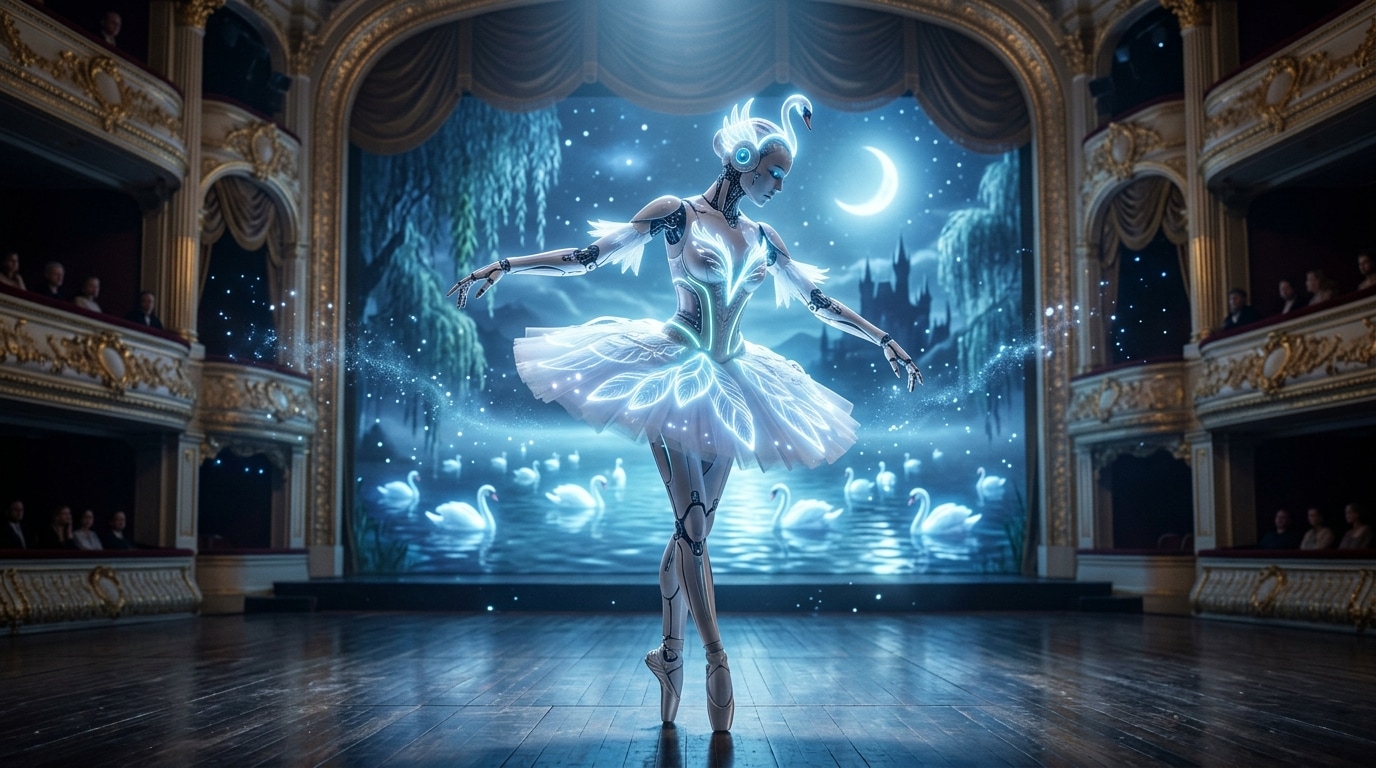
Most AI dance tools stop at generation. Once the video is created, users have little control over timing, cuts, or composition. Filmora changes this by placing AI-generated Swan Lake sequences directly onto a multi-track timeline, making them fully editable.
- AI-to-Timeline Workflow - Generated ballet motion becomes part of a real editing project.
- Frame-Level Control - Adjust cuts, pacing, and key dance moments with precision.
- Multi-Track Editing - Layer music, effects, and additional visuals seamlessly.
Make Movement and Music Work Together

Make Movement and Music Work Together
Ballet content depends on rhythm. Filmora solves motion-music disconnection through built-in audio editing and Beat-Sync support, allowing users to synchronize Swan Lake-style movement with music naturally.
- Audio Timeline Editing - Control exactly where cuts align with sound.
- Beat Sync Support - Match visual highlights to musical peaks.
- Flexible Audio Use - Adapt classical, cinematic, or trending tracks.
Turn AI Output into Reusable Video Content
Turn AI Output into Reusable Video Content
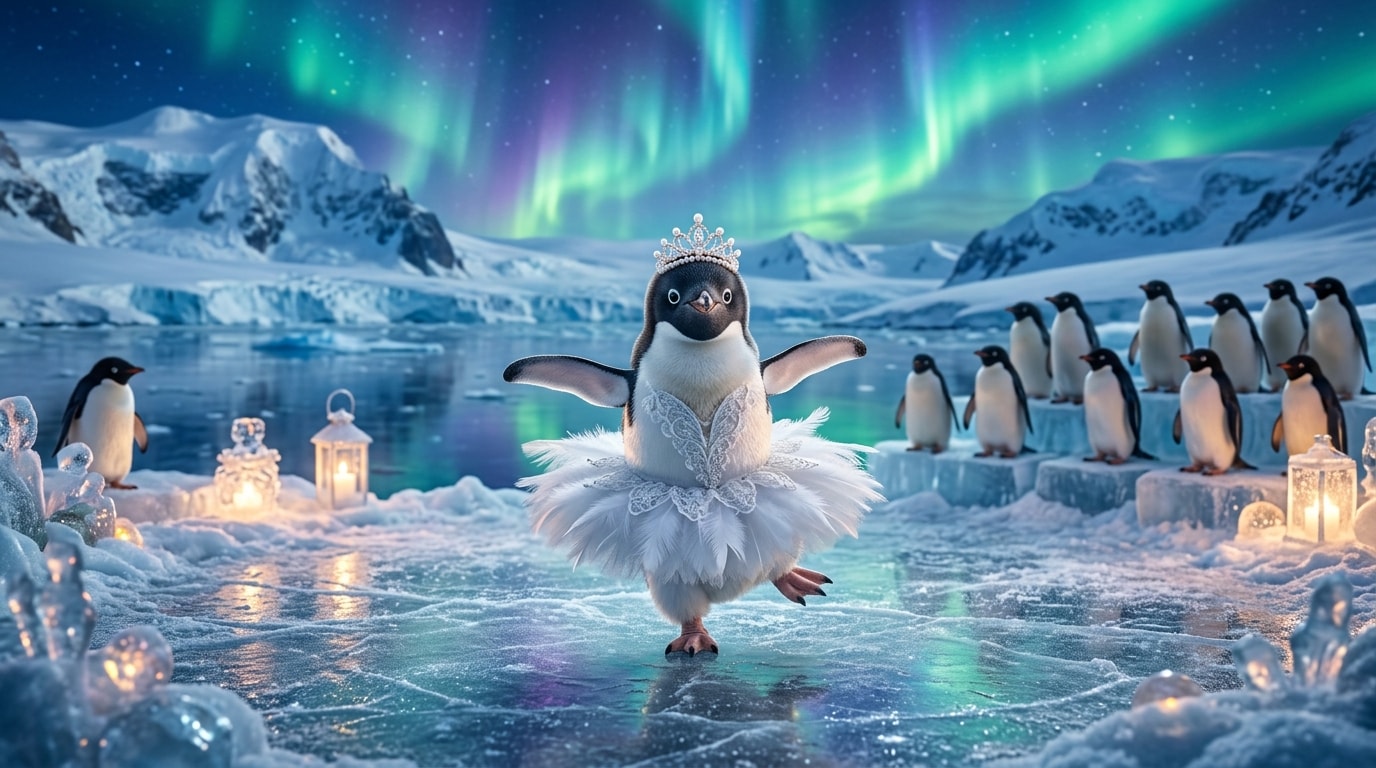
AI-generated clips are often isolated. Filmora enables users to extend, restructure, and repurpose Swan Lake videos into complete assets suitable for different platforms, from TikTok to commercial use.
- Scene Expansion - Extend short clips into longer narratives.
- Layered Editing - Add titles, branding, and visual elements.
- Flexible Formats - Adapt videos for TikTok, YouTube, or commercial use.
FAQs About AI Ballet Swan Lake Video Creation
How to Create an AI Swan Lake Ballet Video with Filmora
The rise of searches like "AI ballet tutorial" shows that users want fast, clear workflows. Here's the simplest path to creating your own AI dance video.
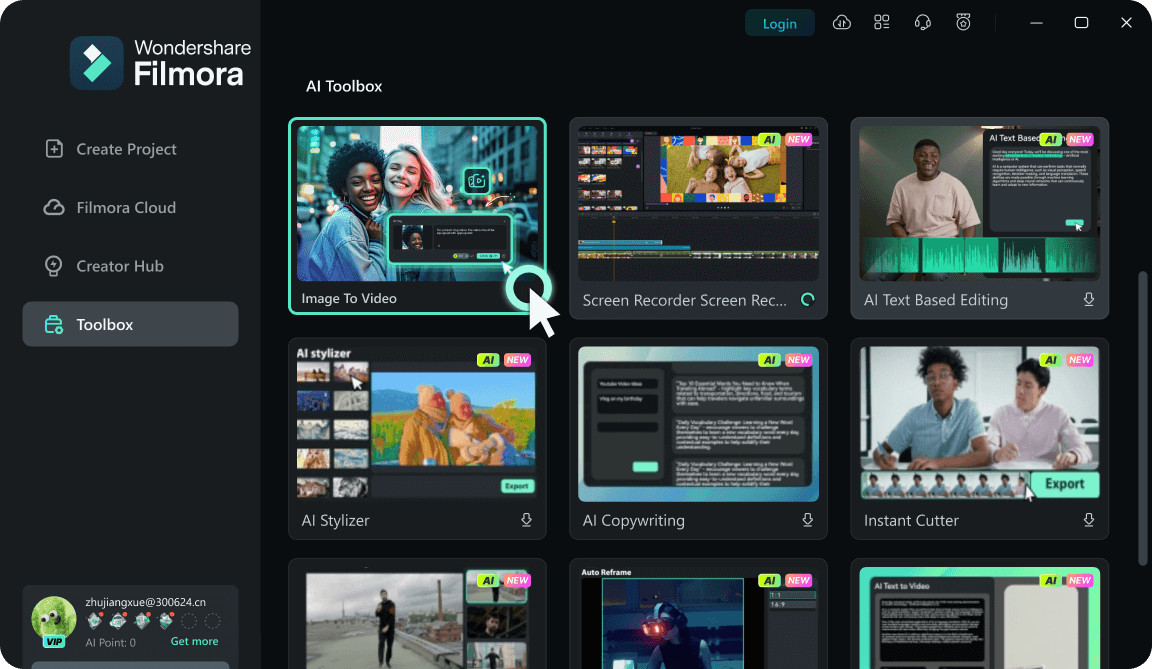
Step 1 Choose an AI Swan Lake Template
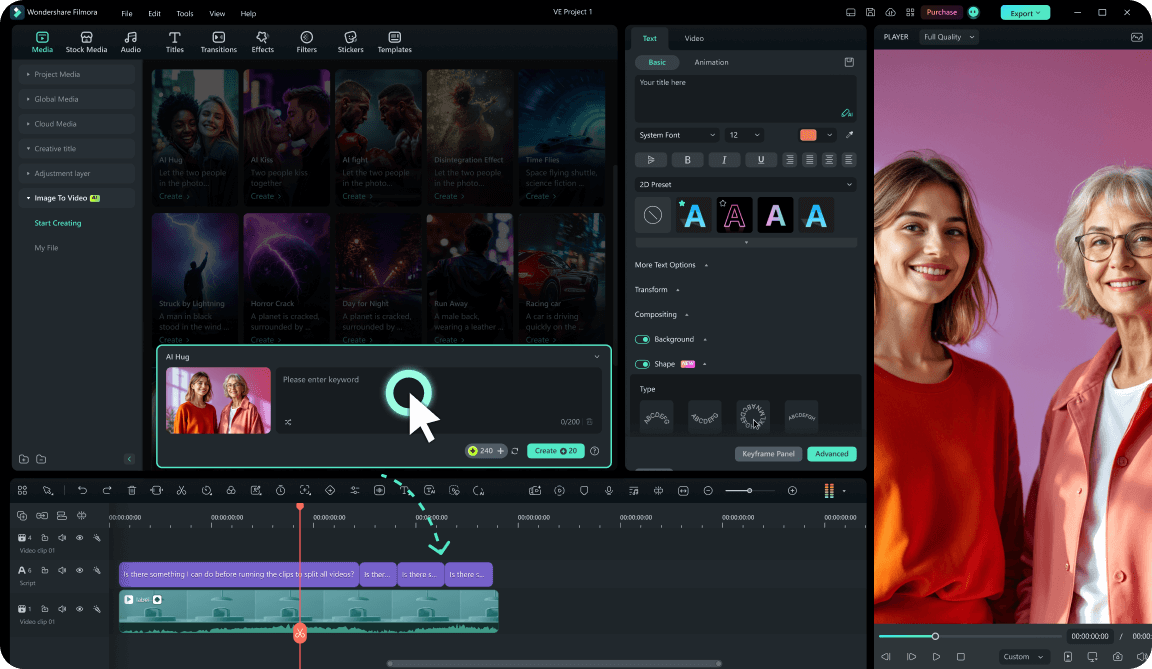
Step 2 Generate and Edit Your Video
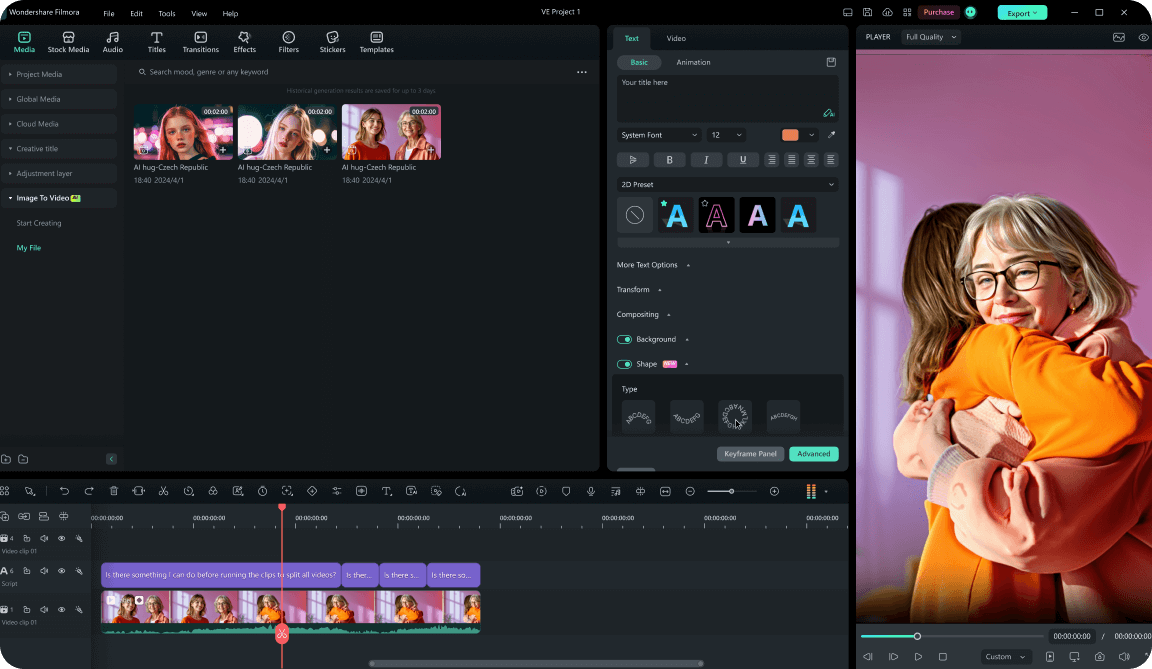
Step 3 Export and Share
-
1:Choose an AI Swan Lake Template
Open Filmora and select a Swan Lake or AI ballet template. Each template provides a structured starting point that already aligns with ballet-style visuals and pacing. -
2:Generate and Edit Your Video
Import your photo or clips and let the AI generate the initial sequence. The result appears on the timeline where you can refine cuts and synchronize movement with music. -
3:Export and Share
Export your final video in the desired format for TikTok, YouTube, or other platforms. The result is a fully edited video ready for distribution.
Explore More AI Dance & Video Templates
From AI ballet to viral dance trends, Filmora's template system turns AI-generated visuals into editable video content, making it easier to create, refine, and scale.