

 TL;DR:
While Canva AI Logo Creator and Fotor offer the most accessible free tools for rapid logo brainstorming, Wondershare Filmora provides the highest value for video-focused branding by allowing users to generate prompt-based logo concepts and immediately convert them into animated reveals using its Image-to-Video feature.
● Looka and LogoAI deliver the most structured brand kits for professional businesses and agencies, but both lock high-resolution file downloads and commercial exports behind mandatory paid plans.
● Users can bypass the generic feel of template-based AI logos by generating custom visuals with the Nano Banana model in Filmora Desktop, then applying ready-to-use 3D or cinematic effects via the Logo Reveal templates located in the Influence kit.
● Free tiers across most AI logo makers restrict export quality to basic concept testing, meaning brands must purchase paid upgrades to secure the vector formats required for responsive websites and printed marketing materials.
Ask AI for a summary
 ChatGPT
 Perplexity
 Gemini
 Claude
 Grok
Grok
Your logo is the heartbeat of your brand. In 2026, AI logo creators have evolved from simple generators to full-scale branding suites. But which one delivers the best initial concepts for free? This guide compares the top 10 tools and shows you how to turn a static SVG into a high-impact logo reveal animation using Wondershare Filmora.
Our Top 3 AI Logo Creator Picks
It can be overwhelming to find the right tool, as there are so many AI logo makers available today. To make it easier for you, check out these top 3 AI logo makers, selected based on overall quality, ease of use, and how effectively they support real branding and marketing needs.


How We Evaluated the Best AI Logo Creators
- AI generation quality: We checked how well the AI performs logo designs based on your brand name, industry, and style. Better tools produce clean logos that don't look too generic.
- Customization flexibility: We look at how easy it is to edit colors, fonts, icons, and layouts. The best tools let you adjust the design until it fits your brand.
- Free vs paid value: Many users want a free AI logo maker. We compared what you can do for free and what features are locked behind paid plans.
- Business and brand readiness: We evaluated whether the logo is suitable for real business use, such as websites, social media, and printed materials.
- Compatibility with marketing workflows: We also consider how easily the logo can be used in marketing content, including videos, social media posts, and advertisements.
Part 1. AI Logo Creator 10 Tools Comparison Chart
Before discussing detailed reviews, it's insightful to look at a brief comparison of the top AI logo creators. This comparison table highlights key factors that users should consider, ranging from free options and customization to output quality and real-world limitations.
| Tool | Free option | Customization | Best use case | Output quality | Limitations |
| Filmora Desktop | Medium | Turning logos into marketing videos | High for video branding | Not a logo generator | |
| Canva AI Logo Creator | High | Beginners and small businesses | Good | Some designs may feel template-based | |
| Looka | Logo preview only | High | Business branding and brand kits | High | Paid download required |
| Design.com | High | Professional logo design | High | Premium assets cost extra | |
| BrandCrowd | Medium | Fast logo creation | Good | Limited deep customization | |
| Fotor AI Logo Generator | Medium | Free logo ideas and testing | Fair | Basic designs and exports | |
| Wix Logo Maker | Logo preview only | Medium | Website and brand setup | Good | Full files require payment |
| LogoAI | Logo preview only | High | Agencies and professional brands | High | Paid plans needed for exports |
| Brandmark | Limited | Medium | Modern and tech-style logos | Good | Fewer manual controls |
| DesignEvo | Medium | Quick startup logos | Good | Free exports have restrictions | |
|
Show More
Show Less
|
|||||
Part 2. Top 10 AI Logo Creator Tools: Full Review
Next, you'll find an overview of the top 10 AI logo creators, highlighting each platform's strengths, weaknesses, and the types of users they're best suited for, so you can find the best AI logo creator for your branding needs without hesitation.
1. Wondershare Filmora: Best for AI-Generated Brand Assets & Logo Animation
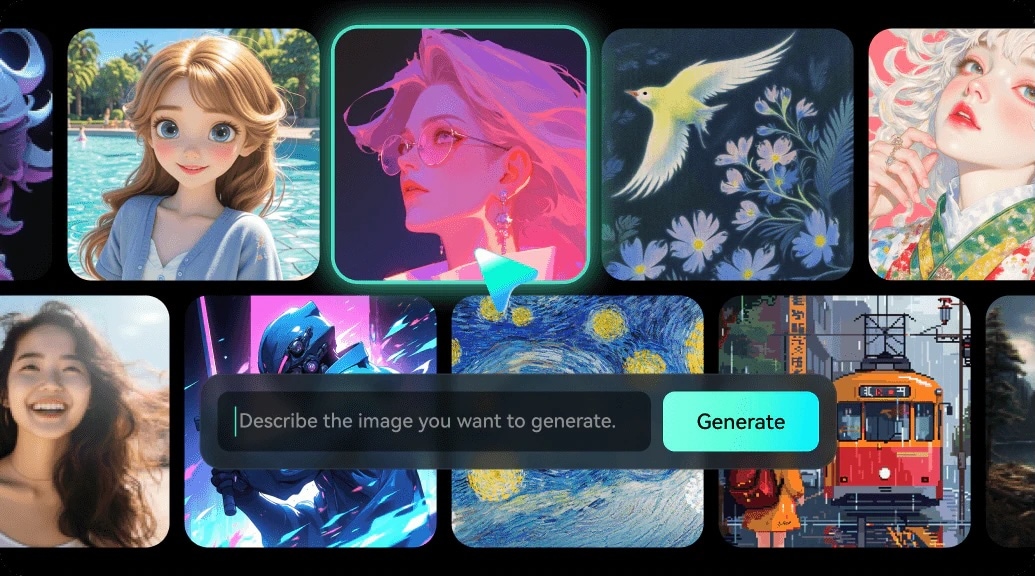
Wondershare Filmora does more than just create logos with its AI, unlike typical AI logo creators out there. It combines logo generation and marketing production in one desktop tool. Using its AI Image feature with the Nano Banana model, you can create AI-generated logos, icons, and brand visuals just from simple text prompts.
What makes Filmora unique is the ability to instantly turn those logos into animated intros, logo reveals, or promotional videos using built-in templates and AI Image-to-Video tools, thus eliminating the need for extra software and streamlining the entire branding workflow.
- AI Image generation for logo concepts, icons, and brand elements
- AI Image-to-Video for animated logo reveals and intros
- Logo reveal templates optimized for ads and social content
- Full desktop editing toolkit for brand videos and campaigns
- A strong bridge between logo creation and marketing execution
- Ideal for branding strategies focused on video
- Reduces the need to switch between different tools
- Not designed for precise vector logo editing
- Best results require some creative direction in prompts
- Businesses turning logos into video ads
- Content creators building animated brand identities
- Marketing teams focused on social and video platforms
2. Canva AI Logo Creator: Best Overall AI Logo Creator
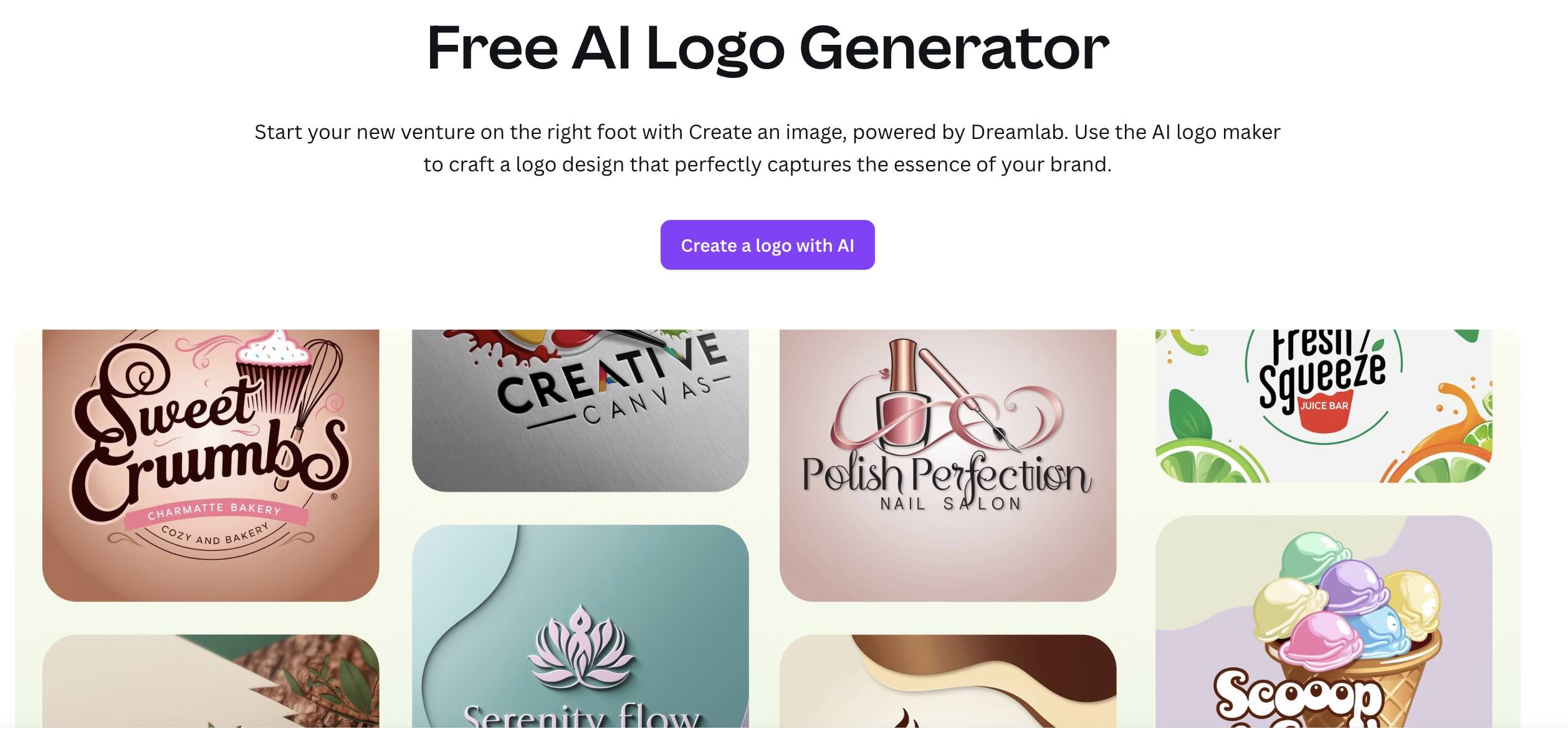
Canva AI Logo Creator is one of the most well-known online AI logo makers, especially for users seeking a free AI logo maker. This platform combines AI-assisted logo generation with a flexible design editor, which allows users to quickly create and refine logos for digital use.
- AI-powered logo suggestions based on brand input
- Comprehensive font, color, and layout controls
- Seamless export for social, web, and marketing assets
- Exceptionally low learning curve
- Strong balance between automation and manual control
- Suitable for rapid brand launches
- AI-generated designs can feel less unique without customization
- Advanced branding features are limited compared to tools that focus on business
- Beginners and freelance creators
- Small brands needing to create a logo quickly
3. Looka: Best AI Logo Generator for Business Branding
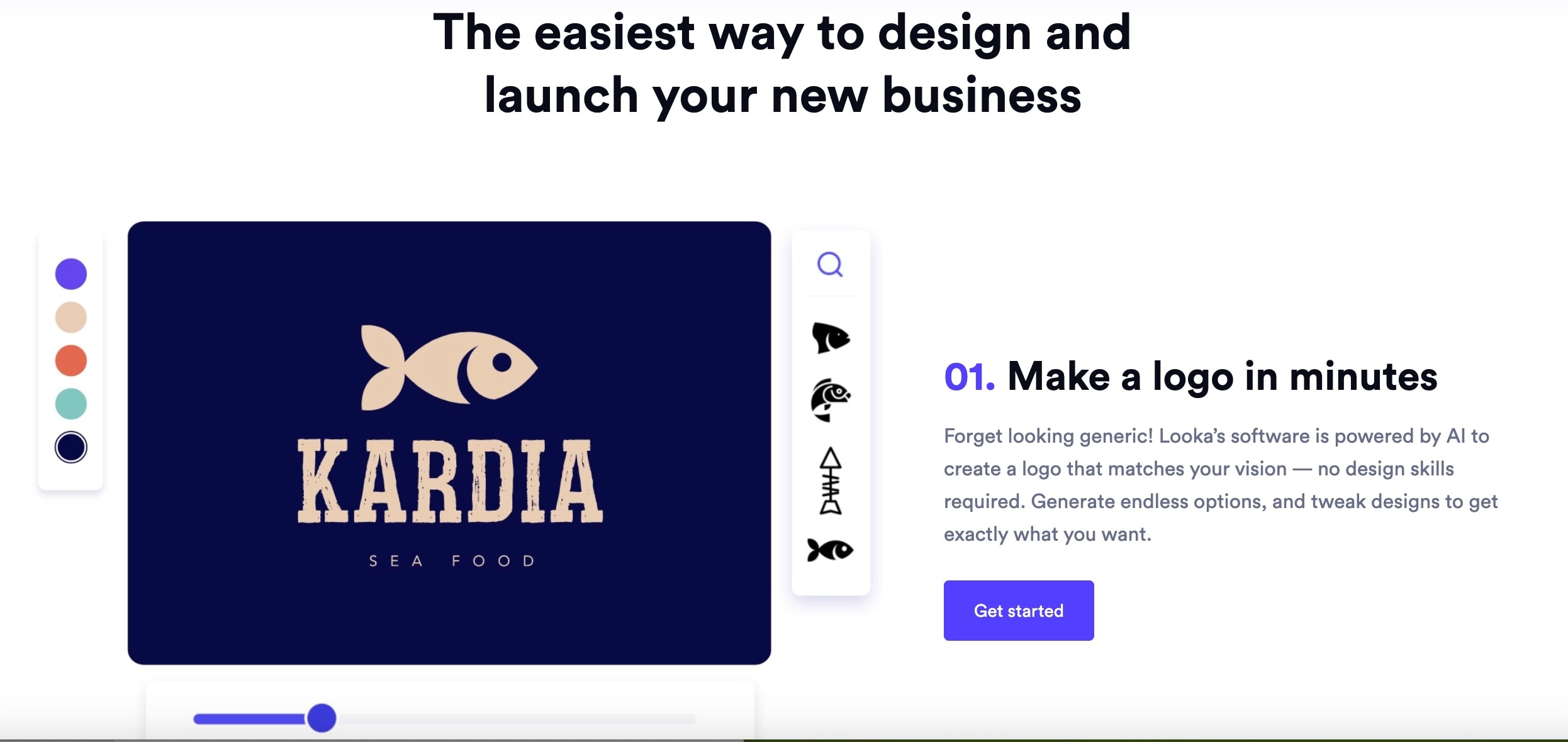
Looka positions itself as an AI business logo generator with a focus on brand consistency rather than quick experiments. Its AI asks targeted questions to generate logos that align with industry standards and long-term branding needs.
- AI-based logo creation based on brand personality
- Automated branding package with fonts and color system
- Mockups for business cards, websites, and packaging
- Strong focus on professional branding
- Logos can be easily customized across various platforms
- Useful for businesses planning long-term use
- Limited free use outside of preview
- Less flexible for creative experimentation
- Startups and small businesses
- Brands that build a strong identity
4. Design.com: Best AI Logo Generator for Business Branding
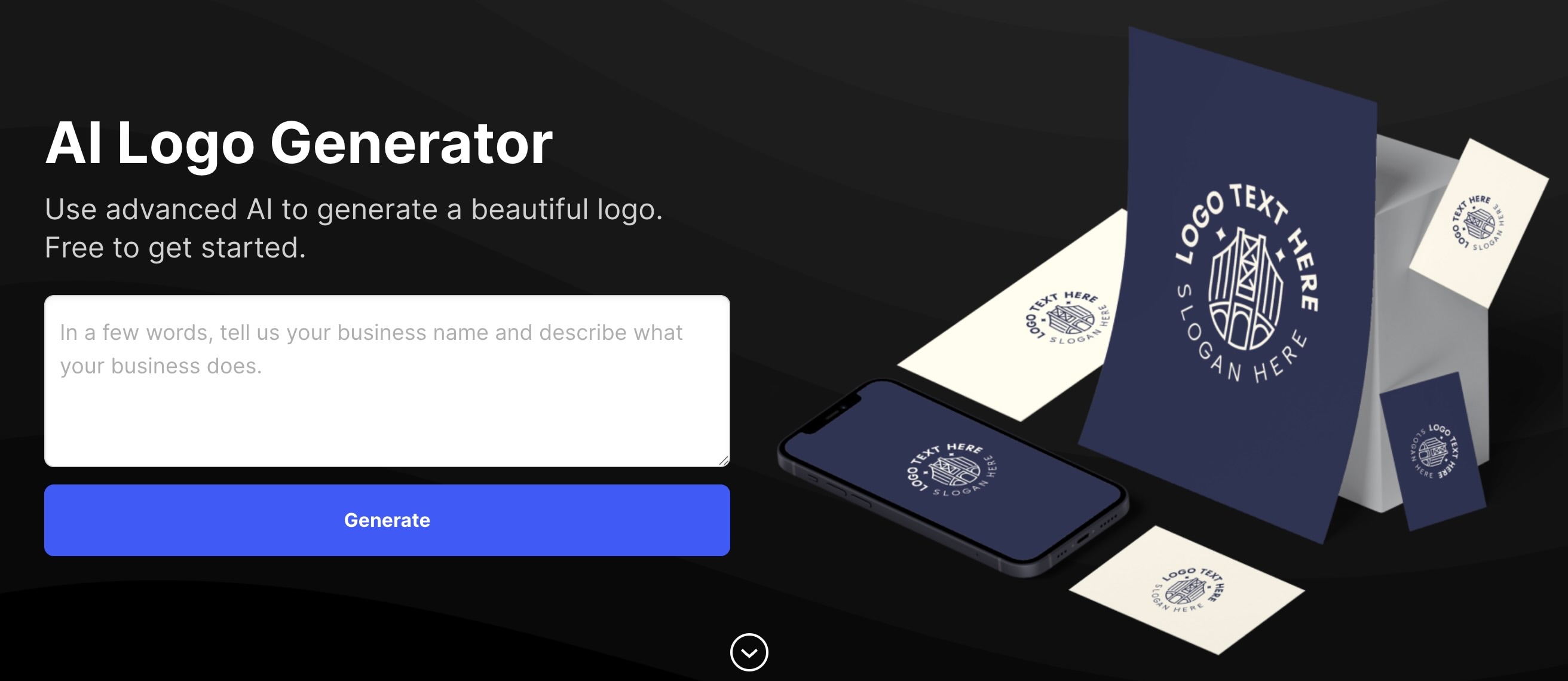
Design.com offers a flexible AI logo maker that combines AI-generated designs with deep customization. This platform attracts users who want control similar to conventional design tools while still benefiting from AI assistance.
- AI-generated logo drafts with editable components
- Access to premium fonts and icons
- Vector and high-resolution export options
- High level of customization
- Suitable for professional branding needs
- Premium elements can cost more
- The interface may be confusing for beginners
- Businesses that want design flexibility
- Users who refine logos further than the AI default settings
5. BrandCrowd: Best for Fast AI Logo Creation
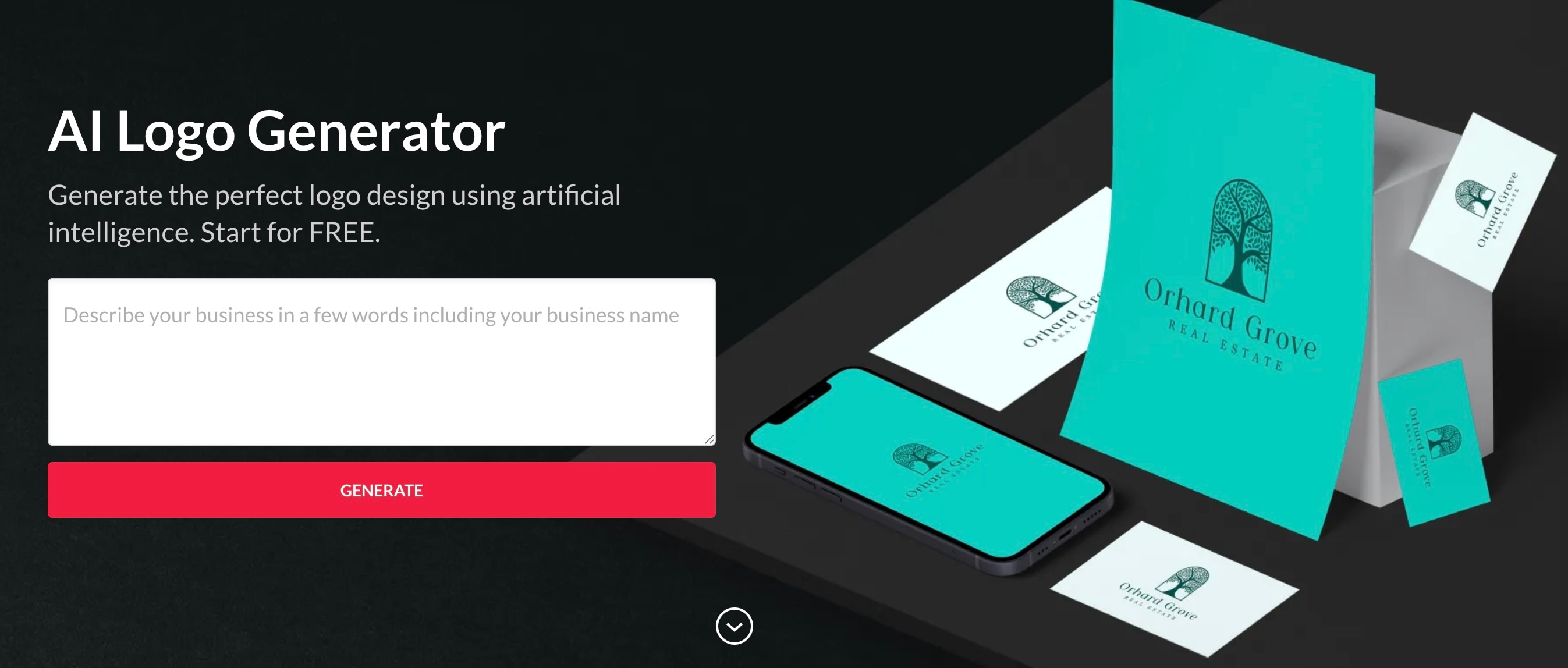
BrandCrowd combines AI-powered logo makers with a vast template marketplace to make it a practical AI logo maker for users who prioritize speed and ease.
- Logo discovery with AI assistance
- A vast collection of editable logo templates
- Simple customization tools
- Quick process from idea to logo
- A wide range of excellent design styles
- Templates may be reused by others
- Limited customization for advanced branding
- Freelancers and small businesses
- Quick branding projects
6. Fotor AI Logo Generator: Best Free AI Logo Maker for Ideas
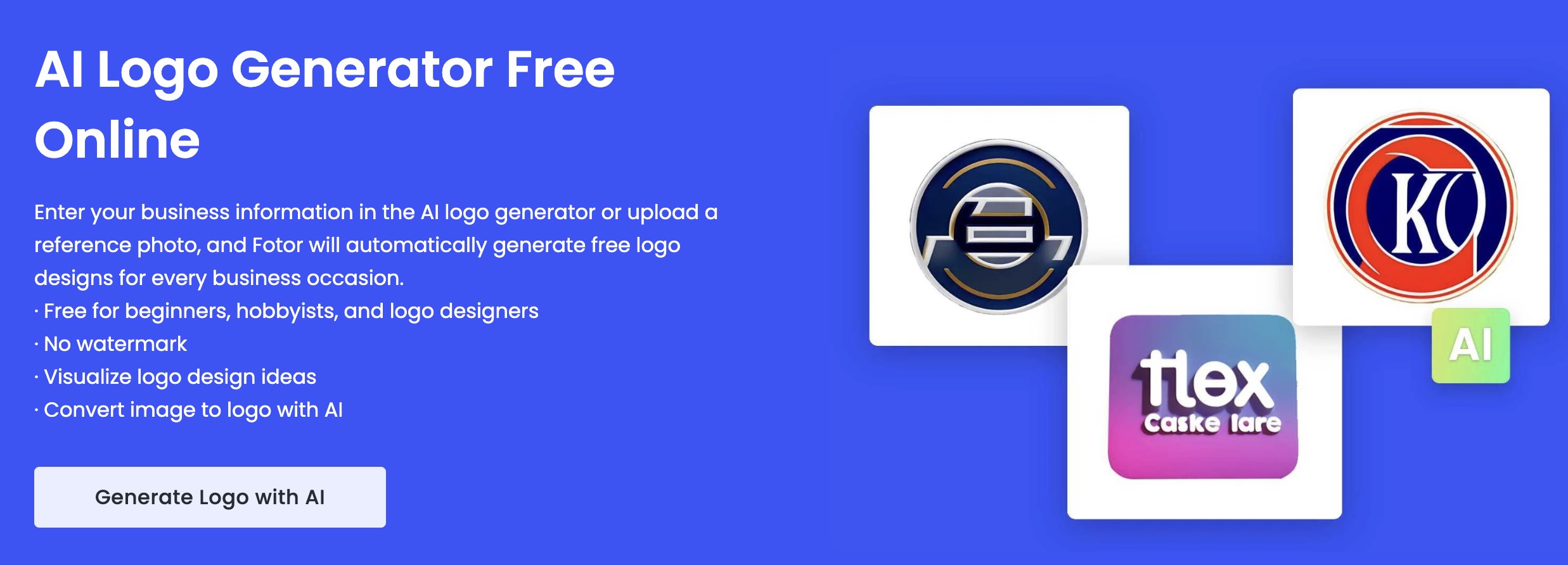
The Fotor AI logo generator is targeted for users who are looking for a free AI logo maker to explore concepts. It focuses more on generating ideas quickly than on a polished branding system.
- Logo concepts generated by AI based on text prompts
- Basic editing and color adjustments
- Free access for experimentation
- No barrier to entry
- Works well for brainstorming logo styles
- Limited export quality
- Not ideal for final business logos
- Early-stage ideation
- Testing brand directions
7. Wix Logo Maker: Best AI Business Logo Maker for Websites

Wix Logo Maker is an AI business logo creator seamlessly integrated with the Wix website ecosystem. Its AI quiz guides users to a logo that matches the structure and content of their website.
- AI-powered logo creation process
- Brand asset integration with Wix websites
- Multiple layout variations
- Smooth website-to-logo workflow
- Structured and guided experience
- Less flexible outside the Wix ecosystem
- Paid export required for full files
- Wix website owners
- Small businesses launching online
8. LogoAI: Best AI Logo Generator for Professional Brands
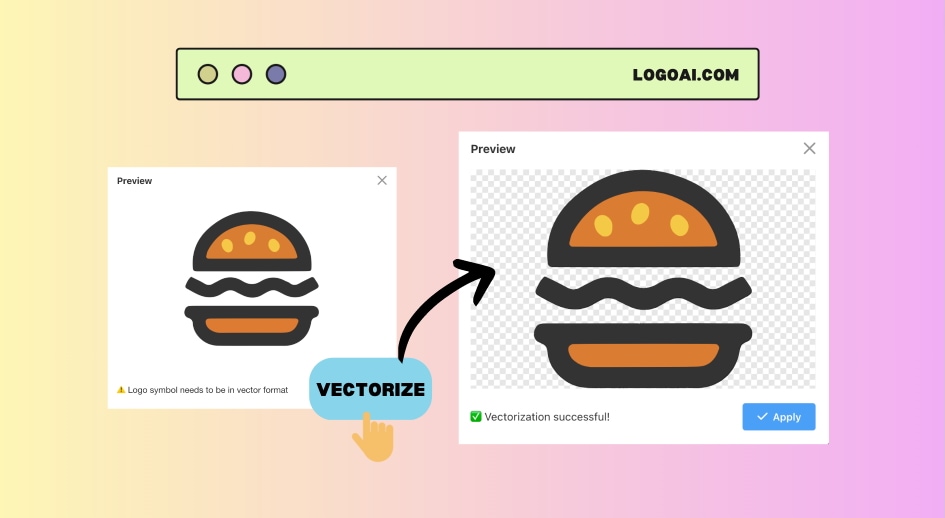
LogoAI is a premium AI logo generator that focuses on creating clean and modern logos. If you need professional and corporate branding, this would be a good fit for you.
- AI-driven logo and identity system
- Consistent design logic across all assets
- High-resolution brand output
- Professional design ready for business
- Strong brand consistency
- A paid plan is required for downloads
- Less playful or experimental styles
- Agencies
- Corporate and professional brands
9. Brandmark: Best for Modern AI-Generated Logos
Brandmark uses machine learning to generate modern and minimalist logos. As an AI logo maker, Brandmark caters to technology-oriented brands.
- Brandmark uses machine learning to generate modern logo options based on your brand name and industry.
- The tool shows how your logo will look on business cards, social media, and merchandise in real time.
- The logo tends to look clean, minimalist, and technology-oriented.
- It quickly generates a variety of logo variations without much input from the user.
- Limited manual editing and design options
- Paid plan required for high-resolution files
- Tech startups
- Digital product brands
10. DesignEvo: Best Simple AI Logo Creator for Startups

DesignEvo is a beginner-friendly AI logo creator that relies on templates enhanced with AI suggestions, so it's easy for startups to get started with branding.
- Includes thousands of logo templates with AI suggestions for icons and layouts.
- DesignEvo allows users to replace icons, customize font styles, and manually adjust layouts.
- It provides downloads in various export formats.
- One of the largest libraries among AI logo makers, giving users plenty of starting options.
- DesignEvo's interface is simple enough to use even without design experience.
- Some templates feel generic without deeper customization.
- High-resolution or vector downloads usually require an upgrade.
- Startups for testing logo styles
- Personal and side projects
Part 3. How to Choose the Best AI Logo Creator
After discussing the 10 best AI logo creators above, deciding which one is best depends on how serious your branding needs are and where you plan to use the logo. Some tools are suitable for quick ideas, while others are more suitable for professional business use.
When should you use a free tool?
Free AI logo makers are best for testing ideas, personal projects, or early-stage startups. They help you explore styles quickly, but usually have limitations on image quality, file types, or commercial use.
When are paid tools better?
Paid tools are more suitable for businesses and brands that need a polished, professional logo. They often offer high-resolution files, vector formats, and better customization, which is important for websites, advertisements, and marketing videos.
Common limitations of AI-generated logos
AI logos can look similar to one another and may lack a strong brand identity. Many tools also rely on templates, which can make designs feel generic.
Tips for avoiding generic branding
Be specific with your prompts and customize colors, fonts, and layouts. Avoid using default results, and enhance your logo with animations or videos to make your brand stand out.
Part 4. How to Present Your Logo in Marketing Content with Filmora
A logo becomes more powerful when displayed in motion and used consistently across all marketing content. With Filmora, you can transform the logos you created using any AI logo creator into branded visuals, animated intros, and professional logo reveals suitable for commercials, social media, and business videos.
AI Image for Brand Visuals
Filmora's AI Image can help you generate both the logo and supporting brand visuals alongside it. You can create matching backgrounds, icons, and visual styles using simple text commands, so your branding looks more consistent.
How to access the AI Image
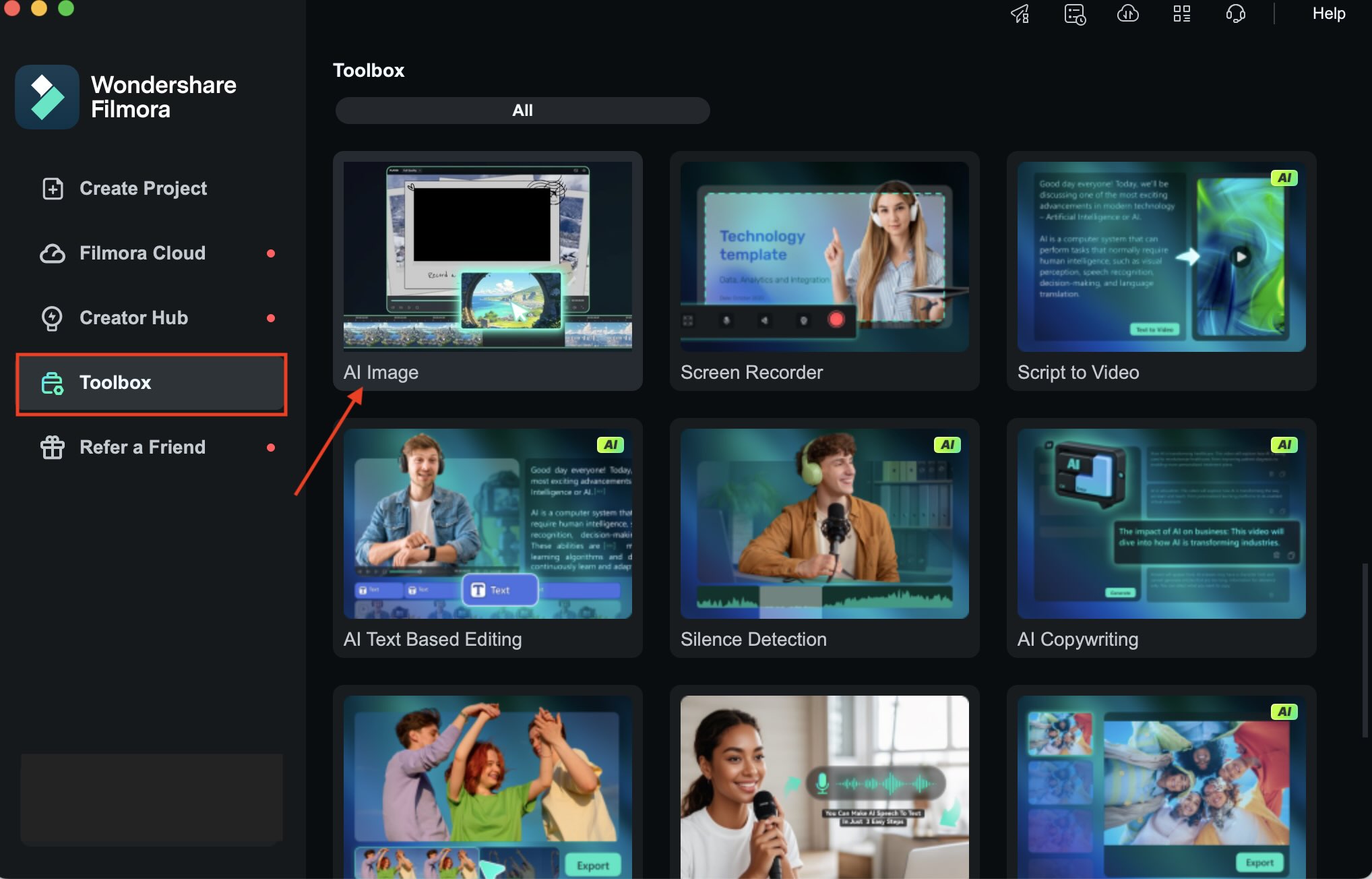
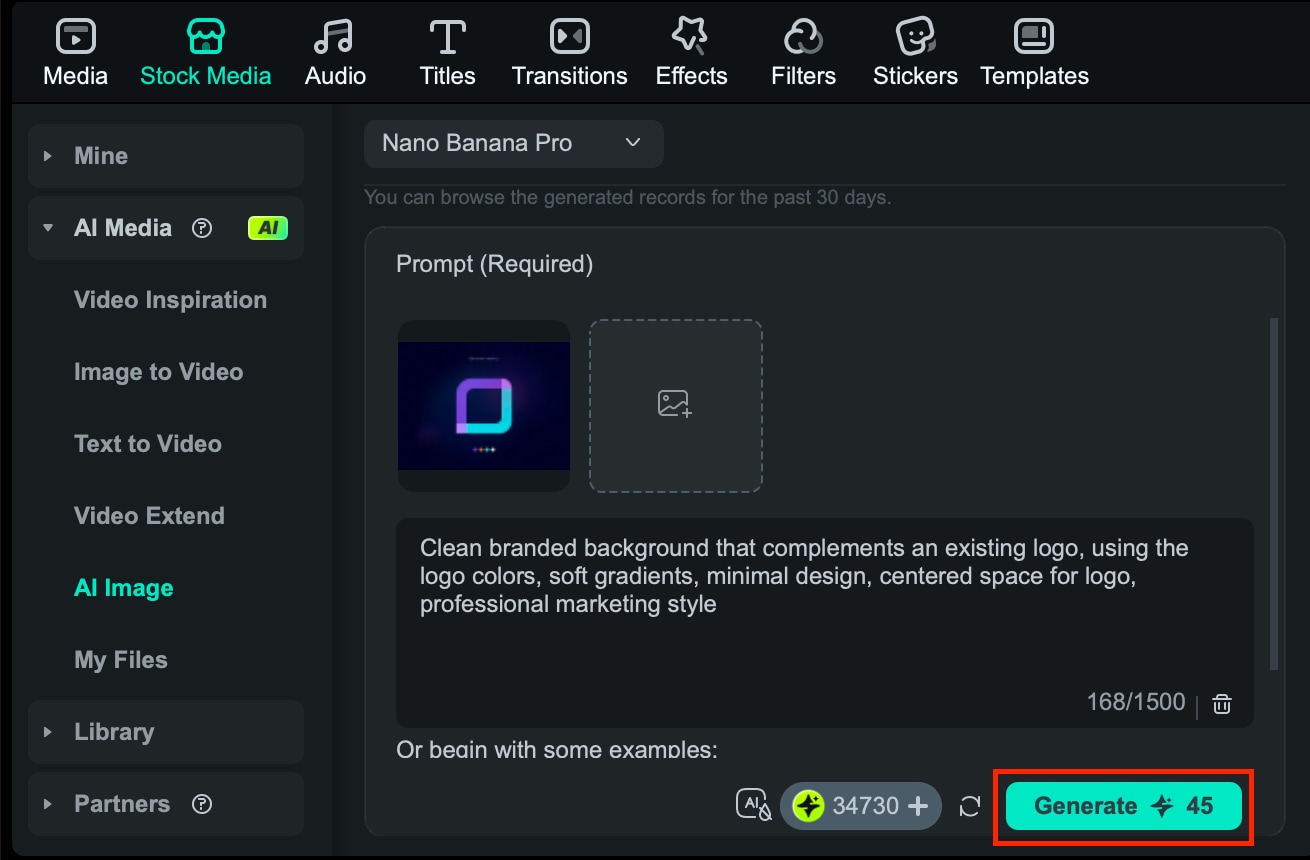
Image-to-Video for Logo Animation
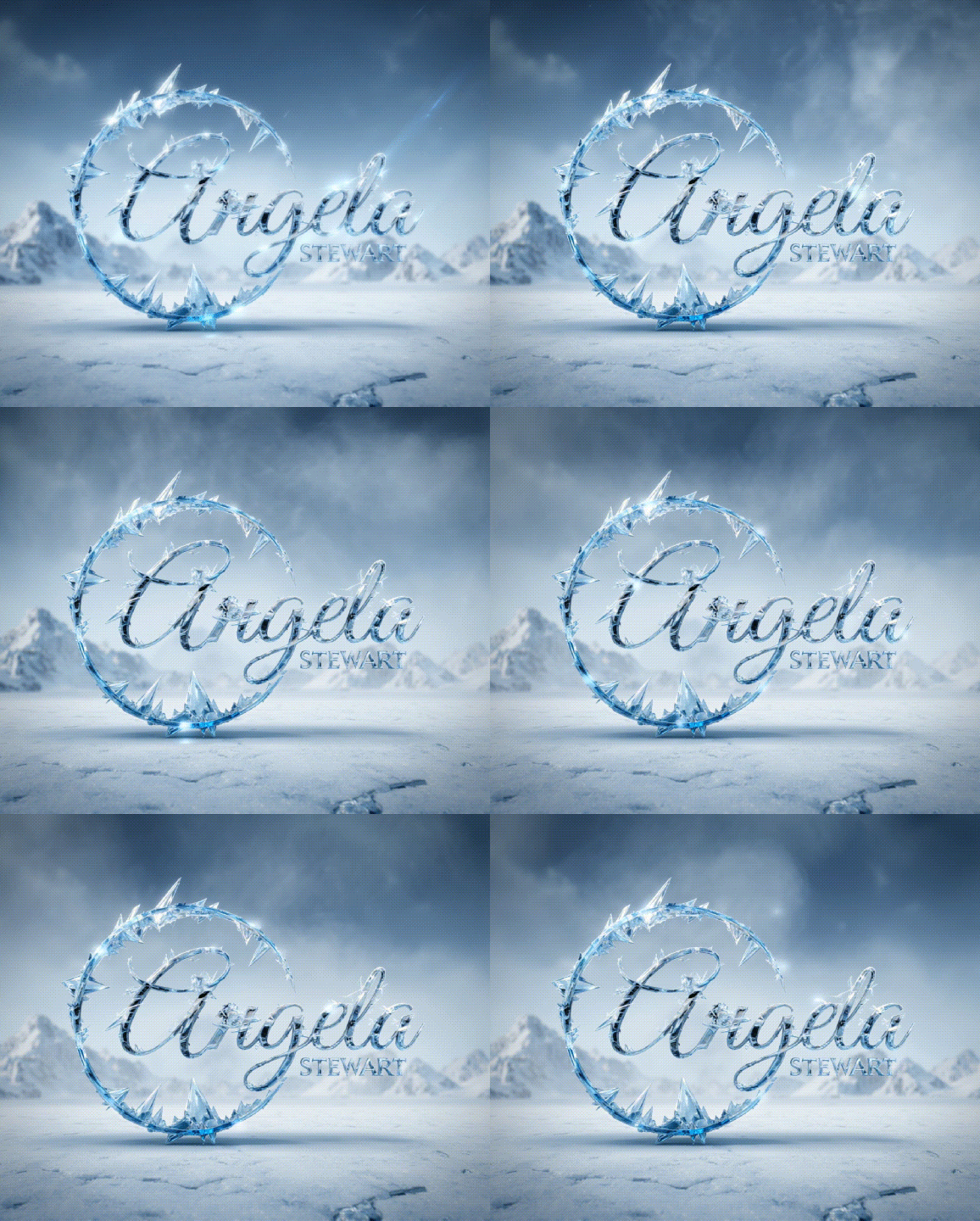
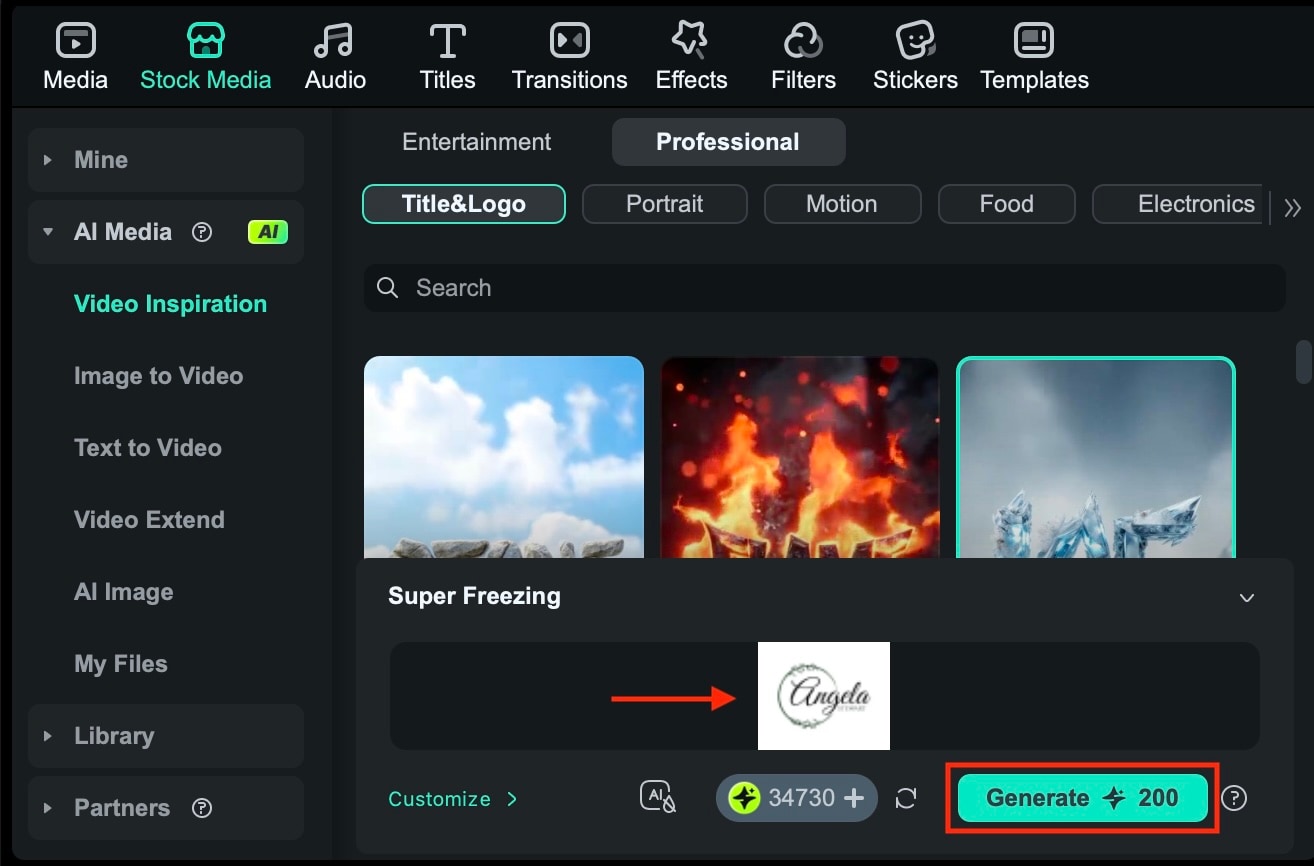
With your logo ready, you can turn it into an animated video clip, complete with moving effects, with Image to Video in Filmora. You can either describe how you want it to move or use the AI templates that automatically apply eye-catching animation styles.
How to access Image-to-Video
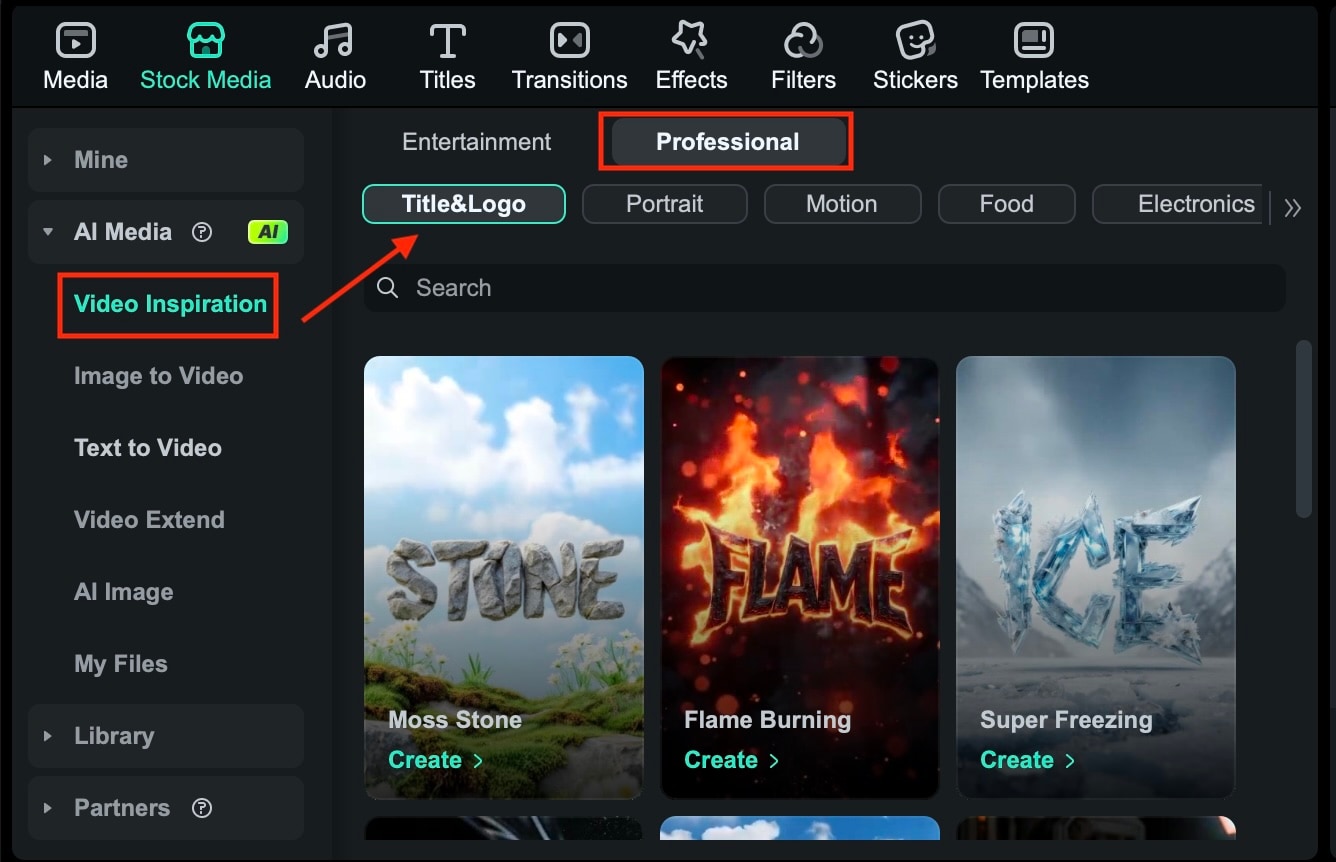
Logo Reveal Templates
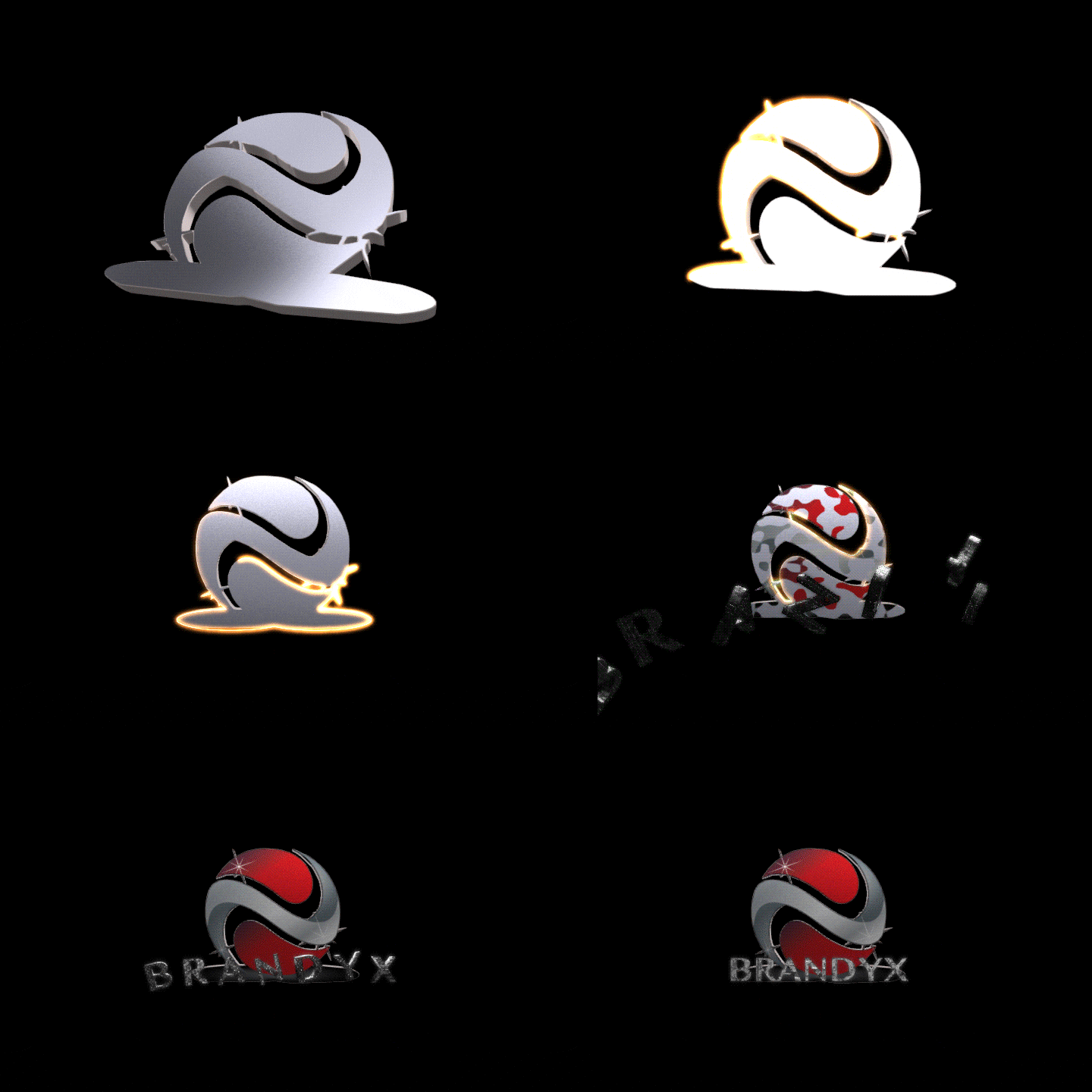
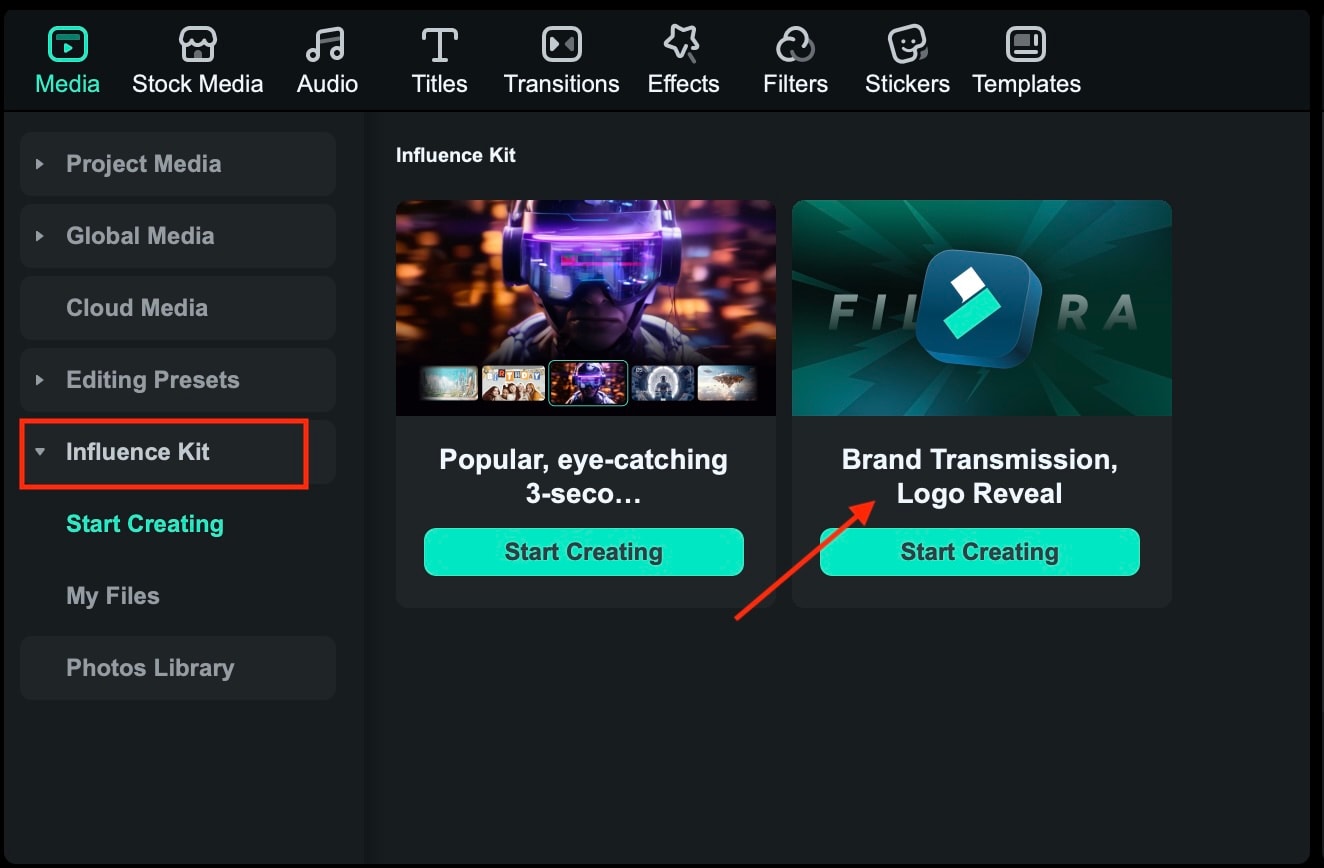
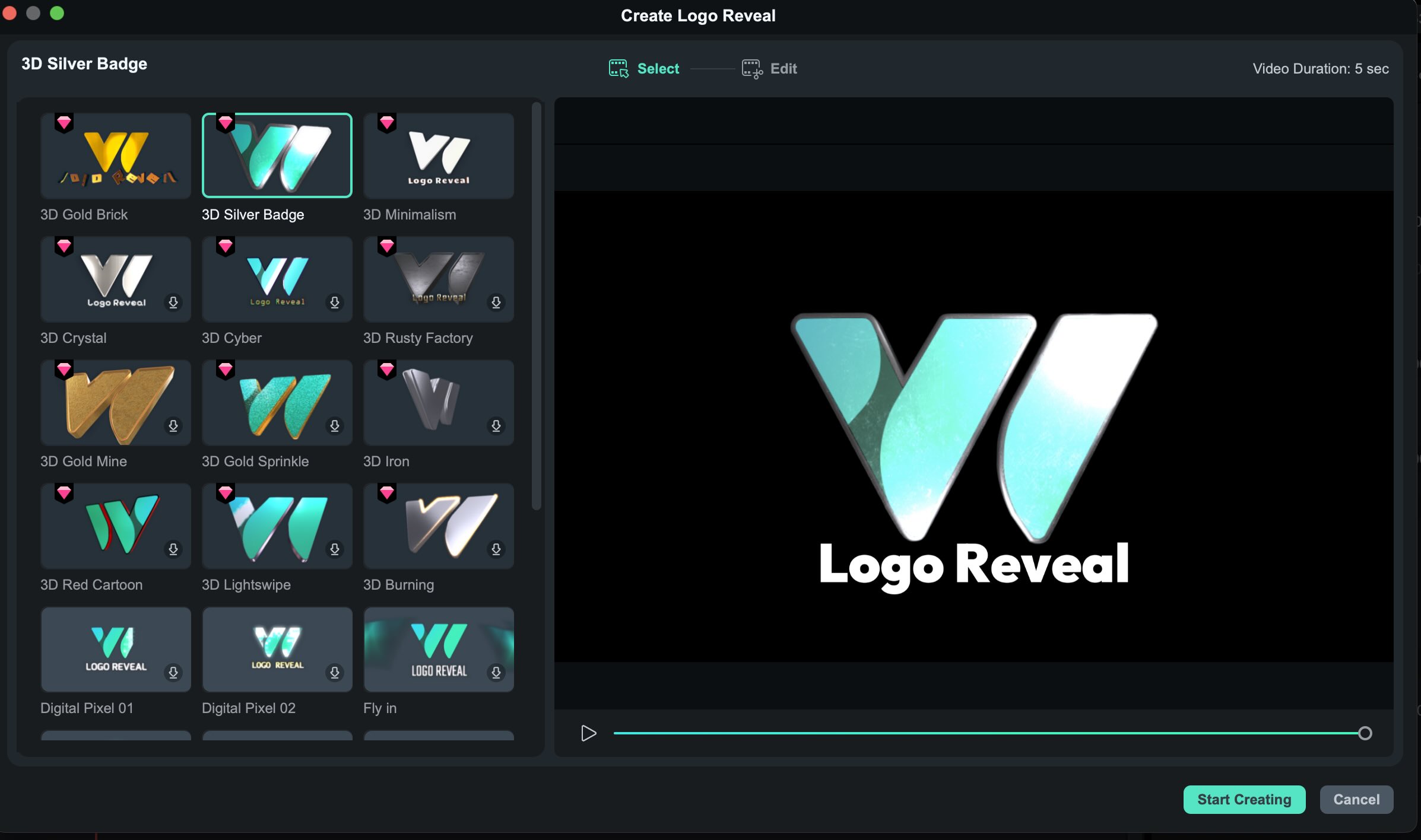
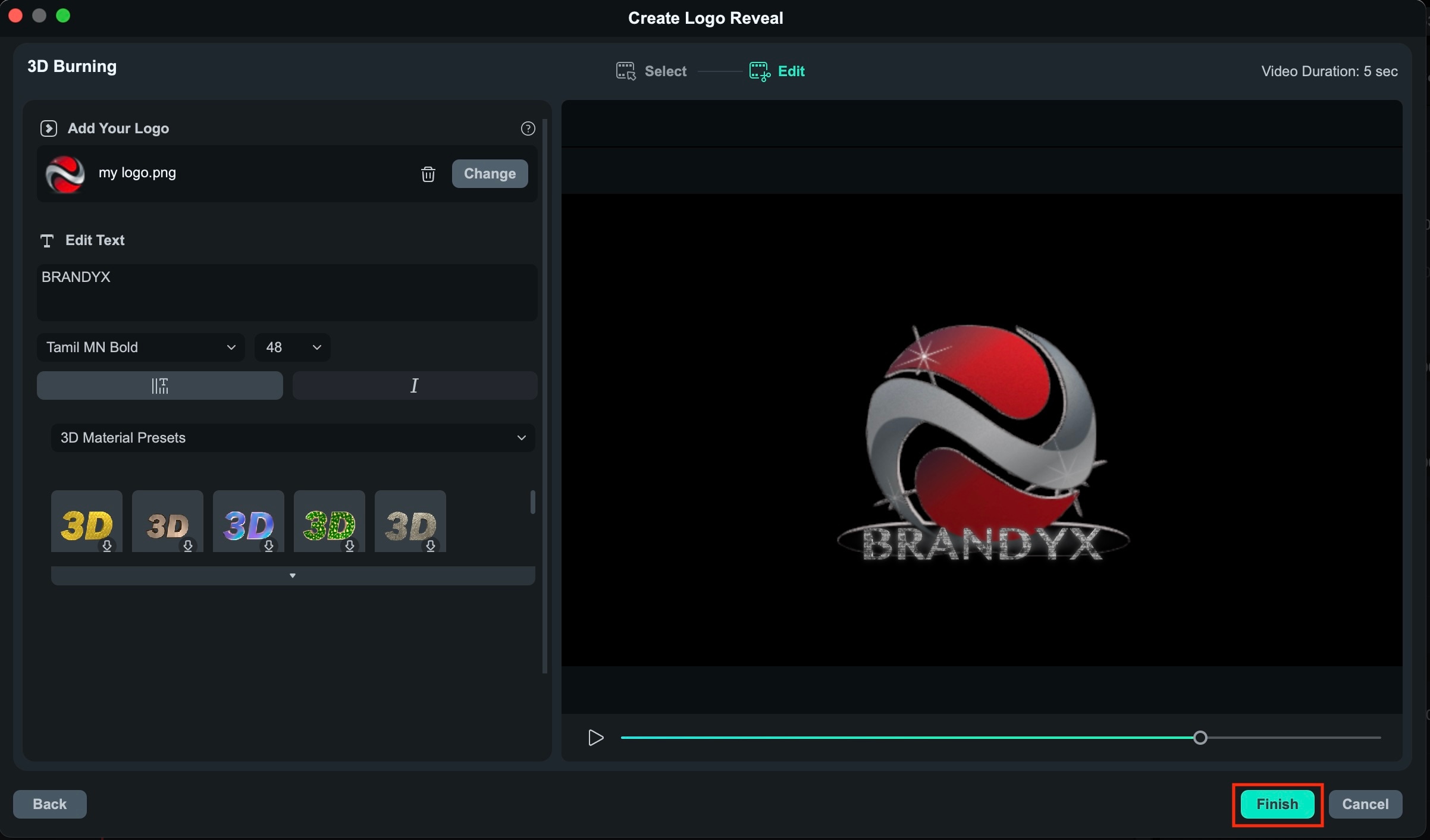
The Logo Reveal template provides polished and professional logo animations with just a few clicks. These templates apply ready-to-use effects such as 3D, metal, or cinematic effects without the need for manual editing.
How to access Logo Reveal Templates
Part 5. Common Mistakes to Avoid with AI Logos
AI-generated logo maker may speed up and simplify the branding process, but relying on them without careful review can produce weak or inconsistent results. To create a logo that truly supports your brand, avoid common mistakes that users often make when using AI logo generators.
- Relying too much on default results. AI-generated logos often follow common patterns. Without customization, your logo may look similar to many other logos.
- Ignoring size and format requirements. Some logos look good on screen but lose clarity in advertisements, videos, or print. Always check how your logo appears in different sizes and formats.
- Lack of consistency across platforms. Using different logo styles on social media, websites, and videos can weaken your brand identity. Consistency is key to brand recognition.
- Using vague or minimalist prompts. Short prompts usually lead in generic designs. Adding brand style, target audience, and tone of voice helps AI generate more relevant results.
- Not testing the logo in real marketing content. Logos should work in real visuals, not just on a blank background. Test your logo in videos, ads, and social media posts to ensure it looks natural.
Conclusion
AI logo creators have changed the way brands get started, making professional-looking logos faster and more accessible to create than ever before. The key is not only choosing the best AI logo generator, but also knowing how to refine, test, and showcase your logo in real marketing content.
When you combine smart logo maker tools with creative platforms like Filmora, you can turn simple logo ideas into polished brand assets, animated intros, and eye-catching visuals. When used smartly, AI logos aren't just a design shortcut, but a strong foundation for consistent, modern, and impactful branding.

 Secure Download
FAQ
-
Which AI logo creator produces the best initial concepts for free?
While Canva and Fotor offer great free brainstorming tools, Filmora's AI Image allows for highly specific prompt control to generate high-resolution initial concepts without typical template restrictions.
