

 TL;DR:
Customizing your desktop Netflix experience requires installing task-specific browser extensions to bypass native limitations, whether you need to synchronize playback with remote friends, translate foreign dialogue, unblock regional catalogs, or automate repetitive prompts.
● Teleparty enables synchronized remote viewing across multiple streaming platforms strictly if all participants have active accounts, while Language Reactor caters to foreign language students by overlaying dual-language subtitles and click-to-translate dictionaries on Chrome and Edge.
● The completely free, Chrome-exclusive extensions—Never Ending Netflix for auto-skipping prompts and Netflix Picture in Picture for floating multitasking—are maintained by solo developers and risk breaking if Netflix updates its site layout, whereas Troywell VPN masks IP addresses but is vulnerable to Netflix's active VPN detection.
● For users turning their viewing habits into social media content, Wondershare Filmora provides a built-in screen recorder to capture live watch party commentary and layered timeline editing to recreate picture-in-picture video layouts.
Ask AI for a summary
 ChatGPT
 Perplexity
 Gemini
 Claude
 Grok
Grok
Netflix is easily one of the biggest streaming platforms around, with more than 300 million paid memberships across over 190 countries. But even with such a huge library, the viewing experience isn't perfect, and you may want extra features that Netflix doesn't offer by default.
In such cases, installing a tailored extension for Netflix solves these annoying limitations by giving you complete control over your viewing experience. But with so many Chrome extensions for Netflix available, the tricky part is knowing which one actually fits what you need, so we've rounded up the best options for different streaming needs.
Part 1. How Netflix Extensions Can Improve Your Viewing Experience
Netflix already gives you the basics for streaming, but the problem is that everyone uses the service a little differently. Maybe you want to study Spanish while watching a sitcom, watch a movie with a friend who lives miles away, or keep an episode playing in a small window while you work.
In that case, you can use a Google Chrome extension for Netflix to have more control over how you watch. So, let's take a look at some moments where extensions can be useful:
- Shared Social Watching: Netflix lacks a built-in watch party feature, making synchronized streaming with long-distance friends impossible without external tools.
- Language Learning & Practice: Native subtitles often lack instant definitions or dual-language capabilities, making it hard to study foreign languages while watching.
- Access Netflix While Traveling: Regional licensing locks away titles depending on your location, requiring secure network routing tools to access full global catalogs.
- Multitask While Watching: Watching video content in a standard browser tab forces you to stay on that specific window, making it annoying to answer emails or browse the web without hiding your movie.
- Automation & Convenience: Bypassing repetitive prompts, auto-skipping intros, and automatically playing next episodes saves time and removes manual clicks.
Part 2. 5 Best Extensions for Netflix for Different Uses
Unfortunately, there isn't one extension for Netflix that solves every problem mentioned above. So instead of pretending these tools are interchangeable, we've matched each one to the situation where it makes the most sense. Below is a quick side-by-side before we go into the details.
| Extension | Best For | Free or Paid | Works On |
| Teleparty | Watch parties with friends | Free (premium tiers available) | Netflix, YouTube, Disney+, Max, Hulu & more |
| Language Reactor | Learning a language | Free (premium tiers available) | Netflix, YouTube, web pages |
| Troywell VPN | Unlocking other regions' catalogs | 100% free | Any site you browse, incl. Netflix |
| Never Ending Netflix | Skipping intros & recaps | 100% free | Netflix only |
| Netflix Picture in Picture | Watching while multitasking | 100% free | Netflix, Disney+, HBO Max, Peacock, Paramount+ |
|
Show More
Show Less
|
|||
As you can see, one of these five picks is built around a specific way people like to watch, so the "best" one really depends on what's actually bugging you about your current Netflix setup. Do you want company? Do you want to learn Spanish while you watch Money Heist? Do you just want the intro to disappear already? Whatever you're looking for, we'll break down the best options below.
1. Teleparty (Best for Remote Watch Parties)
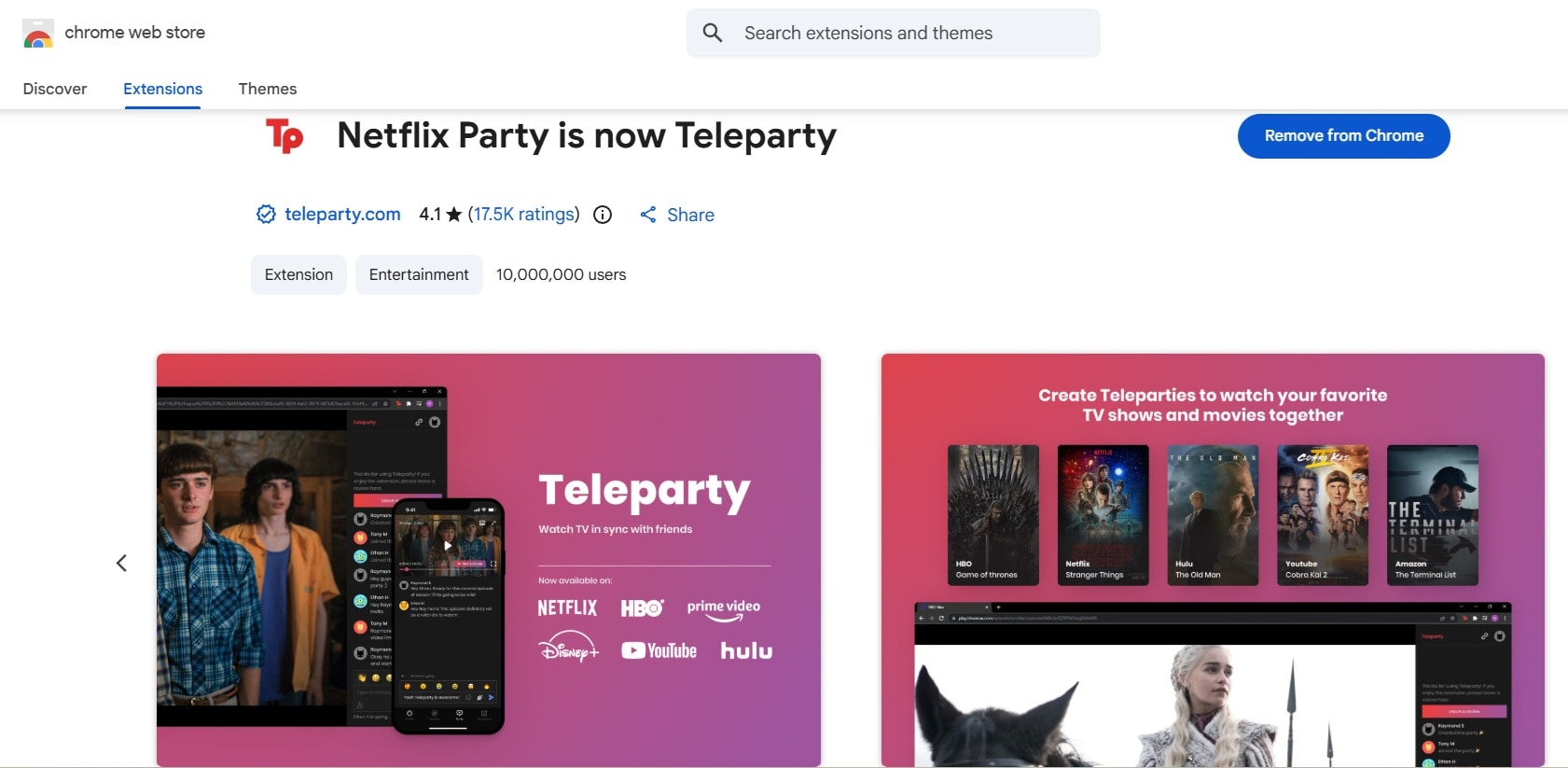
If you want a Chrome extension for Netflix that makes watching with friends easier, Teleparty is the first one we'd recommend. It syncs video playback perfectly across every participant's screen so no one gets hit with storyline spoilers over chat. Plus, you get a tidy side-chat box running right next to your movie where you can send text, GIFs, and emojis without messing up the screen display.
- Real-time video playback synchronization across all devices.
- Side-chat window with user avatars, emojis, and message history.
- Shared host controls so designated users can pause, play, or jump timestamps.
- Custom nicknames, icons, and name colors so it's clear who's saying what.
- Works for free across eight platforms, including Netflix, YouTube, Disney+, Max, Hulu, Amazon Prime Video, Pluto TV, Tubi, and Spotify.
Google Chrome, Microsoft Edge, Mozilla Firefox, Opera, and Brave.
Free for basic use; offers a Premium subscription starting at $6.59/month for video calls and voice chat.
- Long-distance couples.
- Friends watching together.
- Families living in different places.
- Online communities.
- Group movie nights.
- Everyone joining needs their own active streaming account and the browser extension installed.
- It's a desktop browser extension, so it won't run inside the Netflix mobile or TV app (Teleparty does offer a separate mobile app for some of this).
- Playback sync can stutter a little if someone in the group has a slow connection.
2. Language Reactor (Best for Language Learners)
Language Reactor Chrome extension for Netflix is for those who are trying to pick up a foreign language while streaming foreign films. It will turn your usual binge session into an actual study session by layering dual-language subtitles and a click-to-translate dictionary right over the show you're already watching. You can hover over any word to pause the video and see an instant dictionary definition, native pronunciation, and usage examples.
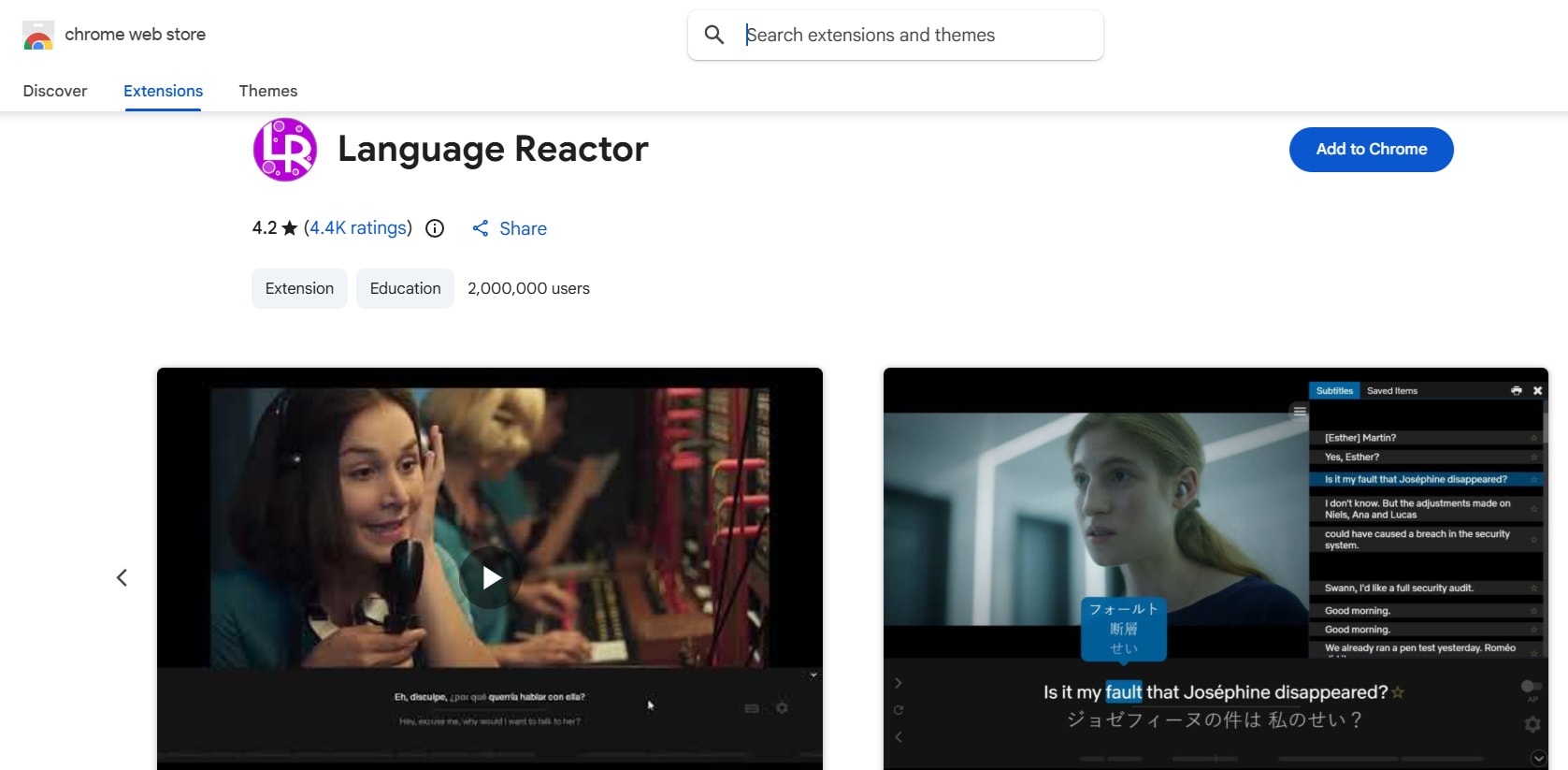
- Dual-language subtitle display on active playback screens.
- Click-to-translate pop-up dictionary with definitions, pronunciation, and example sentences for any word.
- Smart keyboard shortcuts to instantly repeat dialogue lines or jump sentence by sentence.
- A saved vocabulary list plus PhrasePump.
- Speech speed controls to slow down rapid dialog for easier listening.
Google Chrome and Microsoft Edge.
Free for basic use; offers a Pro mode starting at $5.95 per month.
- English learners.
- Students.
- People studying Japanese, Korean, Spanish, and other languages.
- Polyglots analyzing native film dialogue.
- The interface can feel a bit crowded on smaller laptop screens when all text displays are active.
- The experience depends on the subtitle tracks available for the title you're watching.
- The free plan caps how much machine-translated content you can watch per day.
3. Troywell VPN (Best for Global Content Access)
Another reliable pick, and probably the best VPN extension for Netflix if regional restrictions are your main headache, is Troywell VPN. It's a free browser extension that routes your Chrome traffic through one of its servers. So, it changes the IP address Netflix sees and, in turn, changes which country's catalog shows up for you.
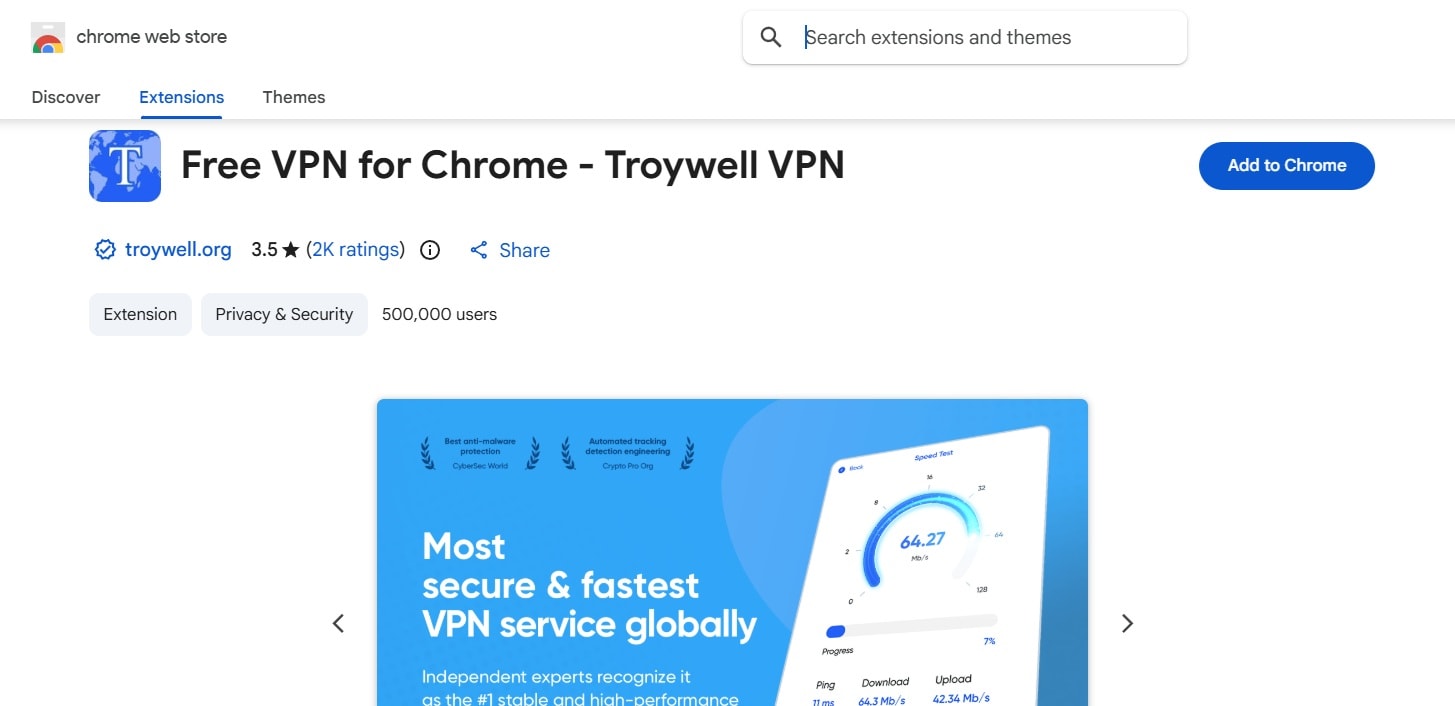
- One-click location toggling right inside the browser toolbar.
- Simple server selector showing latency and location status.
- Encrypted proxy tunnel for safer connections on public Wi-Fi networks.
- An automatic disconnect timer you can set to 3, 6, 9, or 12 hours.
- A built-in speed test so you can check your connection before you start streaming.
Google Chrome, Microsoft Edge, and Chromium-based browsers.
Totally free.
- People who want a VPN inside Chrome.
- Travelers using unfamiliar networks.
- Users looking for browser-level IP masking.
- People dealing with location-based web restrictions.
- Free proxy servers can sometimes experience speed drops during peak streaming hours.
- Netflix actively works to detect and block VPN traffic, so access to a specific region's catalog isn't guaranteed to work every time.
- It handles identifiable information, location, web history, user activity, and website content.
4. Never Ending Netflix (Best for Hands-Free Binging)
For users who hate constantly grabbing the mouse every time a show finishes, an essential Chrome extension for Netflix to look at is Never Ending Netflix. It can automatically skip intros, start the next episode, dismiss the "Are you still watching?" prompt, and even disable autoplay on the Netflix home page. With it, binge-watching your favorite shows would be more comfortable.
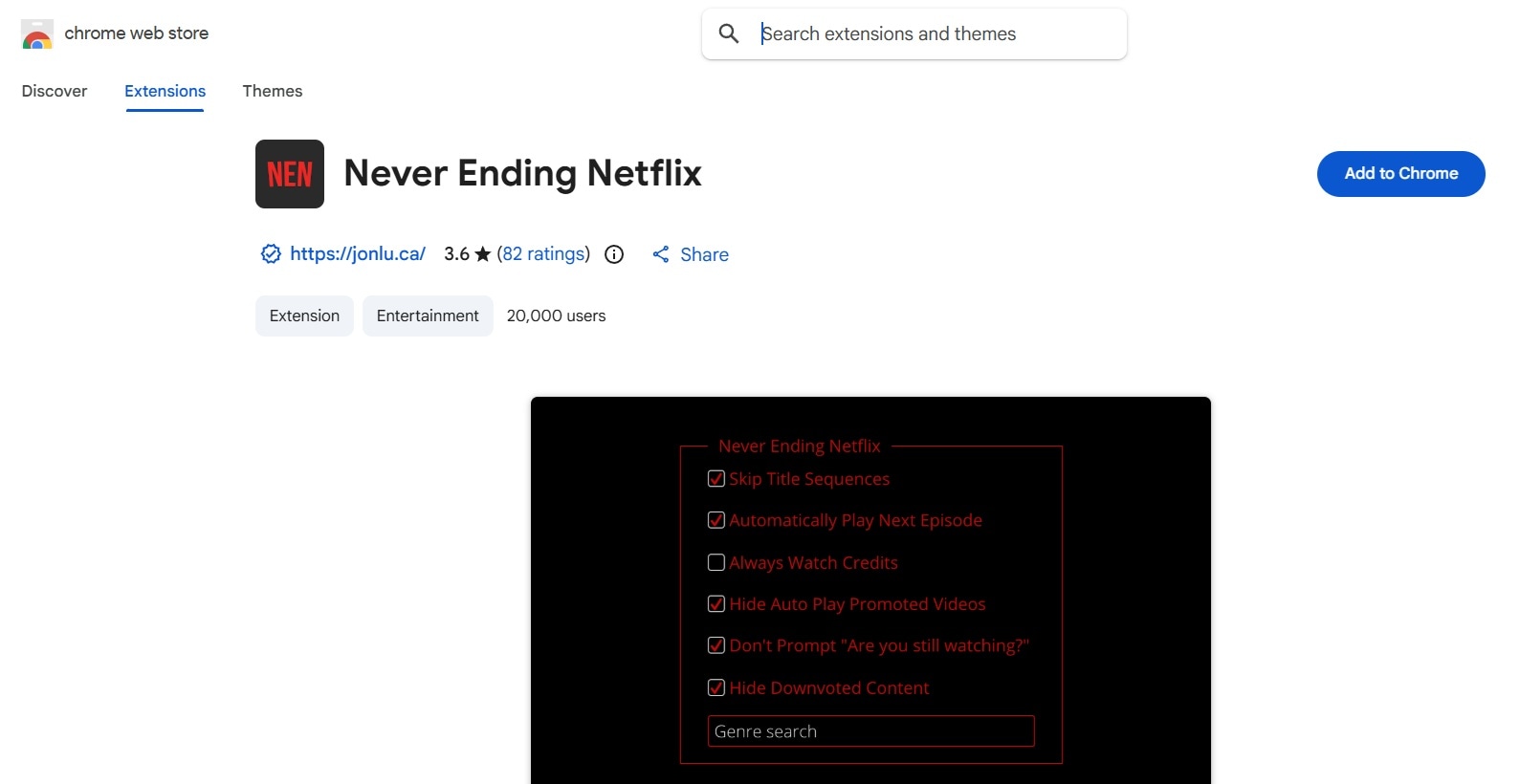
- Auto-skips show intro sequences, recaps, and ending credits.
- Bypasses the "Are you still watching?" inactivity screen automatically.
- Custom hotkeys for precise timeline navigation and speed tweaks.
- Option to hide spoiler-heavy episode thumbnails and titles while browsing.
- Lets you search and browse over 3,000 hidden Netflix genres straight from the extension's options page.
Google Chrome.
Totally free.
- Background watchers.
- Multi-season binge lovers.
- People who dislike repetitive Netflix prompts.
- Hasn't received an update since 2022, so certain features can break if Netflix changes its site layout.
- Available on Chrome only.
- Built and maintained by a solo developer, so support and bug fixes aren't guaranteed to be fast.
5. Netflix Picture in Picture (Best for Multitasking)
As its name suggests, this is the best picture-in-picture Chrome extension for Netflix. The extension turns the video into a floating, always-on-top window that you can move around your screen while using other tabs or applications.
Technically, Netflix actually provides this feature, so you might be wondering why you even need this Netflix picture-in-picture extension. But the feature is only available on Android, iOS, and iPad, so if you are using Netflix in a browser, this is a must-have.
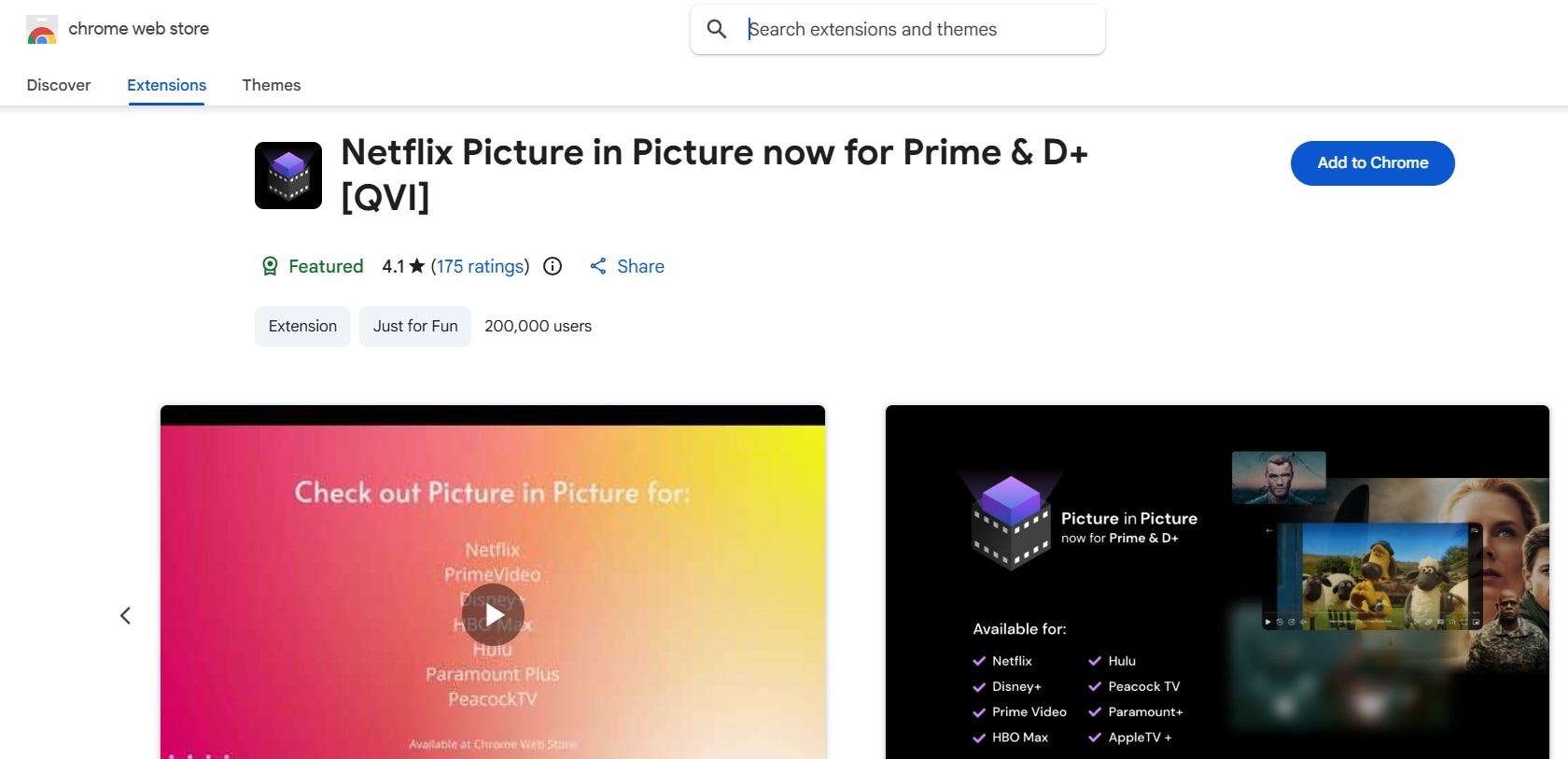
- Floating video window that stays pinned over all open desktop apps.
- Resizable and draggable player frame with smooth corner snapping.
- Clean playback controls overlay inside the popped-out video frame.
- Zero performance lag when switching active working tabs.
- Works across several other streaming platforms too, including Disney+, HBO Max, Peacock, and Paramount+.
Google Chrome.
Totally free.
- Students watching while taking notes.
- Remote workers.
- People who like background viewing.
- Multitaskers.
- Anyone with a large desktop monitor.
- Subtitle rendering can occasionally look tiny inside smaller floating windows.
- Built by a small independent developer, so updates aren't frequent.
- Can temporarily stop working correctly if Netflix changes how its video player is structured, until the extension catches up.
Part 3. From Watching Netflix to Creating Content: Wondershare Filmora
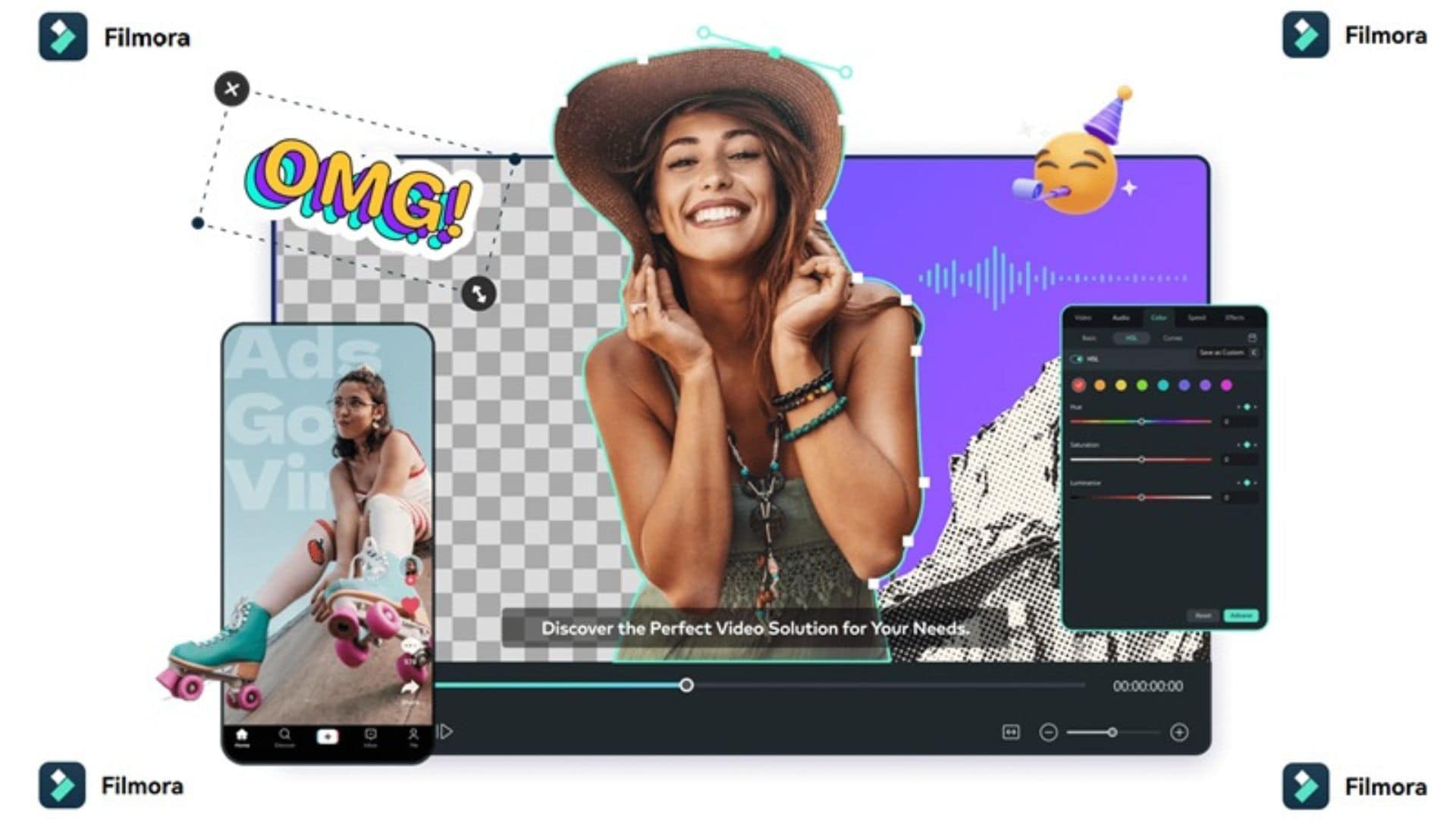
So you've got your extensions for Netflix sorted, your watch parties are synced, your intros are skipped, and your feed is finally multitasking-friendly. But what happens after the credits roll and you actually want to talk about what you just watched? Let's say you want to make reaction videos, movie reviews, or language lessons for social media, you need a dedicated video editor. And there's no better option than Wondershare Filmora!
 Secure Download
As an all-in-one video editing platform, Filmora gives you professional-grade editing power packed into an intuitive, drag-and-drop interface. It's approachable for beginners but still packed with the tools creators actually reach for, from AI-powered editing shortcuts to a massive effects library.
How Filmora Fits Your Favorite Extension Features
What's genuinely fun about Filmora is how naturally each extension for Netflix we discussed above can inspire a different type of video, and Filmora gives you tools to shape that idea into your own content.
Love Teleparty? Create Reaction Videos With Filmora

If Teleparty is how you host your watch parties, Filmora is how you turn them into content. Its built-in screen recorder can capture your webcam and your desktop stream at the same time, so you can record your live commentary and reactions and stitch them together into a proper reaction video afterward.
Use a Language Reactor? Create Language-Learning Videos
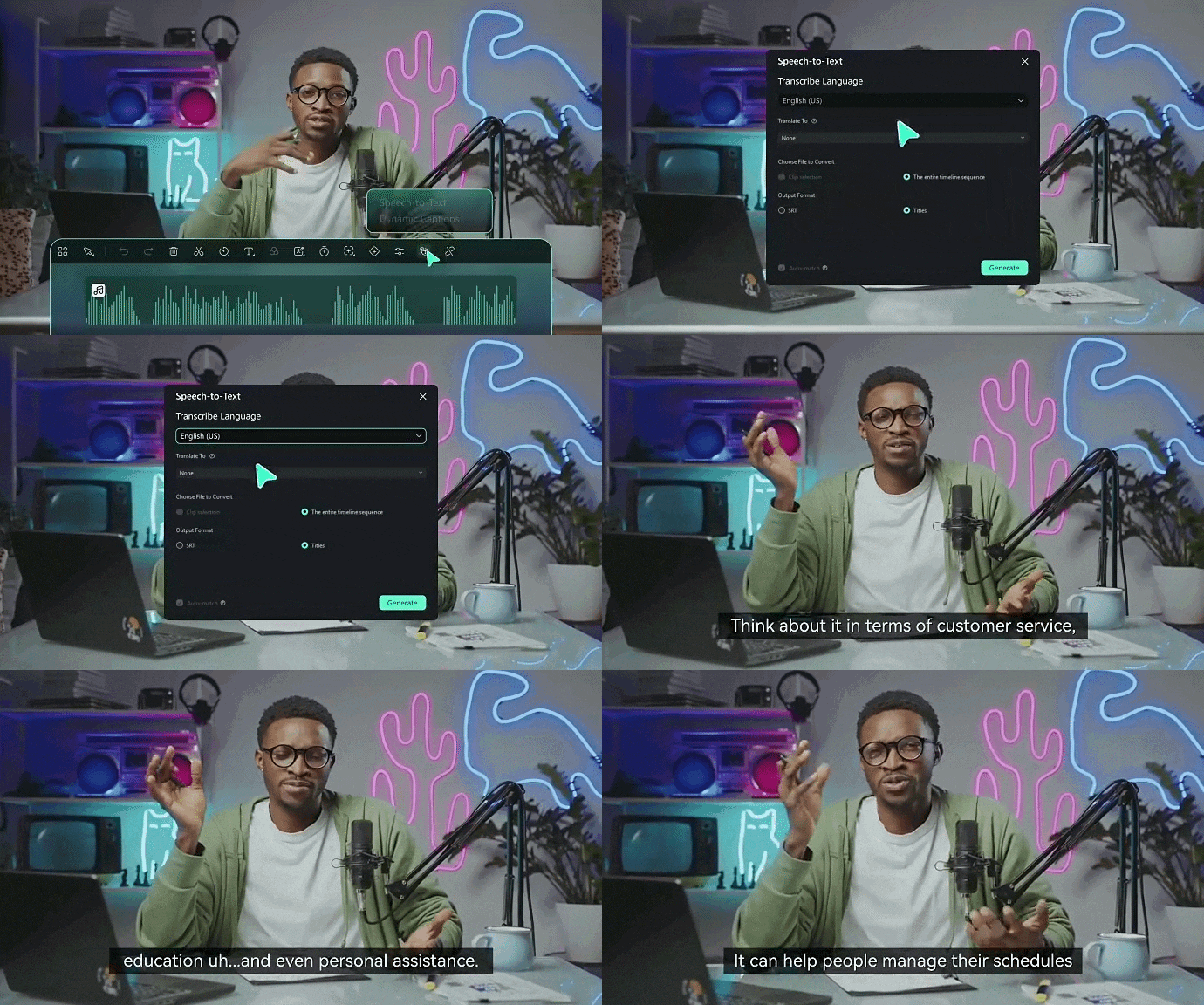
Filmora can be useful for turning your own language-learning experience into content. Its transcription, translation, and subtitle tools make it much easier to produce multilingual videos that walk viewers through what you're learning. For example, you could make a short video explaining five English phrases you learned from a show, or create a language lesson with your own narration and examples.
Like Picture-in-Picture? Build Your Own PiP Videos
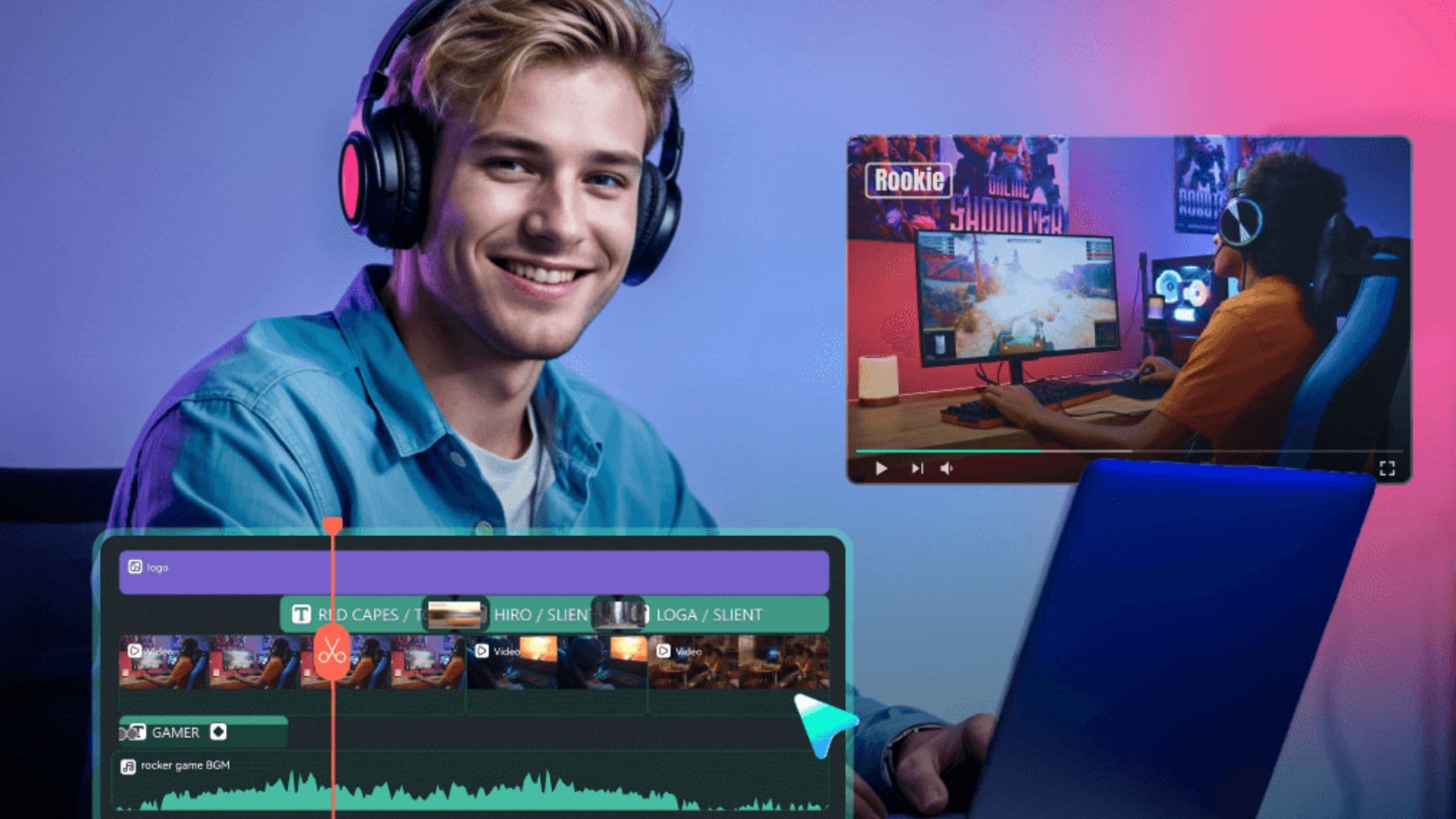
If you're a fan of watching in picture-in-picture mode, Filmora lets you recreate that same layered look in your own videos. Its timeline supports layered editing, so you can place one video clip over another, which works especially well for:
- Reaction videos
- Commentary
- Tutorials
- Gaming videos
- Product reviews
- Video essays
In practice, that means your camera footage can sit in a smaller window in the corner while the main video fills the rest of the frame, exactly like the picture-in-picture setup you already like watching in.
Use Never Ending Netflix? Make More Polished Reviews
If you watch as much Netflix as Never Ending Netflix users tend to, odds are you've got opinions worth sharing. Filmora can help you shape those opinions into:
- Movie reviews.
- TV show reviews.
- Ranking videos.
- Recommendation videos.
- Character breakdowns.
- Commentary videos.
- YouTube Shorts and other short-form content.
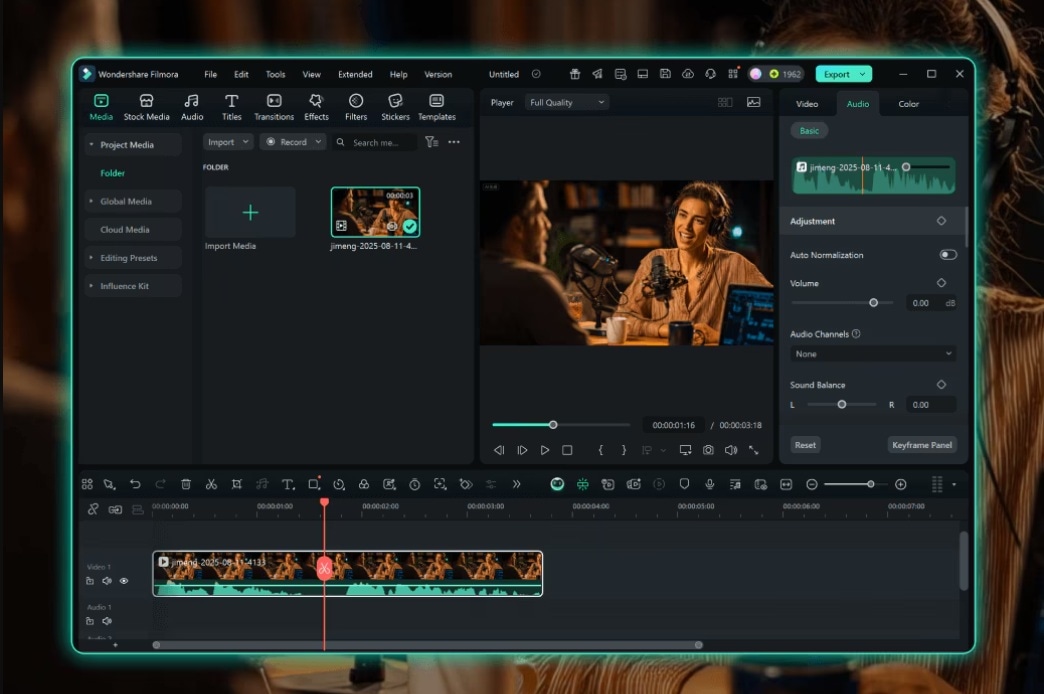
Once you have an idea for a Netflix-related video, you still need to decide what to make, where to post it, and how to shape it for different social platforms. Filmora's AI Social Content Planner can help with the planning stage by generating content ideas and helping creators organize social content around their goals.

Conclusion
At the end of the day, Netflix already does a lot right, but the way you watch it doesn't have to stop at what's built in. Fortunately, there's a genuinely good extension for Netflix out there for however you like to watch, from Teleparty to Language Reactor.
And if watching inspires you to create, whether that's a reaction video, a review, or a language-learning clip, Wondershare Filmora is right there to help you realize it. You can record your own reactions, add captions and translations, build PiP layouts, polish reviews, and plan social content without jumping between several separate tools.

