

 TL;DR:
You can legally stream free movies and TV shows without a Netflix subscription by using ad-supported alternatives like Tubi and Pluto TV, or by accessing ad-free platforms like Kanopy and Hoopla with library credentials.
● Kanopy and Hoopla offer completely ad-free streaming but strictly require a participating public library card or university login, with Hoopla limiting users to 4 to 15 borrows per month that expire after 72 hours.
● Mainstream ad-supported platforms like Tubi and Pluto TV enforce technical and regional restrictions, such as Tubi capping video resolution at 720p HD and both limiting access primarily to North America and select international markets.
● Match the service to your preferred content by choosing Rakuten Viki for Asian dramas, Plex for anime and sharing personal media servers, or the globally available Internet Archive for independent cinema and older classics.
Ask AI for a summary
 ChatGPT
 Perplexity
 Gemini
 Claude
 Grok
Grok
Netflix is one of the biggest names in streaming. According to its latest report, the platform reached 325 million paid memberships worldwide in 2025. It offers movies, TV shows, documentaries, and plenty of original content. The catch is that you need a paid subscription to access its library.
So, what can you do if you want to watch movies for free? We've rounded up the best free alternatives for Netflix, giving you more ways to enjoy movies and other content without paying for a subscription.
What We Looked for in a Free Netflix Alternative
A quick search for free apps like Netflix will bring up a long list of streaming platforms. But not every site you find is necessarily legit. So, instead of picking platforms at random, we looked for a free app similar to Netflix based on a few important factors:
- Content Variety: Netflix offers a wide range of content beyond movies. We looked for free alternatives to Netflix that also offer TV shows, documentaries, anime, or original content.
- Movie Selection: How large and varied is its movie library, and does it include popular or well-known titles?
- Ads and Interruptions: Ads are common on free streaming platforms. We looked at how often they appear and whether they get in the way of watching.
- Availability: We looked at where each free app like Netflix is available and whether you can watch its content across different devices.
- Streaming Quality: What video quality does it support, and does the platform offer reliable streaming?
- Extra Features: We also considered features that can make watching more convenient, including subtitles, multiple languages, watchlists, parental controls, and offline viewing.
Part 1. Free Alternatives to Netflix: A Quick Comparison
There are plenty of apps that are like Netflix but free, and each one offers something different. Before we get into the details, here's a quick look at what you can expect from each platform.
| Tool | Platform | Content Library | Availability | Ads |
| Internet Archive | Online | Movies, documentaries, archival videos | Global | None |
| Filmzie | Online, iOS, Android | Movies, TV shows, documentaries | Global | Light |
| Rakuten Viki | Online | Asian movies, dramas, TV shows | Global | Heavy |
| Plex | Online, iOS, Android, TV, Consoles, Home Accessories | Movies, TV shows, live TV | Global | Light |
| Kanopy | Online, iOS, Android, and TV | Movies, documentaries, educational videos | Selected countries | None |
| Hoopla | Online, iOS, Android, and TV | Movies, TV shows, audiobooks, eBooks, music | Selected countries | None |
| Tubi | Online, iOS, Android, Windows, TV, Consoles, Home Accessories | Movies, TV shows, live TV | US, Canada, UK, Mexico, Australia | Moderate |
| Pluto TV | Online, iOS, Android, Windows, TV, Consoles, Home Accessories | Live TV, movies, TV shows | Selected countries | Heavy |
| The Roku Channel | Online, iOS, Android, TV | Movies, TV shows, live TV | US, Canada, UK, Mexico | Heavy |
|
Show More
Show Less
|
||||
Part 2. Top Alternatives of Netflix for Free Streaming (Full Review)
We've covered the basics, but there's more to consider than what you see in the table. Now, let's take a closer look at each one to see what makes them different. Even platforms that seem similar to Netflix but are free can offer a very different viewing experience.
1. Internet Archive
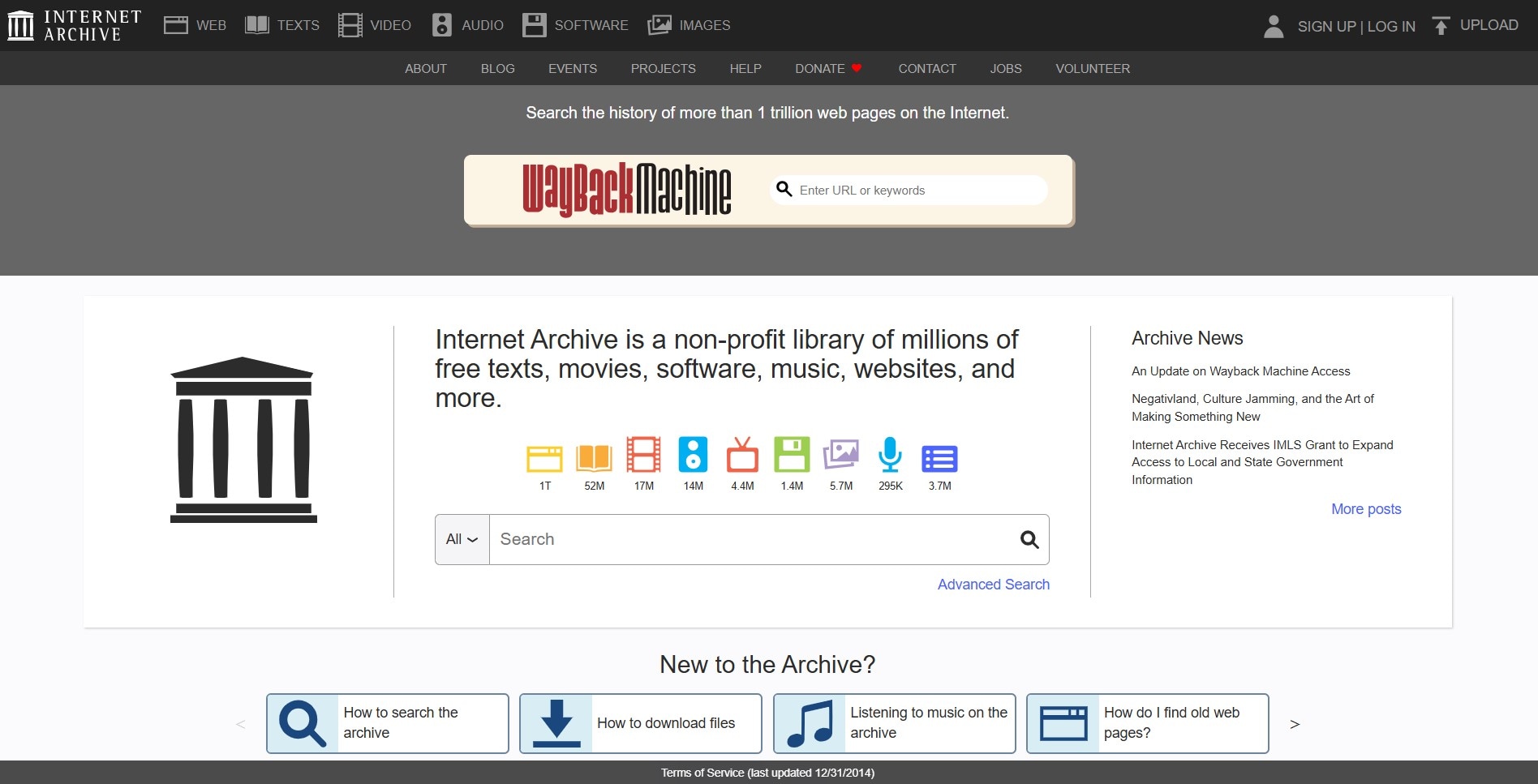
If you're looking for a free alternative of Netflix, Internet Archive is a little different from the usual streaming platforms. It works more like a digital library, bringing together content contributed by different people, organizations, and institutions. Among its collections, you'll find movies and other videos covering a variety of genres and subjects.
Global.
Online.
- The platform provides detailed guides if you need help finding your way around.
- You can find independent films, grindhouse movies, and older B-movies that are rarely available on mainstream platforms.
- The content is available long-term because it isn't limited by licensing agreements.
- The platform has limited options when it comes to recent mainstream movies and popular TV releases.
- You may come across videos with low resolution and poor audio.
- Some archived videos may have playback issues, missing episodes, or no English subtitles.
Free. You can watch without signing up.
No ads.
2. Filmzie
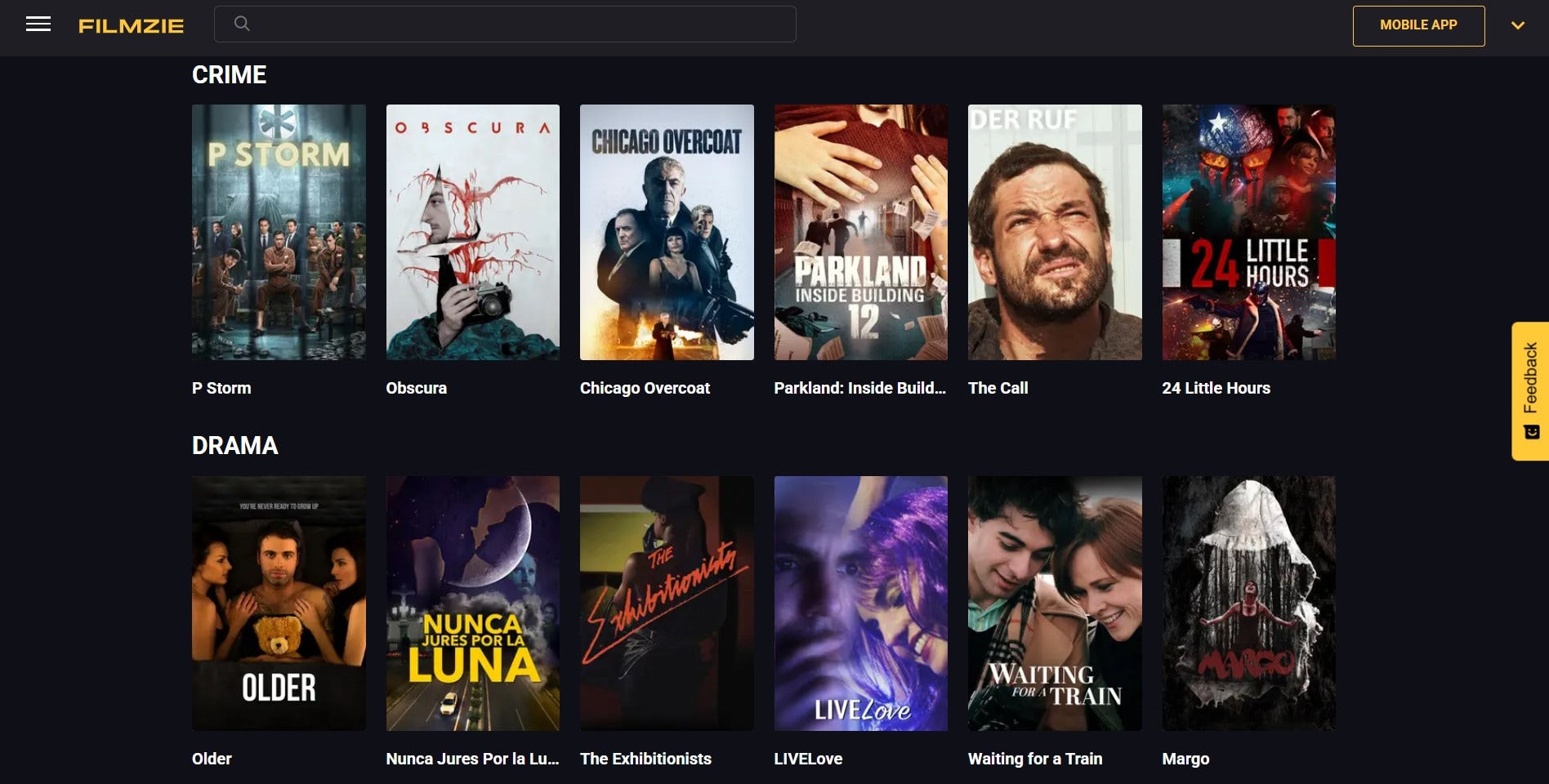
Filmzie is another free app similar to Netflix worth checking out. Its website has a clean and minimal layout, with movies displayed right on the homepage as soon as you open it. The categories are also clearly organized, making it easy to browse the library and pick something to watch.
Global.
Online, iOS, Android.
- The catalog covers a good mix of genres, giving you plenty of different types of movies and shows to explore.
- Filmzie's library focuses on independent cinema, including contemporary films and festival winners.
- The platform has a built-in community where you can rate and review movies, follow other users, and support independent filmmakers by watching their films.
- Most of the available movies are older, so the platform may not be the best fit if you want to keep up with recent releases.
- You can't manually select the video quality when watching a movie.
- Many of the movies don't come with subtitles, which can make some titles harder to follow.
Free. You don't need an account to access its free content.
Ads are present, but they're not intrusive.
3. Rakuten Viki
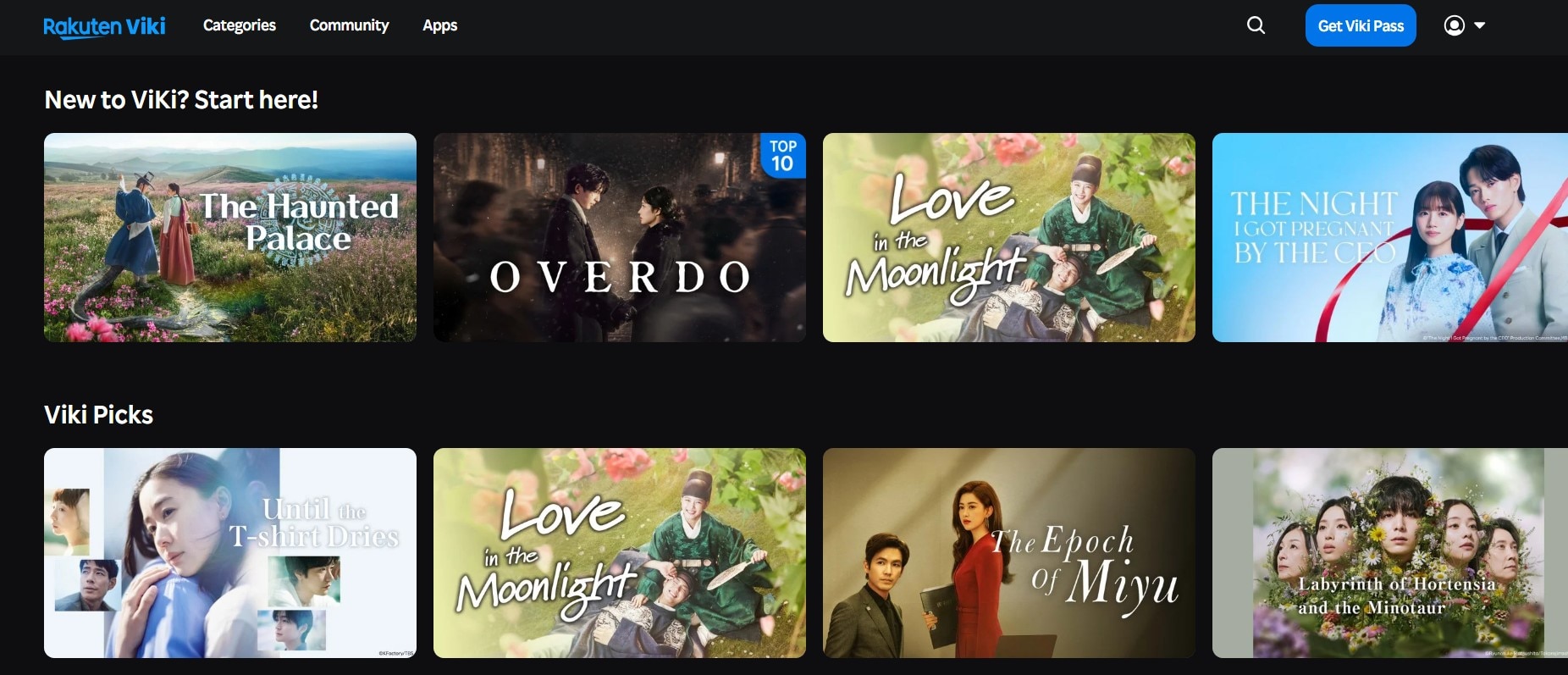
If you're into Asian dramas, Rakuten Viki is a free alternative to Netflix you should consider. The platform has a large selection of dramas from Korea, China, Taiwan, Japan, and other parts of Asia. There are also newer movies to explore, so you're not limited to older content.
Global.
Online, iOS, Android, TV.
- There are plenty of subtitle language options on Viki.
- Unlike some apps like Netflix but free, Viki lets you adjust the playback speed, so you can slow down or speed up a movie.
- Viki has built a community around its content, giving fans a place to discuss shows, share reviews, and contribute subtitles for other viewers.
- Some movies and dramas may be unavailable in certain countries.
- The entire catalog isn't available for free. Some titles are exclusive to Viki Pass.
- Getting support can be a slow process. Some users have reported waiting weeks to receive a response regarding account or technical issues.
Free with paid plans. A Viki account is required to watch videos.
Free content includes ads, which may appear before and during playback.
4. Plex
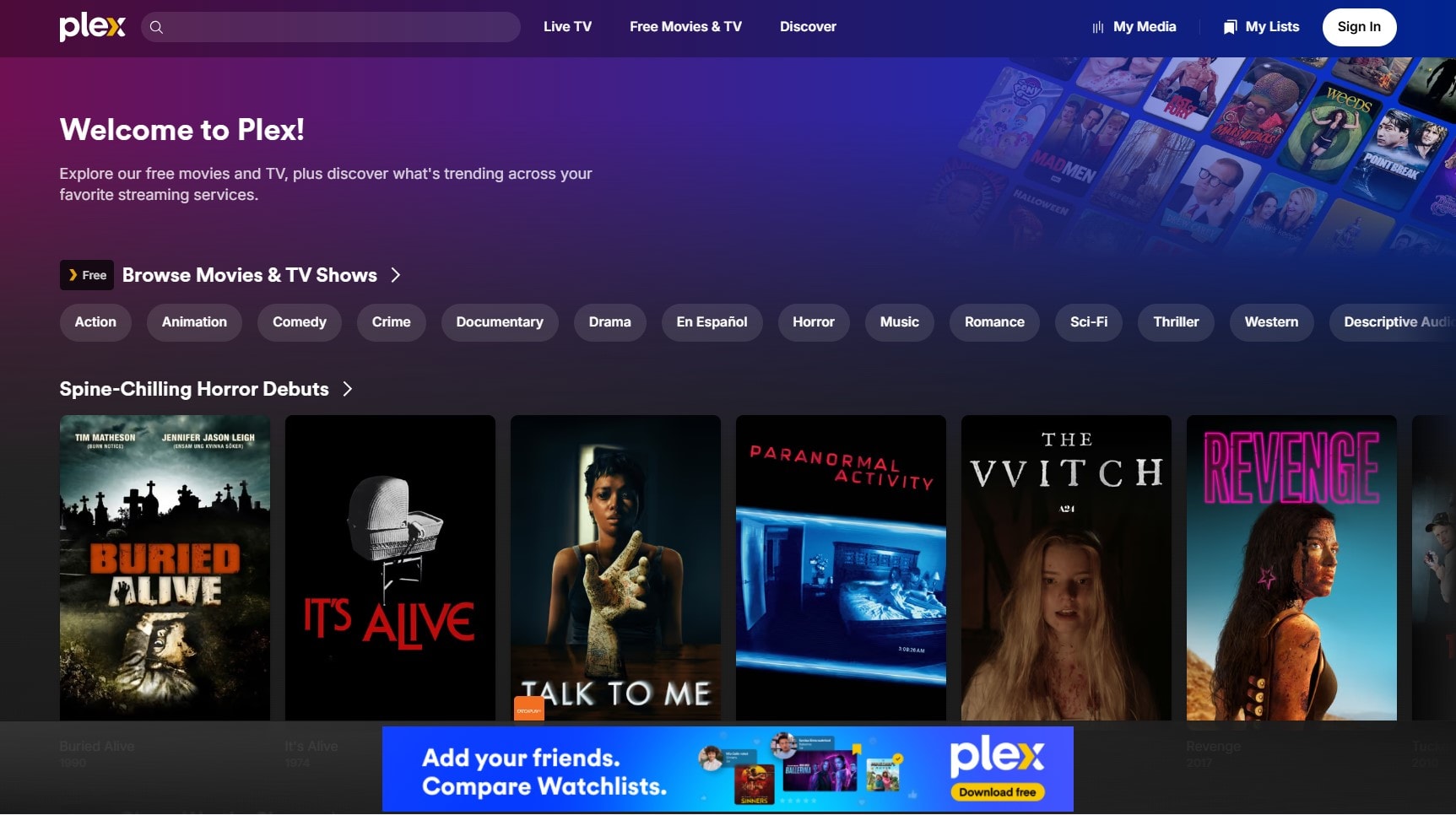
If you're looking for a free alternative to Netflix with a selection of newer movies, Plex is worth a look. The platform has a broad selection of movies and TV shows, including popular mainstream titles, anime, and some newer releases. You can also find detailed information for each title, including its cast, description, ratings, and reviews.
Global.
Online, iOS, Android, TV, consoles, and home accessories.
- You can add movies and TV shows to your Watchlist and watch later.
- The platform includes a selection of trailers for upcoming movies and shows.
- Share your personal Plex library with friends and family, giving them access to movies and shows stored on your own server.
- Some titles are restricted to certain countries.
- In the categories, titles are arranged from older releases to newer ones. If you're looking for recent movies, you may have to scroll quite a way down to find them.
- In some cases, the video won't play immediately, and you'll have to refresh or try again later.
Free. You can watch without signing up.
Light.
5. Kanopy
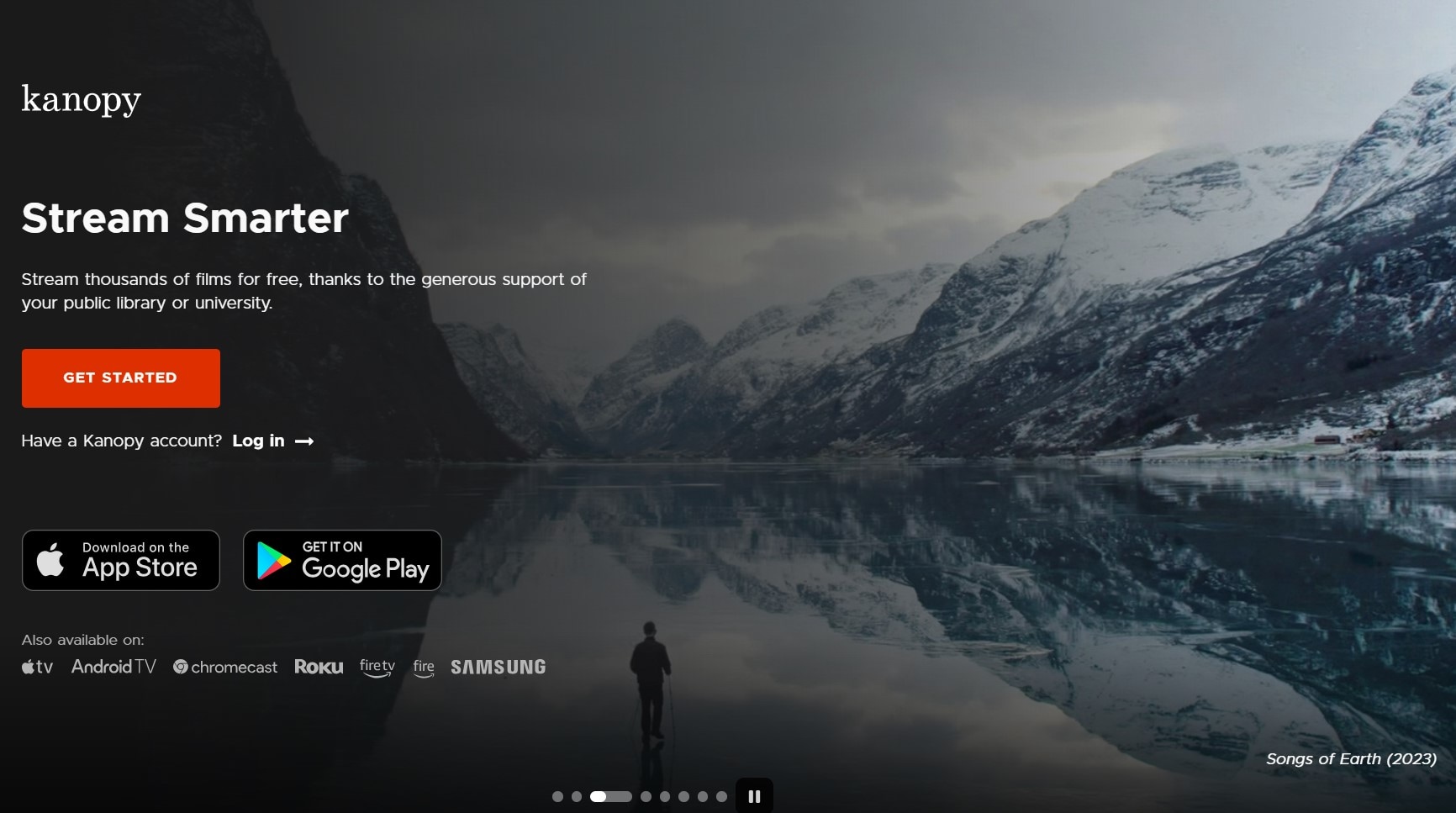
Kanopy offers a different kind of free alternative to Netflix. It focuses heavily on films that you might not always find on mainstream services. You can find Oscar-winning films, modern independent movies, and classic cinema from different periods. The platform also offers documentaries and educational content, giving you plenty to explore beyond regular movies.
Selected countries.
Online, iOS, Android, and TV.
- You can stream Kanopy's movies in high quality, so the movies look sharp and clear.
- Kanopy has a dedicated Kids section with educational, family-friendly content such as Sesame Street.
- You can create playlists, clip sections of videos, and embed those clips in presentations.
- Kanopy has a limited selection of recent films, major Hollywood releases, and hit TV series.
- Your library or university chooses which collections to license, so the available titles vary by institution.
- There's no option to pay for extra tickets or unlimited access. Your limits depend on your institution.
Free. You need to sign up with a participating public library card or university login.
No ads.
6. Hoopla
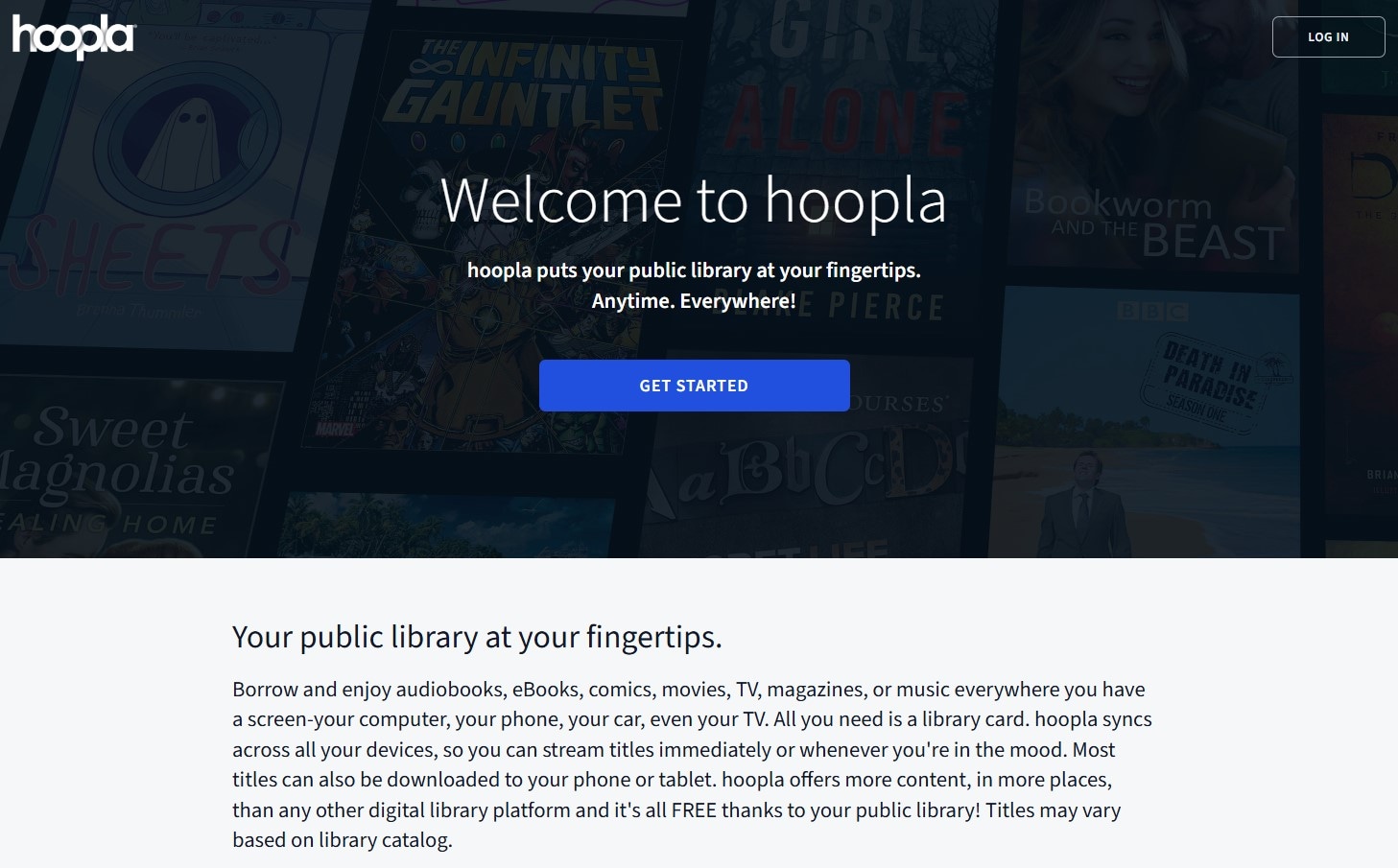
Another free app similar to Netflix is Hoopla. Its library includes Hollywood movies, family films, popular documentaries, and classic TV shows for different age groups. When browsing the library, you can also check information about each title, including its plot and cast.
United States, Canada, Australia, New Zealand, United Kingdom.
Online, iOS, Android, and TV.
- All titles on Hoopla are available for instant borrowing, so you don't have to wait for another user to return them.
- Hoopla offers a kids mode that helps parents limit what children can browse and watch.
- You can download movies and shows to watch offline later.
- Each borrowed title is available for only 72 hours.
- Hoopla limits the number of titles you can borrow each month, usually to around 4 to 15 depending on your library.
- Some titles may disappear without notice as Hoopla's licensing agreements with studios change.
Free. You need to sign up with a participating public library card or a university login.
No ads.
7. Tubi
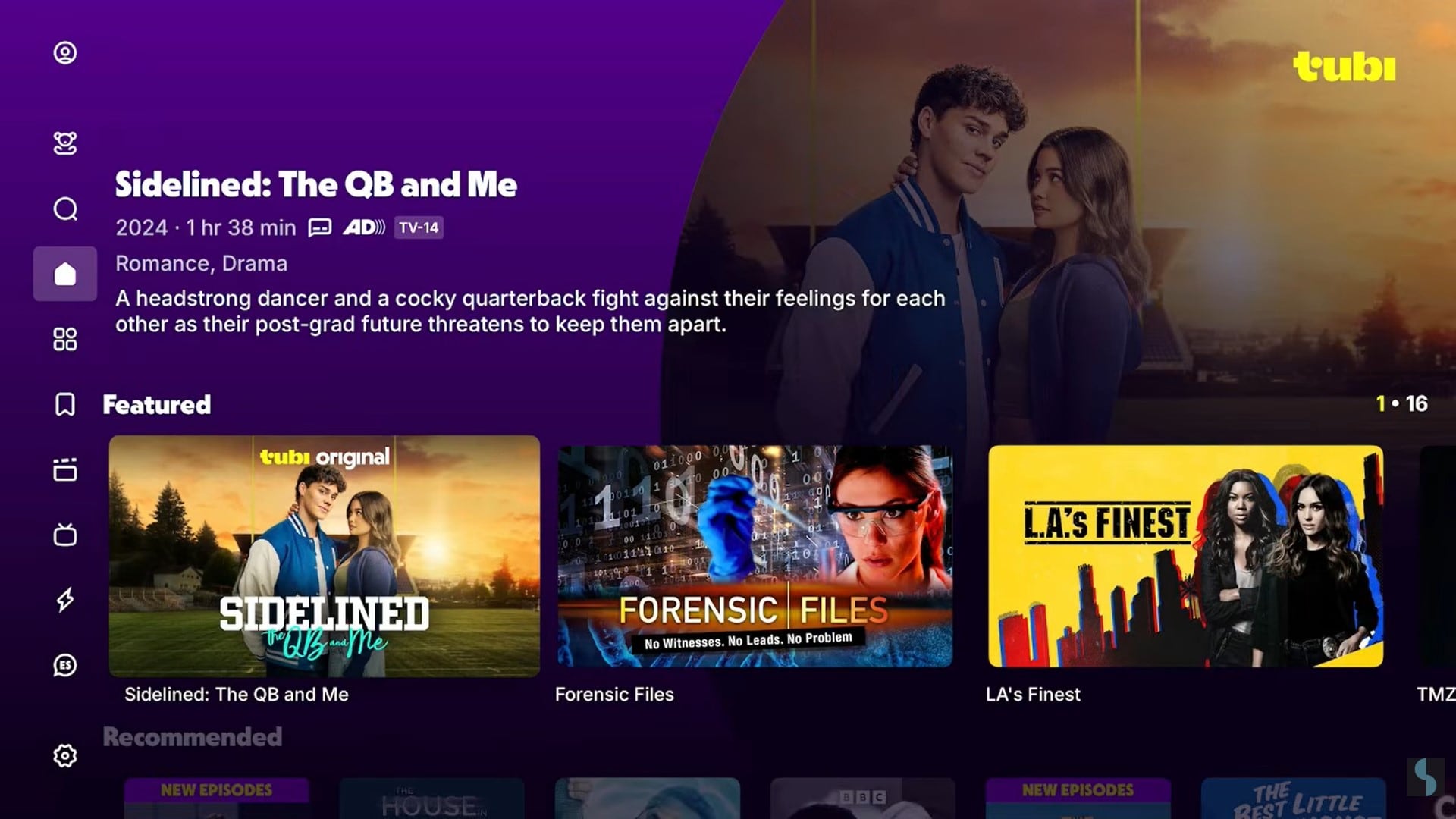
Next up is Tubi, a free app similar to Netflix that's widely known in the United States. Owned by Fox Corporation, it offers tens of thousands of movies and TV episodes from major studios like Paramount, Lionsgate, MGM, and Sony Pictures. There are plenty of titles to explore across different genres.
United States.
Online, iOS, Android, Windows, TV, Consoles, Home Accessories.
- Tubi has a clean interface with well-organized categories, making it easy to browse the library.
- The platform offers hundreds of free live TV channels covering news, sports, cartoons, and entertainment.
- Tubi has a growing selection of original productions, covering genres such as thrillers, true crime, and animation.
- You'll see short, unskippable ad breaks while watching, with no paid option to remove them.
- Some titles are only available for a limited time because of licensing agreements.
- The maximum streaming resolution is limited to 720p HD.
Free. You can watch without signing up.
Moderate.
8. Pluto TV
Pluto TV is another free alternative to Netflix from Paramount. The platform features content from major media brands including Paramount Pictures, CBS, MTV, Nickelodeon, Comedy Central, and Smithsonian Channel. You can also browse more than 250 live TV channels, with different genres and types of programming.
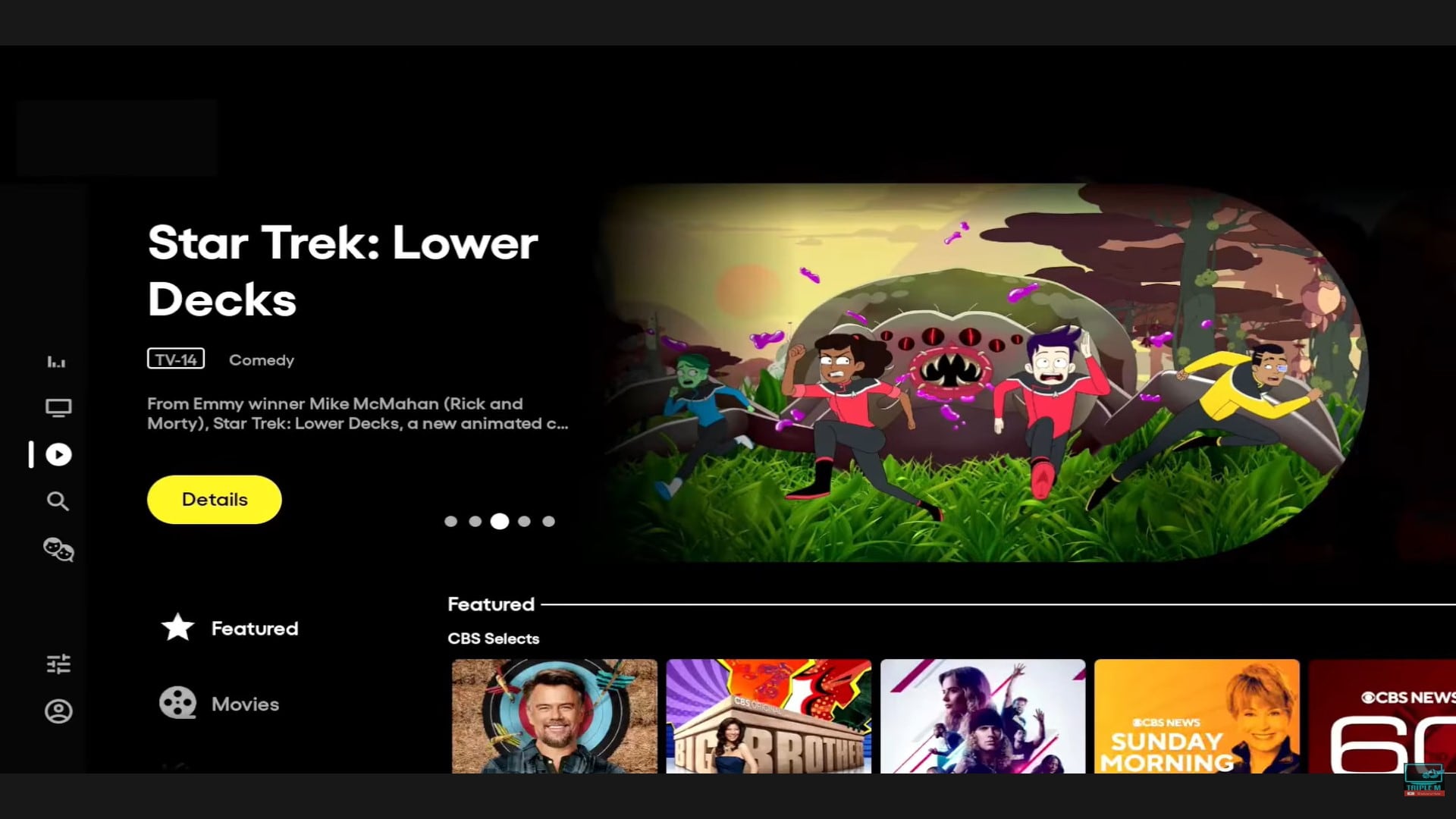
North America, Europe, and Latin America (30 countries).
Online, iOS, Android, Windows, TV, Consoles, Home Accessories.
- Around 22% of Pluto TV's content is exclusive to the platform.
- Pluto TV offers 24/7 channels dedicated to individual shows, such as Star Trek, Doctor Who, and SpongeBob SquarePants.
- With Window-in-Window, you can continue watching the current program while browsing Pluto TV without shrinking the video into a small corner.
- Browsing through the Pluto TV catalog sometimes feels heavy and slow to respond.
- If a movie is already playing when you open a live channel, you can't go back to the start and watch it from the beginning.
- There are occasional audio and video sync issues on Smart TV apps, particularly after ad breaks.
Free. You can watch without signing up.
Heavy.
9. The Roku Channel
The Roku Channel is another free alternative to Netflix with plenty of movies to browse. You'll find popular and newer films alongside classic and independent movies. When you spot something interesting, you can save it to your watchlist instead of having to search for it again later.
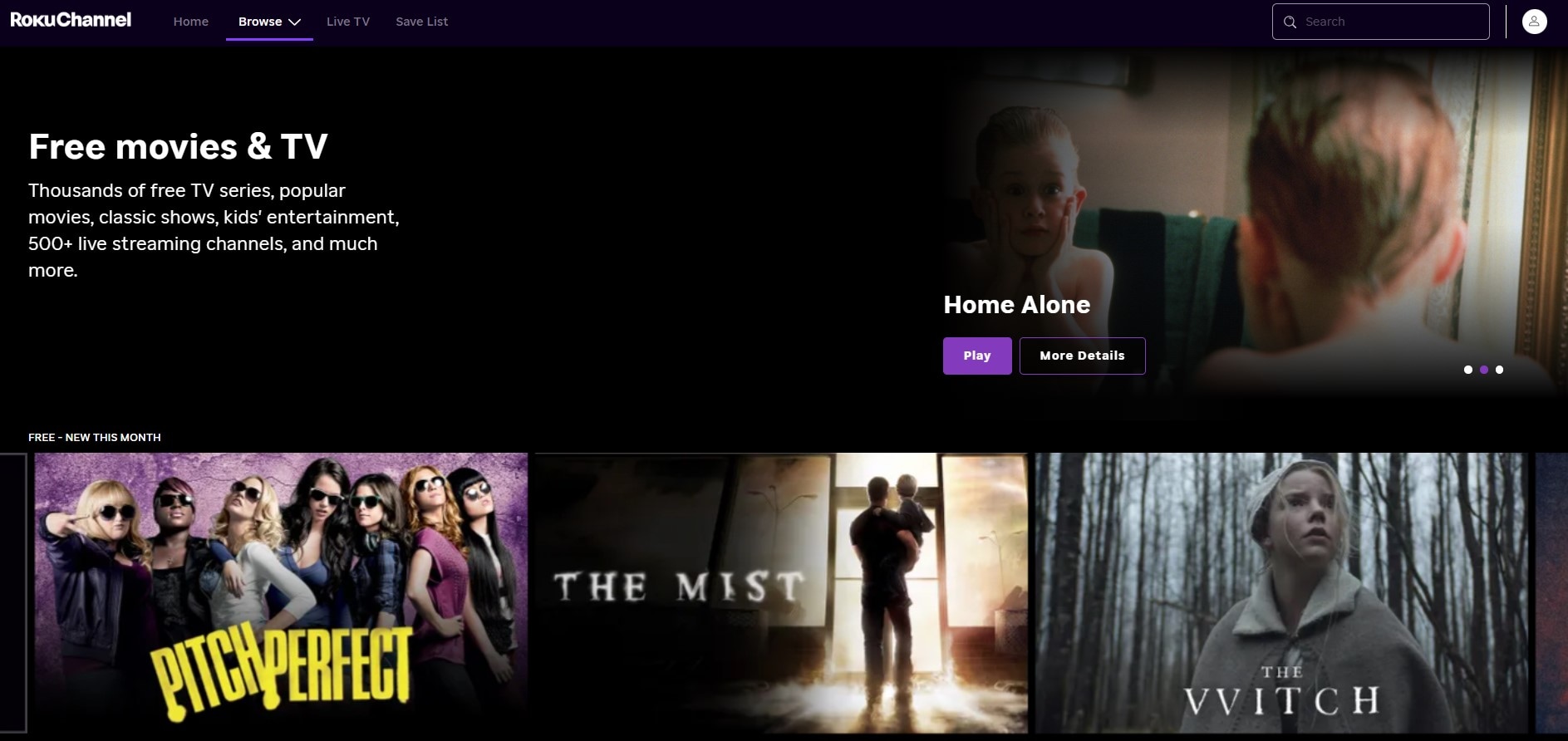
North America, Europe, Latin America, and Asia Pacific (18 countries).
Online, iOS, Android, TV.
- The platform continues to expand its library with original content and exclusive titles.
- Offers a dedicated area for kids with thousands of cartoons, educational titles, and family-friendly shows.
- You can watch nonstop HD music videos through channels organized by decade, from the '80s to the 2000s, and by genre.
- You can't download movies or shows from The Roku Channel for offline viewing.
- Some categories are not organized consistently, which can make browsing feel confusing.
- You'll see short ad breaks before and during movies, and there's no option to remove them.
Free with paid options available. Sign-up is required to watch.
Heavy.
Part 3. Like Netflix but Free: Which Platform Should You Choose?
We've covered what each free Netflix alternative has to offer. Now, the right choice comes down to what you actually want to watch. Here's a quick guide to help you find a platform that fits your preferences.
| If You Prefer... | Recommended Platform |
| Classic and older movies | Internet Archive, Filmzie, Kanopy |
| Asian dramas and movies | Rakuten Viki |
| Anime | Plex, Tubi |
| Kids and family content | Plex, Kanopy, Hoopla, Tubi, The Roku Channel |
| Documentaries and educational content | Internet Archive, Plex, Kanopy, Hoopla |
| Free original movies and shows | Tubi, The Roku Channel |
| Live TV | Plex, Tubi, Pluto TV |
|
Show More
Show Less
|
|
Bonus: Create and Edit Videos Like a Filmmaker on Netflix
The movies you discover through a free alternative for Netflix might even inspire you to create your own. Turning that inspiration into a finished movie, however, takes the right editing tools.
 Secure Download
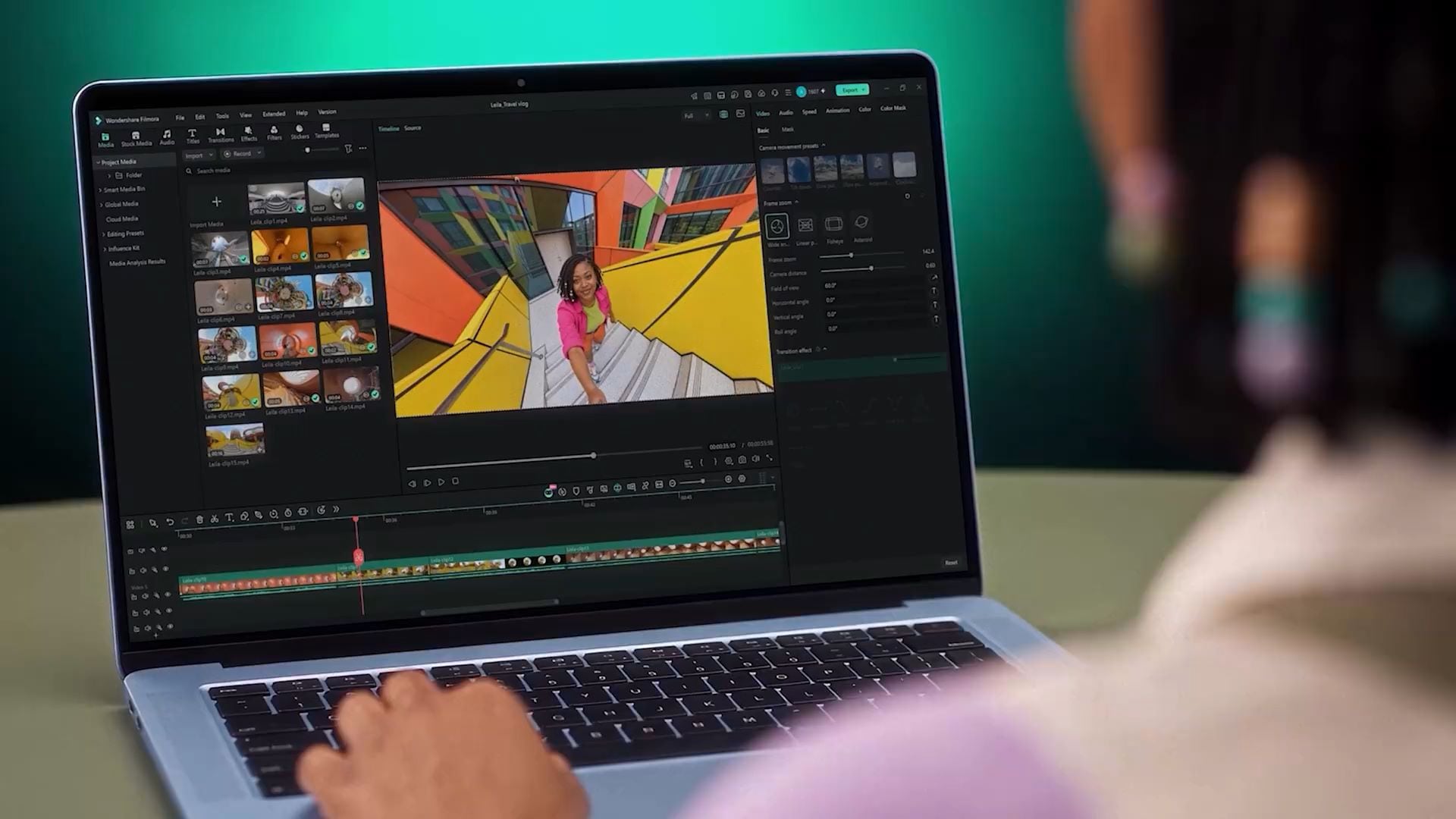
With Wondershare Filmora, you can take a video project from the first cut to the final edit in one place. You can use it to create anything from a short video to a full-length movie. The interface is straightforward enough to get started with, while more advanced features give you greater control over your project.
Now, let's see how you can create and edit your own videos in Filmora like a filmmaker.
1. A Practical Workspace for Video Editing
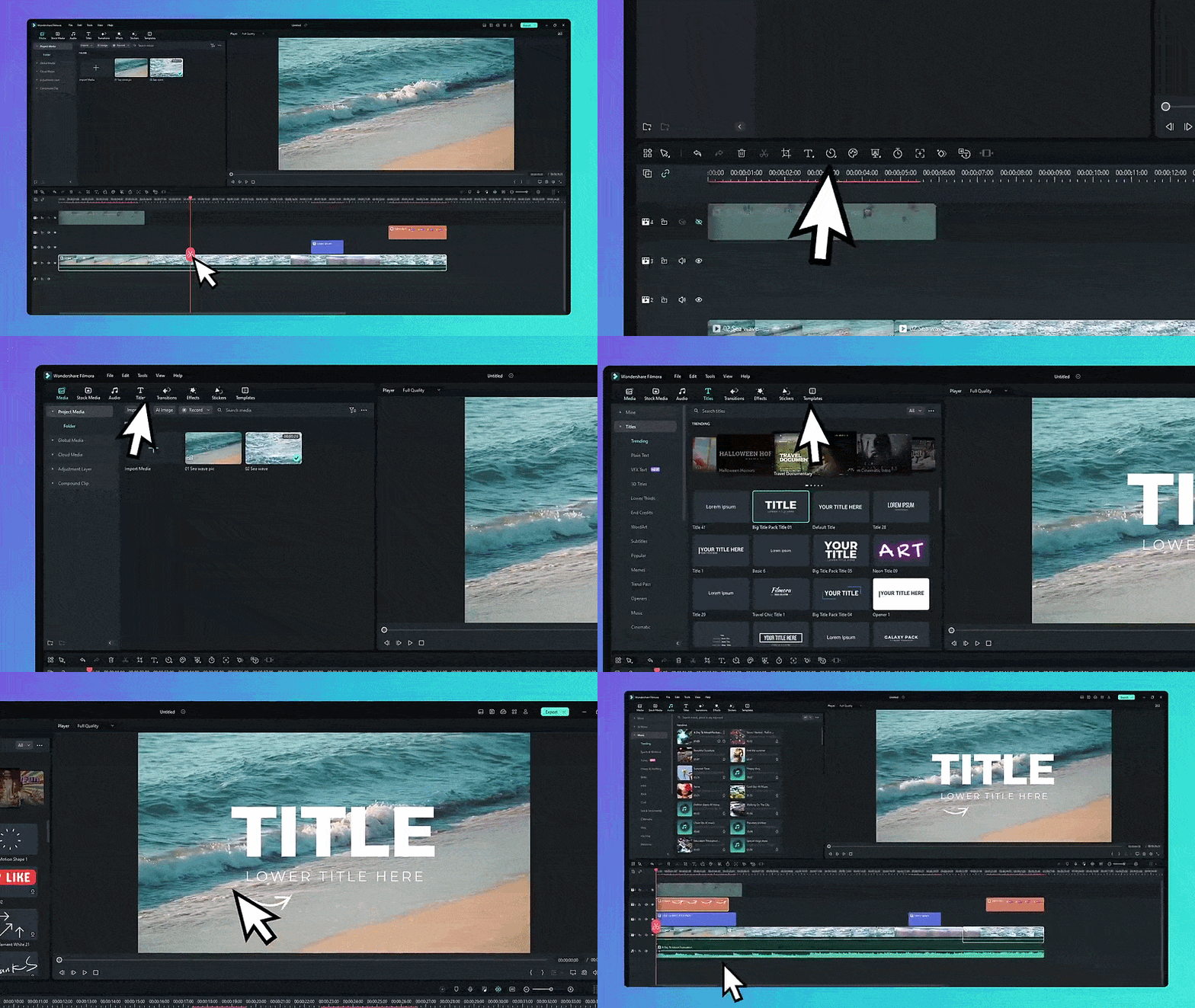
The Filmora editor is laid out so you can keep your footage, timeline, and editing controls in view while you work. Drop your clips onto the timeline, make your changes, and preview the result along the way.
2. A Large Library of Creative Resources

Filmora gives plenty of resources to work with. You can add filters, transitions, and stickers to your footage, then bring in stock B-roll when you need extra visuals. The library also includes music and sound effects that can help fill out the audio.
3. AI Features for Faster Editing
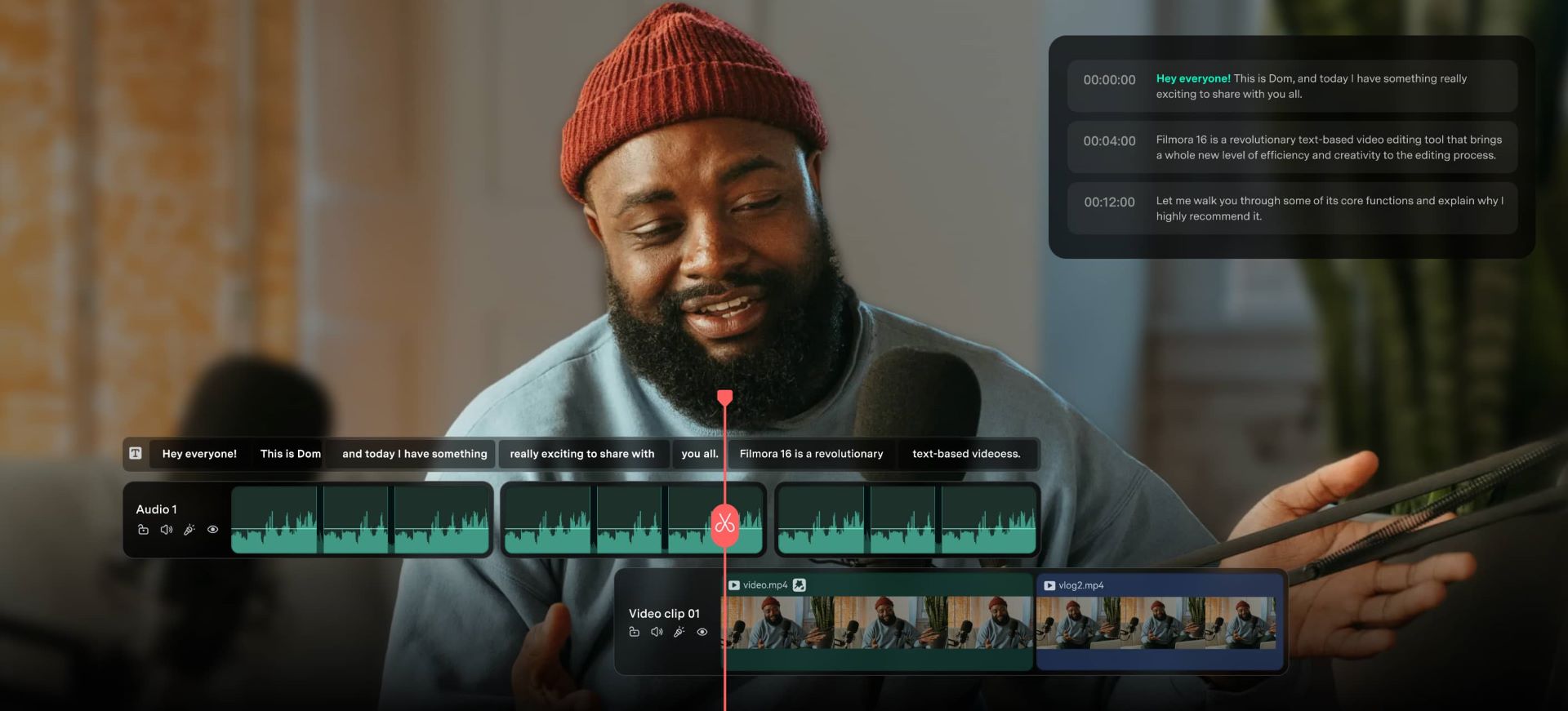
Filmora includes several AI tools to help edit your video. The AI Video Generator can create extra clips for your project, while Automatic Captions can create subtitles from your video. These are just a few of the AI tools available in Filmora.
4. Keep Editing Wherever You Work
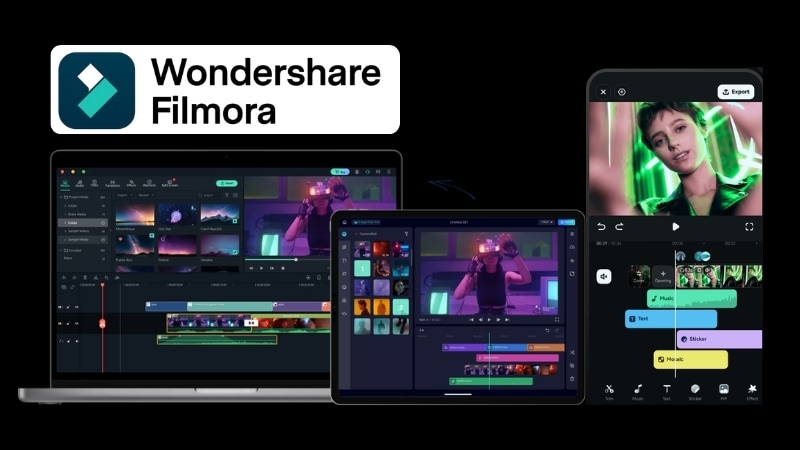
Filmora supports multiple platforms, including iOS, Android, Windows, and macOS. That makes it possible to move your editing setup between devices. Also, the project syncs so you don't have to start over.
5. A More Flexible Final Output
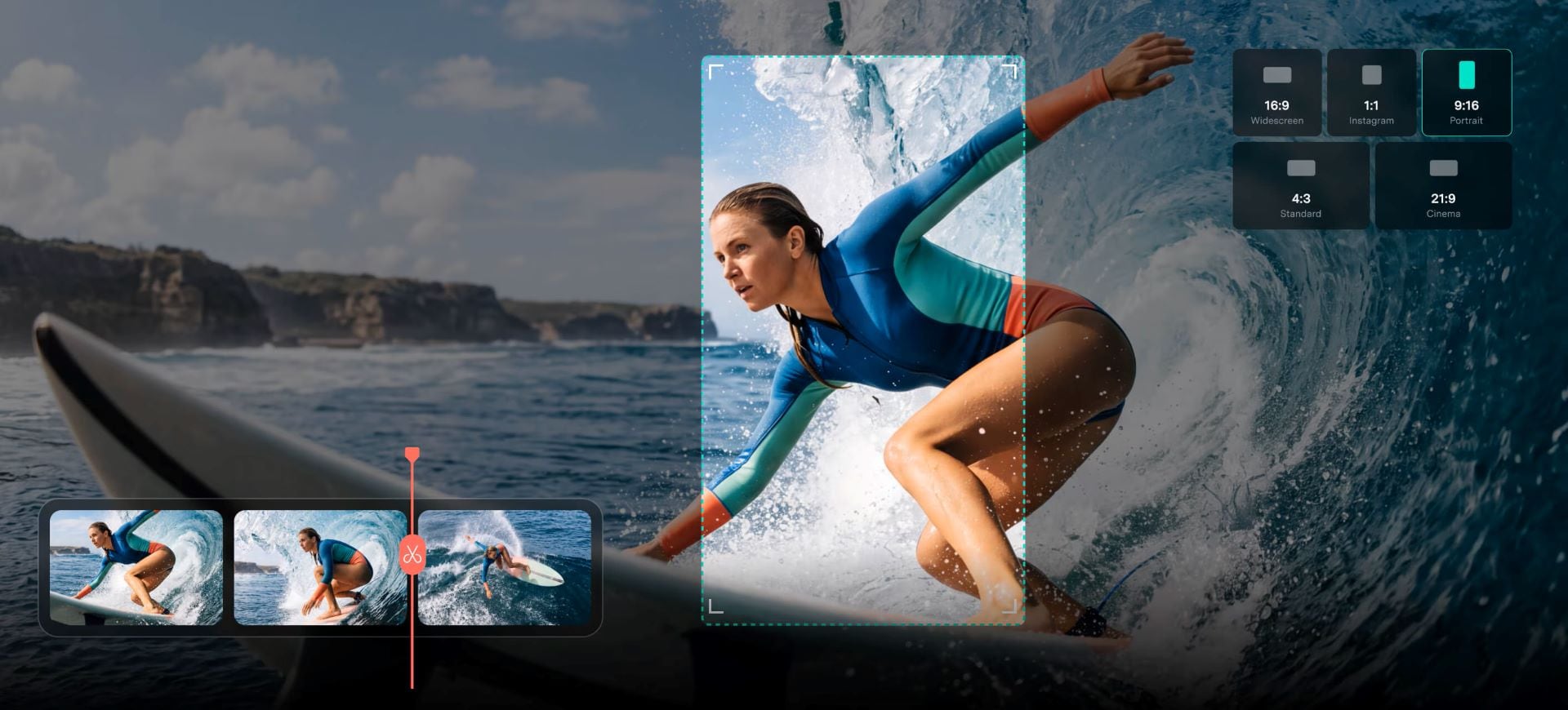
Filmora makes it easier to adapt your video for different platforms. Its Auto Reframe feature adjusts the framing when you switch from landscape to portrait. You can also export videos at up to 4K resolution.

Conclusion
Netflix may be one of the first platforms that comes to mind for streaming movies and TV shows, but its subscription cost can be a dealbreaker. That's why we've rounded up 9 of the best free Netflix alternatives to try. Their content varies from one platform to another, so you might find a few movies that catch you by surprise.
If you're also inspired to make your own movies, Wondershare Filmora is worth a try. You can arrange clips, trim footage, add effects, and use creative assets to shape the final video. Plus, it's suitable for both beginners and professionals.
Secure DownloadFAQ
-
1. Are all the free Netflix substitutes on this list legal?
Yes. The free Netflix substitutes on this list are legitimate platforms that offer free content through their own services and licensing arrangements. -
2. Can I find Netflix movies and shows on these free alternatives?
Not necessarily. You may find some of the same movies or shows, but don't expect to see the full Netflix catalog. -
3. Which free Netflix alternatives have fewer ads?
Internet Archive, Kanopy, and Hoopla are the alternatives for Netflix free of ads, though the content available on each platform can vary. -
4. Can I watch these free Netflix alternatives without a VPN?
Yes. You generally don’t need a VPN to use the free apps similar to Netflix on this list. Just keep in mind that some platforms and individual titles may not be available in every country.
