Explore Free AI Dessert Image Prompts
Browse AI dessert prompts for macarons, cakes, tarts, donuts, gelato, cookies, pastries, cafe scenes, product photos, and social covers. Use each idea to create assets for video templates, recipe reels, menus, thumbnails, and bakery campaigns.
Loading more AI dessert image prompts...
 Category:
 Duration:
 Aspect Ratio:
Why Use AI Dessert Prompts for Food Photography?
Dessert images depend on texture, color, lighting, plating, and scale. Strong prompts make sweets look appetizing, realistic, and ready for menus or social design.
Control Texture and Freshness
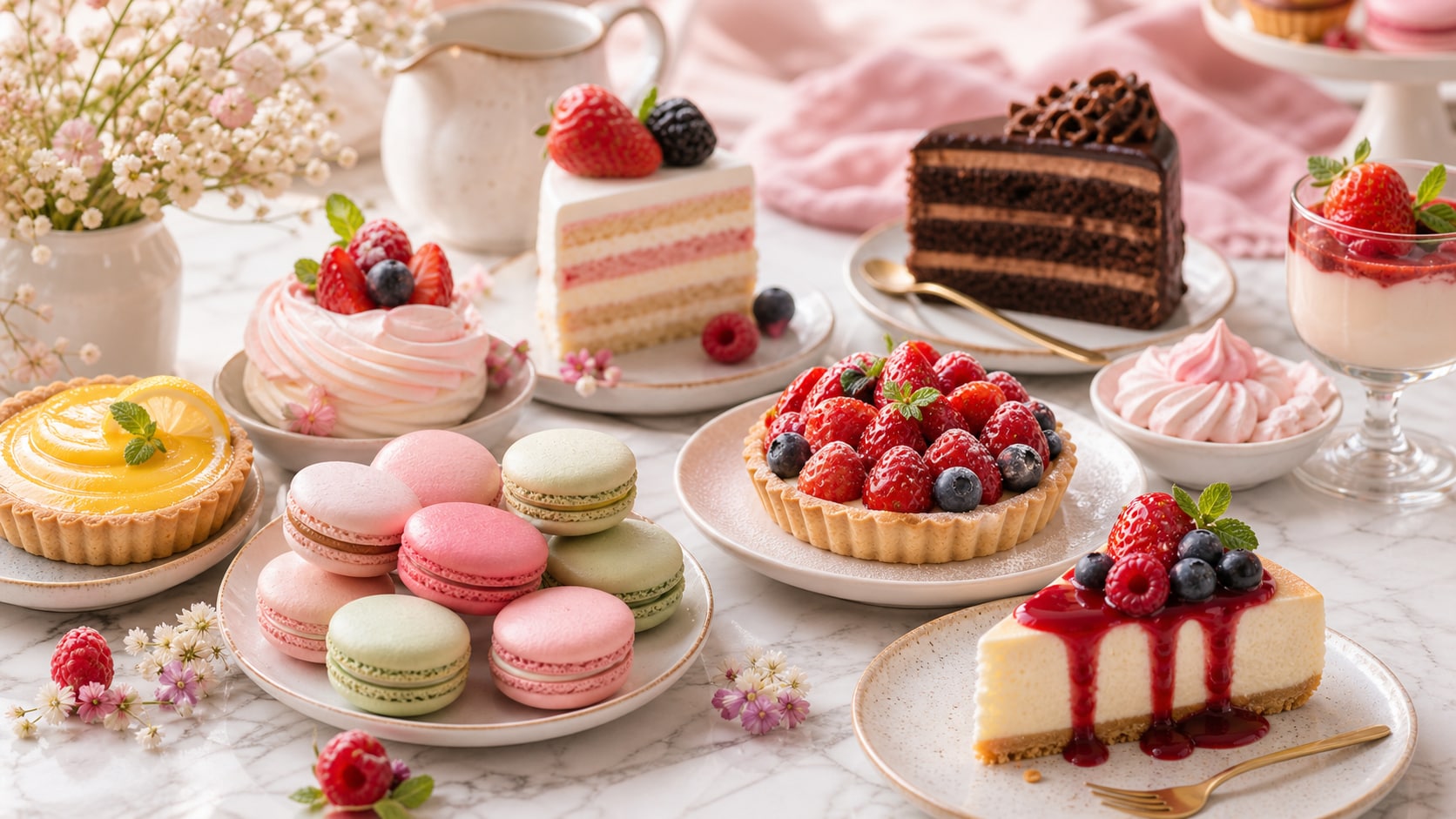
Control Texture and Freshness
A strong dessert prompt describes crumb, glaze, cream, fruit, chocolate shine, flaky pastry layers, and the surface holding the food.
- Food Detail - Mention glossy glaze, airy sponge, crisp shell, cream swirl, flaky edge, or melted chocolate.
- Fresh Color - Use natural fruit, pastel frosting, warm pastry tones, and realistic highlights.
- Camera Style - Add macro lens, three-quarter product shot, top-down flat lay, or menu photo.
Create Product and Menu Images
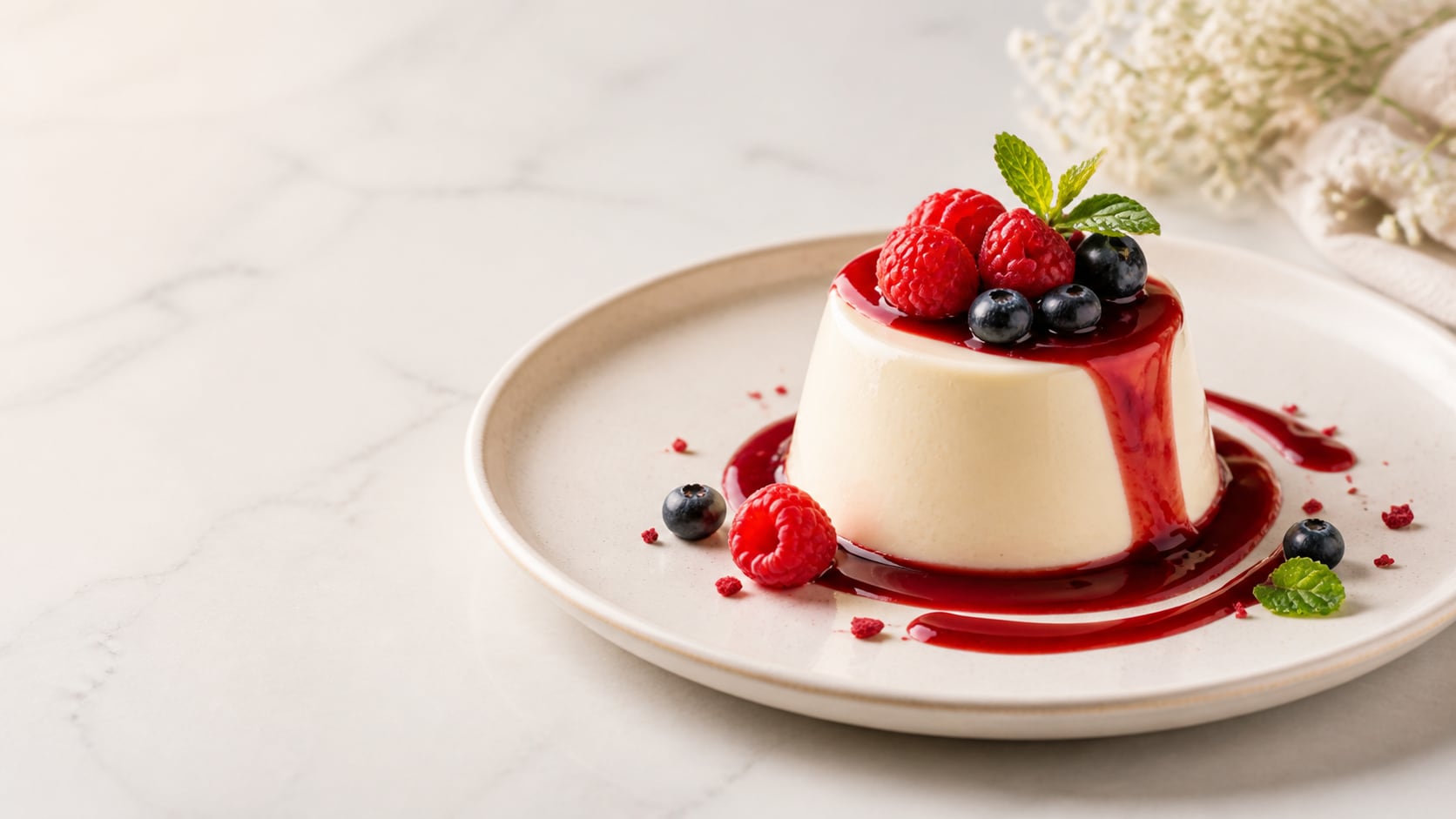
Create Product and Menu Images
Product prompts work best with clean plating, controlled shadows, blank space, and a clearly separated dessert hero.
- Hero Dessert - Use one cake slice, macaron stack, tart, donut, parfait, or pastry tray.
- Menu Ready - Keep background clean enough for later labels and prices.
- Consistent Style - Repeat lighting and surface details across a dessert collection.
Build Cafe and Instagram Scenes
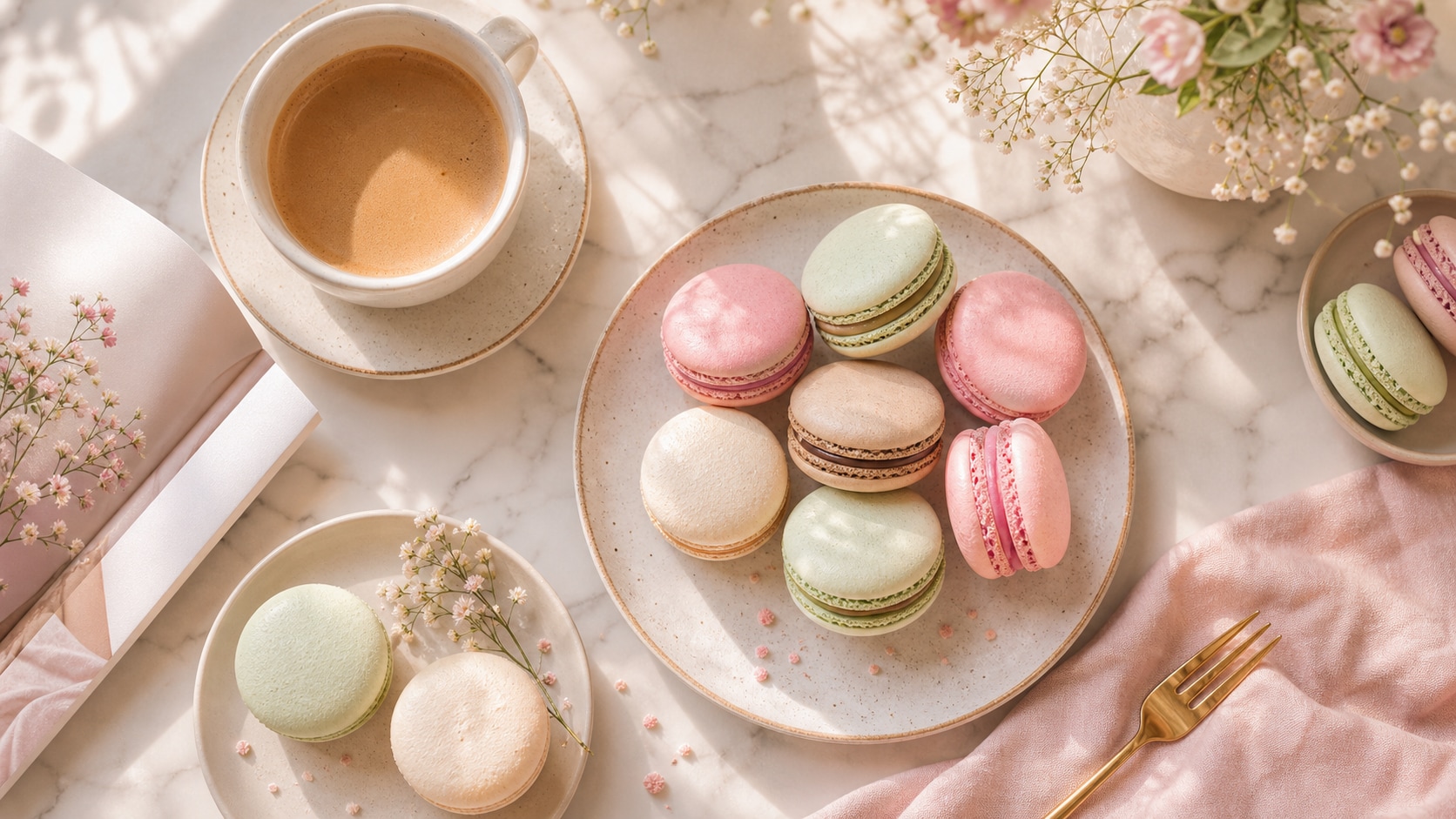
Build Cafe and Instagram Scenes
Lifestyle dessert prompts should include cafe setting, hands or props only when useful, soft light, and a crop that works for social posts.
- Cafe Mood - Use window light, coffee cup, marble table, small fork, bakery tray, or pastel backdrop.
- Social Crop - Ask for vertical, square, or wide framing before generation.
- Less Clutter - Use one main dessert and a few supporting details.
Turn Dessert Images Into Short Videos
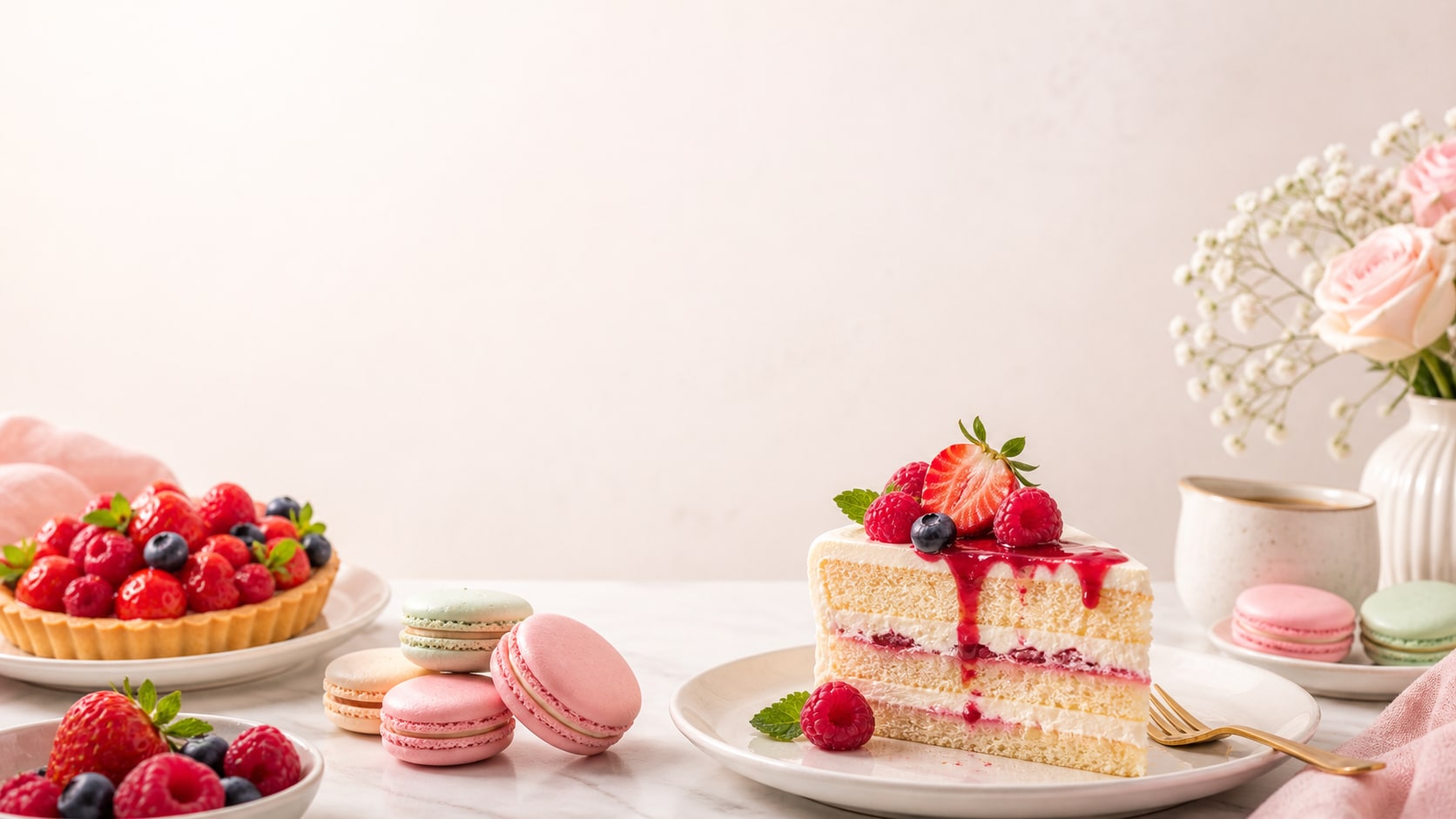
Turn Dessert Images Into Short Videos
After generating the still, use Filmora to add recipe titles, menu overlays, ingredient callouts, slow zooms, and sweet social transitions.
- Motion Ideas - Animate drizzle, sparkle, steam hints, fork movement, or gentle camera pushes.
- Food Uses - Create recipe shorts, bakery ads, menu cards, thumbnails, and social covers.
- Text Control - Add final dessert names, prices, and recipe labels after generation.
Frequently Asked Questions About AI Dessert Prompts
How to Generate Dessert Images With AI Prompts
Create a sweet visual by choosing the dessert, defining texture and plating, setting ratio, then refining the result in Filmora.
Step 1 Choose a Dessert Subject

Step 2 Set Texture, Plate, and Ratio

Step 3 Generate, Edit, and Export

-
1: Choose a Dessert Subject
Pick macarons, cake, tart, donut, gelato, cookie box, pastry tray, cafe flat lay, or product shot. -
2: Set Texture, Plate, and Ratio
Paste the prompt into Filmora's AI Image tool, choose the ratio, and define food texture, surface, light, camera angle, and no readable text. -
3: Generate, Edit, and Export
Generate the image, polish crop and color, add menu copy or motion if needed, then export it for recipes, ads, thumbnails, or social posts.
Free AI Dessert Prompts: Create Sweet Food Photos
Use AI dessert prompts to create photorealistic cakes, macarons, pastries, cafe shots, product photos, and video-ready food visuals for Filmora editing.