Explore Gemini AI Black T-Shirt Prompts
Browse Gemini AI black T-shirt prompts for copy-and-paste mockups, Etsy previews, blank tee photos, streetwear model shots, fabric close-ups, hanger displays, and product campaign visuals. Use these ideas for video templates, product pages, thumbnails, social ads, lookbooks, and storefront visuals.
Loading more black T-shirt prompts...
 Category:
 Duration:
 Aspect Ratio:
Why Use Gemini AI Black T-Shirt Prompts for Mockups?
Black T-shirt images need controlled lighting, visible fabric texture, clean shadows, and a clear printable area. A specific prompt helps AI generate useful mockups for stores, social posts, and apparel campaigns without losing the shape of the garment.
Create Etsy-Ready Black T-Shirt Mockups
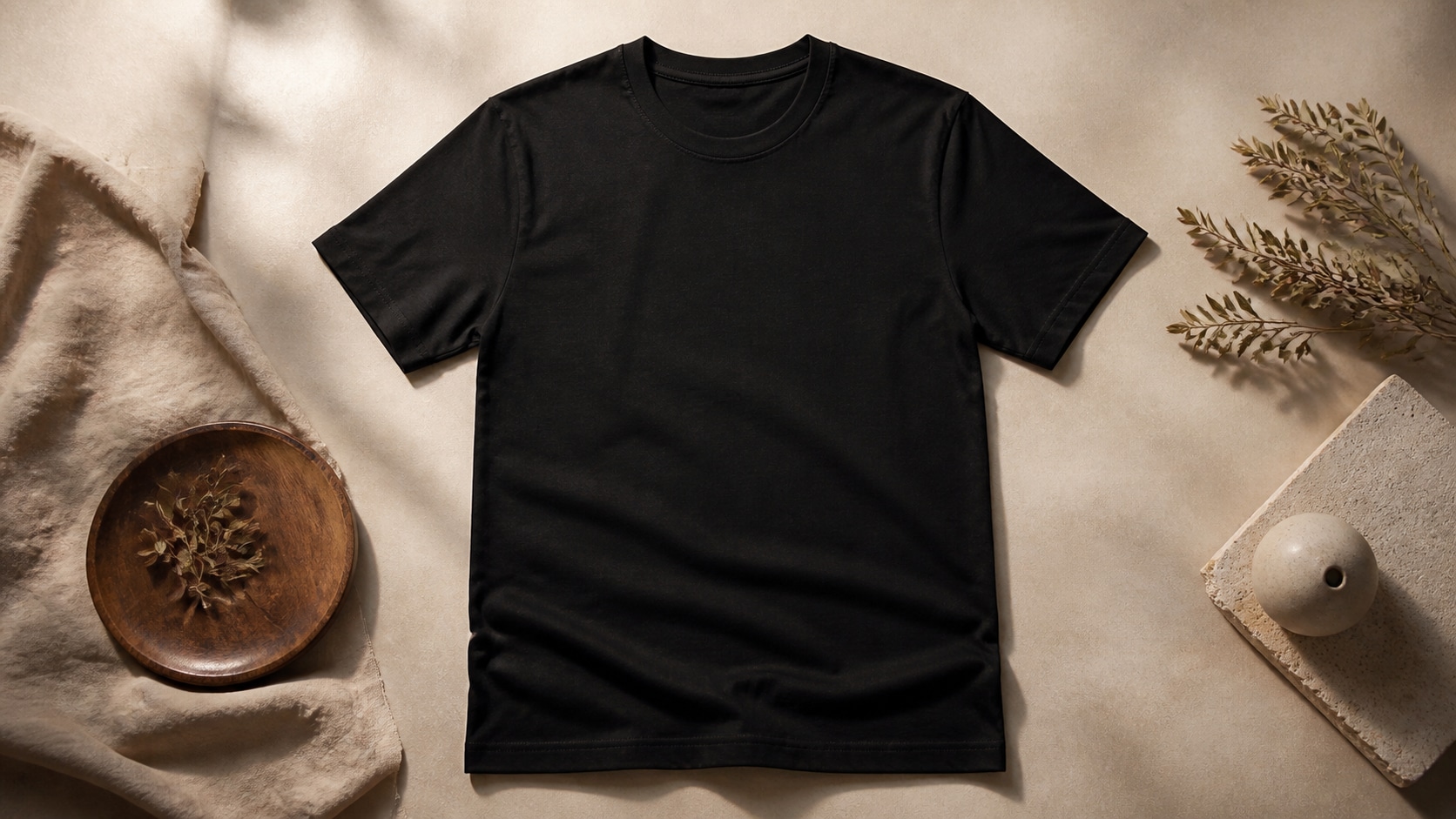
Create Etsy-Ready Black T-Shirt Mockups
A strong Gemini AI black T-shirt mockup prompt defines the garment fit, background, lighting, printable area, and ecommerce purpose. This keeps the shirt readable and ready for product previews.
- Mockup Clarity - Describe front view, flat lay, hanger, model, or folded product shot.
- Printable Area - Use blank chest area or subtle placeholder graphic with no readable text.
- Store Polish - Ask for clean shadows, realistic cotton texture, and neutral background.
Generate Streetwear Model Photos
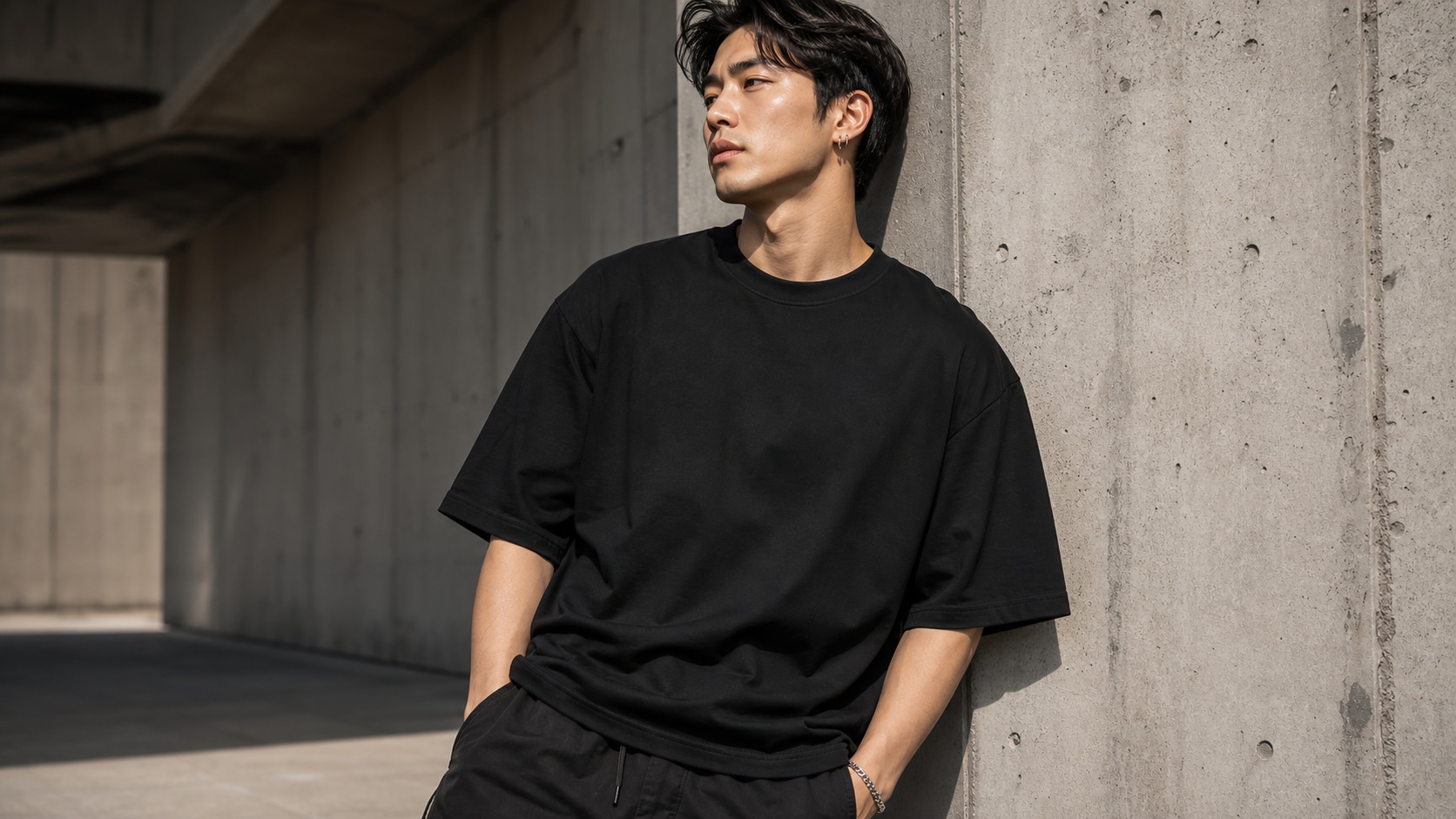
Generate Streetwear Model Photos
For a black T-shirt model photo prompt, name the fit, pose, setting, camera angle, and styling. Urban backdrops, denim, sneakers, and clean editorial lighting can make a basic tee feel like a campaign image.
- Fit and Pose - Mention oversized, relaxed, tucked, cropped, or layered styling.
- Scene - Use studio, street corner, rooftop, ecommerce backdrop, or lifestyle setting.
- Lighting - Control black fabric with rim light, softbox light, or golden hour edge light.
Show Fabric Texture and Product Detail
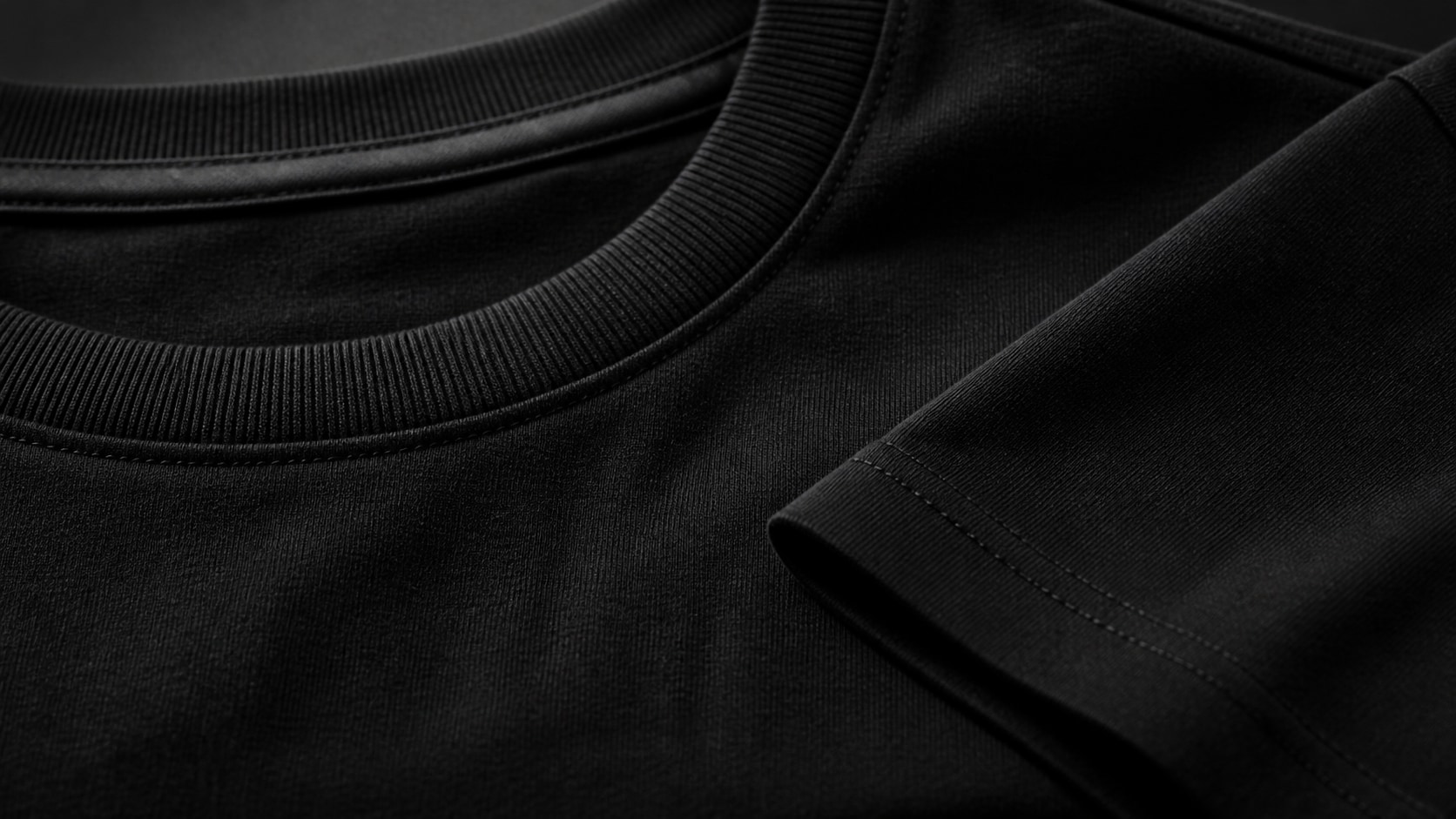
Show Fabric Texture and Product Detail
A photorealistic black T-shirt product photo prompt should preserve the edges, collar, sleeve shape, and fabric grain. Add controlled highlights so the black garment does not disappear into the background.
- Texture - Mention cotton knit, collar ribbing, sleeve seams, and soft folds.
- Contrast - Use gray, concrete, cream, or warm studio backgrounds to separate the shirt.
- Product Focus - Avoid busy props unless they clearly support the apparel story.
Turn T-Shirt Mockups into Video Ads
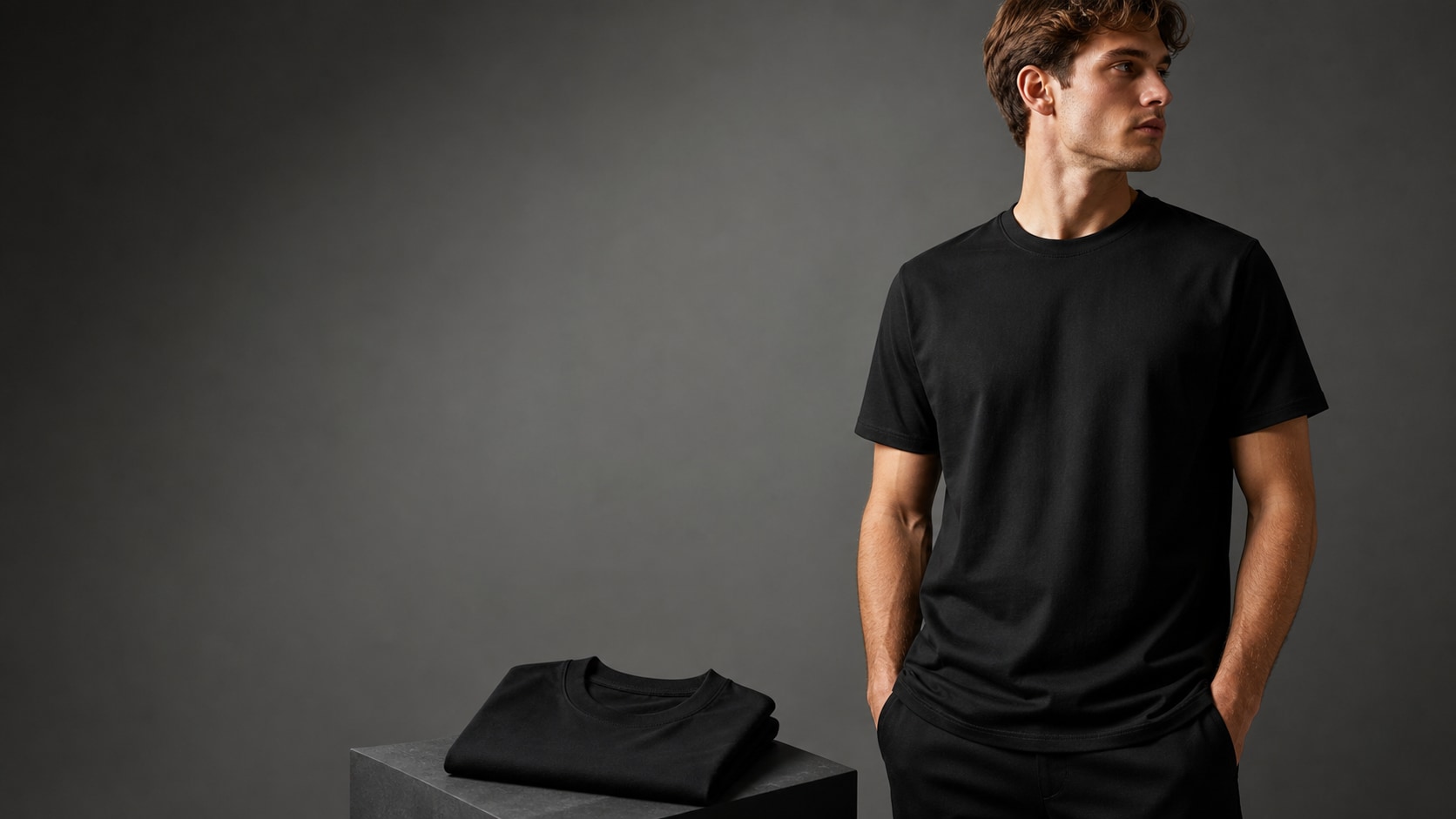
Turn T-Shirt Mockups into Video Ads
After generating a black tee image, use Filmora to add motion, captions, product callouts, price cards, or storefront branding. A still black T-shirt AI mockup can become a social ad, reel cover, or launch video.
- Motion Ideas - Animate camera pans, fabric light sweeps, text overlays, or model transitions.
- Clean Copy - Add final readable product names and prices inside Filmora.
- Channel Fit - Export one mockup as product page, ad creative, story, and thumbnail versions.
Frequently Asked Questions About Gemini AI Black T-Shirt Prompts
How to Generate Black T-Shirt Mockups With Prompts
Turn a black tee concept into a product mockup, streetwear model photo, flat lay, or ecommerce visual using Filmora's AI image workflow.
Step 1 Choose a Black T-Shirt Prompt

Step 2 Customize Mockup Details

Step 3 Generate, Edit, and Export

-
1: Choose a Black T-Shirt Prompt
Pick a prompt style such as Etsy flat lay, streetwear model photo, hanger display, fabric detail, folded product shot, or campaign hero image. -
2: Customize Mockup Details
Paste the prompt into Filmora's AI Image tool, choose the ratio, and refine fit, fabric texture, lighting, background, printable area, and no text instructions. -
3: Generate, Edit, and Export
Generate the black T-shirt image, polish crop and color in Filmora, add final design text or product callouts separately, then export it for listings or ads.
Gemini AI Black T-Shirt Prompts: Create Product Mockups and Streetwear Photos
Looking for the perfect Gemini AI black T-shirt prompt? From Etsy mockups and model photos to flat lays, hanger displays, fabric close-ups, folded products, and campaign visuals, Filmora helps you generate, refine, animate, and export black tee assets in one workflow.