Filmora
Filmora - AI Video Editor
Edit Faster, Smarter and Easier!
OPEN
Google Veo 3.1 Comes to Filmora

Create Cinematic Shots with the Veo 3.1 AI Video Generator in Filmora

Build stunning, story-ready videos from text or images with the Google Veo 3.1 AI Video Generator right inside Filmora. You write an idea, drop in a reference image, or replace a single clip. Filmora brings Veo 3.1's cinematic camera moves, richer lighting, and audio-synced motion straight into your editing workflow.
Try Google Veo 3.1
Build stunning, story-ready videos from text or images with the Google Veo 3.1 AI Video Generator right inside Filmora. You write an idea, drop in a reference image, or replace a single clip. Filmora brings Veo 3.1's cinematic camera moves, richer lighting, and audio-synced motion straight into your editing workflow.

See What You Can Create with Filmora + Veo 3.1

Explore six ready-to-copy prompts crafted for the Veo 3.1 AI Video Generator. Each example shows a real use case you can recreate inside Filmora.
Prompt:
Copy
The entire film takes place in a pink fragrance world, with soft pink and clear sky blue as the main colors. The lighting is clean and translucent, with gentle backlight and mirror-like highlights. The mood is dreamy, romantic, and refreshing, like a spring morning by the sea or on a sky mirror. The style is that of a high-end fashion commercial with cinematic quality, rich details, slow motion, shallow depth of field, and underwater floating effects, all visually cohesive from beginning to end. Shot 1: 4K ultra-clear macro shot. On top of a pink glass perfume bottle, a dewy pink petal hangs at the top of the frame. A single crystal-clear droplet falls in slow motion from the tip of the petal. The camera tracks the droplet as it drops and lands on the bottle, bouncing into tiny splashes. The background is softly blurred into pink-and-blue bokeh with gentle highlights. Shot 2: Cut to an underwater viewpoint. The same pink perfume bottle with a bow slowly drifts and sinks in clear turquoise water, gently rotating. Pink blossoms and petals billow and float around it, while countless tiny bubbles rise toward the surface. Sunlight slants down through the water, forming light beams and sparkling points. The scene is dreamy, romantic, and in slow motion. Shot 3: Switch to a wide 16:9 long shot. Under a clear blue sky filled with soft clouds, the perfume bottle stands still at the center of a mirror-like water surface, flanked by blooming pink roses. The water reflects both the sky and the bottle. The camera slowly pushes in and gently arcs around as pink petals are lifted by a breeze, swirling and falling through the air. The overall tone is bright, soft-lit, and polished like a high-end fashion commercial.
Prompt:
Copy
Shot in a very dim, cool-toned subway car, the camera begins at a 45-degree side angle, slowly pushing in on a lone white male passenger leaning sideways against the window, his gray-green raincoat, tousled blond hair, and long beard softly lit as his body gently sways with the train. He keeps this same pose throughout: shoulder and back against the window, head resting on the cold glass. The shot cuts to a close-up of his face, still in profile against the window, eyes staring out into the darkness outside as faint tunnel lights and reflections slide across his cheek and beard, revealing tiny details like soft breathing and slight eyelid tremors. Then the shot cuts outside the moving train, viewing him through the subway window, his silhouette framed by deep shadows, glass reflections, and streaks of passing light, creating a lonely, cinematic, dreamlike mood.
Prompt:
Copy
8-second video, 16:9. A clear tropical ocean and a small island covered with palm trees and rocks fill the scene, with the deep blue sea and huge fluffy clouds dominating the sky. A small red-and-white propeller plane flies from the bottom left to the upper right of the frame, appearing tiny and creating a wide, adventurous atmosphere. The video begins in a first-person perspective, as if the viewer is sitting in the pilot's seat, personally flying the plane around the island. The nose of the plane and the fast-spinning, semi-transparent propeller are visible ahead, with the instrument panel faintly appearing at the bottom of the frame. The plane tilts gently as it turns, the island sliding past off the front side, while palm trees, beach, and rocks sweep by outside the window, and the ocean and clouds flow slowly through the field of view, creating a strong sense of speed and immersion. The shot then cuts to a medium side view of the plane with a stable tracking camera. We clearly see the white star emblem on the fuselage and the landing gear, the wheels very close to the surface of the sea as the plane flies from left to right across the frame. The airflow stirs up small splashes and ripples on the water, and the island slowly slides by in the background. Finally, the shot cuts to a close-up of the cockpit from a slightly high angle in front of the plane, showing the young pilot. He wears a white flight cap and goggles, a white shirt, blue vest, and red tie, smiling as he focuses on operating the control stick. The background behind him is softly blurred into flowing sea and clouds, while the rapidly spinning propeller forms a semi-transparent halo. The overall style is detailed hand-drawn 2D Japanese anime, with bright, warm colors, soft lighting, and smooth, stable motion, with no shaking and no on-screen text, subtitles, or watermarks.
Prompt:
Copy
A big city street at night right after the rain. The wet asphalt reflects neon signs and car lights, with blue, magenta and purple tones, high contrast and rich saturation. The style is cinematic handheld music-video / commercial, 16:9 widescreen with shallow depth of field, lots of motion blur and light trails. Sound design mixes rain, distant traffic, city ambience and wind, creating a tense, fast-paced yet slightly lonely “lost in the city” atmosphere. Shot 1: Extreme close-up, low angle almost on the ground. A foot in brown leather shoes and jeans stomps quickly into a puddle at the curb. Time shifts into slow motion as water explodes outward, droplets frozen in midair, catching pink and blue neon reflections. The camera slightly tracks forward with the step. Crisp splashing and stepping sounds stand out over distant traffic, with rich highlights on the wet pavement and mirror-like reflections. Shot 2: Cut to a side medium-close tracking shot. The young man is sprinting down a neon-lit street. The camera runs with him, keeping his body relatively clear while the background signs, car lights and street lamps stretch into colorful light streaks from the speed, creating intense motion blur. Slight handheld shake adds urgency. Breathing, footsteps, rushing wind and city ambience layer together, giving a strong sense of velocity and adrenaline. Shot 3: Transition to a night intersection in medium shot. The camera orbits 0–360° around the young man as he stands in the middle of the crosswalk, stopping to catch his breath and turning his head to look back, as if lost in the middle of the glowing city. Tall buildings and giant neon billboards spin into circular light bands as the camera moves. Cars and pedestrians are slightly blurred, while his face stays relatively sharp, eyes searching and unsure, balancing dazzling city energy with a subtle feeling of isolation.
Prompt:
Copy
Sunrise drone aerial shot over a dramatic coastline ridge, ultra realistic, 4K. Horizontal 16:9 frame, about 5–8 seconds long. The drone flies very close along the sharp ridge line of the coastline, with noticeable camera shake and vibration from wind and drone movement, creating a dynamic, intense feeling. Below, powerful waves crash against the rocks and shoreline, exploding into white spray. In the distance, the ocean horizon is clearly visible, bathed in soft pink and orange sunrise light, with a smooth gradient in the sky. Strong visual impact, dramatic composition, high contrast, cinematic style at 24fps, natural colors, no text, no logos.
Prompt:
Copy
A confident professional walks through a modern office lobby. The camera follows the subject from behind, rotating to a close-up of their face. Cool-toned lighting, reflections on the glass, and a minimalist corporate style.

What You Get with the Veo 3.1 AI Video Generator in Filmora

Break free from traditional video production constraints. Google Veo 3.1 × Filmora brings your creative vision to life with enhanced realism, professional cinematography, and complete audio-visual experiences.

AI Text to Video with Veo 3.1

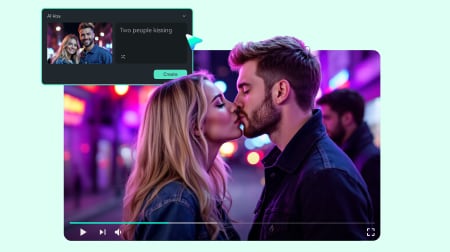
Describe your vision with up to 1,000 characters and watch Veo 3.1 bring it to life with professional camera movements, natural lighting, and synchronized audio. From product showcases to narrative scenes.
  • Prompt length: Up to 1000 characters
  • Video duration: 8 seconds
  • Resolution: 720p / 1080p
  • Aspect ratio: 9:16 / 16:9

AI Image to Video with Veo 3.1

Upload any photo and add motion with natural camera movements and scene dynamics. Perfect for creating engaging content from product photos, portraits, or landscape shots. Supports up to 1,500 character prompts for precise control.
  • Prompt length: Up to 1500 characters
  • Duration options: 4s / 6s / 8s
  • Resolution: 9:16 / 16:9

Professional Audio-Visual Synchronization

Not just video generation - Veo 3.1 creates complete audio-visual experiences. Automatic audio generation matches your scenes with environmental sounds, dialogue sync, and background music that fits the mood and pacing.
  • Audio generation: Automatic
  • Camera movements: Cinematic
  • Lighting: Professional
  • Scene Dynamics: Natural

Refresh Any Shot Instantly with Veo 3.1

Swap a single shot without rebuilding your whole edit. Right-click any clip and generate a new version with the Veo 3.1 AI Video Generator. Filmora reads the original clip’s timing, then fits the new video in the exact same place on your timeline.
  • Replacement duration: Up to 8s
  • Auto-matching: Duration / Resolution / Aspect Ratio
  • Use cases: Shot improvement, A/B testing, visual upgrades

Enhance Your Veo 3.1 Videos with Filmoras Full Toolkit

Go beyond the initial clip. Filmora gives your Veo 3.1 AI video generation a complete production workflow—from extending scenes to adding brand details and exporting for social media. You refine your generated shots and turn them into polished final content in minutes.
  • AI Video Extender: Add smooth motion before or after a Veo 3.1 clip
  • Subtitles & Effects: Add text, filters, transitions, and motion graphics
  • Brand Assets: Insert logos, taglines, colors, and intro/outro templates
  • AI Thumbnails: Create attractive cover images for your social platforms

How To Generate Videos With Veo 3.1

Follow these quick steps to build your first clip using text or images.

What Makes Veo 3.1 Special?

Google Veo 3.1 pushes cinematic storytelling further with richer audio, smoother camera motion, clearer consistency, and flexible scene design. These four examples show what the model can do inside Filmora.

Sound and Motion Move Together

Veo 3.1 adds full audio support with ambient sound, speech, and music that match movement and mood. You get short clips that feel complete right away.

Director-Level Control

Veo 3.1 understands scene breaks, transitions, and smooth tracking shots. You can suggest dolly moves, zooms, or orbit shots and Veo 3.1 brings them to life.

Keep Your Character or Scene Stable Across Clips

Upload up to three reference images and guide Veo 3.1 to keep a character's face, outfit, or environment consistent. Perfect for brand visuals or multi-shot stories.

Use Preset Lighting and Lenses for Film-Level Style

Veo 3.1 offers presets for depth of field, lens movement, warm or cool lighting, and graded color palettes. Your output feels more intentional and more cinematic.

Prompt:
Copy
Cinematic low-angle shot of a rainy street at night in a cyberpunk style. The video starts with a calm puddle reflecting neon lights. A boot steps into the puddle, splashing water and breaking the reflection, momentarily blocking the light as it jogs past. The visuals are matched with high-fidelity audio: immersive rain sounds, rhythmic wet footsteps, a synchronized splash impact, and soft, minimalist background piano music that sets a mysterious mood without overpowering the environmental sounds.
Prompt:
Copy
16:9 horizontal cinematic shot. An old apartment corridor with peeling paint, dim warm wall sconces and a wet reflective floor. Cold shafts of light stream in from tall windows on the right, mixing with the warm lamps to create a moody film-noir atmosphere. Shot 1: Medium back shot of a man in a dark trench coat and fedora walking alone down the corridor. The camera follows closely behind him with a slow, smooth dolly move. His footsteps echo in the empty hallway, dust floating in the light beams. Shot 2: He gradually slows his pace and comes to a full stop. The camera keeps moving with a gentle push-in, then slowly arcs around to the front into a tight close-up. He raises his hand and slowly removes his hat, the brim passing over his forehead, revealing a weathered, determined face. He looks straight ahead in silence, background lights and light rays falling into soft bokeh. Shot 3: The camera eases back to a medium shot. The man stands in the center of the corridor, hat hanging at his side, motionless, staring into the distance. Strong backlight from the side windows cuts across him, casting a long shadow on the wet floor. Overall camera movement is smooth and natural, with a tense, classic detective film-noir mood.
Prompt:
Copy
Keep the low-angle shot of the stylish woman in a white suit with orange round sunglasses walking a white long-haired dog at a Paris crosswalk, Eiffel Tower and Haussmann buildings in the background. The camera gently pushes forward and slightly arcs to the right for a cinematic feel. Pedestrians pass by on both sides with slight motion blur, the dog takes a few steps and wags its tail, the leash subtly sways in her hand. Warm sunlight flares from behind the buildings, with soft lens flares and rim light, cars move slowly in the distance, overall bright, clean look with shallow depth of field and modern fashion vibe.
Prompt:
Copy
A woman with a calm and focused expression stands still, her gaze fixed on a distant point. As the camera smoothly circles around her, she naturally blinks and makes subtle head movements, slightly turning to align her gaze with her target. Her hair gently sways in the soft breeze, adding an element of life to the scene, while iridescent flares lightly dance around, enhancing the cinematic feel. The atmosphere is serene and fluid, capturing a moment of quiet intensity.

Why Choose Filmora with Veo 3.1?

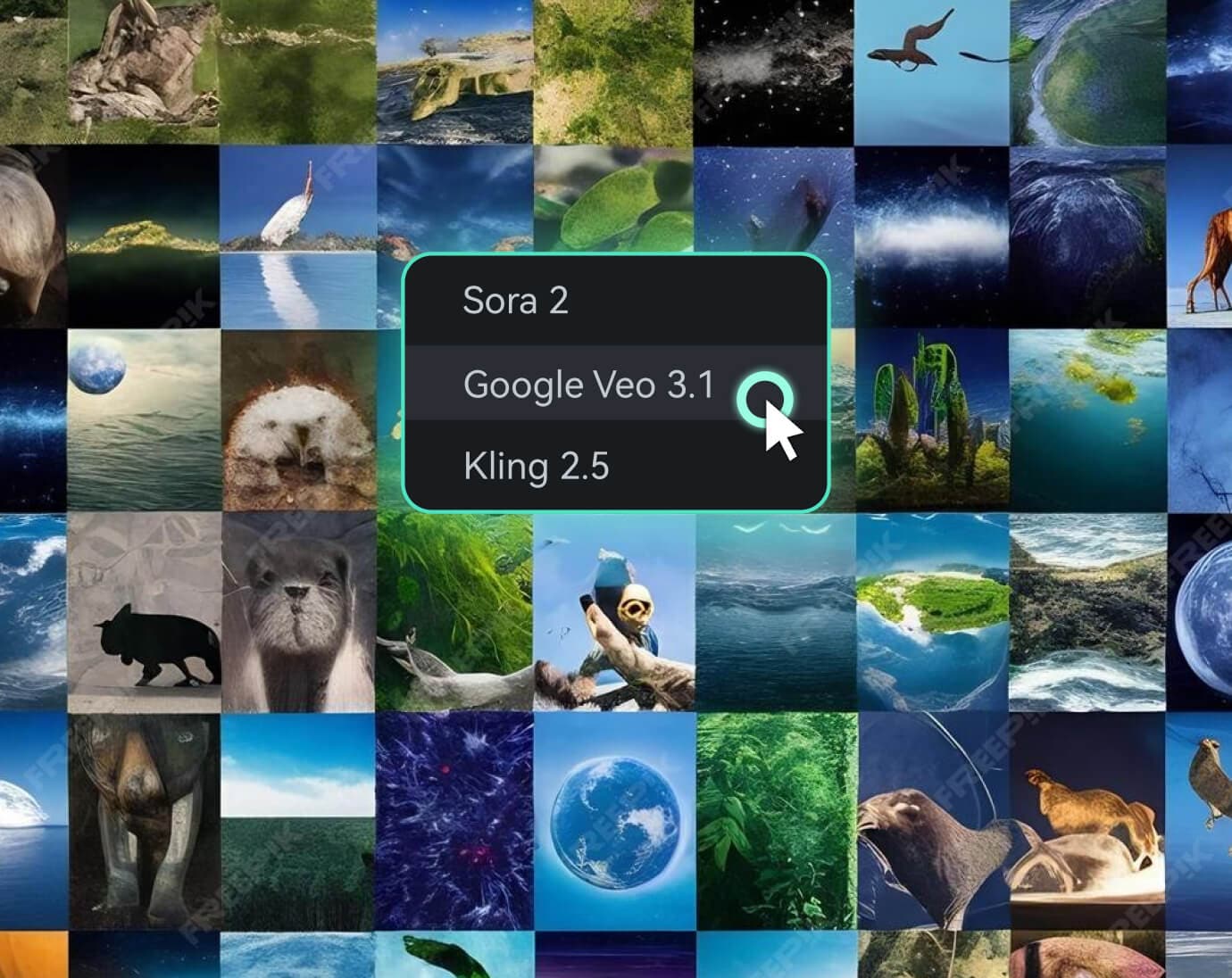
access multiple ai video models like veo 3.1, sora 2, kling 2.5

Access More Than Veo 3.1

Access More Than Veo 3.1
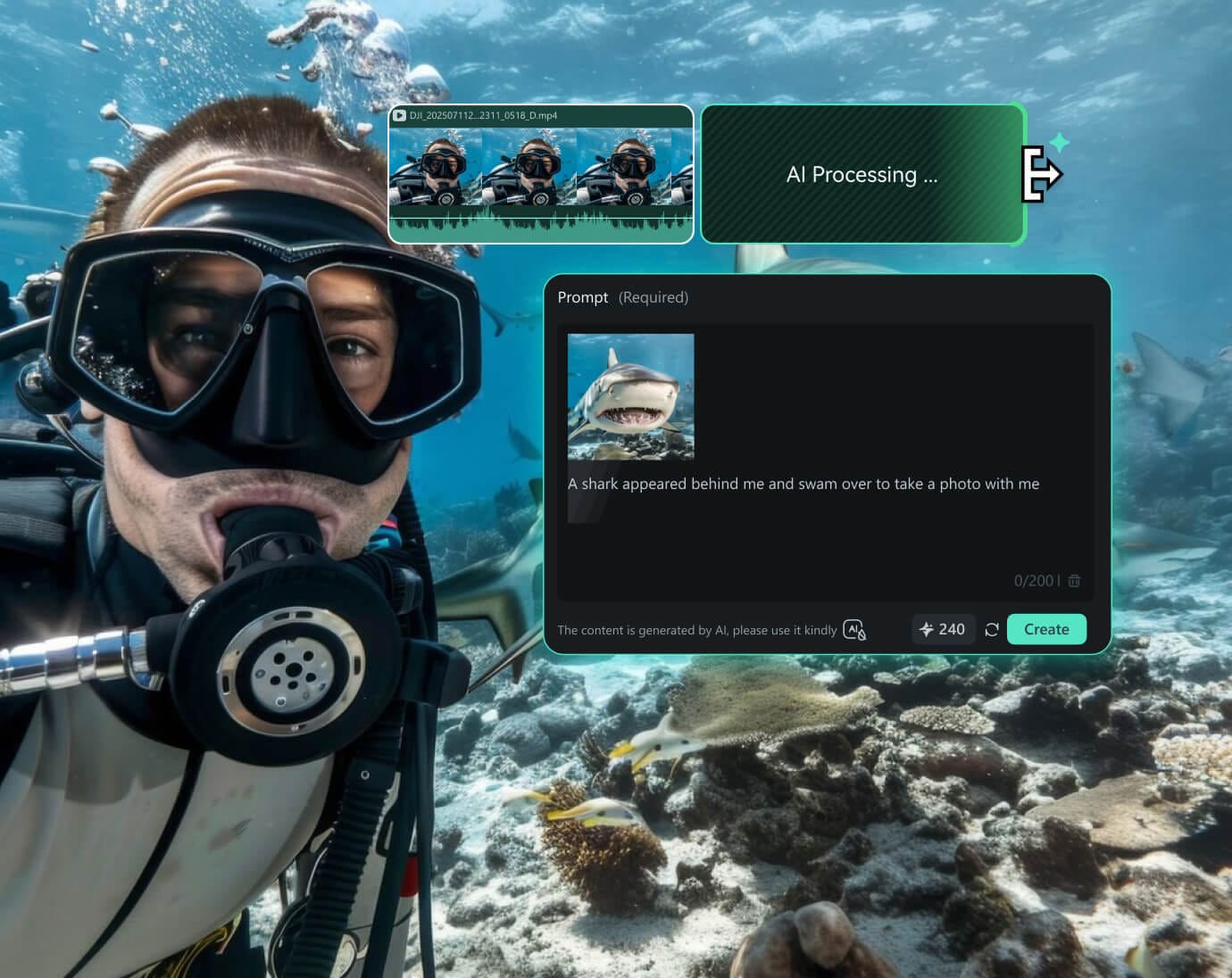
Filmora gives you Veo 3.1 plus other advanced models like Sora 2, Kling 2.5, and more. Switch models with one click and explore different looks for the same idea.
veo 3.1 ai video generation and editing

Edit Beyond AI Video Generation

Edit Beyond AI Video Generation
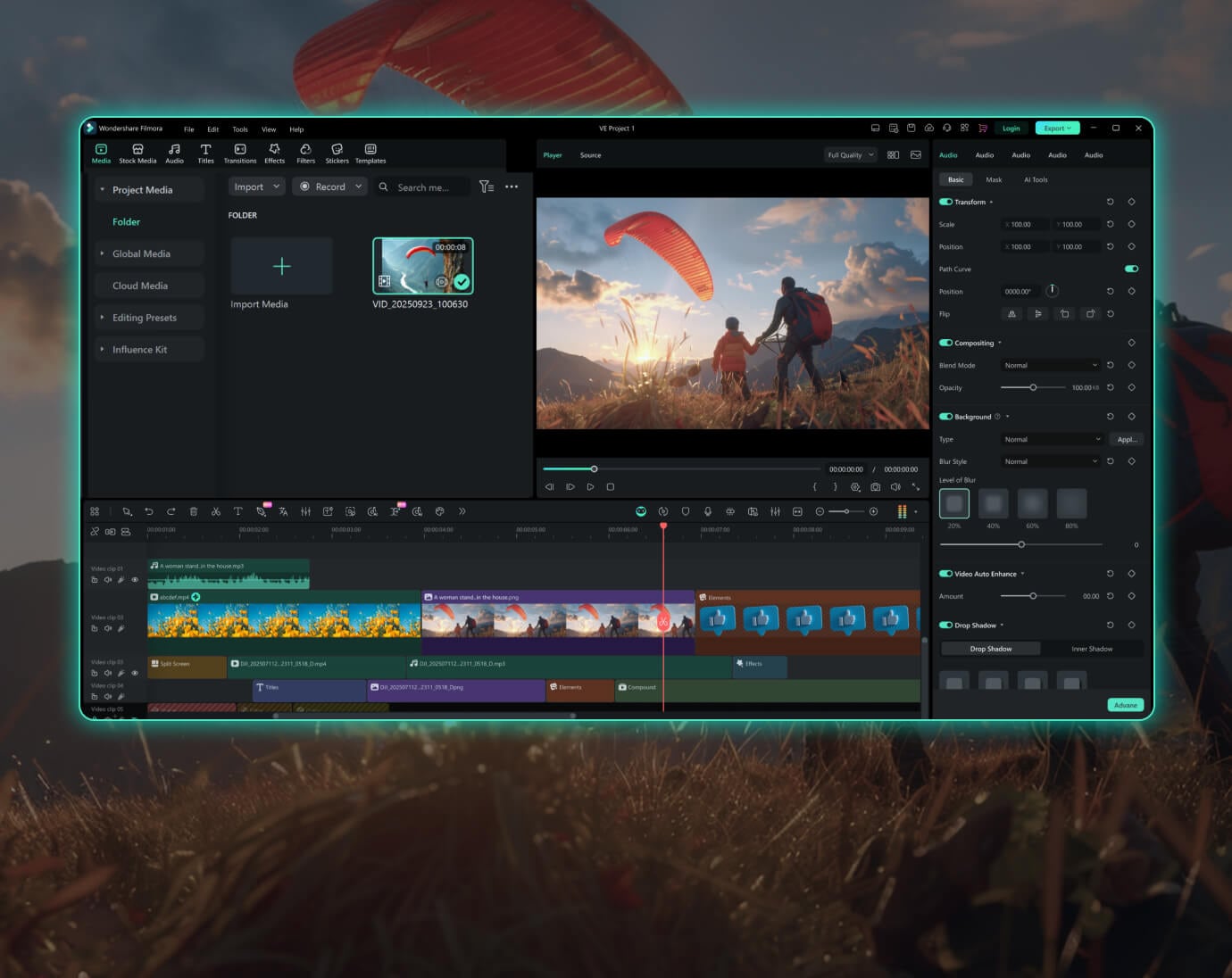
Filmora includes 20+ tools such as AI Video Extender, AI Speech to Text, Scene Detection, and AI Video Enhancer. You build, improve, and finish your full video without leaving your timeline.
from prompt to final story

A Complete Workflow from Prompt to Final Story

A Complete Workflow from Prompt to Final Story

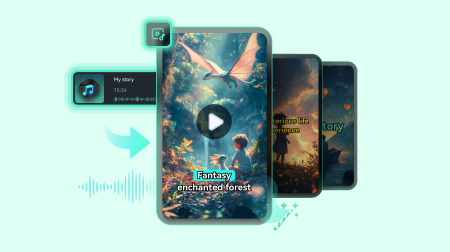
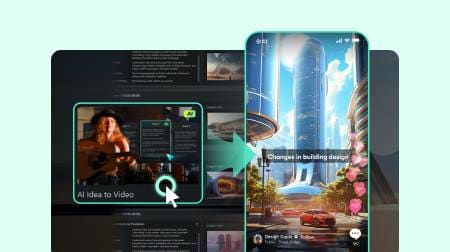
Start with text or images, generate your shots, revise with Element Editing or Replace Clip, and refine everything in Filmora’s video editor. You move from idea to polished work in a single tool.

Learn More Tips & Tricks About Google Veo 3.1

Frequently Asked Questions

Veo 3.1 is Google's latest AI video generation model that creates professional-quality videos with automatic audio-visual synchronization, cinematic camera movements, and natural lighting. Unlike basic AI generators, Veo 3.1 produces complete audio-visual experiences with film-grade quality and understands complex prompts up to 1,000-1,500 characters.
No. Filmora includes the model directly. Just select it in the AI Media panel.
Cinematic shots, moody atmosphere, short preview scenes, product visuals, and stylized animation.
Generation time varies based on complexity and duration, but most videos are ready in under 2 minutes. Text to video typically generates 8-second clips quickly, while image to video may take slightly longer depending on the motion complexity and resolution settings you choose.
Veo 3.1 generates up to 8 seconds per clip. Replace Clip supports clips up to 8 seconds.
Yes. You can edit everything in the same Filmora timeline.
Absolutely. You can add the Veo 3.1-generated video onto Filmora timeline where you can trim, add effects, layer audio, apply color grading, and use any of Filmora's professional editing tools. You can also use the Replace Clip feature to regenerate specific segments while maintaining your edit.
Veo 3.1 in Filmora supports both 16:9 (landscape/horizontal) and 9:16 (portrait/vertical) aspect ratios, making it perfect for various platforms including YouTube, Instagram Reels, TikTok, and traditional video content. The model automatically optimizes composition for your chosen format.
No technical expertise required. Simply describe what you want to see in natural language or upload an image. Veo 3.1 understands creative direction like "cinematic," "slow motion," or "golden hour lighting" without needing complex technical terminology. You can also use the 'Generate with AI' feature to refine your prompt.
Describe camera angles (close-up, wide shot, aerial), lighting conditions (golden hour, neon lights, dramatic shadows), character actions and emotions, and desired mood or atmosphere. For Veo 3.1, include details about camera movements (tracking, push-in, orbital) and audio elements (dialogue, sound effects, music style). Filmora's prompt enhancement feature helps optimize your input for better results automatically.
View All Show Less

What Creators Say About Veo 3.1 × Filmora

customer lena
Lena M.
Independent Filmmaker
The cinematic quality is unmatched. I can create professional-looking scenes with complex camera movements and complete audio that would have cost thousands to produce traditionally. Veo 3.1's scene transitions within single generations save me hours of editing time.
customer sam
Sam R.
TikTok Creator
My followers can't believe these aren't real footage. The lip sync is so accurate, the camera movements so smooth, and the audio so complete—I'm creating content that feels impossible but looks effortless. The enhanced audio in Veo 3.1 is a breakthrough for storytelling.
customer jade
Jade P.
Marketing Director
We went from six-figure production budgets to creating award-worthy campaigns from our laptops. Our clients are getting Hollywood-quality content with professional audio at startup speeds and budgets. The 1500-character prompts give us precise creative control for brand work.
customer marcus
Marcus T.
YouTube Creator
Google Veo 3.1 in Filmora changed my workflow completely. The audio sync is incredible and the enhanced camera movements with actual scene cuts save me hours of manual editing. I can iterate faster and create more engaging content than ever before.