Veo 3 x Filmora
Redeem Your Free Access
Ready to create next-level AI videos? Now we offer Free access for Filmora paid users !
(*Available on Filmora Desttop 14.7.18 and above version)
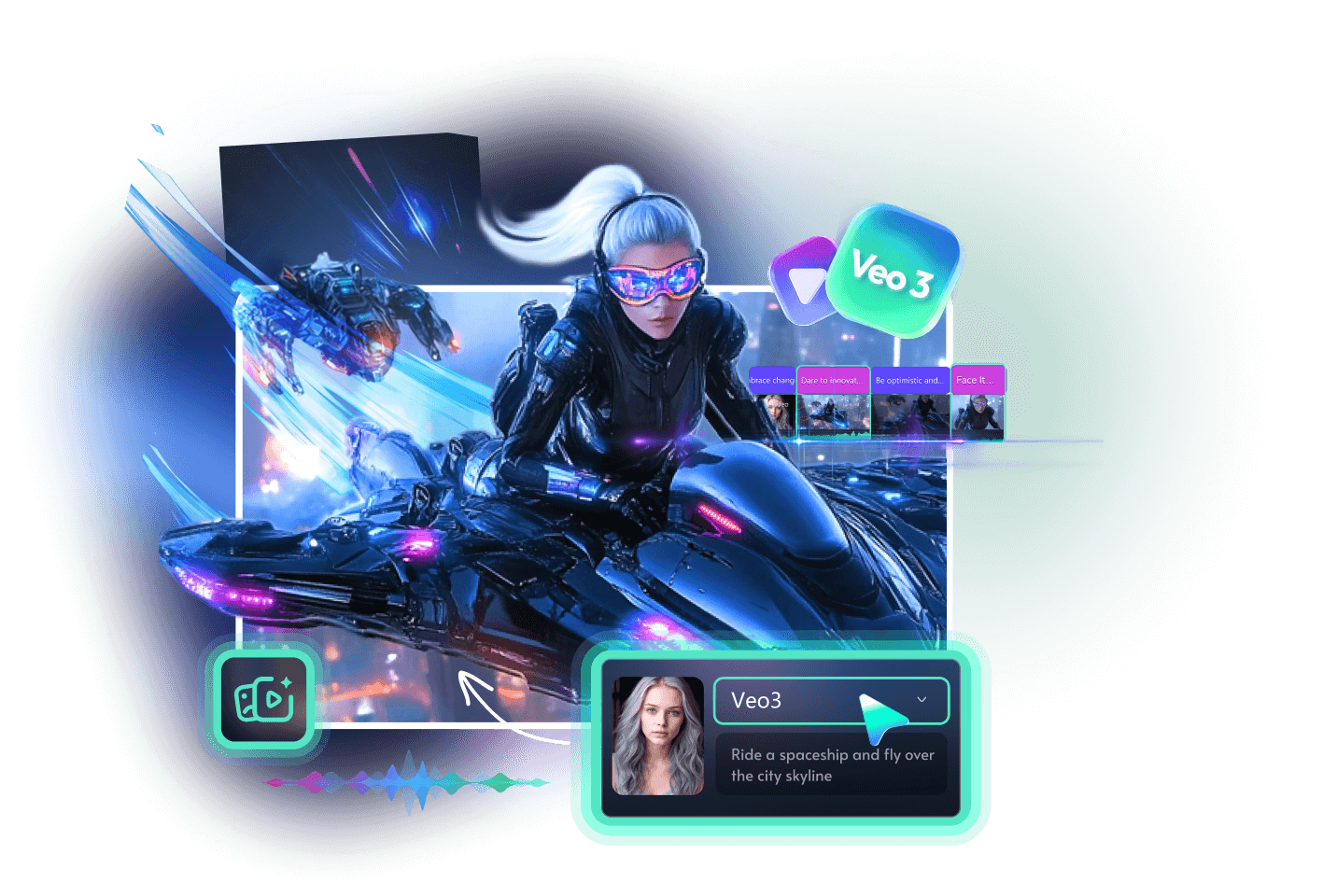

How to use the Free Access of Veo 3
Upgrade to the latest version
Filmora's AI Image-to-Video now integrates Google's Veo 3 cutting-edge video generation model to create viral content! It automatically analyzes your images and applies preset AI-powered effects with sound. Only available on Filmora desttop 14.7.18 and ablove version.
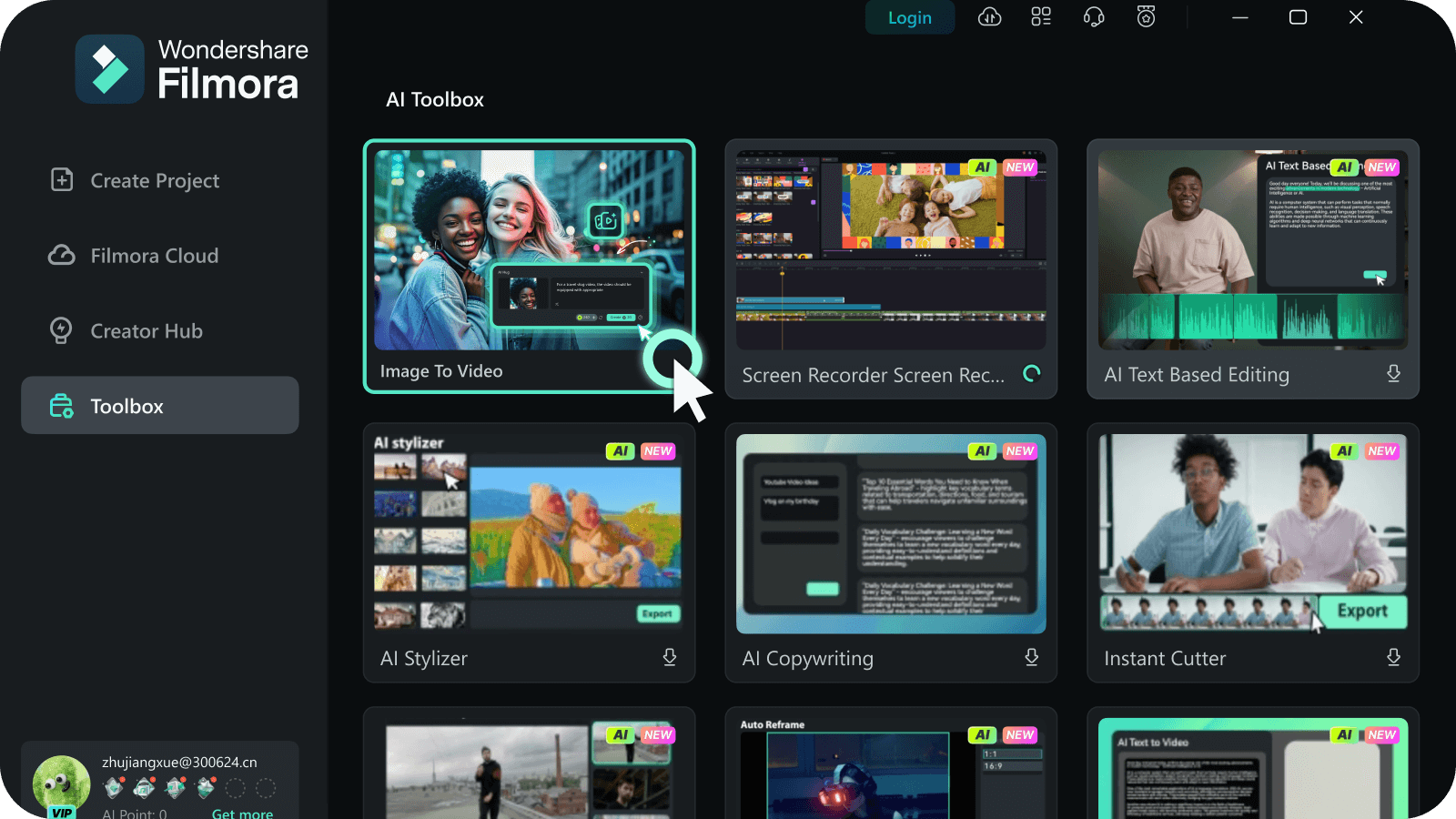
Upload Your Images
upload your images for AI video effects generation. You can choose multiple images for a more dynamic video or just one for a focused effect.
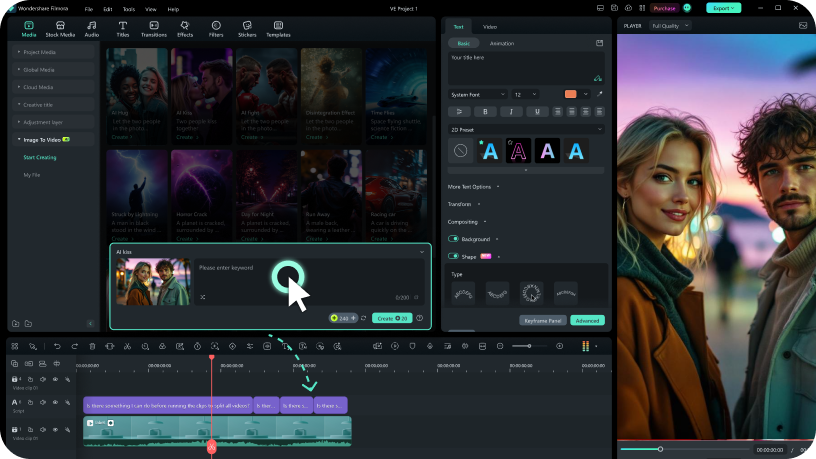
Select AI Video Effects and Edit
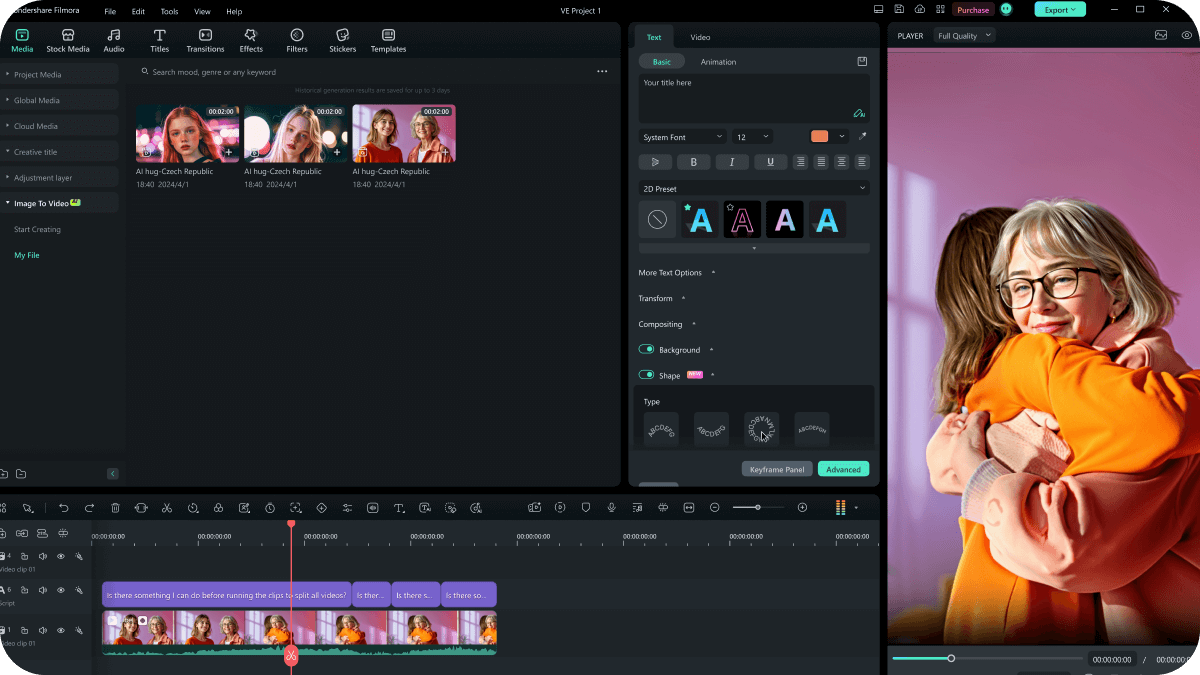
Upload your images, explore AI effects like Kiss, Hug, or Fight—or enter a custom prompt—then let Filmora instantly animate and enhance them into a stunning AI-generated video, ready for further editing or one-click export.
Check Tips
2. Each Wondershare ID has one(1) times FREE access with Veo 3-AI Image-to-video.
3. After redeeming the free access, please generate your video within 30 days, or the offer will expire.