Explore AI Mechanical Keyboard Mockup Prompts
Browse AI keyboard mockup prompts for photorealistic product renders, custom keycap layouts, studio light, hands typing, desk setups, gaming RGB scenes, and brand launch visuals. Use each idea to create assets for video templates, shop banners, launch pages, ads, and social posts.
Loading more AI mechanical keyboard mockup prompts...
 Category:
 Duration:
 Aspect Ratio:
Why Use AI Keyboard Mockup Prompts for Product Visuals?
Mechanical keyboard images need clean layout, material detail, keycap shape, lighting, and scale. A detailed prompt helps the AI show the product clearly while leaving room for brand edits, captions, or launch graphics.
Show Layout, Keycaps, and Case Details
Show Layout, Keycaps, and Case Details
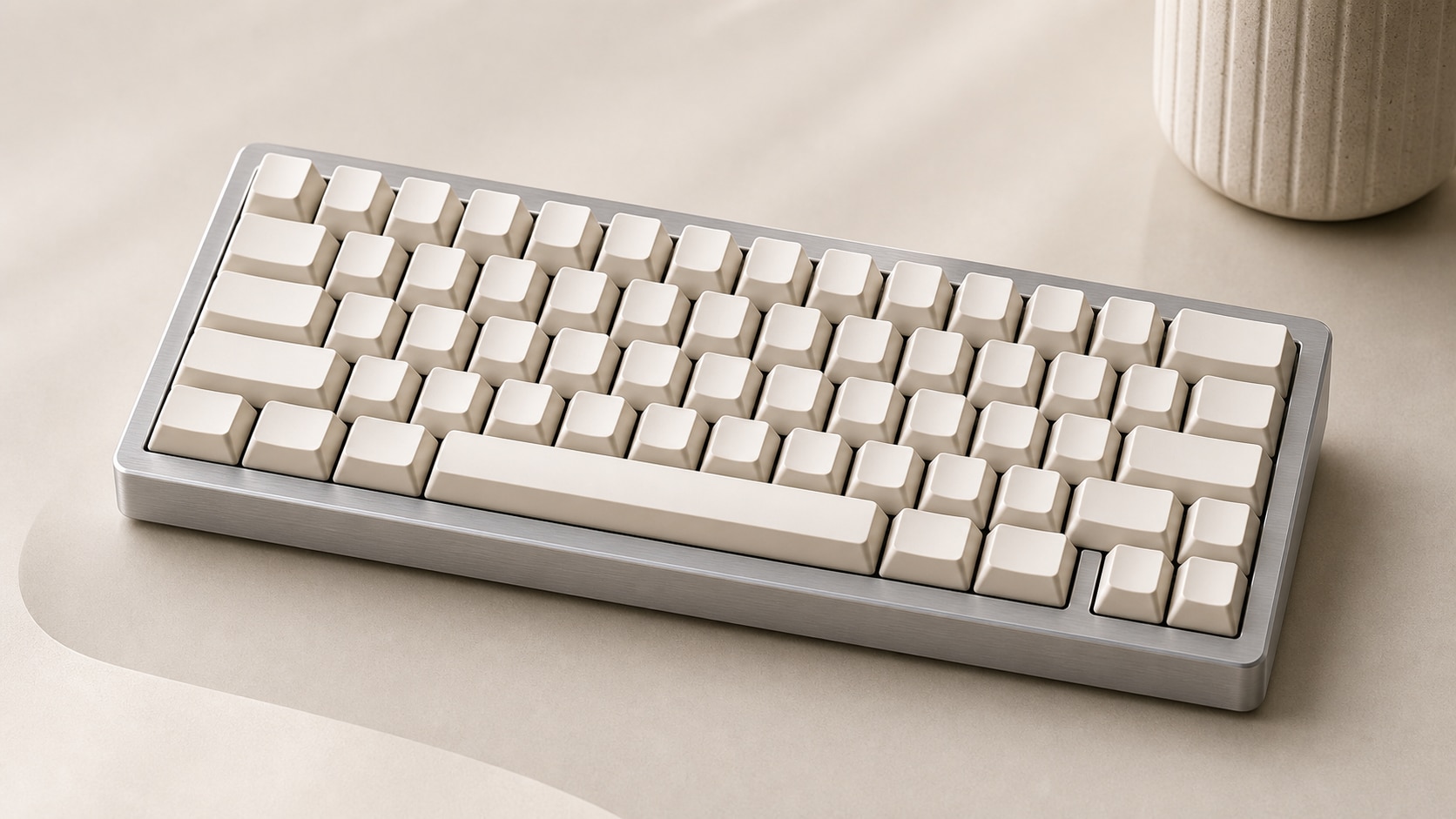
A strong mechanical keyboard mockup prompt names the layout, keycap profile, case material, switches, and angle. This gives the final image product clarity instead of a generic desk object.
- Layout - Specify 60%, 65%, TKL, full-size, split, or low-profile keyboard form.
- Materials - Mention aluminum case, translucent shell, PBT keycaps, brass weight, or acrylic plate.
- Angle - Use top-down flat lay, three-quarter hero shot, macro close-up, or exploded view.
Create Brand-Ready Product Mockups
Create Brand-Ready Product Mockups
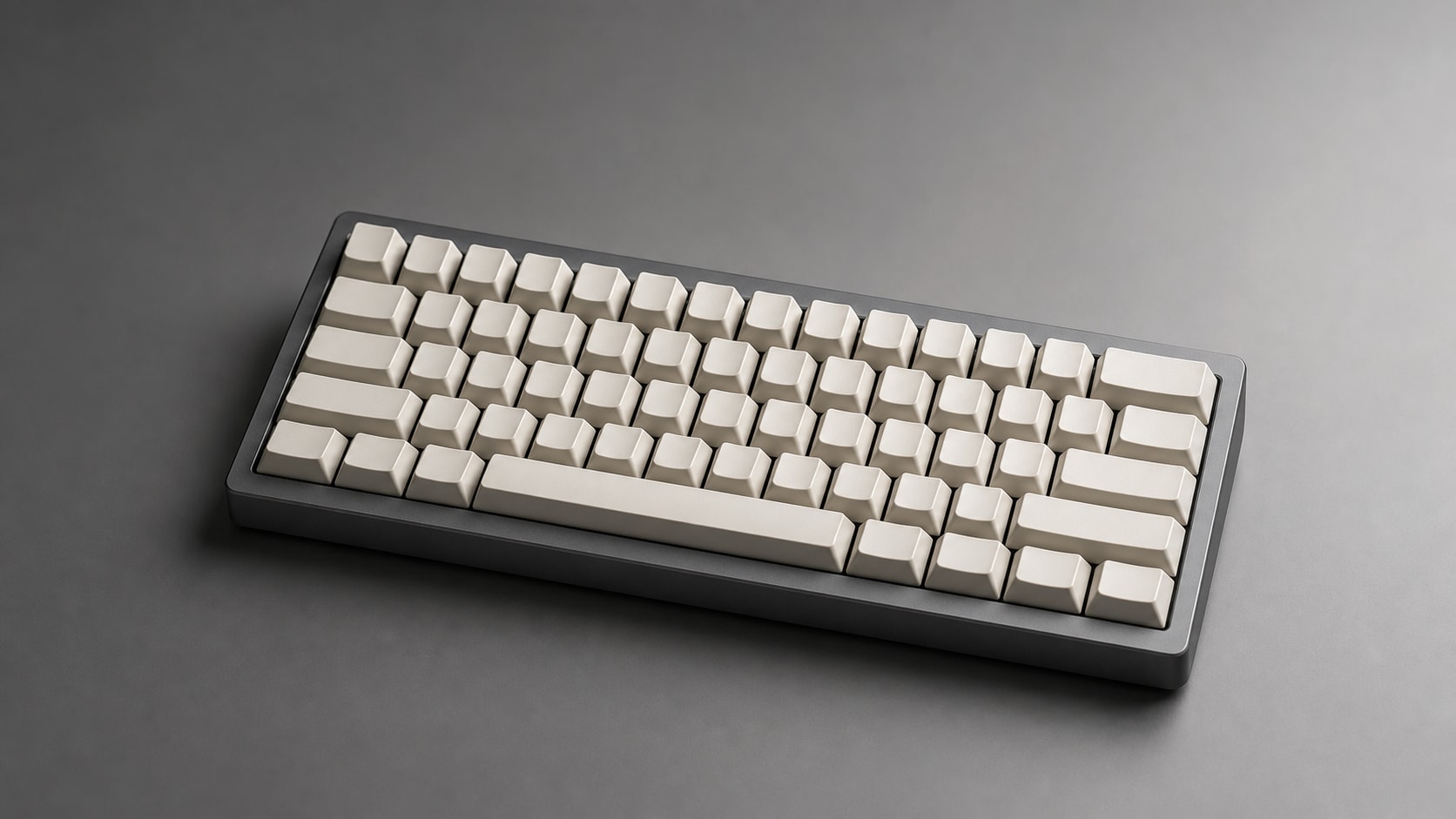
For keyboard product launch prompts, describe blank areas, background surface, reflection control, and premium lighting. Keep logos and readable text out so the mockup can be customized later.
- Clean Branding Space - Ask for a blank packaging card, clean desk area, or simple backdrop.
- Lighting - Use softbox reflections, rim light, controlled highlights, and subtle shadows.
- Commerce Fit - Keep the product centered, sharp, and free of distracting props.
Use Hands, Desks, and Lighting for Scale
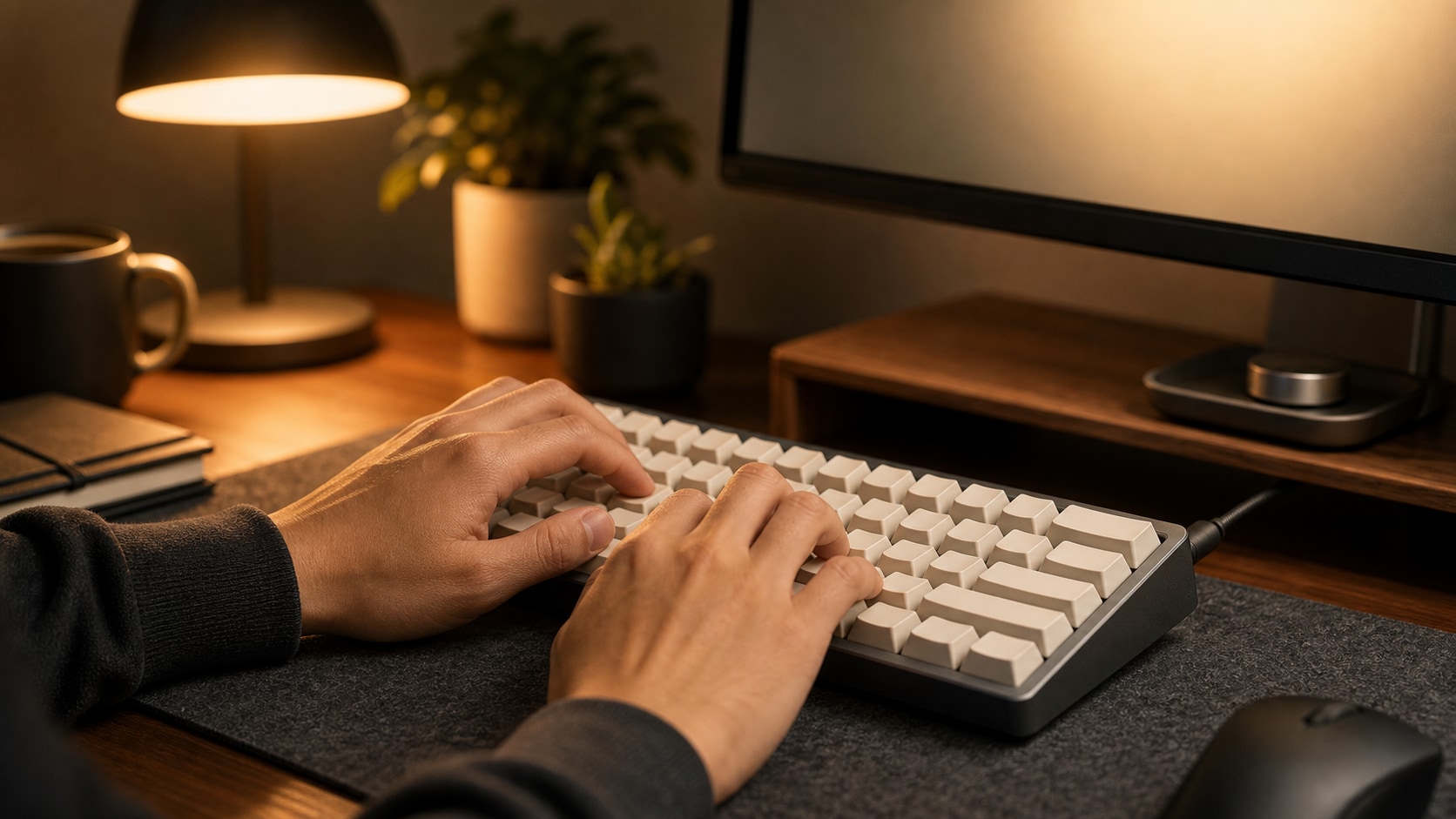
Use Hands, Desks, and Lighting for Scale
Lifestyle keyboard prompts work best when hands, monitor glow, desk objects, and camera angle are controlled. These cues make the board feel usable while keeping the product as the hero.
- Scale Cue - Include hands typing, wrist rest, mouse, cable, notebook, or monitor edge.
- Desk Mood - Use minimalist office, gaming desk, developer setup, or creative studio.
- Focus - Keep the keyboard sharp and supporting objects softly secondary.
Turn Keyboard Renders Into Launch Videos
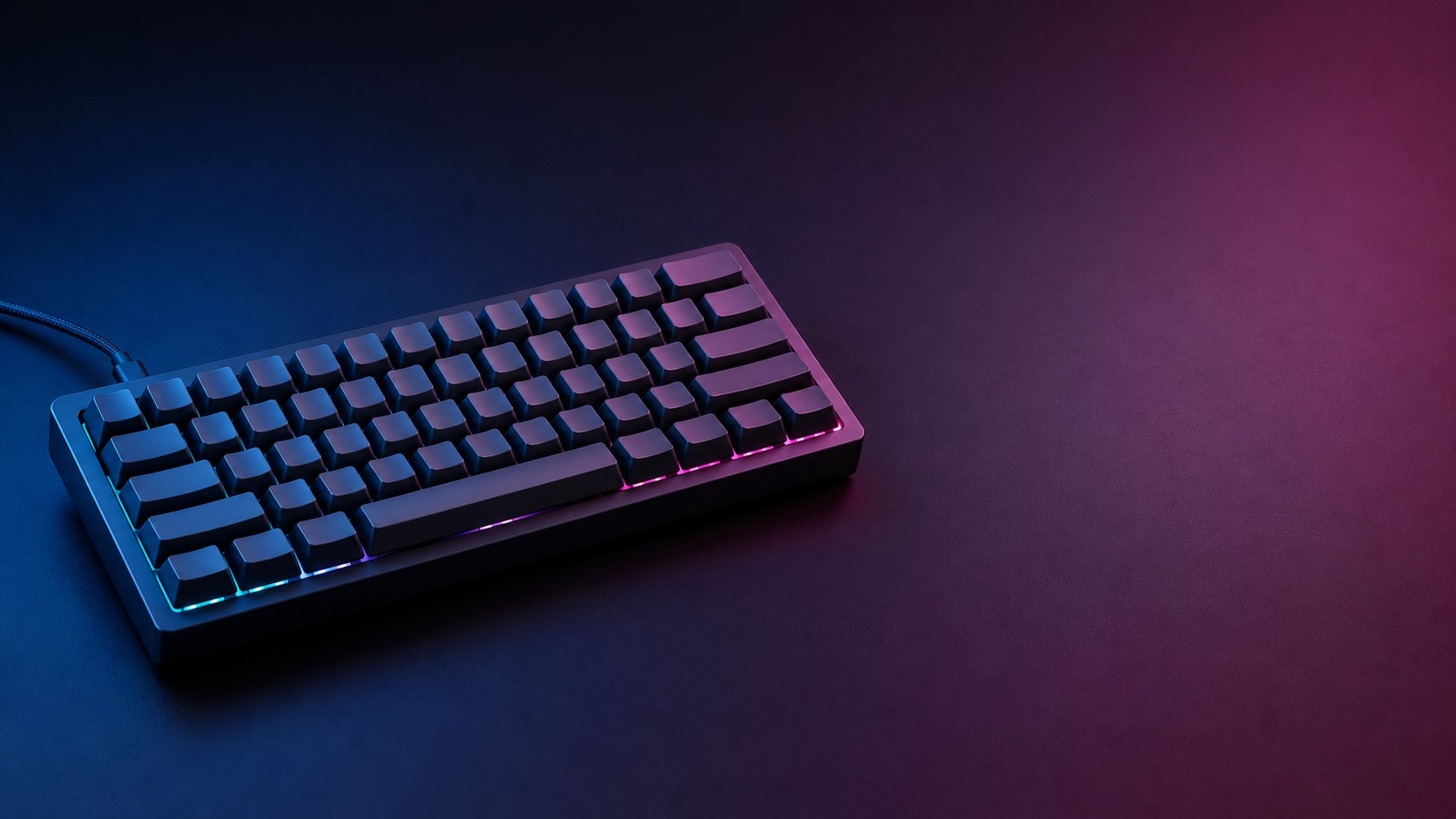
Turn Keyboard Renders Into Launch Videos
After generating a still keyboard mockup, use Filmora to add product callouts, camera movement, glow effects, captions, or launch music. A clean image can become a shop teaser or short product ad.
- Motion Ideas - Use slow orbit, keycap pop-in, light sweep, typing rhythm, or macro push-in.
- Edit Control - Generate the image without readable text, then add final copy in Filmora.
- Video Uses - Create launch teasers, ecommerce banners, review intros, and social ads.
Frequently Asked Questions About AI Keyboard Mockup Prompts
How to Generate Keyboard Mockups With AI Prompts
Create a product-ready keyboard visual by defining layout, material, angle, lighting, and ratio before refining the mockup in Filmora.
Step 1 Choose a Keyboard Style

Step 2 Set Product Details and Ratio

Step 3 Generate, Refine, and Export

-
1: Choose a Keyboard Style
Pick a 60%, 65%, TKL, full-size, retro, transparent, RGB gaming, or premium aluminum mechanical keyboard concept. -
2: Set Product Details and Ratio
Paste the prompt into Filmora's AI Image tool, choose a ratio, and describe keycaps, case material, lighting, surface, camera angle, and no readable text details. -
3: Generate, Refine, and Export
Generate the mockup, adjust crop and color in Filmora, add callouts or motion if needed, then export it for product pages, ads, or social posts.
AI Keyboard Mockup Prompts: Build Product-Ready Visuals
Use AI mechanical keyboard mockup prompts to create clean product renders, custom keycap previews, gaming desk scenes, hands-typing lifestyle shots, and launch visuals ready for Filmora editing.