Explore Free AI Strawberry Cake Image Prompts
Browse AI strawberry cake prompts for realistic slices, whole cakes, bakery displays, picnic desserts, kawaii shortcake scenes, menu-ready product photos, and social covers. Use each idea to create assets for video templates, cafe reels, product cards, thumbnails, and food galleries.
Loading more strawberry cake image prompts...
 Category:
 Duration:
 Aspect Ratio:
Why Use AI Strawberry Cake Prompts for Food Photos?
Cake images need visible crumb, cream texture, fresh fruit, plate styling, light direction, and appetizing color. Strong prompts keep desserts realistic and easy to use in menus or social posts.
Show Fresh Fruit and Cream Texture
Show Fresh Fruit and Cream Texture
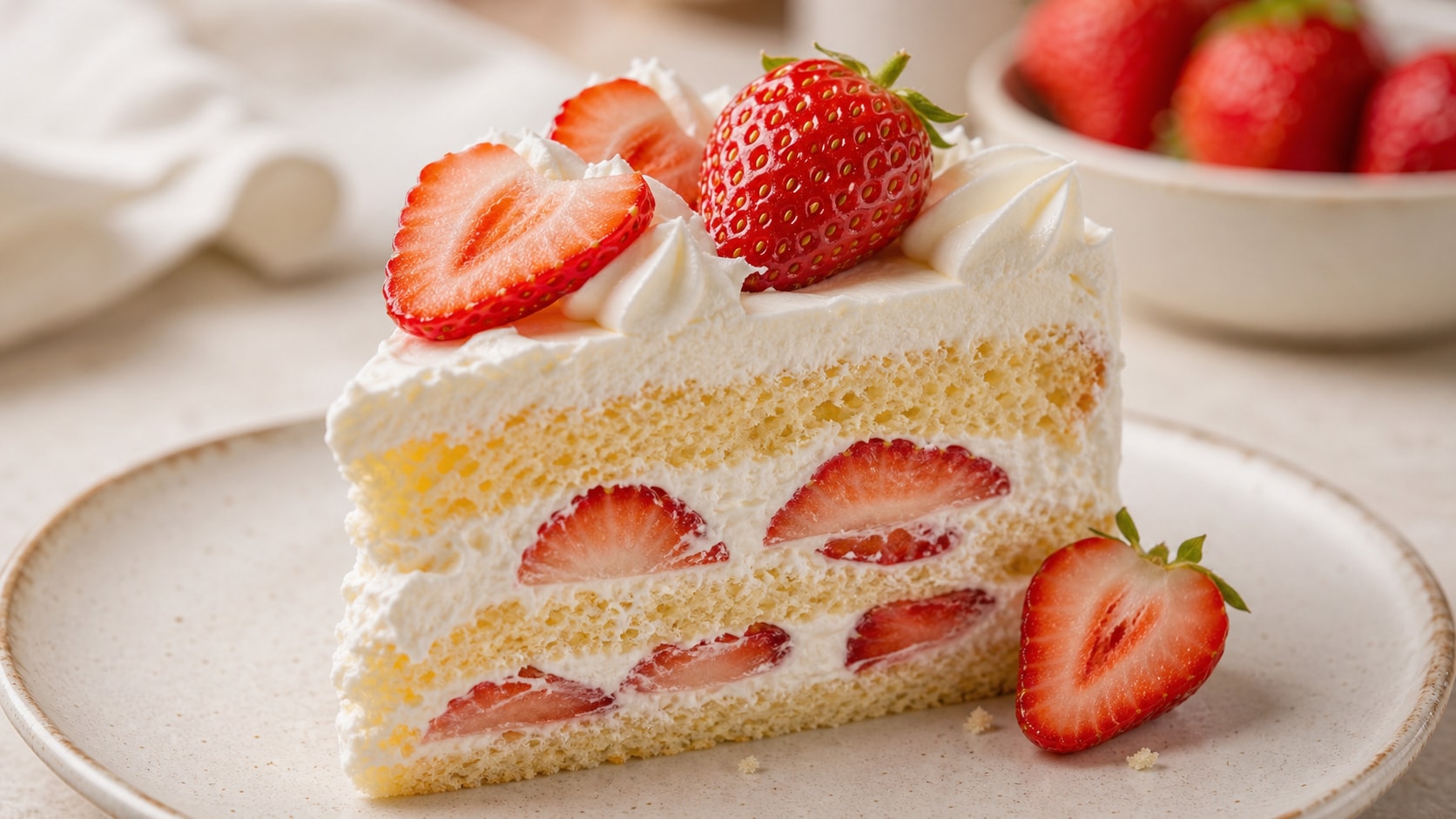
A good strawberry cake prompt describes ripe berries, sponge layers, whipped cream, glaze, crumbs, and the plate surface.
- Cake Detail - Mention sponge crumb, cream swirls, berry slices, glaze shine, and fork marks.
- Fresh Color - Use natural strawberry red, soft cream, golden sponge, and gentle highlights.
- Clean Surface - Choose ceramic plate, bakery paper, marble, linen, or wooden tabletop.
Create Bakery Product Photos
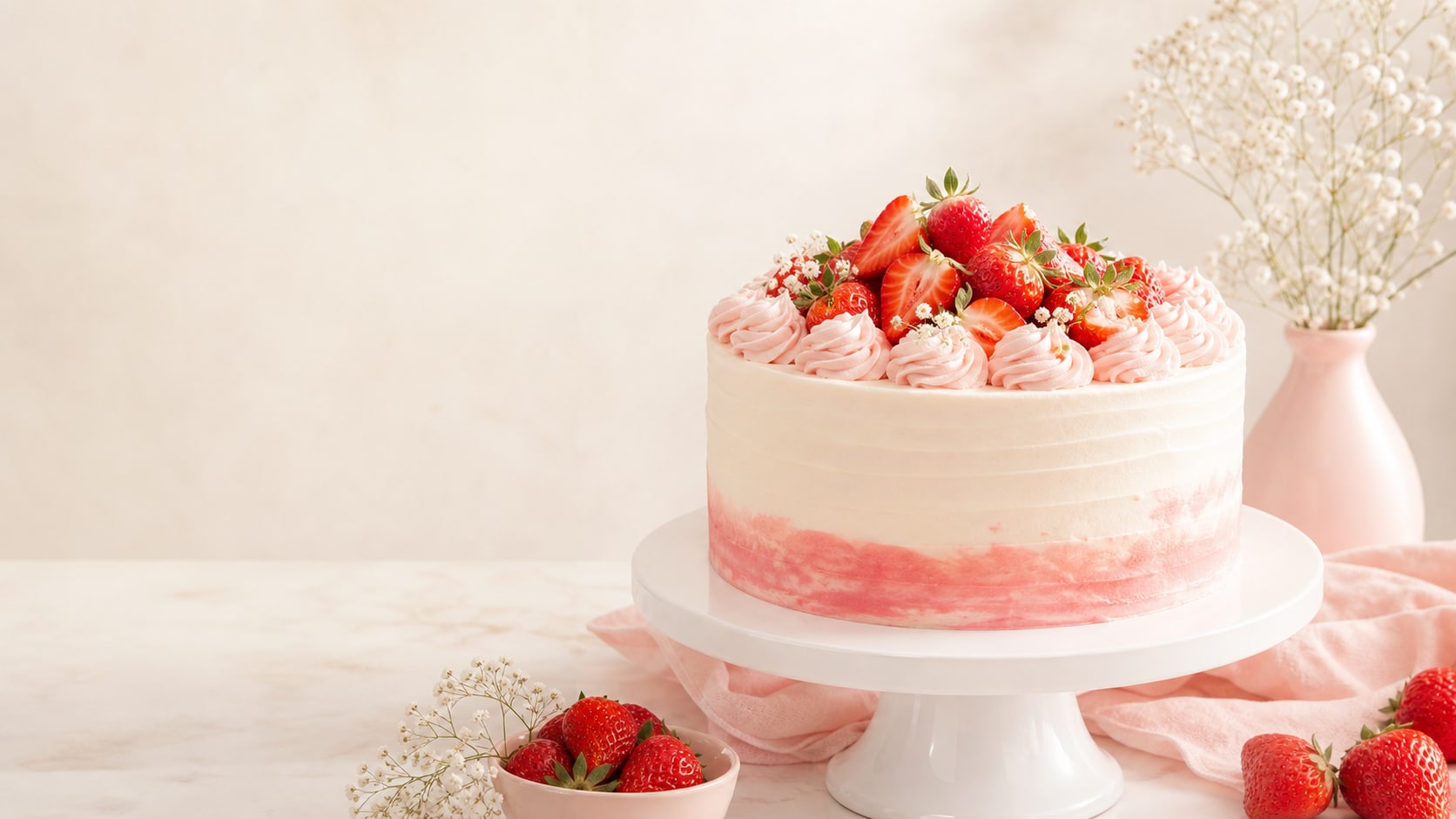
Create Bakery Product Photos
For menu and product images, describe camera angle, plate styling, clean background, and the blank space where pricing or labels will be added later.
- Hero Angle - Use three-quarter product shot, top-down flat lay, macro slice, or whole cake view.
- Menu Ready - Keep the background simple and the cake shape clear.
- Text Control - Generate without labels, then add menu copy in Filmora.
Build Vintage and Cafe Scenes
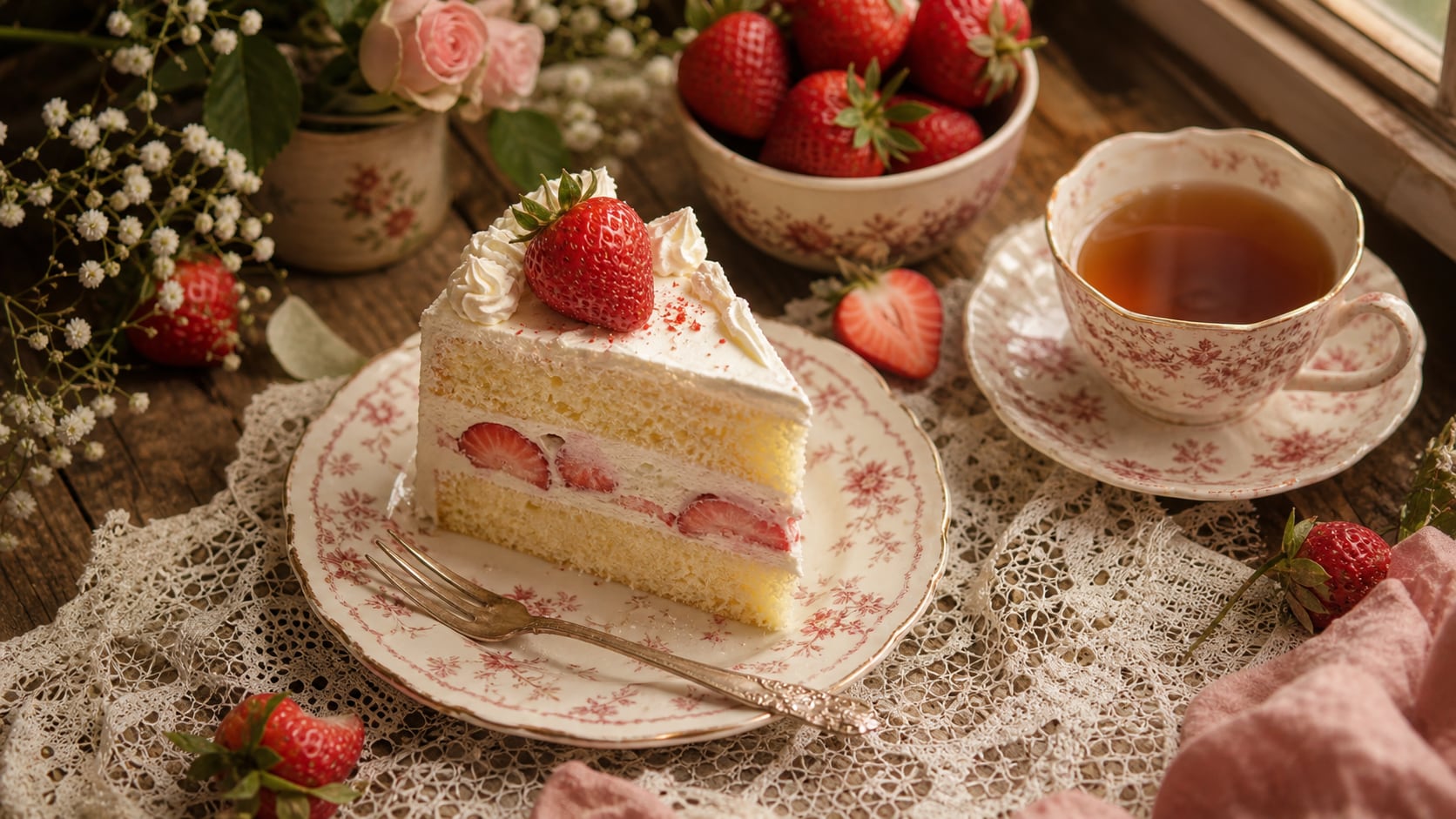
Build Vintage and Cafe Scenes
Lifestyle dessert prompts work well when they include tableware, window light, small props, and a clear dessert focus. Keep the scene charming but not crowded.
- Cafe Mood - Use warm window light, coffee cup, vintage fork, lace cloth, or paper napkin.
- Flat Lay Control - Place props around the edge so the cake remains the main subject.
- Social Crop - Ask for square, vertical, or wide output based on the final channel.
Turn Cake Photos Into Video Assets
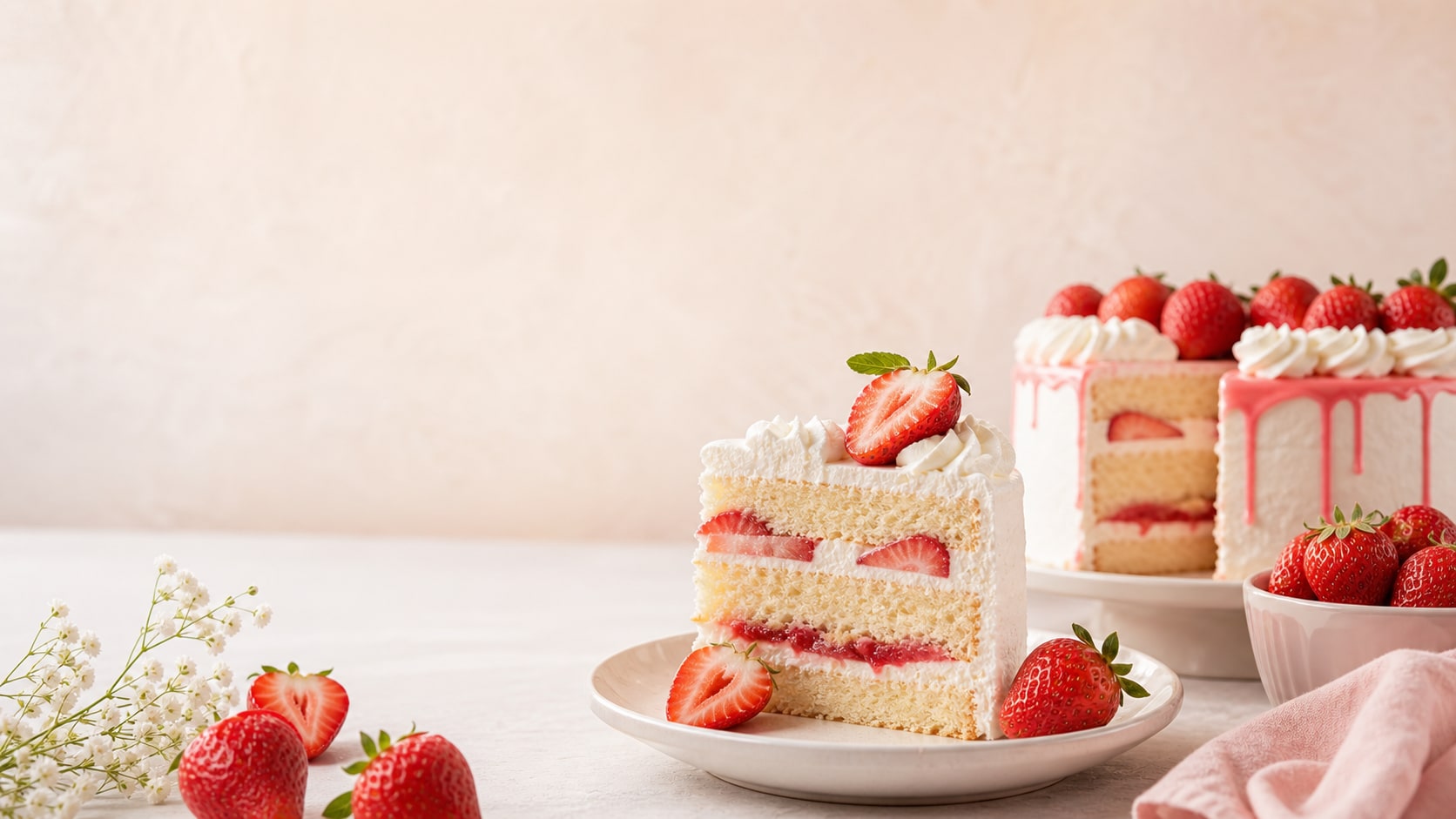
Turn Cake Photos Into Video Assets
After generating the still, use Filmora to add menu titles, ingredient callouts, slow zooms, sparkle accents, recipe steps, or cafe reel transitions.
- Motion Ideas - Animate camera pushes, cream detail close-ups, berry sparkle, and soft light movement.
- Food Uses - Create menu covers, recipe shorts, bakery ads, thumbnails, and product cards.
- Readable Copy - Add exact cake names and prices after generation for clean typography.
Frequently Asked Questions About Strawberry Cake Prompts
How to Generate Strawberry Cake Images With Prompts
Create a bakery-ready cake image by choosing the dessert style, angle, texture, light, and ratio before polishing it in Filmora.
Step 1 Choose a Cake Scene

Step 2 Set Texture, Light, and Ratio

Step 3 Generate, Edit, and Export

-
1: Choose a Cake Scene
Pick a shortcake slice, whole cake, product hero, cafe table, picnic dessert, flat lay, or social cover. -
2: Set Texture, Light, and Ratio
Paste the prompt into Filmora's AI Image tool, choose the ratio, and describe cream, berries, crumb, plate surface, lighting, and no readable text. -
3: Generate, Edit, and Export
Generate the image, refine crop and color, add menu text or motion if needed, then export it for reels, thumbnails, or product pages.
Free AI Strawberry Cake Prompts: Create Sweet Food Photos
Use AI strawberry cake prompts to create realistic slices, bakery product shots, cafe flat lays, recipe covers, and video-ready food visuals for Filmora editing.