Explore Gemini AI Mango Baby Photo Prompts
Browse mango baby prompts for picnic portraits, tropical backdrops, fruit-basket scenes, yellow outfits, birthday setups, orchard photos, and social covers. Use each idea to create assets for video templates, family reels, cards, thumbnails, and summer photo galleries.
Loading more Gemini AI mango baby photo prompts...
 Category:
 Duration:
 Aspect Ratio:
Why Use Mango Baby Prompts for Gemini AI Photos?
Fruit-themed baby images need gentle lighting, safe posing language, soft textures, bright color, and a clean composition. Strong prompts keep the scene cute, warm, and easy to crop.
Create Soft Tropical Baby Portraits
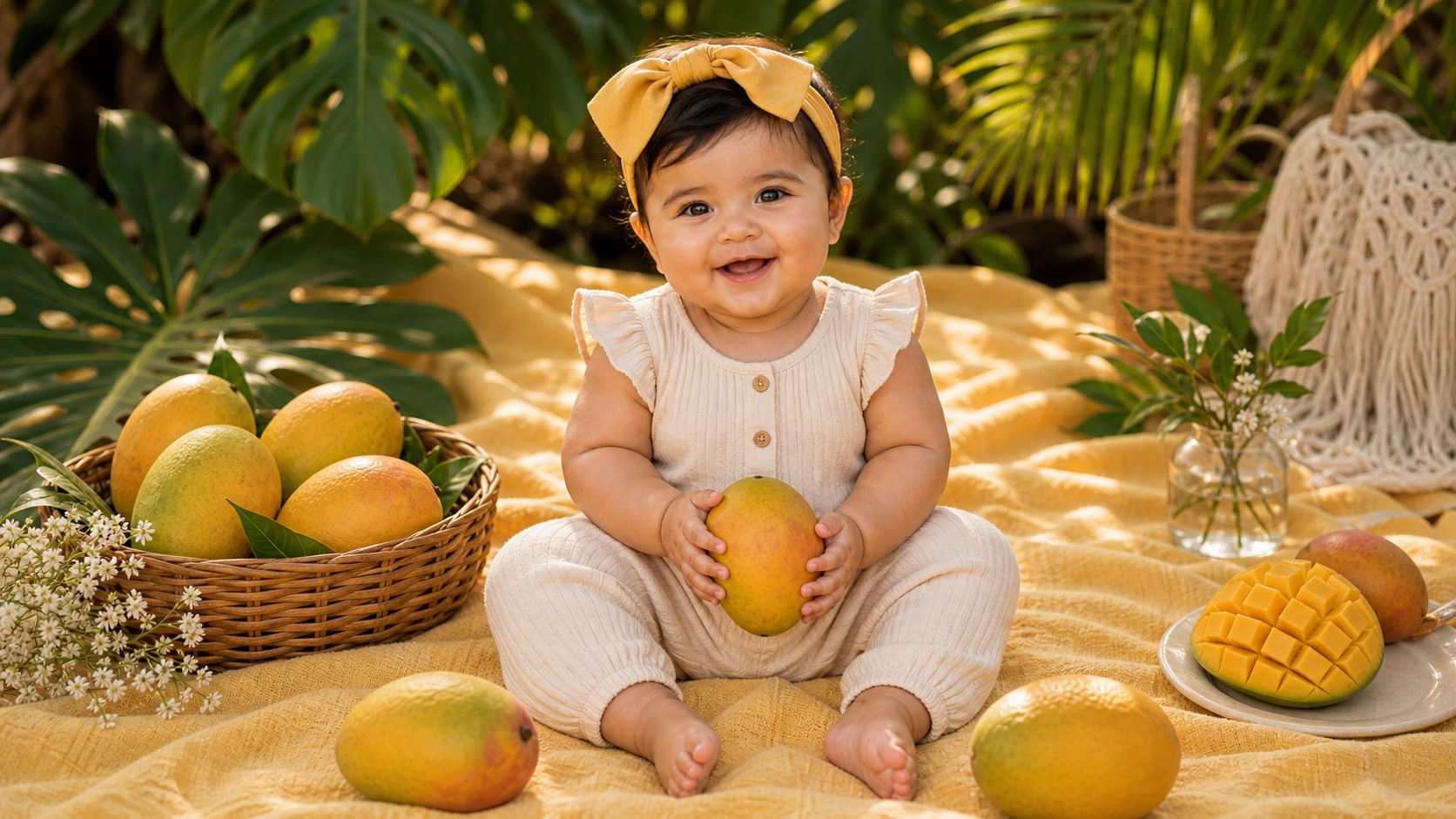
Create Soft Tropical Baby Portraits
A strong mango baby prompt describes soft yellow styling, fruit props placed safely around the scene, warm light, and a calm portrait pose.
- Gentle Mood - Use peaceful, sleepy, smiling, curious, or playful expressions.
- Fruit Props - Place mangoes in baskets, garlands, blankets, or background decor around the baby.
- Soft Texture - Add cotton wraps, muslin, woven basket, plush rug, or linen picnic blanket.
Build Mango Picnic and Orchard Scenes
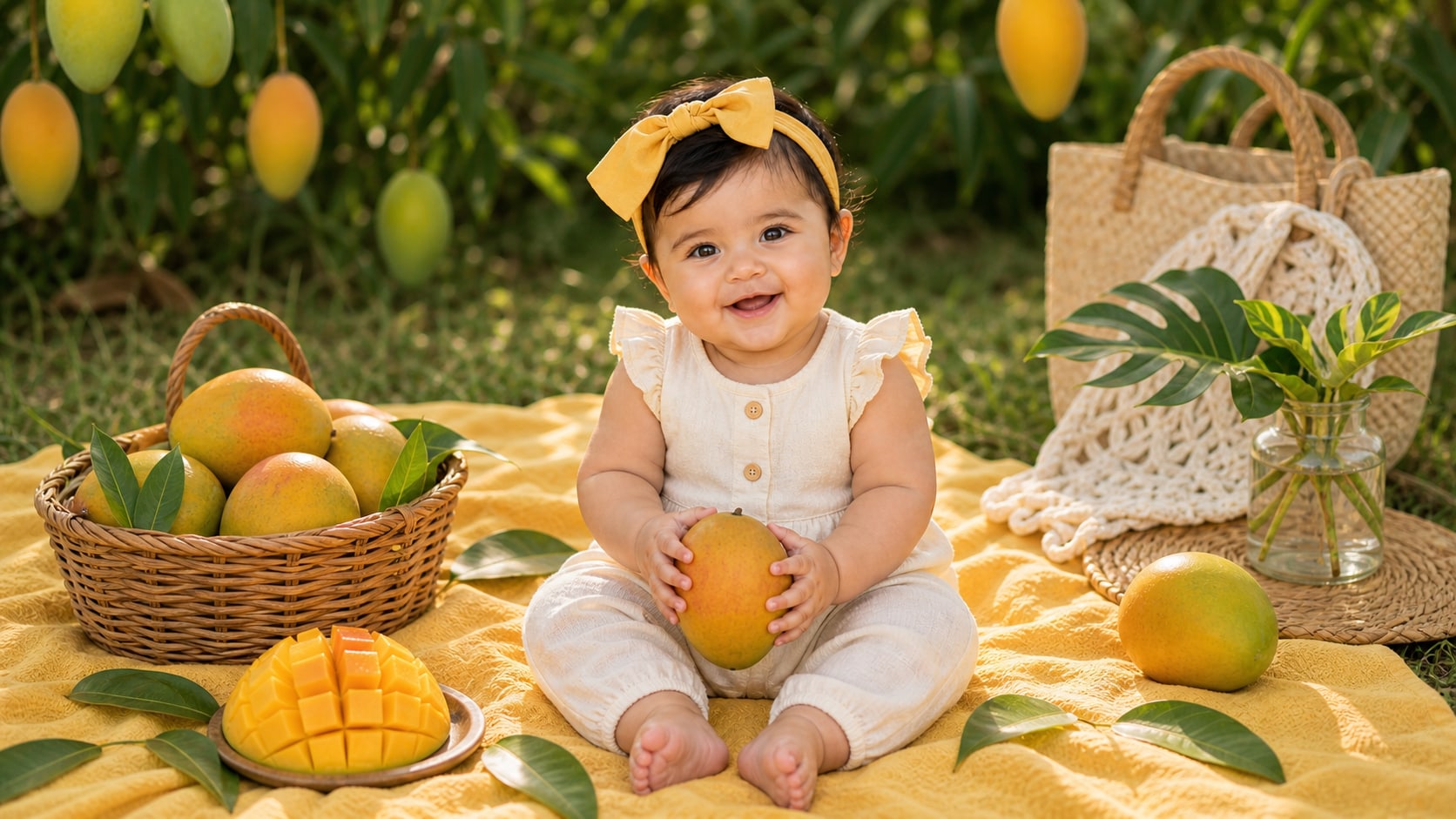
Build Mango Picnic and Orchard Scenes
Outdoor baby prompts work best when they include shade, soft grass, fruit baskets, tropical leaves, and a simple background that does not compete with the portrait.
- Picnic Setup - Use blanket, basket, mango slices, yellow cushions, and soft outdoor shade.
- Orchard Mood - Add warm sunlight, green leaves, distant trees, and natural family-photo color.
- Clean Crop - Keep the baby centered with enough space for cards or social covers.
Design Cute Costume and Birthday Looks
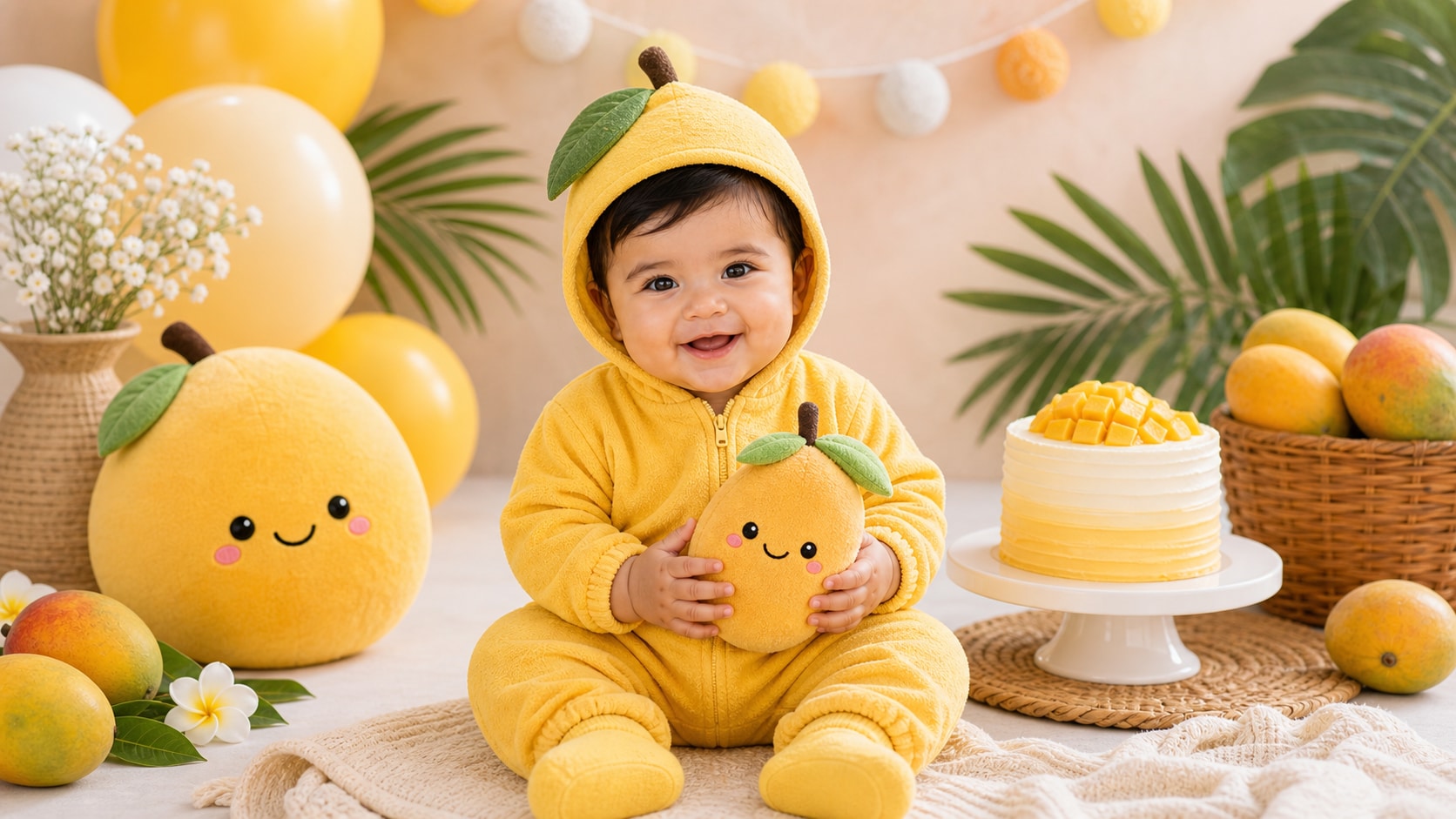
Design Cute Costume and Birthday Looks
Costume prompts should stay soft and comfortable: yellow romper, mango-shaped plush, leafy headband, cake smash setup, or cozy studio scene.
- Outfit Detail - Use soft yellow romper, fruit hat, tiny sandals, or simple cotton wrap.
- Theme Props - Add mango cake, tropical balloon shapes without words, or leaf garlands.
- Editable Image - Keep generated decorations free of readable text for cleaner production.
Turn Baby Photos Into Keepsake Videos
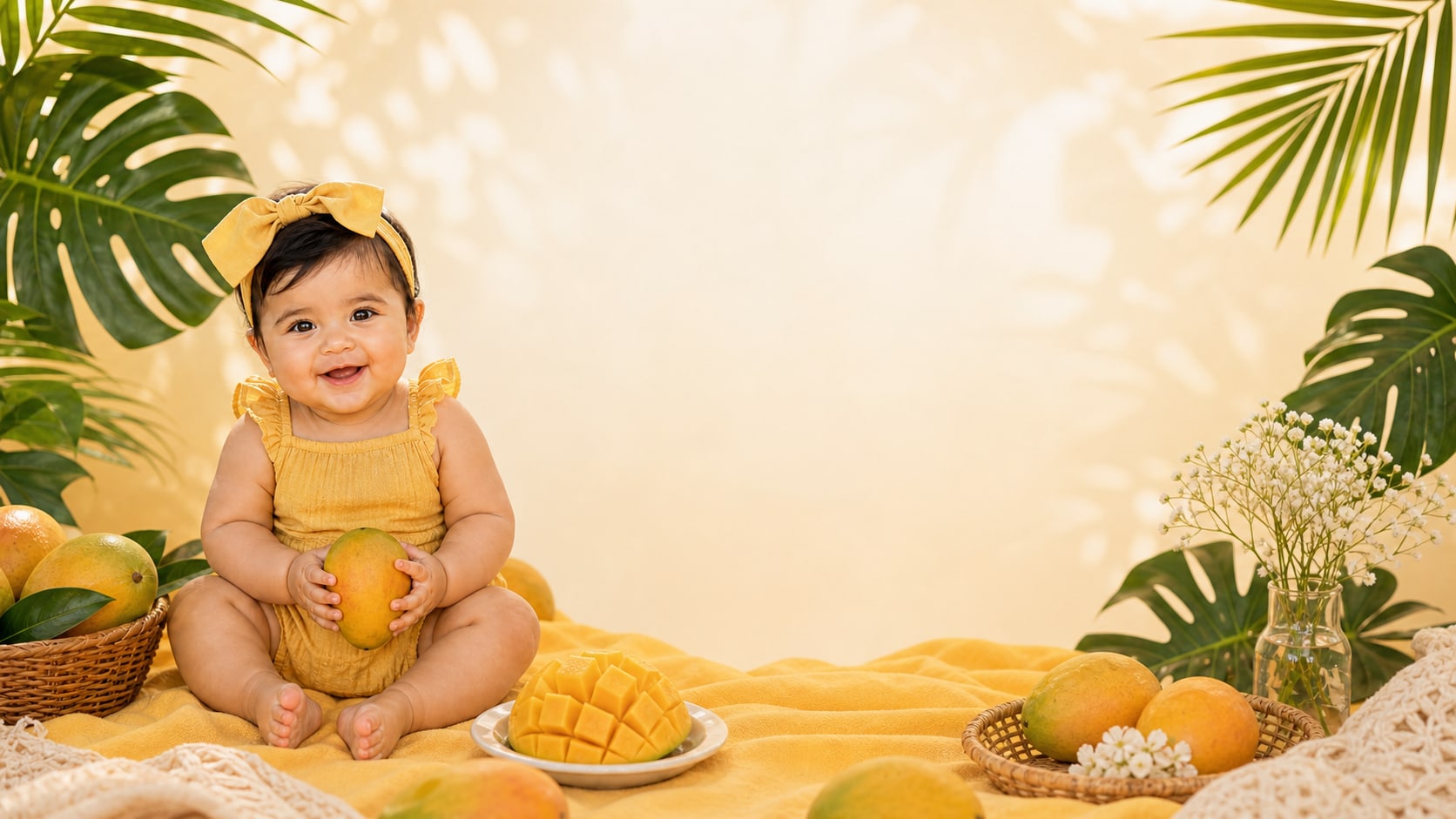
Turn Baby Photos Into Keepsake Videos
After generating the image, use Filmora to add gentle motion, family titles, date cards, soft transitions, music, and crop variations for sharing.
- Motion Ideas - Add slow zooms, floating fruit accents, warm light movement, and soft transitions.
- Family Uses - Create birthday reels, album intros, announcement cards, and keepsake clips.
- Text Control - Add exact names and dates in Filmora after the image is generated.
Frequently Asked Questions About Mango Baby Prompts
How to Generate Mango Baby Photos With Gemini AI
Create a fruit-themed baby portrait by choosing a soft setup, adding mango details, setting light and ratio, then polishing the image in Filmora.
Step 1 Choose a Mango Baby Scene

Step 2 Set Props, Light, and Ratio

Step 3 Generate, Personalize, and Export

-
1: Choose a Mango Baby Scene
Pick a picnic, studio portrait, orchard setup, costume look, birthday scene, family photo, or social cover. -
2: Set Props, Light, and Ratio
Paste the prompt into Filmora's AI Image tool, choose the ratio, and define yellow styling, mango props, safe posing, soft light, and no readable text. -
3: Generate, Personalize, and Export
Generate the image, refine crop and color, add family titles or motion if needed, then export it for keepsakes, reels, or cards.
Gemini AI Mango Baby Prompts: Create Cute Fruit Photos
Use Gemini AI mango baby prompts to create tropical portraits, picnic scenes, fruit costumes, birthday covers, and family visuals ready for Filmora editing.