Explore Gemini AI Sunrise Photo Prompts
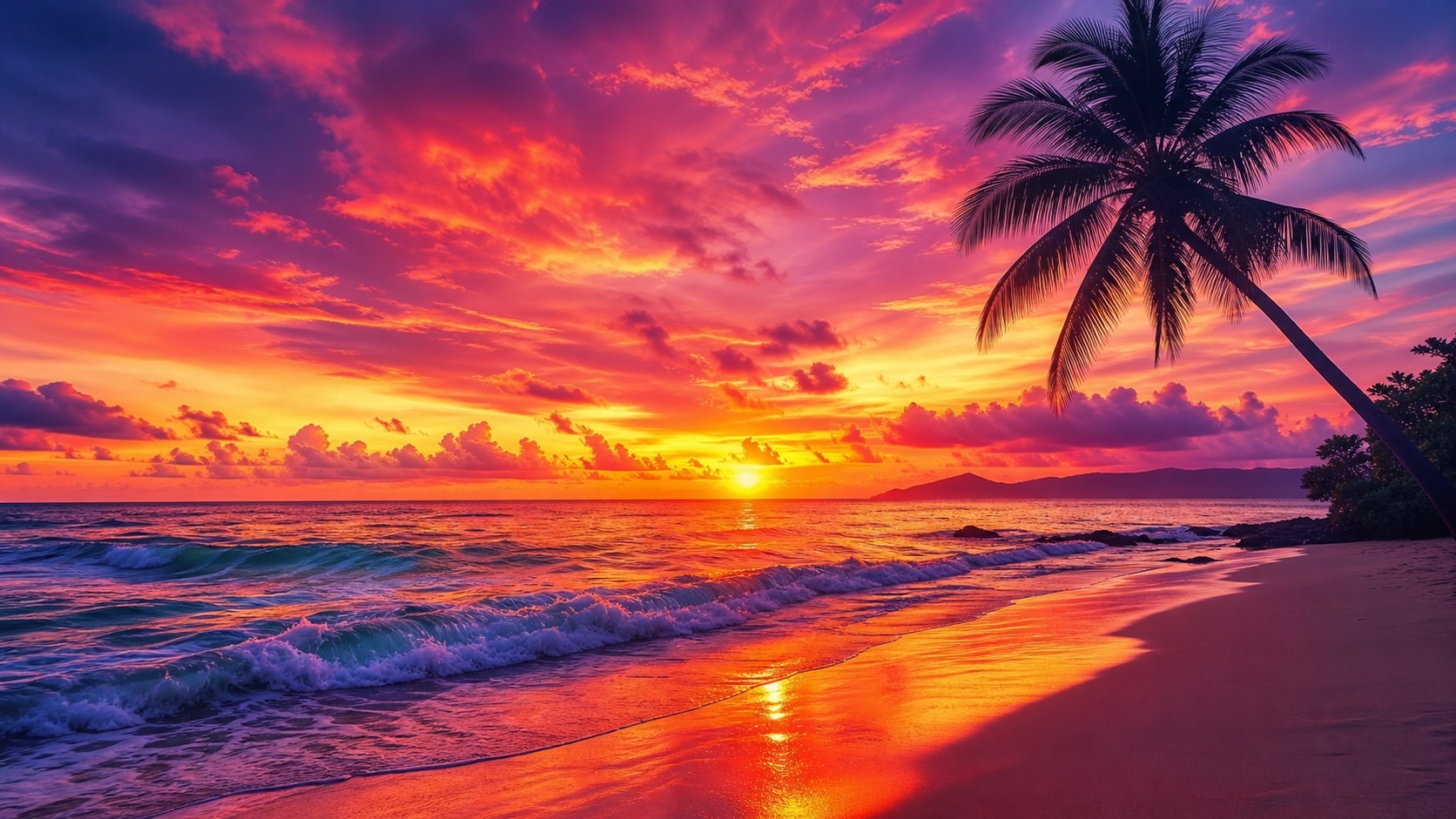
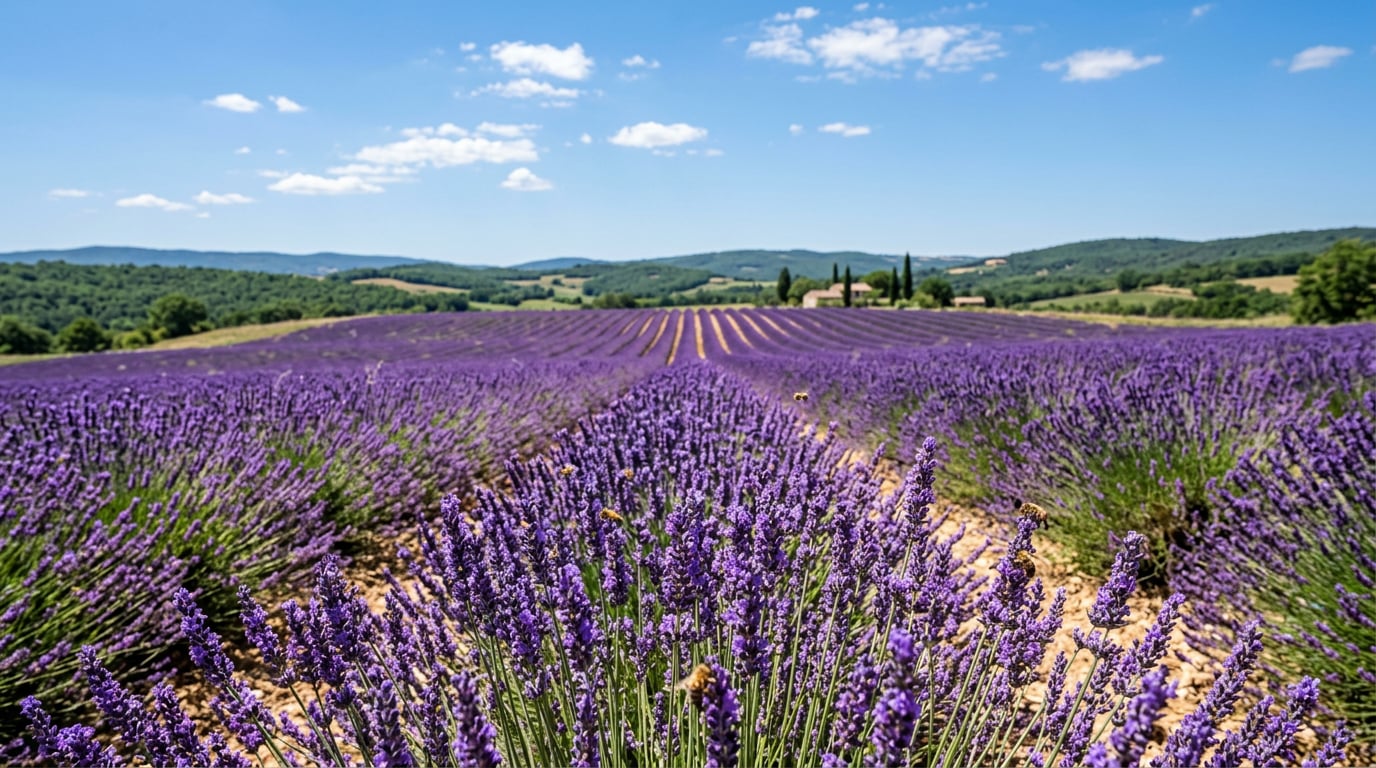
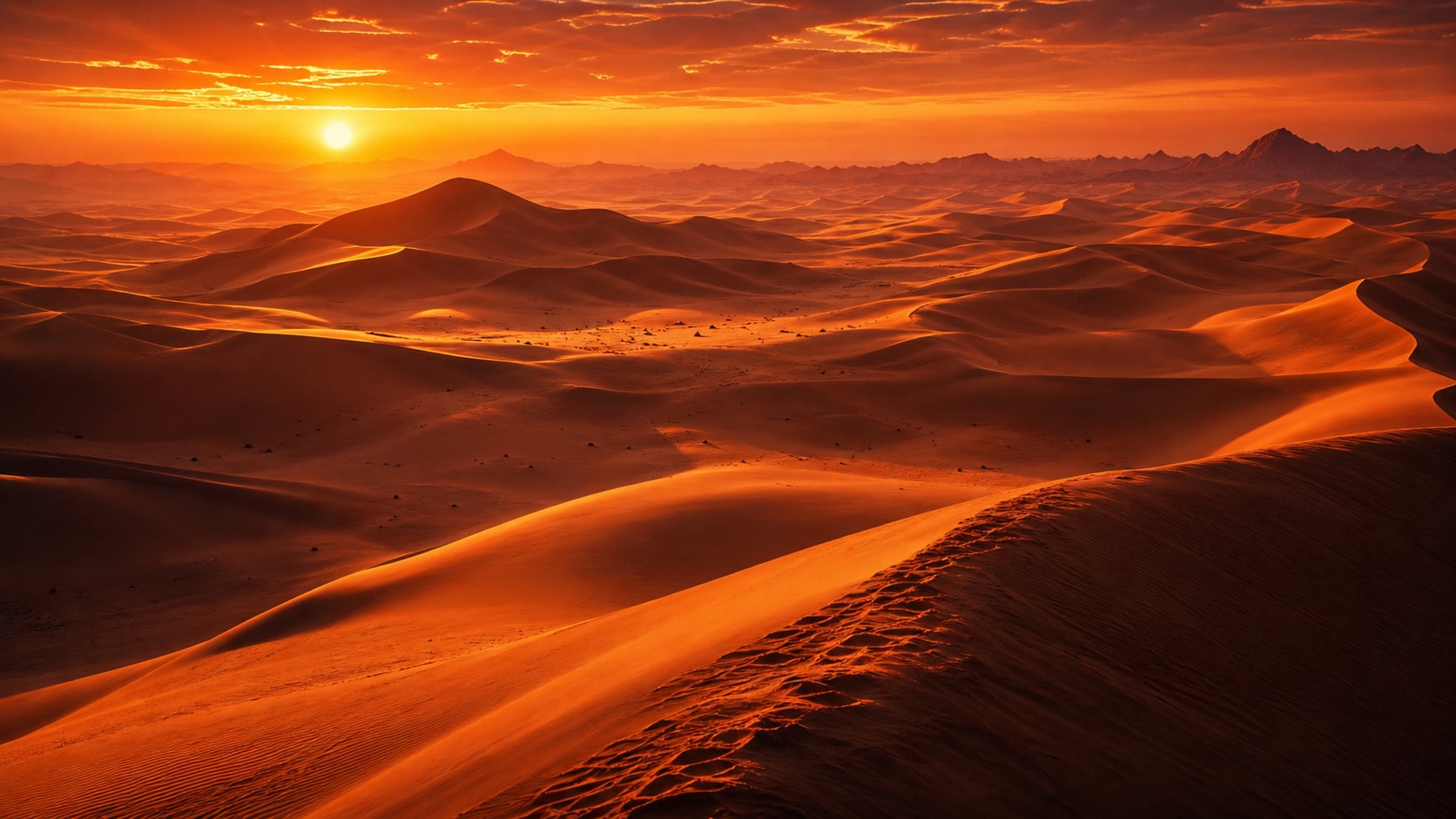
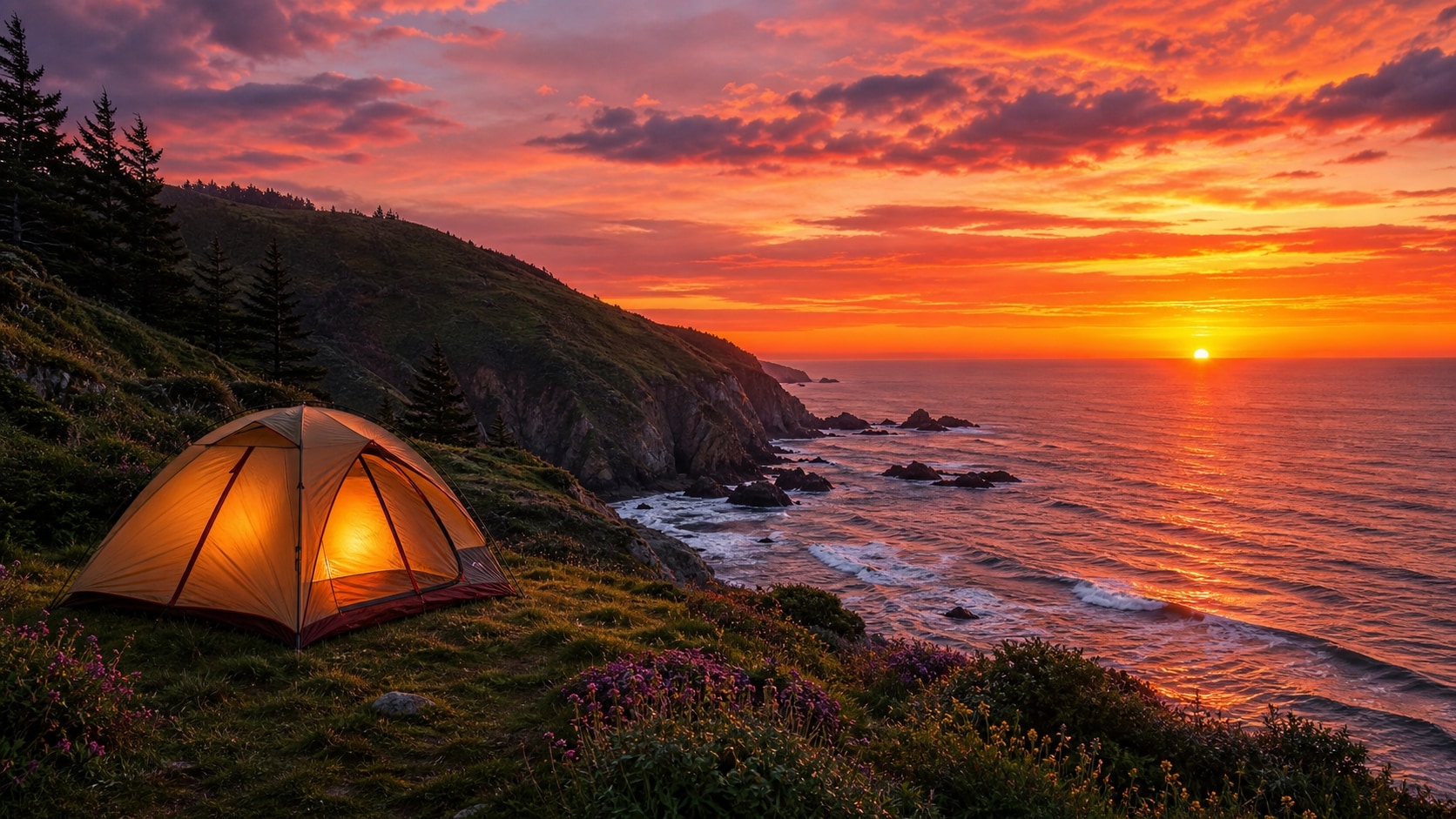
Browse Gemini AI sunrise prompts for photorealistic landscapes, warm portrait light, beach scenes, camping mornings, city skylines, and peaceful nature images. Use each idea to create assets for video templates, thumbnails, reels, travel posts, and inspirational visuals.
Loading more Gemini AI sunrise photo prompts...
 Category:
 Duration:
 Aspect Ratio:
Why Use Gemini AI Sunrise Prompts for Golden Photos?
Sunrise scenes need more than a warm sky. A strong prompt describes where the sun sits, how light wraps the subject, what should remain in silhouette, and how atmosphere shapes the final composition.
Shape Golden Light and Direction
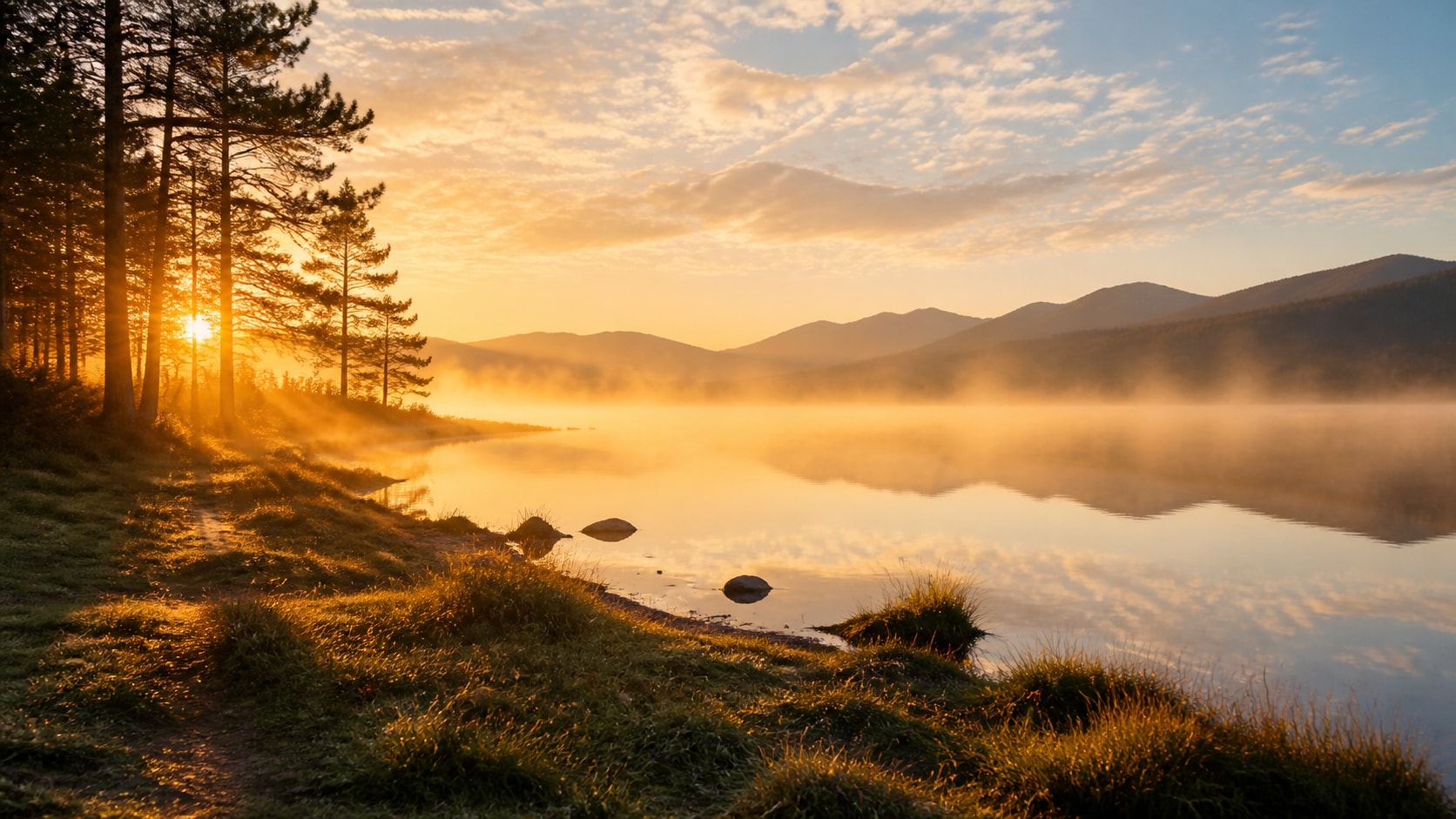
Shape Golden Light and Direction
A strong sunrise photo prompt tells the AI whether the light is backlit, side-lit, rim-lit, or reflected across water. This keeps the image warm and readable instead of flat orange.
- Sun Position - Place the sun near the horizon, behind the subject, or reflecting on water.
- Light Quality - Use golden rim light, soft haze, long shadows, and gentle highlight bloom.
- Readable Detail - Keep the main subject clear even when the sky is bright.
Create Landscape and Travel Sunrise Scenes
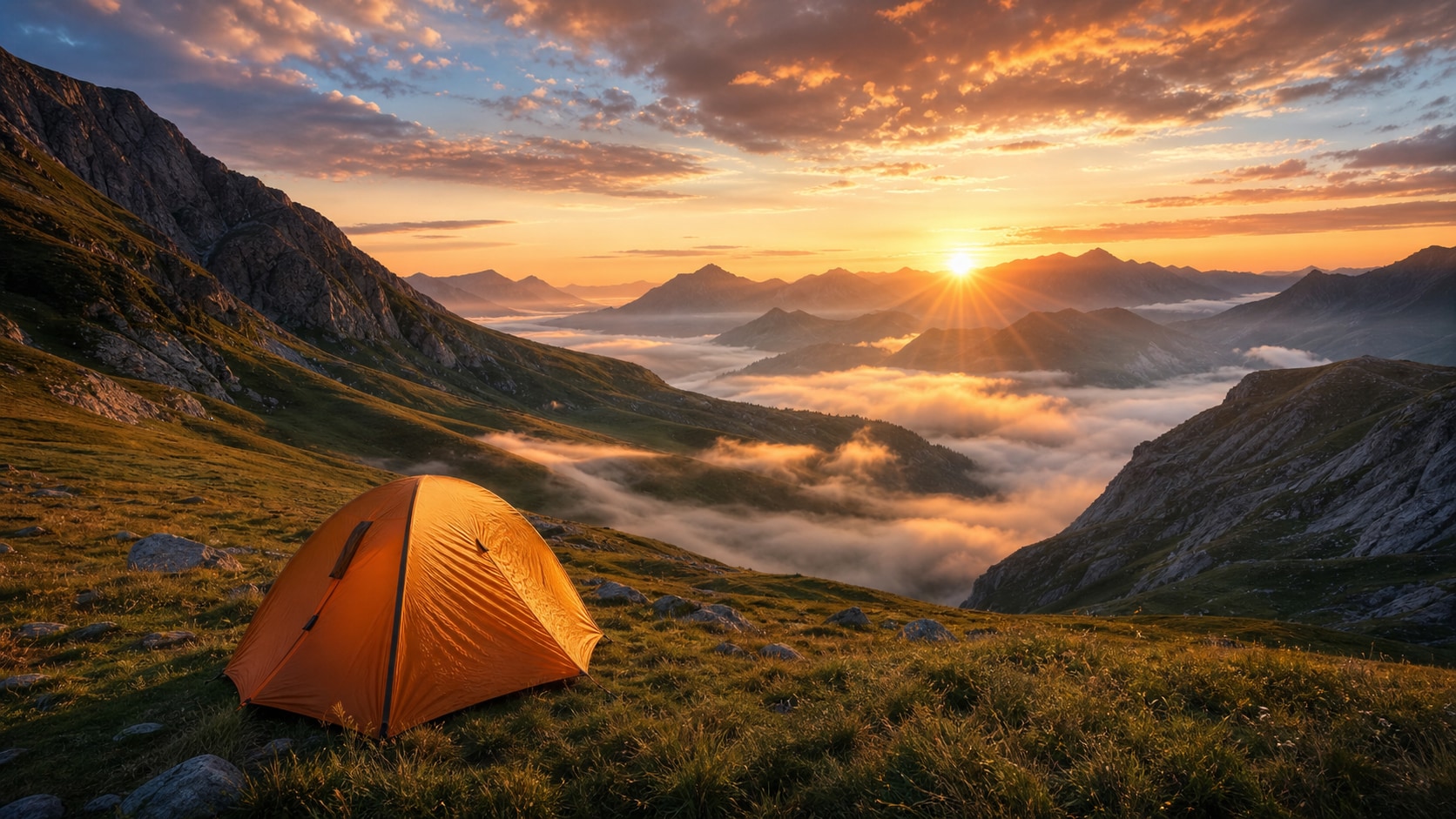
Create Landscape and Travel Sunrise Scenes
For sunrise landscape prompts, combine place, foreground, atmosphere, and scale. Mountains, beaches, rivers, city skylines, tents, and fields all need a clear visual anchor.
- Foreground Anchor - Add rocks, grass, a tent, pier, bridge, or flower field to give depth.
- Atmosphere - Mention mist, low clouds, sea spray, desert haze, or crisp winter air.
- Travel Mood - Use scenic, peaceful, cinematic, documentary, or luxury travel photography.
Balance Portrait Silhouettes and Skin Tone
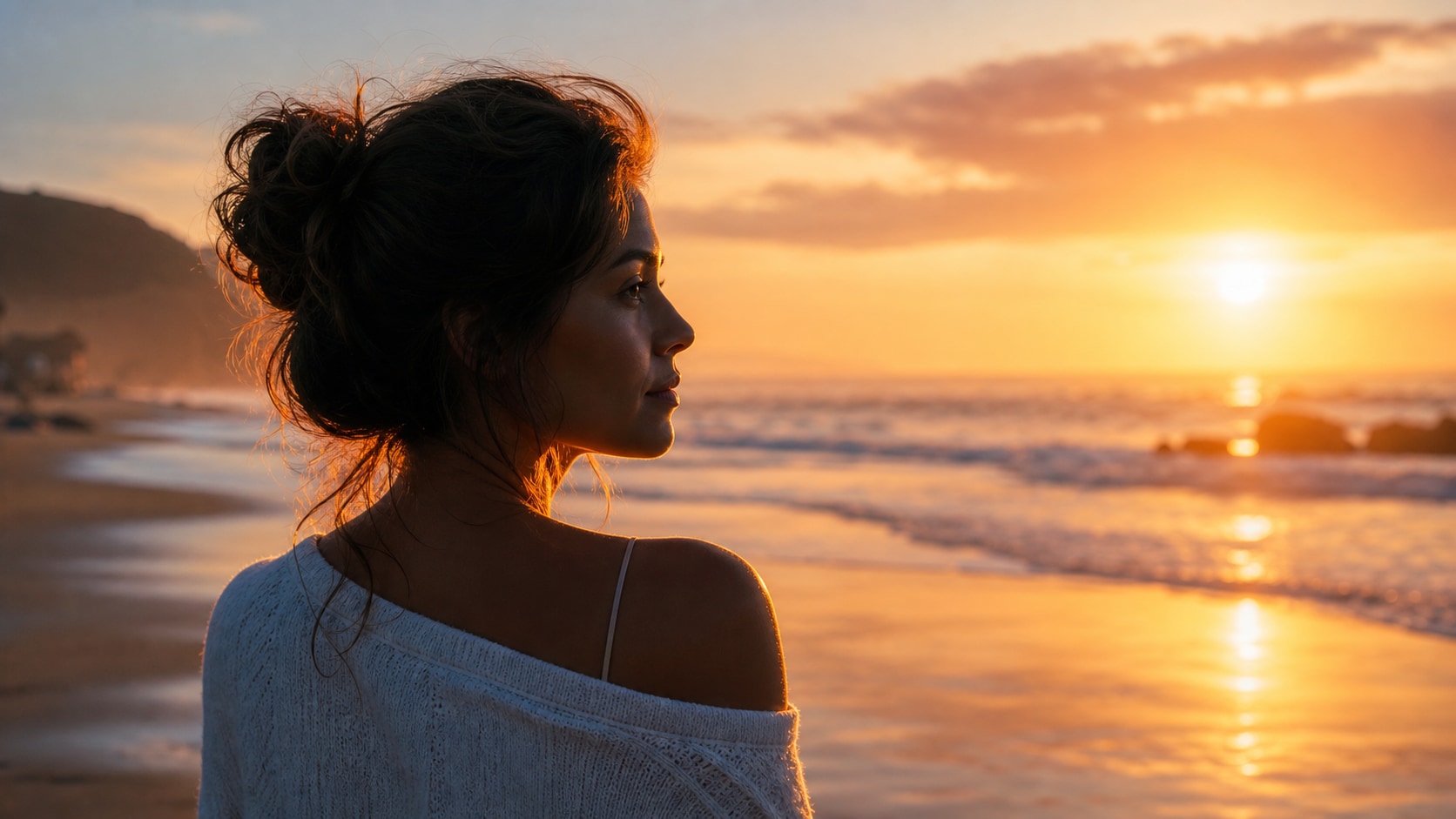
Balance Portrait Silhouettes and Skin Tone
A sunrise portrait prompt should specify whether the person is a silhouette or softly lit. Add rim light, reflector feel, warm highlights, and natural skin detail to keep the result intentional.
- Silhouette Control - Use full silhouette for dramatic outlines or soft fill light for visible faces.
- Pose - Describe walking, looking toward the horizon, stretching, or relaxed travel posture.
- Skin Detail - Ask for natural skin texture and gentle highlight control.
Animate Morning Photos in Filmora
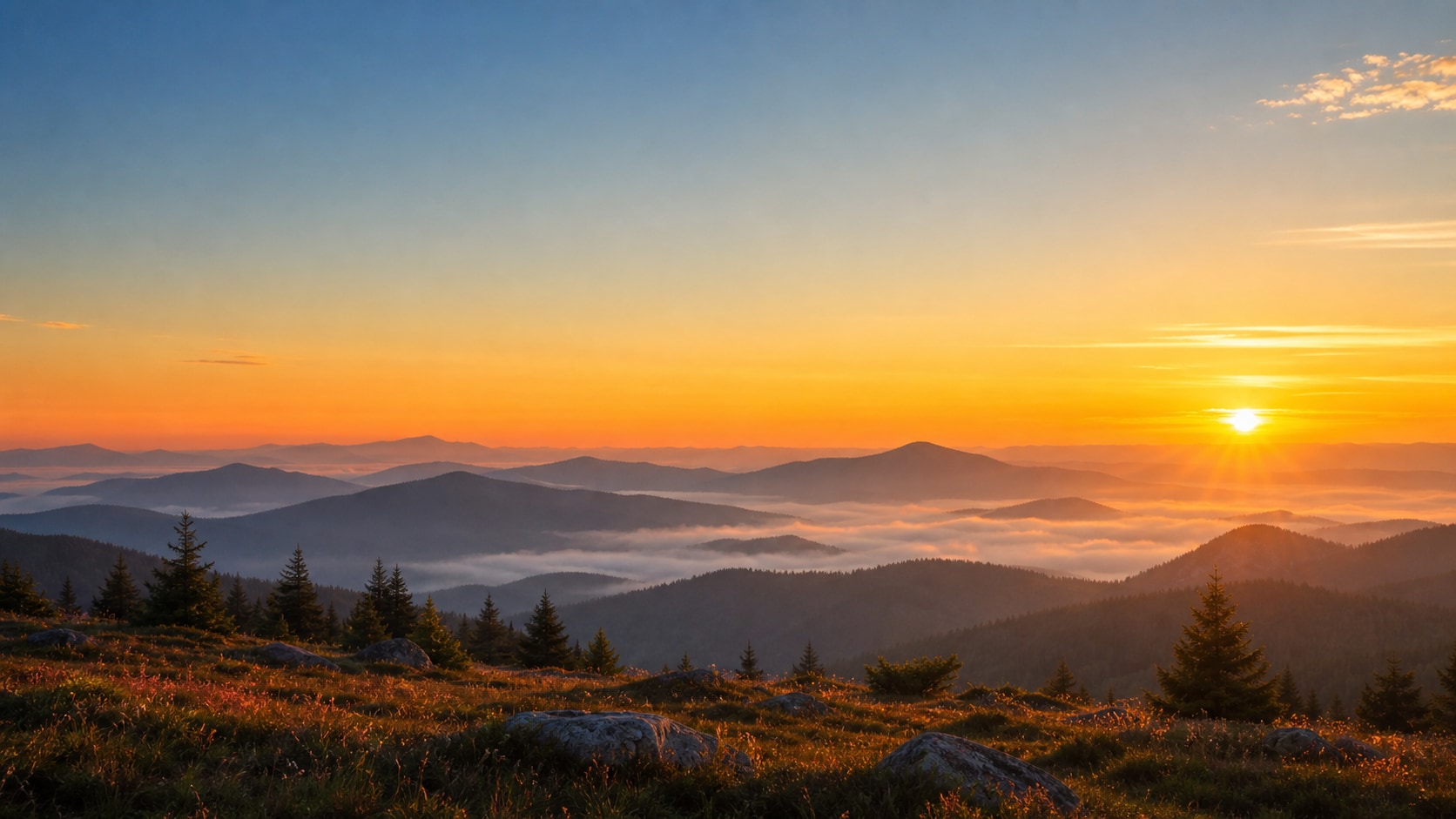
Animate Morning Photos in Filmora
After generating a sunrise still, use Filmora to add slow zooms, floating mist, light rays, title cards, or gentle transitions. Morning images work especially well as intros, travel covers, and motivational reels.
- Motion Ideas - Use slow push-ins, light-ray overlays, drifting clouds, or soft parallax.
- Clean Titles - Generate without readable text, then add crisp titles in Filmora.
- Video Uses - Create travel intros, wellness reels, event openers, and social covers.
Frequently Asked Questions About Gemini AI Sunrise Prompts
How to Generate Sunrise Photos With Gemini AI Prompts
Build a sunrise image by choosing a scene, setting light direction, adding atmosphere, and refining the final visual in Filmora.
Step 1 Choose a Morning Scene

Step 2 Set Light, Atmosphere, and Ratio

Step 3 Generate, Refine, and Export

-
1: Choose a Morning Scene
Pick a landscape, beach, city rooftop, tent, portrait, runner, flower field, or quiet indoor window-light moment. -
2: Set Light, Atmosphere, and Ratio
Paste the prompt into Filmora's AI Image tool, choose the ratio, and describe sun position, shadows, haze, reflection, and no readable text details. -
3: Generate, Refine, and Export
Generate the sunrise image, adjust color and framing in Filmora, add motion or titles if needed, then export it for reels, thumbnails, or covers.
Gemini AI Sunrise Prompts: Create Warm Morning Images
Use Gemini AI sunrise photo prompts to create golden landscapes, cinematic portraits, beach silhouettes, misty mornings, travel covers, and peaceful visuals ready for Filmora editing.