Explore Strawberry Aesthetic Prompts
Browse strawberry aesthetic prompts for cute portraits, picnic scenes, berry flat lays, coquette details, pastel wallpapers, cafe moments, and social covers. Use each idea to generate assets for video templates, reels, profile posts, mood boards, and visual galleries.
Loading more strawberry aesthetic prompts...
 Category:
 Duration:
 Aspect Ratio:
Why Use Strawberry Aesthetic Prompts for AI Photos?
Strawberry visuals work best when the prompt balances color, fruit detail, fabric texture, soft light, and clean space. Strong wording keeps the image cute and usable without turning the scene cluttered.
Build a Soft Pink Visual System
Build a Soft Pink Visual System
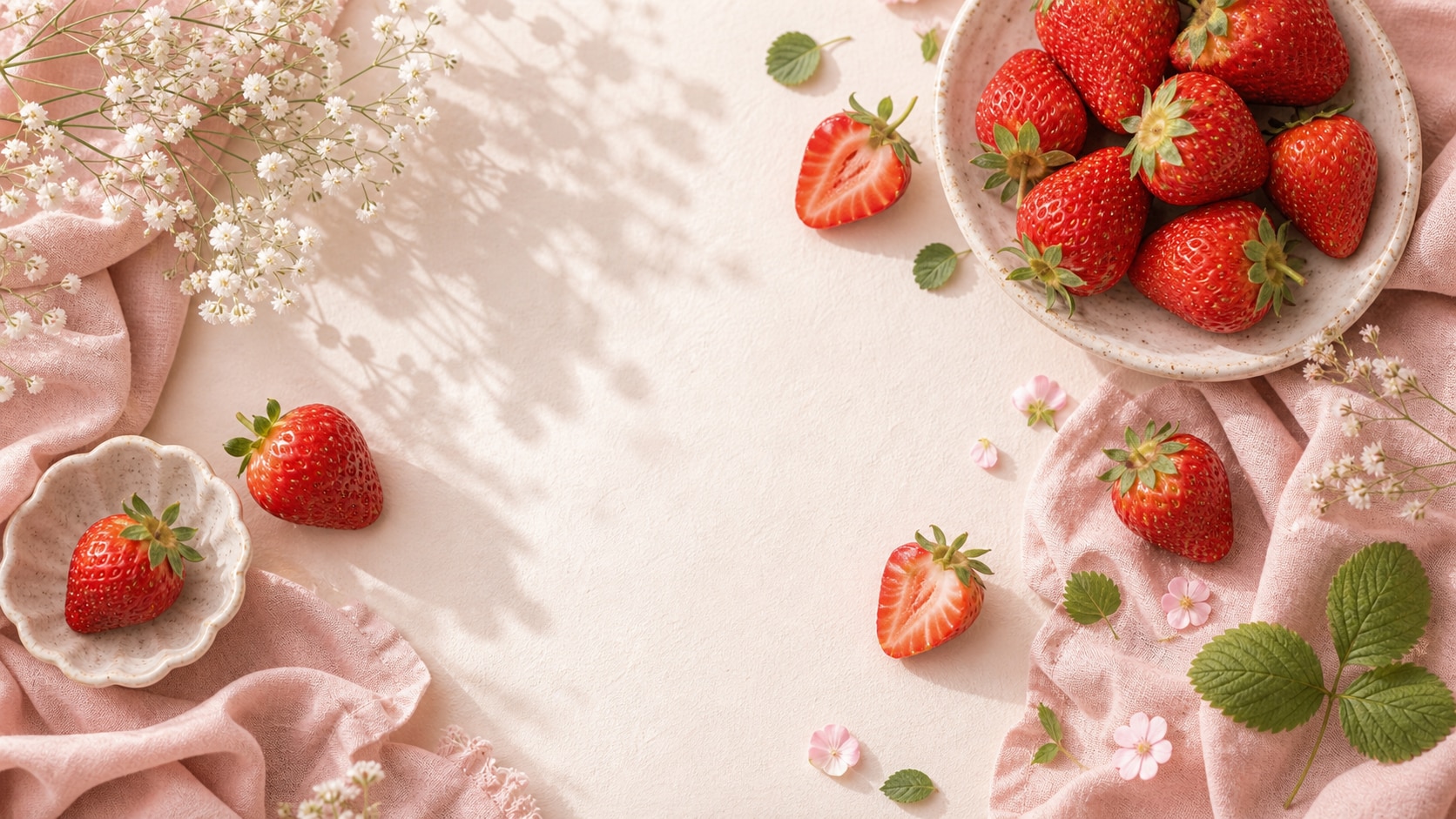
A strong strawberry aesthetic prompt defines the palette first: blush pink, creamy white, soft red, green leaves, and warm natural highlights.
- Color Control - Use soft pinks, ripe berry reds, cream surfaces, and fresh green accents.
- Texture Detail - Add lace, linen, gloss, dewy fruit skin, or paper backdrop texture.
- Clean Framing - Keep enough negative space for thumbnails, covers, and later captions.
Create Cute Portrait and Coquette Looks
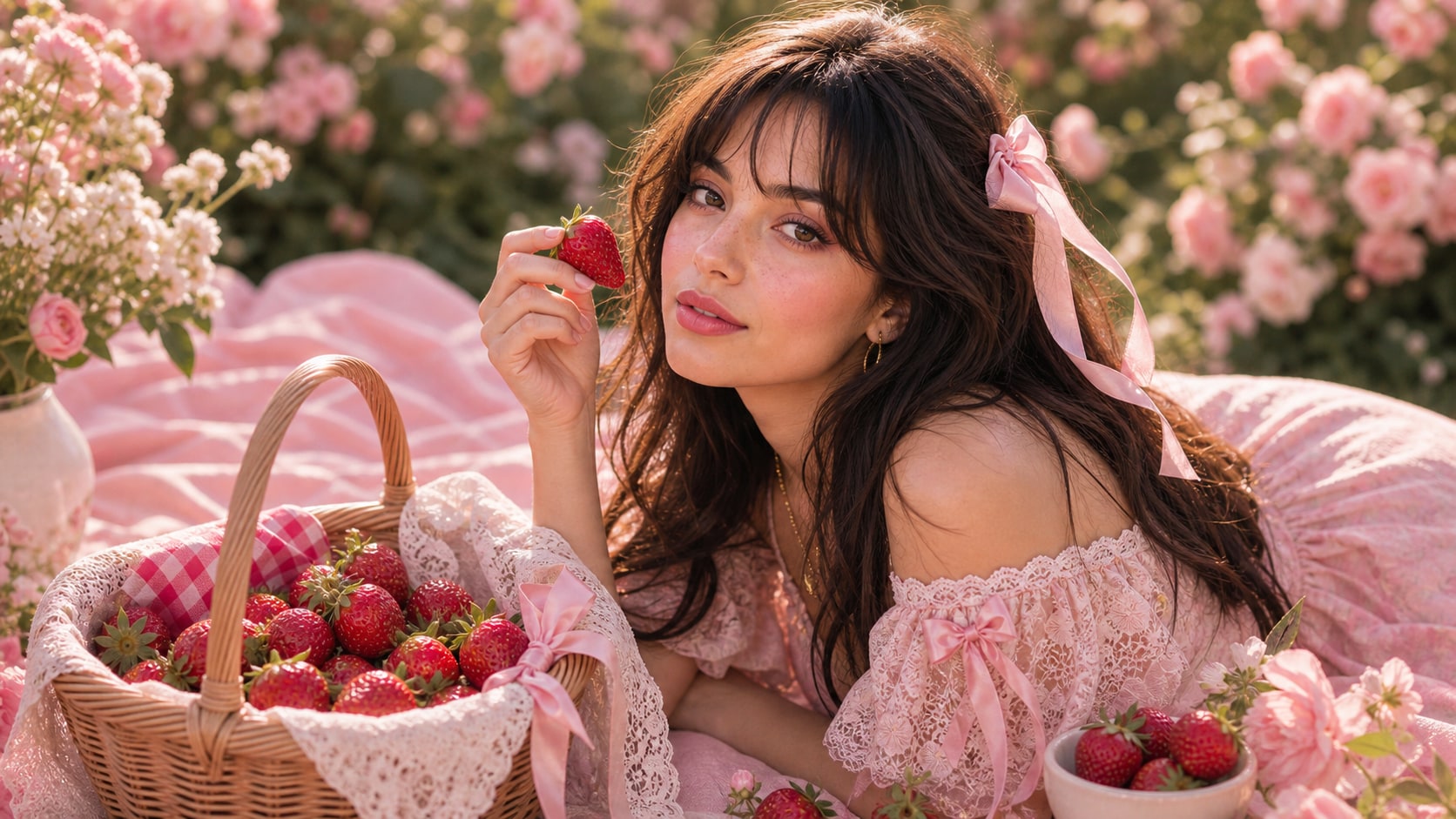
Create Cute Portrait and Coquette Looks
For pink strawberry aesthetic portraits, describe makeup tone, fruit props, ribbons, floral background, and soft skin-friendly light.
- Portrait Mood - Use dreamy, playful, romantic, garden-inspired, or coquette styling.
- Prop Balance - Add strawberries as small accents instead of filling every corner.
- Editable Output - Generate without readable words, then add titles or labels in Filmora.
Design Backgrounds for Social Posts
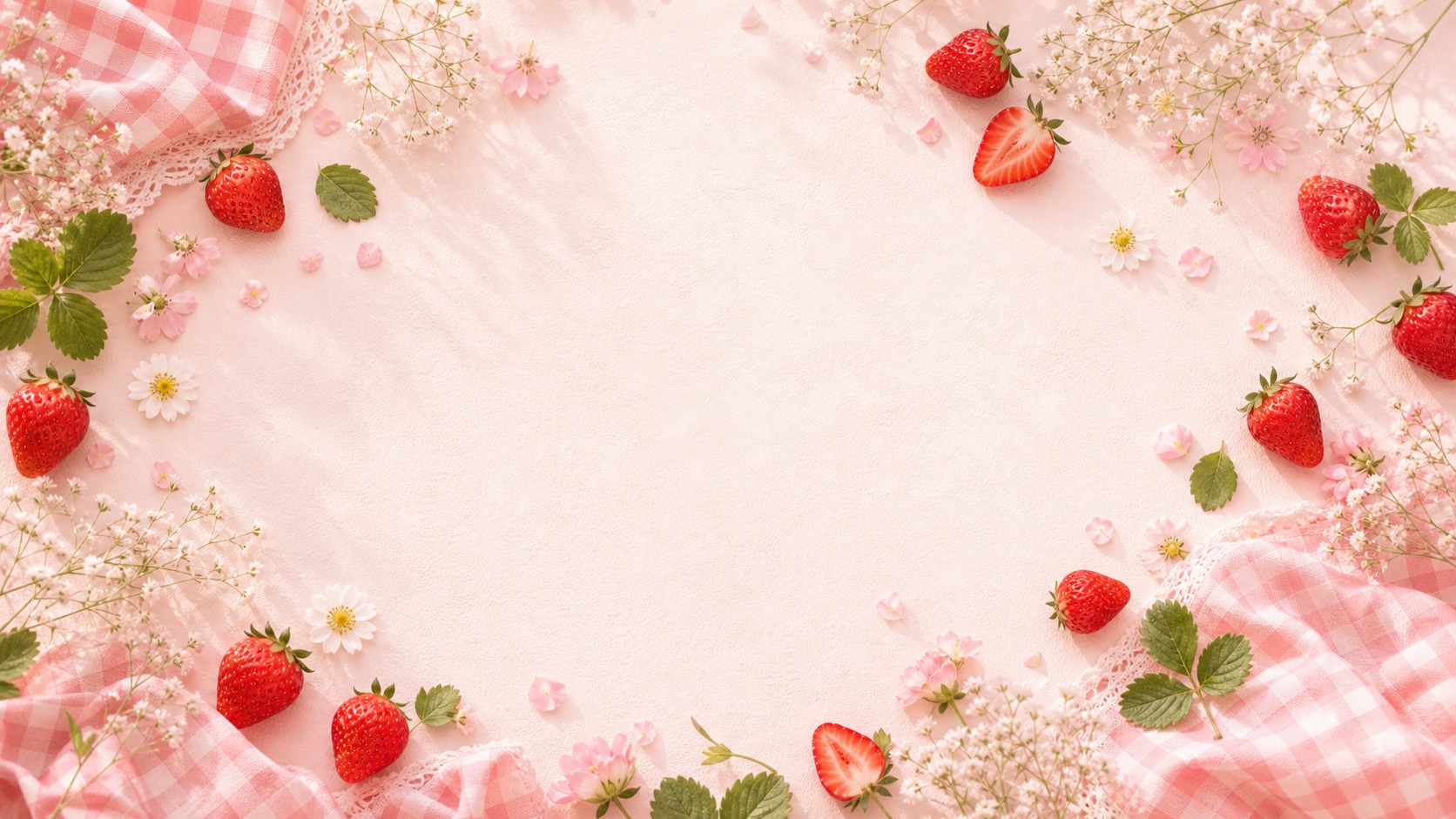
Design Backgrounds for Social Posts
Background prompts should name layout, repeating fruit details, blur level, and open areas. This makes the final image easier to crop across social formats.
- Pattern Ideas - Use scattered berries, gingham, soft floral details, or cafe-table styling.
- Crop Options - Ask for wide, vertical, or square composition based on the final platform.
- Readable Space - Reserve clean areas for captions added after generation.
Turn Strawberry Images Into Motion Assets
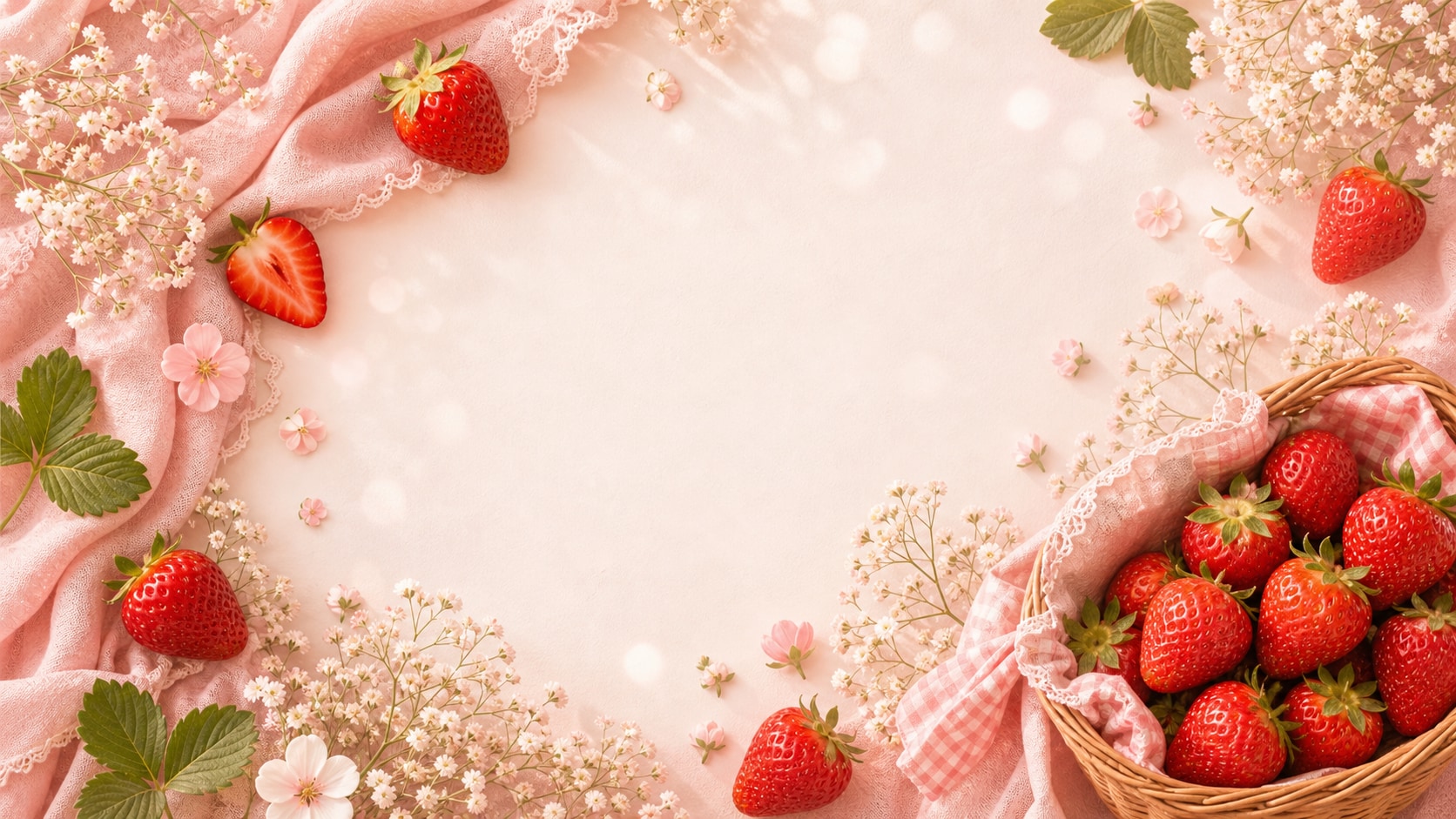
Turn Strawberry Images Into Motion Assets
After generating a still image, use Filmora to add slow zooms, sparkle accents, title overlays, collage cuts, or animated social intros.
- Motion Ideas - Animate floating fruit, soft light leaks, camera pushes, and gentle transitions.
- Post Formats - Crop one image into covers, reels, story panels, and thumbnails.
- Text Control - Keep generated images word-free and place final copy inside Filmora.
Frequently Asked Questions About Strawberry Aesthetic Prompts
How to Generate Strawberry Aesthetic Images With Prompts
Create a strawberry visual by choosing the mood, setting the palette, adding berry details, and refining the final image in Filmora.
Step 1 Choose a Strawberry Mood

Step 2 Set Palette, Props, and Ratio

Step 3 Generate, Polish, and Export

-
1: Choose a Strawberry Mood
Pick a portrait, flat lay, picnic, cafe scene, wallpaper, coquette look, or social cover idea. -
2: Set Palette, Props, and Ratio
Paste the prompt into Filmora's AI Image tool, choose the ratio, and define pink tones, berry props, lighting, texture, and no readable text. -
3: Generate, Polish, and Export
Generate the image, adjust crop and color, add titles or motion if needed, then export it for posts, reels, thumbnails, or mood boards.
Strawberry Aesthetic Prompts: Make Sweet AI Photos
Use strawberry aesthetic prompts to create pink portraits, cute fruit backgrounds, coquette scenes, picnic visuals, and motion-ready assets for Filmora editing.