

 TL;DR:
To ensure optimal full-screen fit and algorithm performance on TikTok in 2026, export your videos at a 1080 × 1920 pixel resolution and a 9:16 vertical aspect ratio using H.264 encoding in MP4 or MOV format.
● Upload size limits dictate your compression risk based on the device used: iOS permits up to 287.6 MB, Android restricts uploads to just 72 MB, and desktop web uploads offer the highest quality allowance at 1 GB.
● To prevent post-upload blurriness, maintain a minimum export bitrate of 516 kbps, select the appropriate frame rate (30 fps for standard content or 60 fps for action), and manually enable the Allow high-quality uploads setting in the app.
● While organic videos and ads share identical dimensions, In-Feed and TopView Ads require strict safe-zone planning to prevent interface elements from blocking text, which can be adjusted using the Auto Reframe tool in Wondershare Filmora or preset 9:16 templates in CapCut.
Ask AI for a summary
 ChatGPT
 Perplexity
 Gemini
 Claude
 Grok
Grok
Quick Summary: Best TikTok Video Size & Specs
Using the correct TikTok video size is essential for boosting your reach and engagement in 2026. Since TikTok is a mobile-first platform, your content must be optimized for vertical viewing to avoid black bars and low-resolution issues. Whether you are using Wondershare Filmora, CapCut, or mobile editors, following the recommended TikTok dimensions and aspect ratio ensures your videos look professional and perform well with the algorithm.
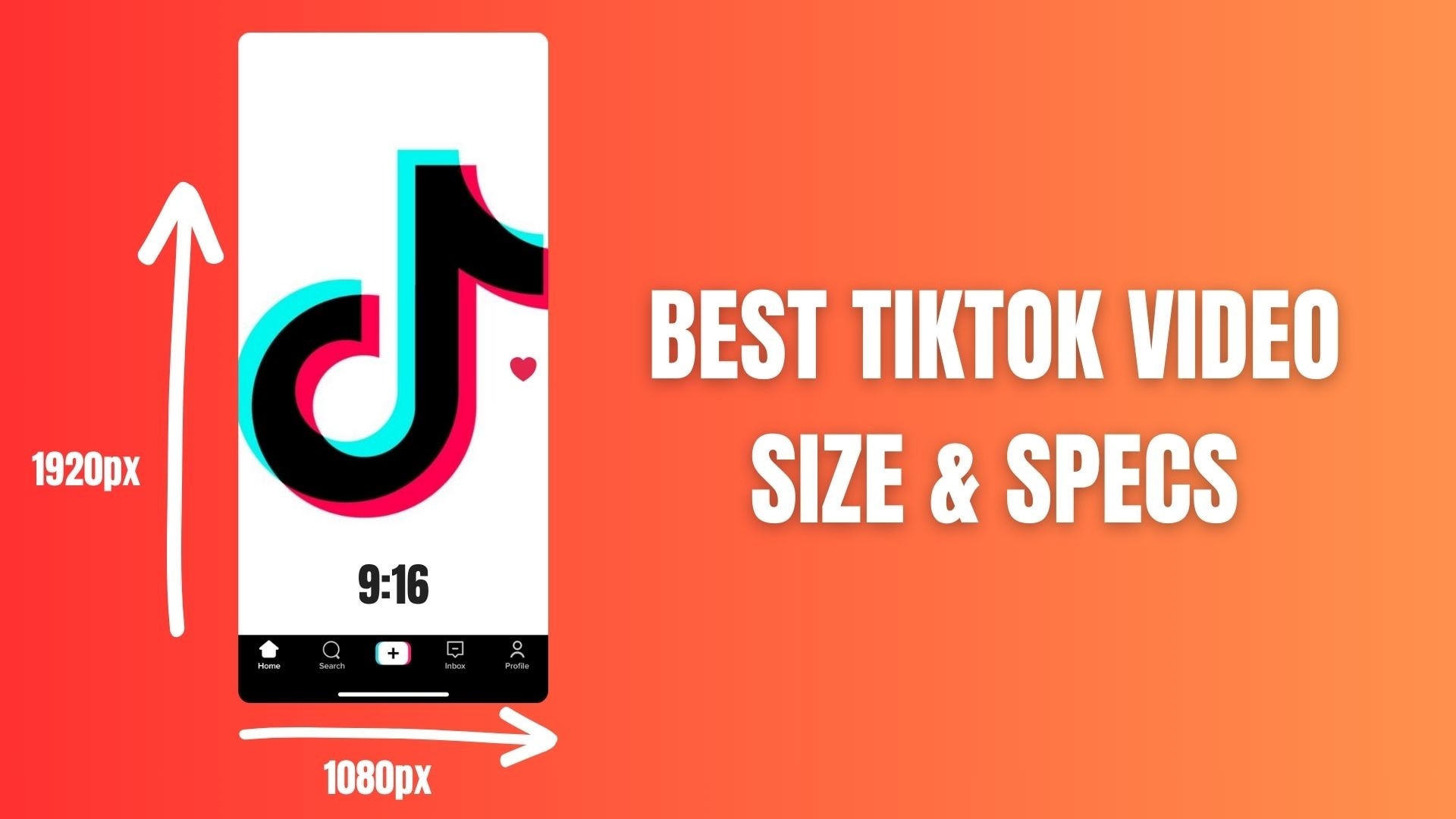
Below is a clear and straightforward explanation of the best TikTok video sizes and formats to use in 2026.
Best TikTok Video Size: Key Points at a Glance
| Parameter | Best Video TikTok Size |
| Aspect Ratio | 9:16 (vertical) |
| Resolution | 1080 × 1920 pixels |
| Width | 1080 px |
| Height | 1920 px |
| Video Format | MP4 or MOV |
| Recommended Frame Rate | 30 fps or 60 fps |
| Video Codec | H.264 |
| Max Video Size Limit | Up to 287.6 MB (iOS) / 72 MB (Android) |
| Best Use Case | Feed videos, Reels-style content, ads |
|
Show More
Show Less
|
|
Key TikTok video parameters explained:
- Resolution and Aspect Ratio: The best TikTok video size uses a 9:16 aspect ratio with a resolution of 1080 × 1920 pixels. This fills the entire screen on mobile devices and provides the clearest playback.
- Format and Compatibility: TikTok supports MP4 and MOV formats, which are also the easiest to export from most video editing applications, including CapCut and Filmora.
- File Size and Limits: The average TikTok video size typically stays under 50 MB for short clips, especially when exported in MP4 format with standard bitrate settings.
- Converters and Editing Apps: If your video doesn't meet TikTok's specifications, a TikTok video size converter or the resize feature in the app can quickly adjust the width, height, and aspect ratio without needing to re-record.
TikTok Video Dimensions: Understanding Ideal Width and Height
When it comes to TikTok video size, the width and height of the video have a much greater impact than just visual appearance. TikTok is a platform specifically designed for vertical and full-screen viewing. Choosing the right video dimensions directly affects how your content looks, how engaging it is, and how well it performs in the algorithm.
Videos optimized for TikTok's vertical format appear sharper, fill the screen effectively, and provide a smoother viewing experience from the moment they appear on the home page.
Why 1080 × 1920 Pixels Work Best for TikTok Videos
- Perfect fit for mobile screens. A width of 1080 pixels and a height of 1920 pixels match the 9:16 aspect ratio, so your video fills the whole screen without black bars or cropping.
- Better algorithm performance. Videos that use the correct TikTok video size format encourage longer watch time and higher completion rates, both of which are strong signals for TikTok’s algorithm.
- Reduced compression and quality loss. Uploading videos at the recommended width and height minimizes TikTok’s re-encoding, keeping text, faces, and details looking sharp.
- Consistent viewing across devices. The 1080 × 1920 resolution adapts well to different phone sizes, ensuring a smooth viewing experience for all users.
- Cleaner overlays and captions. The correct TikTok video size width and height give enough space for subtitles, stickers, and interface elements without covering important visuals.
TikTok Video Size Limit: iOS vs. Android vs. Desktop
It is just as important to understand TikTok's video size limits as it is to choose the right resolution. Upload limits vary depending on the device you are using, and these differences can directly affect video quality, especially for longer or higher bitrate content.
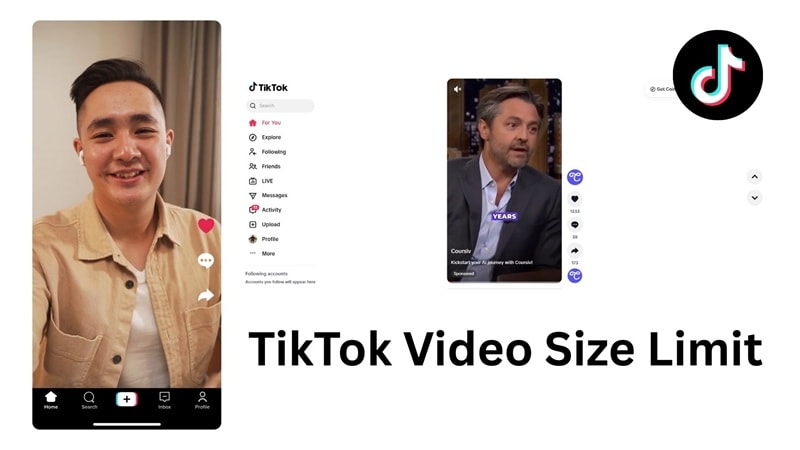
iOS Upload Limit: Up to 287.6 MB
iPhone users have a significantly higher TikTok video size limit. This allows for better video quality, higher bitrates, and longer edits without aggressive compression. For this reason, many creators prefer to upload their final videos from iOS devices.
Android Upload Limit: Up to 72 MB
Android has a much lower file size limit, and this difference is often not clearly explained in most guides. If your video exceeds this limit, TikTok will heavily compress it or reject the upload. Keeping the bitrate lower and exporting efficiently is crucial when uploading from an Android device.
Desktop or Web Uploads: Up to 1 GB
Uploading from the desktop or web version of TikTok offers the highest flexibility. With a 1 GB limit, creators can upload high-quality videos with minimal compression, which makes this the ideal option for professional or long-form content.
How to Avoid Blurry Videos on TikTok (Pro Tips)
Have you ever uploaded a video that looked sharp in your editor but turned out blurry after uploading it to TikTok? This usually happens due to the export and upload settings, not because of your camera or content.
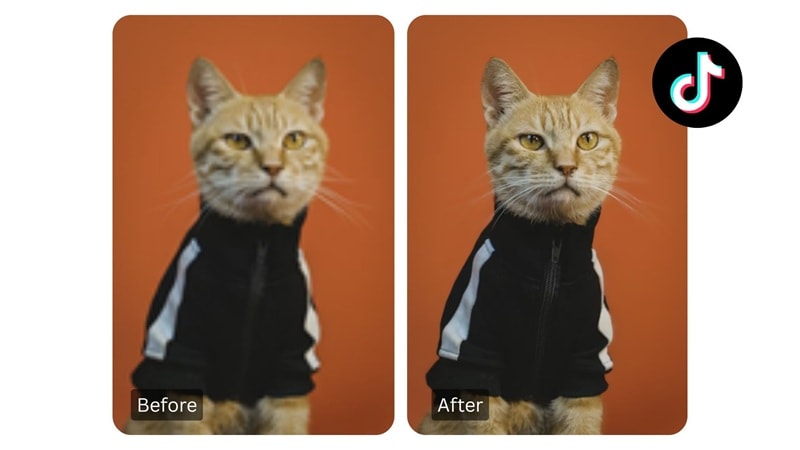
TikTok applies compression during the upload process, and a minor error can lead to a significant drop in quality. Here are some tips to help you avoid this.
- Use a bitrate of at least 516 kbps
If the bitrate is too low, TikTok has less data to process and applies stronger compression. Exporting at 516 kbps or higher keeps details clear, especially for text, faces, and fast movements. - Turn on "Allow high-quality uploads" in TikTok settings
This setting tells TikTok to preserve more visual information during processing. When enabled, your video is less likely to lose clarity after upload. - Choose the right frame rate for your content
Use 30 fps for conversation videos, tutorials, and lifestyle content. Choose 60 fps for action scenes, smooth transitions, or fast movements. Using the right frame rate helps prevent choppy playback and motion blur. - Export in a TikTok-friendly format
Always upload videos in MP4 format with H.264 encoding. This format is processed more efficiently by TikTok, reducing unnecessary quality loss.
How to Resize Videos for TikTok: Top Converters & Tools
Not all videos are recorded in the optimal TikTok format. If your content is recorded horizontally or with a different aspect ratio, the TikTok video size converter can quickly resize it without requiring you to re-record. The right tool helps you adjust the dimensions while keeping important elements centered and clear.
1. Wondershare Filmora: The Best TikTok Video Resizer
 Secure Download
Wondershare Filmora features a powerful Auto Reframe tool that automatically converts horizontal (16:9) videos into the 9:16 TikTok aspect ratio. This AI-driven feature intelligently tracks the subject, ensuring no action is lost during the transition. It’s the perfect solution for creators who want to repurpose high-quality YouTube content for TikTok effortlessly.
2. CapCut: Mobile-friendly resizing
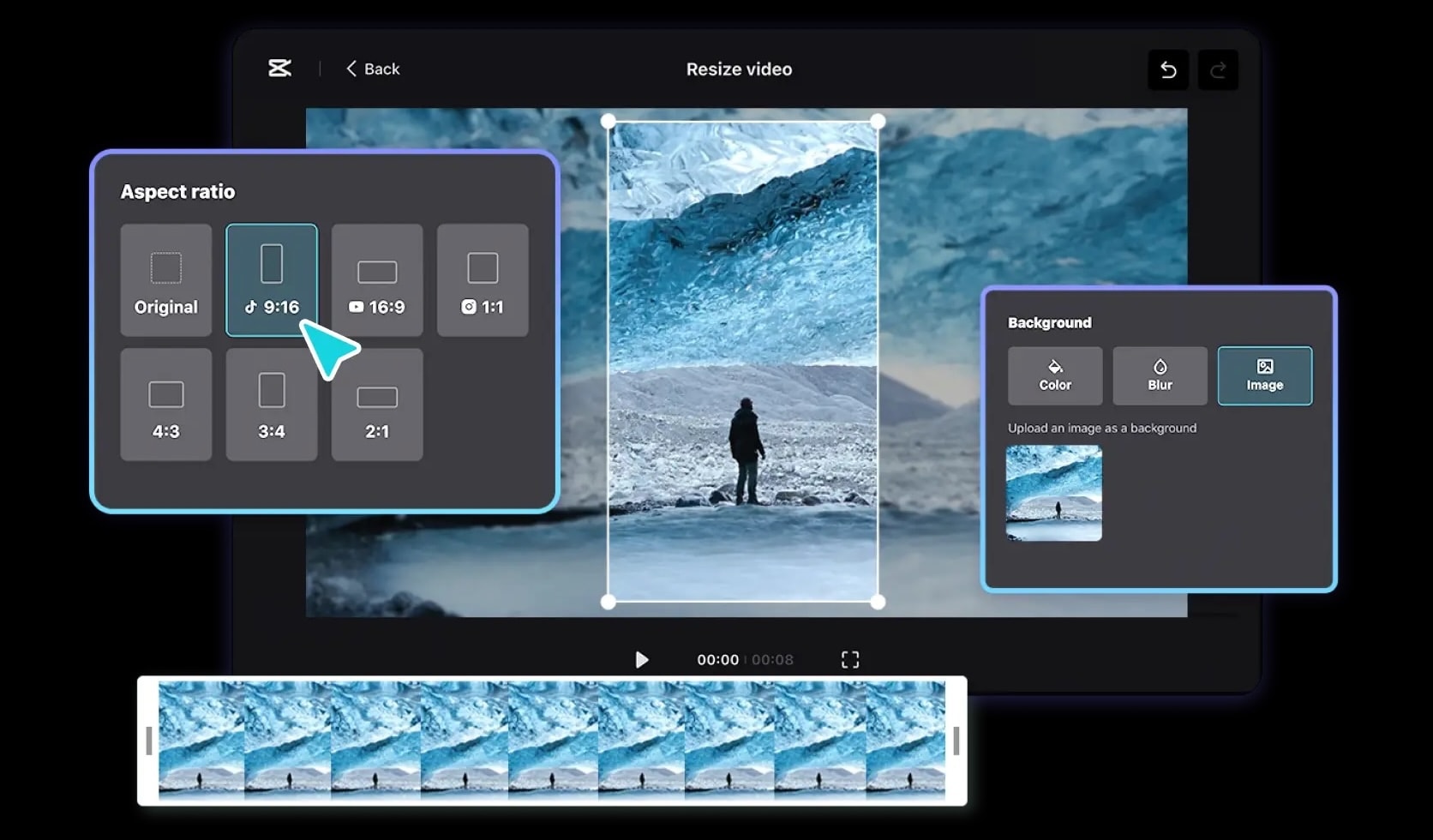
CapCut is popular for mobile editing and offers easy adjustments to the TikTok aspect ratio. With preset 9:16 templates, you can quickly adjust videos on your phone. While it works well for short clips, manual repositioning is often needed to keep key visuals in frame.
Using a dedicated TikTok video size converter goes a long way in preventing distortion, cropping, and quality loss. If you choose Filmora for smart adjustments or CapCut for quick mobile editing, ensuring your video size is adjusted correctly is crucial. This ensures your video fits the vertical TikTok feed and performs better after uploading.
TikTok Ad Specs vs. Organic Video Size
At first glance, TikTok ads and organic videos appear identical because they both use the same vertical format. However, the main difference lies in how much screen space can actually be used. Ads include additional interface elements such as call-to-action buttons, labels, and avatars, which makes layout planning much more important for business content.
Organic videos offer more creative freedom, while the ad format requires stricter attention to safe zones to ensure text and branding are not blocked by the TikTok interface.
TikTok Video Size Comparison: Organic vs Ads
| Feature | Organic TikTok Video | In-Feed Ads | TopView Ads |
| Aspect Ratio | 9:16 (vertical) | 9:16 (vertical) | 9:16 (vertical) |
| Resolution | 1080 × 1920 pixels | 1080 × 1920 pixels | 1080 × 1920 pixels |
| Placement | For You feed | For You feed with CTA | App opening screen |
| UI Elements | Basic TikTok UI | CTA button, ad label | CTA, captions, avatar |
| Safe Zone Sensitivity | Moderate | High | Very high |
| Text & Logo Flexibility | More flexible | Limited by UI | Very limited |
| Best Use Case | Engagement and growth | Conversions and clicks | Brand awareness |
|
Show More
Show Less
|
|||
Even though the TikTok video size remains the same across formats, ads need a cleaner composition and smarter text placement. Keeping important visual elements in the safe zone helps maintain clarity, boosts click-through rates, and maintains the key message from getting covered up.
Conclusion
Mastering the correct TikTok video size is the foundation of becoming a successful creator in 2026. By sticking to the 1080 x 1920 resolution and a 9:16 aspect ratio, you ensure your content looks professional, avoids distracting black bars, and stays favored by the TikTok algorithm.
While TikTok's native tools offer basic adjustments, using a robust video editor like Wondershare Filmora can significantly elevate your quality. With its Auto Reframe and high-quality export presets, you can effortlessly transform any footage into a viral-ready TikTok masterpiece.
Ready to create stunning vertical content? Start optimizing your videos today and watch your engagement grow!

FAQ
-
Can I use 16:9 (Landscape) on TikTok?
Yes, TikTok does support landscape videos with a 16:9 aspect ratio, but it is not recommended for regular posting. Landscape videos appear smaller on mobile screens and do not fill the screen, which can reduce viewing time and engagement. For best results, convert landscape videos to a vertical 9:16 format, so that your content feels more suited to the platform. -
What is the average TikTok video size for a 15-second clip?
The average TikTok video size for a 15-second video usually ranges between 5 MB and 15 MB, depending on bitrate, frame rate, and export settings. Videos exported at 1080 × 1920 pixels in MP4 format with optimized bitrate usually remain within this range while maintaining good visual quality.
