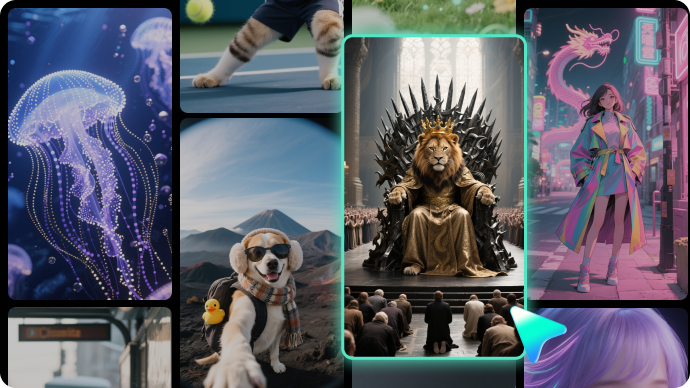
Trending Horse Face Filter Templates:
Instant AI Generation
Skip the complex editing and jump straight into the fun. Our curated library of AI templates features the most viral horse face filter styles from TikTok and Instagram. Whether you need a surreal horse morph, a funny animal face swap, or a custom 3D character, simply select a template, upload your photo, and let the AI generate a high-quality video instantly.
Loading more templates...
 Category:
 Duration:
 Aspect Ratio:
Master the Art of Viral Videos with
Filmora's Horse Face Filter Tools
A great viral video isn't just about the filter—it's about the execution. With Filmora’s advanced AI tools and Veo 3 powered generation, you can create everything from realistic animal morphs to side-splitting caricatures. Generate a stunning horse face filter video, then refine it with comedic sound effects, dynamic motion, and platform-perfect formatting.
Ignite Laughter with AI-Powered Horse Face Transformations
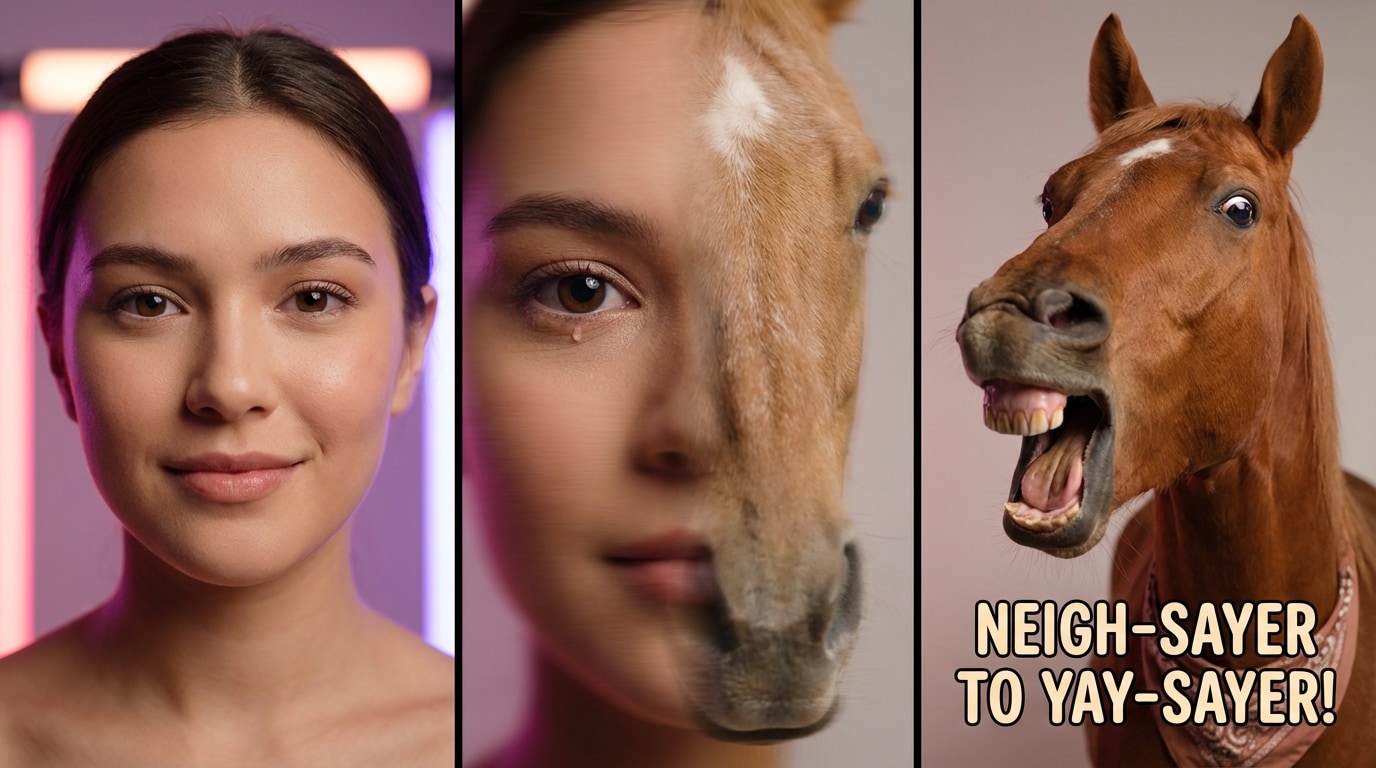
Ignite Laughter with AI-Powered Horse Face Transformations
Don't settle for static images or glitchy filters. Filmora's advanced AI engine (powered by Veo 3 and Sora 2 technology) analyzes facial features to create smooth, realistic morphs from human to horse, ensuring your video captures every funny expression.
- Seamless AI Morphing – Automatically detects facial landmarks for a glitch-free transition from human to horse face.
- Realistic Motion & Sound – Adds natural head movements and synchronized neighing sound effects for maximum comedic impact.
- Instant Generation – No complex editing needed—just upload, select the filter, and watch the magic happen.
Explore Trending Horse Head Filter Templates for TikTok & Reels
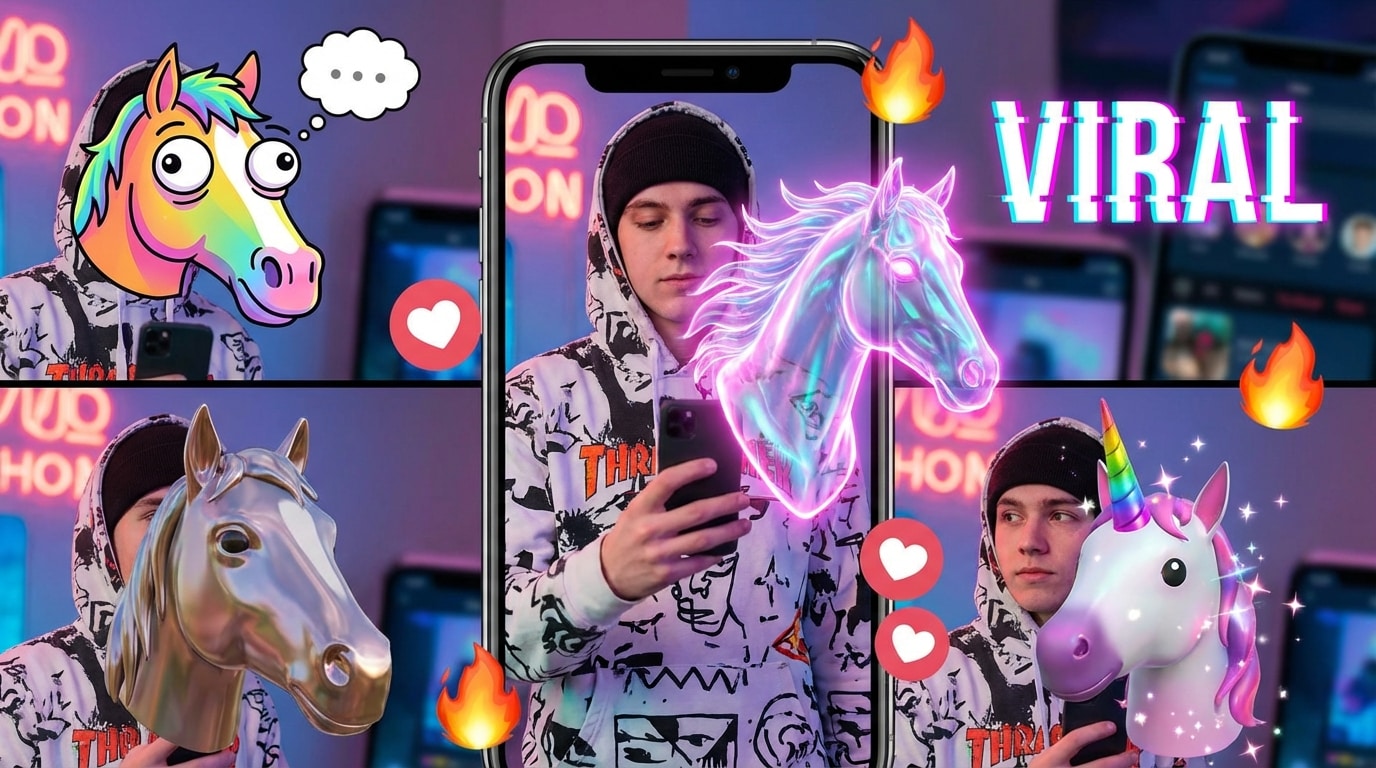
Explore Trending Horse Head Filter Templates for TikTok & Reels
Stay ahead of the curve with a curated collection of pre-designed templates inspired by the hottest social media challenges. From surreal animal swaps to hilarious caricature styles, find the perfect look to join the #HorseFaceChallenge.
- Viral-Ready Styles – Choose from "Horse Morph," "Animal Face Swap," and "Funny Horse Head" presets popular on Instagram.
- One-Click Application – Apply complex visual effects instantly without needing manual keyframing or masking skills.
- Regular Updates – Access new, trending animal filter templates added regularly to keep your content fresh.
- Auto-Beat Sync – Automatically sync your horse transformation to trending audio tracks.
Design Unique Horse Face Effects with AI Prompt Customization
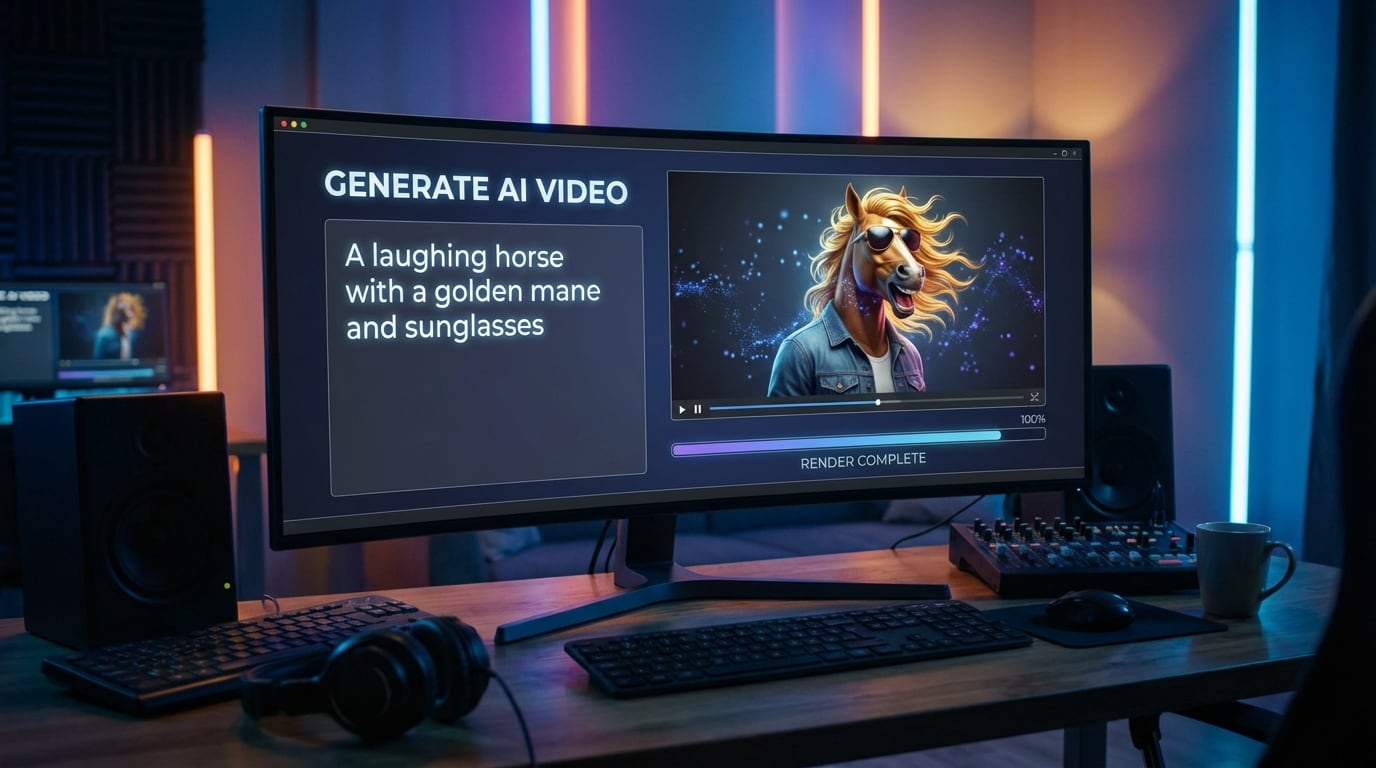
Design Unique Horse Face Effects with AI Prompt Customization
Go beyond generic filters by describing exactly what you want. Use text prompts to dictate specific breeds, backgrounds, or emotional expressions for a truly unique horse face filter video that stands out from the crowd.
- 💬 Text-to-Video Control – Type prompts like "laughing horse face with golden background" to generate specific results.
- 🔤 Style Personalization – Adjust the artistic style, from realistic cinematic looks to cartoonish 3D animations.
- 🎨 Creative Freedom – Break free from standard presets and create a signature horse face look that is uniquely yours.
Go Viral Instantly with Platform-Optimized Video Export
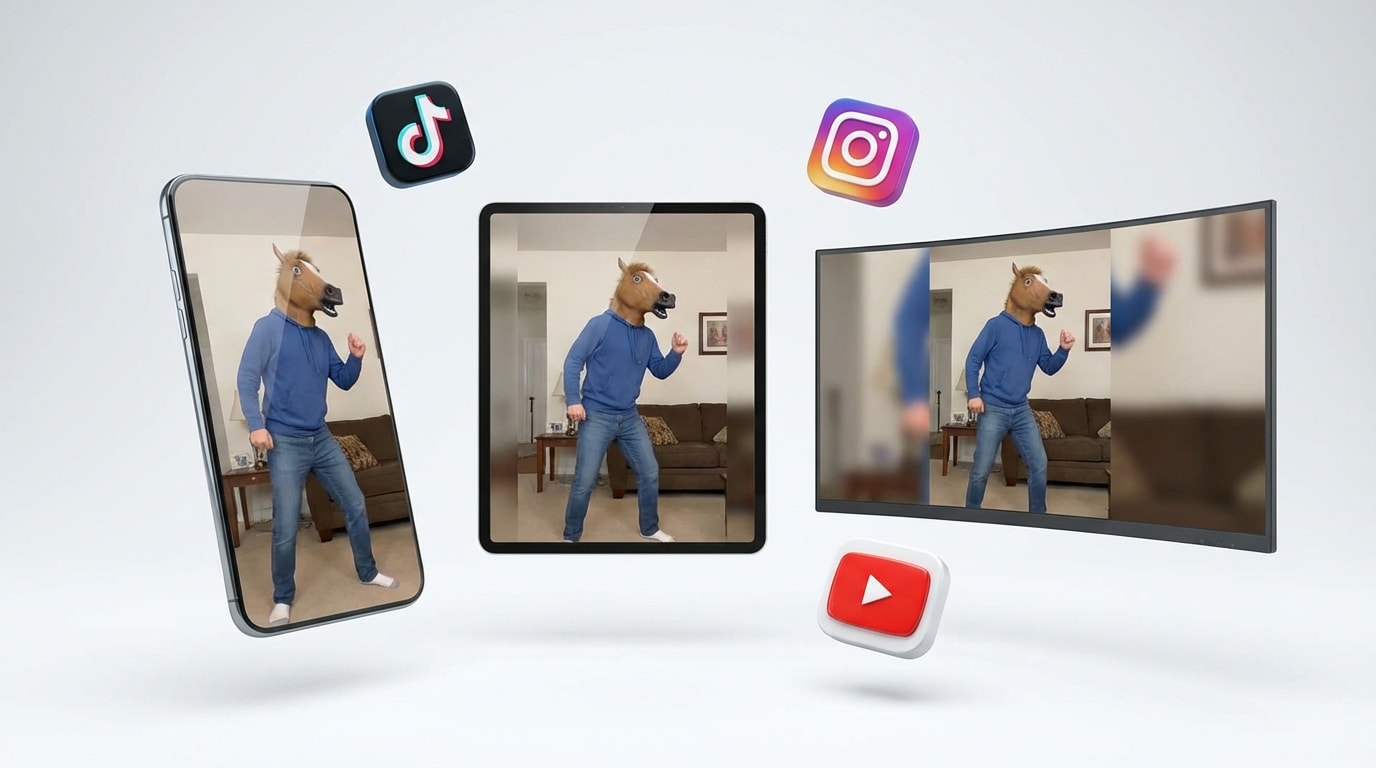
Go Viral Instantly with Platform-Optimized Video Export
Speed is key to going viral. Filmora ensures your hilarious horse creation looks perfect on every screen by automatically adjusting aspect ratios and quality settings for your favorite social apps like TikTok, Snapchat, and Instagram.
- Smart Aspect Ratios – Auto-resize to 9:16 for TikTok/Reels, 1:1 for feeds, or 16:9 for YouTube without losing quality.
- Direct Social Sharing – Export your video in optimized formats that ensure smooth playback and high resolution on mobile.
- Meme-Ready Editing – Add text overlays, trending hashtags, and reaction stickers before exporting to maximize engagement.
FAQs About the Horse Face Filter Trend
How to Create a Horse Face Filter Video with Filmora
Popular on TikTok and Instagram, horse face filter effects let you make trending, hilarious videos in seconds. This guide shows beginners how to generate a personalized horse face video using AI tools—no editing experience required!
Step 1 Open the AI Video Generator

Step 2 Upload Photo & Apply Horse Filter

Step 3 Export & Share to Social Media

-
1:Open the AI Video Generator
Start Filmora, create a new project, go to "Stock Media", and select "AI Image-to-Video" to get started. -
2:Upload Photo & Apply Horse Filter
Upload your selfie or portrait. Select the "Horse Face" or "Animal Morph" template, or type a custom prompt like "funny horse face transformation", then hit Generate. -
3:Export & Share to Social Media
Preview your hilarious horse video, add sound effects or text if desired, and export directly in 9:16 format for TikTok, Instagram, or Snapchat.
More Than Just Horse Face Filters
Filmora isn’t just for making funny horse videos—it also generates stunning AI portraits, cinematic videos, and lets you edit heartfelt moments all in one simple tool.