
168+ Valentine's Day Stickers & Valentine Video Stickers:
Copy, Paste & Share Instantly
Want to add hearts, romantic notes, and kiss mark stickers fast? Our most popular Valentine video stickers and Valentine's Day stickers are perfect for TikTok, Instagram, YouTube Shorts, and Snapchat. Just browse the sticker library with 168+ animated Valentine stickers, tap your favorite Valentine's Day video sticker, copy and use it directly on any post or story—no design skills required, instant trendy results in seconds.
All Valentine's Day video stickers can be copied and used with a single tap. Make your videos and images go viral with these easy, click-to-use Valentine sticker effects and romantic overlays.
Loading more templates...
 Category:
 Duration:
 Aspect Ratio:
168+ Trending Valentine's Day Stickers:
Ready to Use, One Tap to Viral
Looking for the fastest way to add Valentine's Day stickers to your photos, videos, or chats? Skip the design process and instantly access 168+ professionally designed Valentine video stickers built directly into Filmora. From romantic heart animations and love notes to cute doodles and kiss marks, our ready-to-use collection integrates seamlessly to elevate your social media presence in seconds.
Perfect for TikTok, Instagram Stories, and Snapchat—simply browse, pick, and share standout Valentine's Day video stickers without the need for complex prompts or editing skills.
Explore 168+ Curated Valentine's Day Sticker Packs
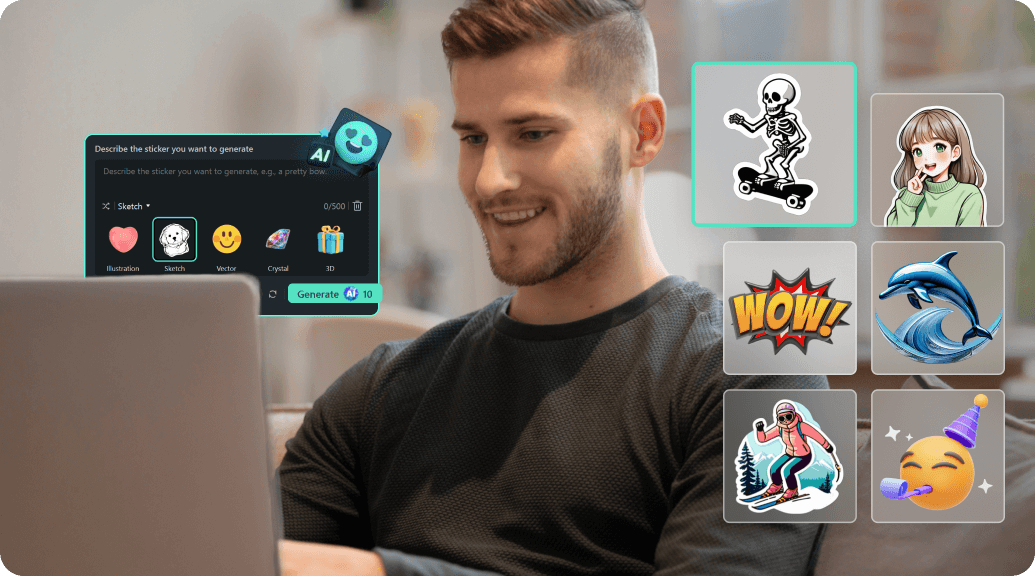
Explore 168+ Curated Valentine's Day Sticker Packs
Level up your content with the trending Valentine's Day stickers you see all over TikTok and Instagram. Browse through our massive library of 168+ sticker packs, including romantic silhouettes, animated captions, and heart overlays. No complicated editing or prompts needed—just select, apply, and watch your engagement grow.
- 168+ Ready-to-Use Collections - Instant access to a massive library of curated sticker packs for the 2026 season.
- All Trending Styles - From vintage heart patterns and neon glows to kawaii doodles and romantic captions.
- Zero Editing Required - Optimized for one-tap application; just drag and drop stickers directly onto your timeline.
Add Cinematic Sticker Effects Effortlessly
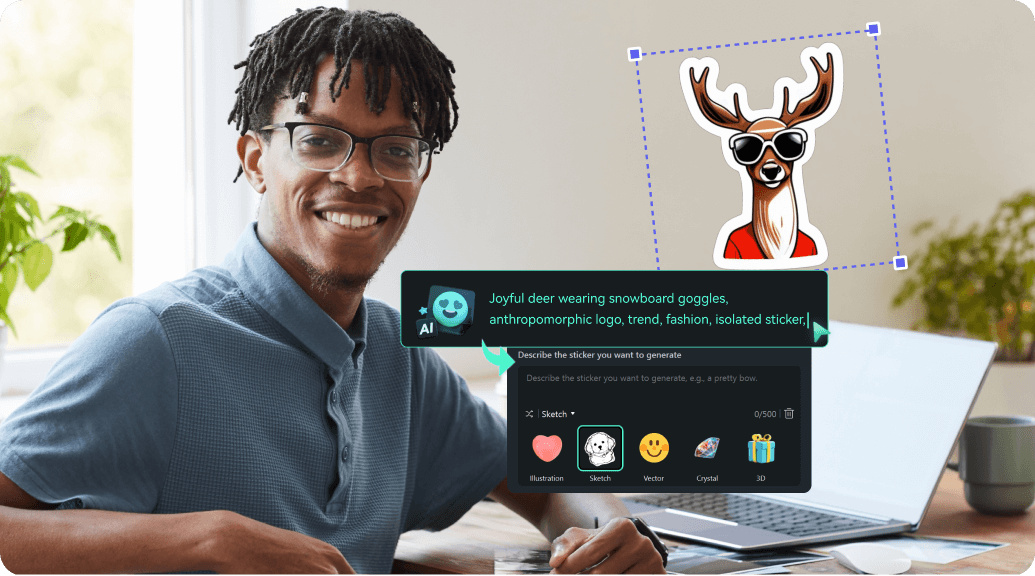
Add Cinematic Sticker Effects Effortlessly
The Filmora mobile app provides a seamless way to integrate Valentine video stickers directly into your Reels, Shorts, or Stories. With 168+ assets at your fingertips, you can animate your memories and share them instantly with stunning, professional-grade results.
- Smart Sticker Templates - Use pre-designed layouts featuring hearts, kiss marks, and love story timelines.
- Seamless Drag & Drop - No design skills required; just pick your favorite sticker and place it anywhere in your video.
- Total Creative Control - Easily scale, rotate, and layer multiple stickers to create custom romantic scenes.
- Animated Overlay Effects - Enhance your videos with high-quality, animated Valentine elements that stand out.
- Trendy Sound Integration - Combine your stickers with Filmora's library of romantic music and sound effects.
Add Valentine's Lettering and Stickers to Any Photo

Add Valentine's Lettering and Stickers to Any Videos
Filmora's Valentine's Day stickers suite gives you full creative freedom for custom messages, captions, and love quotes. Add stylish sticker lettering and art to your Instagram or TikTok content with our wide font choices and comic-style sound bubbles—no extra apps needed! Try speech bubbles for sweet notes or use animated hearts and "Be Mine" graphics to match any mood.
- 🗨️ Custom Love Bubbles– Heart-shaped, hand-drawn, glow outline, or bold caption stickers. Easy drag & drop.
- 🔤 Trending Valentine Fonts – Handwritten kisses, bold romantic styles, pastel and glitter letter effects.
- 🎨 Sticker Typography Tools – Auto-resize, curve text, colored accents, sparkles, glitter, textured styles.
FAQs for Valentine's Day Stickers
- Open your favorite social media app or editing tool (TikTok, Instagram, Snapchat, or Filmora).
- Start a new post, Story, or project and choose your photo or video.
- Tap the sticker or effects icon and browse for Valentine's Day video stickers.
- Add the stickers to your content, adjust position or size, and post instantly!
- Share your creation using Valentine's Day hashtags to join trending effects.
How to Add Valentine's Day Stickers in Filmora?
Want an easy way to add Valentine's Day stickers to your videos or photos in Filmora? While direct sticker packs are coming soon, you can use AI image and effects tools to quickly create and apply romantic Valentine sticker effects. This guide shows beginners exactly how to add popular Valentine's Day video stickers for reels, TikToks, or stories in under a minute.
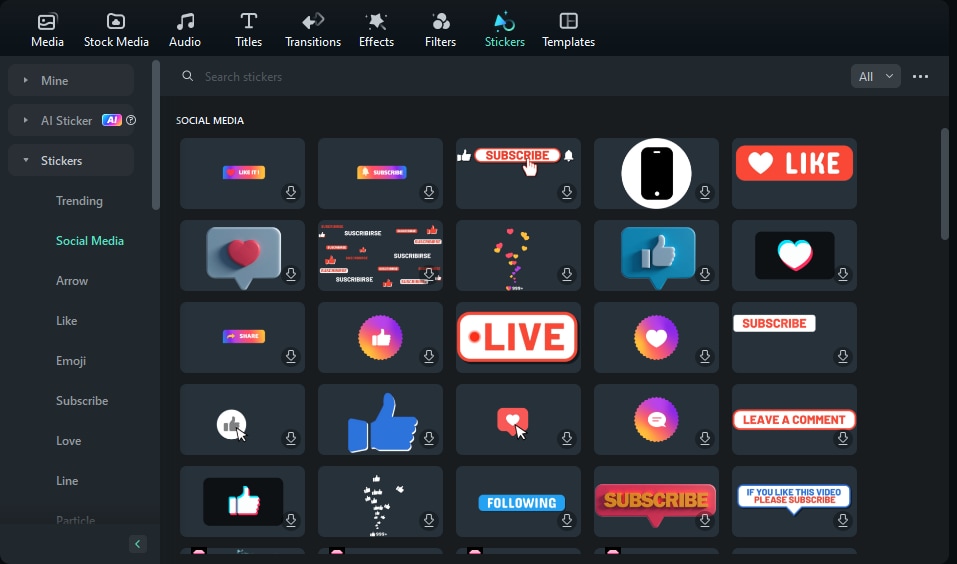
Step 1 Open Stickers Library
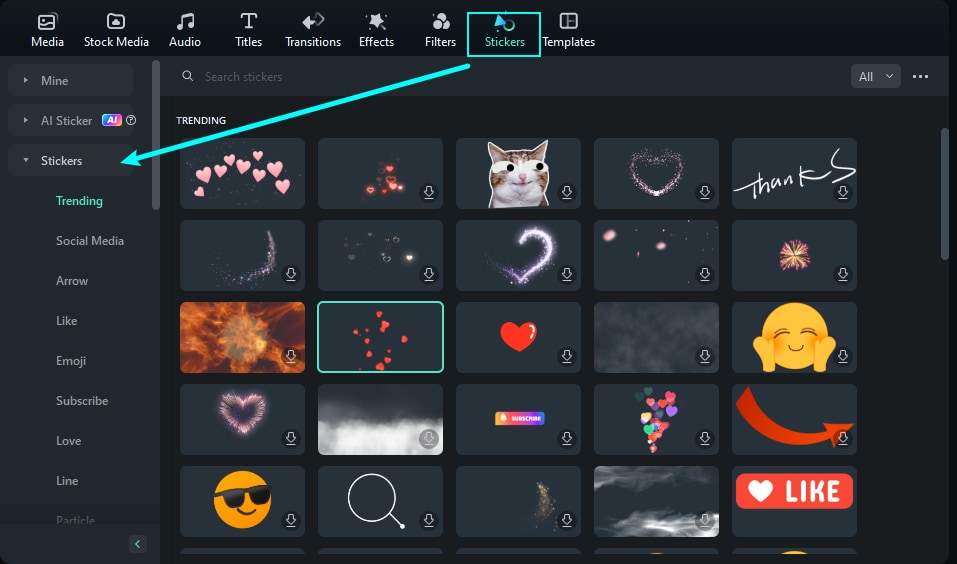
Step 2 Search for Valentine Stickers
Step 3 Drag & Drop to Your Timeline
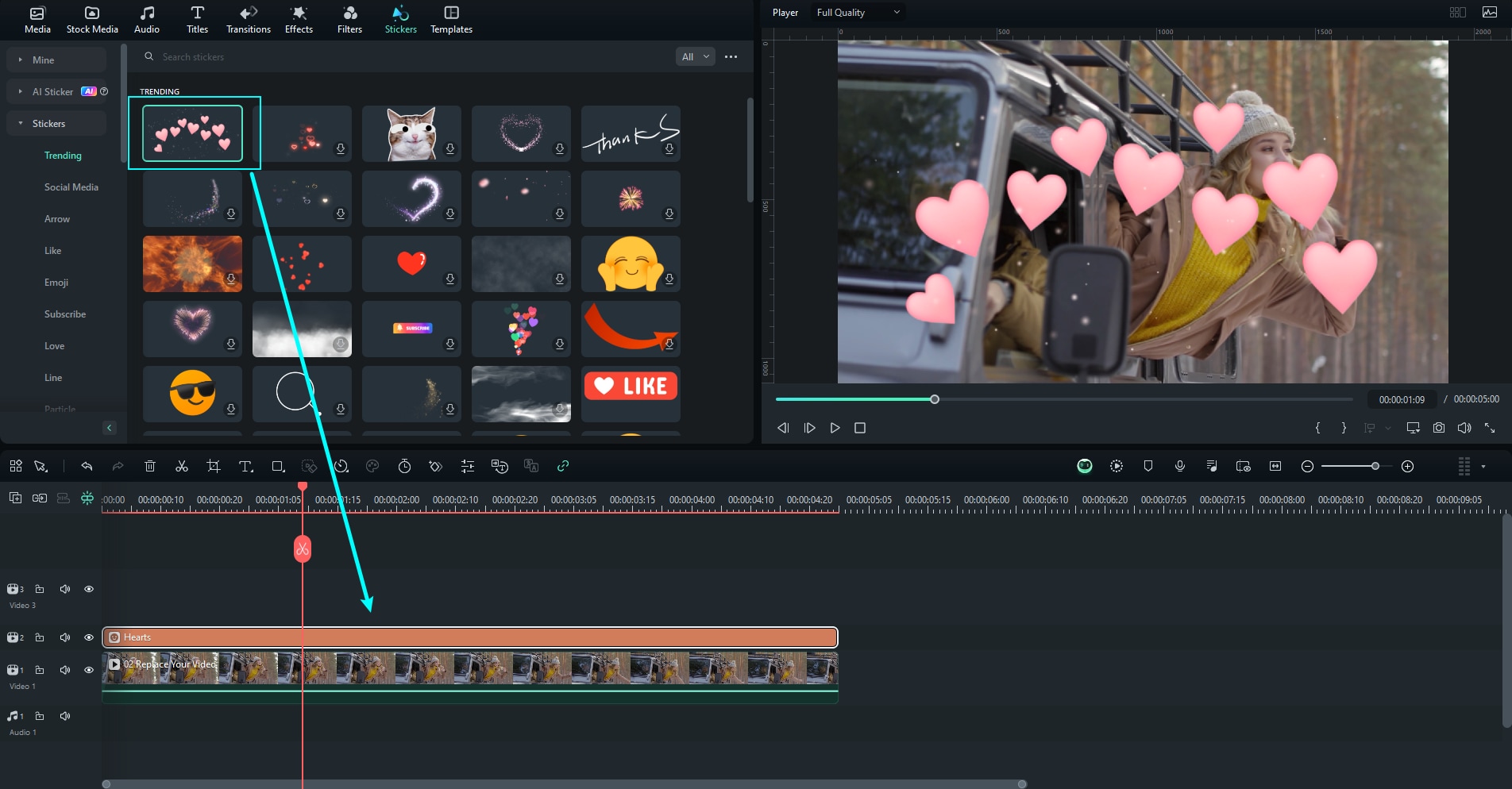
-
1:Open Stickers Library
Launch Filmora, start a new project, and select the "Stickers" tab to access a massive library of creative assets and overlays. -
2:Search for Valentine Stickers
Enter "Valentine" in the search box to find a wide variety of romantic graphics, including animated hearts and love-themed lettering. -
3:Drag & Drop to Your Timeline
Choose the Valentine's Day stickers that fit your vibe, click "Download," and drag them directly onto your project timeline.
More Than Just Valentine's Day Stickers
Filmora is more than a Valentine's Day stickers tool. You can also create themed photos, make AI videos, add trending love stickers, and edit all your content for any holiday or occasion with advanced features—no extra apps needed.







