
AI Valentine Pet Photo Prompts:
Just Upload, Copy & Go Viral
Want to create viral love-themed pet photos for Valentine's Day? Use trending AI photo prompts to generate Valentine dog photos and Valentine cat images with heart overlays, pink backgrounds, and romantic props. Simply upload your pet photo, choose a Valentine AI effect, and share adorable edits across TikTok, Instagram, Snapchat, and YouTube.
Browse the latest AI Valentine pet photo prompts for dogs and cats, tap to copy an effect, upload your pet image, and create Valentine dog and cat photos ready to share in seconds.
Loading more templates...
 Category:
 Duration:
 Aspect Ratio:
Make Trending AI Valentine Pet Photos
Using Nano Banana Pro Prompts
Want to join the viral trend and create adorable AI Valentine Pet Photos? Instantly turn cute pet pictures into romantic Valentine cards or social media posts with Nano Banana Pro's proven AI prompts. Filmora's AI image generator, running on Google's Nano Banana model, makes it easy to turn any pet photo into a heart-themed, creative Valentine image—perfect for shares and likes on TikTok or Instagram.
Explore the latest AI Valentine pet photo effects and generate eye-catching Valentine dog and cat images with playful text, charming details, and unique styles that stand out across every social platform.
Turn Any Pet Photo Into a Valentine Masterpiece
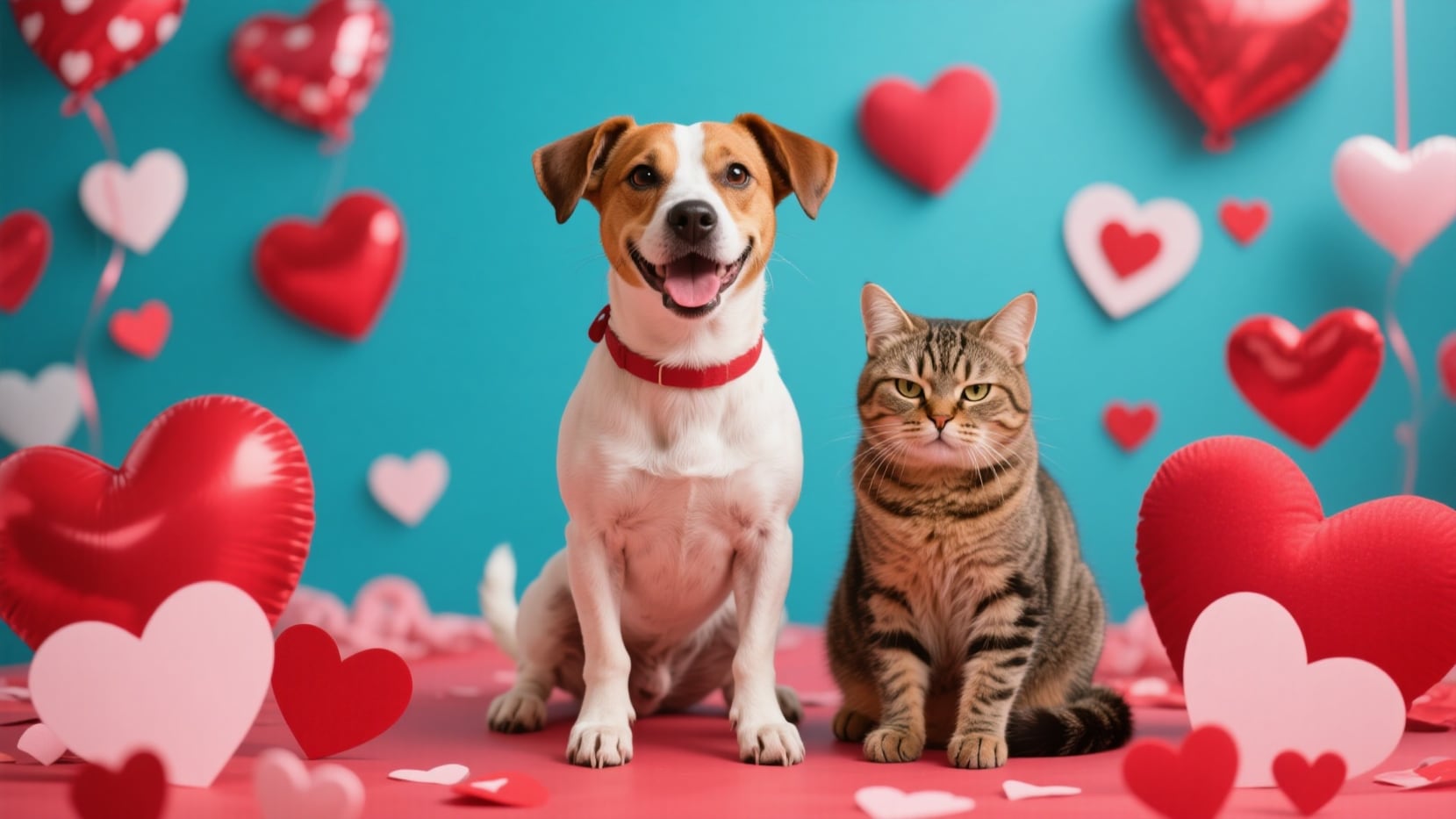
Turn Any Pet Photo Into a Valentine Masterpiece
Go from a regular pet selfie to a lovable AI Valentine Pet Photo in seconds. Create TikTok-ready Valentine collages, classic dog and cat Valentine card layouts, or Instagram-ready love frames simply by describing your style—playful hearts, roses, or cute cartoon effects. Just choose your theme and let Filmora's desktop AI Image Generator, powered by Nano Banana, transform any dog or cat photo into adorable, shareable pet Valentine photos.
- Copy-Paste Valentine Prompts - Use 16+ ready-made AI prompts for Valentine dog photos instantly.
- Choose Styles - Cute cartoon, vintage Valentine card, Polaroid, fantasy, plush toy, and more.
- Use Your Pet's Photo - Upload your own pet pics for the most personal, heartwarming results.
Make Animated Valentine Pet Videos for Socials
Make Animated Valentine Pet Videos for Socials
The Filmora mobile app includes Nano Banana Pro templates designed for AI Valentine Dog Photos and videos. Upload a pet pic, pick a trending Valentine effect, and instantly create fun videos—perfect for TikTok challenges, Instagram Reels, or YouTube Shorts.
- Trending Valentine Templates - Try effect templates like heart backgrounds, rose petals, and animated Valentine stickers—no prompt needed.
- Instant Photo-to-Video - Just upload your photo, choose a style, and get a video in seconds.
- Edit or Customize - Add your own message or song, or tweak prompts for a unique touch.
- Animated Photo Magic - Static pet pics become cute, dynamic Valentine video clips.
- Built-In Music & SFX - Access Valentine-themed soundtracks and effects for extra charm.
Add Valentine Lettering to Your Pet Photos
Add Valentine Lettering to Your Pet Photos
After generating AI Valentine dog Photos, use Filmora's Valentine Text Tools to put perfect captions, sweet quotes, or classic love messages on your images. Fully customize speech bubbles, Valentine banners, and hearts to make your pet's picture say it all.
- 💬 Valentine Speech Bubbles - Choose from heart-shaped, classic, or playful comic bubbles.
- 🔤 Romantic Fonts - Try cute handwritten, bubbly, script, or Valentine card styles for your text.
- 🎨 Styling Tools - Add heart frames, shadowed text, colored outlines, glitter, or gradient backgrounds.
FAQs for AI Valentine Pet Photos
- Go to the AI Valentine Pet Photos generator online or choose your favorite app supporting this effect.
- Upload a clear picture of your pet.
- Select from trending Valentine's styles (hearts, "Be Mine" cards, couple edits, candy themes, etc).
- Wait a few seconds for the AI to create unique Valentine cat photos you can save and share.
- Post on TikTok, Instagram, or Snapchat for max likes!
How to Make AI Valentine Pet Photos in Filmora?
Want to join the AI Valentine Pet Photos trend but never made AI images before? It's easy! This step-by-step guide shows how to use Filmora (and other AI photo apps soon) to generate cute Valentine's Day pet pictures in seconds—no experience required.
Step 1 Open AI Image Generator

Step 2 Upload and Generate Valentine Pet Photos

Step 3 Download and Share Your AI Valentine Pet Photos

-
1:Open AI Image Generator
Launch the latest version of Filmora, start a new project, and choose "Stock Media." Click "AI Image" from the Media panel to start making Valentine pet edits. -
2:Upload and Generate Valentine Pet Photos
Select your pet photo, enter or use an AI Valentine Pet Photos prompt, and tap "Generate" to create cute, shareable Valentine's photos of your pet. -
3:Download and Share Your AI Valentine Pet Photos
Preview your unique Valentine pet image, download in one tap, drop it into a video timeline, or post directly on social for trending Valentine's Day content.
More Than AI Valentine Pet Photos
Filmora is more than an AI Valentine Pet Photos app. Instantly generate pet edits for any occasion, create photo or video content with AI effects, and use advanced editing—all in one tool for viral-ready posts.







