
16+ Romantic Valentine's Day Pictures Prompts:
Just Tap, Paste, and Wow Your Feed
Want to quickly create romantic Valentine images featuring red roses, heart overlays, candle-lit vibes, or cute couple poses? These AI prompts are built for TikTok trends, Instagram posts, Reels covers, and Valentine's Day edits. Simply pick a prompt, tap the image, copy and paste it into Nano Banana Pro, and generate Insta-ready, love-themed visuals almost instantly. All prompts below are optimized for Gemini AI, making it easy to create enchanting couple shots, dreamy Valentine backgrounds, and share-worthy love edits people look for every Valentine's season.
Loading more templates...
 Category:
 Duration:
 Aspect Ratio:
Generate Romantic Valentine Pictures
With Nano Banana Pro Prompts
Looking to create romantic Valentine pictures for sharing or posting? These expert-tested Nano Banana Pro prompts help you turn simple ideas into ultra-cute, romantic Valentine photos with your own personal touch. Powered by Filmora's advanced AI image generator and the Google Nano Banana pro model, you can easily transform any prompt into romantic Valentine's Day cards, Instagram-ready couple photos, or trending love-themed edits.
Create romantic Valentine images that highlight emotion, dreamy backdrops, and the subtle viral details seen across TikTok and Instagram. Every picture is ready for stories, posts, or sharing with someone special—no editing experience required.
Turn Any Prompt Into Romantic Valentine's Day Pictures
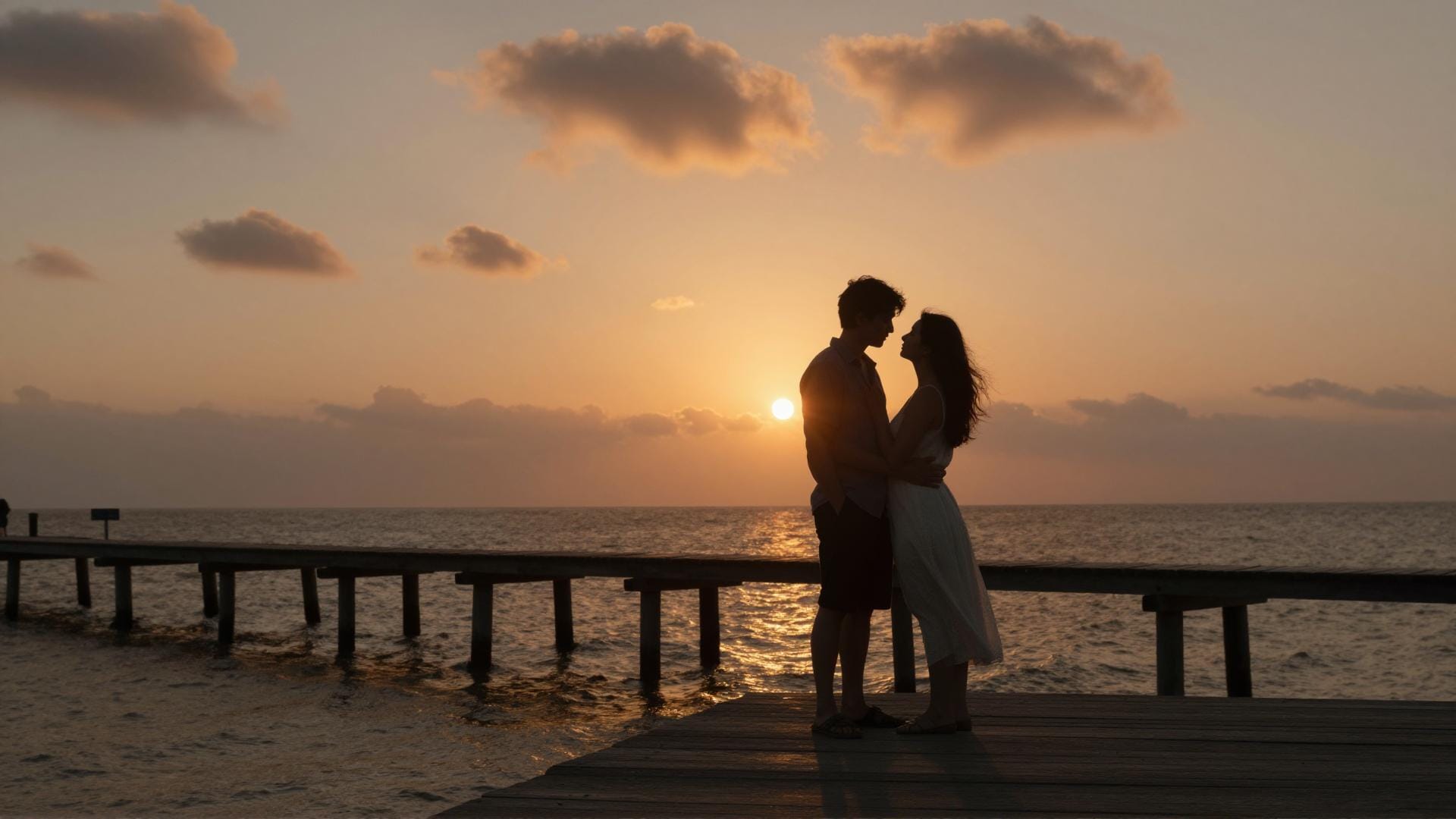
Turn Any Prompt Into Romantic Valentine's Day Pictures
Create couple portraits, playful valentine photo edits, rose backgrounds, love letter scenes, and more in seconds. Just write your romantic prompt—like "sunset couples," "cute valentine date in Paris," or "heart balloons"—and Filmora's AI will generate images with dreamy lighting, beautiful colors, and trending styles from TikTok and Instagram. Every image keeps your aesthetic and feels romantic and unique.
- Copy-Paste Any Prompt - 16+ curated romantic and valentine picture prompts for any mood.
- Viral Love Styles - Trendy pastel edits, cinematic sunsets, cartoon couples, animated valentine doodles.
- Reference Image Support - Use photos of you and your partner for perfect matching or theme consistency.
Create Trending Valentine Photo Videos with Filmora App
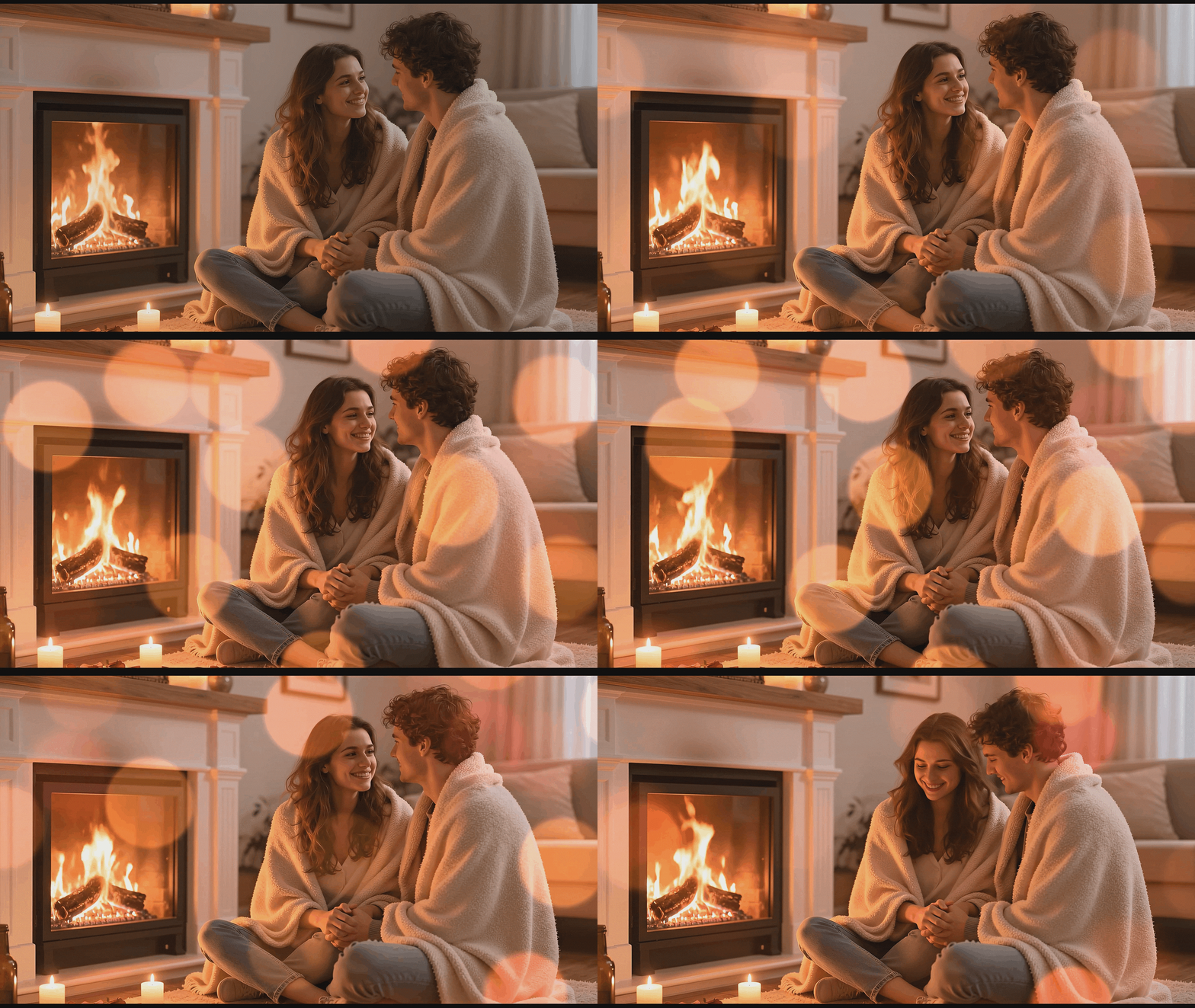
Create Trending Valentine Photo Videos with Filmora App
The Filmora mobile app features Nano Banana Pro templates to turn your romantic valentine images into adorable videos and slideshows—ideal for TikTok, Instagram Reels, or sending to your partner.
- Valentine Video Templates - Pre-made love stories, couple slideshows, heart-themed edits, and more for quick results.
- No Prompts Needed - Upload your romantic pictures → Pick a template → Instantly share your video.
- Customize Everything - Add your own text or style for personal, unique video memories.
- Images Become Animated - Automatically transform static photos into engaging video.
- Music & Love Effects - Choose from soft music and heart-shaped animations for viral-worthy edits.
Personalize Every Image: Add Text, Captions, and Love Notes

Personalize Every Image: Add Text, Captions, and Love Notes
Nano Banana Pro makes it easy to add in-image love quotes, names, or special messages on your romantic valentine images. Filmora's tools let you create heart speech bubbles, cute captions, and stylish titles—with tons of font choices and visual effects.
- 💌 Love Speech Bubbles - Add romantic words, playful messages, or poem lines in tons of styles.
- 💖 Valentine Fonts - From handwritten notes to trending aesthetic fonts, plus multi-language support.
- ✨ Text & Style Tools - Curved text, glowing edges, colorful highlights, shadow effect—customize to match your vibe.
FAQs for Romantic Valentine Pictures with AI Tools
- Go to your favorite AI image generator or photo tool supporting romantic valentine styles.
- Select a valentine-themed model or choose romance as your category.
- Enter keywords like "romantic valentine couple," "heart background," or simply paste a trending prompt below.
- Let the AI generate beautiful valentine-themed photos in seconds.
- Download, edit, or share your pictures on TikTok, Instagram, Snapchat, or with loved ones.
How to Make Romantic Valentine Pictures with AI in Filmora
Want to create romantic valentine pictures for your feed? Filmora's AI image tools let you generate trending valentine photo effects with just a few clicks. No AI experience? This simple guide shows how to get aesthetic valentine photos using top prompts—perfect for sharing on Instagram, TikTok, or printing for someone special.
Step 1 Open AI Image Generator

Step 2 Type in Your Romantic Valentine Prompt

Step 3 Save and Share Your Valentine Pictures

-
1:Open AI Image Generator
Start Filmora and open a new project. Navigate to "Stock Media" and pick "AI Image" for instant access to romantic valentine picture effects. -
2:Type Your Romantic Valentine Prompt
Select your photo model, paste a romantic valentine pictures prompt, or use popular templates, then click "Generate" to instantly make your valentine image. -
3:Save & Share Your Valentine Images
Download your AI-generated romantic valentine pictures, drop them into your timeline to edit, or share directly to Instagram, TikTok, or Messenger.
More Than Just Romantic Valentine Pictures
Filmora is not only for generating romantic valentine pictures with AI. You can create a variety of themed photos, design aesthetic videos from your valentine prompts, and edit everything with powerful tools in one place—ideal for creative social content or personal keepsakes.







