


 TL;DR:
Seedance 2.0 is best for creators requiring precise multi-modal control, beat-synced audio, and multi-shot action sequences, whereas Google's Veo 3.1 is the optimal choice for users needing 4K photorealism, accurate human face rendering, and frictionless access through existing Google accounts.
● Seedance 2.0 generates up to 15-second 1080p clips using up to 12 simultaneous reference files across text, image, video, and audio, while Veo 3.1 produces single continuous 8-second 4K clips using a maximum of three reference images.
● Seedance 2.0 strictly blocks real human face generation in favor of stylized composites due to copyright safety measures, whereas Veo 3.1 permits human face rendering while specifically targeting and reducing uncanny valley artifacts.
● While Veo 3.1 provides a free tier of roughly 10 to 12 clips per month for personal Google accounts, high-volume developers benefit from Seedance 2.0's cheaper per-second API rates.
Ask AI for a summary
 ChatGPT
 Perplexity
 Gemini
 Claude
 Grok
Grok
Google's AI video model, Veo 3, was having a great run with its latest Veo 3.1 update: richer audio, better narrative control, and improved image-to-video. That is, until ByteDance released Seedance 2.0 in February 2026.
Built on a unified multimodal architecture that takes text, image, audio, and video as inputs, Seedance 2.0 went viral almost immediately. Wanting to see for ourselves, we tested both to see how Seedance 2.0 vs Veo 3.1 actually stack up now across video quality, controls, pricing, and real use cases.
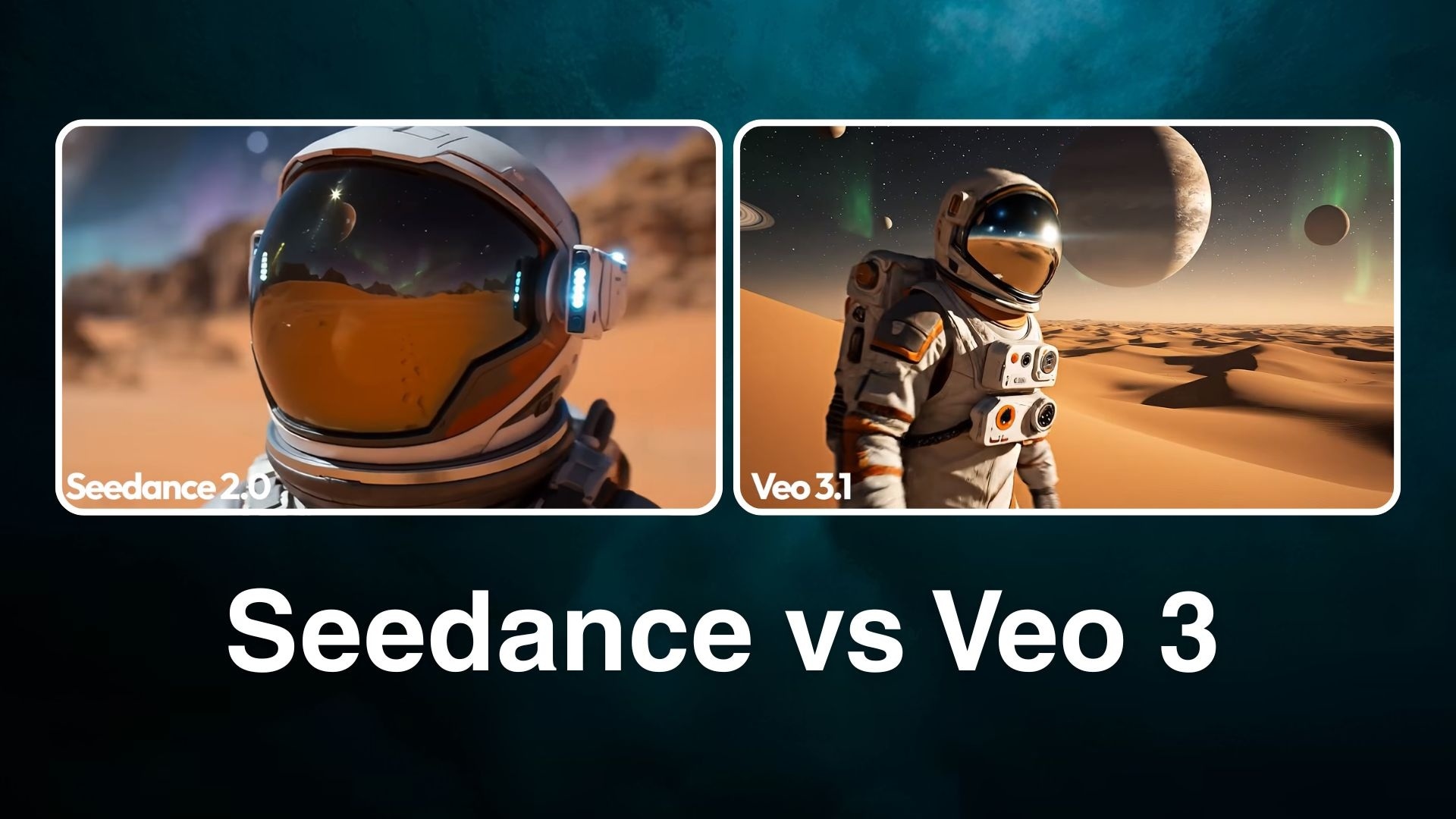
Key Takeaways
- Seedance 2.0 generates up to 15-second videos at 1080p resolution with native synchronized audio, accepting up to 12 reference files simultaneously.
- Veo 3.1 is developed by Google DeepMind and generates up to 8 seconds per clip at up to 4K resolution.
- Veo 3.1 handles human face rendering better; Seedance 2.0 blocks real-face generation following copyright issues at launch.
- Seedance 2.0 has more flexible multi-modal input and better instruction adherence.
Summary Table Comparison
| Seedance | Veo 3 | |
| Current Version | Seedance 2.0 | Veo 3.1 |
| Developer | ByteDance | Google DeepMind |
| Video Length | 15 seconds | 8 seconds (extendable to ~148s via scene extension) |
| Resolution | Up to 1080p | Up to 4K (3840×2160) |
| Input Methods | Text, image, video, audio | Text, image, video |
| Max Input Files | 12 (9 images + 3 videos + 3 audio) | 3 reference images |
| Native Audio | Yes (joint audio-video generation) | Yes |
| Best for | Multi-modal creative control, volume content, cost efficiency | Cinematic photorealism, Google ecosystem workflows |
Part 1. A Quick Overview of Seedance and Veo 3
Before we get into the details of the Seedance vs Veo 3 comparison, let's start with what each model actually is and where it comes from.
What is Seedance?
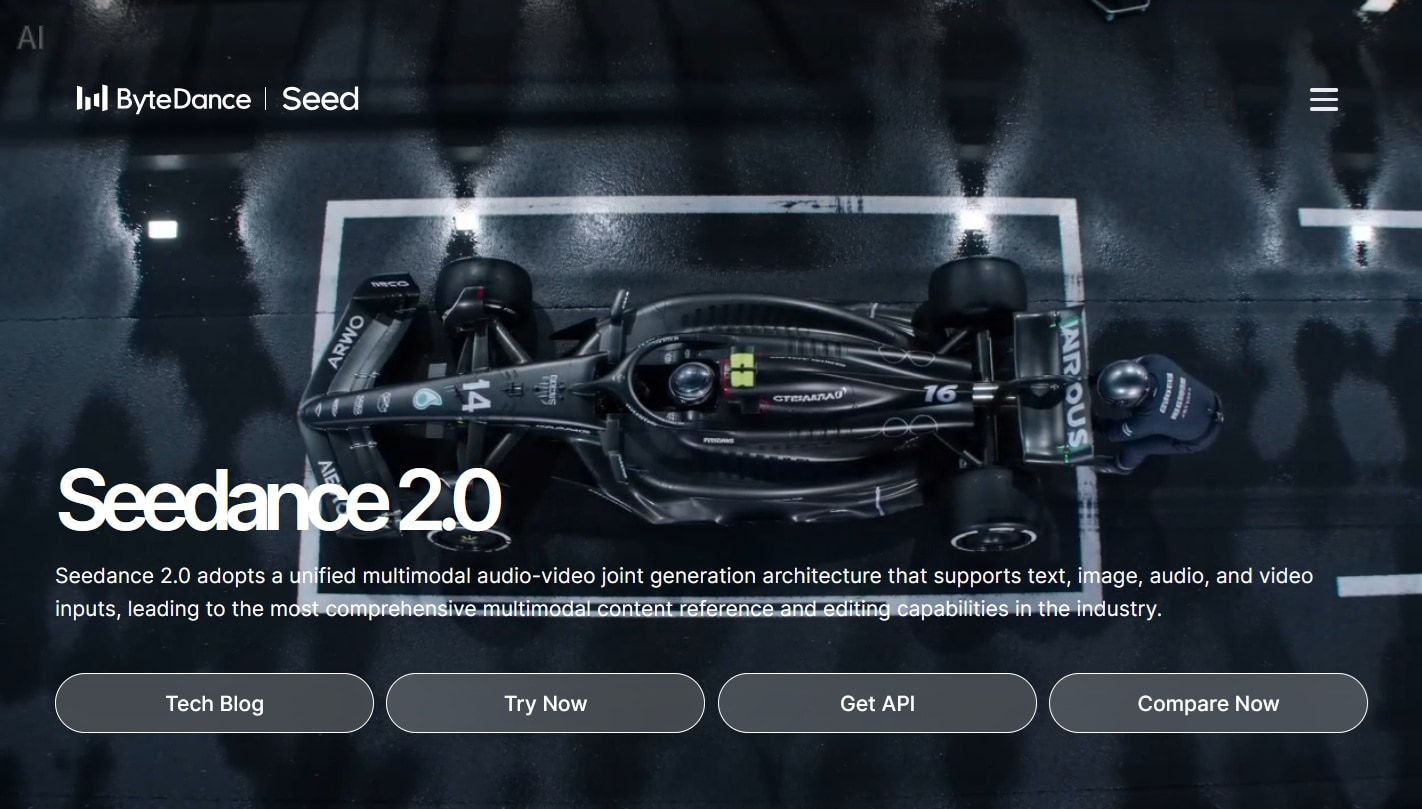
Seedance is a family of AI video generation models built by ByteDance, the parent company of TikTok. Seedance 2.0, the current version, came out swinging both for its capabilities and for the controversy around realistic clips of celebrities and copyrighted characters it enabled.
The core of Seedance 2.0 is a Dual-Branch Diffusion Transformer architecture that generates video and audio simultaneously in a single pass. It supports text, image, video, and audio inputs together, making it the broadest multi-modal input system among publicly available video generators right now.
What is Veo 3?
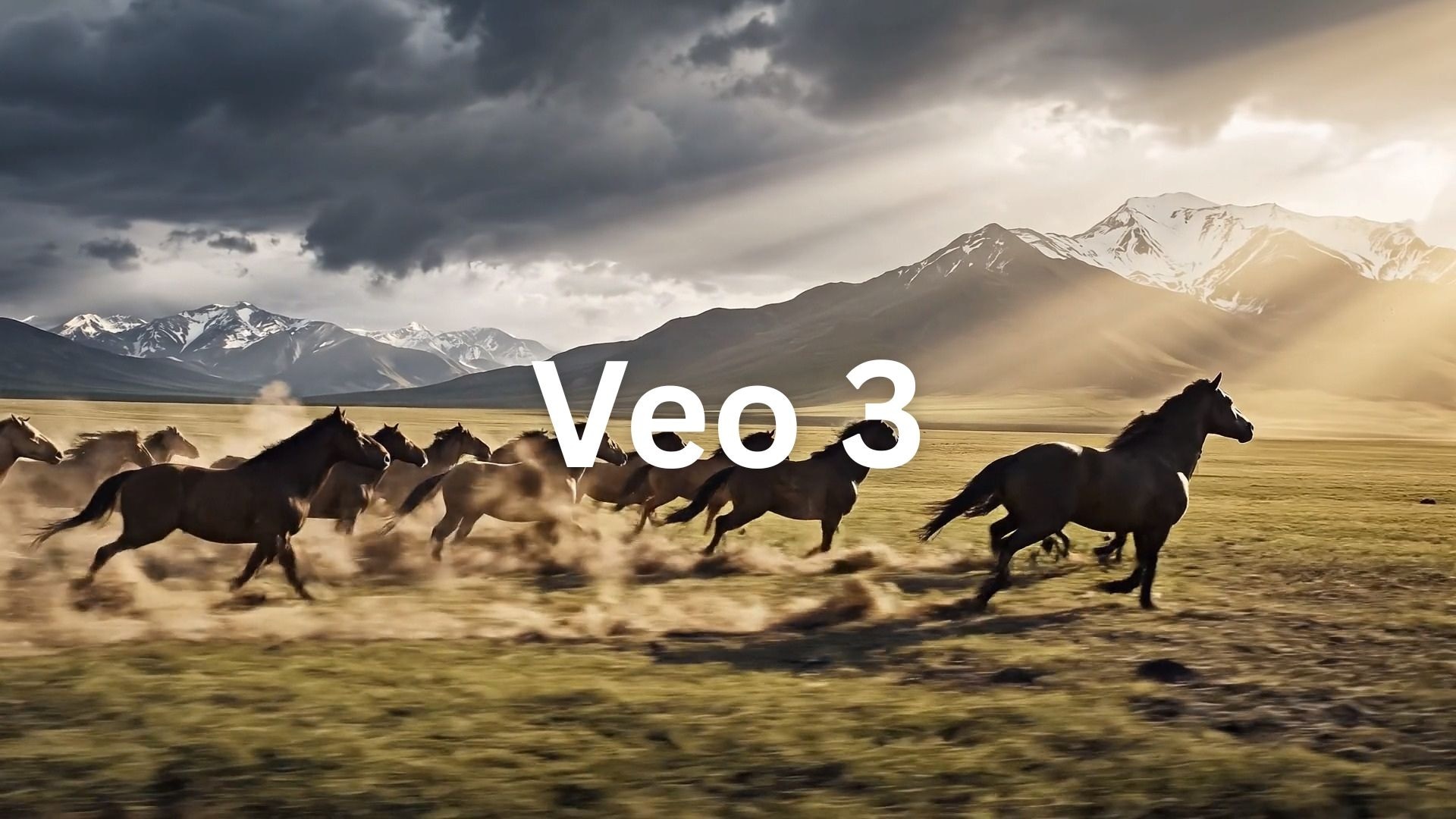
Veo 3 is Google DeepMind's AI video generation model, part of the broader Gemini AI ecosystem. The current version, Veo 3.1, launched in October 2025 and received a significant resolution update in January 2026 that added 4K output. A lighter-cost variant, Veo 3.1 Lite, launched in late March 2026 for high-volume developer pipelines.
Veo 3.1 runs on a 3D latent diffusion transformer architecture that processes spatial and temporal data simultaneously. It generates up to 8 seconds of video per generation, with native audio that includes synchronized dialogue, environmental sound effects, and ambient noise.
Part 2. Seedance 2.0 vs Veo 3.1 Pricing & Access
Between Seedance 2.0 and Veo 3.1, which one is cheaper? The answer actually depends on where and how you access it. But generally, the two models can be summarized as follows:
Seedance vs Veo 3 Pricing
| Seedance 2.0 | Veo 3.1 | |
| Platforms | Dreamina (international), Jimeng (China), CapCut, Filmora, etc. | Gemini app, Flow, Gemini API (AI Studio), Vertex AI, third-party platforms (e.g., Filmora) |
| Free Tier | 225 free daily tokens (Dreamina); generating requires a Pro subscription | Available via Flow (100 credits + 50 daily for Veo 3 access); Google AI Pro 1-month free trial available |
| Pricing | Starting at $30.10/7M Tokens – $55.90/13M Tokens; or $18 – $84/month (via Dreamina) | $7.99 – $249.99/month; Google Vids (10 videos/month) |
| API Pricing | ~$0.14 per second | ~$0.15 per second (Fast) to ~$0.40 per second (Standard) |
Seedance 2.0 Pricing & Access
Seedance 2.0 accessibility is still rolling out globally. To access it via Dreamina, the credit-based plans run from $18 to $84 per month, with 225 daily free tokens that work out to roughly 1–2 short video generations per day. However, you may still need a Pro account to generate videos with Seedance 2.0.
Veo 3.1 Pricing & Access
Veo 3.1 is available through Google's own ecosystem and has more access routes than Seedance 2.0. As of April 2, 2026, any personal Google account holder can generate videos for free, up to 10 clips per month through Google Vids, or around 12 videos per day through Google Flow's daily credit allowance.
Bottom Line
- If you're a developer running high volumes, Seedance 2.0 has cheaper per-second rates.
- If you're a creator who just needs occasional clips, Veo 3.1's free access through your existing Google account may be all you need.
For those who want flexibility, both Seedance 2.0 and Veo 3.1 models are available inside Wondershare Filmora, so you can access and switch between them at a more reasonable price without juggling multiple subscriptions.
 Secure Download
Part 3. Seedance 2 vs Veo 3.1: AI Video Input and Control
Between Seedance 2.0 vs Veo 3.1, the two models work quite differently. The biggest difference is in how each one takes direction, specifically, the kinds of inputs they accept and how much control you have over the output before you even hit generate.
Seedance 2.0’s Multimodal Reference System
Seedance 2.0 accepts four input modalities simultaneously: text, images, video, and audio. You can upload up to 9 images, 3 video segments, and 3 audio files (a total of 12 references) alongside your text prompt. The model uses an @-mention system to let you specify exactly how each asset should influence the output.
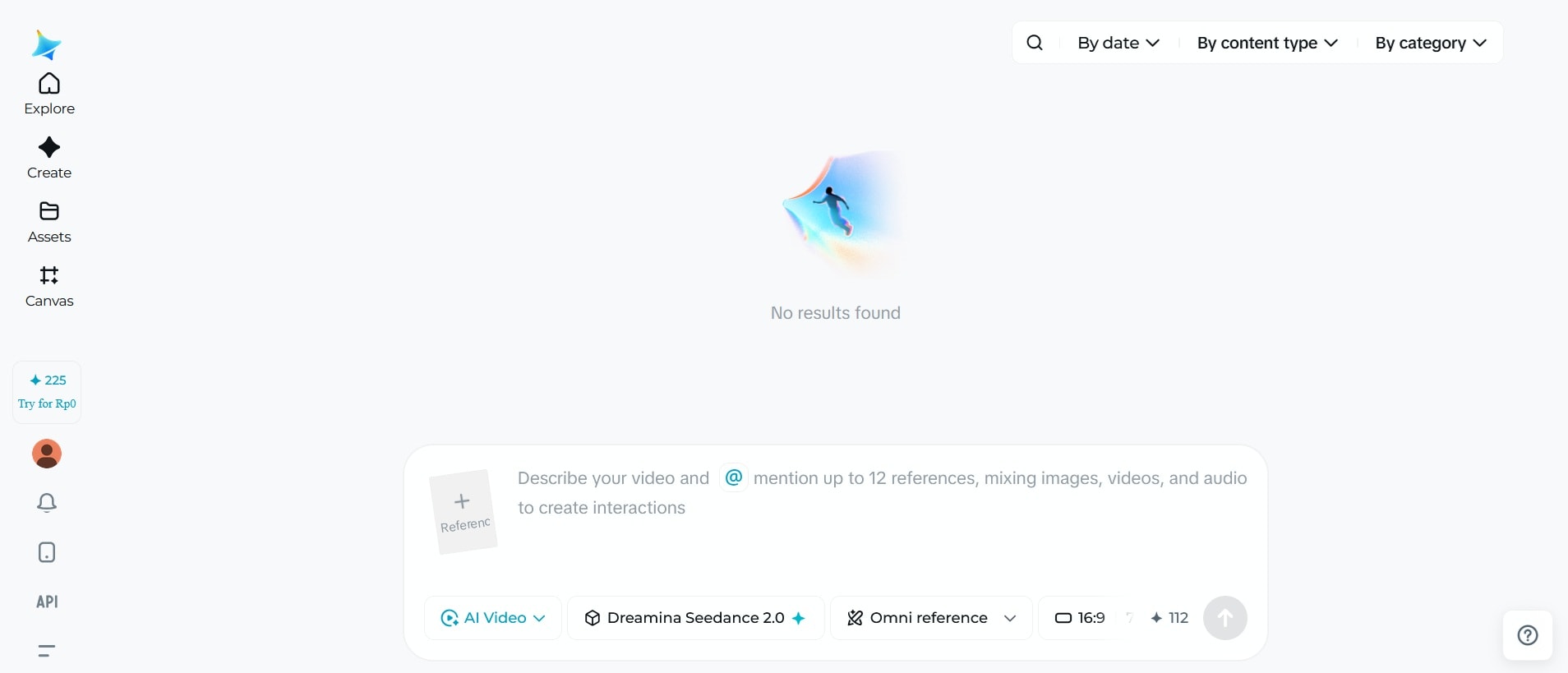
For music video work, Seedance 2.0 also accepts an uploaded audio track and generates a video with motion that syncs to the beat. No other major model currently offers this capability. If you compare Seedance 1.0 vs Veo 3, the gap was much narrower. Neither had native beat-synced motion generation.
Veo 3.1’s Reference Consistency
Veo 3.1, on the other hand, supports reference images to guide video generation. You can specify characters, locations, objects, or visual styles, and Veo 3.1 combines them into fully formed scenes. Up to three reference images are supported per generation through its "Ingredients to Video" feature.
From a technical standpoint, Veo 3.1 produces a single continuous clip per generation and works in 16:9 and 9:16 only. However, it has a scene extension feature that lets you extend clips beyond the initial generation. Meanwhile, Seedance handles six aspect ratios and multi-shot sequences natively.
Part 4. Putting Seedance 2 and Veo 3.1 to the Test
Now, let's see how they actually perform. On the Artificial Analysis Text-to-Video leaderboard, Seedance 2.0 currently ranks #2 with an Elo score of 1,222 (with audio). For image-to-video with audio, it ranks #1 at Elo 1,183, while Veo 3.1 sits at #5 with an Elo score of 1,085.
In practice, we tested both models using the same prompts across several categories. Watch the video below and see how each one performs.
Seedance 2.0 vs Veo 3.1: Multi-shot & Scene Consistency
Multi-shot capability is something Veo 3.1 still lacks, especially when you put it side by side with Seedance 2.0. Seedance 2.0 treats multi-shot editing as a first-class feature. The Seedance 2.0 video here shows the same scene playing out across different angles.
Veo 3.1, given the same prompt, doesn't work that way. It produces a single continuous clip per generation. To get a multi-shot sequence out of Veo 3.1, you'd need to generate each shot separately and assemble them in an editor yourself.
Seedance 2.0 vs Veo 3.1: Motion and Physics
Veo 3.1 handles everyday movement well, but struggles with complex physical interactions. When asked to generate something like a camera dropping and shattering on impact, it doesn't break the way a real object would. Seedance 2.0 handles this noticeably better.
Seedance 2.0 vs Veo 3.1: Natural Expression
While Seedance 2.0 delivers strong results overall, it won't let you generate videos using real human faces. Following the copyright controversies at launch, ByteDance relaunched with new safety measures, including blocked real-face generation. It will generate stylized or composite faces instead.
Veo 3.1 is more permissive here. It handles human faces with care while staying within content guidelines. Google DeepMind has targeted face rendering specifically in Veo 3.1, reducing the uncanny valley issues that sometimes still affect other models.
Seedance 2.0 vs Veo 3.1: Complex Scene & Coreography
At this point, you probably can guess how it turns out. Seedane 2.0 produces better results in complex, high-action scenes than Veo 3.1. It adds a sense of impact and weight that makes the motion feel earned.
Create Music Video with Seedance 2.0 vs Veo 3.1
Both models generate native audio, so making a music video with either is totally doable. Where they differ is how well the motion actually follows the music.
Seedance 2.0 lets you upload an audio track and generates motion that syncs to the beat, so the cuts and movement feel like they belong to the song. With Veo 3.1, the motion follows the visual prompt more than the rhythm.
Part 5. Verdict: Which AI Video Model Is Better?
From how we tested Seedance AI vs Veo 3, their latest versions each have clear strengths and real limitations, summarized as follows:
| Seedance 2.0 | Veo 3.1 | |
| Multi-scenes | Native multi-shot in one generation | Single continuous clip |
| Motion and Physics | Better in complex, high-action sequences | Better in subtle, everyday movement |
| Camera Movement | ★★★★✰ | ★★✰✰✰ |
| Photorealism | ★★★★✰ | ★★★✰✰ |
| Generation Speed | ★★★✰✰ | ★★★✰✰ |
| Text Legibility | ★★★✰✰ | ★★★✰✰ |
| Prompt Accuracy | ★★★★✰ | ★★★★✰ |
Overall, Seedance leads with better motion quality, multi-shot capability, and creative control. Veo 3.1 is the more accessible option. Here's who each model is actually for:
- Veo 3.1 is best for creators who want free, no-fuss access through their existing Google account and teams already working inside Google's ecosystem.
- Seedance 2.0 is best for creators who work with reference footage, images, or audio and need precise control over the output, and anyone producing multi-shot sequences or action-heavy content.
Part 6. Generate & Edit Seedance 2.0 and Veo 3.1 Videos in One Platform
Why choose between Seedance 2.0 vs Veo 3.1 when you can use both whenever you need? Wondershare Filmora lets you generate videos with either model and edit them in the same workspace. No switching between tools, no re-importing clips, no separate subscriptions for editing.
For both Text to Video and Image to Video, Filmora supports Seedance 2.0 and Veo 3.1 alongside other leading models, so you can pick the right one for each job without leaving the platform. Generate a complex action sequence with Seedance, follow it up with a clean product shot using Veo 3.1, and edit everything together in the same timeline.
Why We Recommend Filmora
- Generate with Seedance 2.0 or Veo 3.1 in the same place. Prompt either model directly inside Filmora and move straight into editing without leaving the platform.
- No need to pay for separate tools. Most AI video workflows require a generator and an editor. Filmora covers both, so you're not stacking subscriptions on top of each other.
- Keep everything in one workflow. Generate, trim, extend, and combine clips from both models inside the same timeline without any compatibility issues.
- Extend short clips with AI Video Extend. Both models cap out at around 15–20 seconds per generation. Filmora's AI Video Extend lets you push clips longer without regenerating from scratch.
- Combine multiple AI clips into one complete video. String together clips from Seedance and Veo 3.1, add transitions, and build a full video inside the same timeline.
- Export up to 8K in any format. Filmora exports in high quality across any format you need.
Secure DownloadConclusion
Seedance vs Veo 3 are built for different things. Seedance wins on most categories, including multi-shot sequences, complex motion, and multi-modal input flexibility. Veo 3 is still better at face rendering and has free access through Google's ecosystem.
If you need precise creative control, go with Seedance. If you want something free and frictionless, Veo 3.1 gets you there. And if you'd rather not choose, Filmora lets you run both models in one workspace without juggling separate subscriptions.
FAQs
-
1. Can I use Veo 3.1 without a Google account?
Access to Veo 3.1 through Google's platforms requires a Google account. That applies to Google Flow, Google Vids, and the Gemini app. The only workaround is using a third-party platform that has integrated Veo 3.1 (like Filmora), which may have its own login requirements separate from Google. -
2. Does Veo 3.1 add watermarks to generated videos?
All videos generated with Veo in the Gemini app are marked with a visible watermark and SynthID, a digital watermark embedded in each frame, to indicate the videos are AI-generated. Only the Ultra plan removes it, where permitted by local regulations.
If you're generating Veo 3.1 videos inside Filmora, you can export without a visible watermark if you've accepted the AIGC usage agreement. -
3. Does Seedance add watermarks?
It depends on the plan and platform. Seedance 2.0 adds a small "AI" badge to the corner of every generated video by default. Same as Veo 3.1, generating through Filmora and enabling the AIGC usage agreement removes the visible watermark from your exports. -
4. Does Veo 3.1 support multiple languages for generated dialogue?
Yes. Even if you write your instructions in English, you can make characters speak other languages like Spanish or Mandarin by writing the dialogue in that language inside the prompt, and Veo 3.1 will handle the accent and lip-sync automatically.
