
Explore Trending GPT Image 2 Prompts
Discover the perfect chatgpt images 2.0 prompts for any creative project. Generate stunning portraits, landscapes, product shots, and artistic concepts in seconds.
Loading more prompts...
 Category:
 Duration:
 Aspect Ratio:
Why Use GPT Image 2.5 Prompts?
Generating stunning AI images has never been easier. Whether you need a cinematic landscape, a product mockup, or a fantasy character portrait, chatgpt images 2.5 realistic photo prompts for image generation give you exceptional detail, lighting, and composition control.
Crystal-Clear Text Rendering
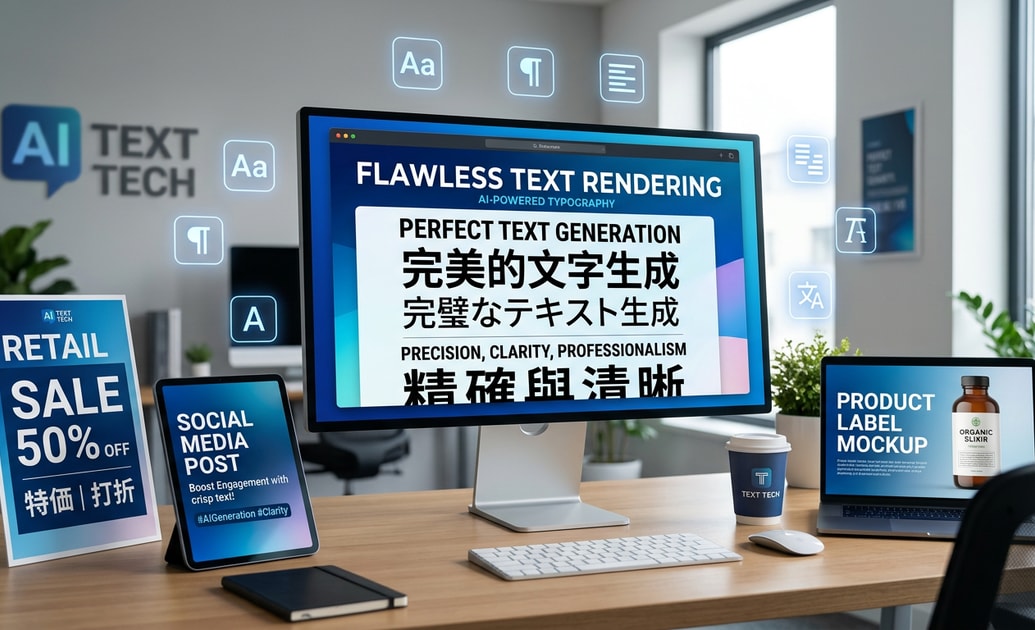
Crystal-Clear Text Rendering
GPT Image 2 excels at generating images with embedded text — perfect for posters, logos, signage, and social media graphics. No more garbled or misspelled words in your AI generations. 🖼️
- Accurate Typography - Generate clean, readable text in any font style.
- Multi-Language Support - Create images with English, Chinese, Japanese, and more.
- Perfect for Marketing - Design product labels, banners, and ads directly from prompts.
Coherent Multi-Image Generation
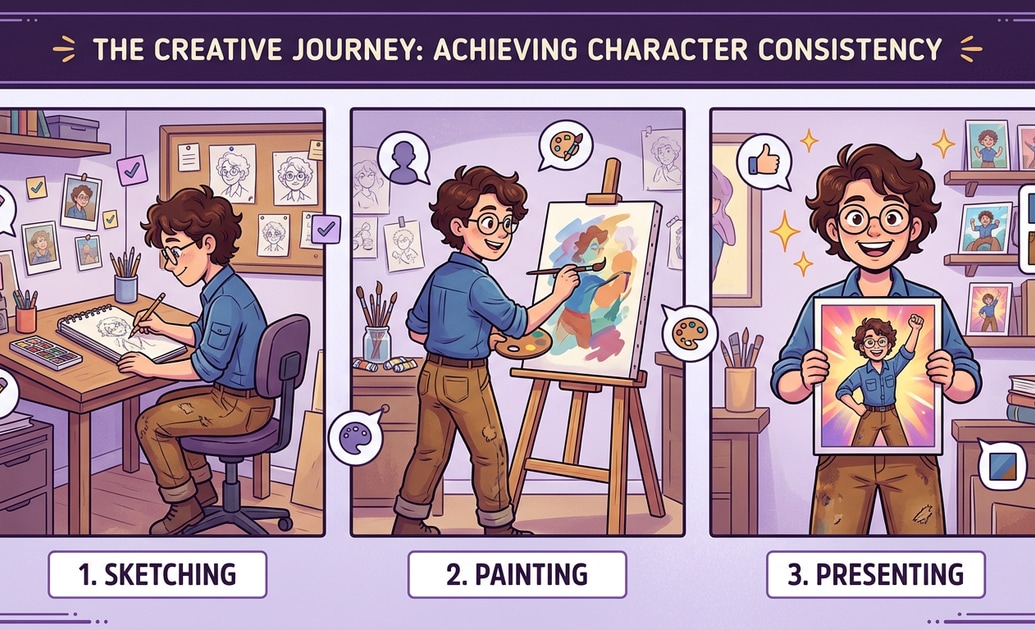
Coherent Multi-Image Generation
Need a series of images with the same character or style? GPT Image 2 maintains consistency across multiple generations, making it ideal for storyboards, comic strips, and branded content. 👨🎨
- Character Consistency - Keep the same face, outfit, and pose across scenes.
- Style Lock - Maintain a uniform artistic direction for entire projects.
- Storytelling Power - Create cohesive visual narratives from a single prompt.
Cinematic Quality Output
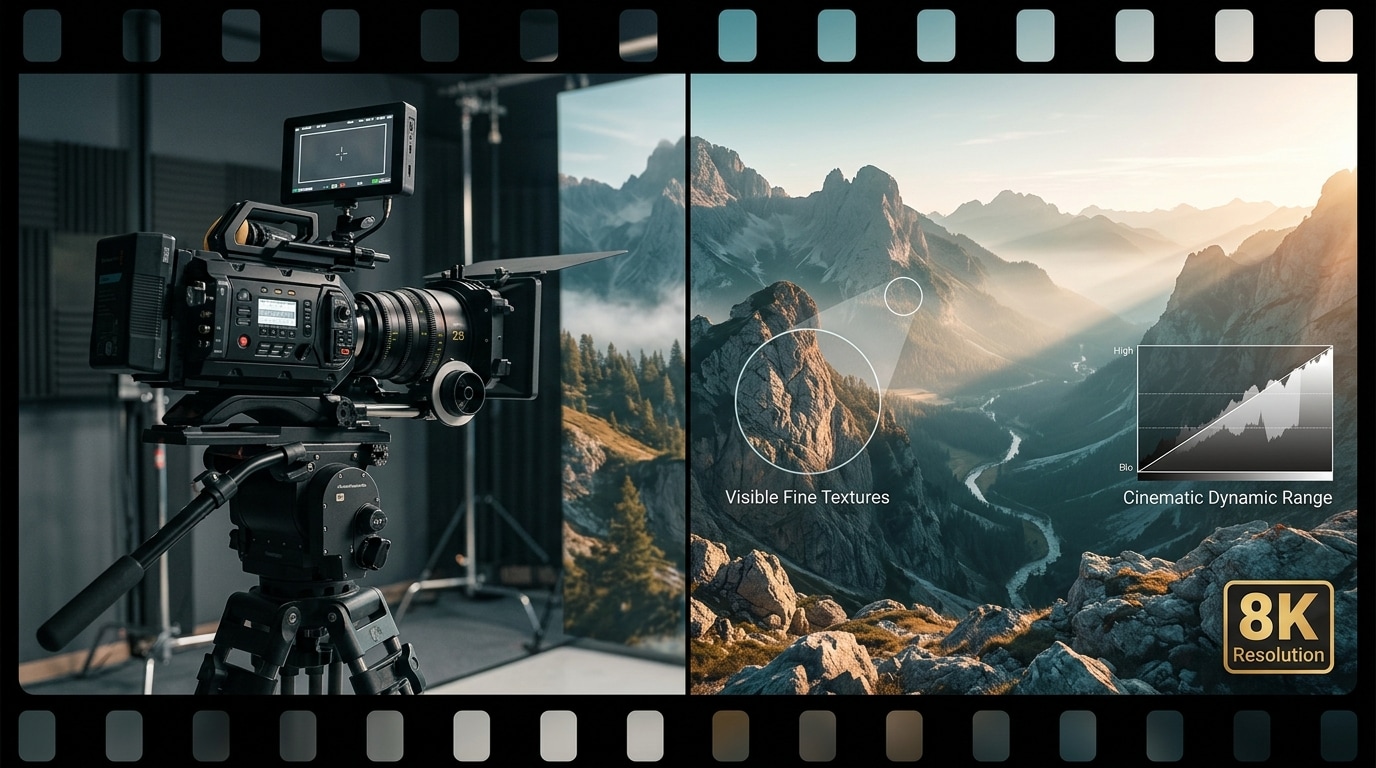
Cinematic Quality Output
GPT Image 2.5 delivers professional-grade resolution, dynamic lighting, and rich textures — perfect for print, web, and social media. 🎬
- 2K Resolution - High-resolution exports suitable for commercial use.
- Realistic Lighting - Natural shadows, highlights, and ambient effects.
- Fine Details - Skin texture, fabric weaves, and surface imperfections rendered with precision.
Easy Integration with Filmora
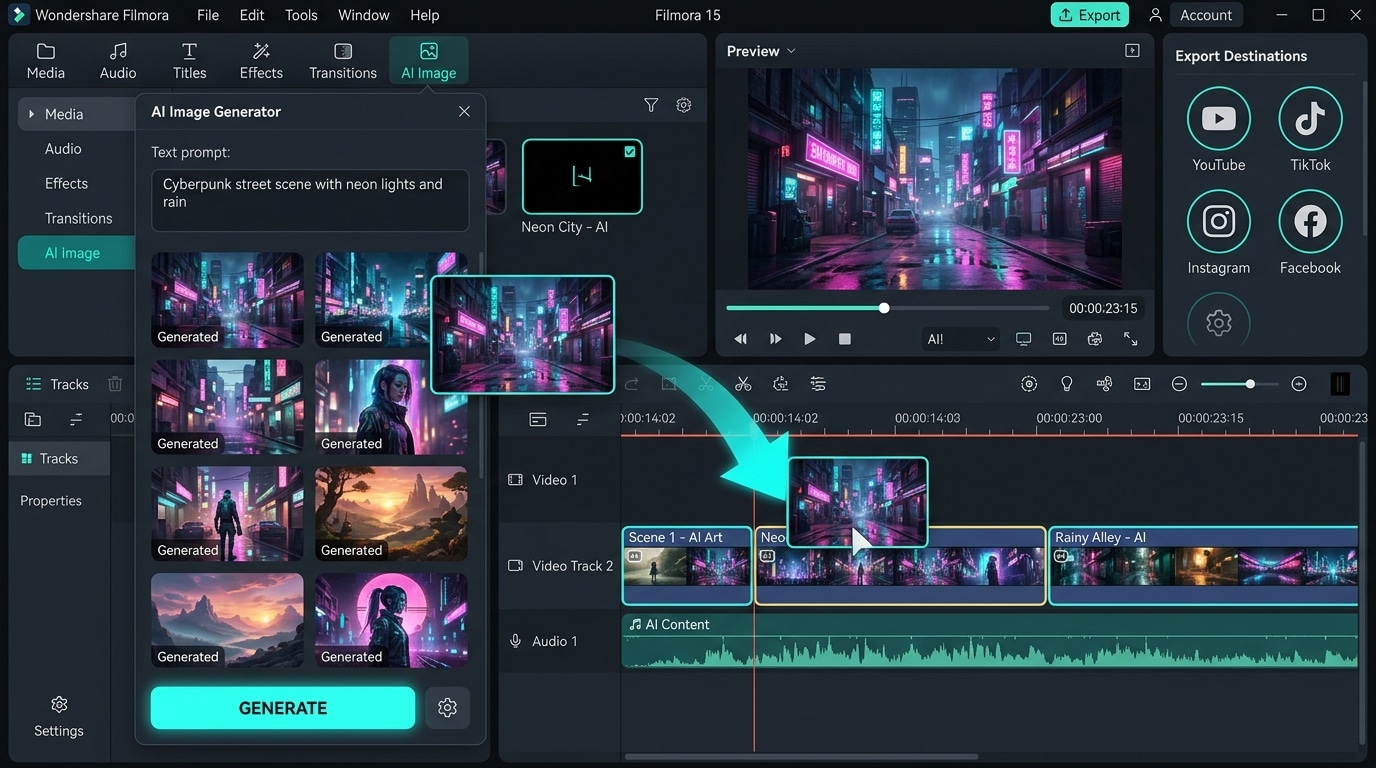
Easy Integration with Filmora
Use your generated images directly in Filmora for video editing, slideshows, or social media content — no extra steps required. ✨
- Drag-and-Drop Workflow - Import AI-generated images directly into your timeline.
- Add Effects & Transitions - Enhance your images with Filmora's editing tools.
- Export Ready - Share your creations across YouTube, TikTok, and Instagram instantly.
Frequently Asked Questions About GPT Image 2 Prompts
How to Generate Stunning Images with GPT Image 2 Prompts
Turn your creative vision into reality using the best chatgpt images 2.0 prompts in just three easy steps. 🎨
Step 1 Choose Your GPT Image 2 Prompt

Step 2 Input Your Prompt Details
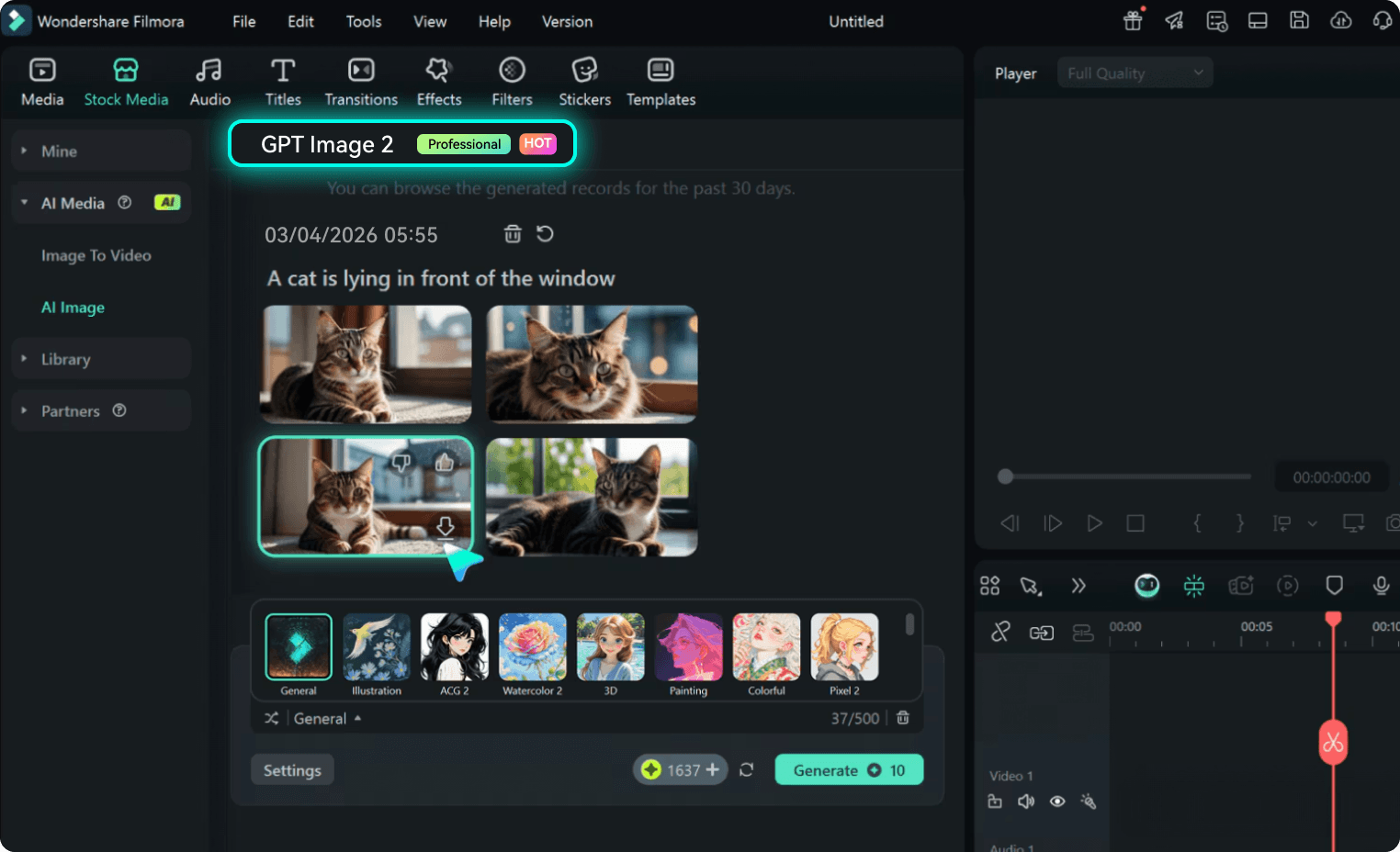
Step 3 Generate & Download
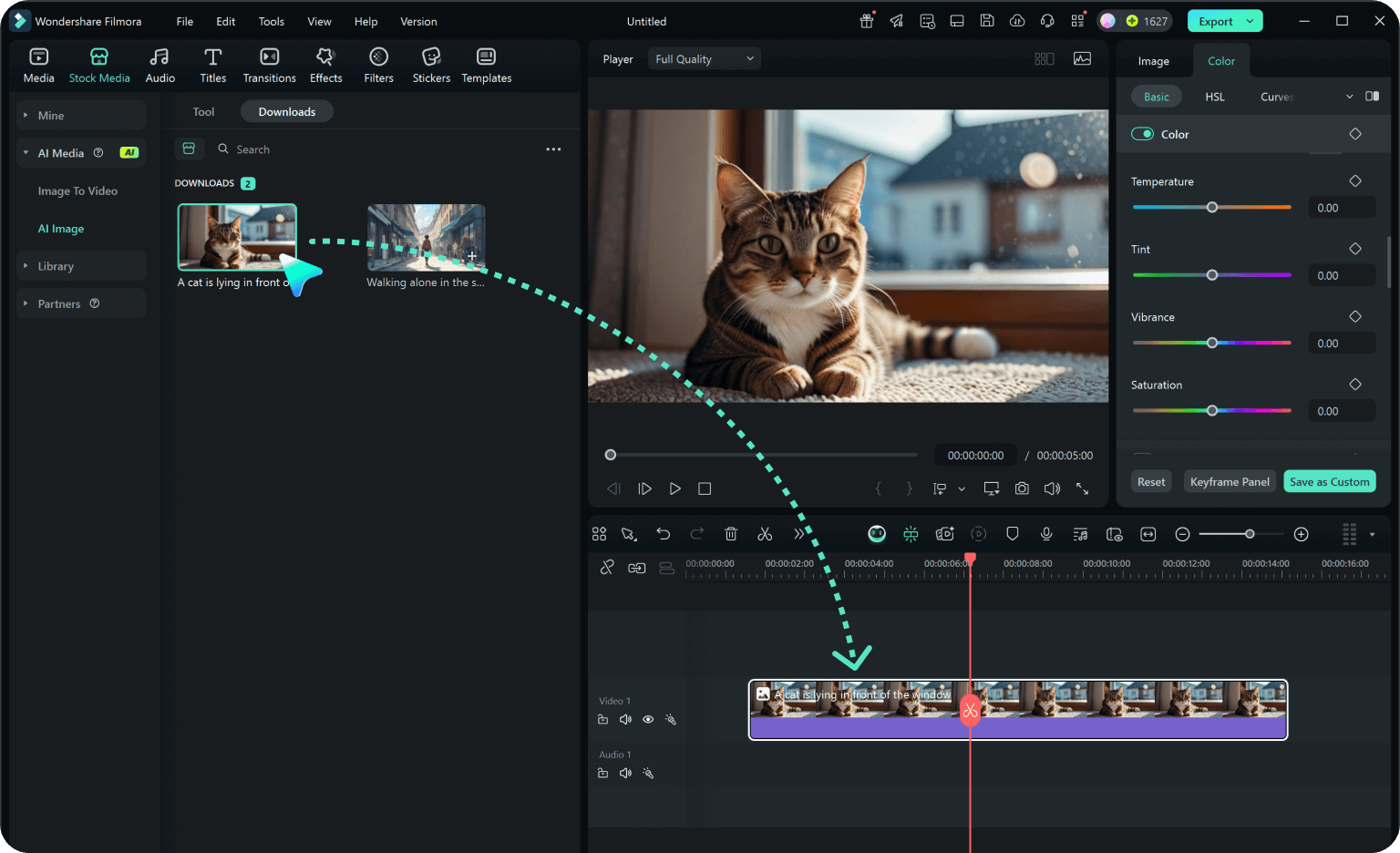
-
1:Choose Your GPT Image 2 Prompt
Select a specific style — cinematic, anime, product photography, or concept art — and decide on the subject and composition. -
2:Input Your Prompt Details
Paste your gpt image 2 prompt into ChatGPT or Filmora's AI generator (powered by GPT image 2). Include lighting, mood, resolution, and aspect ratio for best results. -
3:Generate & Download
Hit generate to see your chatgpt image 2 prompts for image generation come to life. Download your high-quality image and start creating! 💖
GPT Image 2 Prompts: Unlock Unlimited Creative Possibilities
Searching for the perfect gpt image 2 prompts? With Filmora, you can generate stunning AI images for any project — marketing, social media, storytelling, and beyond. Ideal for designers, content creators, and marketers who need high-quality visuals fast.




