
30+ Eid al-Adha Greeting Card Prompts for ChatGPT image-2:
Copy, Paste & Create
Looking for a unique way to send your Eid blessings? These AI prompts are crafted for ChatGPT image-2 and other AI image generators, with styles inspired by Indian Eid celebrations-golden lanterns, crescent moons, mosque silhouettes, family gatherings, calligraphy, and mobile-first social posts. Pick an Eid al-Adha greeting card prompt, paste it into your AI generator, then personalize the result with your own Eid Mubarak message or eid ul adha wishes for WhatsApp, Instagram, Facebook, or print.
Loading more templates...
 Category:
 Duration:
 Aspect Ratio:
Create Eid al-Adha Greeting Cards with ChatGPT image-2 Prompts
A beautiful Eid card is more than decoration-it is a message of faith, gratitude, sacrifice, family, and community. With ChatGPT image-2 prompts and Filmora's creative tools, you can turn simple text into polished Eid visuals, then refine them with typography, animation, and audio. Create a traditional eid al adha mubarak card, a modern 9:16 social post, or personalized eid ul adha wishes that feel meaningful and ready to share.
Generate Eid al-Adha Greeting Cards from Text Prompts
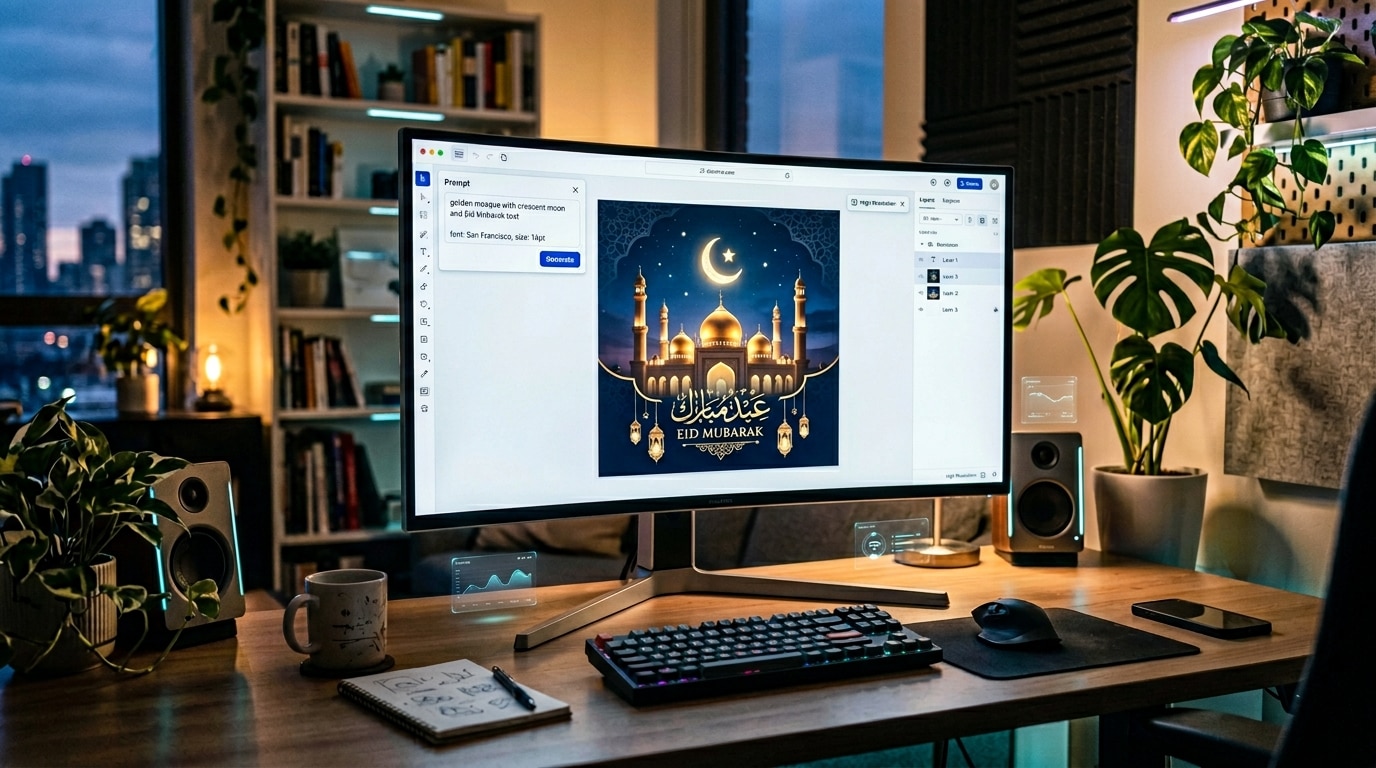
Generate Eid al-Adha Greeting Cards from Text Prompts
Instantly visualize your Eid card idea with an AI text-to-image prompt. Describe a "golden mosque under a crescent moon," "a green and gold Eid Mubarak card," or "a warm Indian family celebration after Eid prayers," and generate a polished greeting card background that matches the spirit of Eid al-Adha. This is ideal for users who want a custom card without starting from a blank canvas.
- Generate Eid Symbols - Create crescent moons, lanterns, mosque silhouettes, geometric Islamic patterns, and family celebration scenes.
- Explore Indian Social Styles - Create WhatsApp Status, Instagram Story, and Facebook-ready Eid card visuals in both 16:9 and 9:16 formats.
- Control Visual Style - Try premium gold, modern gradient, photorealistic, watercolor, 3D, cartoon, or calligraphy-led card designs.
Add Clear Eid Mubarak Text and Eid ul-Adha Wishes
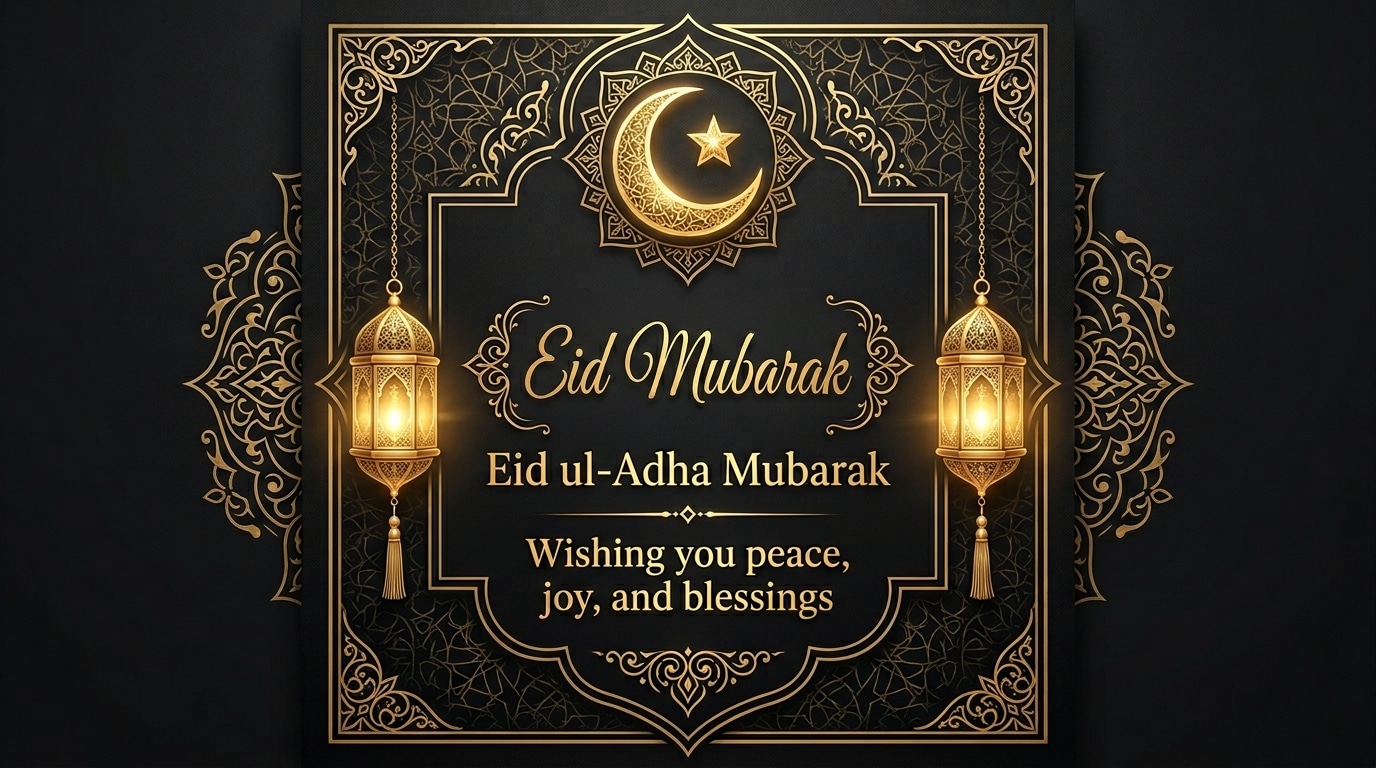
Add Clear Eid Mubarak Text and Eid ul-Adha Wishes
A heartfelt message is the soul of every Eid greeting. ChatGPT image-2 is especially useful for prompt ideas that include readable text such as "Eid Mubarak," while Filmora lets you fine-tune the final wording, font, placement, and motion. Use Arabic-inspired calligraphy, clean English typography, Hindi/Urdu-style festive messaging, or a personalized family greeting to make your card feel complete.
- Readable Greeting Text - Create or edit clear Eid Mubarak headlines, eid al adha mubarak card text, and short blessing messages.
- Social-Friendly Text Effects - Add glowing, sparkling, fade-in, or elegant reveal effects for WhatsApp Status and Instagram Stories.
- Full Message Control - Adjust color, size, placement, and contrast so your Eid wishes remain readable on every background.
Turn Eid al-Adha Cards into Shareable Video Greetings
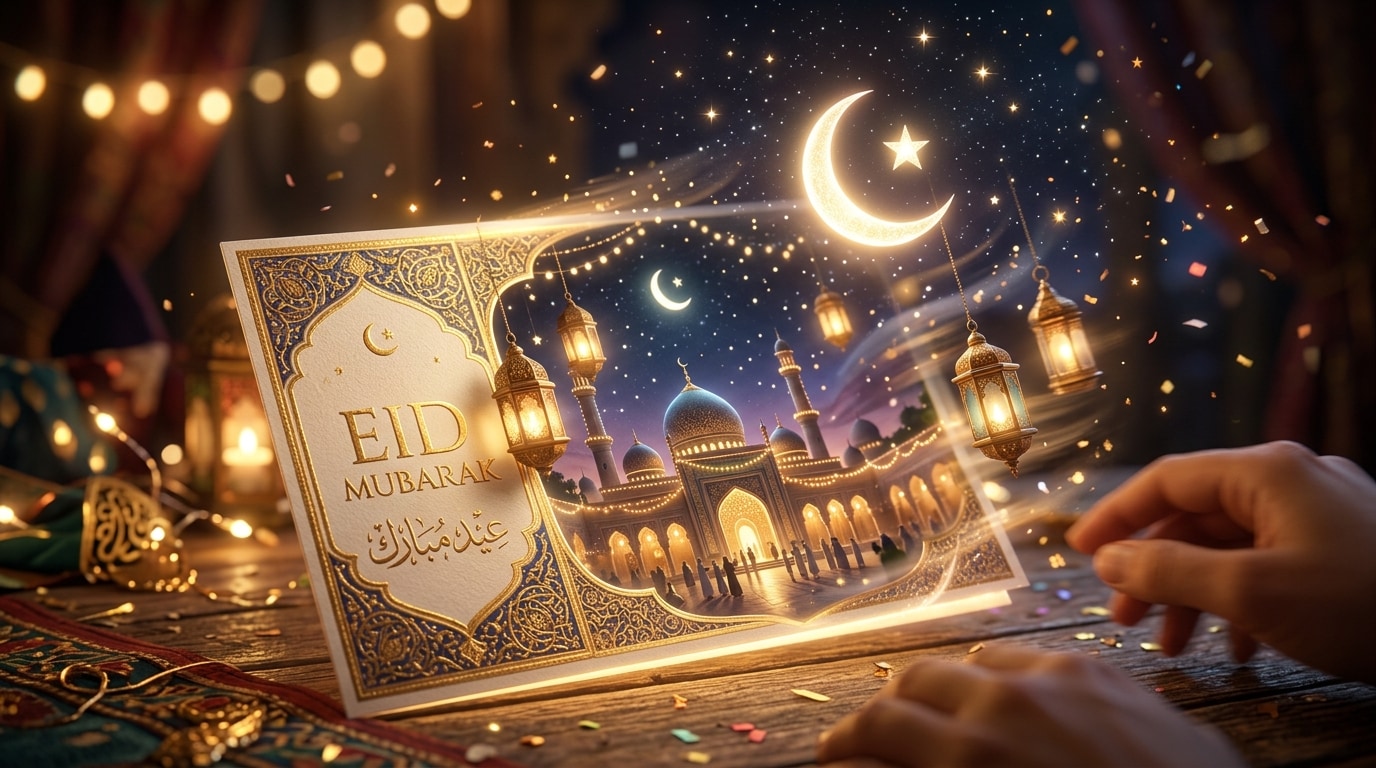
Turn Eid al-Adha Cards into Shareable Video Greetings
Go beyond a static card and turn your AI-generated Eid design into a short, memorable video greeting. Add subtle motion to lanterns, twinkling stars, glowing crescent moons, and animated "Eid Mubarak" text to create a festive greeting that works beautifully for WhatsApp Status, Instagram Stories, Reels, Shorts, and family group chats.
- Easy Greeting Animation - Apply motion effects such as twinkling stars, swaying lanterns, shimmering crescents, and soft text reveals.
- Image-to-Video Workflow - Turn any generated Eid al-Adha greeting card into a shareable MP4 for WhatsApp, Reels, Shorts, and more.
- Customize for Social Platforms - Choose 9:16 for mobile stories, 1:1 for feed posts, or 16:9 for banners and widescreen greetings.
Complete Your Eid Wishes with Music and Blessings
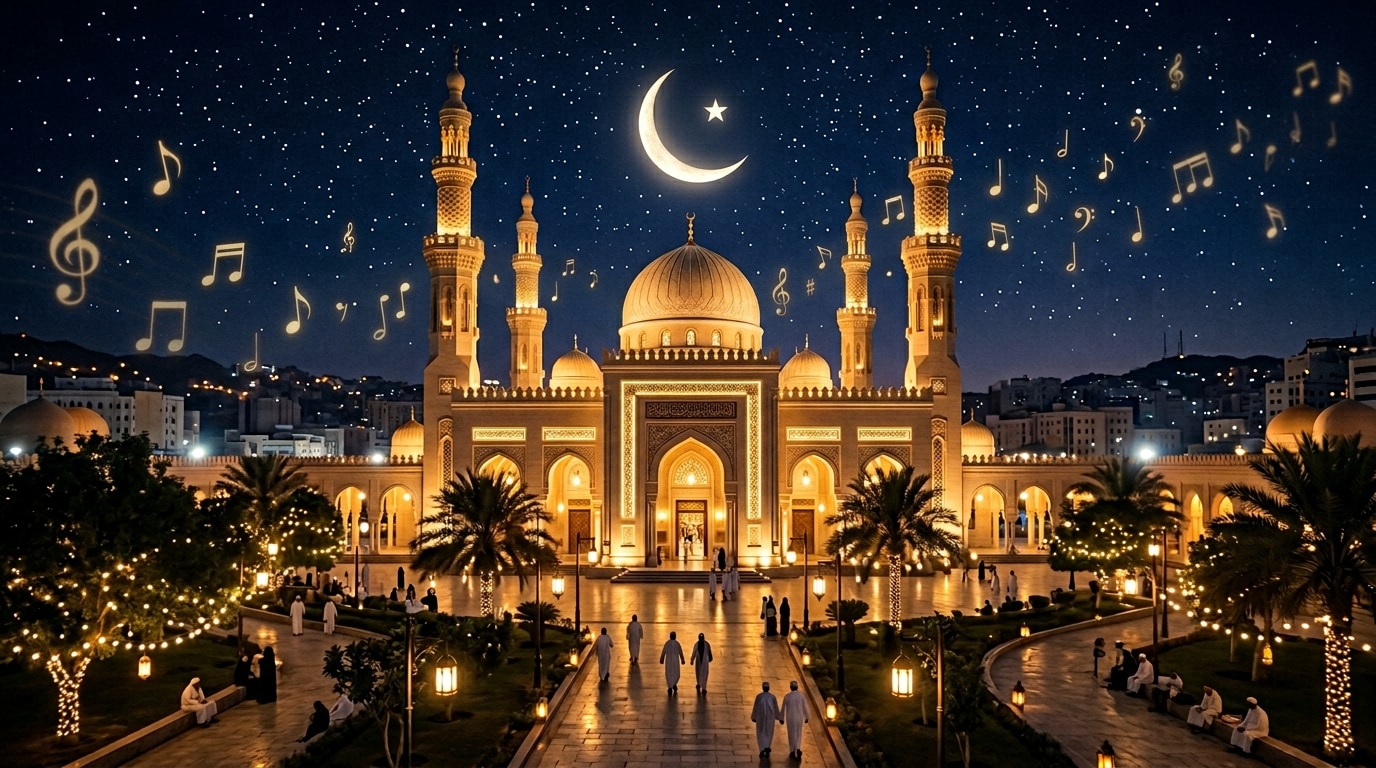
Complete Your Eid Wishes with Music and Blessings
Add the final emotional layer to your animated Eid greeting with music, voice, or peaceful festive sound. Pair your AI-generated card with a short blessing, a warm family message, or a gentle instrumental track to make your Eid ul-Adha wishes feel more personal and memorable.
- Festive Audio Options - Browse suitable music, ambience, and celebratory sound effects for Eid greeting videos.
- Enhance the Blessing Message - Add peaceful tones, warm narration, or short greeting audio to support the card's message.
- Simple Timeline Editing - Sync text, image, animation, and audio in Filmora's timeline for a polished final Eid greeting.
FAQs About ChatGPT image-2 Eid al-Adha Greeting Cards
How to Create an Eid al-Adha Greeting Card with AI
Create beautiful, share-worthy Eid greetings for family and friends in a few simple steps. Use an Eid al-Adha card prompt, generate a custom AI image, then edit the text, music, aspect ratio, and animation in Filmora-no design experience needed.
Step 1 Open the AI Image Generator

Step 2 Enter Your Eid al-Adha Card Prompt

Step 3 Download and Edit Your Eid Card

-
1:Open the AI Image Generator
Start Filmora, create a new project, go to "Stock Media", and select "AI Image" to get started. -
2:Enter Your Eid al-Adha Card Prompt
Select an aspect ratio and AI model, then enter a prompt describing your ideal Eid al-Adha card and click "Generate" to create your image. -
3:Download and Edit Your Eid Card
Preview the generated card, click download, and drag it into your project for further editing with text and music, or export and share it directly.
Explore More AI Greeting and Prompt Ideas
Filmora isn't just for Eid al-Adha greeting cards. Explore more AI prompt ideas for family celebrations, social media visuals, holiday greetings, and creative video projects.








