
20+ Sita Navami AI Photo Prompts:
Instant Copy & Paste for Divine Art
Looking for a unique way to share blessings on Sita Navami? These AI prompts are inspired by the sacred stories and iconography of Goddess Sita—from her divine birth to serene moments with Lord Ram. Simply pick your favorite Sita Navami photo template, paste it into an AI Image Generator, and generate a beautiful piece of devotional art that feels timeless. Perfect for social media posts, digital greetings, or personal puja backgrounds.
Loading more templates...
 Category:
 Duration:
 Aspect Ratio:
Create Devotional Sita Navami Images
with AI-Powered Prompts
A perfect Sita Navami greeting is more than just a photo—it's a story of devotion. With Filmora’s AI tools and Gemini-style prompts, you can create everything from traditional portraits of Sita to epic scenes from the Ramayana. Generate a stunning Sita Navami AI photo, then refine it with divine lighting, sacred color palettes, and realistic detail enhancement for a truly blessed creation.
Bring Divine Visions to Life with AI Text-to-Image
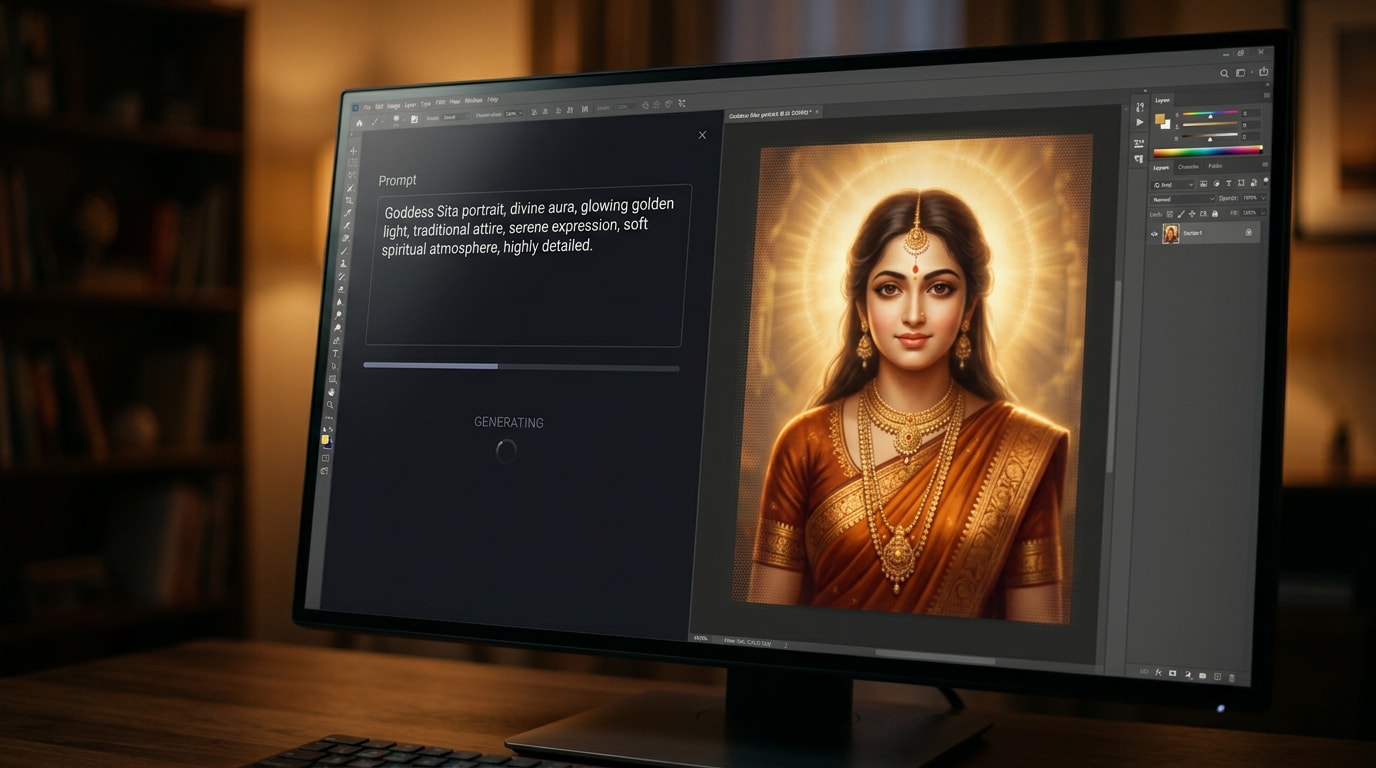
Bring Divine Visions to Life with AI Text-to-Image
Describe your vision in words and watch as AI generates a beautiful, high-resolution image of Goddess Sita. Whether you want a classic portrait, a depiction of Sita with Ram, or a symbolic scene, our text-to-image generator interprets your prompt to create unique devotional art. It's the perfect way to visualize and share your reverence for Sita Navami.
- Generate Sacred Portraits – Create stunning, high-quality images of Sita Devi, Ram, and other divine figures instantly.
- Recreate Epic Scenes – Visualize and generate iconic moments from the Ramayana with simple text descriptions.
- Explore Divine Art Styles – Craft images in various styles, from traditional Indian paintings to modern digital art and hyper-realism.
Transform Sacred Images into Devotional Video Stories
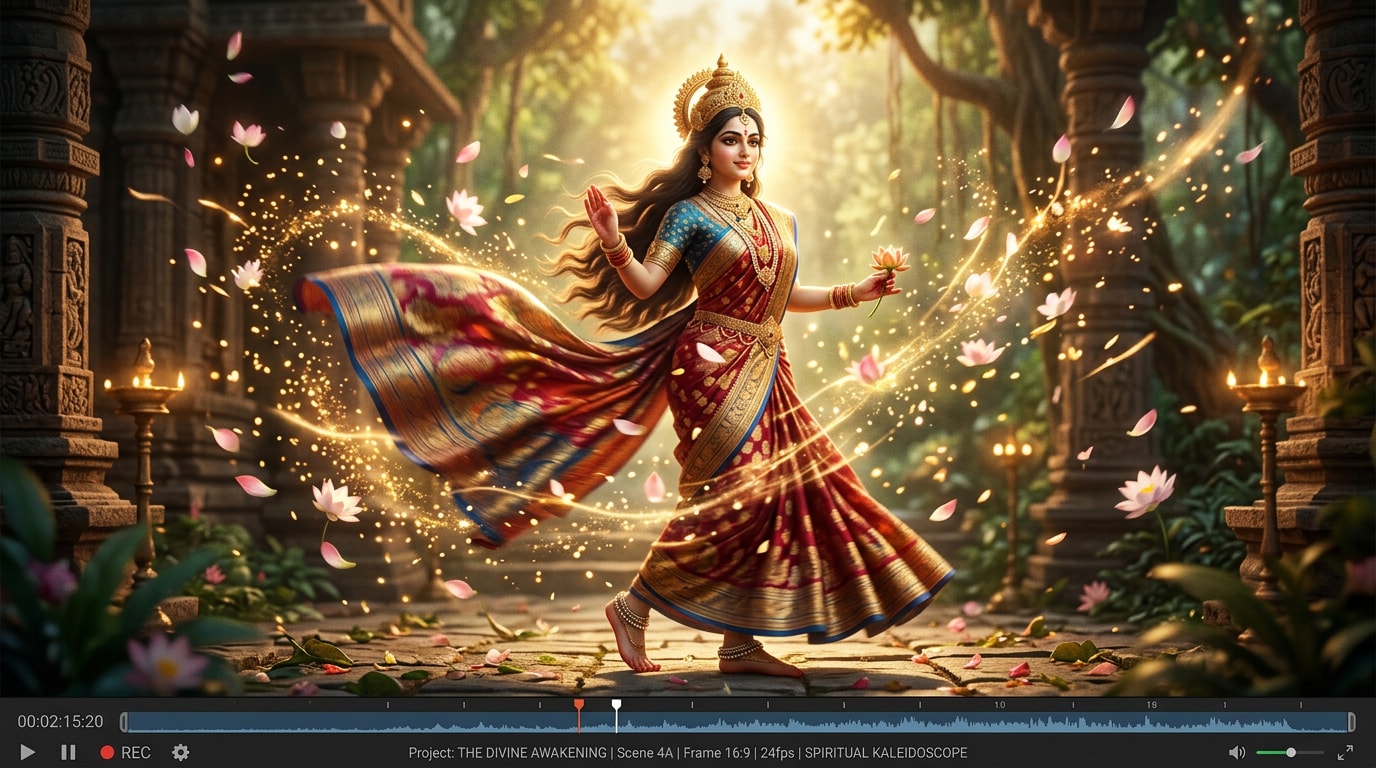
Transform Sacred Images into Devotional Video Stories
Bring your generated Sita Navami art to life by transforming it into a moving video greeting. Filmora makes it easy to animate your static image, add gentle motion, and set it to devotional music or mantras. Create captivating video stories for WhatsApp status, Instagram Reels, or as a serene backdrop for your virtual prayers.
- Animated Greetings – Turn any static Sita Navami photo into a beautiful, animated video blessing in just a few clicks.
- Devotional Music & Effects – Add sacred bhajans, mantras, or divine effects like glowing auras and sparkling lights.
- Social Media Ready – Export your creation in the perfect format for sharing on WhatsApp, Instagram, YouTube Shorts, and more.
- Photo-to-Video Devotion – Magically convert any static Sita Navami image into a moving, shareable video masterpiece.
Personalize with Sacred Text & Typography
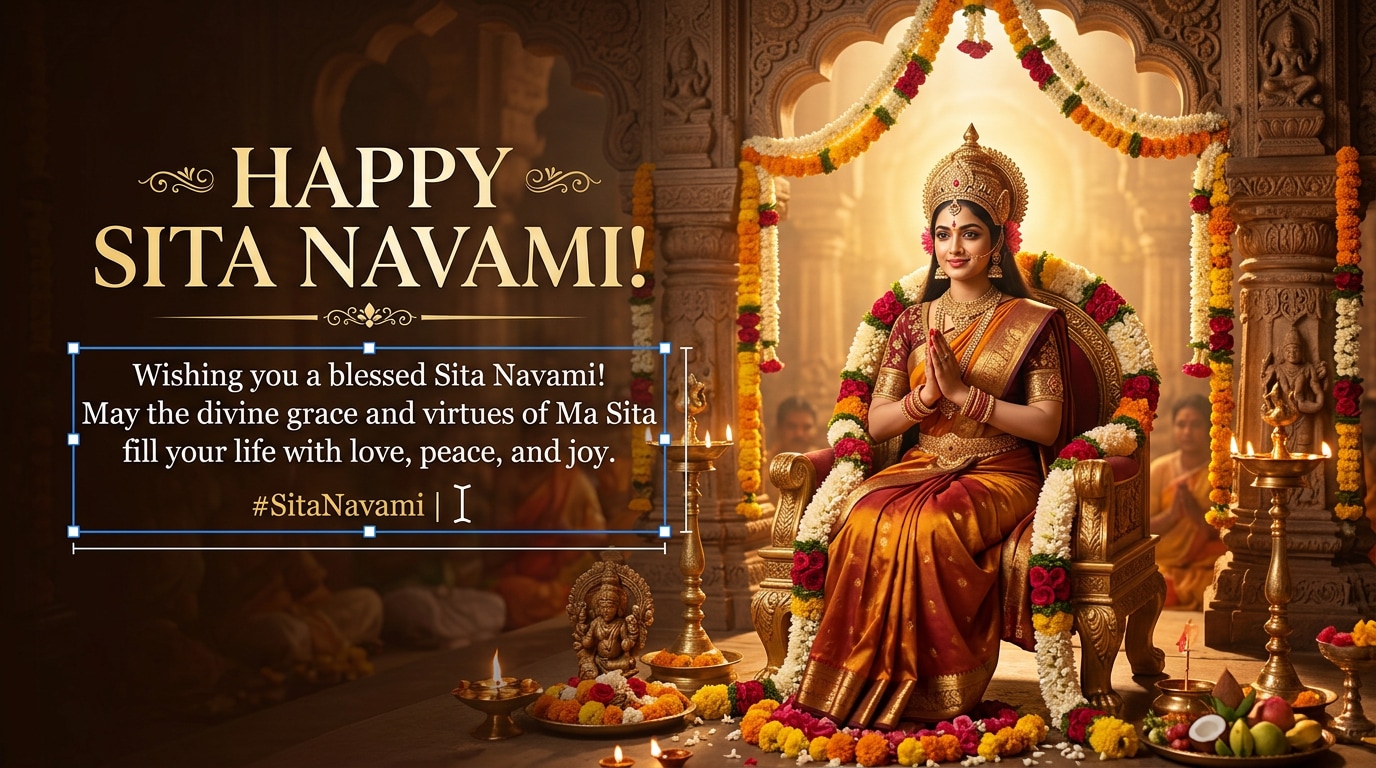
Personalize with Sacred Text & Typography
Add a personal touch to your creation with devotional text. Overlay greetings like "Shubh Sita Navami," sacred mantras, or heartfelt quotes onto your AI-generated images. Filmora provides a range of elegant fonts and text styles to make your message as beautiful as your art.
- 💬 Customizable Greetings – Easily add "Happy Sita Navami" or personalized messages in various languages.
- 🔤 Devotional Fonts – Choose from a library of traditional Devanagari and elegant script fonts to match the sacred mood.
- 🎨 Elegant Text Effects – Make your words shine with animated text, glowing effects, and beautiful color palettes.
FAQs About Sita Navami AI Photos
How to Create a Sita Navami AI Photo with Filmora
Popular for festivals and special occasions, AI image generators let you create trending, devotional photos in seconds. This guide shows beginners how to generate a personalized Sita Navami image using AI tools—no design experience required!
Step 1 Open the AI Image Generator

Step 2 Enter Your Sita Navami AI Photo Prompt

Step 3 Download and Edit Your Sita Navami Photo

-
1:Open the AI Image Generator
Start Filmora, create a new project, go to "Stock Media", and select "AI Image" to get started. -
2:Enter Your Sita Navami AI Photo Prompt
Select an aspect ratio, enter your Sita Navami prompt (such as a divine portrait theme), and click "Start creating" to instantly create your image. -
3:Download and Edit Your Sita Navami Photo
Preview the generated image, click download, drag it into your project for further editing, or export/share it directly.
More Than Just Sita Navami Images
Filmora isn’t just for making devotional art—it also generates stunning portraits, AI-powered videos, and lets you edit heartfelt moments for every occasion, all in one simple tool.








