
Various ChatGPT image-2 Prompts for
High-Quality AI Text-to-Image
Explore 60+ carefully crafted prompts designed for ChatGPT image-2, covering photorealistic scenes, complex compositions, multi-style outputs, text rendering, and real-world design use cases. Simply copy and paste these prompts into your AI image workflow to generate high-quality visuals for marketing, social media, storytelling, creative exploration, and branded content.
Loading more templates...
 Category:
 Duration:
 Aspect Ratio:
Explore the Core Capabilities of ChatGPT image-2
ChatGPT image-2 goes beyond basic image generation. It combines advanced language understanding with powerful visual synthesis to deliver precise, high-quality text-to-image results. From interpreting complex prompts to generating images in multiple styles and rendering clear text within visuals, ChatGPT image-2 is built for both creativity and real-world use.
High-Fidelity Text-to-Image Generation with ChatGPT image-2
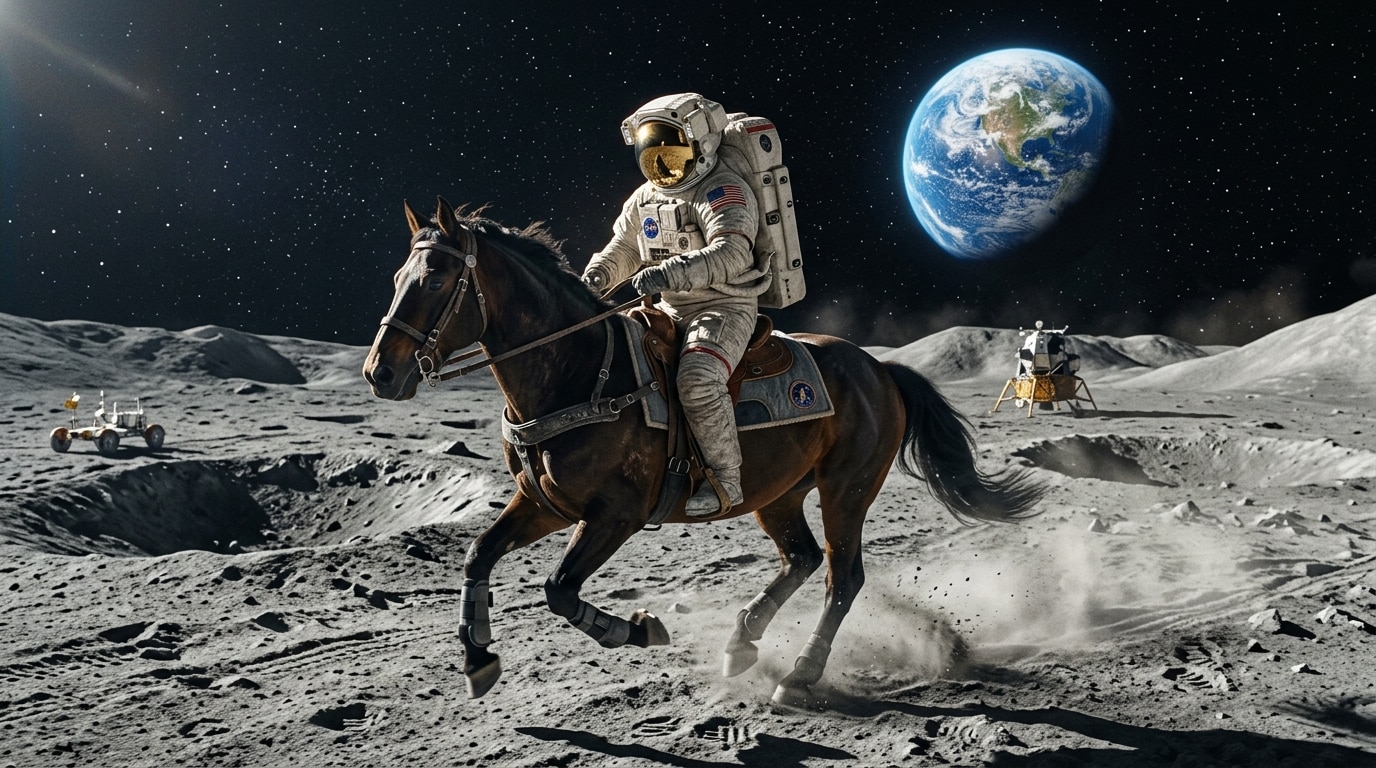
High-Fidelity Text-to-Image Generation with ChatGPT image-2
Describe any idea in natural language, and ChatGPT image-2 will transform it into a detailed, high-quality image. The model is designed to follow complex prompts with strong accuracy—capturing objects, relationships, lighting, style, and composition in a single generation.
- Advanced prompt understanding – Accurately interpret detailed descriptions, multiple objects, and scene relationships.
- Multi-style generation – Create images in photorealistic, illustration, anime, or 3D styles from the same prompt.
- High-quality outputs – Generate production-ready visuals for marketing, content creation, and design.
Refine and Control Your Images with Iterative Prompting
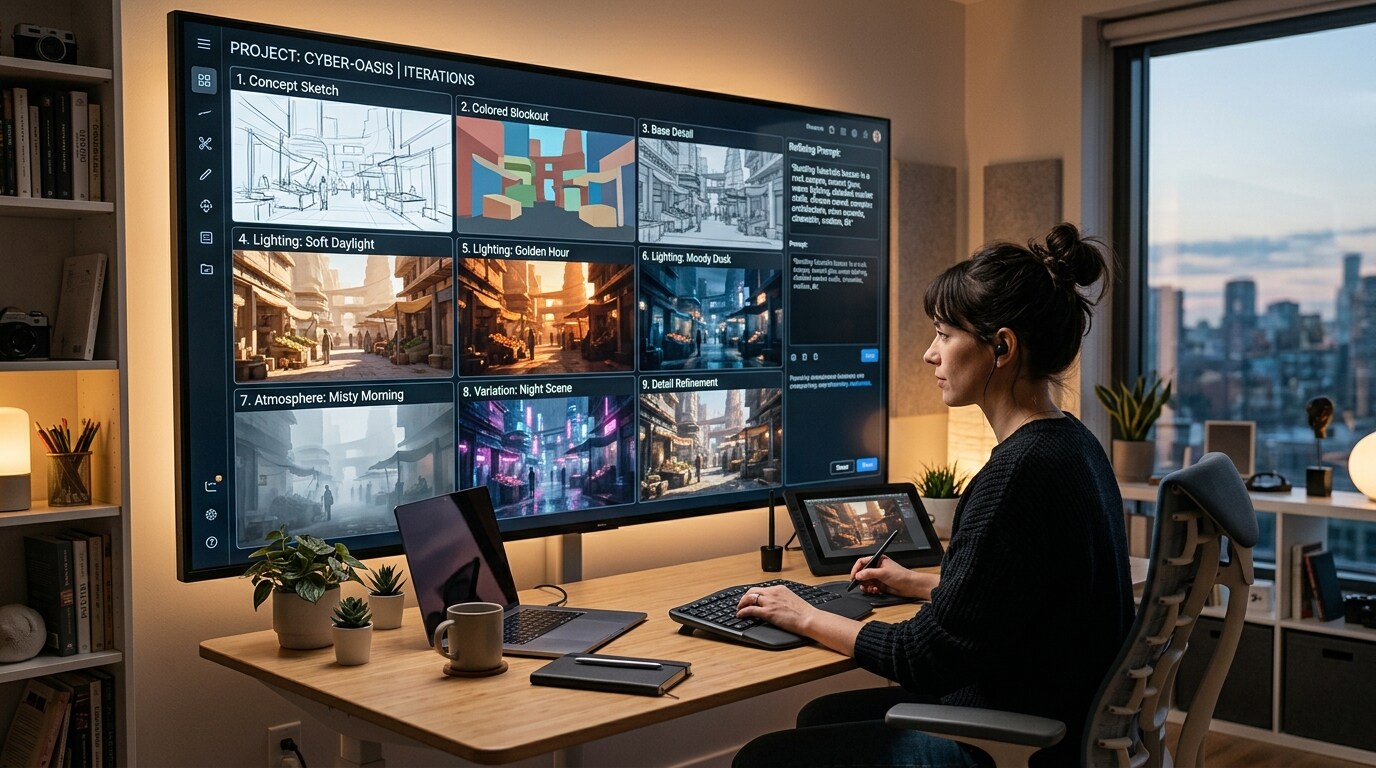
Refine and Control Your Images with Iterative Prompting
With ChatGPT image-2, generation does not have to be a one-step process. You can refine results by adjusting prompts, regenerating variations, or focusing on specific visual details. This iterative workflow gives you greater control over composition, lighting, mood, and style without requiring complex manual editing.
- Iterate with prompts – Improve results by refining descriptions step by step.
- Control visual details – Adjust lighting, mood, and composition through natural-language instructions.
- Generate variations instantly – Explore multiple creative directions from one idea.
Generate Text-Ready and Design-Friendly Images
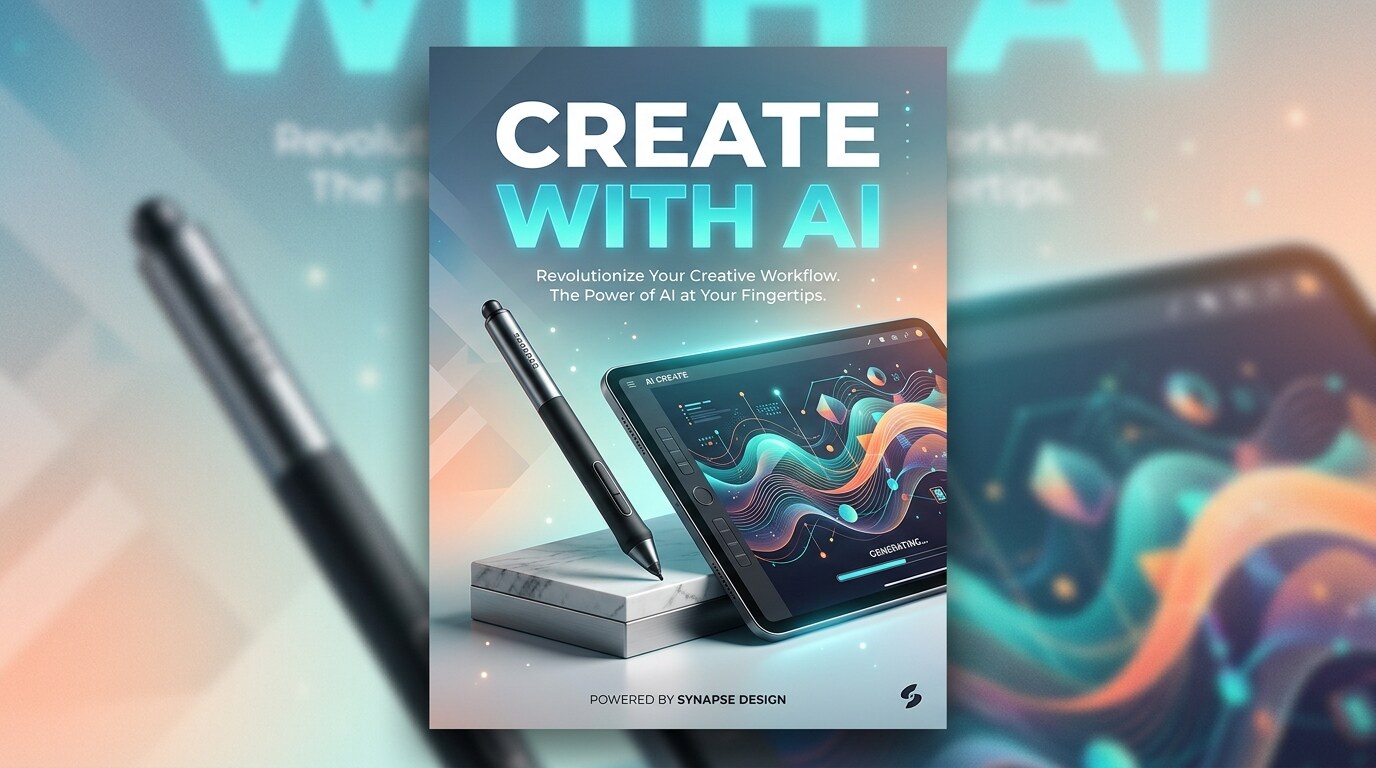
Generate Text-Ready and Design-Friendly Images
ChatGPT image-2 can generate images that include clear, readable text, making it especially useful for posters, ads, social graphics, and UI concepts. Compared with traditional text-to-image workflows, it is better suited for assets that need both strong visuals and legible on-image copy.
- Text rendering inside images – Create posters, ads, covers, and mockups with clearer typography.
- Design-friendly outputs – Ideal for marketing creatives, social visuals, and UI concepts.
- Real-world usability – Generate assets that go beyond art into everyday production workflows.
Frequently Asked Questions About ChatGPT image-2
How to Create AI Images in Filmora
Create high-quality AI images in just a few simple steps with Filmora. This workflow shows beginners how to turn a written prompt into a polished visual using AI tools—no design experience required.
Step 1 Open the AI Image Generator

Step 2 Enter Your AI Image Prompt

Step 3 Download and Edit Your AI Image

-
1:Open the AI Image Generator
Start Filmora, create a new project, go to "Stock Media", and select "AI Image" to get started. -
2:Enter Your AI Image Prompt
Select the AI model, enter your prompt with the subject, visual style, and scene details you want, then click "Generate" to create your image instantly. -
3:Download and Edit Your AI Image
Preview the generated image, click download, drag it into your project for further editing, or export and share it directly.
More Than Just ChatGPT image-2 Prompts
Filmora is not just for one-off AI image experiments. You can generate high-quality visuals from prompts, build content for social media and marketing, and continue editing your assets in one streamlined workflow.








