Explore AI Japan Travel Poster Prompts
Browse AI Japan travel poster prompts for Mount Fuji, Tokyo skyline, Kyoto temples, sakura seasons, onsen towns, bullet trains, festivals, gardens, and coastal villages. Use these ideas to create poster visuals for video templates, social covers, blogs, and travel campaigns.
Loading more Japan travel poster prompts...
 Category:
 Duration:
 Aspect Ratio:
Why Use AI Japan Travel Poster Prompts for Destination Art?
Japan poster prompts work best when they balance place, season, atmosphere, and design texture. Concrete cues such as Fuji, torii gates, neon reflections, bamboo paths, snow festivals, or Zen gardens help the AI create a clear travel-poster story.
Capture Iconic Japan Destinations Instantly
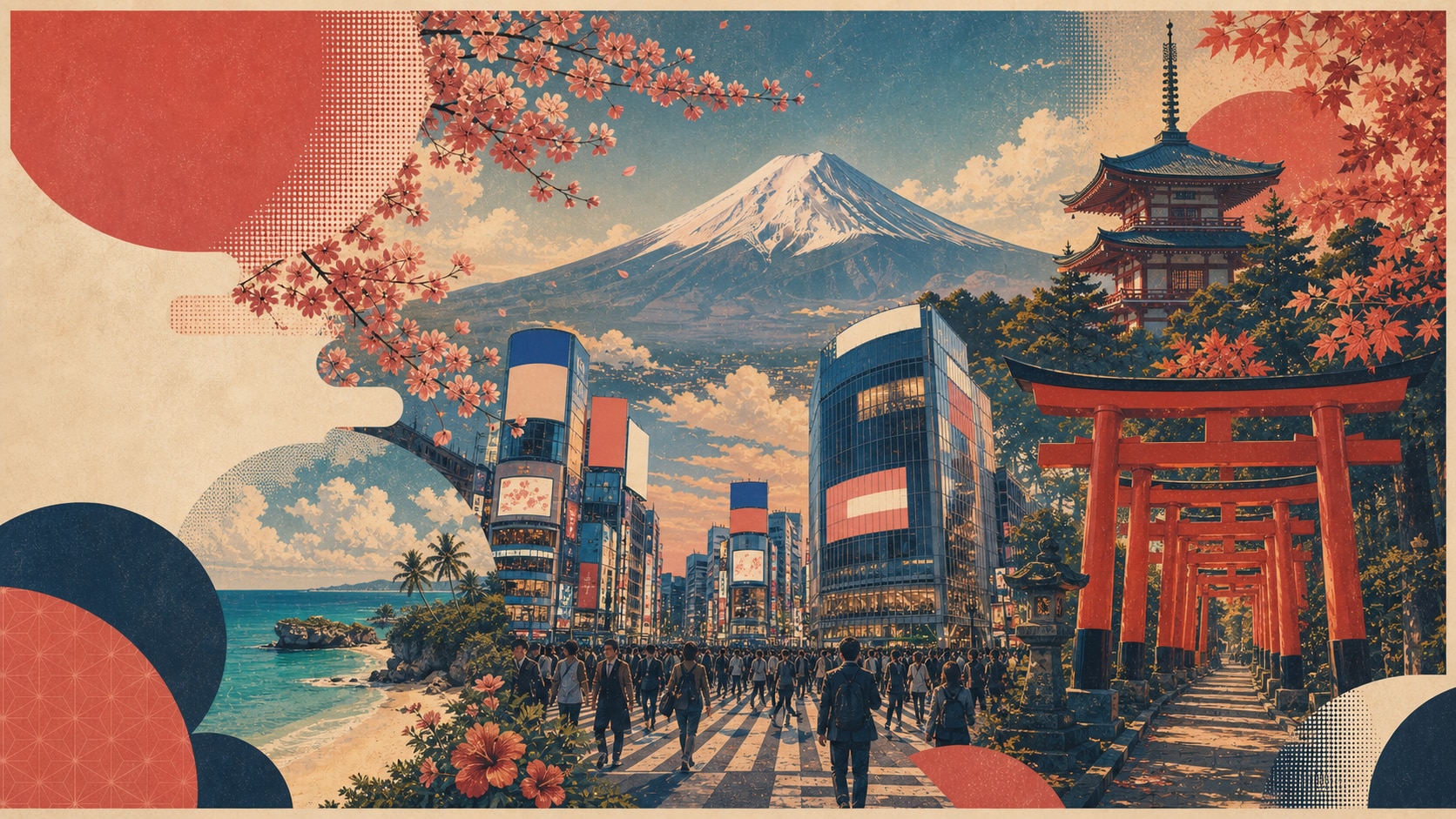
Capture Iconic Japan Destinations Instantly
Start with a clear destination cue such as Mount Fuji, Fushimi Inari, Arashiyama bamboo forest, Shibuya crossing, Nara deer park, or Okinawa beaches. Filmora turns these Japan travel poster prompts into focused visual concepts.
- Place Anchors - Name a landmark, city, route, or seasonal location before style details.
- Poster Composition - Use strong silhouettes, depth, and negative space to guide the layout.
- Scenic Detail - Add sakura, maple leaves, mist, lanterns, snow, or coastline color.
Blend Tradition, Neon, and Modern Motion
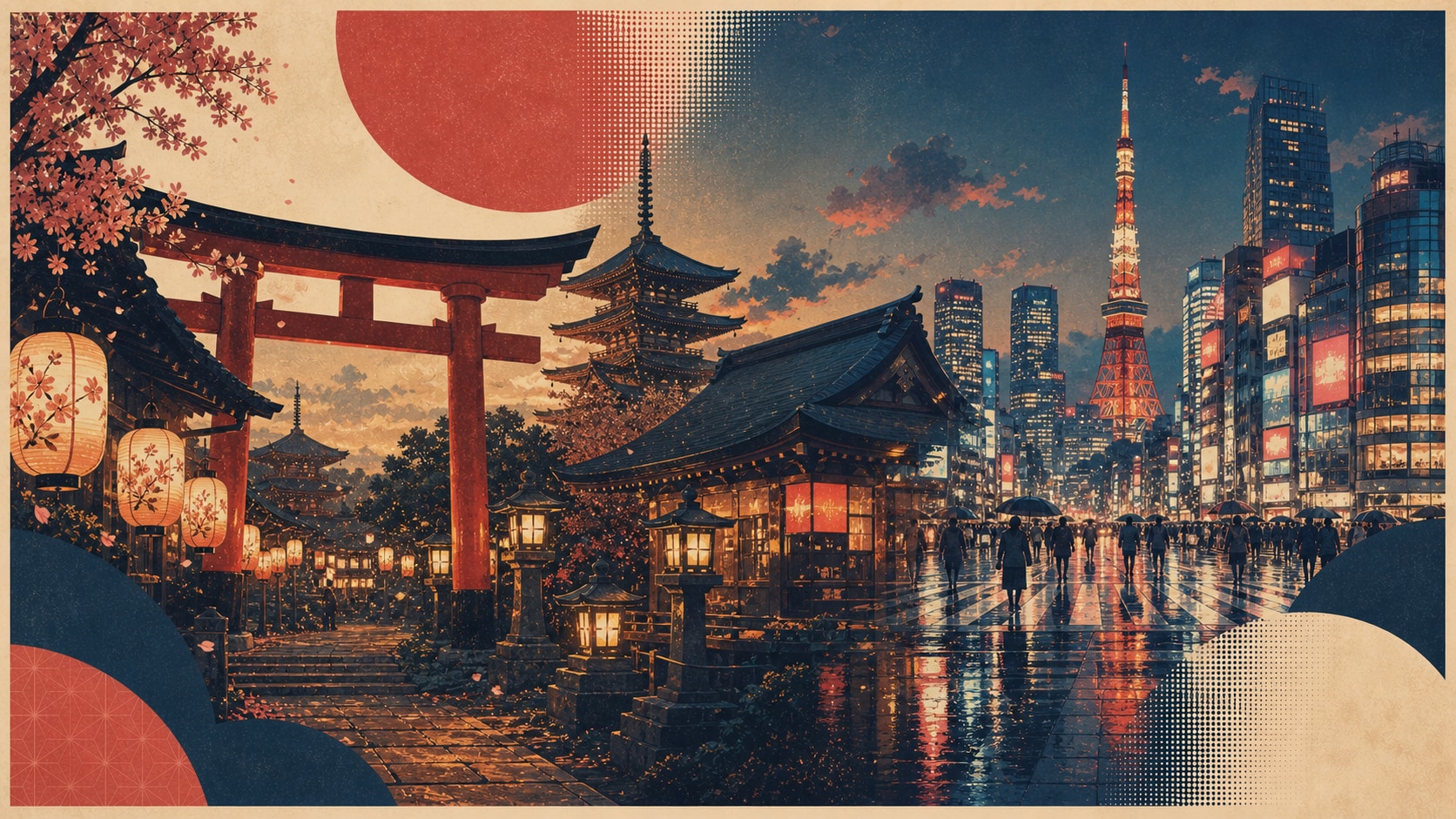
Blend Tradition, Neon, and Modern Motion
Japan travel art can feel calm, electric, or both. Combine torii gates, tea houses, washi texture, lantern light, temple roofs, neon reflections, skyline silhouettes, and shinkansen movement for a more memorable AI Japan poster.
- Traditional Cues - Use temple architecture, gardens, tea rooms, lanterns, and seasonal trees.
- City Energy - Add Tokyo neon, crosswalk motion, skyline light, or train speed lines.
- Balanced Style - Keep the palette controlled so the scene feels premium and readable.
Design Seasonal Poster Sets for Every Route
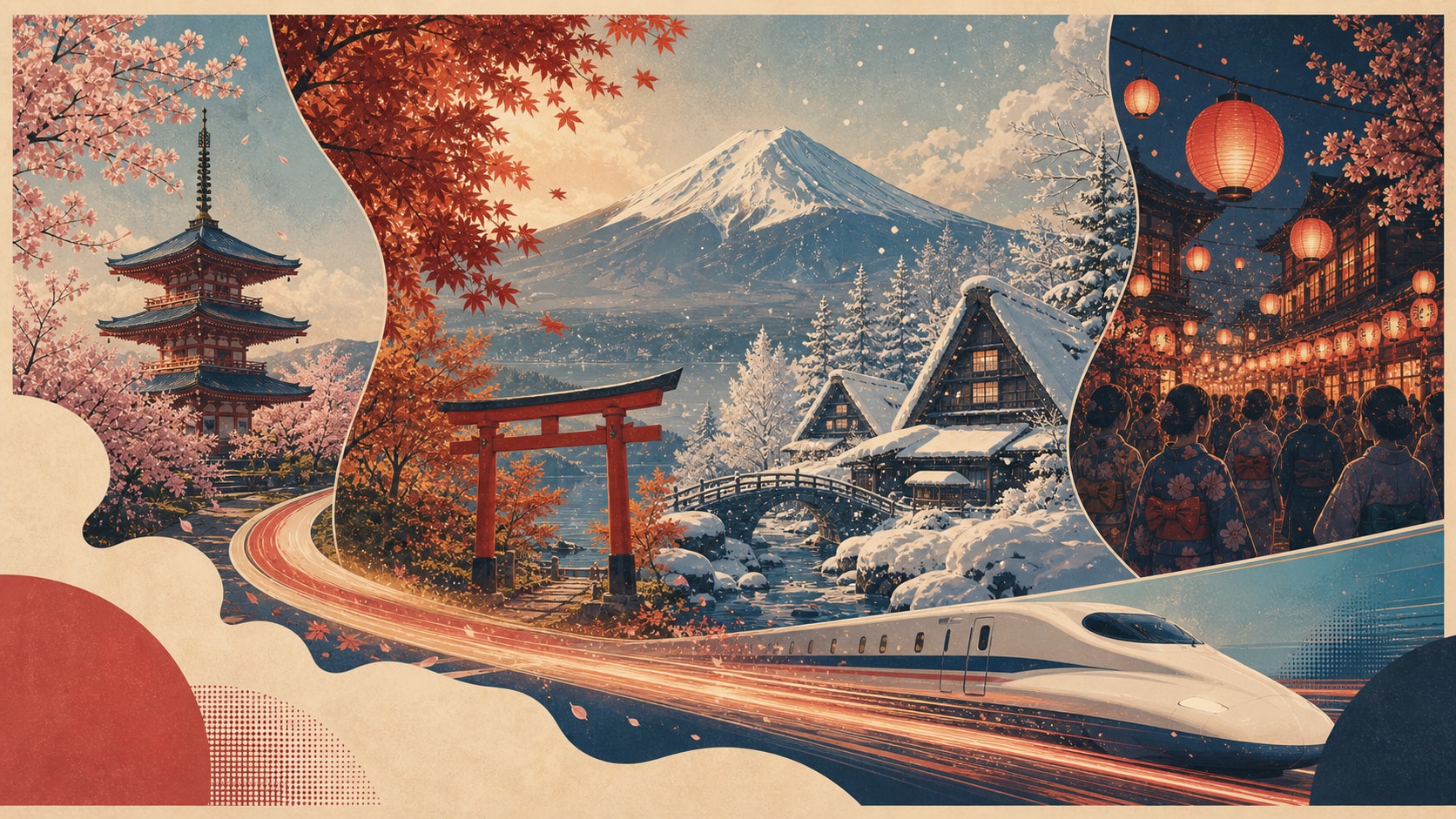
Design Seasonal Poster Sets for Every Route
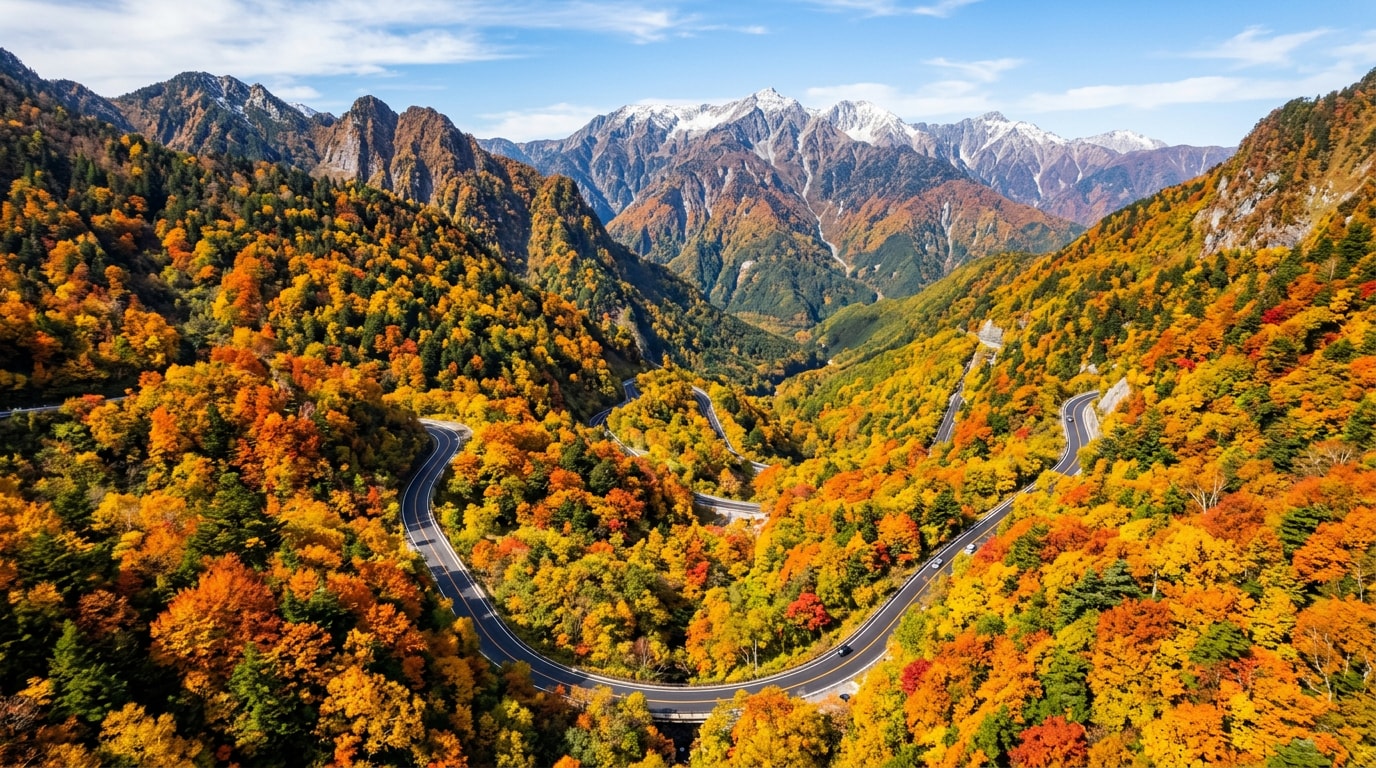
Sakura spring, autumn maple leaves, Hokkaido snow, Okinawa summer light, and matsuri lanterns each create a different poster mood. Use AI Japan travel prompts to build a consistent destination series across multiple crops.
- Seasonal Mood - Specify spring, summer, autumn, winter, or festival night.
- Route Thinking - Describe the city, station, shrine path, garden, coast, or mountain stop.
- Channel Fit - Generate 16:9, 9:16, and 1:1 versions for different placements.
Turn Japan Posters into Short Video Assets
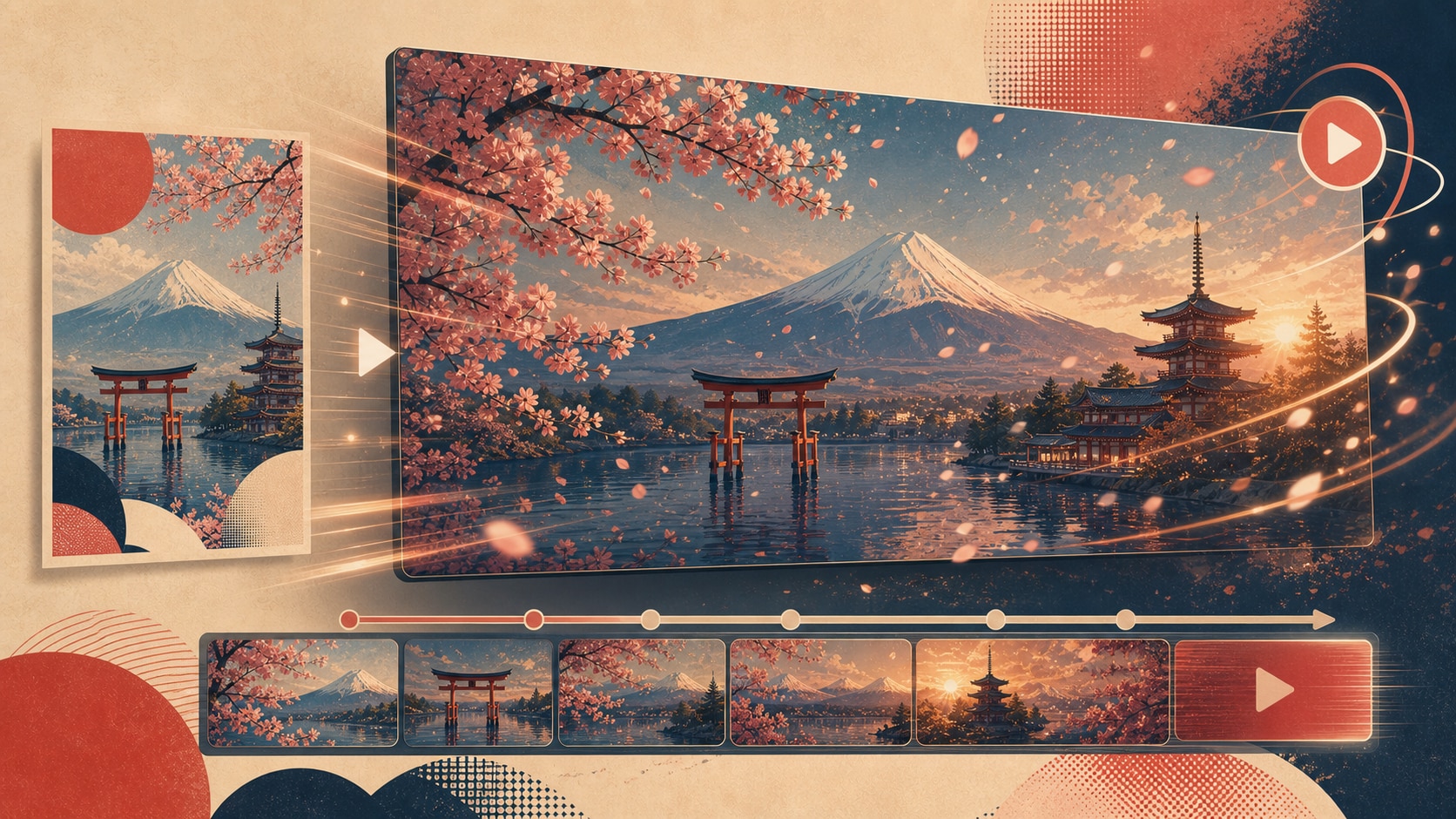
Turn Japan Posters into Short Video Assets
Once the poster image is ready, continue in Filmora to add camera motion, drifting petals, mist, light movement, titles, transitions, or music. A still AI Japan poster can quickly become a reel cover, itinerary intro, or short travel story.
- Motion Details - Animate petals, water reflections, lantern glow, train movement, or city lights.
- Clean Titles - Add readable route names and headlines after generation inside Filmora.
- Fast Export - Create still images and motion versions from one poster concept.
Frequently Asked Questions About AI Japan Travel Poster Prompts
How to Generate AI Japan Travel Posters With Prompts
Transform Japan destination ideas into polished poster artwork using Filmora's integrated AI image models and editing workflow.
Step 1 Choose a Japan Poster Prompt

Step 2 Customize the Scene and Ratio

Step 3 Generate, Animate, and Export

-
1: Choose a Japan Poster Prompt
Browse the Japan prompt library and pick a destination such as Mount Fuji, Tokyo neon night, Kyoto temple autumn, Fushimi Inari, or Okinawa beach. -
2: Customize the Scene and Ratio
Paste the prompt into Filmora's AI Image tool, choose the ratio, and refine cues like season, lighting, washi texture, poster style, and no readable text. -
3: Generate, Animate, and Export
Generate the Japan poster, enhance color or atmosphere in Filmora, add clean titles if needed, then export it as a cover, blog visual, or short travel intro.
AI Japan Travel Poster Prompts: Create Scenic Destination Artwork with AI
Looking for the perfect AI Japan travel poster prompt? From Mount Fuji and sakura to Tokyo neon, Kyoto temples, bullet trains, onsen towns, gardens, festivals, and coastal villages, Filmora helps you turn destination concepts into refined poster artwork and short-form visuals.