Explore AI Paris Travel Poster Prompts
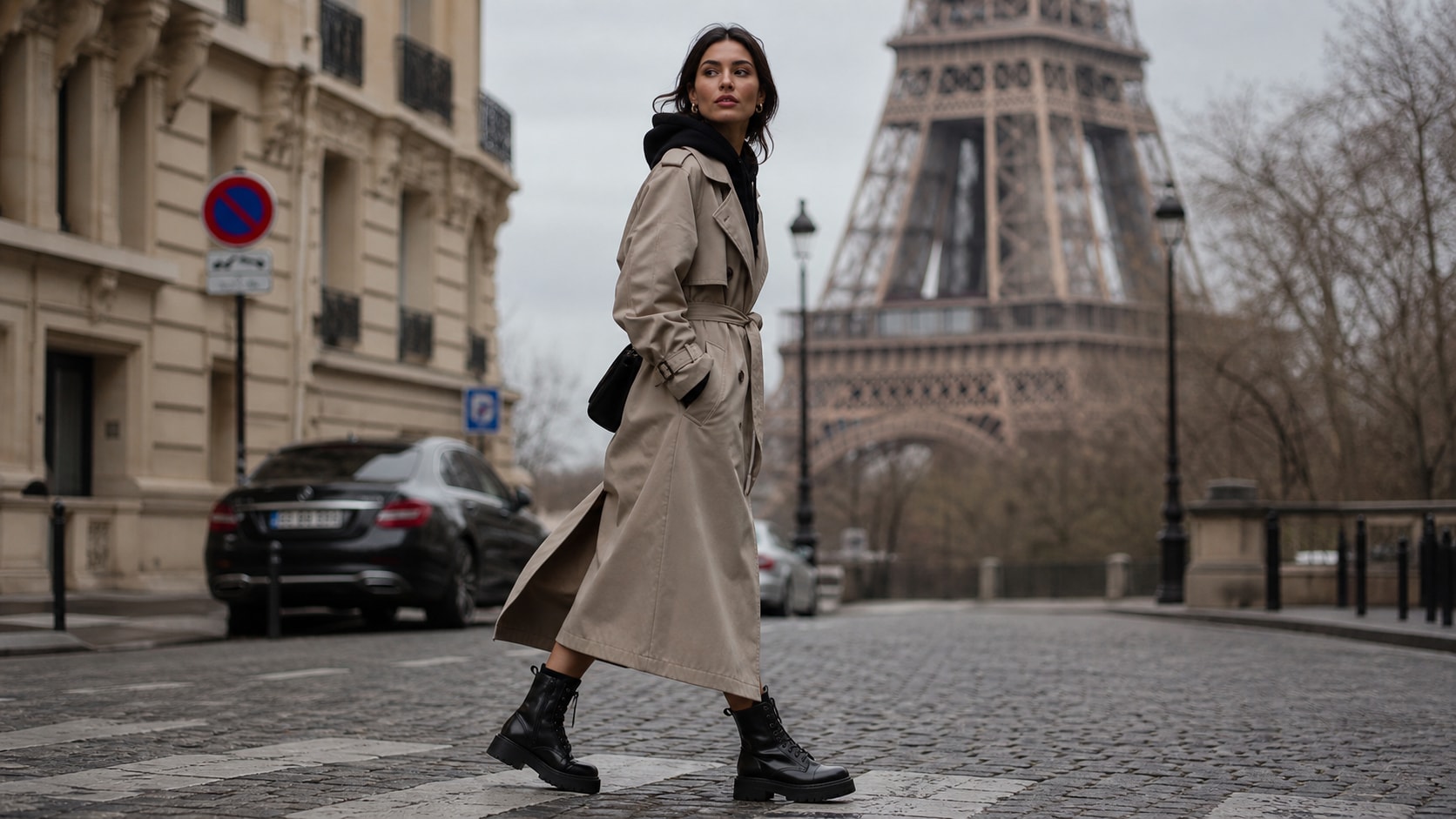
Browse a focused collection of AI Paris travel poster prompts for landmarks, street scenes, museum nights, fashion boulevards, and romantic river views. Use each prompt to generate poster-ready images for blogs, thumbnails, video templates, reels, and campaign visuals.
Loading more Paris travel poster prompts...
 Category:
 Duration:
 Aspect Ratio:
Why Use AI Paris Travel Poster Prompts for City Artwork?
Paris is full of instantly recognizable visual cues, from the Eiffel Tower and Seine bridges to cafe awnings, bookstalls, museums, rooftops, and fashion streets. Strong prompt writing helps AI turn those cues into cohesive posters instead of generic city images.
Turn Paris Landmarks into Poster-Ready Scenes
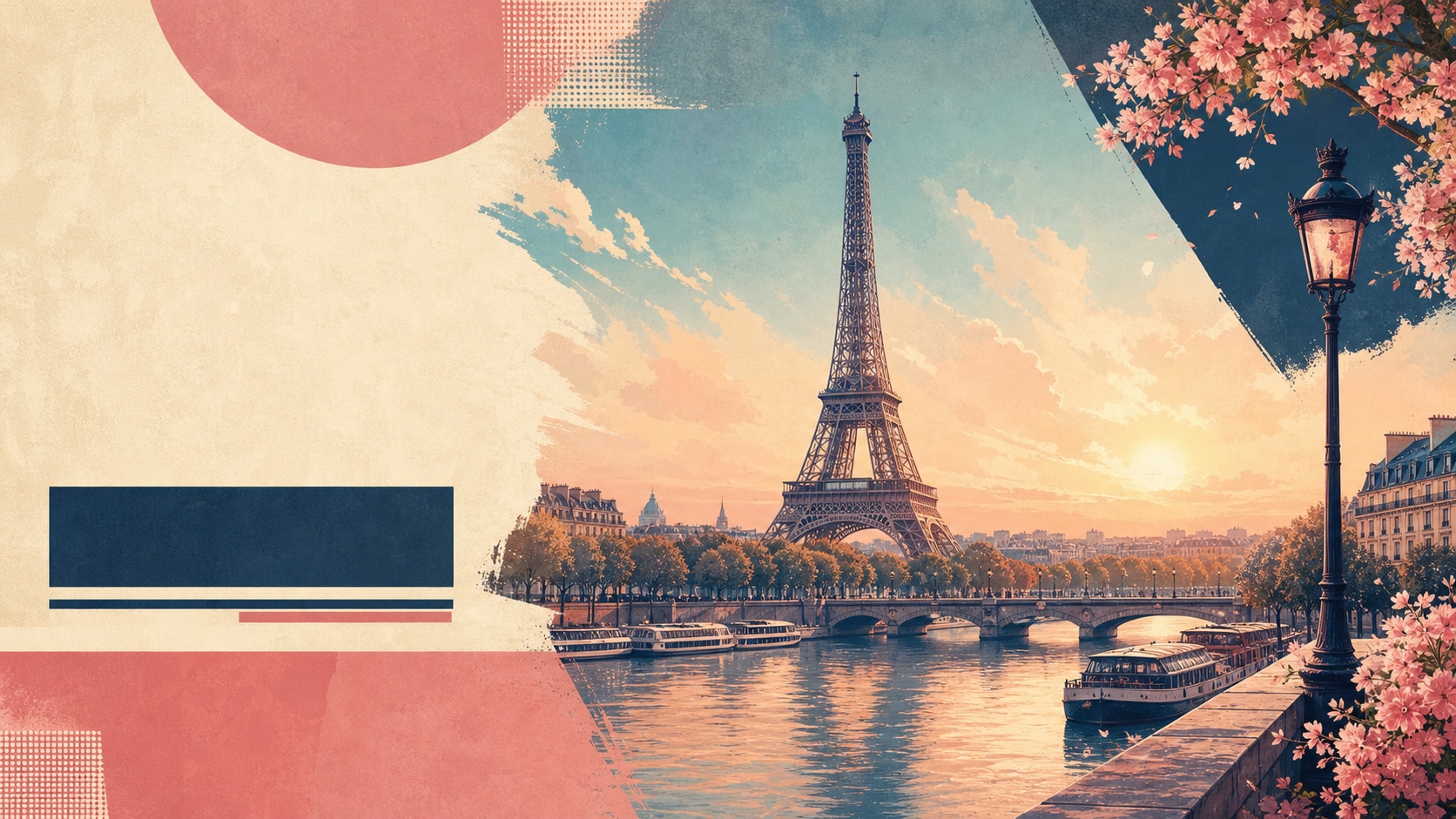
Turn Paris Landmarks into Poster-Ready Scenes
Start with a clear visual anchor such as the Eiffel Tower at sunrise, Notre Dame beside the river, the Louvre at night, or Montmartre steps in soft morning light. Filmora helps transform these Paris travel poster prompts into polished layouts with balanced composition.
- Iconic Details - Name one landmark or neighborhood so the AI understands the Paris setting.
- Poster Framing - Ask for clean negative space, strong perspective, and vintage travel-poster layout.
- Editorial Polish - Combine landmark cues with season, light, and color palette for a finished look.
Build Romantic Cafe, River, and Rooftop Moods
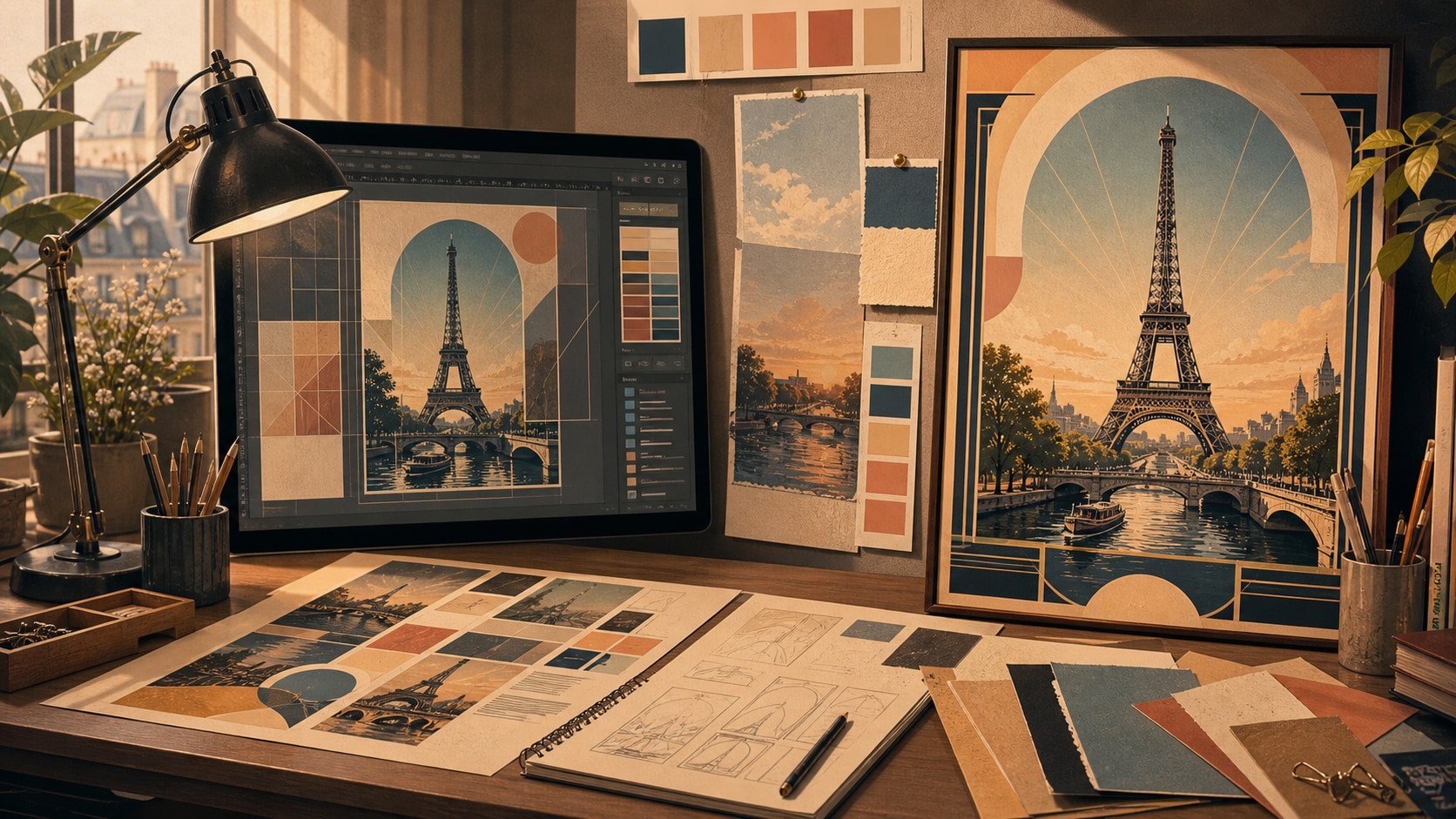
Build Romantic Cafe, River, and Rooftop Moods
Paris poster art becomes stronger when the prompt describes atmosphere. Add cafe tables, striped awnings, wet boulevard reflections, Seine boat tours, spring blossoms, or glowing rooftops to shape a more cinematic AI Paris poster.
- Mood Control - Use sunrise, blue hour, rainy streets, golden hour, or winter snow.
- Local Texture - Mention Haussmann facades, bookstalls, Metro entrances, and flower markets.
- Clean Output - Request no readable text, no logos, and subtle paper grain for better poster assets.
Create Multiple Crops for Every Channel
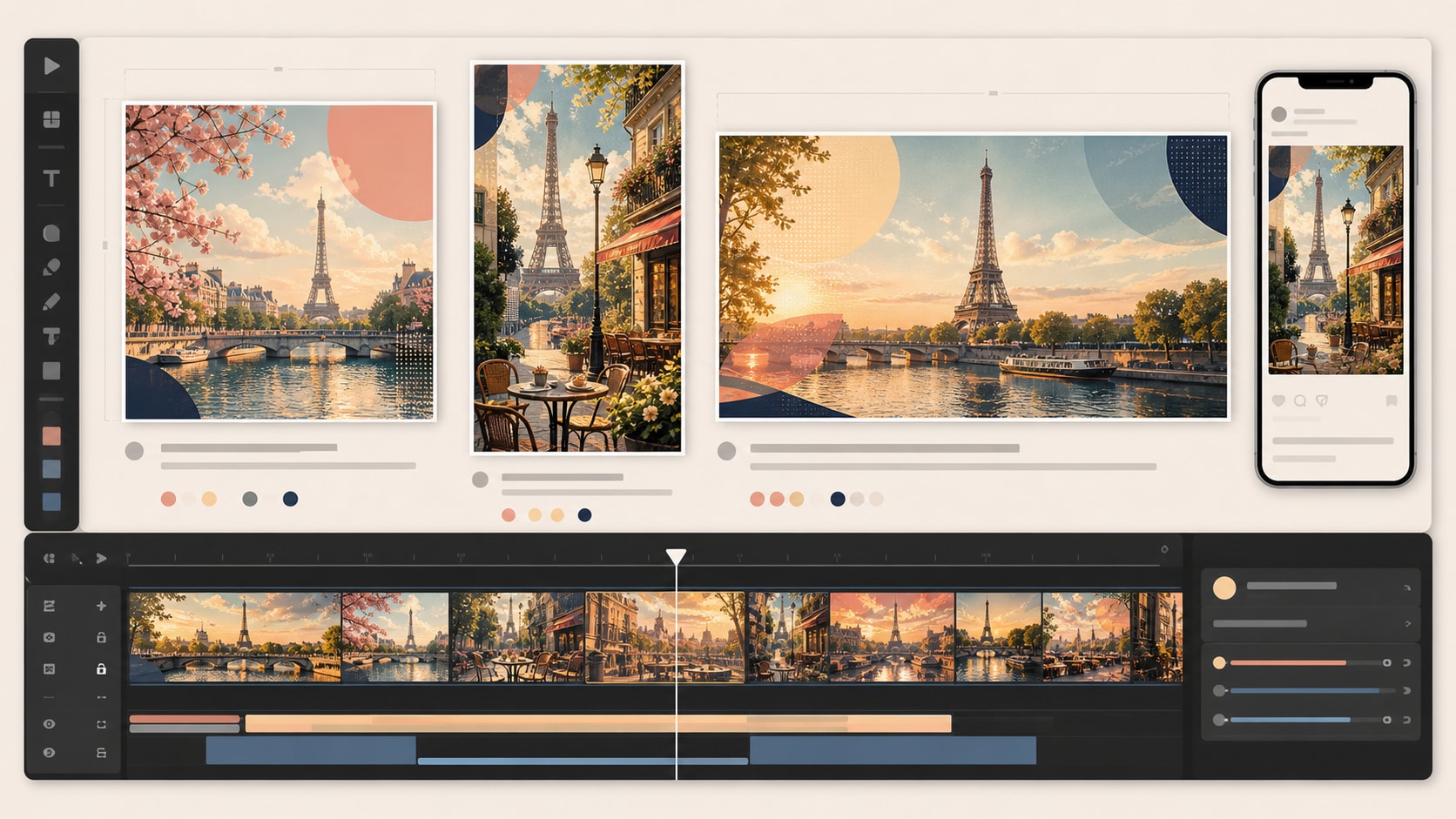
Create Multiple Crops for Every Channel
A single Paris AI prompt can become several creative assets. Generate a wide poster for blog banners, a vertical version for short-form covers, or a square artwork for social feeds while keeping the same city story.
- 16:9 Layouts - Best for website headers, YouTube thumbnails, and video intro backgrounds.
- 9:16 Covers - Ideal for reels, shorts, mobile travel guides, and story-style posts.
- 1:1 Posts - Useful for feed artwork, gallery tiles, and compact campaign concepts.
Animate Paris Poster Images Inside Filmora
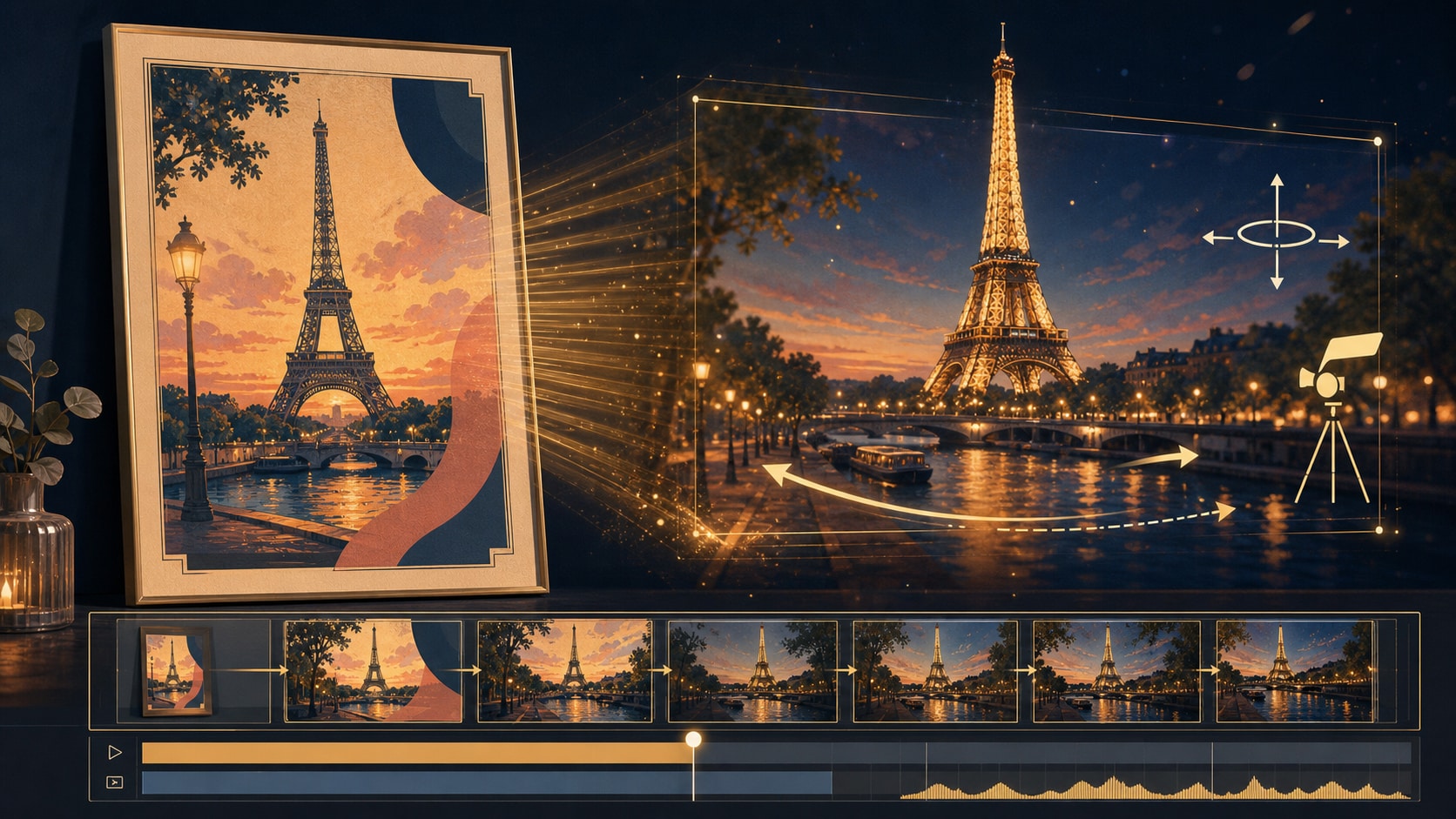
Animate Paris Poster Images Inside Filmora
After generating a still image, continue editing in Filmora. Add camera movement, river shimmer, cloud drift, rain atmosphere, title overlays, and transitions to turn a static AI Paris travel poster into a short video asset.
- Motion Effects - Animate reflections, clouds, rain, or gentle zooms for a cinematic feel.
- Title Control - Add readable text in Filmora after generation for cleaner spelling and layout.
- One Workflow - Generate, refine, animate, and export without switching tools.
Frequently Asked Questions About AI Paris Travel Poster Prompts
How to Generate AI Paris Travel Posters With Prompts
Turn Paris landmarks, cafes, museums, and river views into polished poster artwork using Filmora's integrated AI image models.
Step 1 Choose a Paris Poster Prompt

Step 2 Set the Style and Ratio

Step 3 Generate, Refine, and Export

-
1: Choose a Paris Poster Prompt
Browse the Paris prompt library and pick a scene such as Eiffel Tower sunrise, Seine River evening, Montmartre artist streets, or Louvre museum night. -
2: Set the Style and Ratio
Open Filmora's AI Image Generator, paste the prompt, choose 16:9, 9:16, or 1:1, and keep the vintage poster and no readable text instructions. -
3: Generate, Refine, and Export
Generate the Paris poster, tune color and motion in Filmora, add final titles if needed, then export it for blogs, reels, shorts, or campaign visuals.
AI Paris Travel Poster Prompts: Create Romantic City Artwork with AI
Looking for the perfect AI Paris travel poster prompt? From Eiffel Tower sunrise and Seine River evenings to cafe streets, museum nights, fashion avenues, and rainy boulevards, Filmora helps you turn Paris travel concepts into poster-ready visuals in one workflow.