


 TL;DR:
To prevent video editing crashes in 2026, choose a graphics card that directly matches your project resolution and complexity: the Nvidia GeForce RTX 4060 for budget 1080p social media clips, the RTX 5080 for professional 4K daily workflows, or the RTX 5090 for effects-heavy 8K production.
● VRAM capacity dictates your maximum editing resolution limits: you must have at least 6GB for basic 1080p projects, 8GB for standard 4K playback, and 12GB or more to handle 8K footage or multilayered visual effects without bottlenecks.
● The AMD Radeon RX 7900 XTX is specifically recommended for DaVinci Resolve users who need 24GB of VRAM at a lower price point, but it is not ideal for Adobe Premiere Pro due to documented driver instability.
● Upgrading to the flagship Nvidia GeForce RTX 5090 strictly requires installing a 1000W power supply and ensuring your computer case can accommodate an exceptionally large and heavy physical footprint.
Ask AI for a summary
 ChatGPT
 Perplexity
 Gemini
 Claude
 Grok
Grok
Video editing can be pretty demanding on your computer, and the graphics card is one of the biggest factors in how smooth things feel.
But of course, not everyone needs the same level of power. Someone editing short 1080p clips for social media will have very different needs from a creator working with 4K footage or heavy effects.
If you don’t want to regret spending too much or ending up underpowered, this guide walks through the best graphics cards for video editing at different price ranges and performance levels, so you can pick one that actually fits how you edit and how much you want to spend.
Our Top 3 Graphics Cards Picks for Different Editing Needs
Part 1. What to Look for in a Graphics Card for Video Editing
Choosing the best graphics card for video editing depends entirely on your unique needs. Your specific workflow, project types, and budget all play a role in finding the right match. Before you invest, consider these critical factors.
How Much VRAM Do You Need for Editing?
VRAM (video memory) is your video card workspace for handling high-resolution footage and complex timelines. Think of it as your card's ability to juggle multiple tasks simultaneously without stuttering.
- 6GB VRAM: The entry point for video editing. Commonly found in budget video editing graphics cards. Suitable for 1080p projects with straightforward cuts and minimal effects.
- 8GB VRAM: A good GPU for 4K video editing. Handles basic color grading, transitions, and shorter clips without major bottlenecks.
- 12GB+ VRAM: The best graphics card for editing demanding projects. Essential for heavy 4K workflows, 8K footage, multilayered compositions, and effects-heavy timelines.
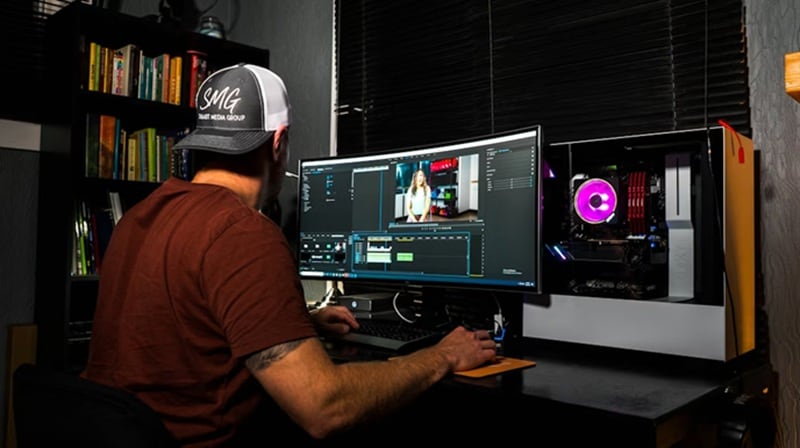
What Is Your Resolution and Project Complexity?
Resolution really impacts GPU requirements. A single 4K frame contains four times the data of 1080p HD, and that computational load multiplies with each additional layer, effect, or color grade you apply.
- 1080p HD and social media clips: Modest hardware handles these straightforward projects with ease. Perfect for content creators working with short videos and basic editing.
- 4K with moderate effects: Requires a good graphics card for video editing to handle color grading, transitions, and multiple video layers smoothly.
- Feature-length 4K, 8K, or effects-heavy projects: Demands the best video card for video editing. Essential for extensive visual effects, motion graphics, 3D elements, and complex multilayered timelines.
How Important Are Stability and Thermal Performance?
Stability prevents frustrating crashes mid-project, while effective thermal management keeps your card performing at peak speeds. When GPUs overheat, they reduce performance to protect themselves, turning what should be quick renders into long waits.
Nvidia cards have earned their reputation among professionals thanks to consistently stable drivers optimized for major editing applications. We believe the best car for video editing is one that runs quietly and stays cool even during marathon rendering sessions.
Part 2. Best Graphics Card for Video Editing
Finding the best car for video editing is an exciting journey, especially with today's impressive range of options. We've researched many graphics cards to evaluate how they handle 4K footage, complex effects processing, and real-world editing scenarios.
The table below showcases our top picks this year, complete with detailed specifications on performance capabilities, memory configurations, and pricing.
GPU Comparison Chart for Video Editing
| GPU Model | VRAM | 4K Editing Suitability | Pricing Range | Timeline Playback | Rendering & Export Time |
| Nvidia GeForce RTX 5090 | 32 GB GDDR 7 | Excellent | $1,999 – $2,400 | Instant-very stable | Industry Best |
| Nvidia GeForce RTX 5080 | 16GB GDDR7 | Very Great | $999 – $1200 | Very fast-very stable | Very fast |
| Nvidia GeForce RTX 4070 Ti Super | 16GB GDDR6 | Great | $799 – $850 | Fairly fast-very stable | fast |
| Nvidia GeForce RTX 4060 | 8GB GDDR6 | Good | $299 – $330 | Normal speed-Stable | moderate |
| Nvidia GeForce RTX 3060 Ti/AMD Radeon RX 7900 XTX | 8GB GDDR6 | Basic-Good | $300 | Slower-weaker stability (minor stutters) | moderate |
| Nvidia GeForce RTX 3050 | 8GB GDDR6 | Basic | $180 – $220 | Not native supported - Proxy required | Slower |
|
Show More
Show Less
|
|||||
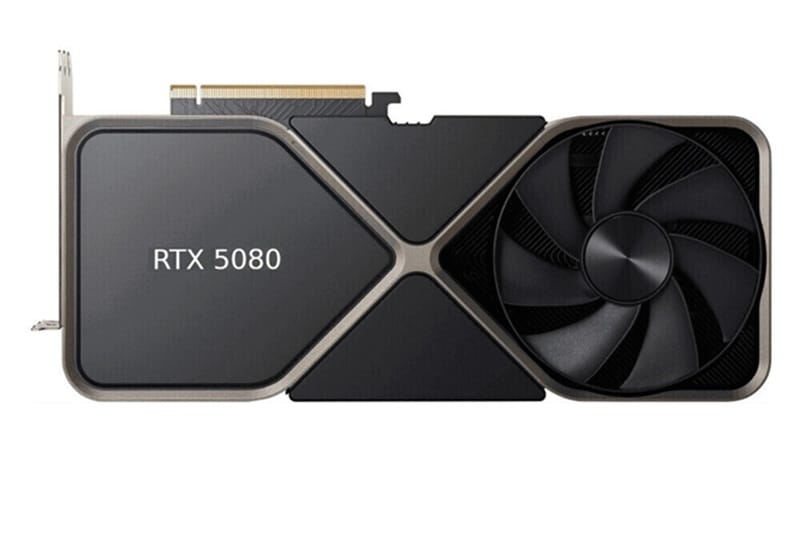
1. Nvidia GeForce RTX 5080
A professional-level advanced graphics card that uses advanced GDDR7 memory for extremely fast data transfer. The RTX 5080 delivers the best graphics card for video editing performance without the flagship price tag, making it ideal for serious creators who need top speed.
- Excellent speed for 4K and 8K timelines.
- New DLSS 4 technology helps with AI tasks.
- Better cooling than older models.
- Lower price than the flagship card.
- It still costs a lot of money.
- It only has 16GB of VRAM.
- It uses a lot of power from your wall.
Where to Buy: Amazon
Rating: 4.5/5
2. Nvidia GeForce RTX 5090
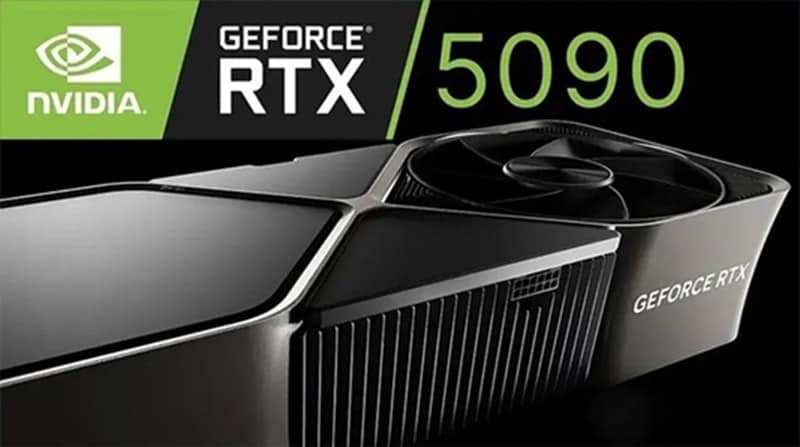
The RTX 5090 is the best GPU video editing in the world right now. It has a massive 32GB of memory. This card can handle the biggest film projects and 3D renders without breaking a sweat.
- Huge 32GB VRAM for giant 8K projects.
- The fastest rendering speeds available.
- Includes three media encoding engines.
- Future-proof with PCIe 5.0 support.
- The price is very high for most people.
- It needs a huge 1000W power supply.
- The card is very large and heavy.
Where to Buy: Amazon
Rating: 5/5
3. Nvidia GeForce RTX 4070 Ti Super
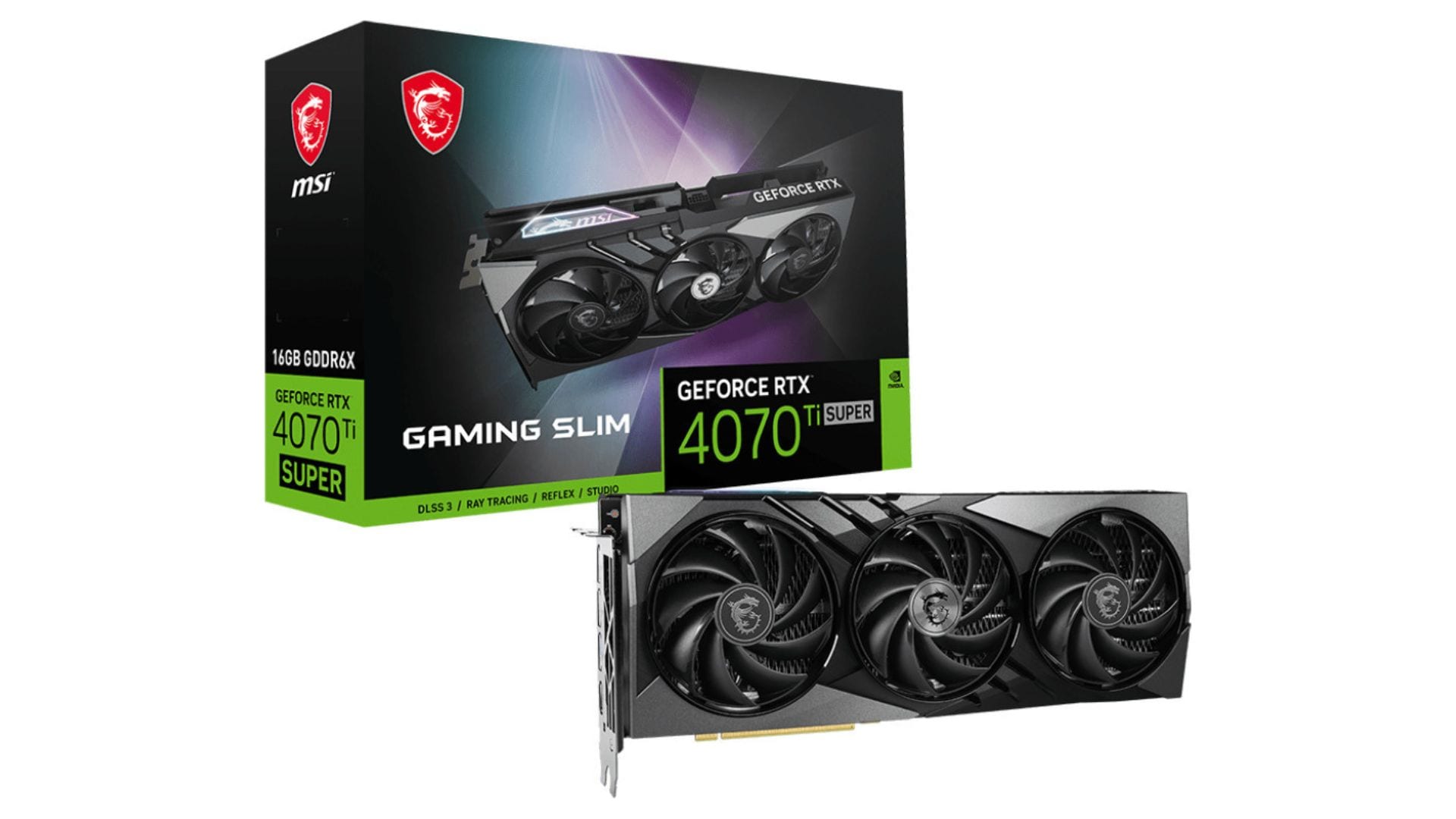
This card is the best graphics card for editing in the mid-range category. It has 16GB of VRAM, which is great for 4K work. It offers a solid jump in performance over the older non-Super version.
- Great 16GB memory for 4K editing.
- Very stable drivers for Adobe Premiere.
- Runs quieter than the bigger cards.
- Good value for professional work.
- The price is still a bit high for mid-range.
- Not a huge jump from the 4070 Super.
Where to Buy: Amazon
Rating: 4.2/5
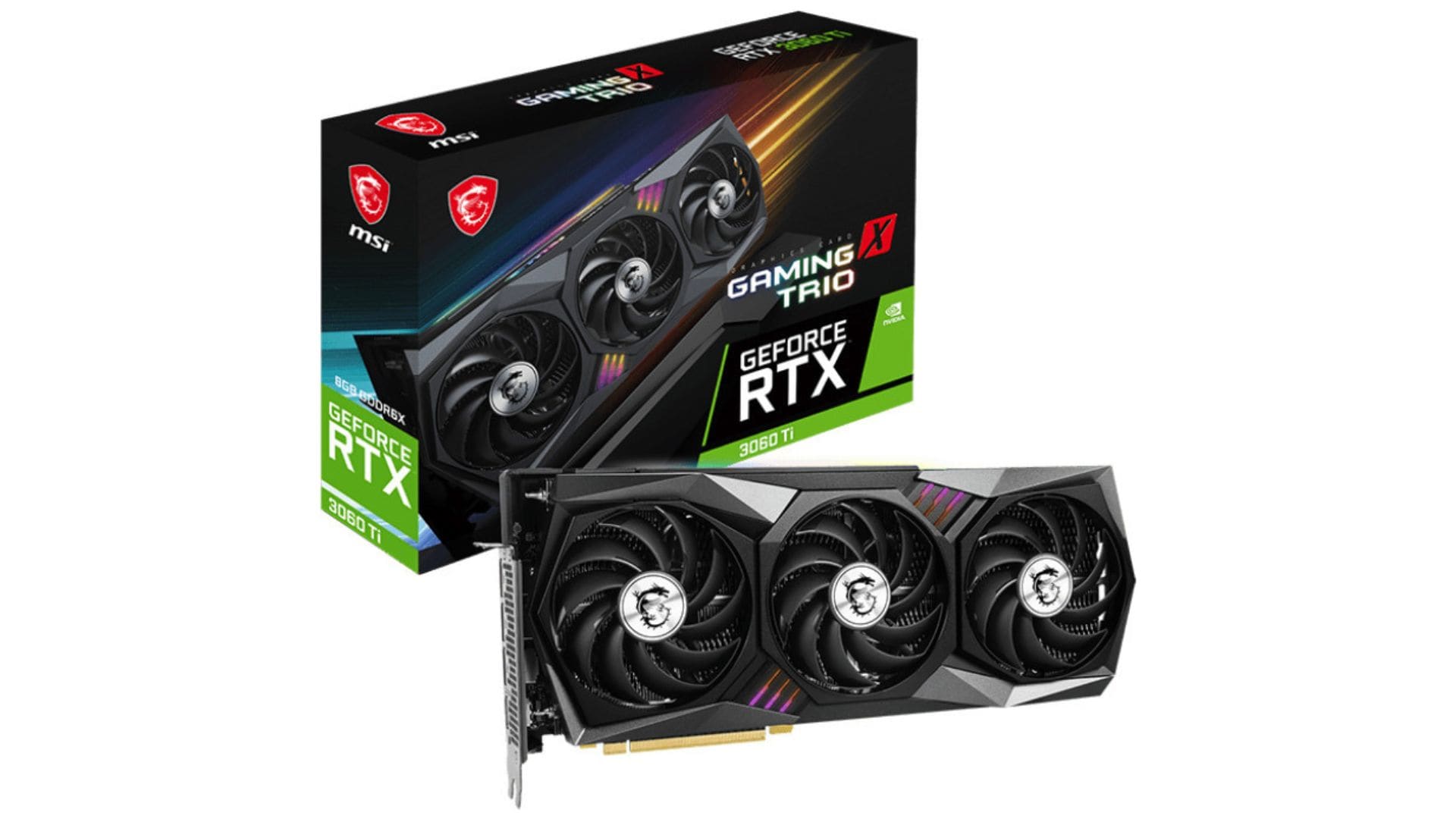
4. Nvidia GeForce RTX 3060 Ti
This is a good graphics card for video editing if you are on a budget. Even though it is older, it still packs a punch. It is perfect for editors who work mostly with 1080p or simple 4K clips.
- Very affordable price for beginners.
- Good performance for 1080p and 1440p.
- Small size fits in most computer cases.
- Only has 8GB of VRAM.
- Slower export times than 40-series cards.
- Lacks the newest AI features.
Where to Buy: Amazon
Rating: 3.8/5
5. AMD Radeon RX 7900 XTX
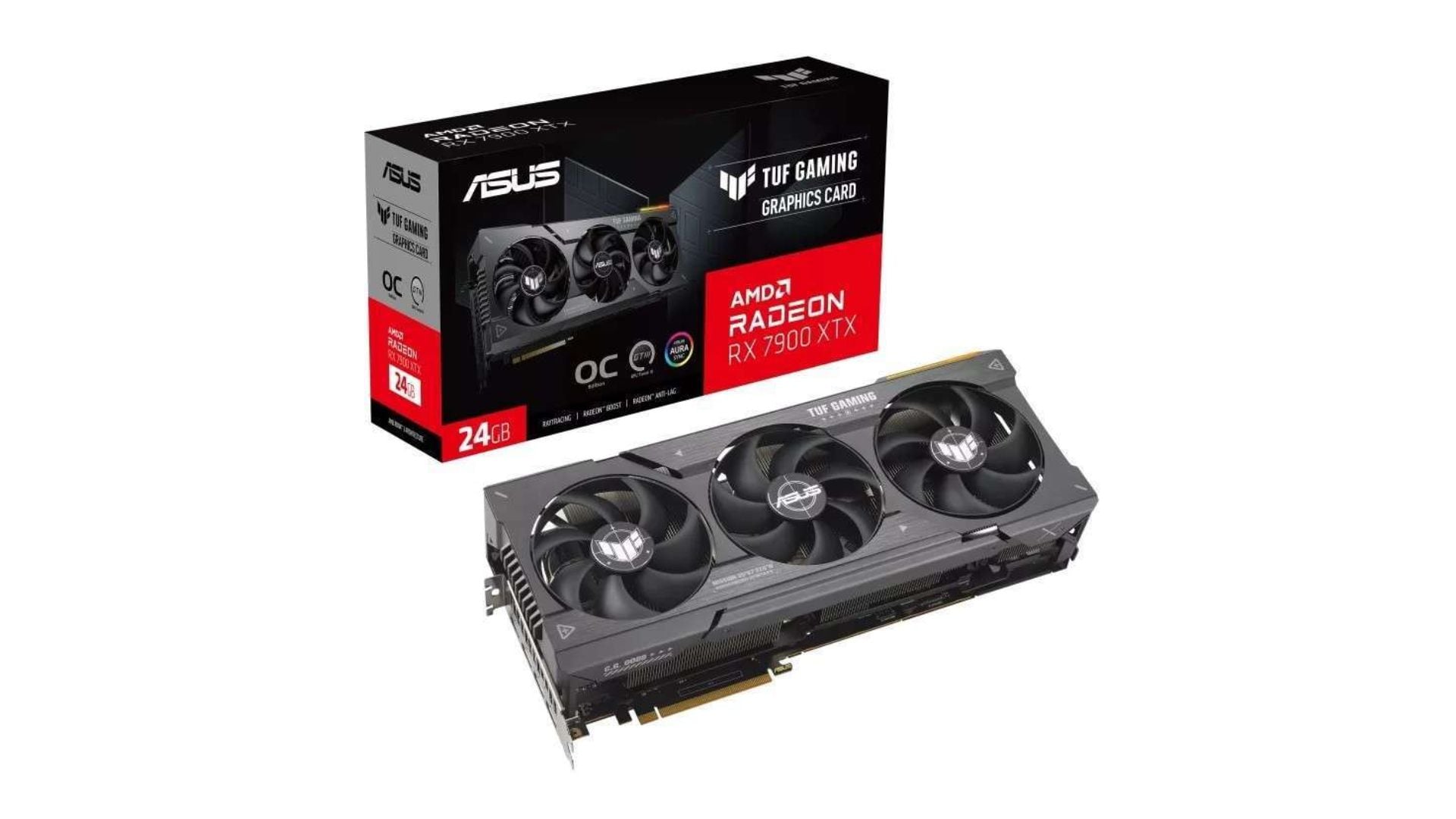
This is the best video card for video editing if you prefer AMD. Its impressive 24GB of memory works especially well in DaVinci Resolve, which loves raw power and lots of VRAM.
- Large 24GB VRAM for a lower price than Nvidia.
- Excellent for DaVinci Resolve users.
- Supports DisplayPort 2.1 for high-end monitors.
- Drivers can be less stable in Premiere Pro.
- Lacks some of Nvidia's special AI tools.
- Uses a lot of electricity.
Where to Buy: Amazon
Rating: 4/5
6. Nvidia GeForce RTX 3050
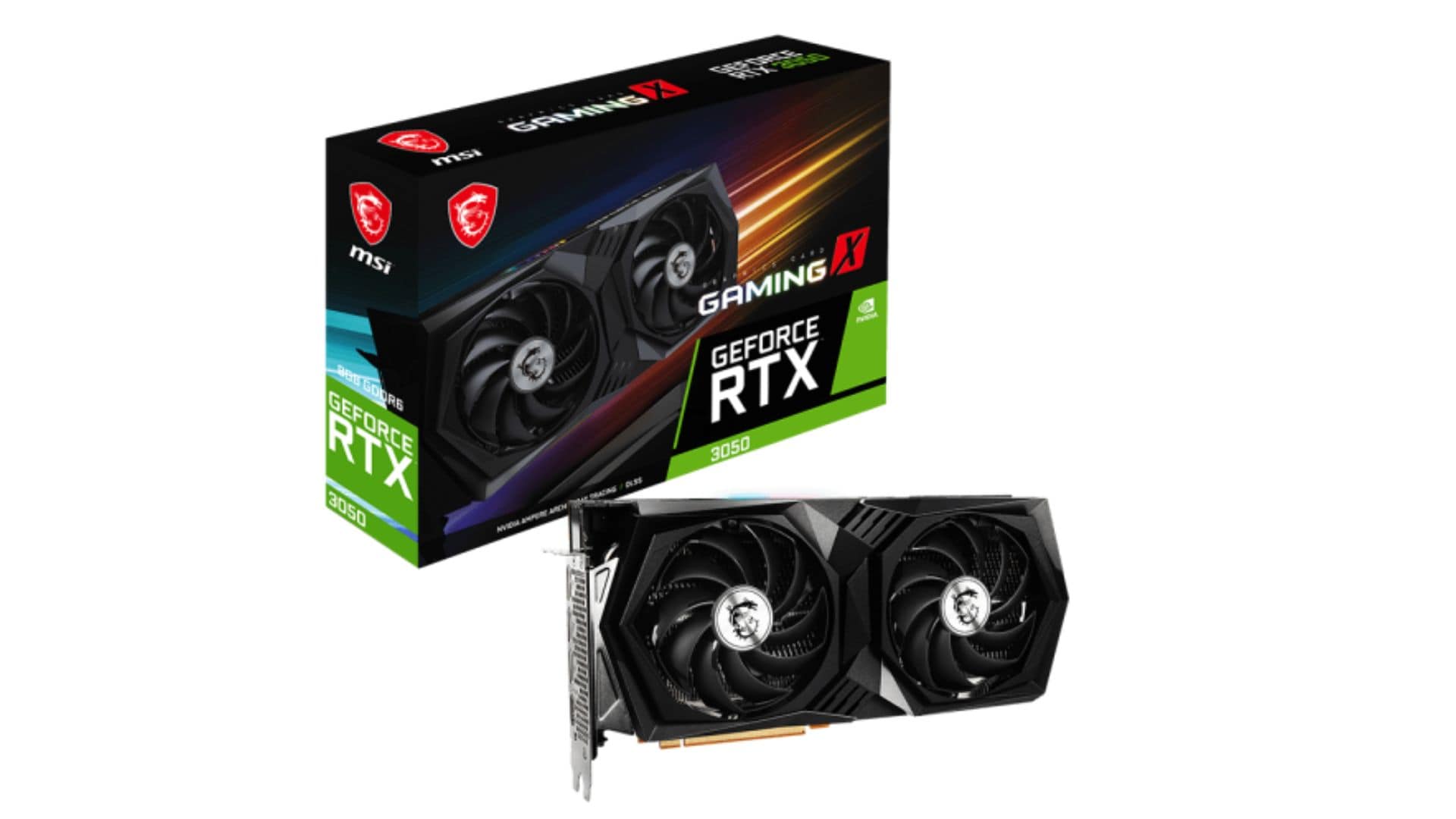
The RTX 3050 is a very basic card. It is the best GPU video editing for tight budgets. While simple, the RTX 3050 represents the best GPU video editing choice when money is limited. It's much better than relying only on integrated graphics.
- Lowest price on this list.
- Does not need a big power supply.
- Supports basic 4K decoding.
- Slow for heavy effects and long renders.
- Not good for complex 4K timelines.
- Very entry-level performance.
Where to Buy: Amazon
Rating: 3/5
7. Nvidia GeForce RTX 4060
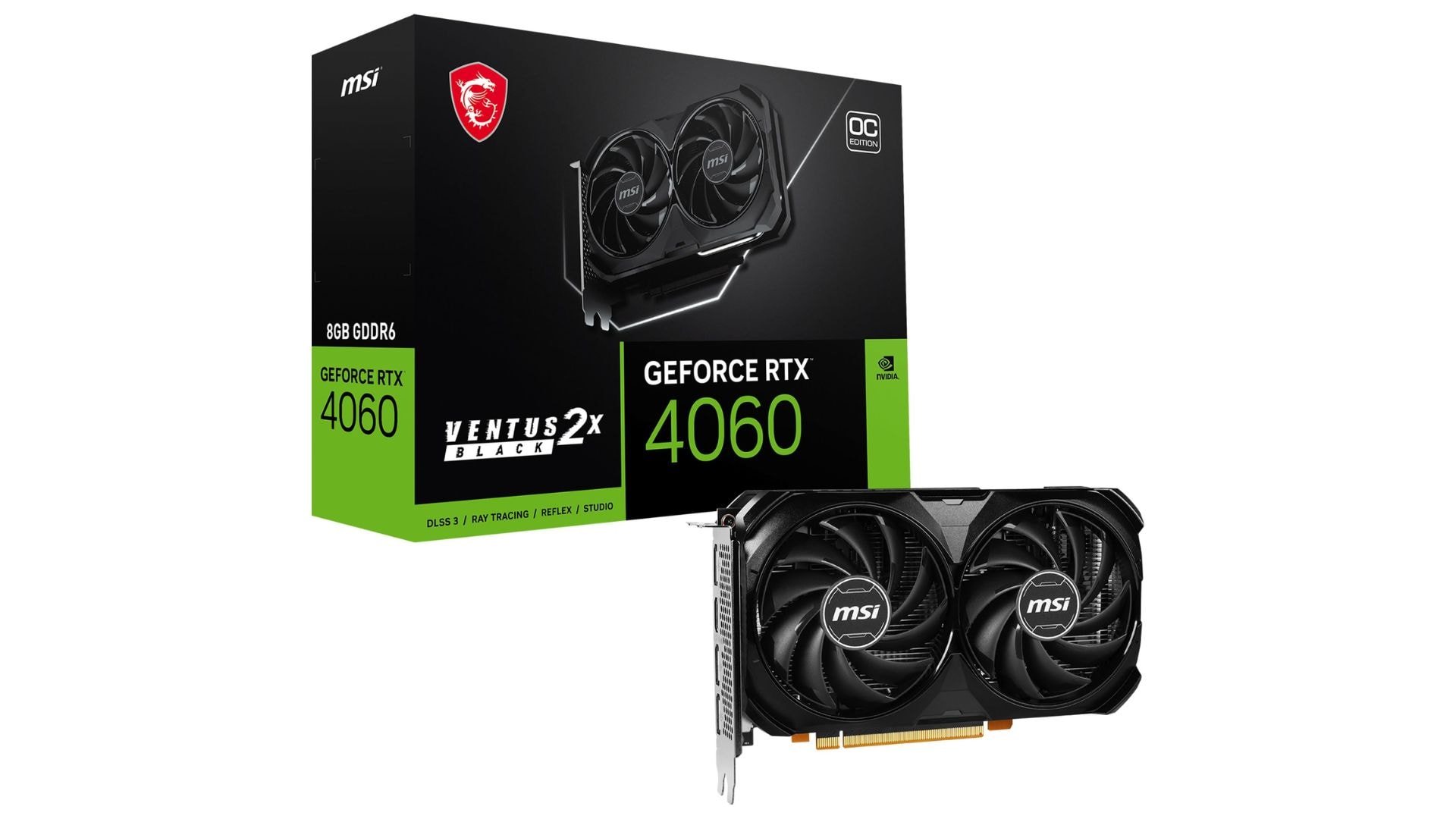
The RTX 4060 is a modern and efficient card. It is a good graphics card for video editing for YouTubers. A modern, efficient card that performs well for content creators. The RTX 4060 earns its spot as a good graphics card for video editing, especially for YouTubers and social media creators who value efficiency and the latest encoding technology.
- Very efficient and stays cool.
- Includes the latest AV1 video encoder.
- Great price-to-performance ratio.
- Limited by an 8GB memory buffer.
- Not a big upgrade over the 3060 Ti.
Where to Buy: Amazon
Rating: 3.9/5
Part 3. Recommended Mid-to-Lightweight Video Editor for Stable Performance
A great choice of GPU for video editing is just one part of your editing setup. YYour choice of video editing software matters just as much for smooth performance. Even a high end graphics card can feel slow if the software does not use it well.
So, instead of only chasing the best graphics card for video editing, which can get expensive depending on your setup, you can also invest in video editing software that runs efficiently on your existing hardware. One option that works smoothly while still offering professional-level tools, even on midrange systems, is Wondershare Filmora.
 Secure Download
Why Filmora Works Well with Your GPU
Filmora stands out as a very capable and easy-to-use, general-purpose video editing tool that maximizes your hardware's potential. It doesn’t matter if you are working with a good graphics card for video editing or a more modest setup, Filmora's intelligent optimization reduces lag and keeps your workflow moving smoothly.
The reason behind this is because the software excels at hardware acceleration. It can access directly into your GPU to accelerate rendering and effects processing. Even if you don't have the best video card for video editing, Filmora helps you get the most from what you have.
Why Creators Choose Filmora
- Easy learning curve: A clean, intuitive interface helps you get started fast, with tools placed where you expect them
- Efficient resource management: Runs smoothly without consuming system resources or slowing down your computer.
- Smooth timeline playback: Preview edits in real time without stuttering, even on a moderate budget graphics card for video editing.
- Beginner-friendly workflow: Clean, intuitive interface makes finding tools quick and easy.
- Reliable exports with auto-backup: Consistent rendering delivers your final videos quickly without worrying about crashes or failed renders.
For creators seeking the best GPU for a video editing experience without premium hardware, pairing smart software like Filmora with the best graphics card for editing in your budget creates a powerful, efficient workflow.
Secure DownloadConclusion
Choosing the best graphics card for video editing would really improve your workflow by saving time and preventing crashes. Our 2025 roundup covers entry-level budget graphics cards for video editing options, to professional options for every budget. We talked about several important aspects: high VRAM for 4K work, stable drivers, and efficient cooling.
Moreover, pairing the best video card for video editing with software like Filmora would optimize performance. Whether you choose the budget-friendly RTX 4060 or the powerhouse RTX 5090, invest in a good graphics card for video editing that matches your needs. The right GPU means smoother timelines, faster renders, and frustration-free editing.
FAQs
-
1. What is the difference between a graphics card and a GPU?
The GPU is the processing chip that handles graphics calculations, essentially the "brain" for visual work. A graphics card is the complete physical board you install, which includes the GPU chip, cooling fans, VRAM, and power connectors. -
2. What graphics card is compatible with Filmora?
Filmora supports most modern cards, including Nvidia GeForce GTX 700 series or newer, and AMD Radeon R5 or newer. For 4K editing, we recommend at least 4GB of VRAM, though 8GB or more provides the best video card for editing performance. -
3. Do I need a strong GPU for video editing?
It depends on your projects. Simple HD clips don't require the best graphics card for video editing, but 4K footage, color grading, and heavy effects demand more power. A strong GPU delivers smooth playback, faster exports, and takes the load off your CPU.
