Filmora
Filmora - AI Video Editor
Edit Faster, Smarter and Easier!
OPEN

How Amelia Creates Tutorial Videos That Are Easy to Follow

One of 20+ creator stories · YouTubers, students, businesses & content creators

Meet Amelia, an Educational Creator Creating Tutorial Videos

Amelia creates educational content for YouTube, learning platforms, and university audiences. She needs to explain complex processes in a sequence viewers can follow, pause, and revisit at their own pace.

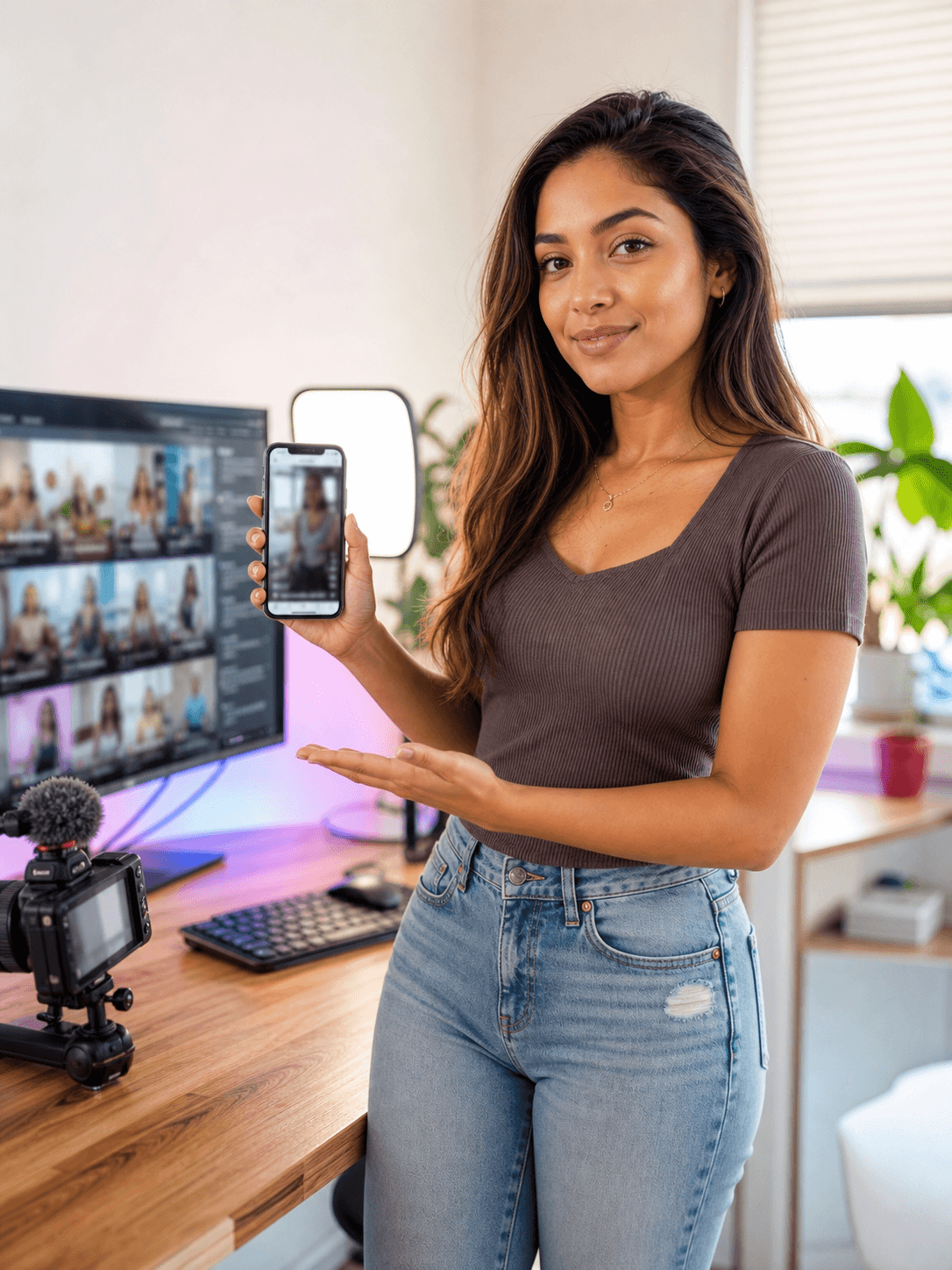
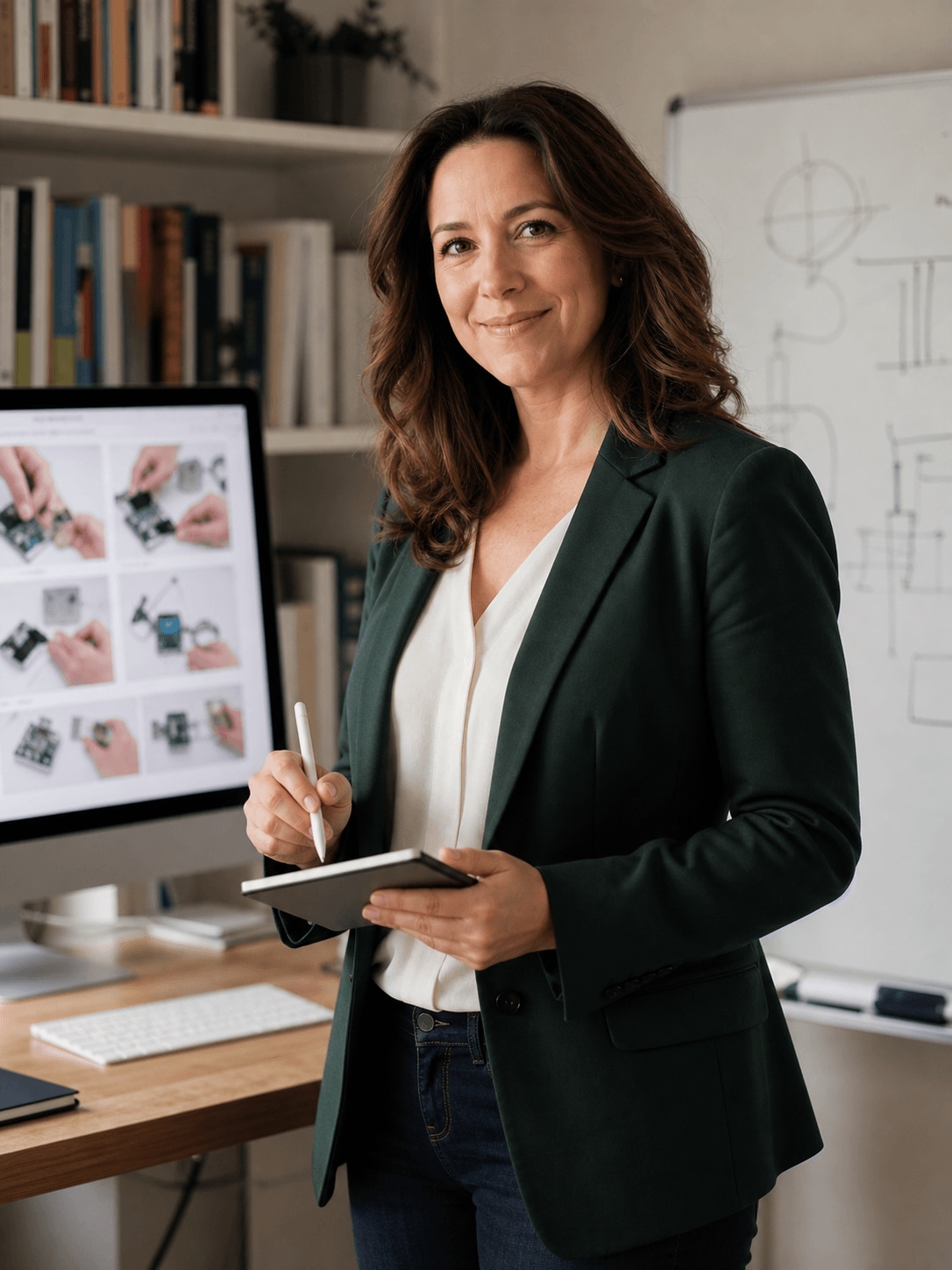
Amelia Clark, an educational creator creating tutorial videos

Building Tutorials Around the Viewer’s Next Question

Amelia organizes each lesson into a clear objective, demonstration, explanation, and recap. Screen recordings show the process, while captions and supporting scenes help viewers follow the material in different viewing environments.

Inside Filmora, Amelia can capture screen activity, webcam footage, and audio together, turn spoken audio into readable animated captions, and turn a script into a structured first video draft. Together, these tools help her produce clear and accessible tutorial videos that help viewers understand each step.

Amelia Clark

challenge

Challenge

Tutorial production involves scripting, screen capture, narration, captions, and visual examples. When these pieces are created separately, updates take longer and important steps can become disconnected.

solution

Solution

Filmora keeps the essential work in one project. Screen Recorder, Auto Caption Generator, and AI Script to Video give Amelia a practical way to produce clear and accessible tutorial videos that help viewers understand each step, with fewer repeated setup and revision steps.

What Changed for Amelia

Complex teaching material becomes a structured video path that viewers can follow and revisit.

Demonstration capture

Separate screen and voice files

arrow

Synchronized recording

Viewer access

Audio-only explanation

arrow

Readable captions

Lesson structure

Blank-timeline planning

arrow

Script-led video draft

Amelia's Video Tips & Tools

Amelia starts with the learning outcome, demonstrates one step at a time, and uses captions and recap points to reinforce the process.

Screen Recorder

Amelia captures screen activity, webcam footage, and audio together, then moves directly into editing to speed up work on tutorials.

Explore Screen Recorder →

Auto Caption Generator

Amelia generates animated captions from spoken audio, making tutorials easier to follow on mobile and when viewers watch without sound.

Explore Auto Caption Generator →

AI Script to Video

Amelia turns an idea or script into a structured first draft with scenes, voiceover, and captions, giving tutorials a faster starting point.

Explore AI Script to Video →

“I edit mountain lion footage and share it as educational content with wildlife enthusiasts worldwide.”

Amelia Clark · Educational Creator

More Youtubers Stories

Explore more Filmora user stories and discover practical video workflows for different creators, projects, and publishing goals.

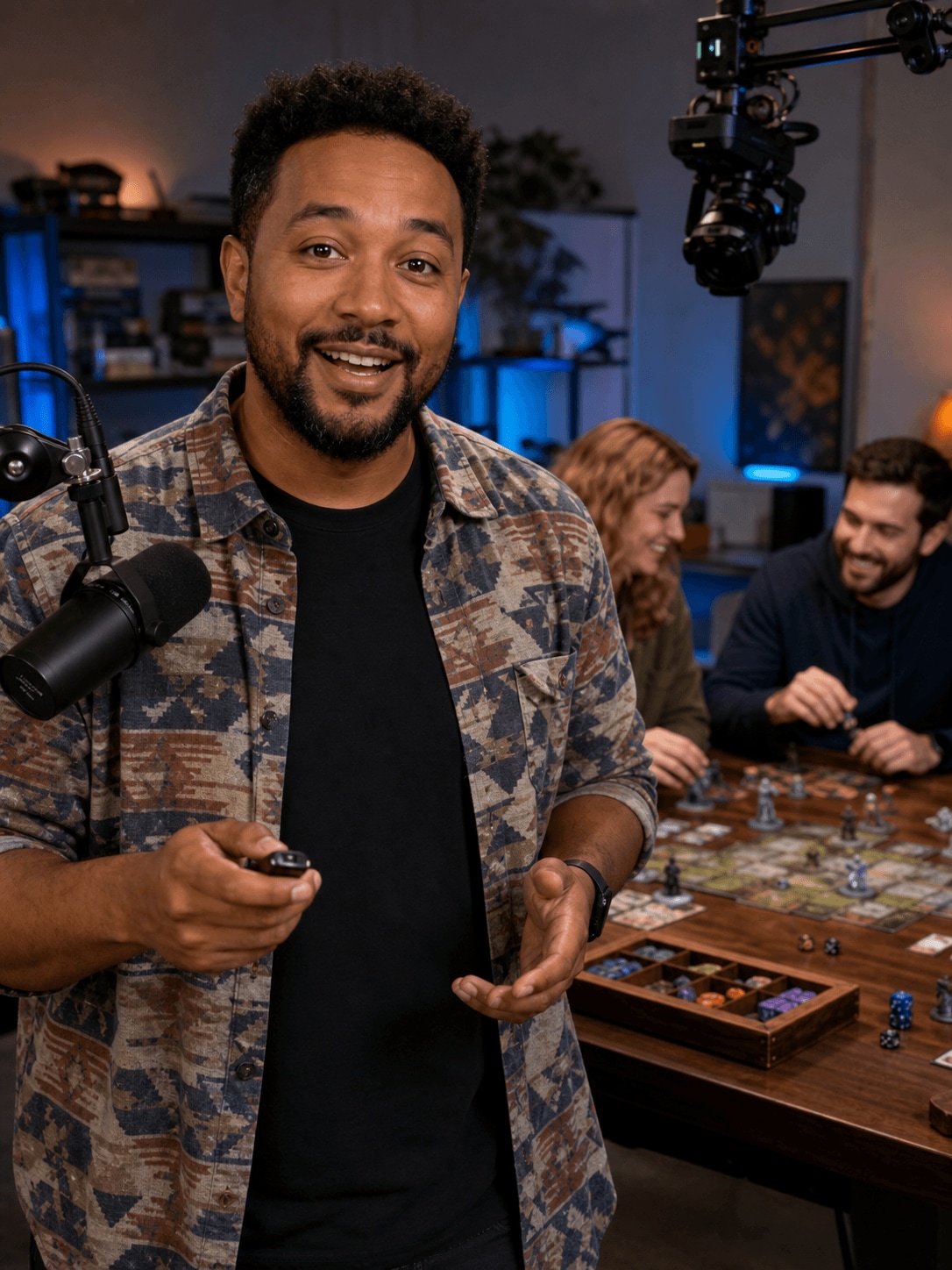
Jason Miller, a streamer creating streaming highlights
Youtubers

How Jason Turns Long Streams into Entertaining Highlights

Read story →
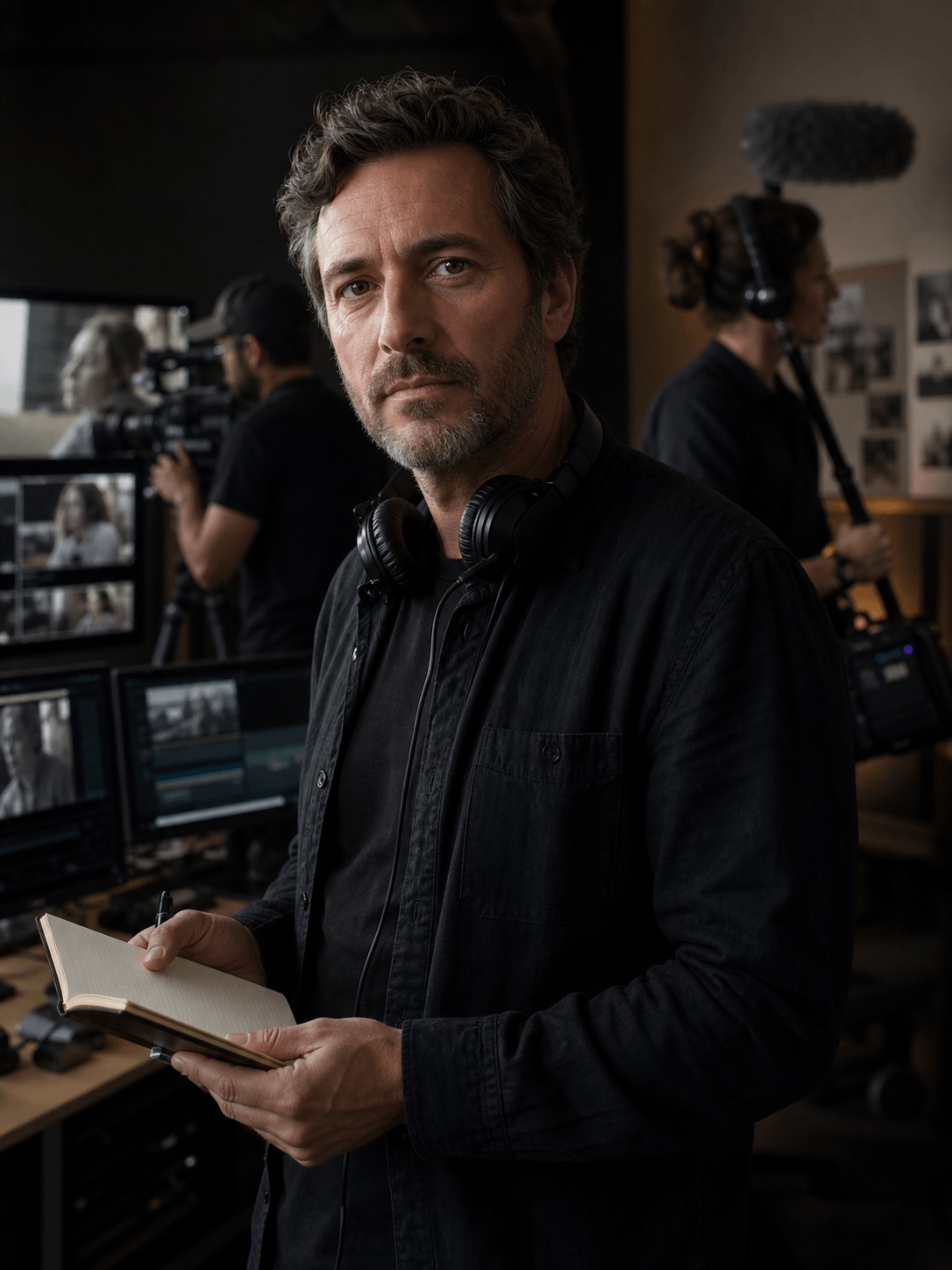
Adrian Cole, a wildlife filmmaker creating documentary videos
Youtubers

How Adrian Organizes Documentary Footage into a Cohesive Story

Read story →
Emma Davis, a YouTube creator creating YouTube shorts
Youtubers

How Emma Turns Long Videos into Engaging YouTube Shorts

Read story →
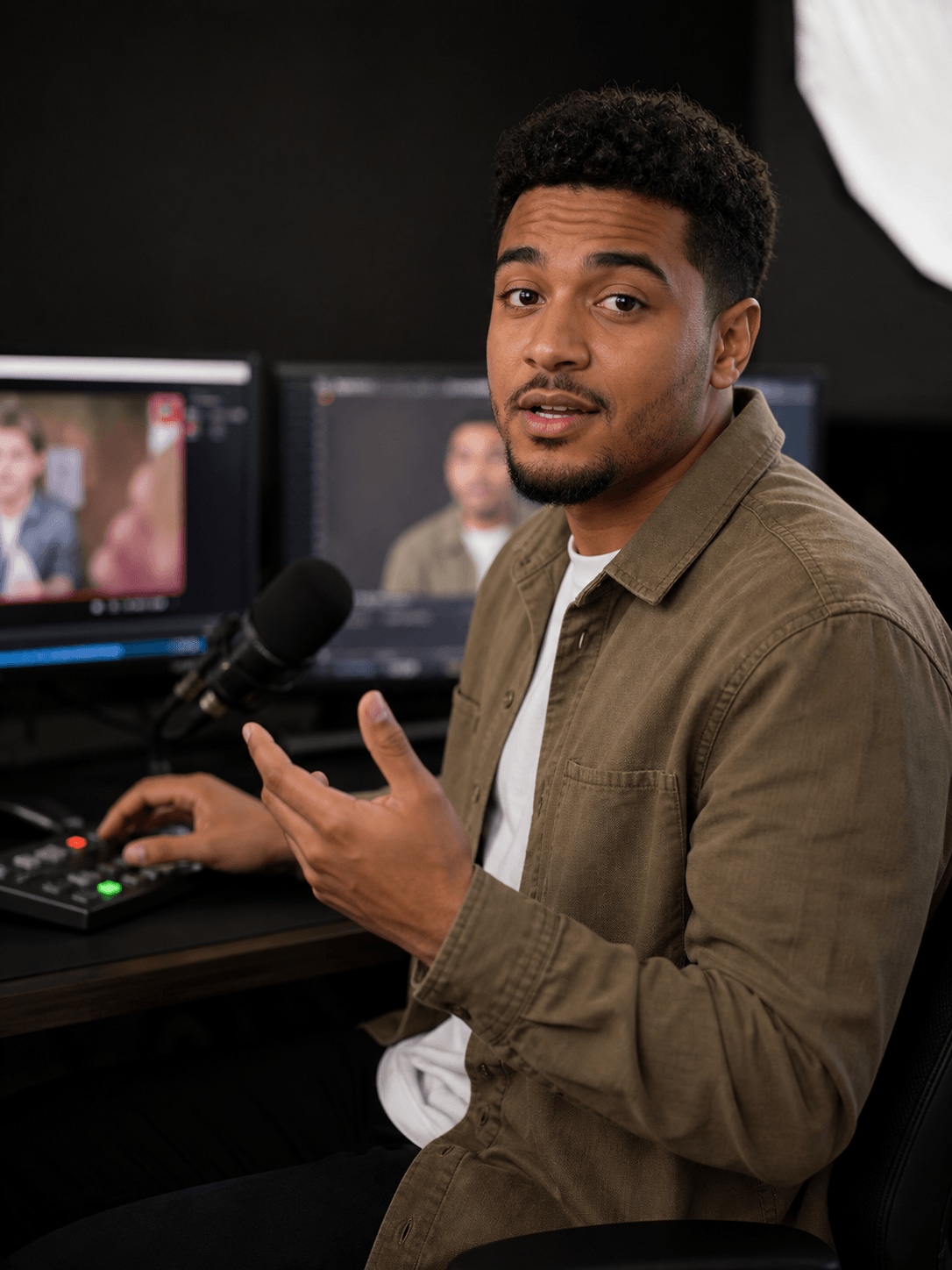
Nathan Walker, a commentary creator creating reaction videos
Youtubers

How Nathan Creates Clear and Engaging Reaction Videos

Read story →

Create Better Videos with Filmora

Turn your ideas into polished videos with an intuitive editing workflow and powerful creative tools.