Filmora
Filmora - AI Video Editor
Edit Faster, Smarter and Easier!
OPEN

How Jason Turns Long Streams into Entertaining Highlights

One of 20+ creator stories · YouTubers, students, businesses & content creators

Meet Jason, a Streamer Creating Streaming Highlights

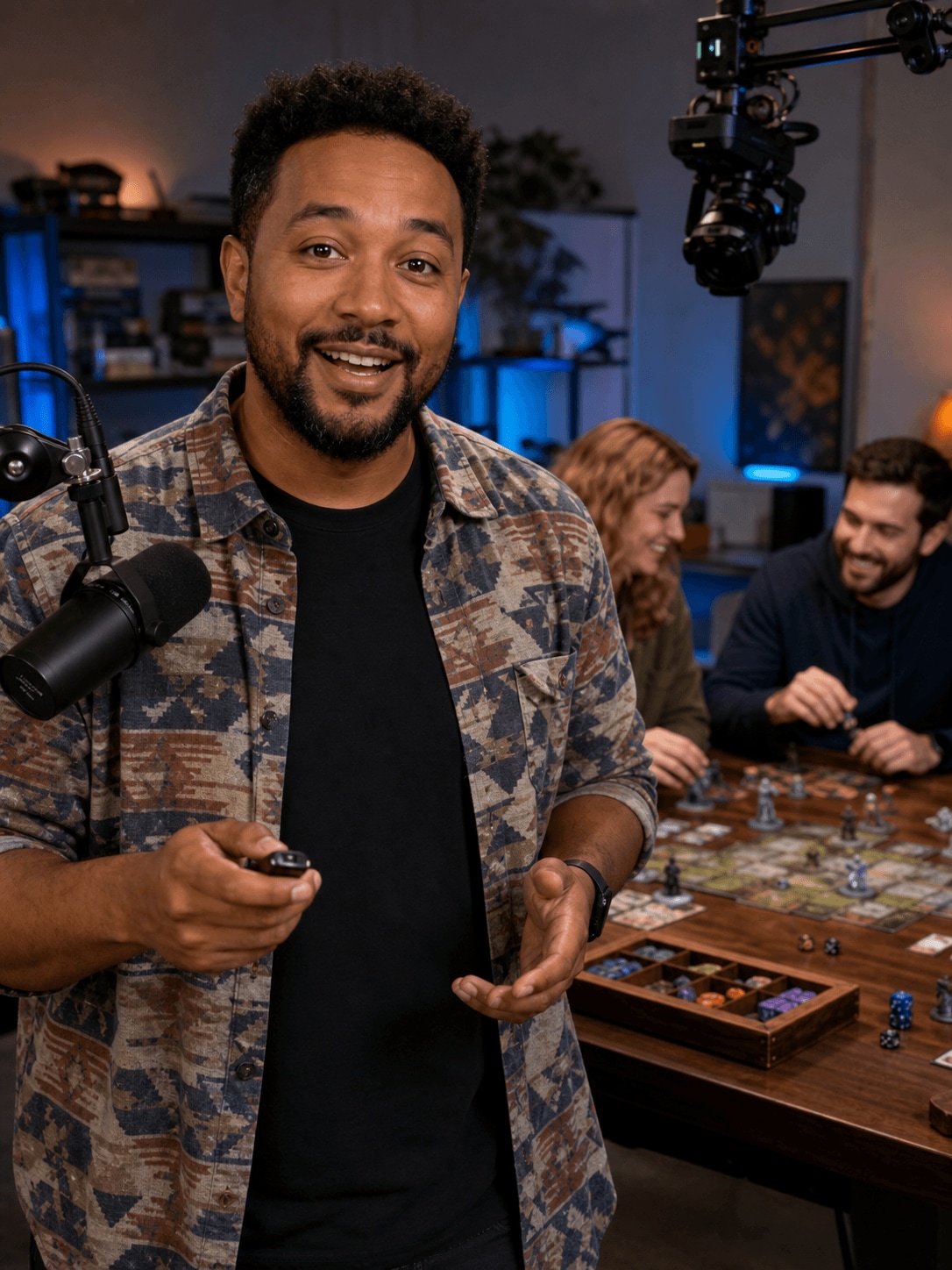
Jason streams games and tabletop sessions that can run for hours. He wants to turn the most entertaining reactions, decisions, and outcomes into focused videos without manually reviewing every moment from the beginning.

Jason Miller, a streamer creating streaming highlights

Finding the Best Moments after the Stream Ends

Jason works with gameplay, webcam footage, conversation, and audience reactions. The final highlight needs a clear setup and payoff, while the presenter framing should remain clean enough for different layouts.

Inside Filmora, Jason can capture screen activity, webcam footage, and audio together, separate long recordings into workable scenes, and separate the presenter from a distracting background. Together, these tools help him turn long streams into clear and entertaining highlight videos more efficiently.

Jason Miller

challenge

Challenge

Long streams create a large amount of footage with only a limited number of publishable moments. Searching manually and rebuilding the presenter layout adds significant time after every session.

solution

Solution

Filmora keeps the essential work in one project. Screen Recorder, Smart Scene Cut, and AI Portrait Cutout give Jason a practical way to turn long streams into clear and entertaining highlight videos more efficiently, with fewer repeated setup and revision steps.

What Changed for Jason

Hours of live content become a focused recap with stronger pacing and cleaner presenter placement.

Session capture

Separate gameplay and webcam

arrow

Combined recording workflow

Highlight review

Hours of manual searching

arrow

Scene-based selections

Presenter layout

Fixed background framing

arrow

Flexible portrait placement

Jason's Video Tips & Tools

Jason notes strong moments during the stream, builds each highlight around a clear payoff, and keeps the reaction framing visible without covering the action.

Screen Recorder

Jason captures screen activity, webcam footage, and audio together, then moves directly into editing to speed up work on streaming highlights.

Explore Screen Recorder →

Smart Scene Cut

Jason identifies useful highlights and separates long recordings into workable scenes, speeding up the first edit of streaming highlights.

Explore Smart Scene Cut →

AI Portrait Cutout

Jason removes backgrounds from people in a single step, making it easier to place presenters or reactions into cleaner streaming highlights layouts.

Explore AI Portrait Cutout →

“I love using the screen recorder for gaming clips.”

Jason Miller · Streamer

More Youtubers Stories

Explore more Filmora user stories and discover practical video workflows for different creators, projects, and publishing goals.

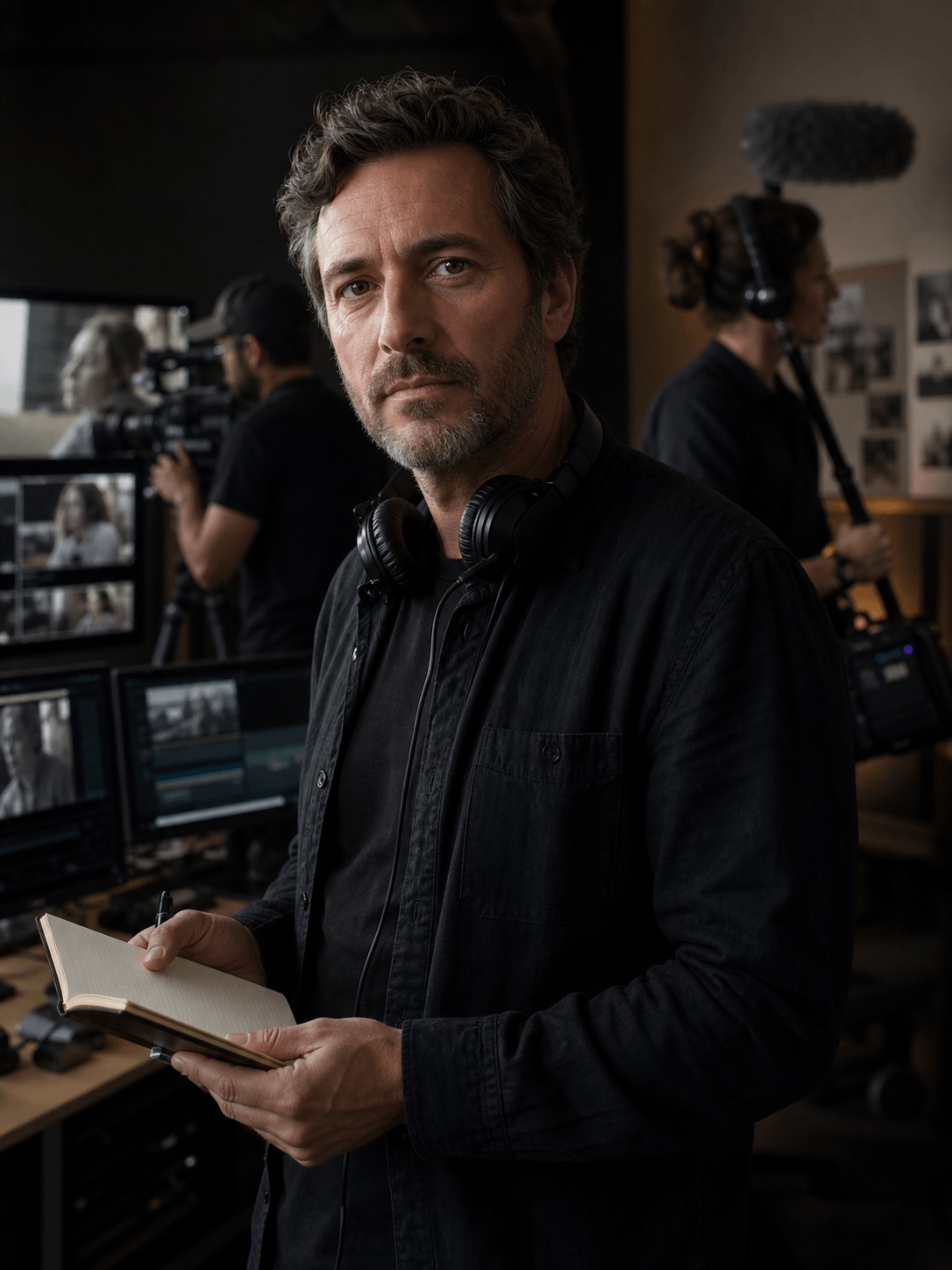
Adrian Cole, a wildlife filmmaker creating documentary videos
Youtubers

How Adrian Organizes Documentary Footage into a Cohesive Story

Read story →
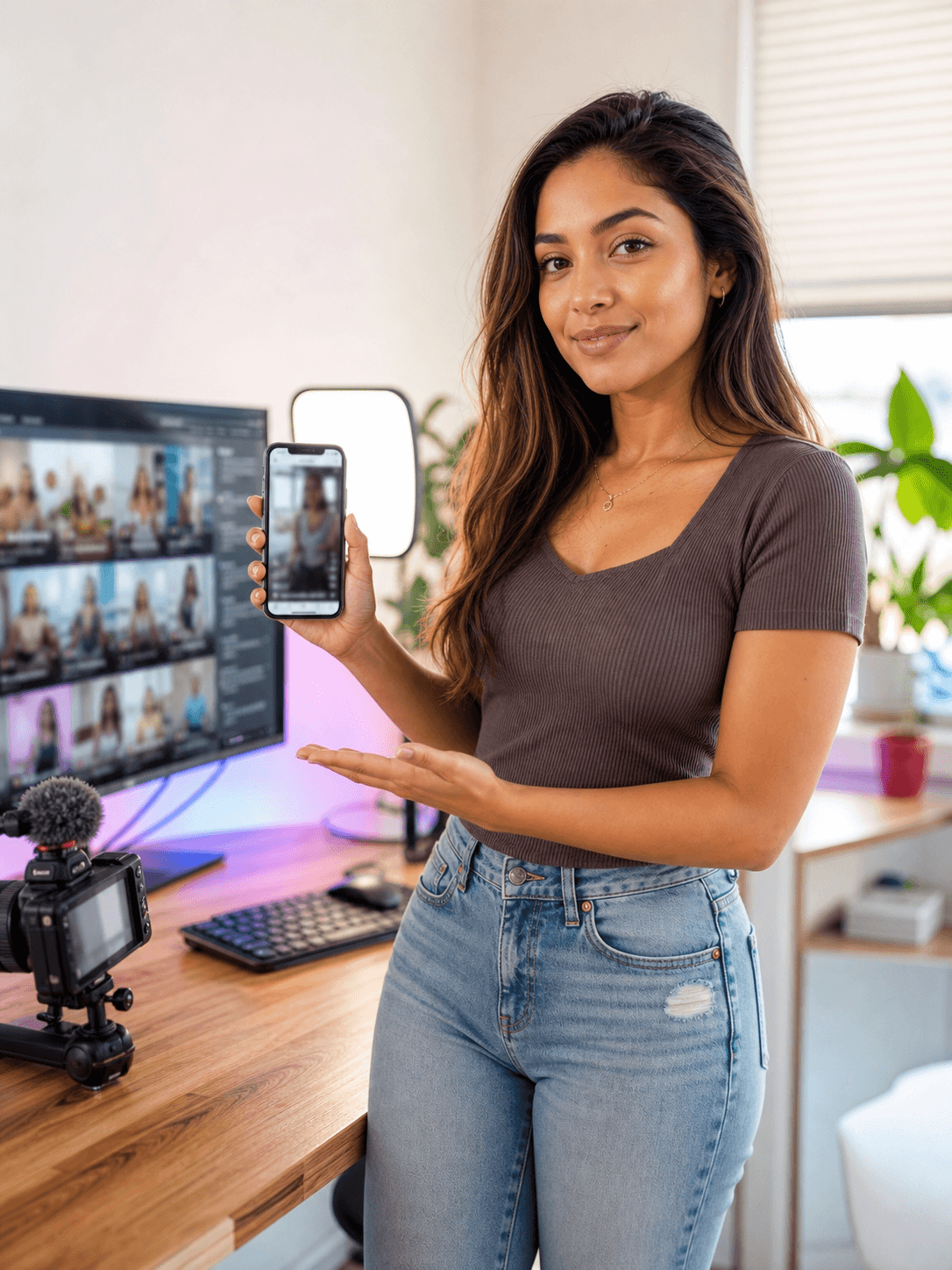
Emma Davis, a YouTube creator creating YouTube shorts
Youtubers

How Emma Turns Long Videos into Engaging YouTube Shorts

Read story →
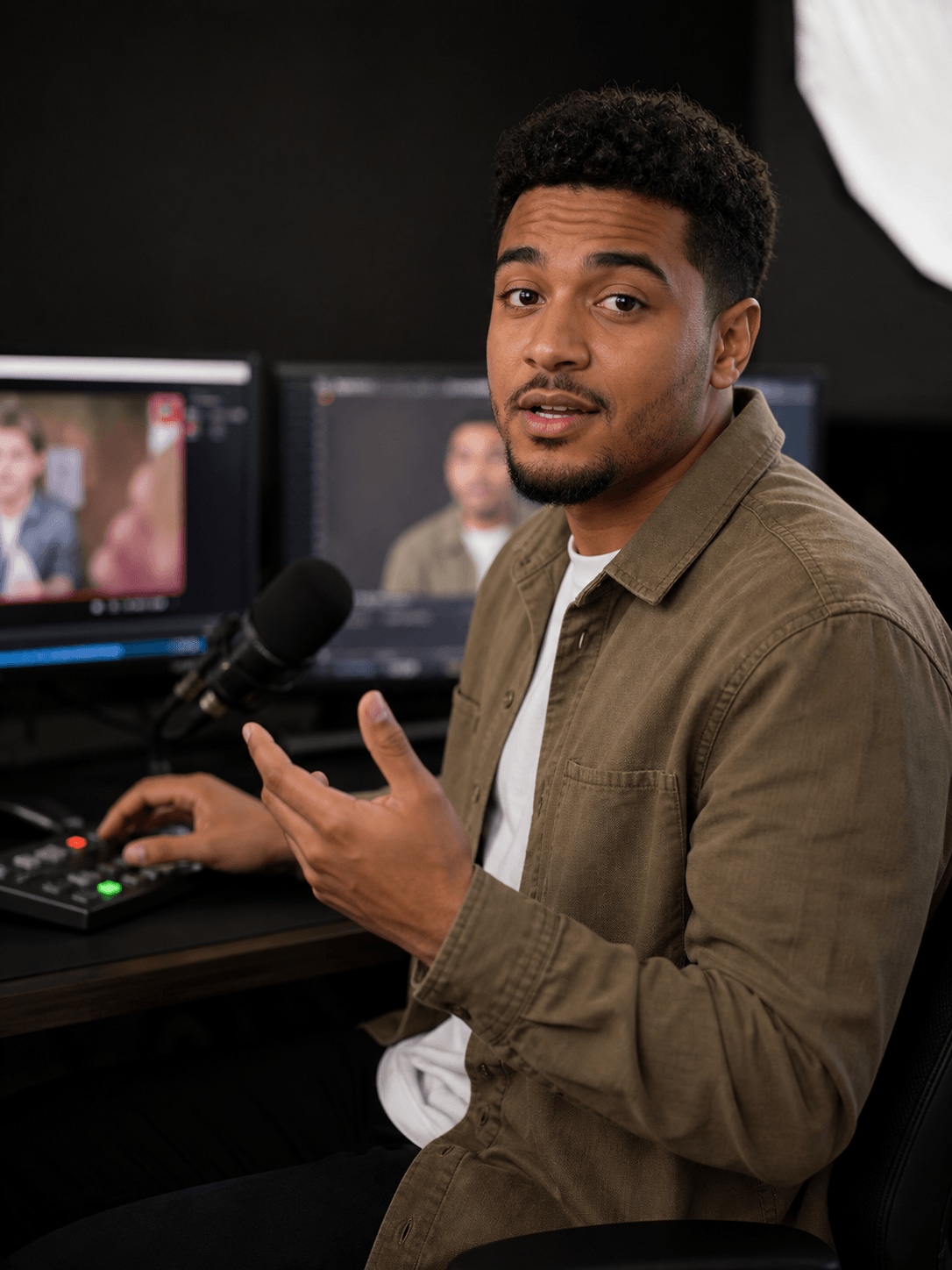
Nathan Walker, a commentary creator creating reaction videos
Youtubers

How Nathan Creates Clear and Engaging Reaction Videos

Read story →
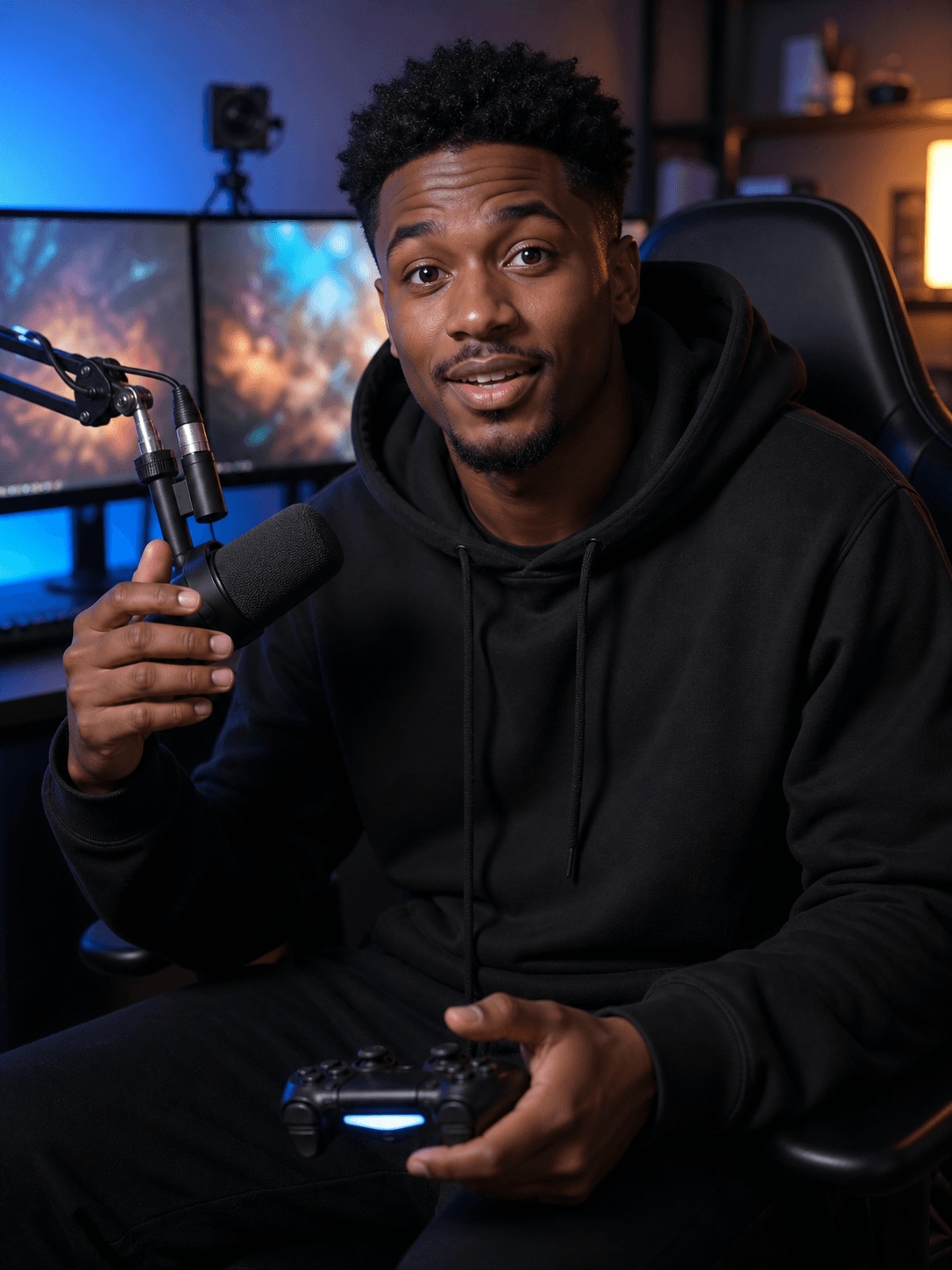
Tyler Scott, a gaming creator creating gaming videos
Youtubers

How Tyler Creates Fast-Paced Gaming Videos with Filmora

Read story →

Create Better Videos with Filmora

Turn your ideas into polished videos with an intuitive editing workflow and powerful creative tools.