Filmora
Filmora - AI Video Editor
Edit Faster, Smarter and Easier!
OPEN

How Tyler Creates Fast-Paced Gaming Videos with Filmora

One of 20+ creator stories · YouTubers, students, businesses & content creators

Meet Tyler, a Gaming Creator Creating Gaming Videos

Tyler records gaming sessions, reactions, and moments with friends for YouTube and TikTok. He needs a workflow that keeps gameplay, commentary, and creative effects together without slowing down the next upload.

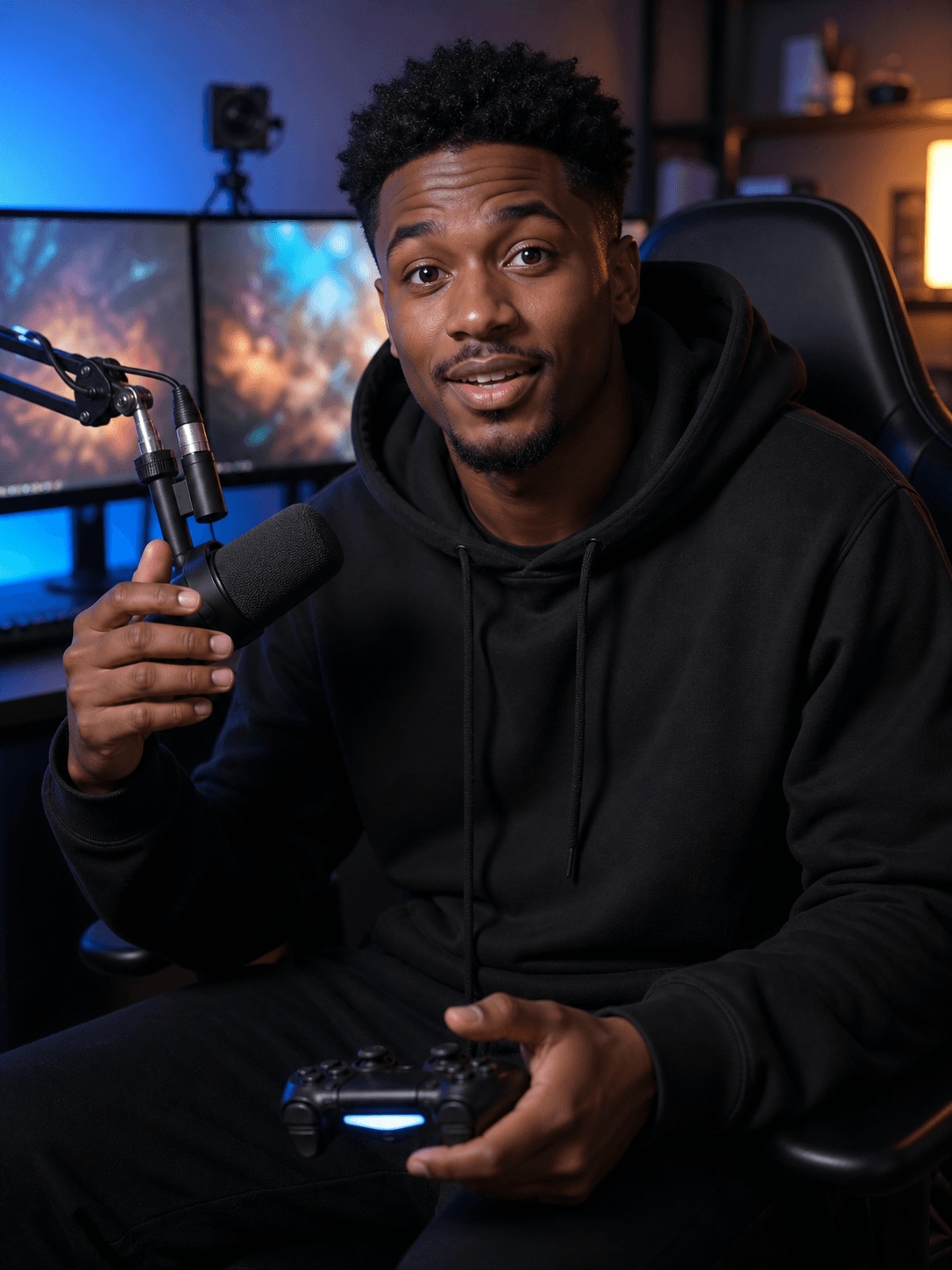
Tyler Scott, a gaming creator creating gaming videos

Turning Long Gaming Sessions into Focused Highlights

Tyler selects wins, failures, reactions, and unexpected moments that can carry the story of the session. He uses slow motion and sound design selectively so the edit feels energetic without overwhelming the gameplay.

Inside Filmora, Tyler can capture screen activity, webcam footage, and audio together, smooth lower-frame-rate action and slow-motion moments, and create sound effects for specific actions. Together, these tools help him create recognizable gaming highlights and short videos without a complicated toolchain.

Tyler Scott

challenge

Challenge

Gaming projects include long recordings, webcam footage, commentary, and many possible highlights. Switching tools for capture, slow motion, and audio effects makes it harder to produce clips consistently.

solution

Solution

Filmora keeps the essential work in one project. Screen Recorder, AI Frame Interpolation, and AI Sound Effect Generator give Tyler a practical way to create recognizable gaming highlights and short videos without a complicated toolchain, with fewer repeated setup and revision steps.

What Changed for Tyler

Long gameplay sessions become tighter highlight stories with smoother action and stronger sound design.

Game capture

Separate recording setup

arrow

Gameplay and audio together

Action moments

Rough low-frame-rate motion

arrow

Smoother slow-motion highlights

Sound design

Lengthy effect searches

arrow

Generated moment-specific audio

Tyler's Video Tips & Tools

Tyler chooses highlights that have a clear reaction or payoff, keeps slow motion for key moments, and uses sound effects to support rather than cover the gameplay.

Screen Recorder

Tyler captures screen activity, webcam footage, and audio together, then moves directly into editing to speed up work on gaming videos.

Explore Screen Recorder →

AI Frame Interpolation

Tyler uses AI Frame Interpolation to smooth low-frame-rate footage and create cleaner slow-motion moments for more polished gaming videos.

Explore AI Frame Interpolation →

AI Sound Effect Generator

Tyler generates sound effects for specific actions and moments, adding more atmosphere and impact to gaming videos without lengthy audio searches.

Explore AI Sound Effect Generator →

“I’d buy Filmora again. It’s a great way to organize my gaming clips and videos with friends.”

Tyler Scott · Gaming Creator

More Youtubers Stories

Explore more Filmora user stories and discover practical video workflows for different creators, projects, and publishing goals.

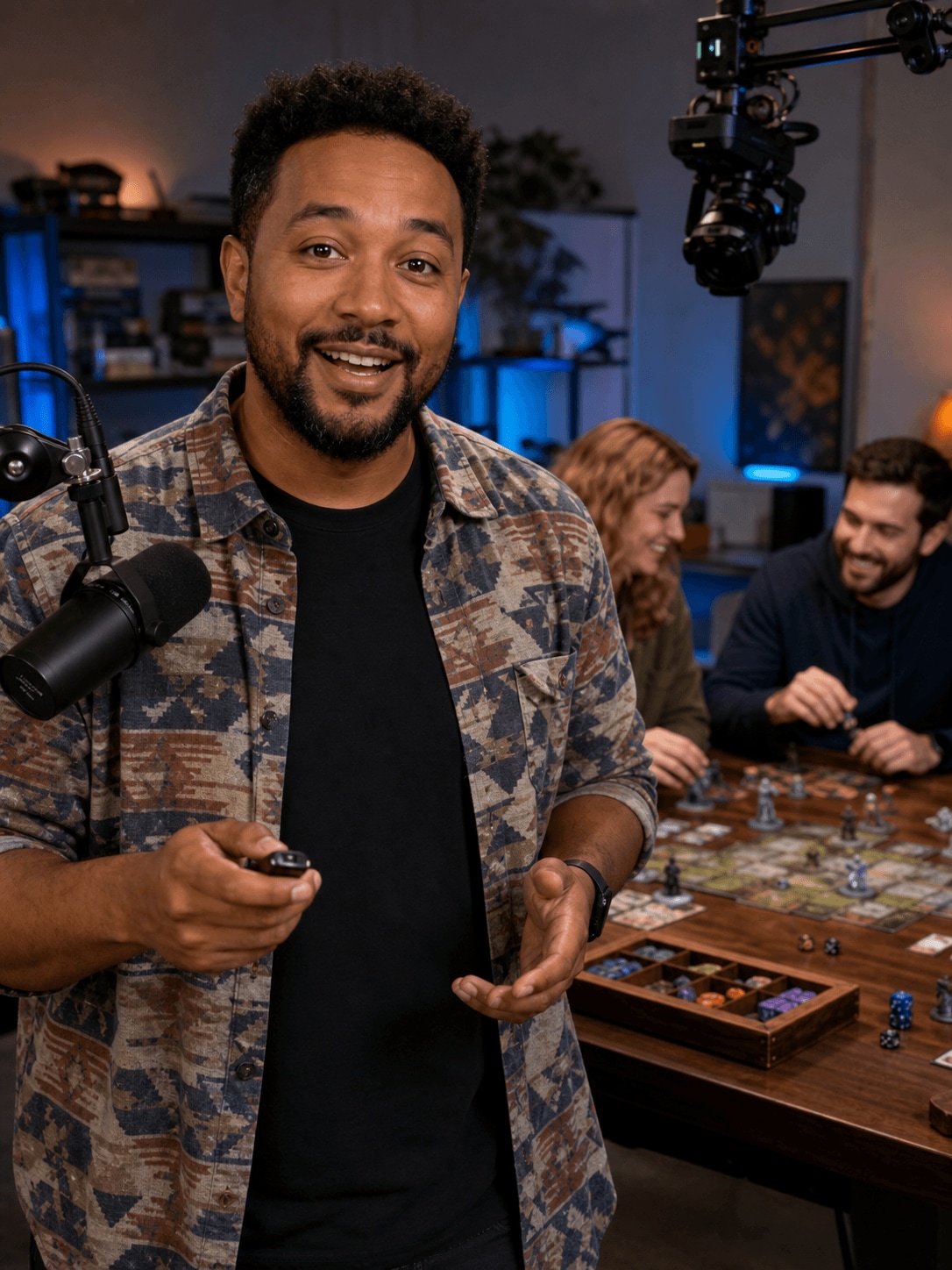
Amelia Clark, an educational creator creating tutorial videos
Youtubers

How Amelia Creates Tutorial Videos That Are Easy to Follow

Read story →
Jason Miller, a streamer creating streaming highlights
Youtubers

How Jason Turns Long Streams into Entertaining Highlights

Read story →
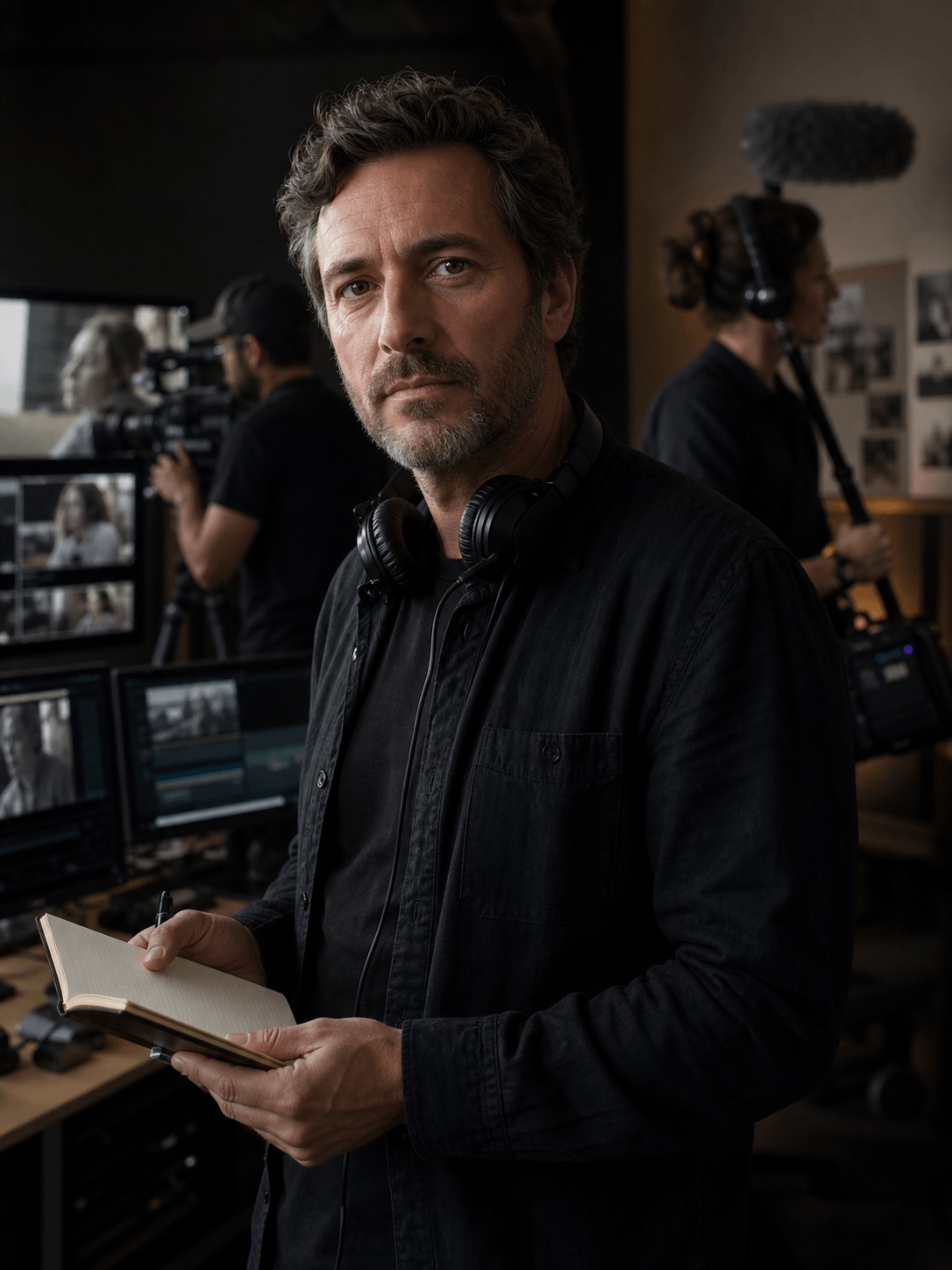
Adrian Cole, a wildlife filmmaker creating documentary videos
Youtubers

How Adrian Organizes Documentary Footage into a Cohesive Story

Read story →
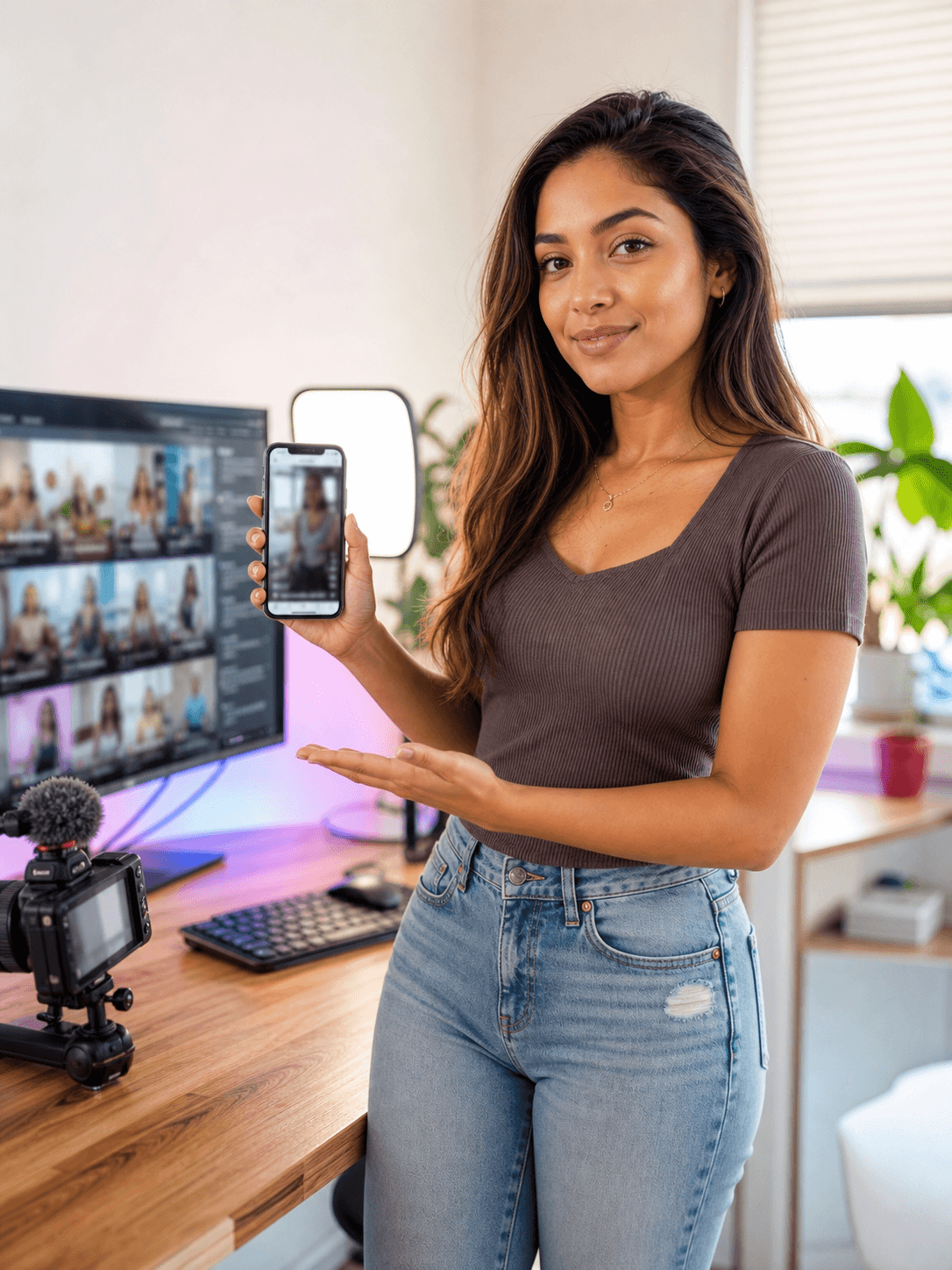
Emma Davis, a YouTube creator creating YouTube shorts
Youtubers

How Emma Turns Long Videos into Engaging YouTube Shorts

Read story →

Create Better Videos with Filmora

Turn your ideas into polished videos with an intuitive editing workflow and powerful creative tools.