Filmora
Filmora - AI Video Editor
Edit Faster, Smarter and Easier!
OPEN

How Nathan Creates Clear and Engaging Reaction Videos

One of 20+ creator stories · YouTubers, students, businesses & content creators

Meet Nathan, a Commentary Creator Creating Reaction Videos

Nathan creates commentary around videos, trends, and online moments. He needs viewers to see both the original context and his response while keeping the audio, framing, and pacing clear.

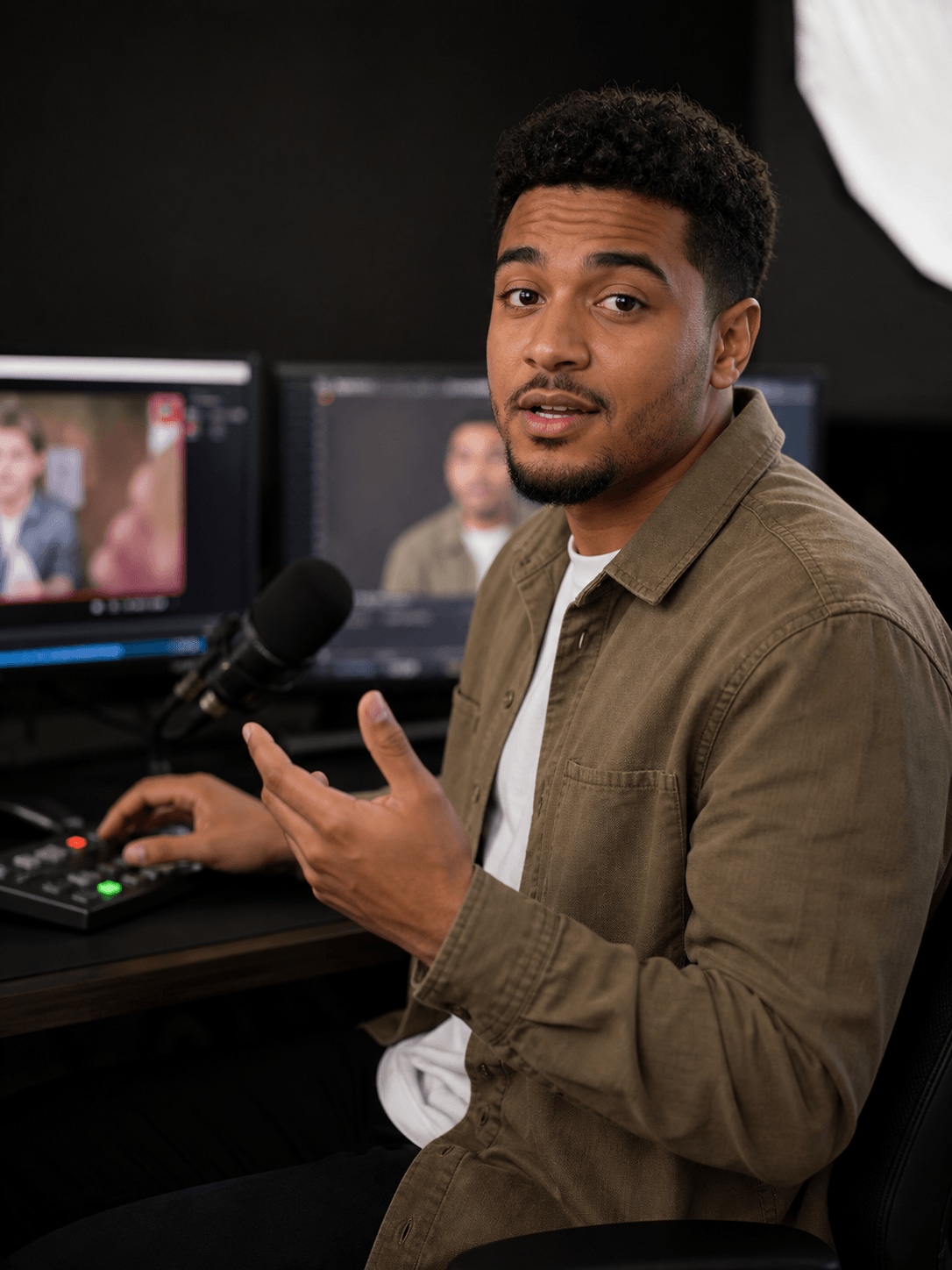
Nathan Walker, a commentary creator creating reaction videos

Keeping the Original Clip and the Reaction in Balance

Nathan records his screen and commentary, then arranges the source material alongside his reaction. He uses layout changes to emphasize important moments and keeps the presenter visible without blocking essential details.

Inside Filmora, Nathan can show multiple clips clearly in the same frame, capture screen activity, webcam footage, and audio together, and replace a solid-color background with a cleaner scene. Together, these tools help him produce well-structured reaction videos with clear context and natural presenter framing.

Nathan Walker

challenge

Challenge

Reaction videos require several visual and audio elements to stay synchronized. When the source clip, webcam, and background are handled separately, the timeline becomes harder to manage and the viewing experience can feel cluttered.

solution

Solution

Filmora keeps the essential work in one project. Split Screen Video Editor, Screen Recorder, and Chroma Key give Nathan a practical way to produce well-structured reaction videos with clear context and natural presenter framing, with fewer repeated setup and revision steps.

What Changed for Nathan

Separate source and reaction recordings become one balanced commentary story.

Viewer context

Single-source framing

arrow

Clear split-screen layout

Recording workflow

Separate capture steps

arrow

Screen and reaction together

Presenter background

Distracting room setup

arrow

Flexible clean placement

Nathan's Video Tips & Tools

Nathan keeps source clips concise, pauses for meaningful commentary, and uses the layout to make it obvious where viewers should look.

Split Screen Video Editor

Nathan places multiple clips in one frame to show reactions, comparisons, or parallel moments clearly within reaction videos.

Explore Split Screen Video Editor →

Screen Recorder

Nathan captures screen activity, webcam footage, and audio together, then moves directly into editing to speed up work on reaction videos.

Explore Screen Recorder →

Chroma Key

Nathan removes solid-color backgrounds and replaces them with a more suitable scene, creating cleaner and more flexible reaction videos compositions.

Explore Chroma Key →

“I find recording and editing easy, and the interface is intuitive and quick to learn.”

Nathan Walker · Commentary Creator

More Youtubers Stories

Explore more Filmora user stories and discover practical video workflows for different creators, projects, and publishing goals.

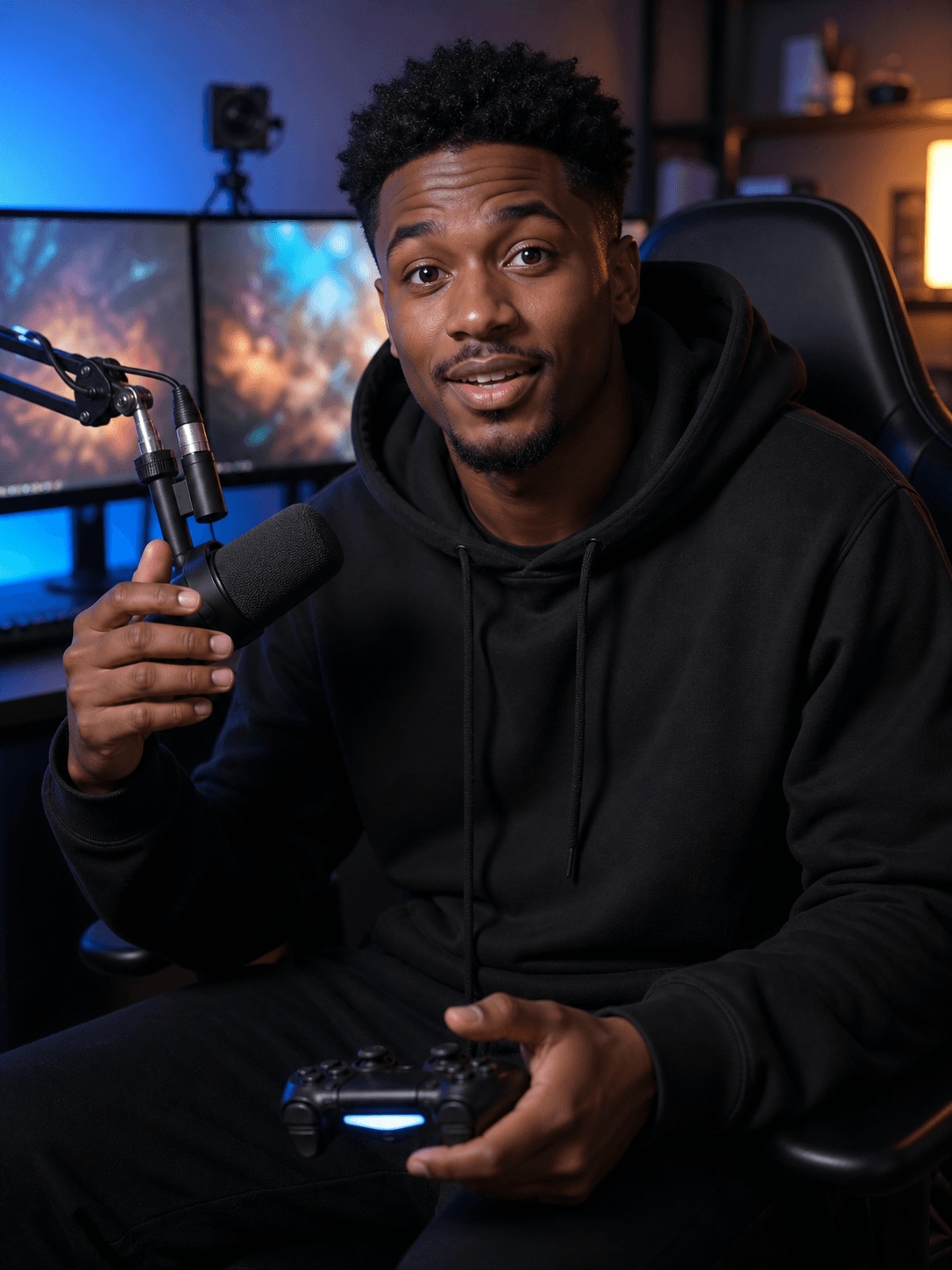
Tyler Scott, a gaming creator creating gaming videos
Youtubers

How Tyler Creates Fast-Paced Gaming Videos with Filmora

Read story →
Amelia Clark, an educational creator creating tutorial videos
Youtubers

How Amelia Creates Tutorial Videos That Are Easy to Follow

Read story →
Jason Miller, a streamer creating streaming highlights
Youtubers

How Jason Turns Long Streams into Entertaining Highlights

Read story →
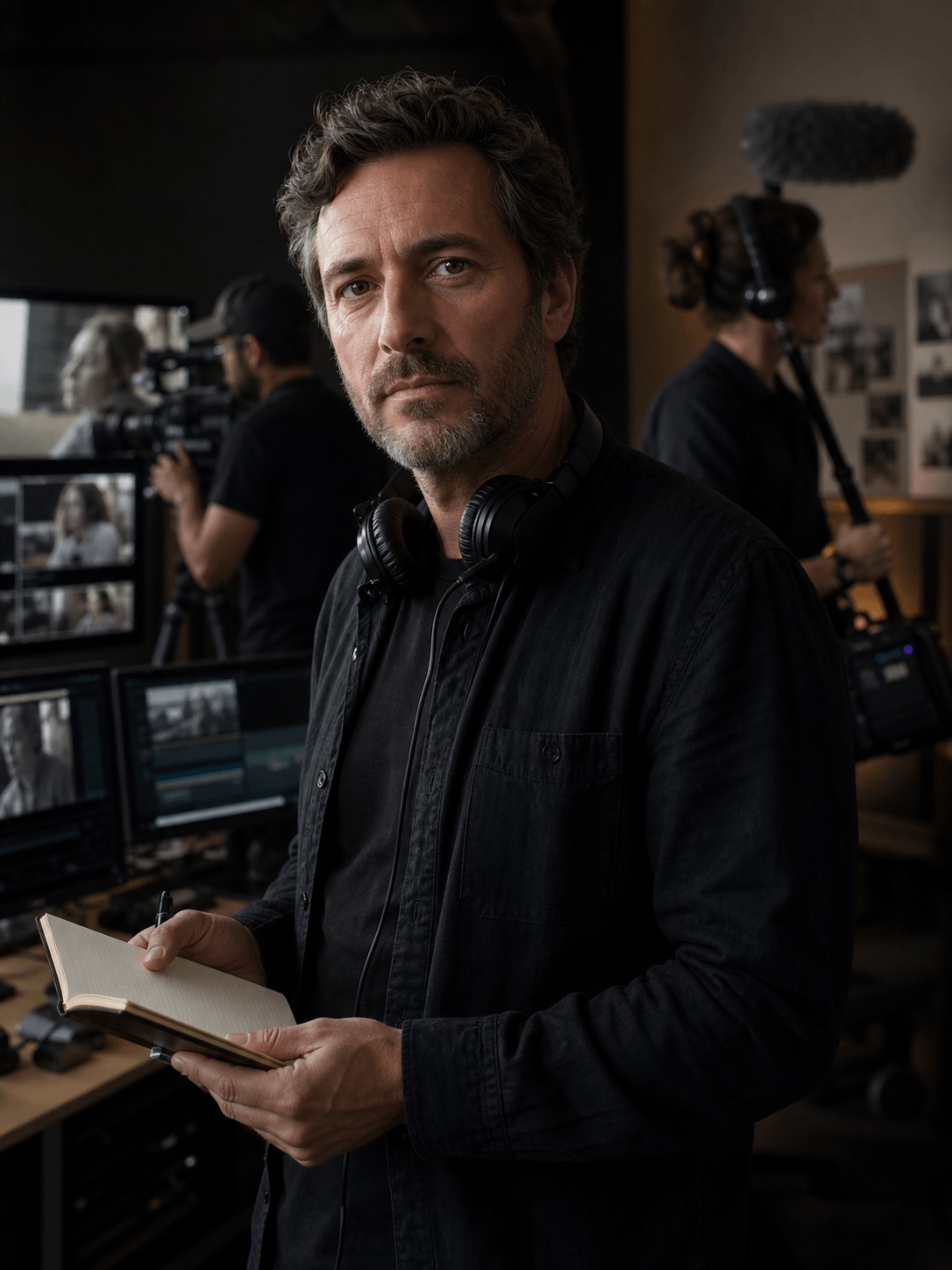
Adrian Cole, a wildlife filmmaker creating documentary videos
Youtubers

How Adrian Organizes Documentary Footage into a Cohesive Story

Read story →

Create Better Videos with Filmora

Turn your ideas into polished videos with an intuitive editing workflow and powerful creative tools.