Filmora
Filmora - AI Video Editor
Edit Faster, Smarter and Easier!
OPEN

How Chloe Turns Course Material into Helpful Study Videos

One of 20+ creator stories · YouTubers, students, businesses & content creators

Meet Chloe, a Student Creator Creating Study Videos

Chloe creates study resources from lectures, screen demonstrations, notes, and spoken explanations. She wants each video to help classmates review a topic without searching through long recordings or disconnected files.

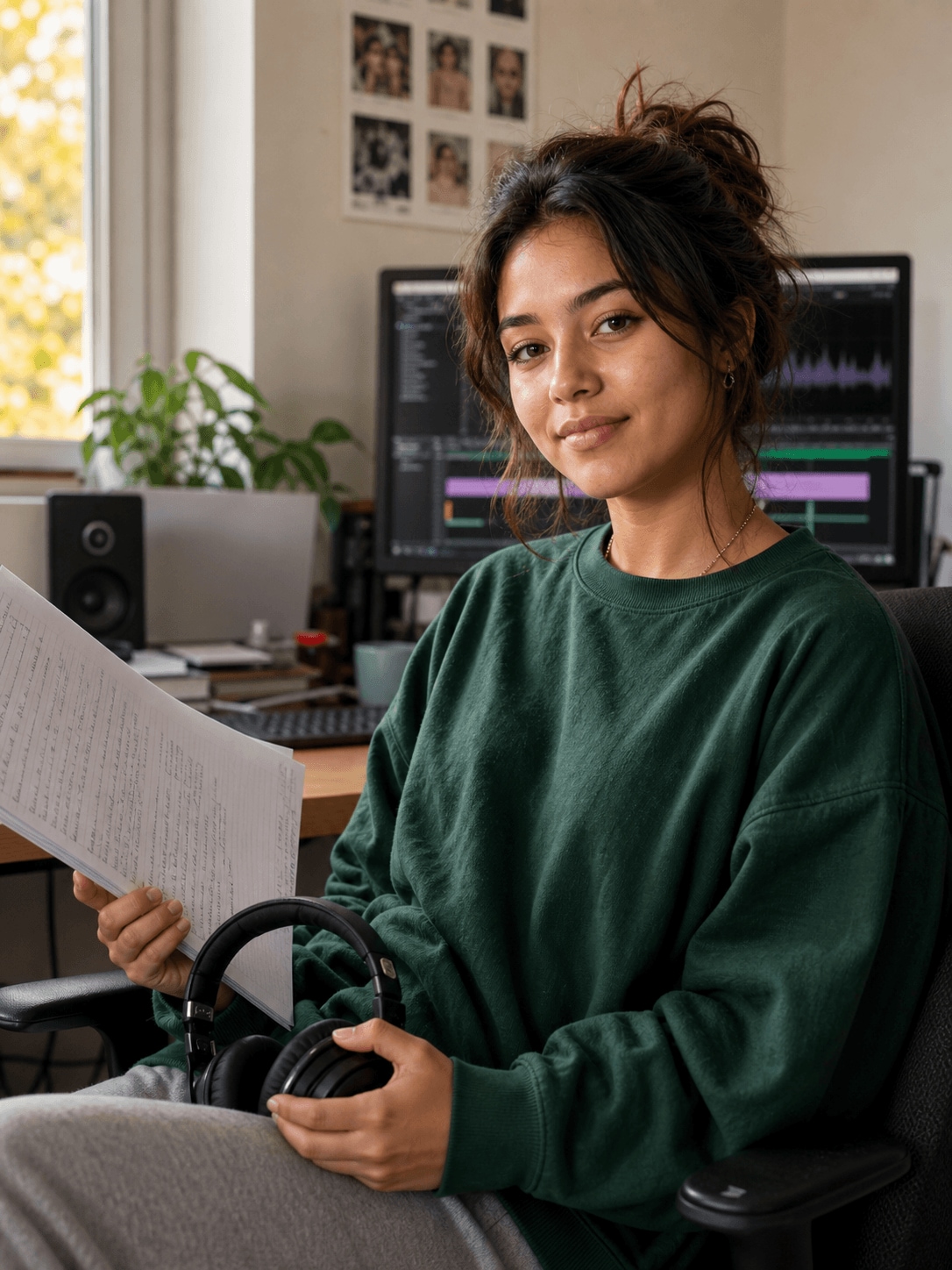
Chloe Martin, a student creator creating study videos

Making Study Material Easier to Review

Chloe records key processes, explains difficult concepts, and adds short summaries for later revision. Her videos need to remain clear enough for viewers who may pause, replay, or watch without sound.

Inside Filmora, Chloe can capture screen activity, webcam footage, and audio together, turn spoken audio into readable animated captions, and give headings and key messages purposeful movement. Together, these tools help her produce organized study videos with clear explanations and accessible captions.

Chloe Martin

challenge

Challenge

Course projects often contain long recordings, several audio sources, and many small points to organize. Without a clear workflow, important explanations can get buried and captions take too long to prepare manually.

solution

Solution

Filmora keeps the essential work in one project. Screen Recorder, Auto Caption Generator, and Animated Text Maker give Chloe a practical way to produce organized study videos with clear explanations and accessible captions, with fewer repeated setup and revision steps.

What Changed for Chloe

Scattered learning material becomes a reusable video resource that is easier to review at any pace.

Lesson capture

Separate recordings

arrow

Screen and voice together

Review access

Audio-dependent content

arrow

Readable generated captions

Important concepts

Easy to overlook

arrow

Animated text guidance

Chloe's Video Tips & Tools

Chloe records around specific learning objectives, removes unnecessary sections, and uses captions and text to reinforce the essential ideas.

Screen Recorder

Chloe captures screen activity, webcam footage, and audio together, then moves directly into editing to speed up work on study videos.

Explore Screen Recorder →

Auto Caption Generator

Chloe generates animated captions from spoken audio, making study videos easier to follow on mobile and when viewers watch without sound.

Explore Auto Caption Generator →

Animated Text Maker

Chloe adds motion to headings, labels, and key messages, helping important information stand out clearly in study videos.

Explore Animated Text Maker →

“I find Filmora easy to learn, and the intuitive interface helps me organize study videos quickly.”

Chloe Martin · Student Creator

More Students Stories

Explore more Filmora user stories and discover practical video workflows for different creators, projects, and publishing goals.

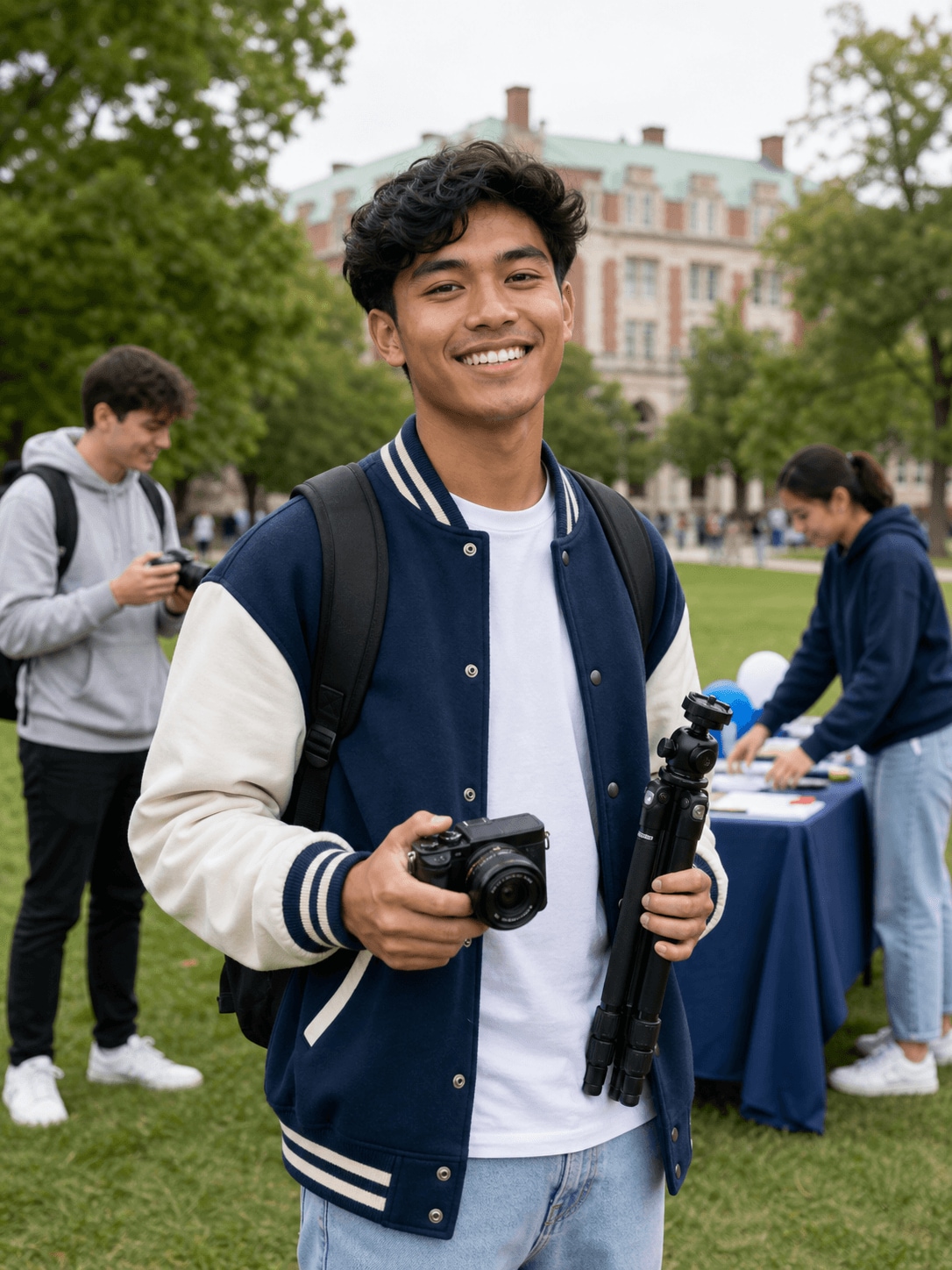
Noah Williams, a campus creator creating campus videos
Students

How Noah Creates Energetic Campus Videos for Social Media

Read story →
Ava Mitchell, a design student creating portfolio videos
Students

How Ava Builds a Cohesive Video Portfolio with Filmora

Read story →
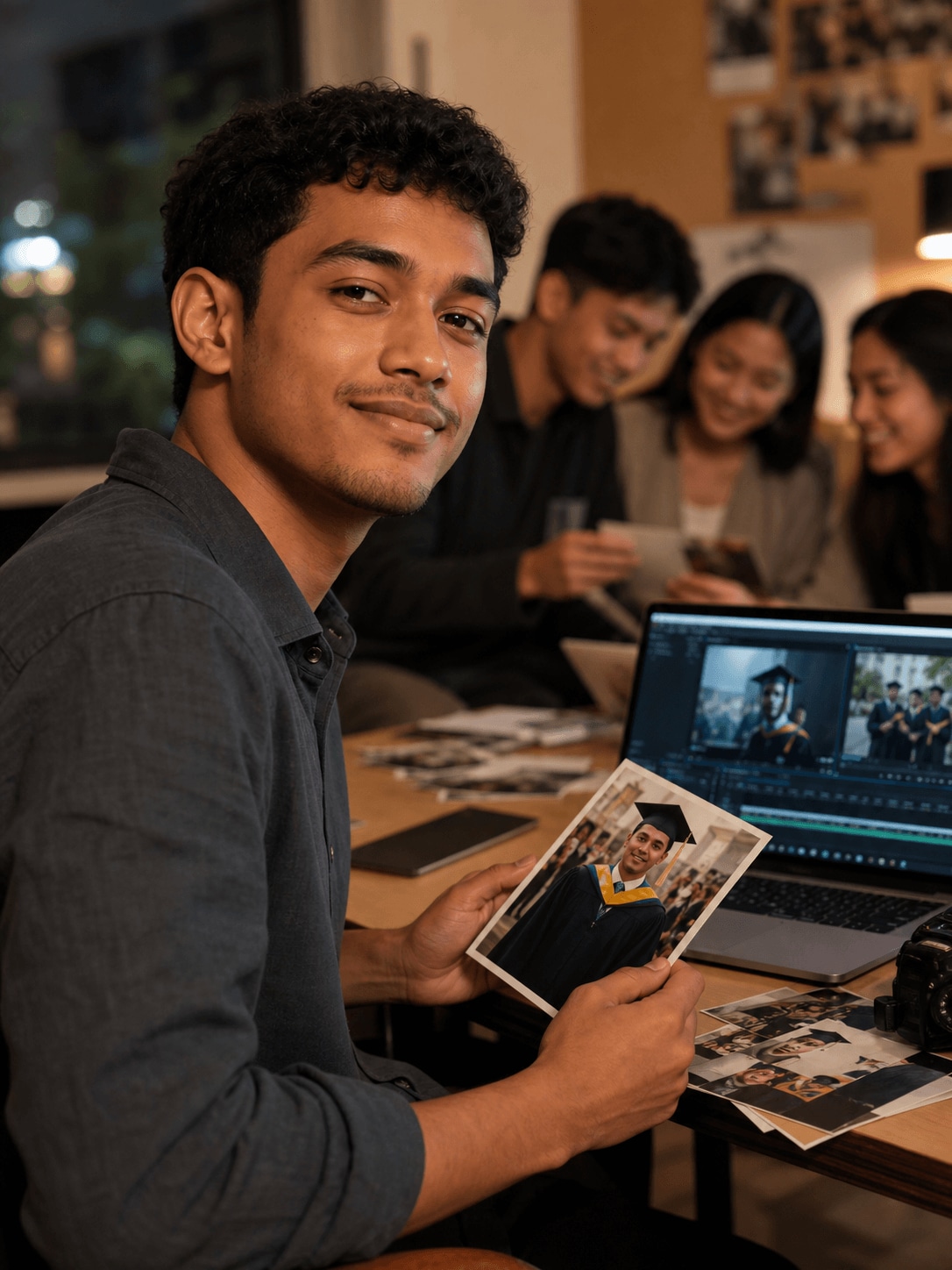
Lucas Evans, a graduate creating graduation videos
Students

How Lucas Creates a Graduation Video Worth Keeping

Read story →
Maya Thompson, a college student creating presentation videos
Students

How Maya Creates Clear Presentation Videos for College Projects

Read story →

Create Better Videos with Filmora

Turn your ideas into polished videos with an intuitive editing workflow and powerful creative tools.