
Filmora
Filmora - AI Video Editor
Edit Faster, Smarter and Easier!
OPEN

How Maya Creates Clear Presentation Videos for College Projects

One of 20+ creator stories · YouTubers, students, businesses & content creators

Meet Maya, a College Student Creating Presentation Videos

Maya creates recorded presentations for classes and group projects while still developing her editing skills. She needs a straightforward workflow that helps her focus on the argument, evidence, and delivery rather than technical setup.

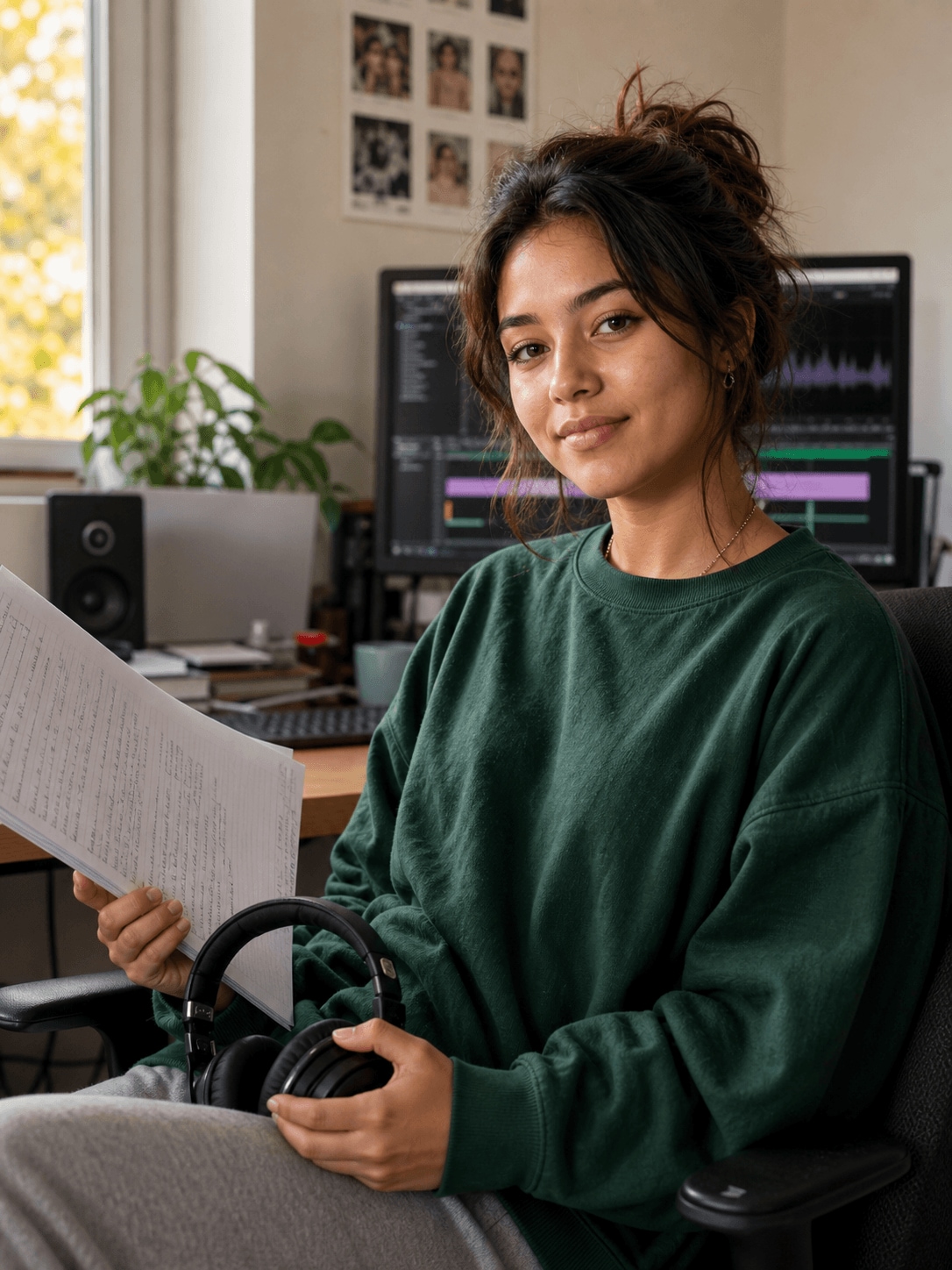
Maya Thompson, a college student creating presentation videos

Building a Presentation from a Clear Starting Point

Maya brings together research notes, slides, charts, narration, and examples. She uses a simple visual structure so classmates and instructors can follow the topic even when the presentation includes several types of information.

Inside Filmora, Maya can start from ready-made layouts instead of a blank timeline, give headings and key messages purposeful movement, and convert data into clear animated comparisons. Together, these tools help her complete polished school presentations while building confidence with video editing.

Maya Thompson

challenge

Challenge

Limited editing experience and course deadlines make it difficult to design every scene from scratch. Static charts and crowded slides can also make important findings harder to notice.

solution

Solution

Filmora keeps the essential work in one project. Video Templates, Animated Text Maker, and Animated Charts give Maya a practical way to complete polished school presentations while building confidence with video editing, with fewer repeated setup and revision steps.

What Changed for Maya

Course material becomes easier to present when the visual structure is ready before detailed editing begins.

Project setup

Unfamiliar blank canvas

arrow

Template-based starting point

Key points

Crowded slides

arrow

Animated text emphasis

Research data

Static charts

arrow

Clear visual movement

Maya's Video Tips & Tools

Maya outlines the presentation first, chooses a consistent visual style, and uses motion only where it helps classmates understand the material.

Video Templates

Maya starts with ready-made layouts and customizes the visual details, producing polished presentations faster while maintaining a consistent style.

Explore Video Templates →

Animated Text Maker

Maya adds motion to headings, labels, and key messages, helping important information stand out clearly in presentations.

Explore Animated Text Maker →

Animated Charts

Maya converts spreadsheet data into animated charts, making figures and comparisons easier to follow within presentations.

Explore Animated Charts →

“I had never edited before, but Filmora made it easy to start from scratch.”

Maya Thompson · College Student

More Students Stories

Explore more Filmora user stories and discover practical video workflows for different creators, projects, and publishing goals.

Liam Parker, a graduate creating resume videos
Students

How Liam Creates a Professional Video Resume with Filmora

Read story →
Chloe Martin, a student creator creating study videos
Students

How Chloe Turns Course Material into Helpful Study Videos

Read story →
Noah Williams, a campus creator creating campus videos
Students

How Noah Creates Energetic Campus Videos for Social Media

Read story →
Ava Mitchell, a design student creating portfolio videos
Students

How Ava Builds a Cohesive Video Portfolio with Filmora

Read story →

Create Better Videos with Filmora

Turn your ideas into polished videos with an intuitive editing workflow and powerful creative tools.