
Filmora
Filmora - AI Video Editor
Edit Faster, Smarter and Easier!
OPEN

How Ava Builds a Cohesive Video Portfolio with Filmora

One of 20+ creator stories · YouTubers, students, businesses & content creators

Meet Ava, a Design Student Creating Portfolio Videos

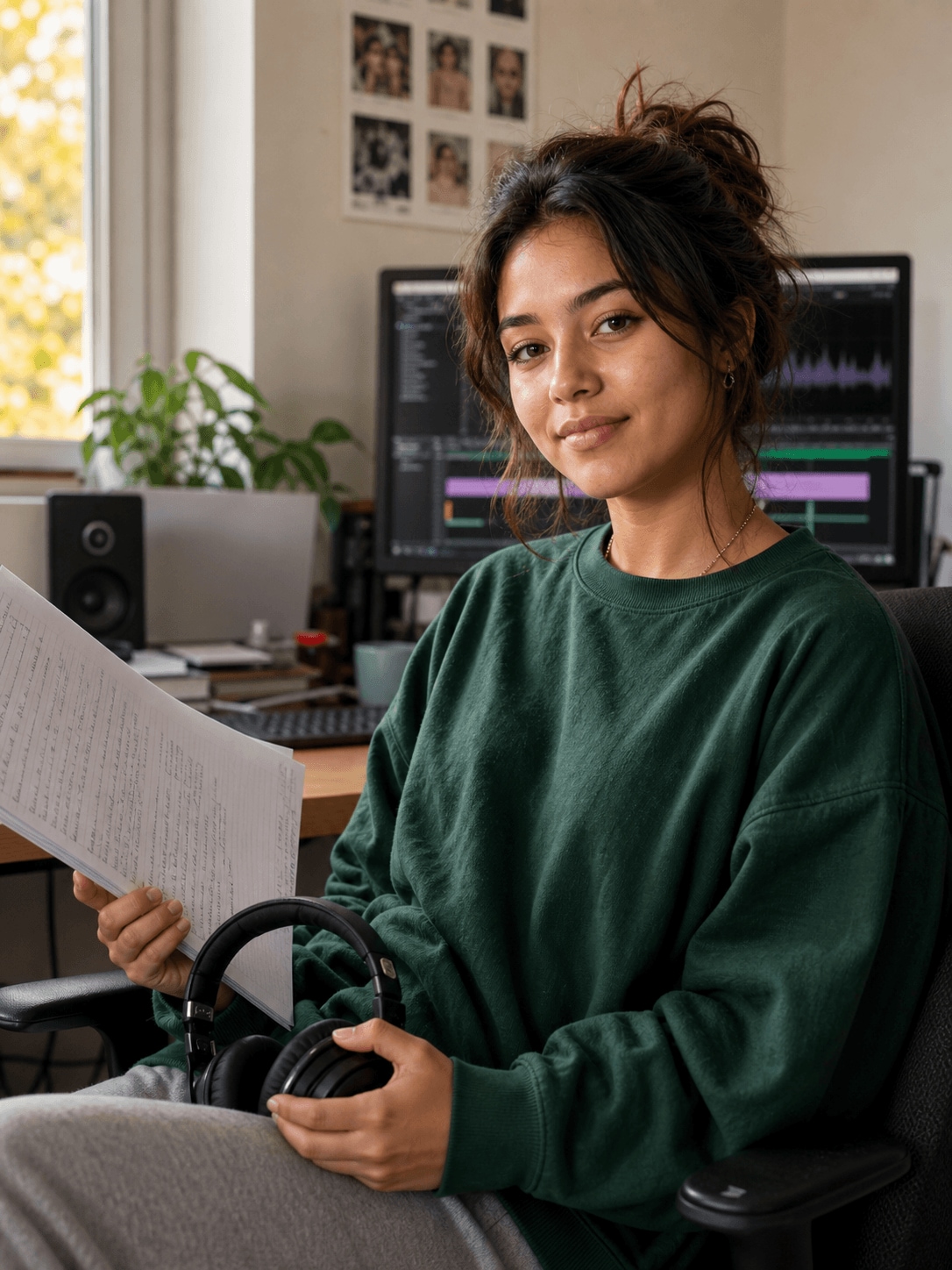
Ava is preparing a portfolio that brings together design work from different classes and personal projects. She needs the video to show both final outcomes and the thinking behind them without making the presentation feel crowded.

Ava Mitchell, a design student creating portfolio videos

Connecting Different Projects in One Visual Portfolio

Ava selects finished designs, sketches, prototypes, and before-and-after examples. She uses movement and side-by-side layouts to guide viewers through the work while keeping the overall presentation visually consistent.

Inside Filmora, Ava can balance color, exposure, and contrast across clips, control movement, scale, and opacity over time, and show multiple clips clearly in the same frame. Together, these tools help her create a concise and professional portfolio video that highlights both process and results.

Ava Mitchell

challenge

Challenge

Portfolio assets vary in color, format, and quality. When every project is presented differently, the reel can feel fragmented and the strongest creative decisions may be difficult for viewers to compare.

solution

Solution

Filmora keeps the essential work in one project. Color Correction, Keyframing, and Split Screen Video Editor give Ava a practical way to create a concise and professional portfolio video that highlights both process and results, with fewer repeated setup and revision steps.

What Changed for Ava

Separate design projects become one coherent portfolio with a clearer visual identity.

Visual consistency

Mixed project colors

arrow

Balanced portfolio look

Motion design

Static project screens

arrow

Controlled keyframe movement

Project comparison

Separate examples

arrow

Clear split-screen views

Ava's Video Tips & Tools

Ava selects only the work that supports her creative direction, then uses consistent color, controlled motion, and comparisons to explain each project.

Color Correction

Ava balances exposure, color, and contrast across different clips, giving portfolio videos a more consistent and finished visual style.

Explore Color Correction →

Keyframing

Ava animates position, scale, opacity, and other properties with keyframes, adding controlled movement to portfolio videos.

Explore Keyframing →

Split Screen Video Editor

Ava places multiple clips in one frame to show reactions, comparisons, or parallel moments clearly within portfolio videos.

Explore Split Screen Video Editor →

“As a beginner editor and creator, I find Filmora both friendly and professional.”

Ava Mitchell · Design Student

More Students Stories

Explore more Filmora user stories and discover practical video workflows for different creators, projects, and publishing goals.

Lucas Evans, a graduate creating graduation videos
Students

How Lucas Creates a Graduation Video Worth Keeping

Read story →
Maya Thompson, a college student creating presentation videos
Students

How Maya Creates Clear Presentation Videos for College Projects

Read story →
Liam Parker, a graduate creating resume videos
Students

How Liam Creates a Professional Video Resume with Filmora

Read story →
Chloe Martin, a student creator creating study videos
Students

How Chloe Turns Course Material into Helpful Study Videos

Read story →

Create Better Videos with Filmora

Turn your ideas into polished videos with an intuitive editing workflow and powerful creative tools.