Filmora
Filmora - AI Video Editor
Edit Faster, Smarter and Easier!
OPEN

How Liam Creates a Professional Video Resume with Filmora

One of 20+ creator stories · YouTubers, students, businesses & content creators

Meet Liam, a Graduate Creating Resume Videos

Liam is preparing for job applications and wants to complement his written resume with a short personal introduction. He needs the video to feel confident and professional without looking overly staged.

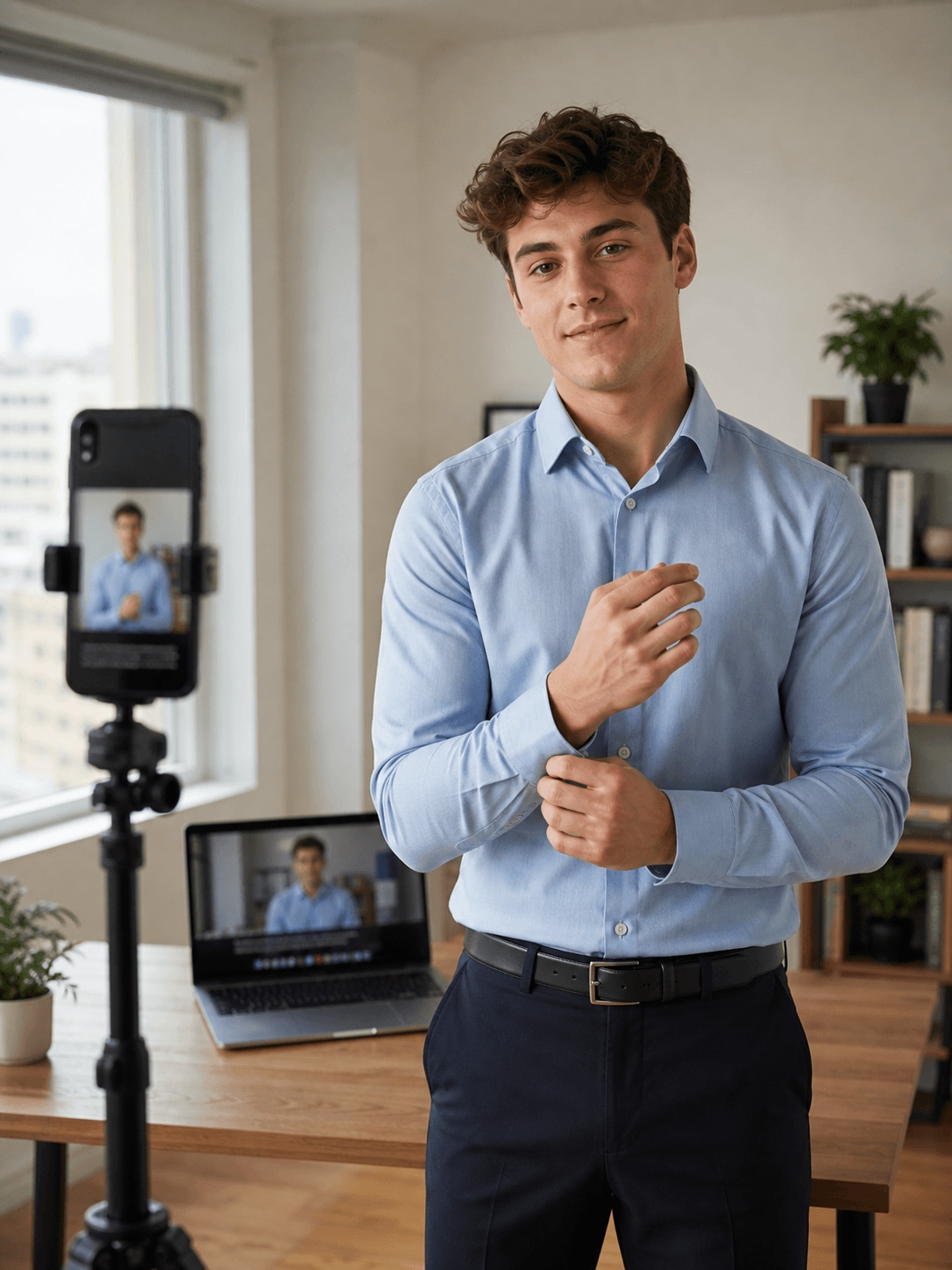
Liam Parker, a graduate creating resume videos

Presenting More Than a Written Resume Can Show

Liam combines a direct-to-camera introduction with project examples, skill highlights, and concise supporting text. The finished video needs to communicate his strengths quickly and remain easy to watch on professional platforms.

Inside Filmora, Liam can separate the presenter from a distracting background, turn spoken audio into readable animated captions, and give headings and key messages purposeful movement. Together, these tools help him create a natural and professional video resume that recruiters can review easily.

Liam Parker

challenge

Challenge

A first video resume can feel intimidating when the background, framing, captions, and personal introduction all need attention. Too much decoration can also distract from the candidate’s message.

solution

Solution

Filmora keeps the essential work in one project. AI Portrait Cutout, Auto Caption Generator, and Animated Text Maker give Liam a practical way to create a natural and professional video resume that recruiters can review easily, with fewer repeated setup and revision steps.

What Changed for Liam

The application gains a personal introduction while the editing process remains approachable for a beginner.

Background setup

Distracting surroundings

arrow

Clean presenter framing

Spoken message

Audio only

arrow

Readable captions

Skill highlights

Plain text

arrow

Clear animated emphasis

Liam's Video Tips & Tools

Liam keeps the script concise, uses a clean visual background, and highlights only the experience and skills most relevant to the role.

AI Portrait Cutout

Liam removes backgrounds from people in a single step, making it easier to place presenters or reactions into cleaner resume videos layouts.

Explore AI Portrait Cutout →

Auto Caption Generator

Liam generates animated captions from spoken audio, making resume videos easier to follow on mobile and when viewers watch without sound.

Explore Auto Caption Generator →

Animated Text Maker

Liam adds motion to headings, labels, and key messages, helping important information stand out clearly in resume videos.

Explore Animated Text Maker →

“I find Filmora easy to use, with a beginner-friendly interface that helps me create a professional video resume.”

Liam Parker · Graduate

More Students Stories

Explore more Filmora user stories and discover practical video workflows for different creators, projects, and publishing goals.

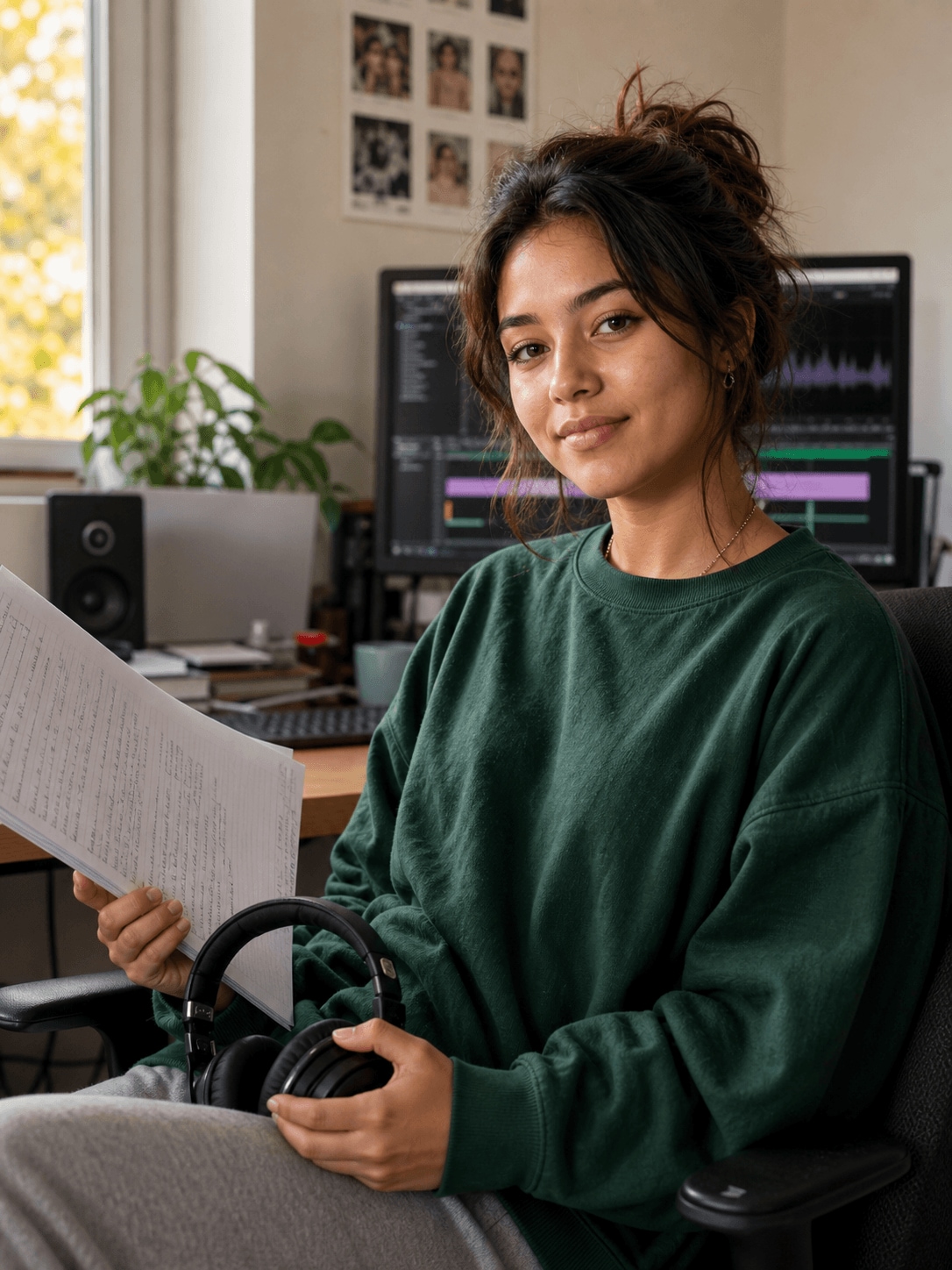
Chloe Martin, a student creator creating study videos
Students

How Chloe Turns Course Material into Helpful Study Videos

Read story →
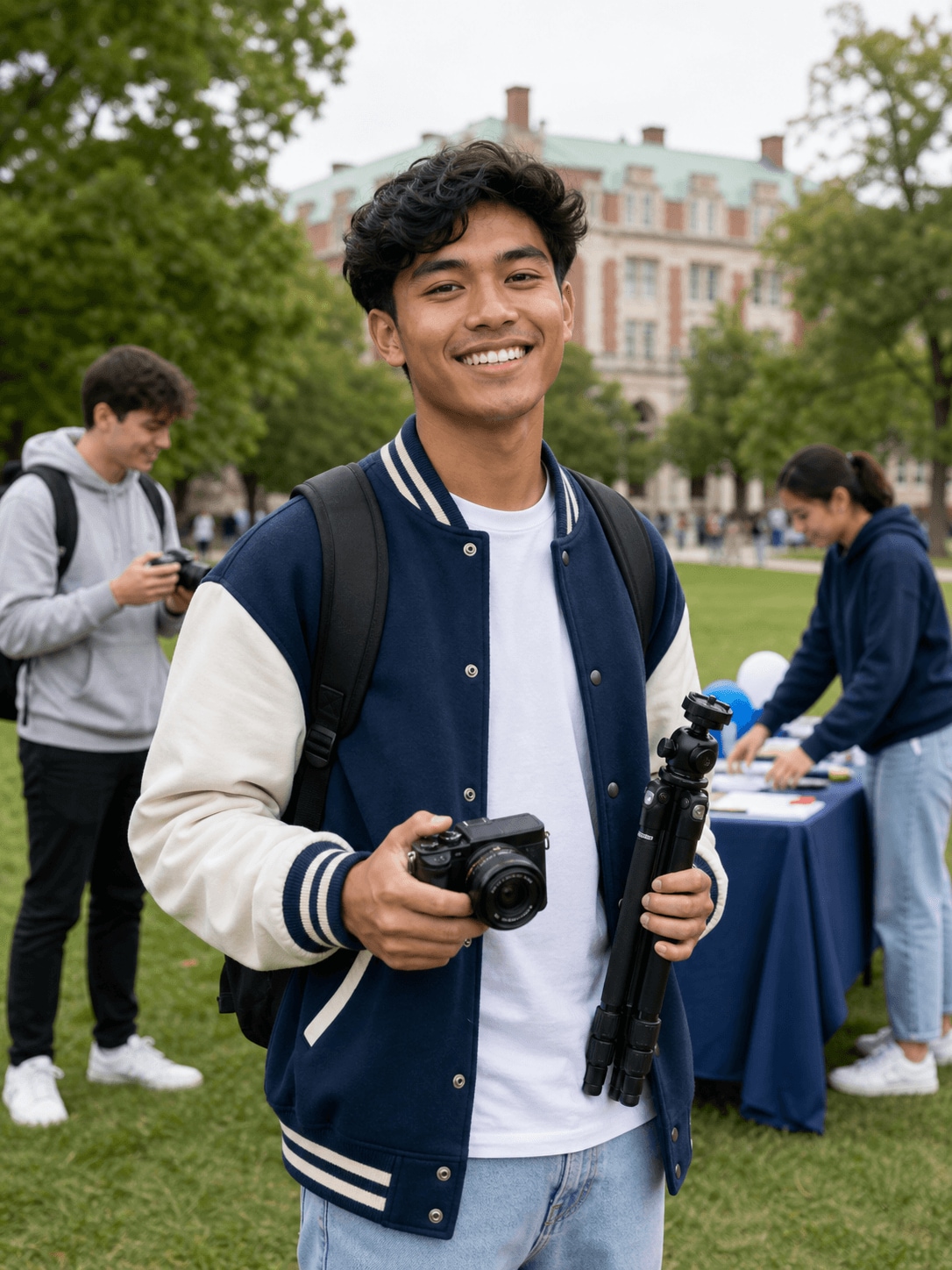
Noah Williams, a campus creator creating campus videos
Students

How Noah Creates Energetic Campus Videos for Social Media

Read story →
Ava Mitchell, a design student creating portfolio videos
Students

How Ava Builds a Cohesive Video Portfolio with Filmora

Read story →
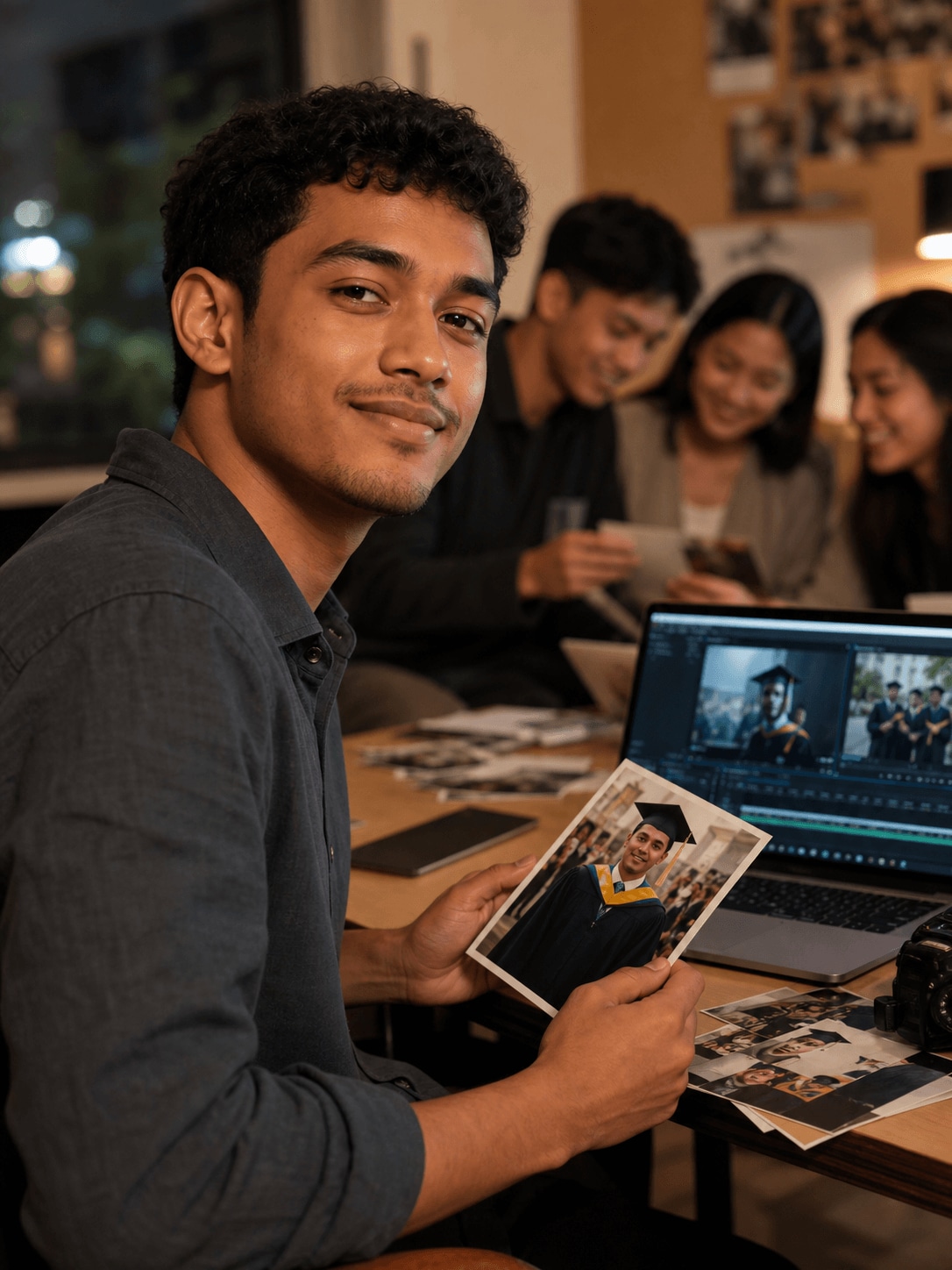
Lucas Evans, a graduate creating graduation videos
Students

How Lucas Creates a Graduation Video Worth Keeping

Read story →

Create Better Videos with Filmora

Turn your ideas into polished videos with an intuitive editing workflow and powerful creative tools.