Filmora
Filmora - AI Video Editor
Edit Faster, Smarter and Easier!
OPEN

How Daniel Creates Clear Product Demo Videos with Filmora

One of 20+ creator stories · YouTubers, students, businesses & content creators

Meet Daniel, a Video Producer Creating Product Demo Videos

Daniel produces product demonstrations for websites, launches, and sales channels. He needs to explain interfaces and product benefits clearly while keeping every screen recording, voiceover, and visual callout synchronized.

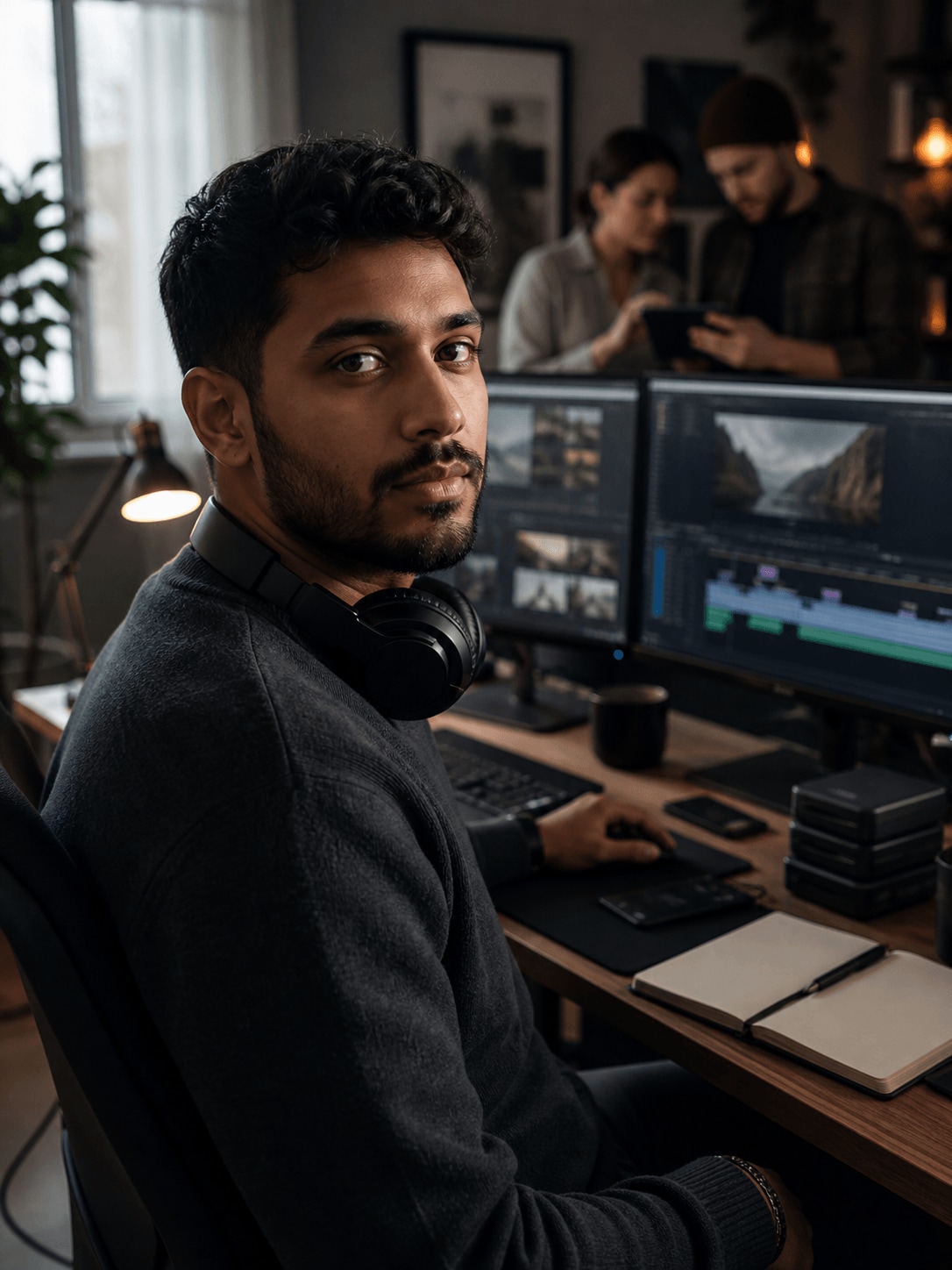
Daniel Brooks, a video producer creating product demo videos

Turning Product Features into a Clear Demo

Daniel starts with interface recordings, product shots, narration, and supporting graphics. He organizes the material around the viewer’s questions so each scene introduces a feature, shows how it works, and explains why it matters.

Inside Filmora, Daniel can capture screen activity, webcam footage, and audio together, turn spoken audio into readable animated captions, and attach callouts and graphics to moving subjects. Together, these tools help him turn product recordings into concise demos that are easy for customers and stakeholders to follow.

Daniel Brooks

challenge

Challenge

Product demos often require several tools for recording, editing, captions, and visual callouts. Switching between them slows revisions and makes it harder to keep the explanation aligned with the product footage.

solution

Solution

Filmora keeps the essential work in one project. Screen Recorder, Auto Caption Generator, and Motion Tracking give Daniel a practical way to turn product recordings into concise demos that are easy for customers and stakeholders to follow, with fewer repeated setup and revision steps.

What Changed for Daniel

Product explanations become easier to assemble, review, and update when the full workflow stays in one project.

Recording setup

Separate capture tools

arrow

Screen and audio together

Product explanation

Static visuals

arrow

Tracked visual callouts

Viewer access

Manual subtitles

arrow

Clear generated captions

Daniel's Video Tips & Tools

Daniel focuses each demo on one viewer problem, records only the necessary steps, and uses captions and tracked graphics to guide attention.

Screen Recorder

Daniel captures screen activity, webcam footage, and audio together, then moves directly into editing to speed up work on product demos.

Explore Screen Recorder →

Auto Caption Generator

Daniel generates animated captions from spoken audio, making product demos easier to follow on mobile and when viewers watch without sound.

Explore Auto Caption Generator →

Motion Tracking

Daniel tracks moving subjects and attaches text, graphics, or effects that follow their movement naturally throughout product demos.

Explore Motion Tracking →

“I like having screen recording, editing, captions, and product callouts together in one straightforward workflow.”

Daniel Brooks · Video Producer

More Business Stories

Explore more Filmora user stories and discover practical video workflows for different creators, projects, and publishing goals.

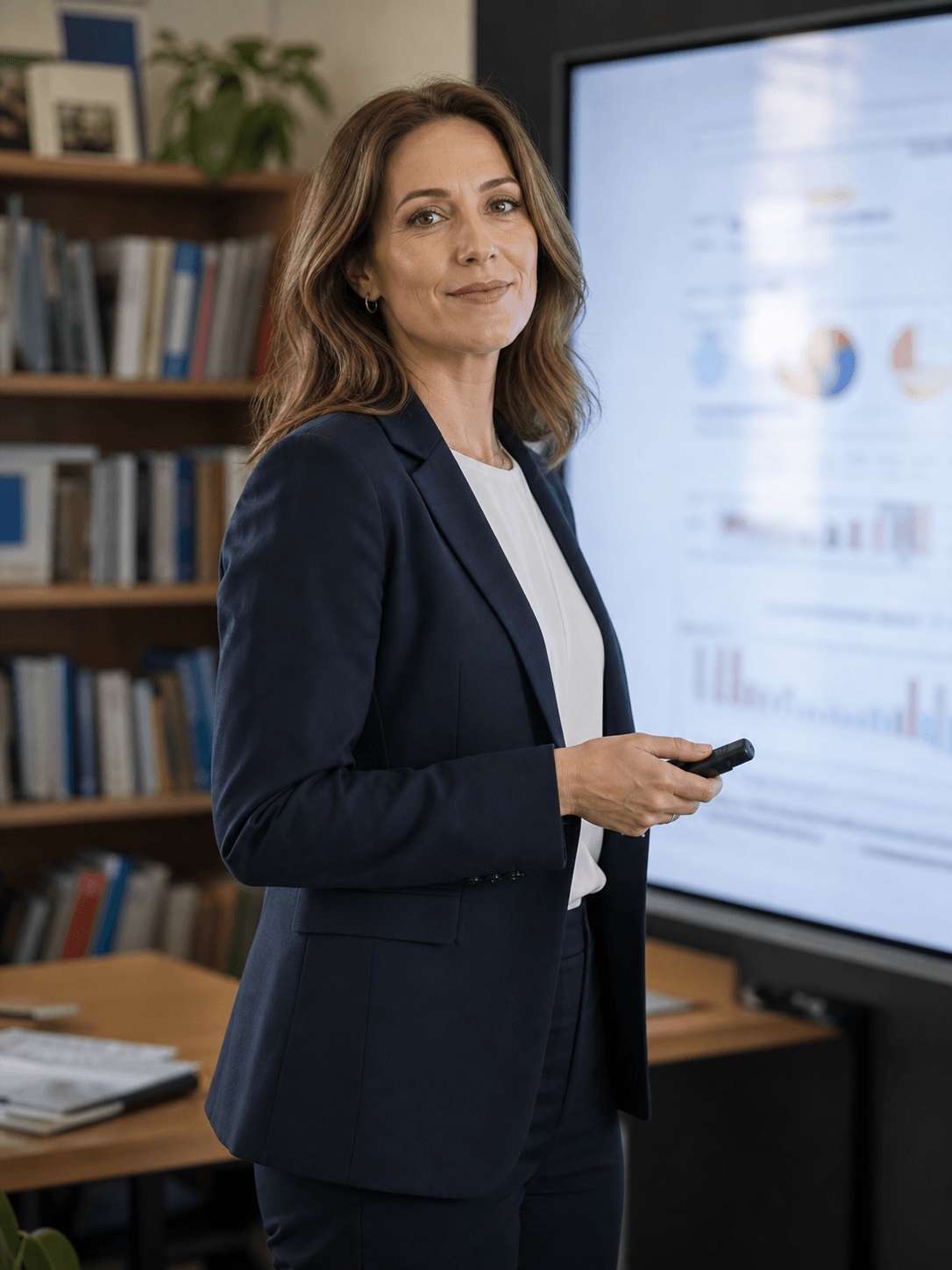
Olivia Bennett, an educator / presenter creating presentation videos
Business

How Olivia Turns Complex Ideas into Engaging Presentation Videos

Read story →
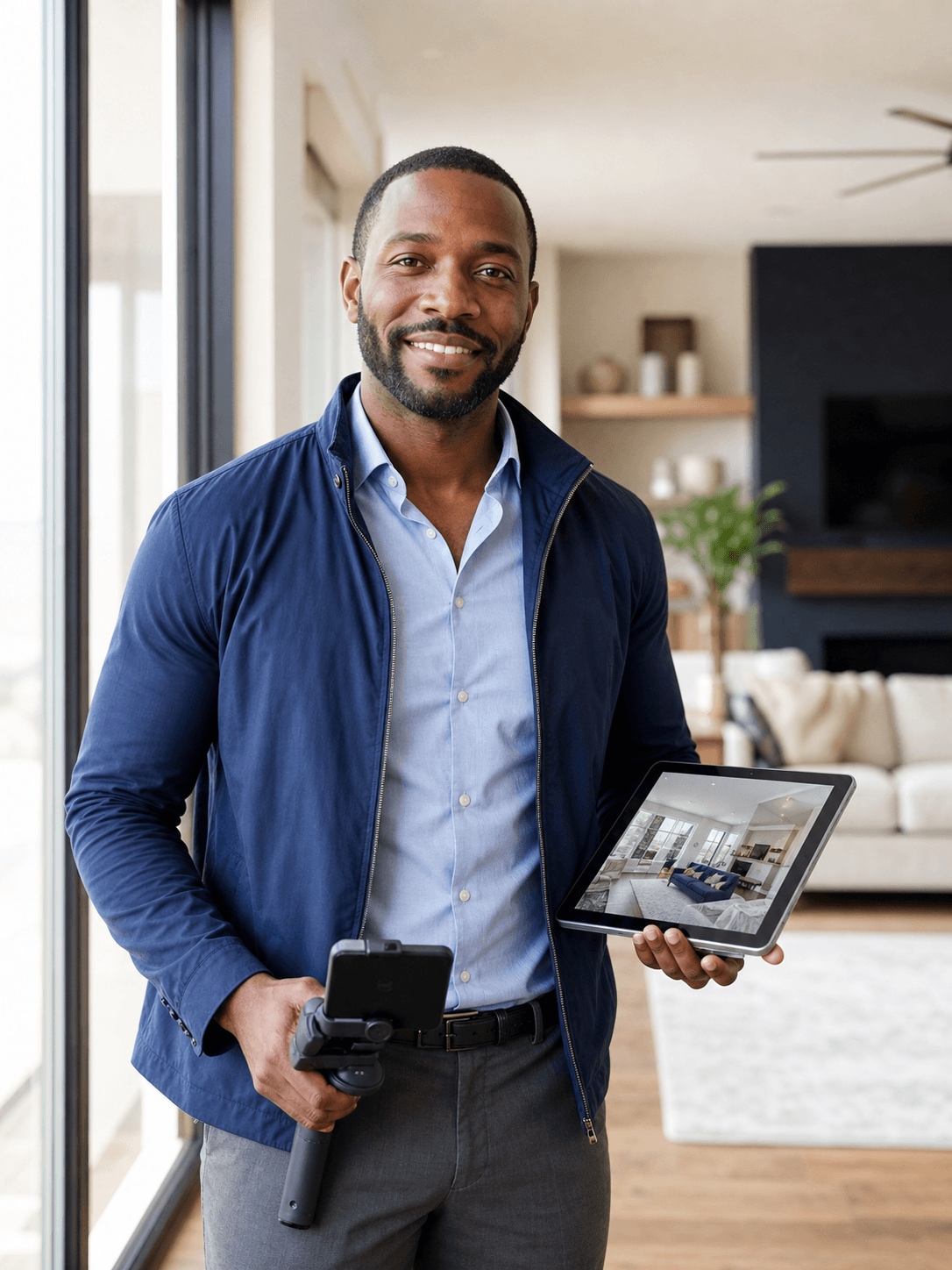
Marcus Reed, a real estate agent creating real estate videos
Business

How Marcus Creates Polished Real Estate Videos with Filmora

Read story →
Sophia Turner, a small business owner creating promotional videos
Business

How Sophia Creates Promotional Videos for Her Small Business

Read story →
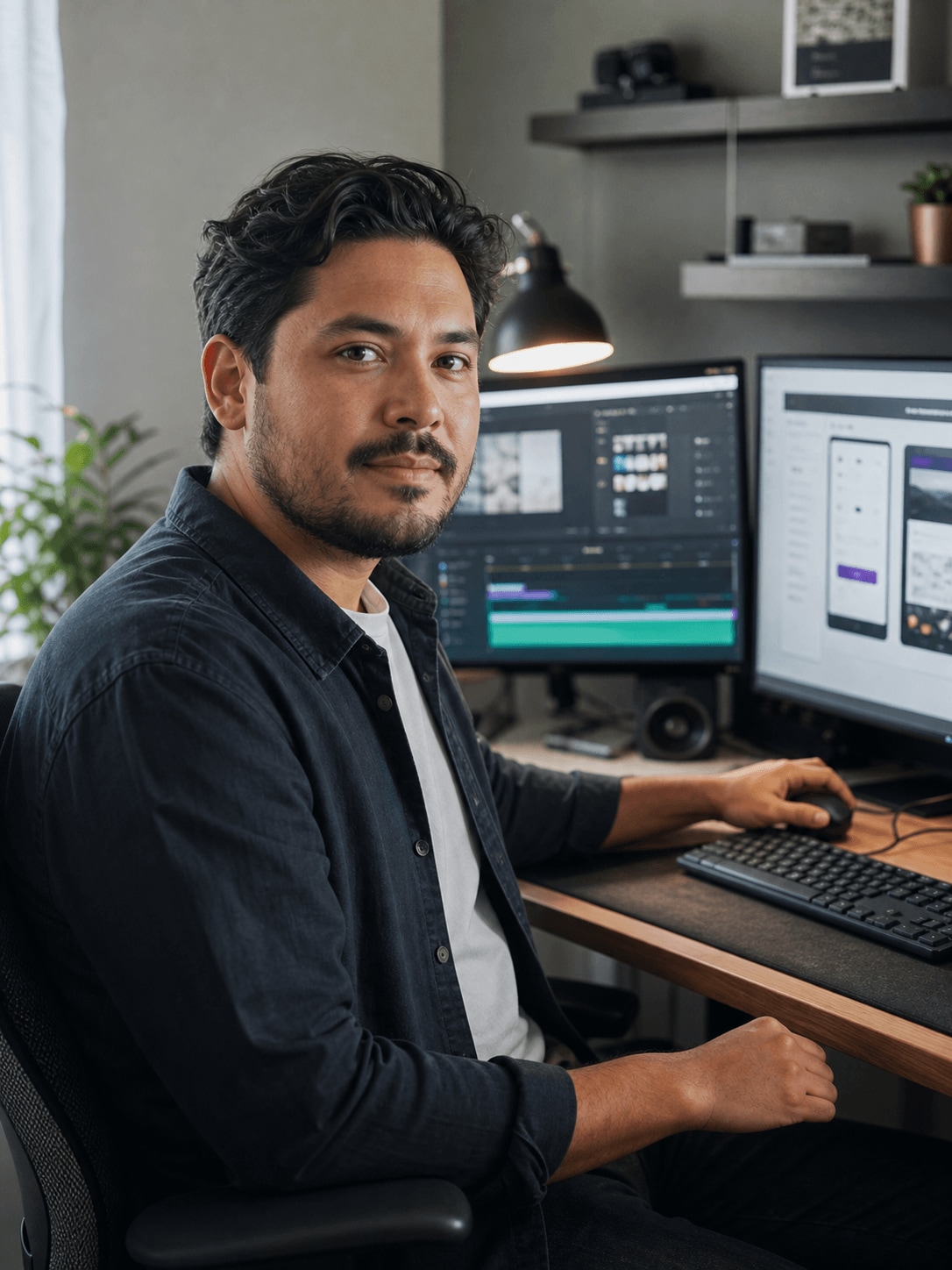
Ethan Collins, a freelance video editor creating client project videos
Business

How Ethan Keeps Client Video Projects Moving with Filmora

Read story →

Create Better Videos with Filmora

Turn your ideas into polished videos with an intuitive editing workflow and powerful creative tools.