
Filmora
Filmora - AI Video Editor
Edit Faster, Smarter and Easier!
OPEN

How Olivia Turns Complex Ideas into Engaging Presentation Videos

One of 20+ creator stories · YouTubers, students, businesses & content creators

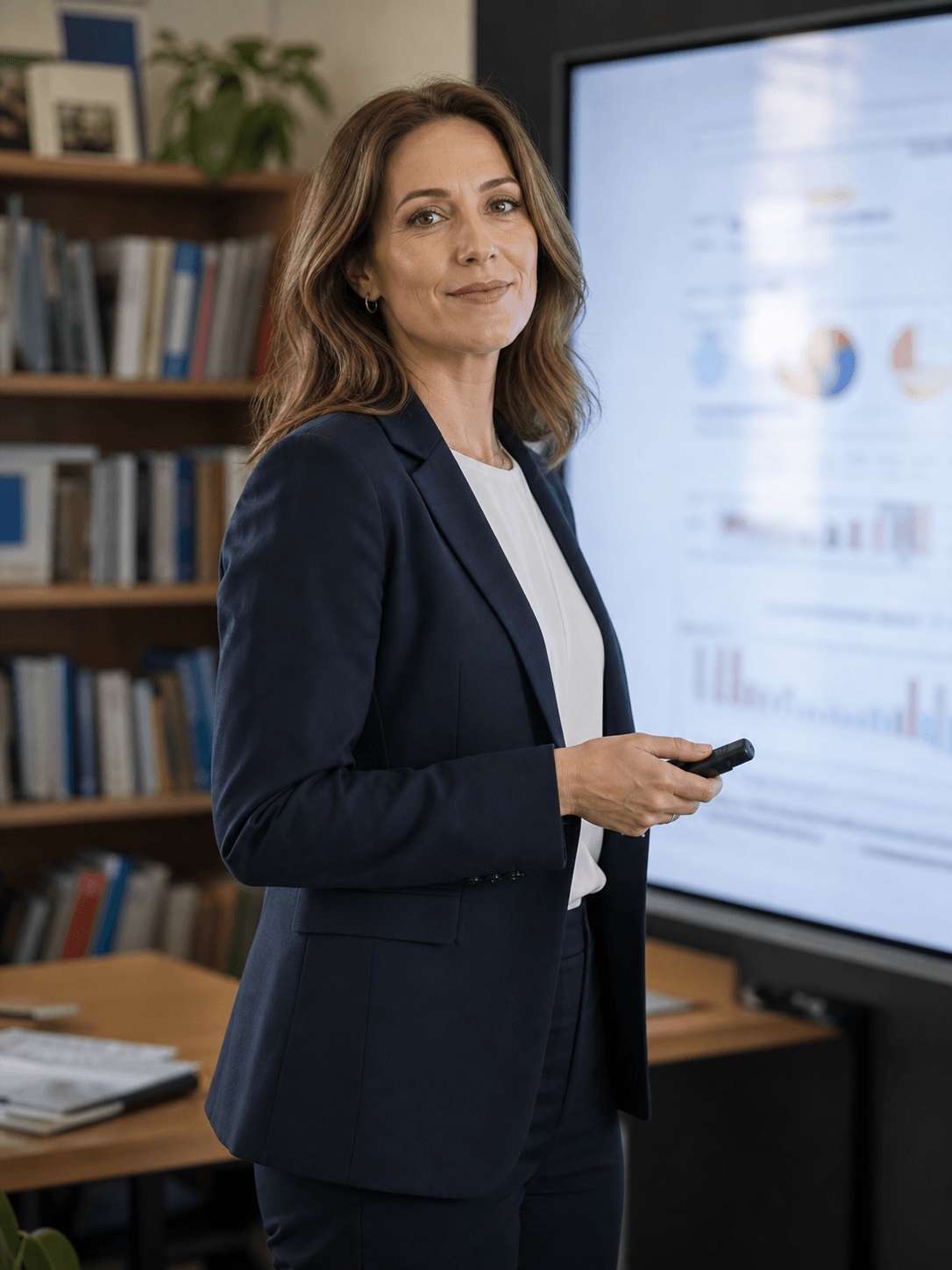
Meet Olivia, an Educator and Presenter Creating Presentation Videos

Olivia develops educational presentations for online lessons, professional sessions, and recorded learning resources. Her challenge is turning detailed information into a visual sequence that keeps viewers oriented from one idea to the next.

Olivia Bennett, an educator / presenter creating presentation videos

From Dense Material to a Structured Presentation

Olivia begins with a clear outline, then combines narration, charts, headings, and supporting examples. Each section needs enough visual variety to hold attention without distracting from the lesson itself.

Inside Filmora, Olivia can turn a script into a structured first video draft, convert data into clear animated comparisons, and give headings and key messages purposeful movement. Together, these tools help her create structured presentation videos that make complex information easier to follow.

Olivia Bennett

challenge

Challenge

Complex subjects can become difficult to follow when slides, narration, and data are prepared separately. Building every scene manually also leaves less time for reviewing accuracy and teaching flow.

solution

Solution

Filmora keeps the essential work in one project. AI Script to Video, Animated Charts, and Animated Text Maker give Olivia a practical way to create structured presentation videos that make complex information easier to follow, with fewer repeated setup and revision steps.

What Changed for Olivia

The lesson structure remains rigorous while the visual explanation becomes clearer and faster to produce.

First draft

Blank timeline

arrow

Script-led starting point

Data explanation

Static figures

arrow

Animated visual comparisons

Key messages

Easy to miss

arrow

Clear animated emphasis

Olivia's Video Tips & Tools

Olivia plans the teaching sequence first, then uses motion, charts, and concise text to reinforce the points viewers need to remember.

AI Script to Video

Olivia turns an idea or script into a structured first draft with scenes, voiceover, and captions, giving presentations a faster starting point.

Explore AI Script to Video →

Animated Charts

Olivia converts spreadsheet data into animated charts, making figures and comparisons easier to follow within presentations.

Explore Animated Charts →

Animated Text Maker

Olivia adds motion to headings, labels, and key messages, helping important information stand out clearly in presentations.

Explore Animated Text Maker →

“I find the instructions easy to understand, and the workflow is straightforward.”

Olivia Bennett · Educator / Presenter

More Business Stories

Explore more Filmora user stories and discover practical video workflows for different creators, projects, and publishing goals.

Marcus Reed, a real estate agent creating real estate videos
Business

How Marcus Creates Polished Real Estate Videos with Filmora

Read story →
Sophia Turner, a small business owner creating promotional videos
Business

How Sophia Creates Promotional Videos for Her Small Business

Read story →
Ethan Collins, a freelance video editor creating client project videos
Business

How Ethan Keeps Client Video Projects Moving with Filmora

Read story →
Elena Brooks, a marketing manager for an independent music brand creating marketing and promotional videos
Business

How Elena Creates Marketing Videos for Every Social Platform with Filmora

Read story →

Create Better Videos with Filmora

Turn your ideas into polished videos with an intuitive editing workflow and powerful creative tools.