
Featured Emoji Stickers
Discover our most popular emoji stickers for every platform
Loading more emoji stickers...
 Category:
 Duration:
 Aspect Ratio:
Why Choose Filmora for Emoji Stickers?
Effortless creation and integration for engaging content
Custom Emoji Stickers
Custom Emoji Stickers
Create unique emoji stickers tailored to your brand or personal style. Our advanced tools make it easy to design and animate your own custom emoji stickers for any platform.
- Intuitive design interface for all skill levels
- Export options for transparent backgrounds
- Compatible with popular social media platforms
Trending Emoji Stickers
Trending Emoji Stickers
Stay current with the latest viral trends. Access a constantly updated library of popular emoji stickers for TikTok, Instagram, and other platforms to make your content stand out.
- Regular updates with new and trending emoji stickers
- Searchable library to find the perfect emoji
- Quick integration into your videos and photos
- Real-time preview for instant impact
Animated Emoji Stickers

Animated Emoji Stickers
Bring your content to life with dynamic animated emoji stickers. Add movement and personality to your messages, stories, and videos for maximum engagement on social media.
- Vast collection of animated emoji stickers
- Easy drag-and-drop animation effects
- Enhance storytelling with expressive emojis
- Cross-platform compatibility guaranteed
Instant Integration

Instant Integration
Seamlessly add emoji stickers to your projects with quick import and placement. No complicated steps, just instant access to premium emoji stickers whenever you need them.
- Immediate access after download
- Drag-and-drop directly into your editor
- No recurring fees or subscription requirements
- Works with all major video editing software
Frequently Asked Questions About Emoji Stickers
How to Use Emoji Stickers in Filmora
Add engaging emoji stickers to your videos in just a few simple steps, no advanced technical skills required.
Step 1 Browse & Select Emoji Stickers
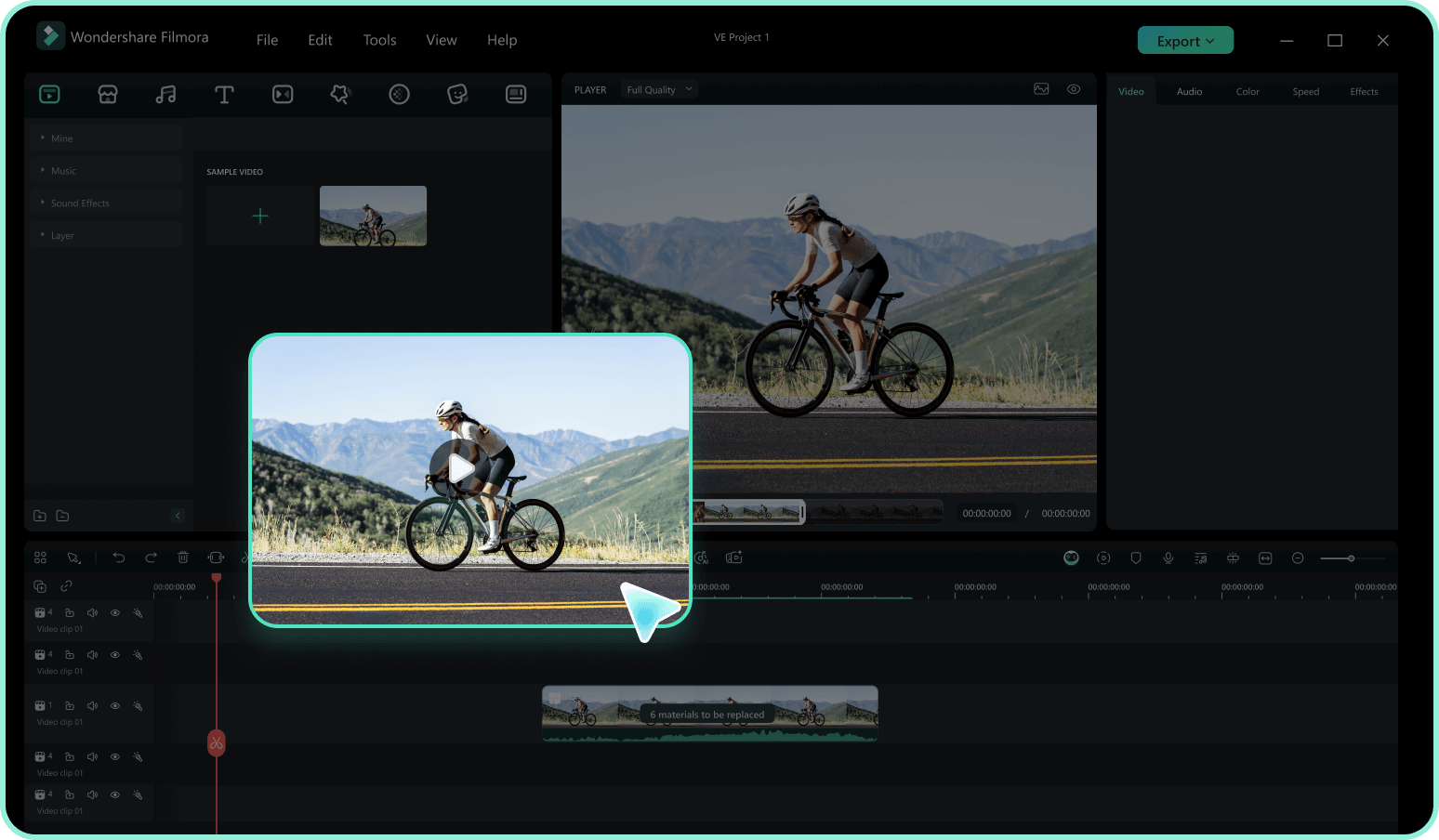
Step 2 Download Emoji Stickers
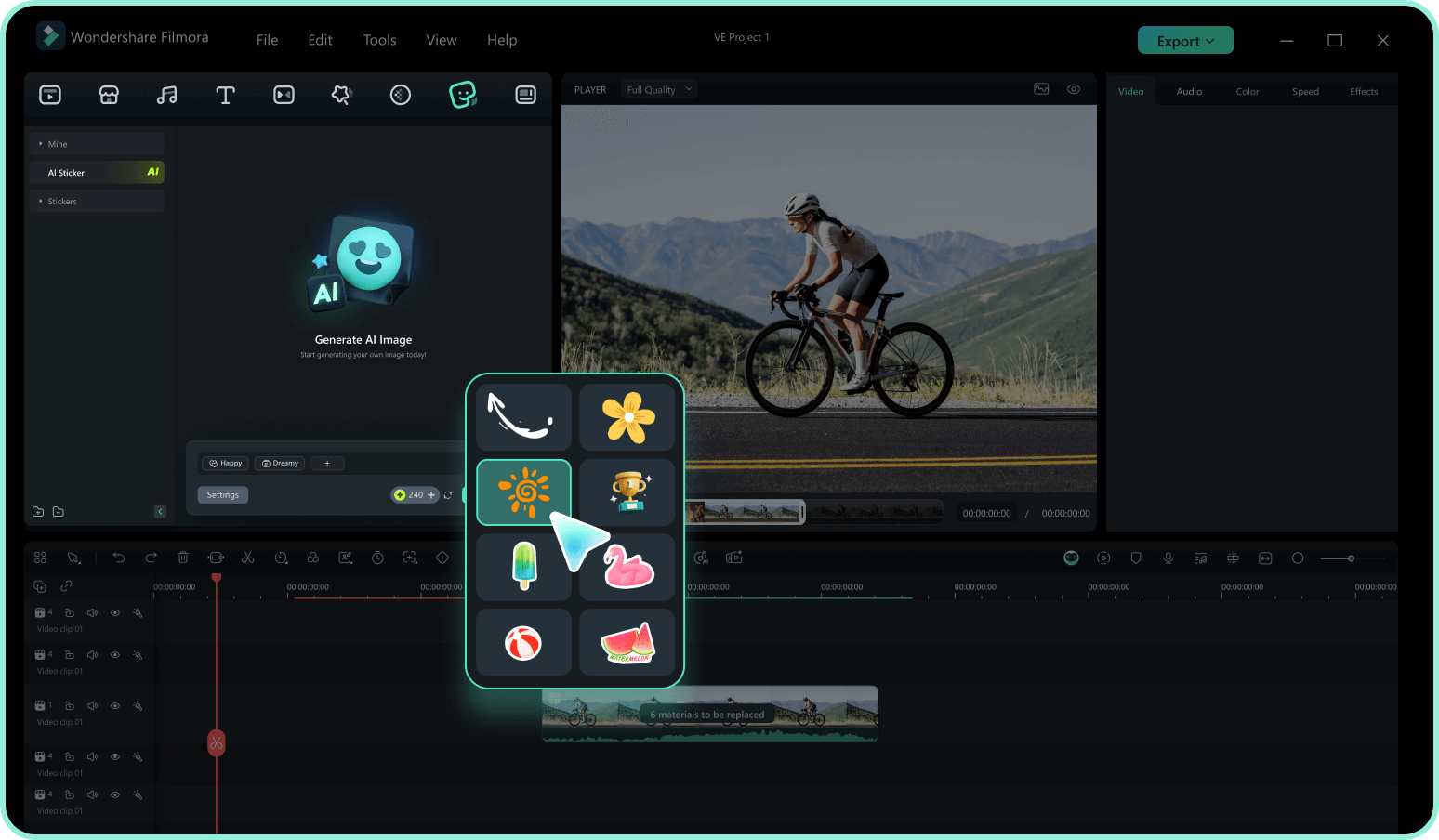
Step 3 Drag to timeline & Customize
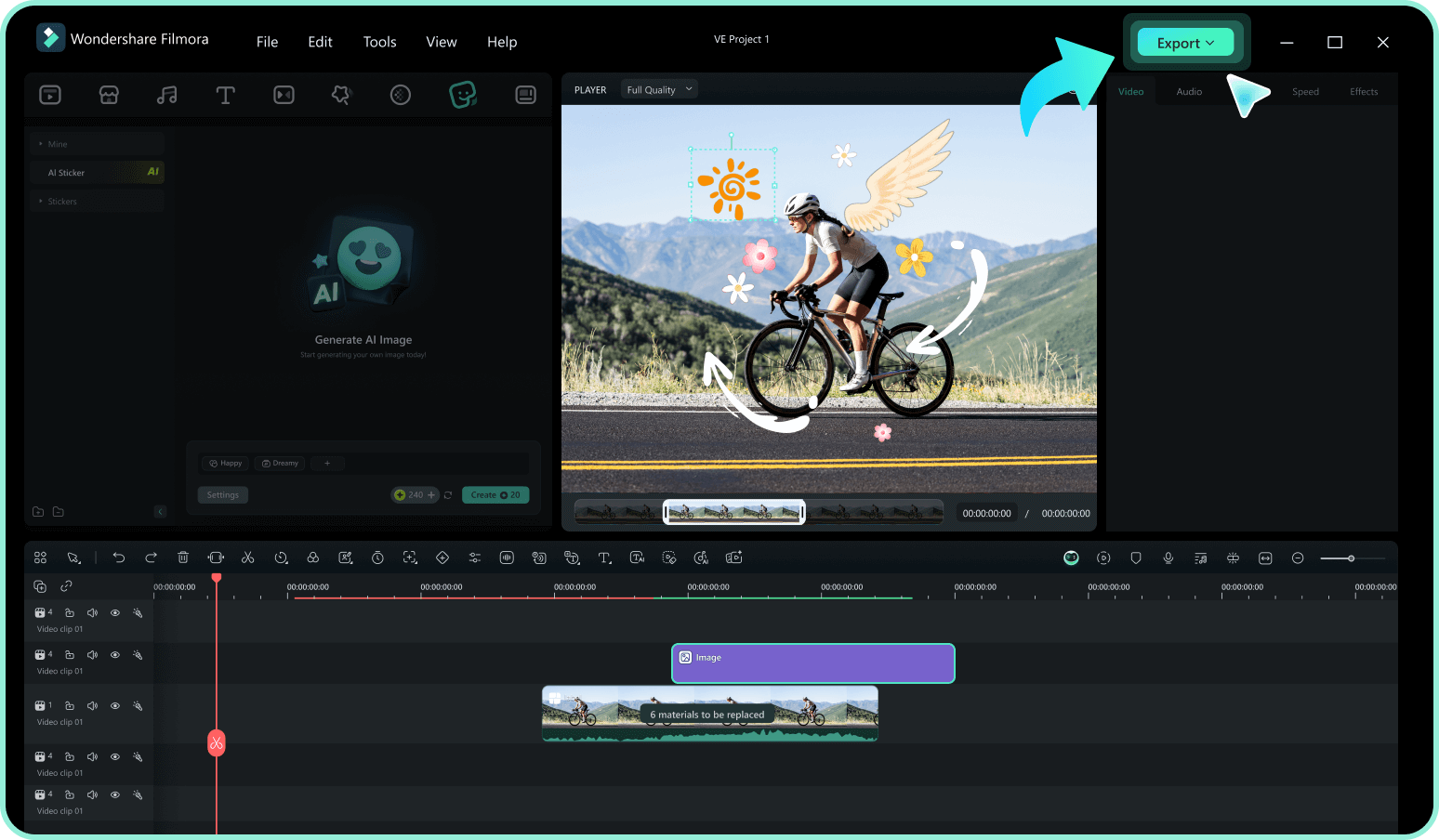
-
1:Browse & Select Emoji Stickers
Browse our emoji sticker collection and click on any sticker to preview it. Use filters to find emoji stickers by category, style, or platform. -
2:Download Emoji Stickers
Click the download button to get the emoji sticker file and ready to apply. -
3:Drag to timeline & Customize
Drag emoji sticker to your timeline and start customizing its size, position, and animation to match your video.
Explore More Sticker Themes
Discover other sticker categories for every occasion




