
Popular Neon Stickers
Explore our most popular neon stickers and effects
Loading more neon stickers...
 Category:
 Duration:
 Aspect Ratio:
Why Use Filmora for Neon Stickers?
Easy to create, stunning results, perfect for social media
Trending Effects
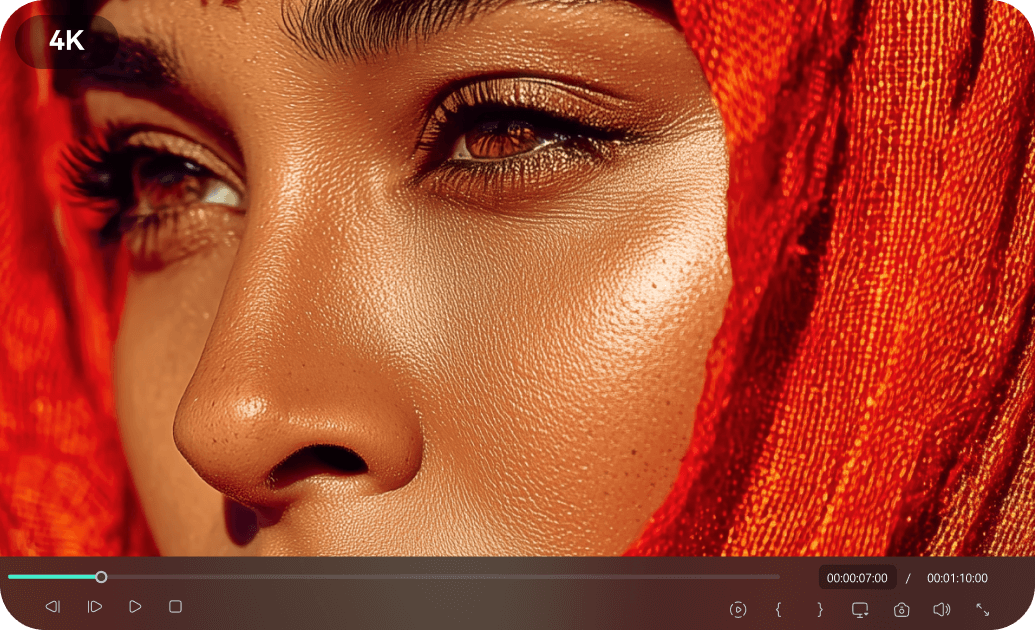
Trending Effects
Stay ahead with the hottest neon sticker trends on TikTok, Instagram, and YouTube. Our library is constantly updated with new, viral-ready designs and animations.
- Access to the latest neon sticker styles and animations
- Optimized for viral content on all major social platforms
- High-quality glow effects that capture attention
Easy Customization
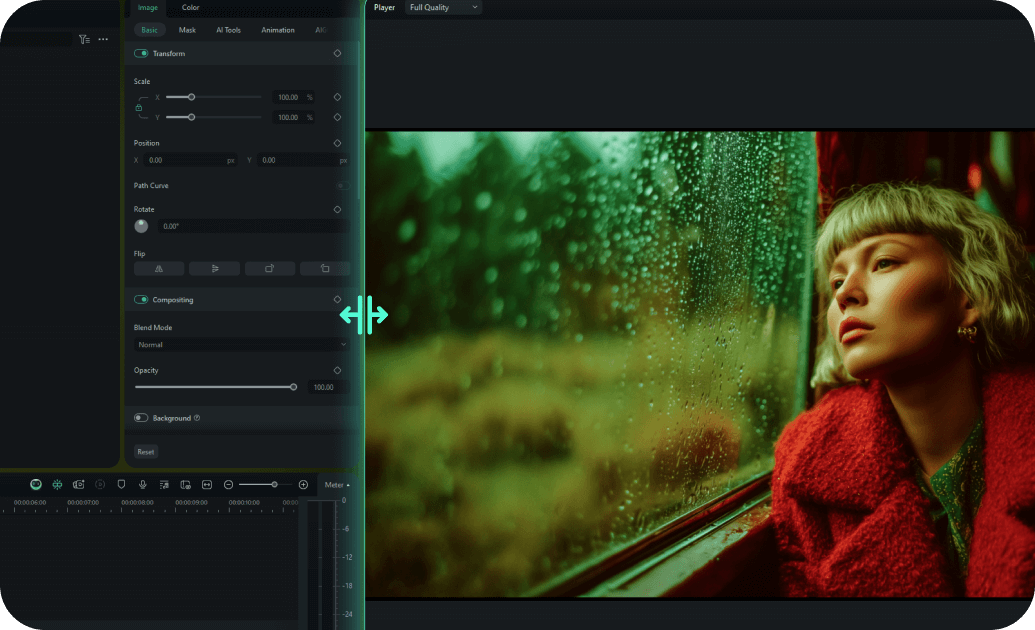
Easy Customization
Personalize your neon stickers in minutes with intuitive controls. Change colors, sizes, and animations to perfectly match your brand or content style.
- One-click color and size adjustments for neon stickers
- Smart animation presets for dynamic glow effects
- Drag-and-drop interface for quick placement
- Real-time preview to see your neon stickers in action
Multiple Formats

Multiple Formats
Create neon stickers for any aspect ratio: 16:9 for YouTube, 9:16 for TikTok/Instagram Stories, and 1:1 for Instagram posts. Your content will look great everywhere.
- Automatic aspect ratio adaptation for neon stickers
- Export settings optimized for social media platforms
- Responsive design elements for consistent look
- Cross-platform compatibility for all your neon stickers
Instant Access

Instant Access
Download and start using your favorite neon stickers immediately. Get lifetime access and updates to keep your content fresh and exciting.
- Immediate download after selection
- Lifetime access with free sticker updates
- Cloud storage for easy re-downloading of neon stickers
- No recurring fees or subscription requirements for basic packs
Frequently Asked Questions about Neon Stickers
How to Add Neon Stickers in Filmora
Enhance your videos with vibrant neon stickers in just a few simple steps.
Step 1 Browse & Select Neon Stickers
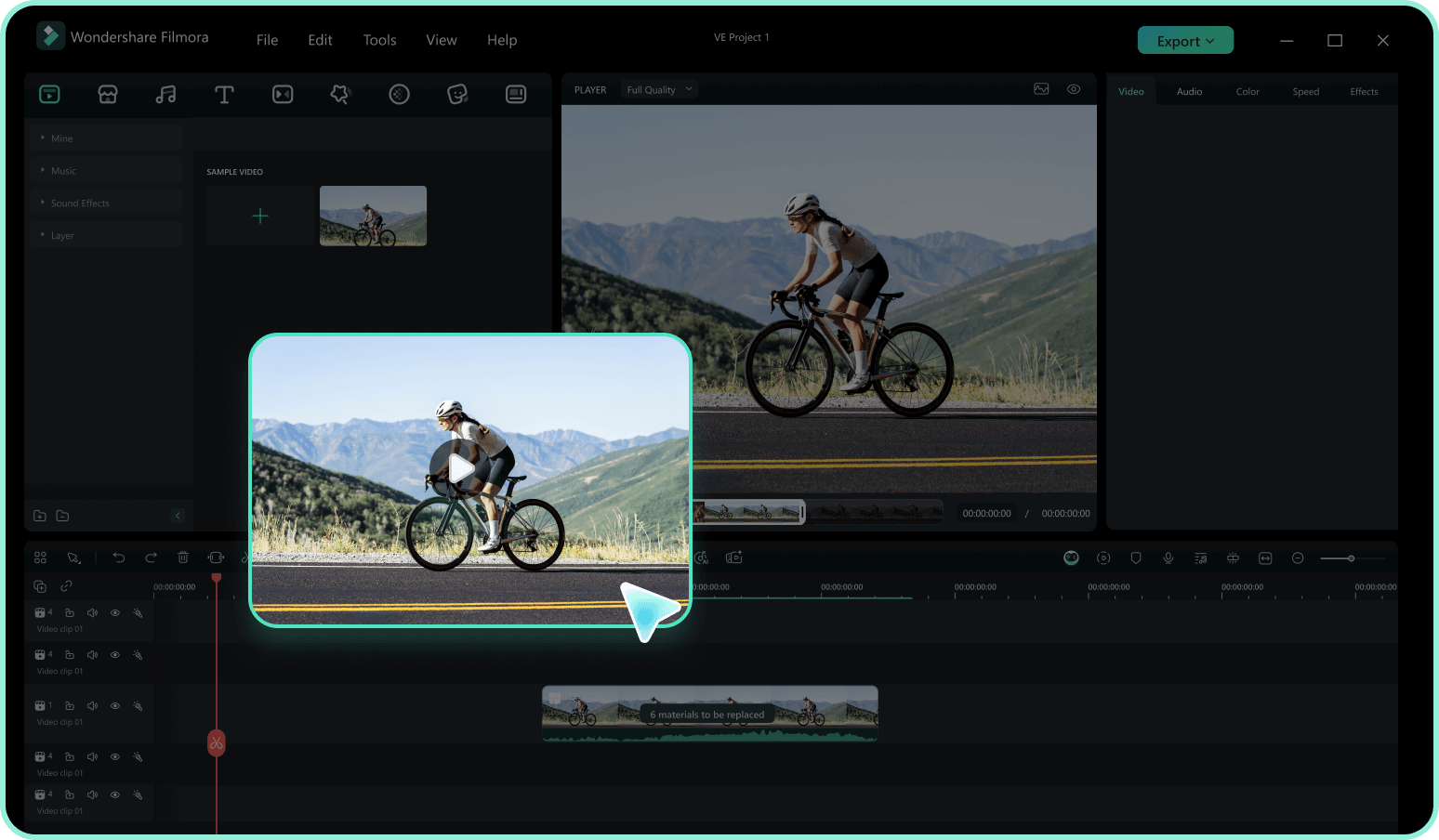
Step 2 Download Stickers
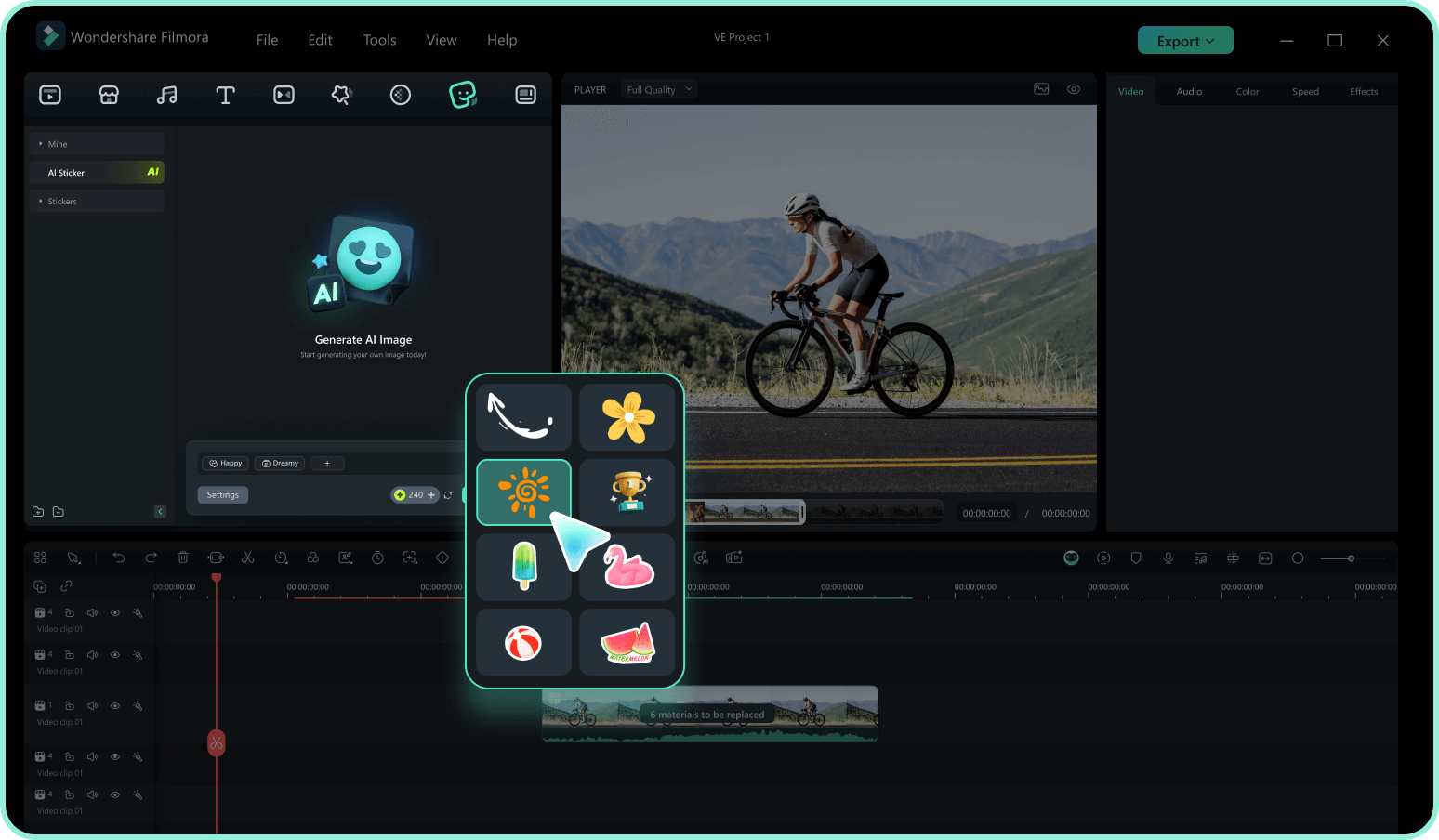
Step 3 Customize & Apply
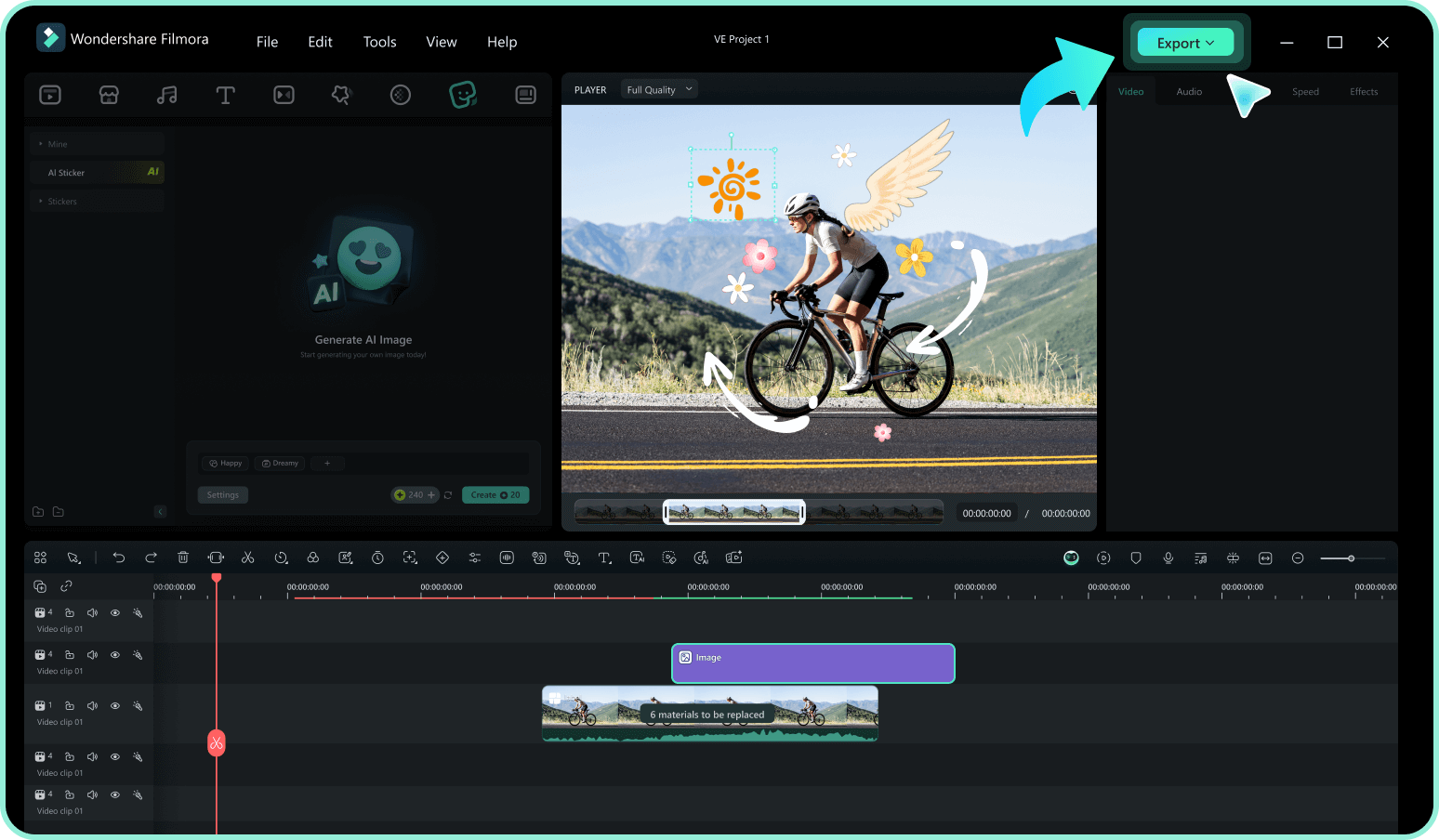
-
1:Browse & Select Neon Stickers
Browse our collection of neon stickers and effects. Use filters to find the perfect glowing elements for your content. -
2:Download Stickers
Download your chosen neon stickers in Filmora. They'll be ready to use in your projects instantly. -
3:Customize & Apply
Drag the neon stickers to your timeline. Customize their colors, size, and animation to perfectly match your video's aesthetic.
Explore More Glowing Themes
Discover other sticker categories for every occasion




