
Featured Circle Stickers
Discover our most popular clear circle stickers, round stickers white, and colored circle stickers for various platforms
Loading more circle stickers...
 Category:
 Duration:
 Aspect Ratio:
Why Use Filmora for Circle Stickers?
Professional video editing meets effortless sticker integration – elevate your content instantly
Professional Design Quality
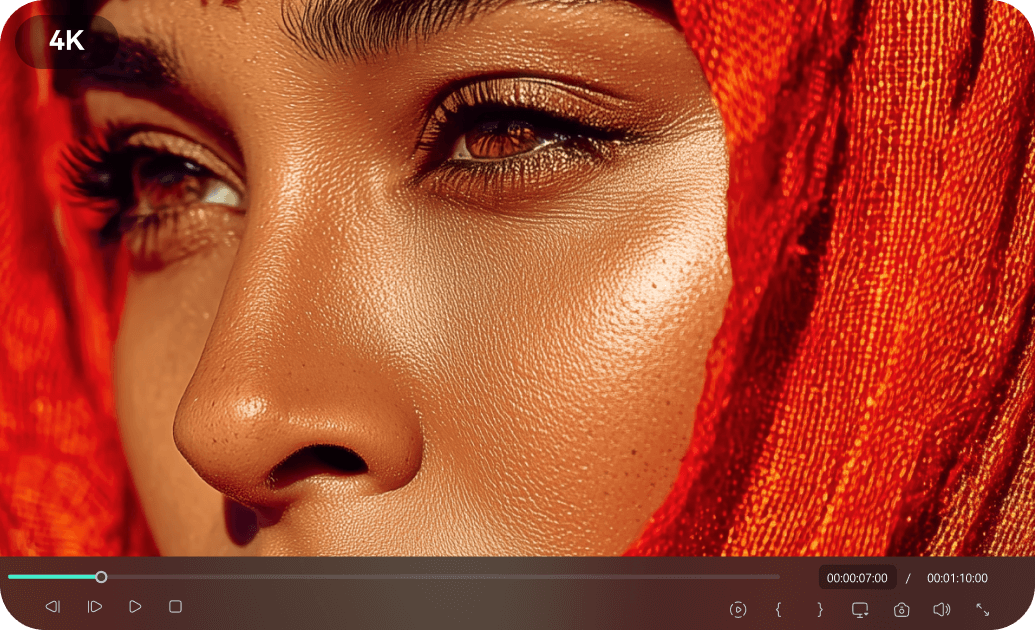
Professional Design Quality
Want to give your video that premium feel instantly? Filmora is your ultimate inspiration library. Studio-grade circle stickers and round stickers are crafted by expert designers with attention to every detail. From clear circle stickers to white circle stickers, each design helps you transform ordinary footage into dynamic, professional-looking content.
- High-resolution output for crisp, clear stickers round in your videos
- Color-optimized for vibrant round colored stickers on any screen
- Seamless integration with video timelines – no design skills needed
Easy Customization for Round Stickers
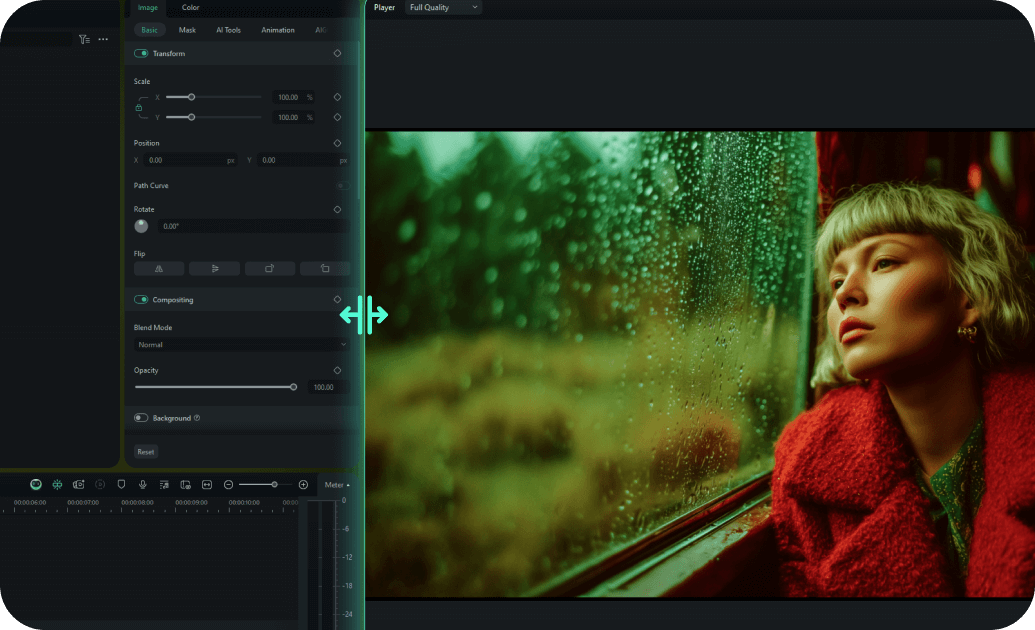
Easy Customization for Round Stickers
With millions of creative assets built-in, Filmora is like a sticker book for video editing. Simply drag and drop trendy stickers, effects, and royalty-free music to make your visuals pop. Even first-time editors can easily add and customize custom round stickers and personalized round stickers directly on the timeline to achieve that cinematic look.
- One-click text and image replacement for your circle logo stickers in videos
- Smart color matching for personalised circle stickers that adapt to your footage
- Pre-built circle sticker templates ready to drop into any project
- Real-time preview with instant feedback on your custom circle stickers as you edit
Multiple Formats for Circle Stickers

Multiple Formats for Circle Stickers
Every circle sticker design is available in multiple formats optimized for video editing. Whether you need circle transparent stickers for overlay effects or black round stickers for bold accents, Filmora ensures your stickers look perfect in any video project – from social clips to professional presentations.
- Automatic resizing with smart adjustments for your round stickers white in any frame
- Platform-optimized export settings for social media videos with clear round stickers
- Responsive design elements that adapt to any video resolution for coloured round stickers
- Native support for round sticker transparent PNGs and motion stickers
Instant Download of Round Stickers

Instant Download of Round Stickers
Download and start using circle stickers inside Filmora immediately with lifetime access and updates. Whether you need blue circle stickers, red round stickers, green circle stickers, or purple circle stickers, get instant access to premium designs right from the Filmora library – no waiting, no complicated imports.
- Immediate download after purchase – use tiny circle stickers right away
- Lifetime access with free design updates for blue round stickers in your projects
- Cloud storage backup for easy re-downloading of clear round stickers
- No recurring fees or subscription requirements for your white round stickers
Frequently Asked Questions about Circle Stickers
Add Circle Stickers to Your Video
Enhance your videos with eye-catching round stickers in just a few simple steps, no advanced design skills required.
Step 1 Browse & Select a Circle Sticker
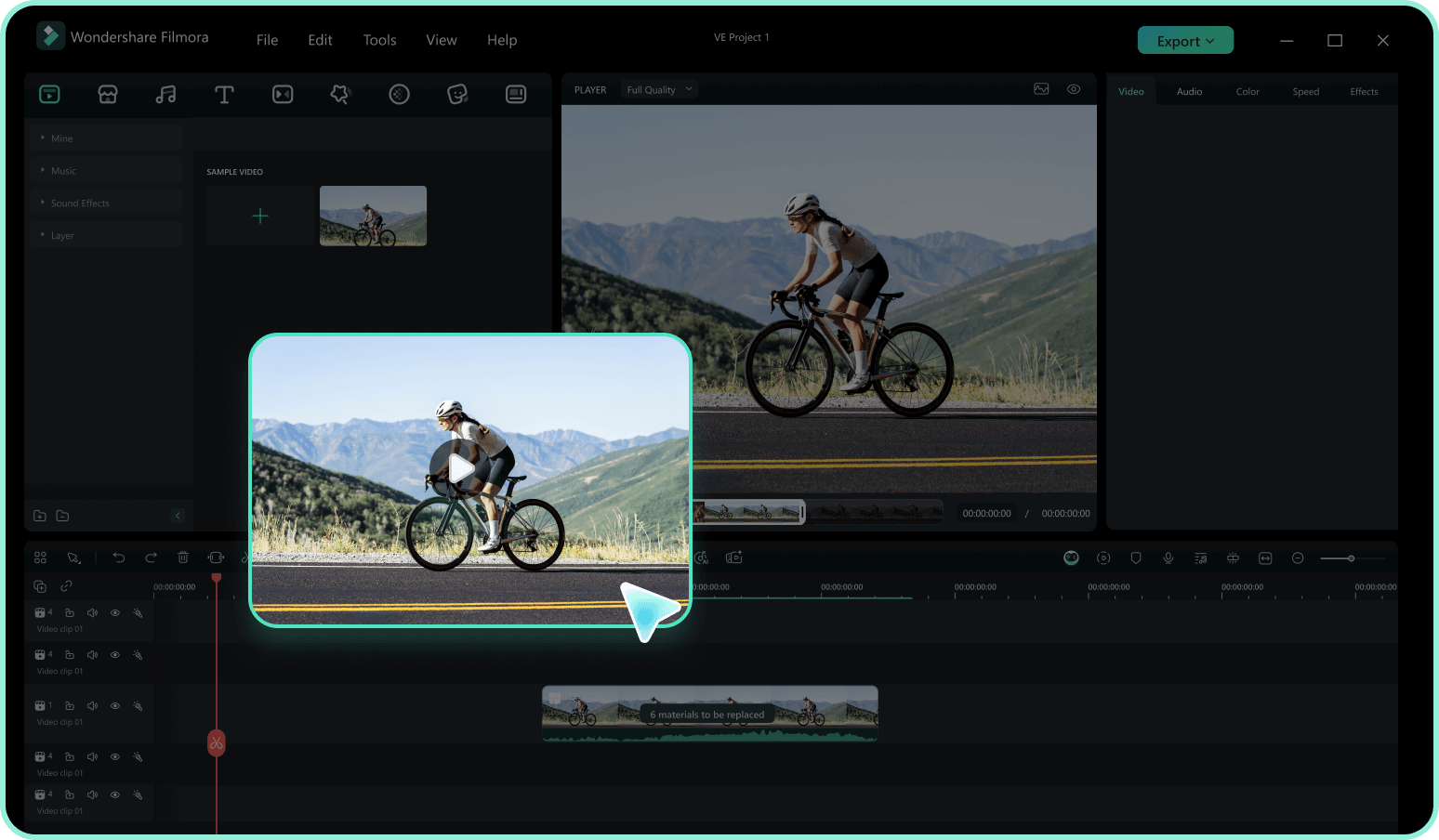
Step 2 Add to Timeline & Customize
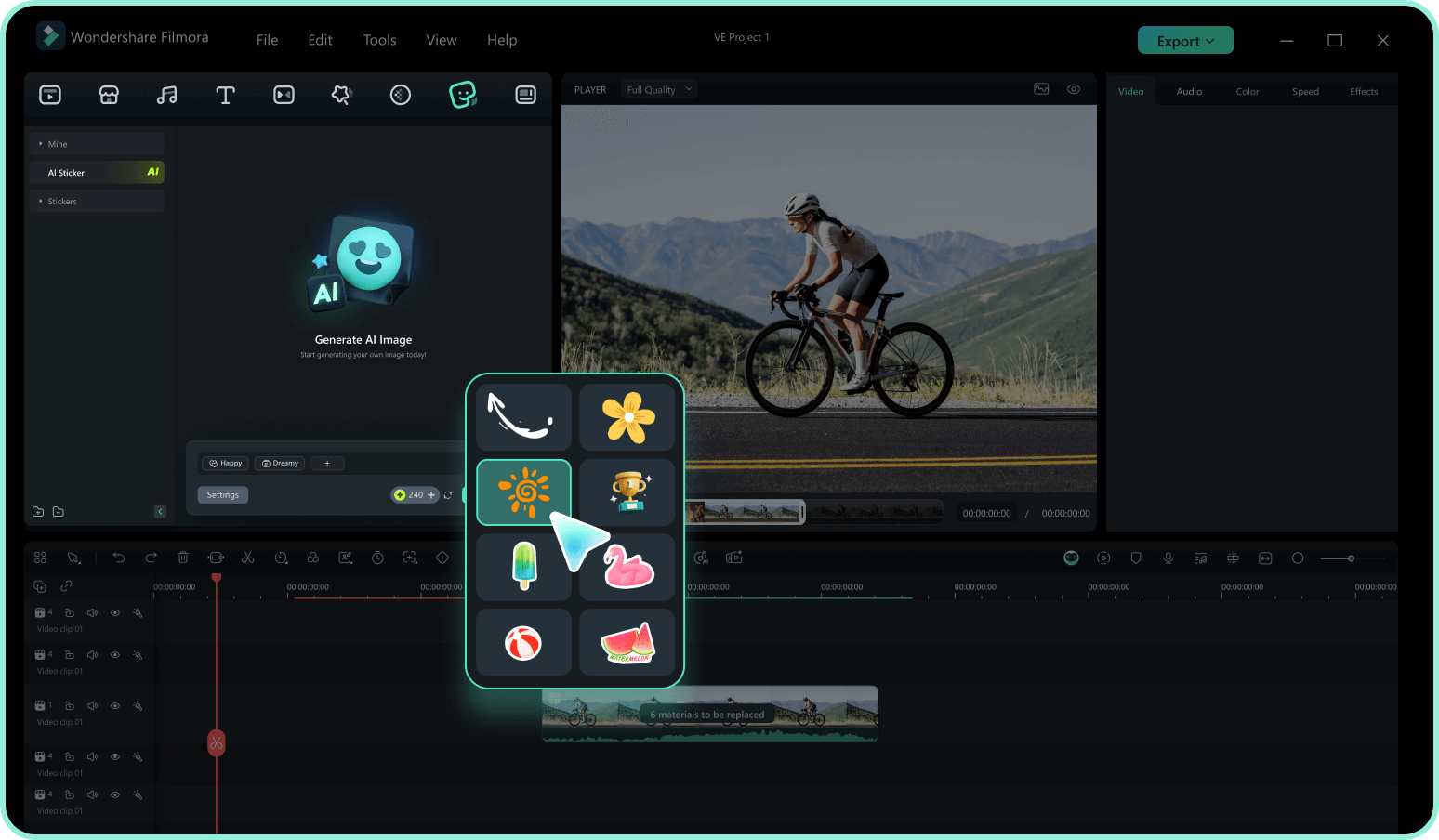
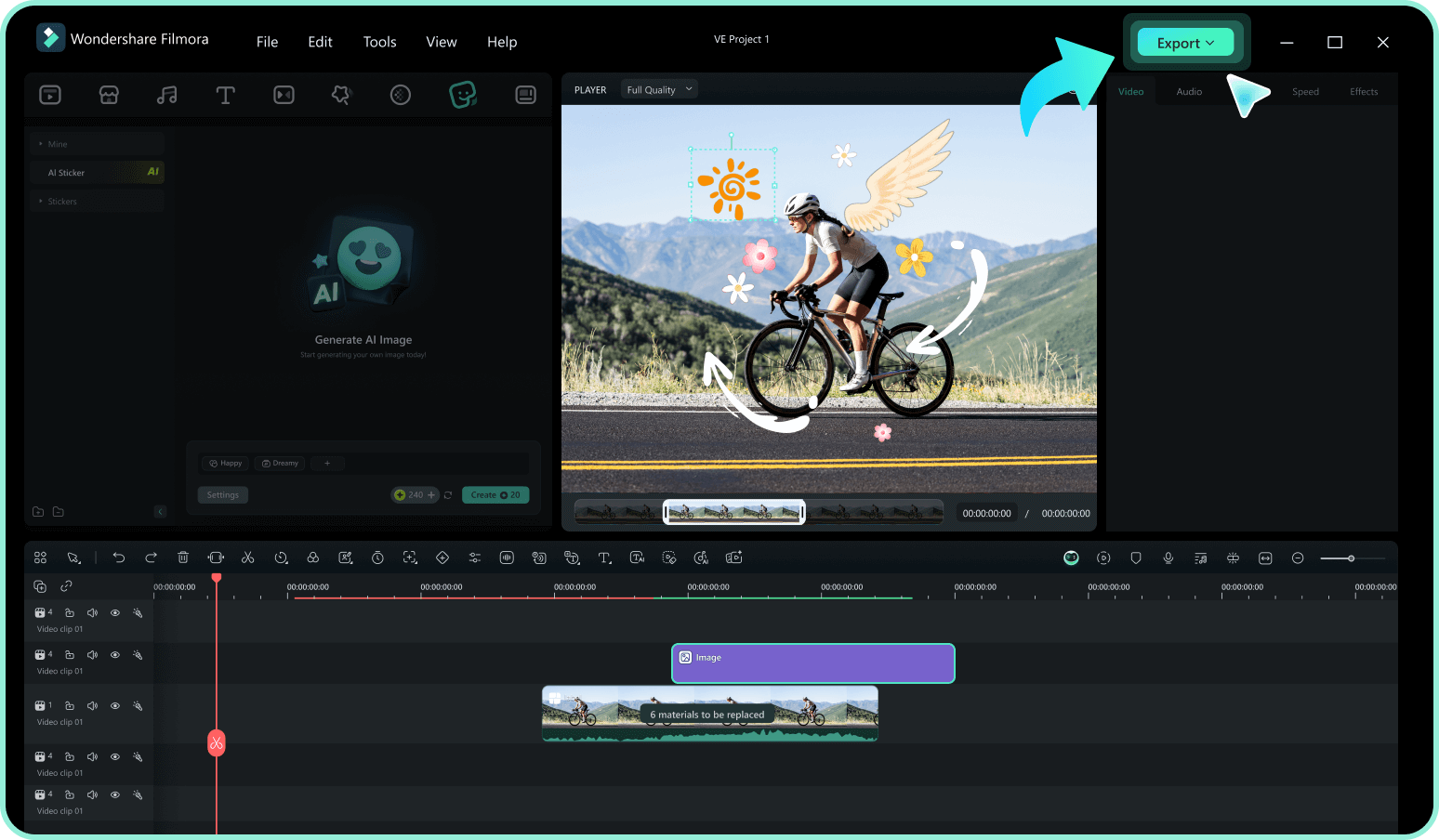
Step 3 Export Video with Stickers
-
1: Browse & Select a Circle Sticker
Browse our circle sticker collection and click on any design to preview it. Use filters to find transparent round stickers or coloured round stickers by category, style, or purpose. -
2: Add to Timeline & Customize
Drag your chosen round sticker onto the video timeline. Easily adjust size, position, and rotation. Add text, tweak colors, or apply animations to make the sticker uniquely yours. -
3: Export Video with Stickers
Preview your video to ensure everything looks perfect. Export your final creation in various formats (MP4, MOV, etc.) and share it directly to social media as engaging content with circle transparent stickers.
Explore More Sticker Themes
Discover other sticker categories for every occasion




