
Discover Premium Movie Title Templates:
Drag, Drop, and Dazzle
Stop struggling with complex animation software. Our curated collection of movie title effects covers every visual style imaginable—from blockbuster action trailers to elegant wedding films. Simply select a movie title template that fits your genre, drag it onto your timeline, and watch your video transform into a professional production instantly.
Loading more templates...
 Category:
 Duration:
 Aspect Ratio:
Produce Hollywood-Caliber Intros with
Filmora's Cinematic Title Engine
A powerful opening title sets the tone for your entire film—whether it's a horror short, an indie documentary, or a blockbuster-style trailer. Filmora comes with a built-in library of movie title templates covering a wide range of genres and visual styles, from bold glitch-effect horror titles to elegant serif-based drama openers. These film title templates are pre-designed and ready to use, allowing you to match your project's unique aesthetic instantly.
Captivate Audiences Instantly with Genre-Specific Cinematic Titles
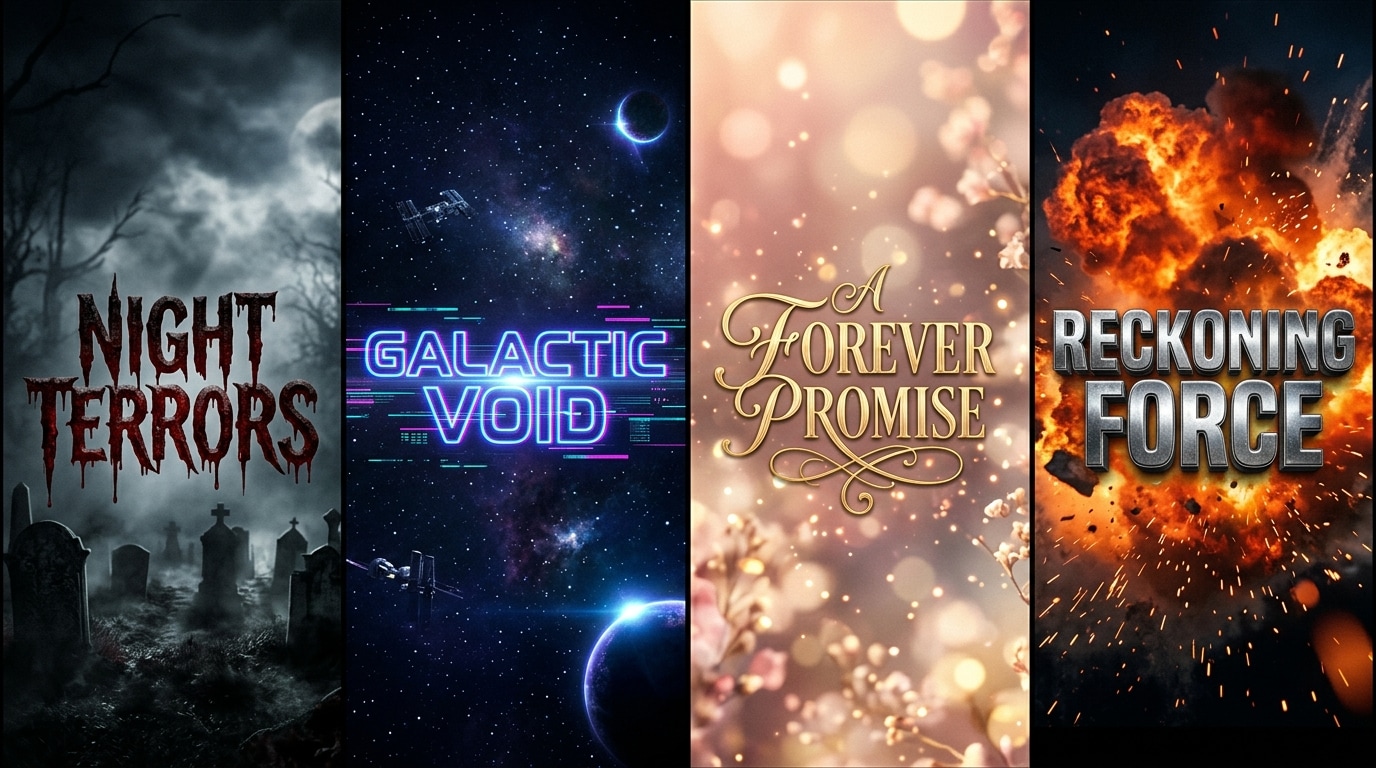
Captivate Audiences Instantly with Genre-Specific Cinematic Titles
Don't let a generic opener ruin your film's immersion. Filmora offers a diverse library of movie title effects tailored to every genre—from spine-chilling horror glitches to elegant, serif-based drama openers. These templates are 4K-ready and pre-designed by professionals, ensuring your video starts with high-impact visuals that hook viewers immediately.
- Diverse Genre Library – Access specialized styles for horror, sci-fi, romance, action, and documentary projects.
- Instant Drag-and-Drop – Apply complex motion graphics to your timeline in seconds without building from scratch.
- 4K Resolution Ready – Ensure your opening credits look crisp and professional on any screen size.
Achieve Pro-Level Motion Graphics Without the Learning Curve
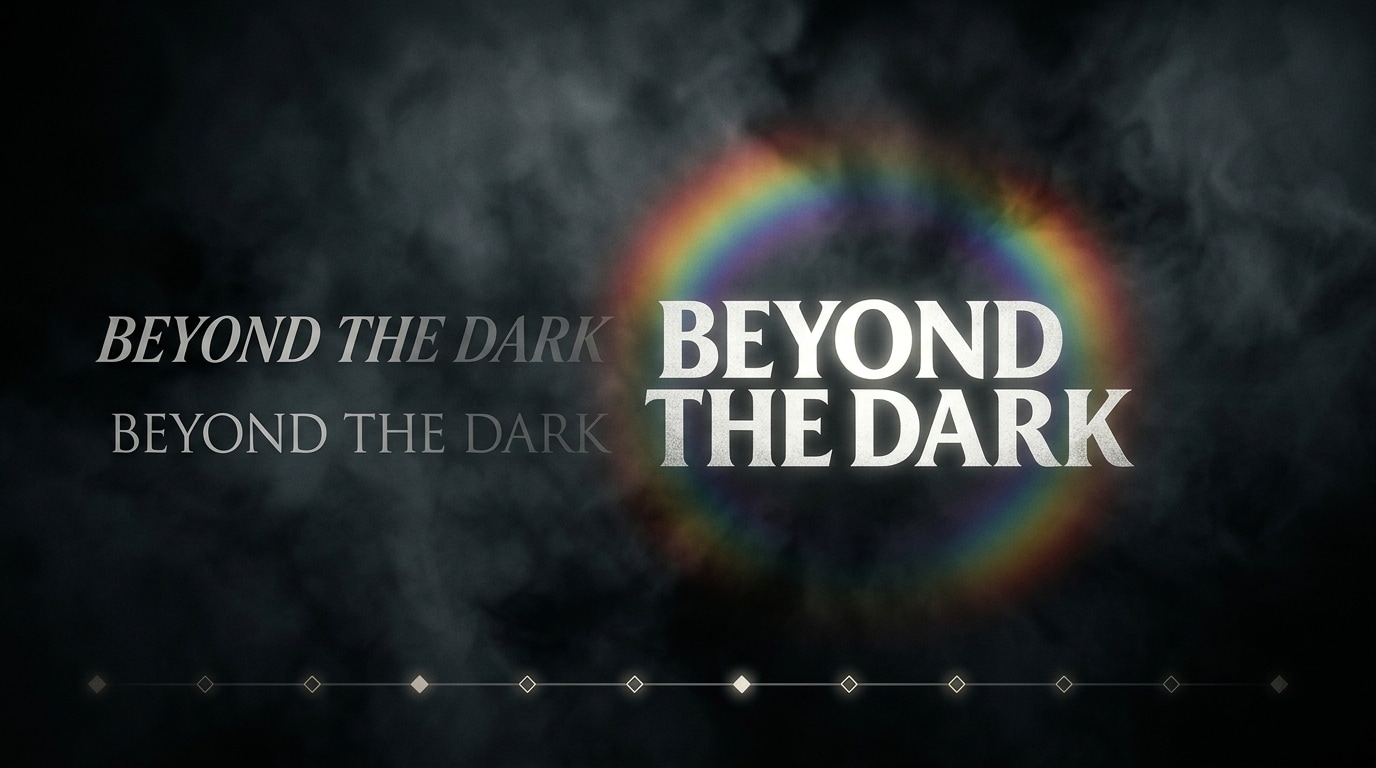
Achieve Pro-Level Motion Graphics Without the Learning Curve
Forget the steep learning curve of Adobe After Effects. Filmora’s movie title templates are built for creators who want speed without sacrificing quality. Simply double-click any title to edit text, adjust keyframes, change color palettes, and fine-tune animation duration—all while seeing your changes in real-time. You get the power of advanced VFX with the simplicity of a text editor.
- Real-Time Customization – Edit text, fonts, and colors instantly with live preview on your video canvas.
- Keyframe Control – Fine-tune the timing and movement of your titles for precise cinematic syncing.
- Layering Made Simple – Easily position titles over video clips or combine them with filters for a composite look.
Elevate Your Storytelling with a Unified Creative Workflow
Elevate Your Storytelling with a Unified Creative Workflow
A great title sequence is more than just text—it's how it blends with your edit. Filmora’s film title pack collection integrates seamlessly with the editor’s full toolkit. Layer your cinematic titles with light leak transitions, color grading LUTs, and royalty-free music on the same timeline to create a cohesive, broadcast-quality sequence without ever switching apps or installing third-party plugins.
- All-in-One Timeline – Mix titles, audio, and video effects in a single, intuitive workspace.
- Cinematic Compositing – Enhance your titles with blending modes, lens flares, and atmospheric effects.
- No Plugins Required – Access professional VFX tools natively within Filmora for a smoother workflow.
Stay Ahead of the Curve with Continuously Updated Title Packs
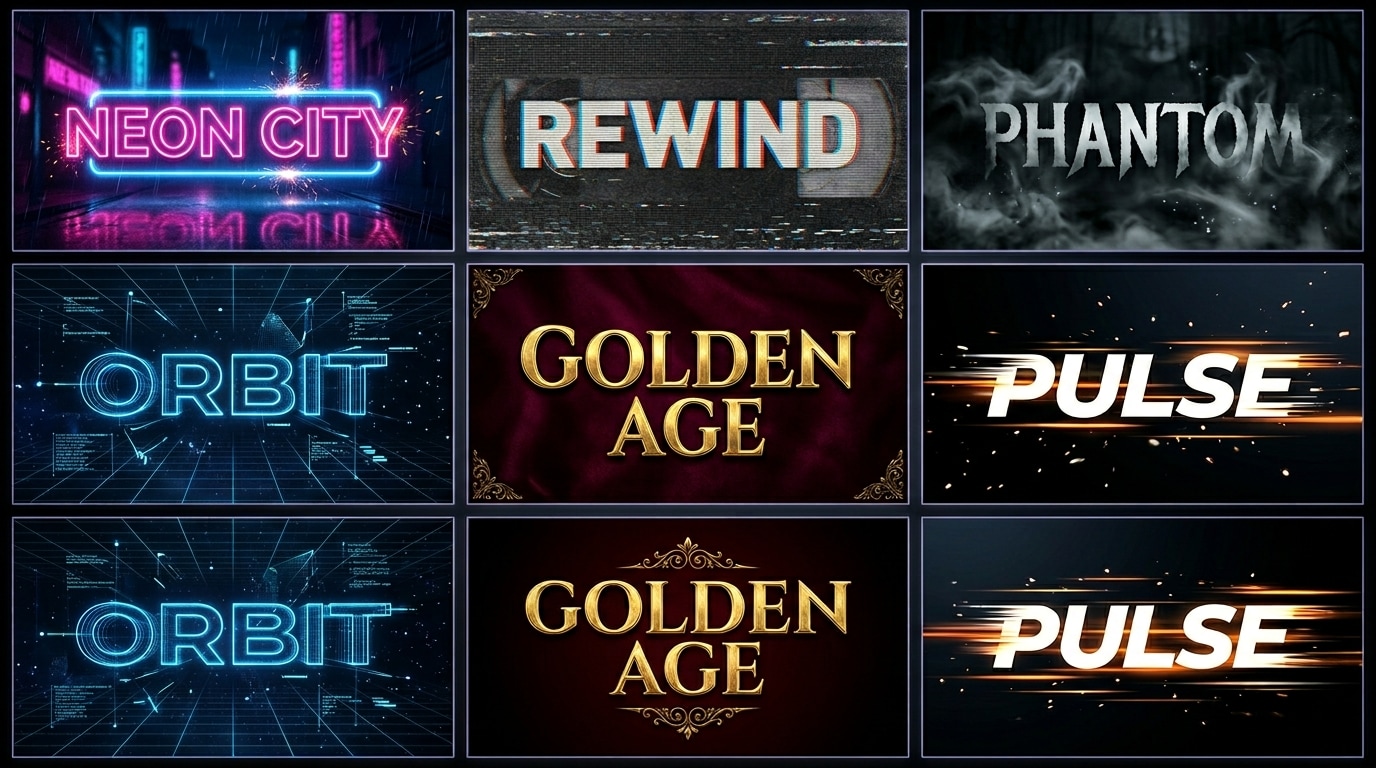
Stay Ahead of the Curve with Continuously Updated Title Packs
Visual trends evolve rapidly, and your content needs to stay fresh. Filmora’s asset library is continuously updated with the latest movie title templates inspired by current box office hits and trending social media aesthetics. Whether you need a Cyberpunk-style glitch opener or a retro 80s neon title, you’ll always have access to modern designs that keep your channel looking relevant and high-budget.
- Trend-Driven Designs – Get access to title styles inspired by the latest movies and viral video trends.
- Seasonal Updates – Fresh packs added regularly to keep your creative options unlimited.
- Royalty-Free Assets – Use any template in your commercial or personal projects without copyright worries.
FAQs About Movie Title Templates
How to Create Cinematic Titles with Filmora
Transforming your raw footage into a film-ready masterpiece is easier than you think. Follow these simple steps to apply stunning movie title templates and customize them to fit your unique vision—no design experience required.
Step 1 Open Filmora and Import Your Footage

Step 2 Select a Movie Title Template

Step 3 Customize and Export in 4K

-
1:Open Filmora and Import Your Footage
Launch Filmora and start a new project. Import your video clips and audio files into the media library, then drag them onto the main timeline to prepare for title insertion. -
2:Select a Movie Title Template
Click the "Titles" tab at the top. Browse categories like "Cinematic," "Trailer," or "Horror." Once you find the perfect match, drag the movie title template onto a track above your video. -
3:Customize and Export in 4K
Double-click the title on the timeline to open the editor. Change the text, adjust fonts, tweak colors, and refine animation timing. Once satisfied, export your project in crisp 4K resolution.
More Than Just Movie Title Templates
Filmora is a comprehensive creative suite. Beyond cinematic titles, explore our AI-powered tools designed to enhance every aspect of your video production workflow.




