
Trending Vertical Title Templates:
Drag, Drop & Go Viral
Stop wasting time designing text from scratch. Our extensive library of vertical title templates is curated for modern content creators who need speed without sacrificing quality. Simply pick your favorite vertical title style, drop it onto your timeline, and watch your social video retention soar. Perfect for vlogs, tutorials, product showcases, and daily stories.
Loading more templates...
 Category:
 Duration:
 Aspect Ratio:
Master the Art of Vertical Video
with Professional Title Tools
A great video needs more than just good footage; it needs a message that sticks. With Filmora’s comprehensive suite of vertical title templates, you can transform ordinary clips into polished, social-ready content. Whether you need a high-energy opener or a subtle lower third, our tools ensure your text is always optimized for the 9:16 screen.
Hook Viewers Instantly with Mobile-First Typography
Hook Viewers Instantly with Mobile-First Typography
Don't let your message get cut off by UI elements. Our templates are engineered specifically for the 9:16 aspect ratio, ensuring your text is perfectly positioned for TikTok and Reels safe zones. You can focus on the creative copy while we handle the technical formatting.
- Optimized 9:16 Layouts – Pre-formatted designs that fit perfectly within social media interface constraints.
- Platform-Specific Styles – Aesthetics tailored to match the vibe of trending TikToks and Instagram Reels.
- Instant Application – Drag and drop functionality that eliminates tedious manual resizing and alignment.
Express Your Brand Identity with Fully Editable Presets
Express Your Brand Identity with Fully Editable Presets
While the templates give you a head start, total control remains in your hands. Tweak colors, fonts, and motion behaviors to align perfectly with your personal brand or channel aesthetic without starting from scratch. Consistency is key to building a loyal following.
- Granular Text Control – Adjust kerning, line height, and font styles to match your specific branding guidelines.
- Dynamic Animation Keyframes – Modify entrance and exit animations to sync perfectly with your video's pacing.
- Smart Color Grading – Ensure your text pops against any background with customizable fill, border, and shadow settings.
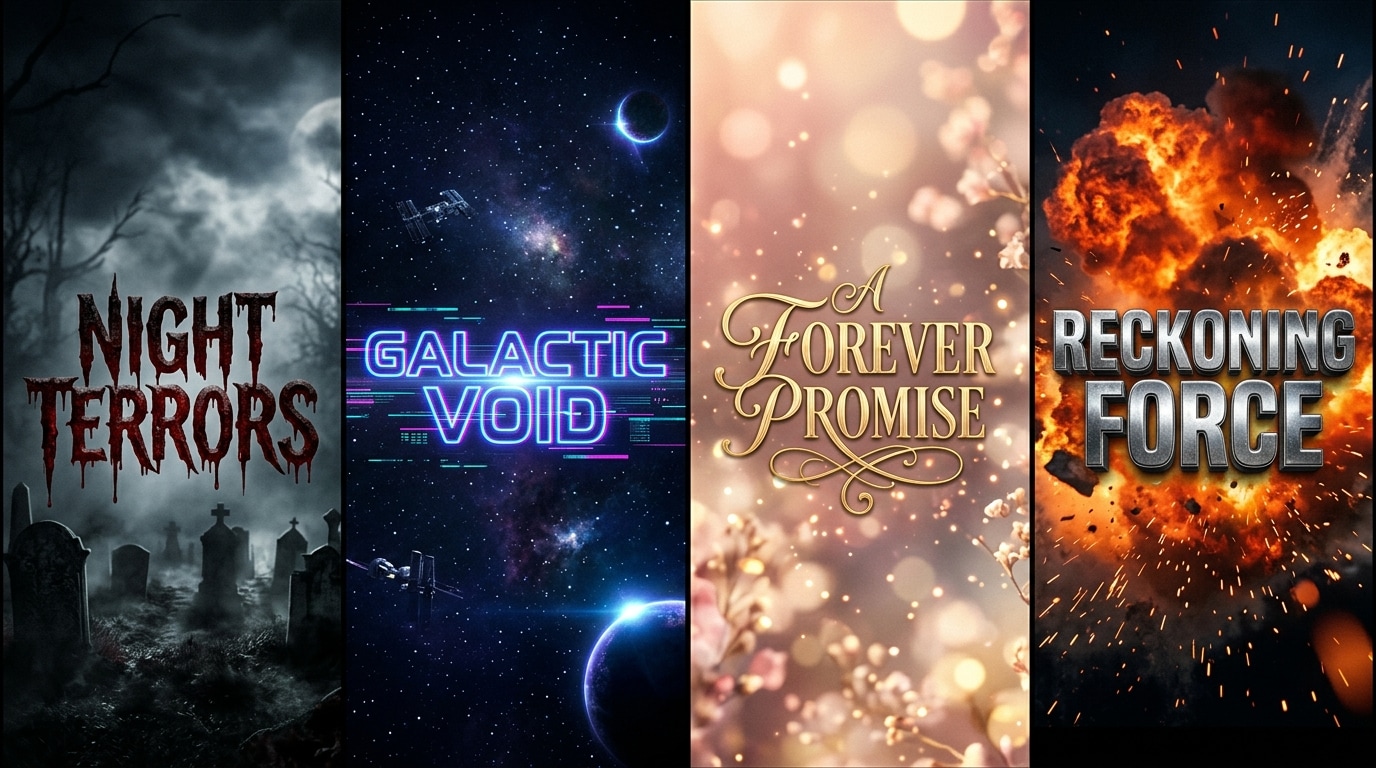
Unlock Unlimited Creativity with Diverse Title Packs
Unlock Unlimited Creativity with Diverse Title Packs
From bold, high-energy intros for vlogs to subtle, elegant captions for lifestyle content, our library covers every genre. Keep your content fresh and engaging by rotating through a massive variety of professional styles designed to stop the scroll.
- Genre-Specific Collections – Curated packs for gaming, beauty, travel, and educational content creators.
- Cinematic & Modern Styles – Access everything from Hollywood-style openers to clean, minimalist social lower thirds.
- Retention-Boosting Designs – Visuals crafted specifically to catch the eye and increase viewer watch time.
Captivate Audiences with Dynamic Motion Graphics
Captivate Audiences with Dynamic Motion Graphics
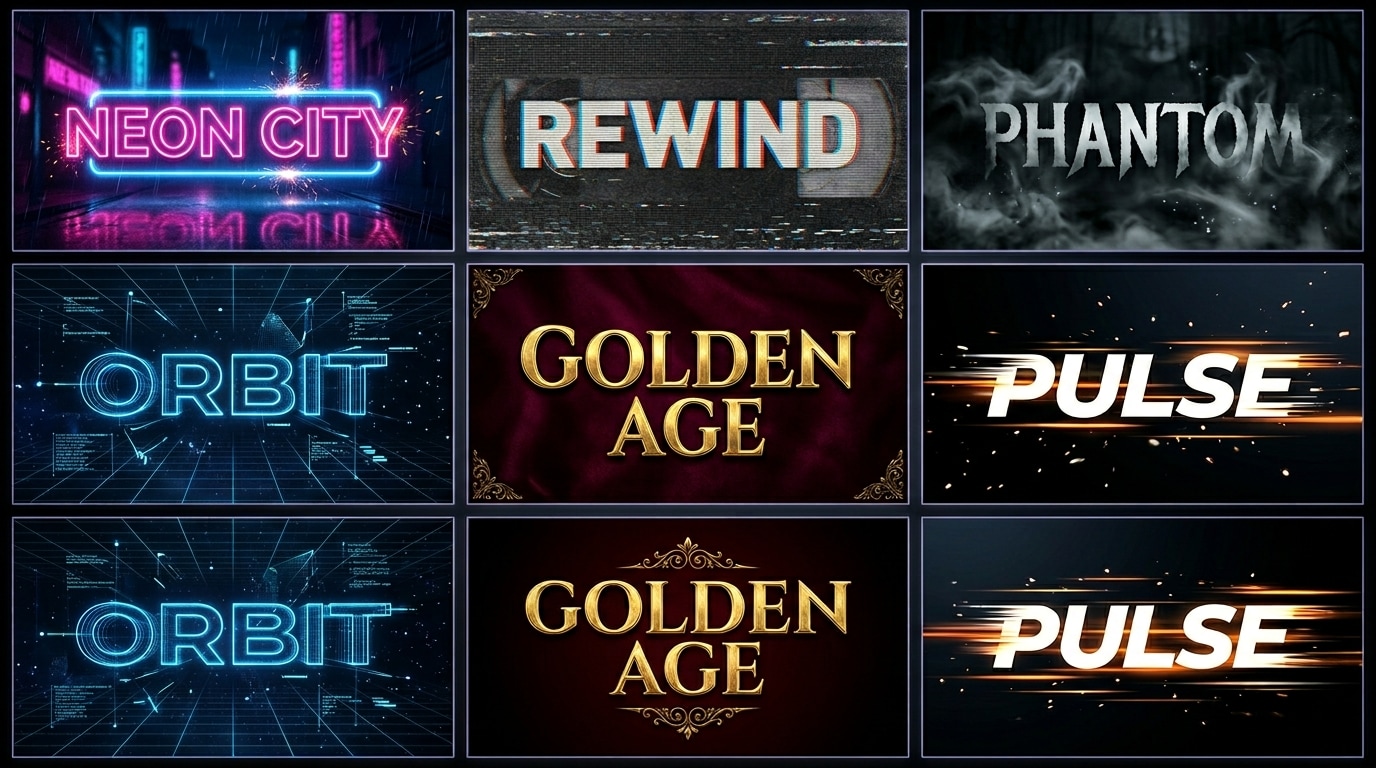
Static text is easy to ignore; moving text demands attention. Our vertical templates come with built-in professional motion graphics that add energy and polish to your videos, making them look like they were edited by a pro agency.
- Kinetic Typography – Text that moves, scales, and rotates to emphasize your spoken words and key points.
- Glitch & Neon Effects – Trendy visual effects that resonate with modern social media aesthetics and high-energy edits.
- Seamless Transitions – Smoothly bridge the gap between scenes with text-led transitions that keep the narrative flowing.
FAQs About Vertical Title Templates
How to Add Vertical Title Templates in Filmora
Enhance your social videos with professional typography in just three simple steps. Follow this guide to add, customize, and animate your vertical titles for maximum impact.
Step 1 Select Your Vertical Template

Step 2 Customize Text and Animation

Step 3 Export for Social Media

-
1:Select Your Vertical Template
Open Filmora and navigate to the "Titles" tab. Browse the "Vertical" category to find a style that matches your video vibe, then drag and drop it onto your timeline above your video clip. -
2:Customize Text and Animation
Double-click the title clip in the timeline to open the editing panel. Here you can type your own text, change fonts and colors, and adjust the animation duration to sync with your audio. -
3:Export for Social Media
Preview your video to ensure the text is legible and positioned correctly. Click "Export" and select the 9:16 aspect ratio to save your video, ready for upload to TikTok, Reels, or Shorts.
More Than Just Vertical Titles
Filmora is a complete creative suite for video makers. Beyond vertical title templates, explore our vast library of AI-powered tools and assets designed to take your content to the next level.




