

 TL;DR:
Converting long-form blog posts into optimized videos requires selecting specialized AI generators tailored to specific formats, keeping in mind that fully automated, watermark-free generation is heavily restricted on free tiers.
● Wondershare Filmora provides deep timeline editing for post-generation control, HeyGen and Synthesia focus strictly on AI avatar-led narration, while InVideo, Kapwing, and Lumen5 prioritize browser-based template automation for short social media clips.
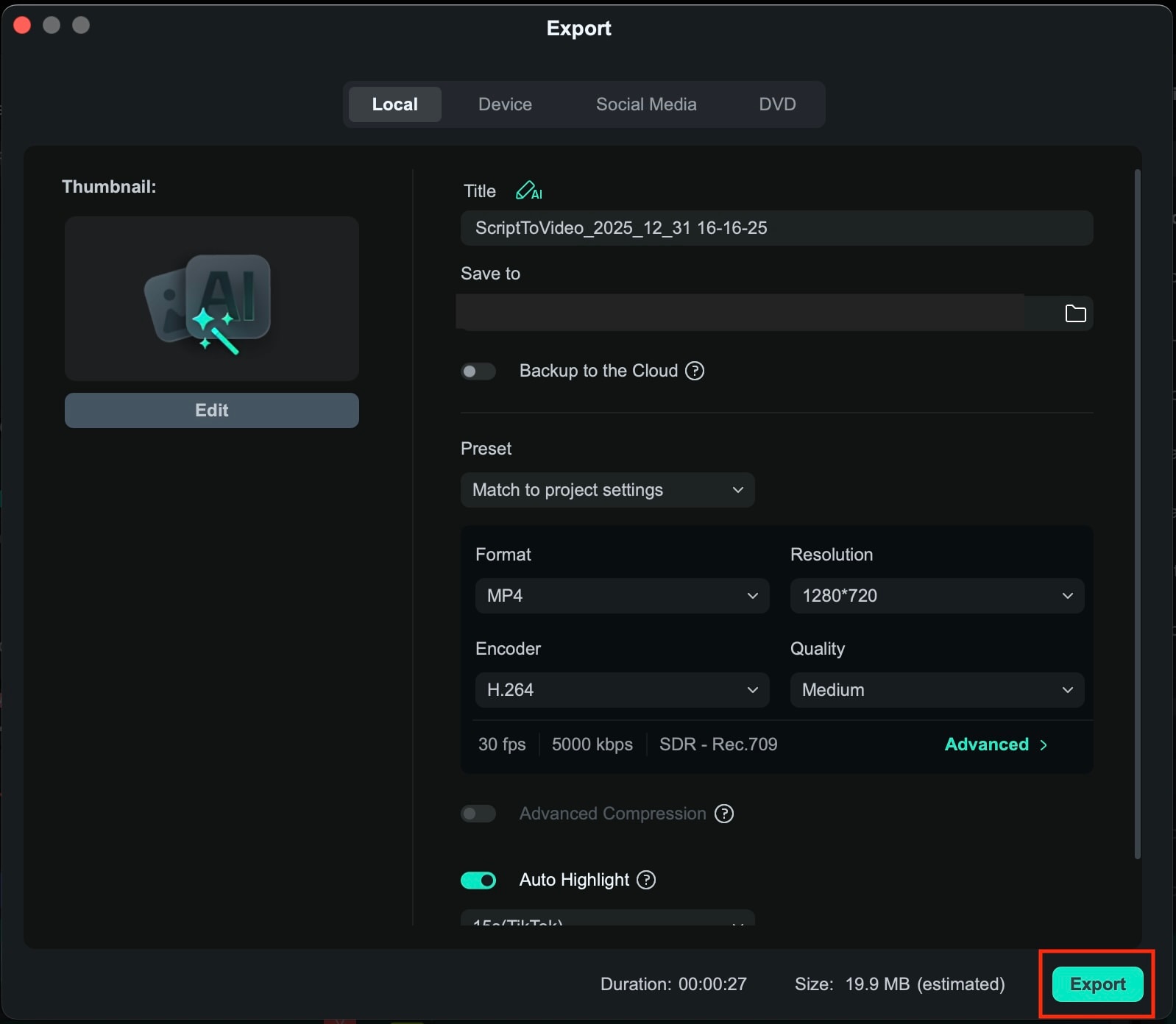
● Free plans across all evaluated platforms function primarily as technical trials, universally enforcing maximum 720p resolutions, severe duration limits, and embedded brand watermarks that necessitate a paid upgrade for commercial publishing.
● The most effective conversion workflow requires extracting only concise excerpts into "Script to Video" prompts rather than pasting entire articles, followed by manually replacing generic auto-matched stock media to properly align with the specific content keywords.
Ask AI for a summary
 ChatGPT
 Perplexity
 Gemini
 Claude
 Grok
Grok
Content creation these days is no longer about working harder. It's about working smarter. With audiences spending more time watching short videos on YouTube, Instagram, and TikTok, sticking to text-only blog posts means missing out on significant traffic opportunities.
The ultimate solution is leveraging blog-to-video AI to repurpose your written content into high-impact videos that dominate social feeds and search rankings.The best AI blog-to-video can help you boost traffic, reach new audiences, increase watch time, and extend the lifespan of every post. To help you get started, we will break down how AI blog-to-video works and how to use it to make high-performing videos that deliver real results.
Why You Should Convert Blog Posts to Video with AI in 2026
Video is no longer just an addition to written content. In 2026, it is a core growth channel for SEO, traffic, and social media reach. If you already have blog posts to work with, you can use blog-to-video AI to convert them into videos, complete with visuals, subtitles, voice narration, and formats ready for use on platforms.
This way, you don't have to rewrite or edit videos from scratch manually. What used to take hours or even days can now be completed in minutes. Creators, marketers, and bloggers to publish more content without experiencing burnout.

Some of the biggest benefits of using blog-to-video AI are already showing clear results:
✅ Improve SEO through longer dwell time
Embedded videos keep visitors on your page longer, signaling to search engines that your content is valuable and engaging.
✅ Increase content visibility
Videos increase the chances of appearing in rich search results, video carousels, and suggested content across various search platforms, compared to blogs.
✅ Align with short-form video trends
Formats like Instagram Reels, TikTok, and YouTube Shorts prioritize short, engaging videos over lengthy text posts.
✅ Maximizing content reuse
A single blog post can be repurposed into multiple videos for different platforms, extending the lifespan and reach of your content.
✅ Saving time with AI automation
Blog-to-video AI tools handle visuals and text translations, so you can publish faster without extra effort.
Top 10 Best Blog to Video AI Tools for 2026 (Tested & Reviewed)
To facilitate comparison of blog to video AI tools, we have evaluated the top tools of 2025. Below is a brief reference table, followed by a detailed breakdown of each tool.
| Tool | Best for | Free AI Conversion Quota / Notes | Max Free Quality | Free Plan | Watermark |
| Filmora AI | Deep editing + blog to video workflows | Free trial available/limited free export without a watermark | Up to project settings | ||
| InVideo AI | Quick social videos from blog posts | ~10 min/week AI generation on free tier | ~720p typical | ||
| Pictory | Article/script-based blog to video | ~3 videos/month (720p) | ~720p | ||
| HeyGen | Avatar-led narration from text | ~3 videos/month (avatar style) | ~720p | ||
| Lumen5 | Classic blog-to-video automation | ~5 videos/month | ~720p | ||
| Synthesia | AI presenter videos (trial) | Limited free demo/trial | Up to 1080p in demo | Limited trial | Limited free demo/trial |
| VEED AI | All-in-one editing + AI tools | Limited free exports - watermark included | ~720p | ||
| FlexClip | Easy drag-and-drop workflow | ~12 exports/month (watermark) | ~720p | ||
| Kapwing | Collaborative browser-based editing | Unlimited exports with watermark, limited features | ~720p | ||
| Descript | Editing focused on scripts + blogs to videos | Free usage with watermark, limited AI credits | Varies (watermark) | ||
|
Show More
Show Less
|
|||||
After briefly reviewing blog-to-video AI tools through a comparison table, let's take a closer look at each tool's key features, pros and cons, as well as who they are best suited for.
1. Wondershare Filmora – AI Video Generator from Text
 Secure Download
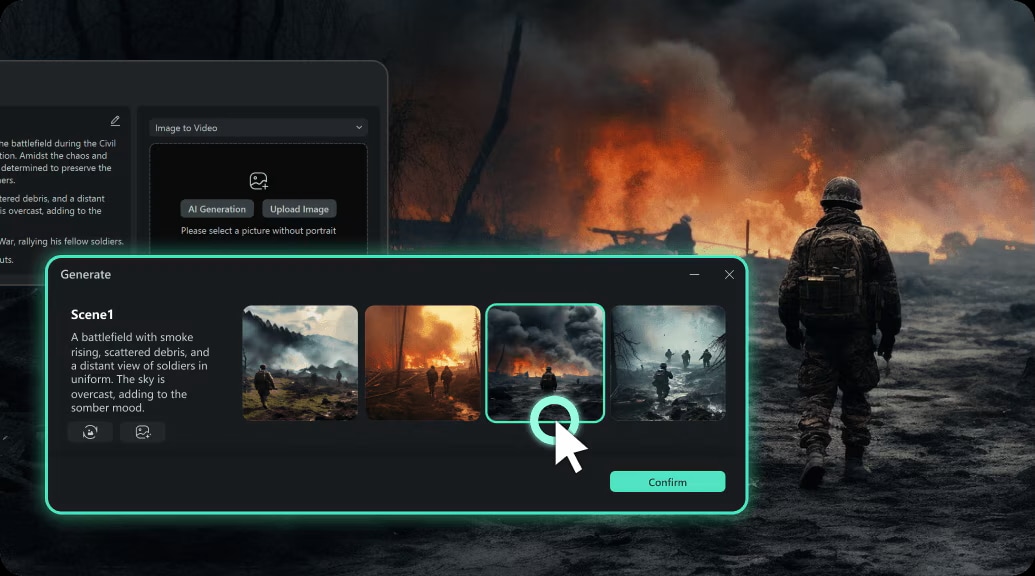
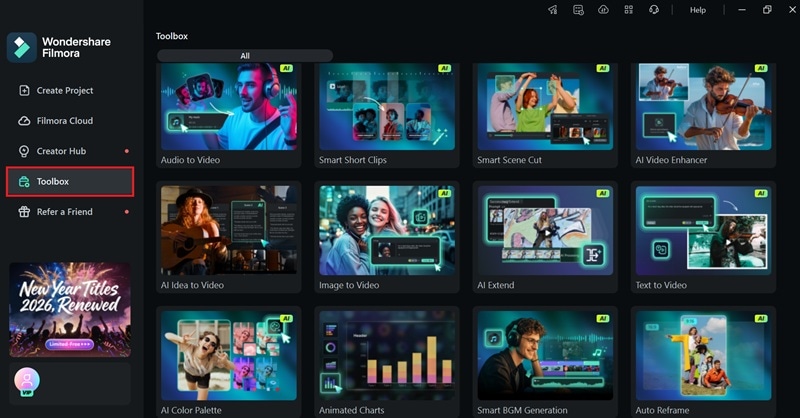
Wondershare Filmora stands out as a premier AI video generator from text, offering seamless blog-to-video AI workflows for creators who demand professional results without the steep learning curve. There are three ways to create videos from text in Filmora: AI Text to Video (powered by Veo 3.1 and Sora 2), AI Script to Video, and AI Idea to Video.
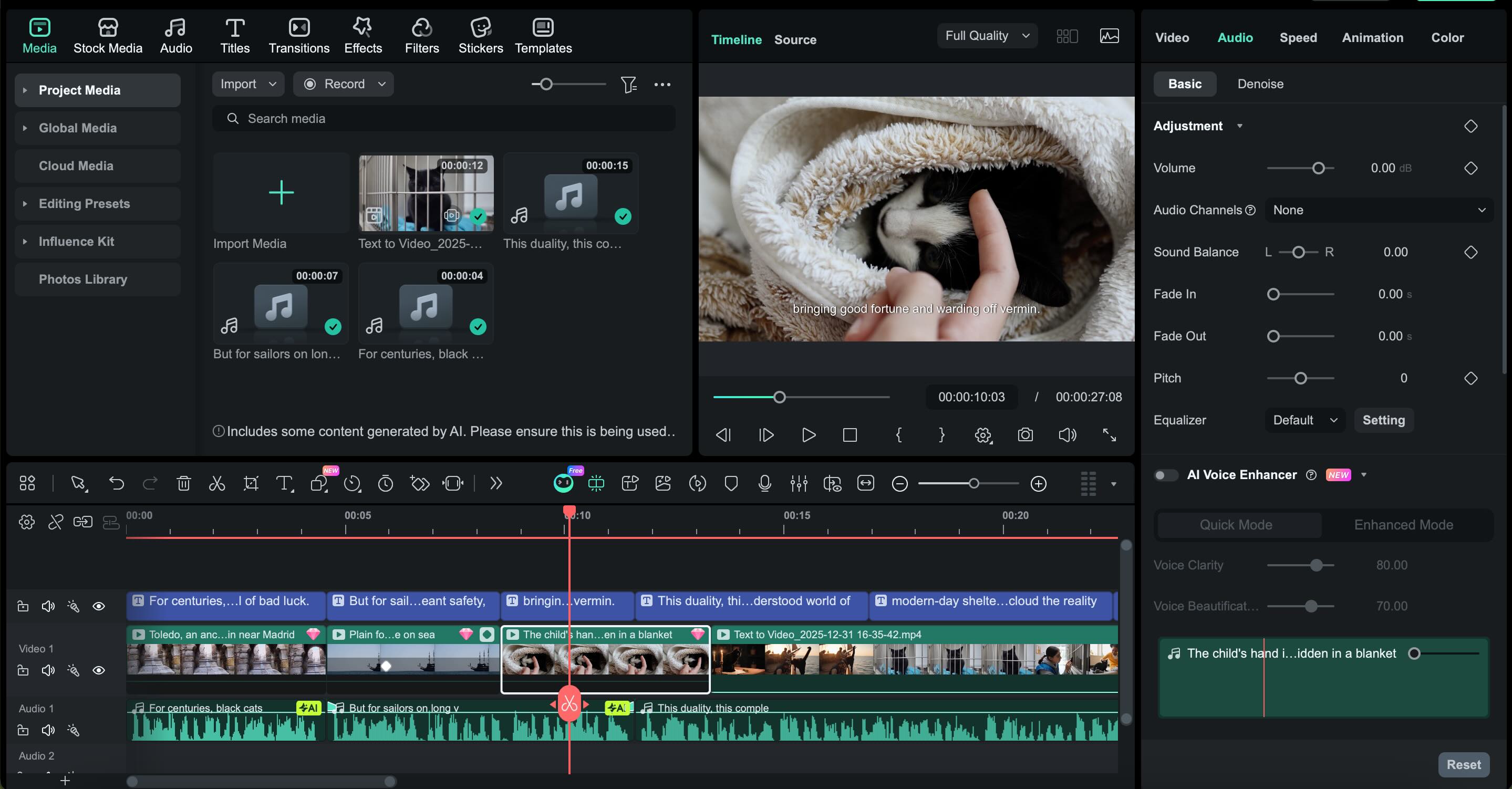
Each method works best for different types of content. What really sets Filmora apart is the level of control you keep after the video is generated. You can fine-tune visuals, transitions, voiceovers, and music on your own timeline. It's not limited to a single auto-generated result or a fixed template only.
- Text/idea to video generation for blog content
- Local editing without time-consuming uploads
- Auto-sync voiceovers and captions
- Wide asset library for graphics and music
- Customizable templates for different platforms
- Advanced editing control and professional editing tools
- AI generation can be combined with manual refinements
- Multi-platform (Windows/Mac/mobile)
- Paid/credit-based AI content creation
- Free exports have limitations, such as watermarks
Content creators who want to turn blog posts into polished videos and further refine them with full editing power.
2. InVideo AI
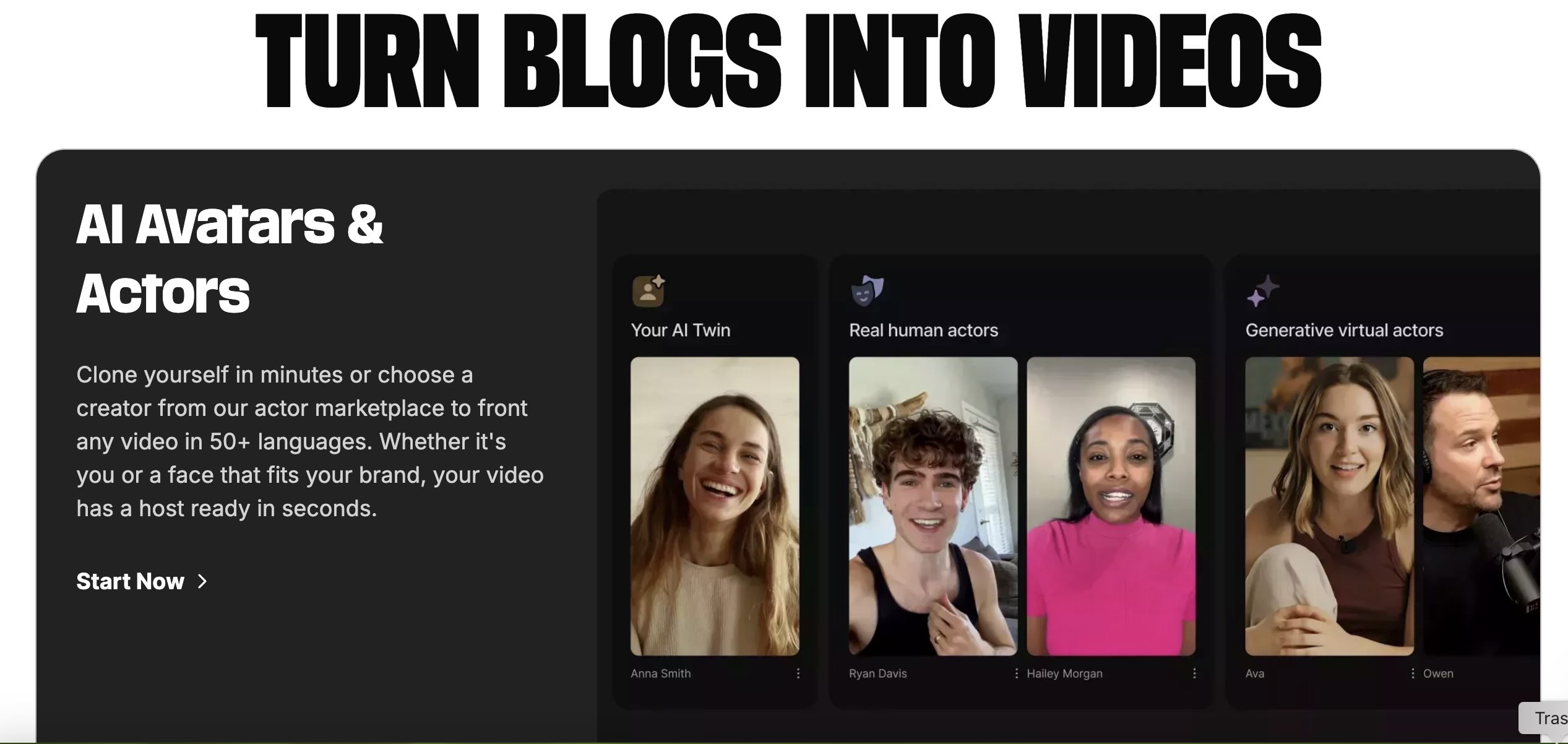
InVideo offers a browser-based blog-to-video AI solution designed for creators who want to turn text into shareable social content. It includes templates for TikTok, YouTube Shorts, Reels, and more.
- Automatic storyboard generation from blog text
- Social video templates (Reels/Shorts/YouTube)
- Stock media library included
- Voiceover and auto captions
- Super quick setup
- Lots of social media template variety
- Works fully in the browser
- Watermarks on free exports
- Less control than desktop editors
Bloggers and marketers focused on social media videos from blog content.
3. Pictory
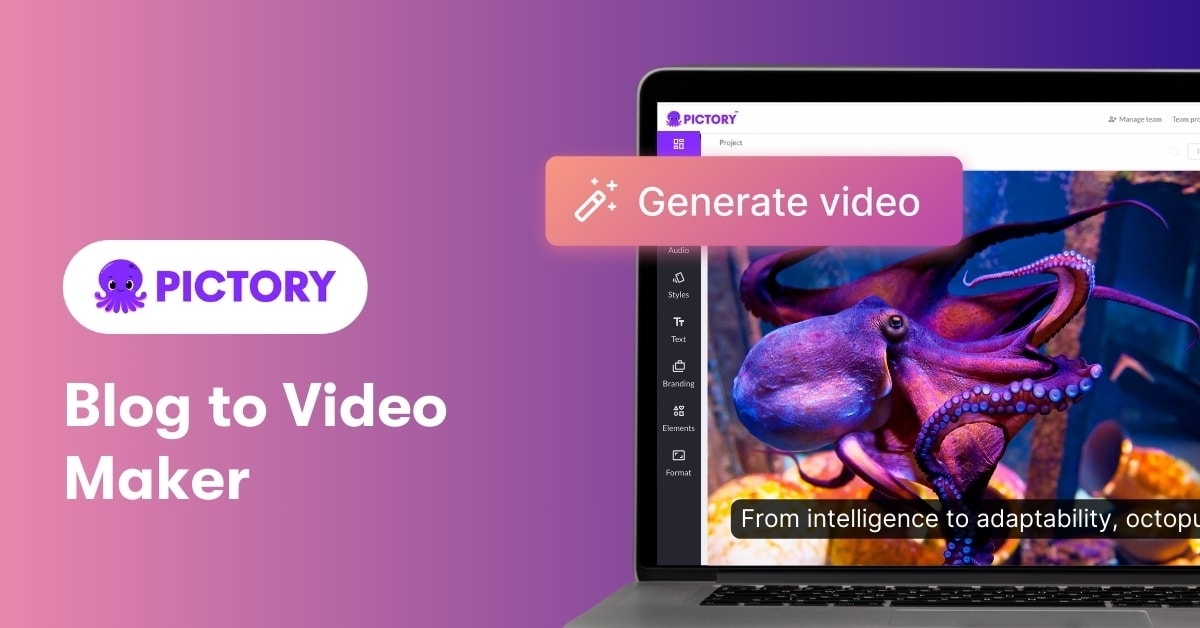
Pictory specializes in turning long articles into structured videos. With its blog to video AI script extraction, you can convert blog posts into compelling video narratives in minutes.
- Script capture from text or URL
- Automatic scene selection
- Voiceover and caption generation
- Stock clips and image suggestions
- Well-suited for long blog content
- Good stock media suggestions
- Text-based workflow keeps content focused
- Watermark on free exports
- Limited templates and custom styling on the free plan
Bloggers with long posts who want to create structured and narrated videos.
4. HeyGen
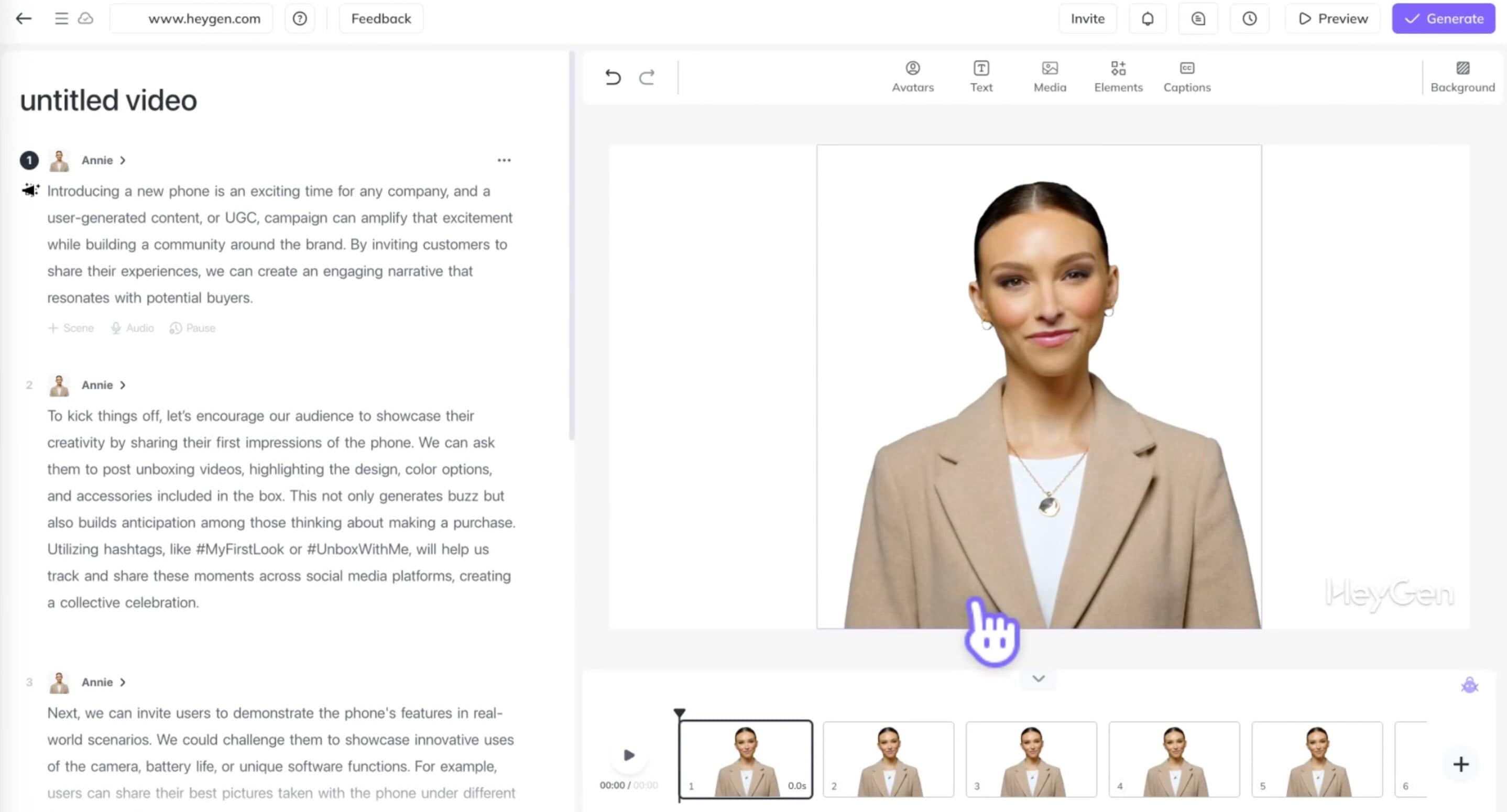
HeyGen takes blog posts to video AI further by giving your content a face. It specializes in AI avatar narration videos that use digital human narrators to present your blog text through AI avatars, which are perfect for engaging storytelling.
- Realistic AI avatar narration
- Voice options in multiple languages
- Templates for short clips
- Unique AI presenter style
- Multilingual support
- Strict free plan limitations (few videos, short duration)
- Watermark on output
- Not ideal for long blog content
Content creators who prefer summaries or explanatory videos guided by avatars.
5. Lumen5
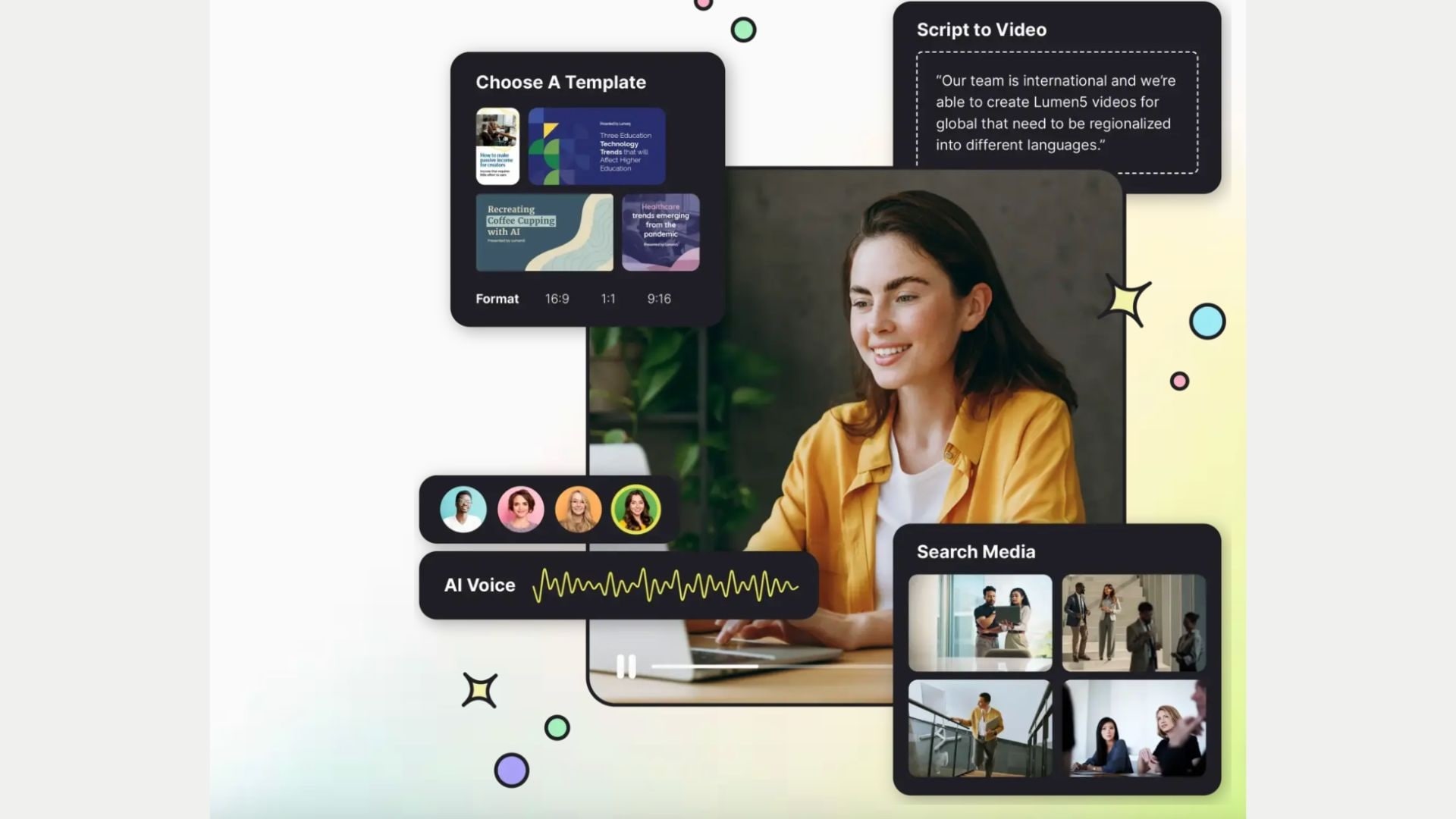
Lumen5 is a classic blog to video AI tool that has made content transformation easy for years. It automatically selects visuals, music, and pacing based on your blog text.
- AI-based scene segmentation and visual matching
- Template and media library
- Customizable scenes and captions
- Social media export formats
- Great for repurposing blogs
- Simple drag-and-drop workflow
- Easy to use for beginners
- Watermark on free exports
- Export quality is limited to 720p on the free plan
Bloggers who want to turn their blogs into videos and social media summaries.
6. Synthesia
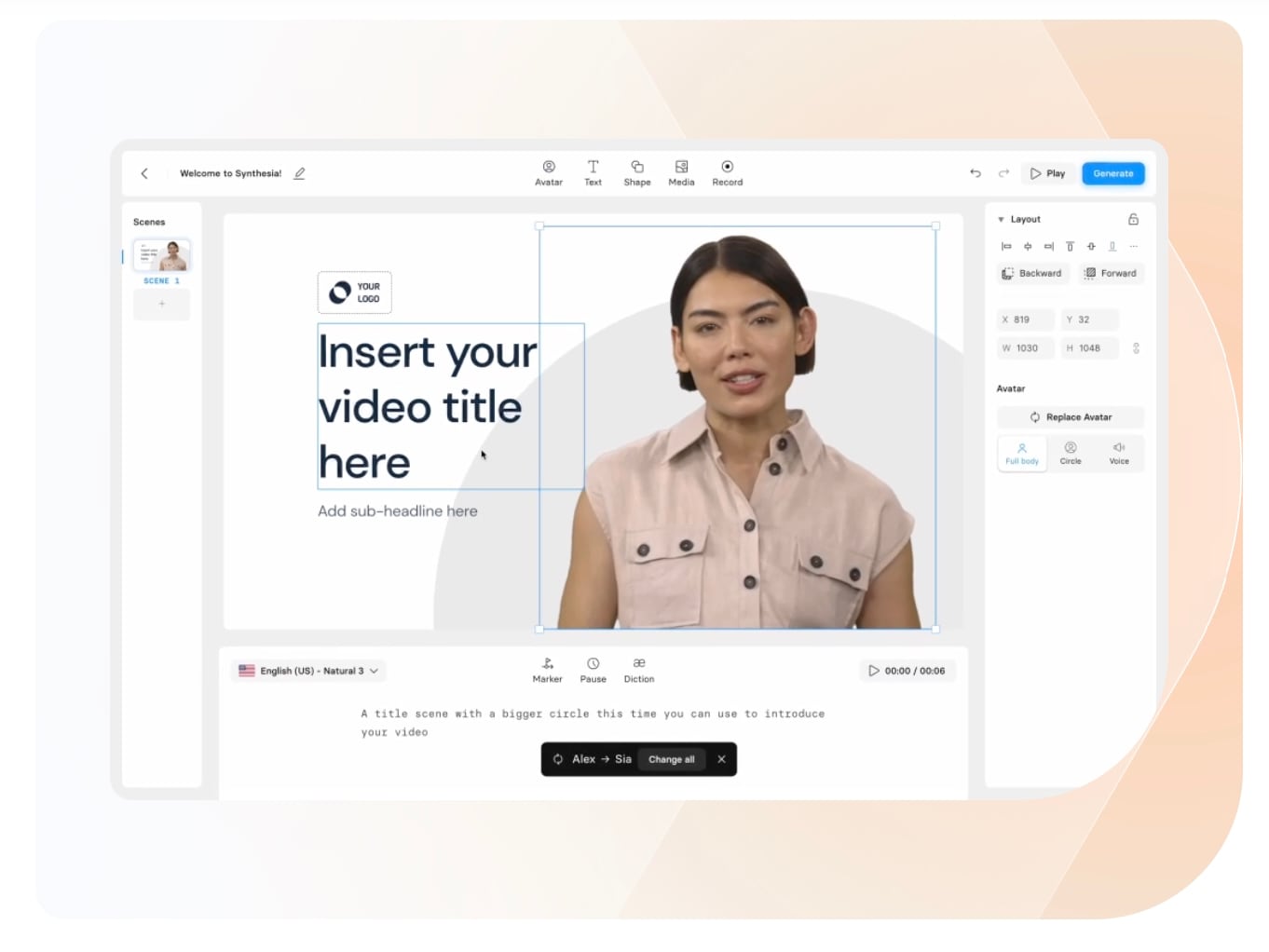
Synthesia is known for its realistic AI avatar videos based on text, which are suitable for educational content, explanations, or blog repurposing. Its blog-to-video AI workflow emphasizes spoken delivery.
- AI presenter and voiceover narration
- Support for multiple languages
- Customizable branding options
- Professional avatar videos
- High production quality
- Limited free usage
- It may be more expensive than most text-to-video tools
Businesses and educators who need high-quality avatar presentations.
7. VEED AI
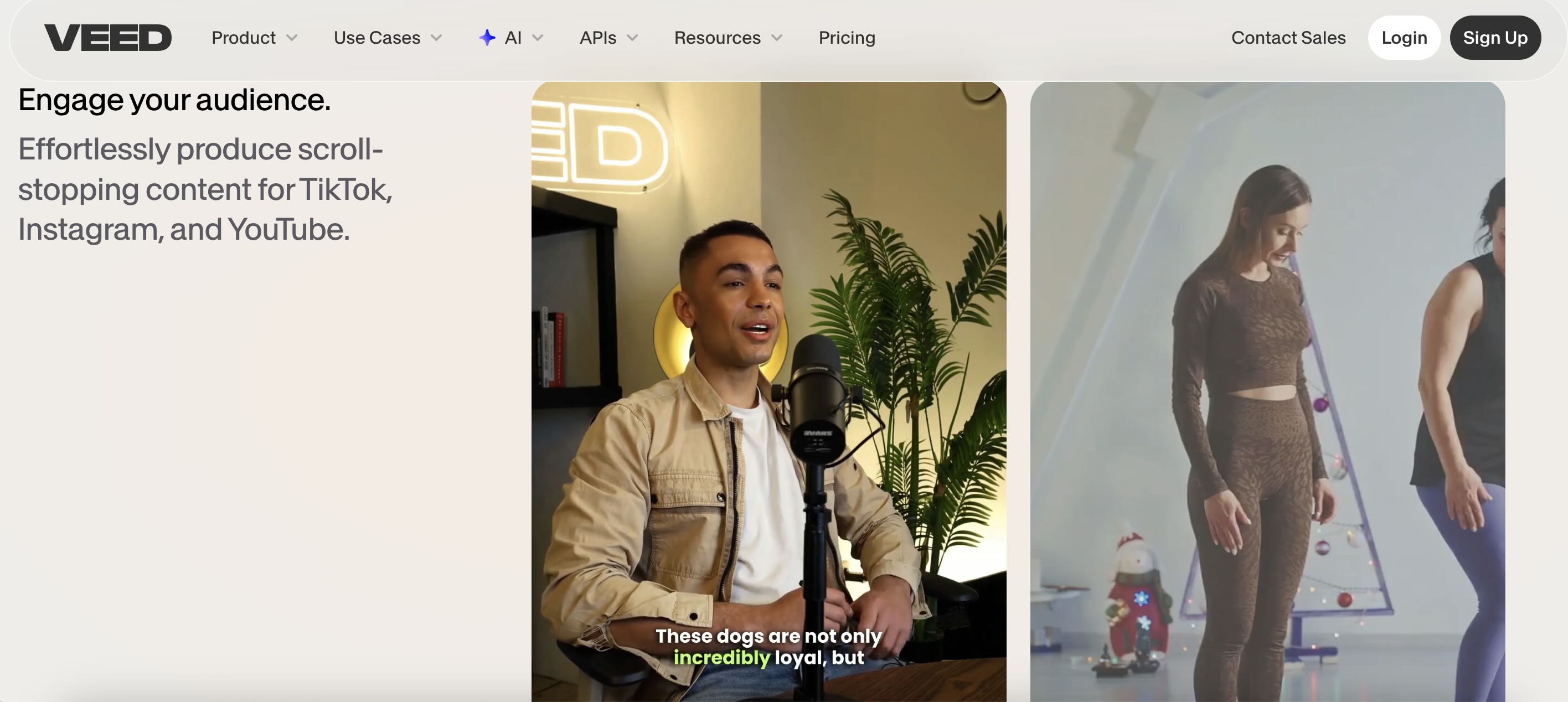
VEED AI blends standard editing with advanced AI blog post to video features like automatic captioning and smart trimming. It's ideal for creators who want both automation and hands-on editing.
- Smart automatic captions
- Simple text-to-video workflows
- Access to templates and stock media
- All-in-one editing + AI tools
- Good for the social content team
- Watermark on free exports
- AI text-to-video is basic compared to specialized tools
Users who want to combine AI conversion and editing tools in one platform.
8. FlexClip
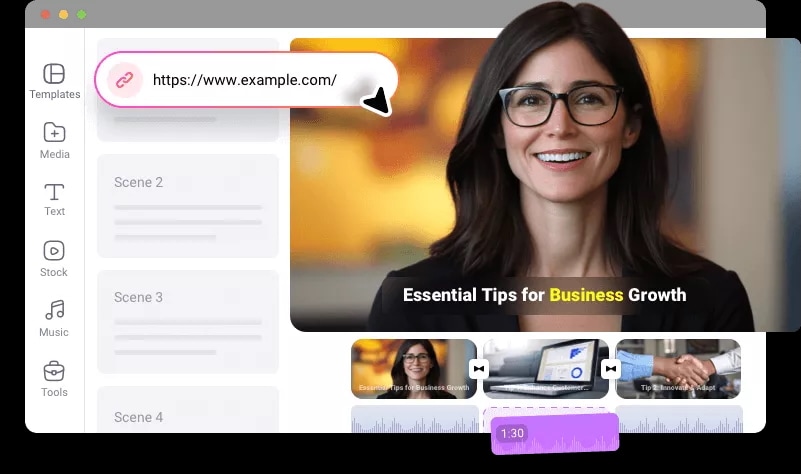
FlexClip is a reliable blog-to-video AI tool with an emphasis on drag-and-drop ease. It's excellent for quickly turning text into visually appealing videos, even for those with minimal design skills.
- Easy template-based video creation
- Basic AI text snippets
- Export settings for social media formats
- Super beginner-friendly
- Ideal for quick projects
- Suitable for teams
- Watermark on free exports
- AI is less powerful than specialized generators
- AI results require refinement
Beginners or casual content creators who need video clips from blogs quickly.
9. Kapwing
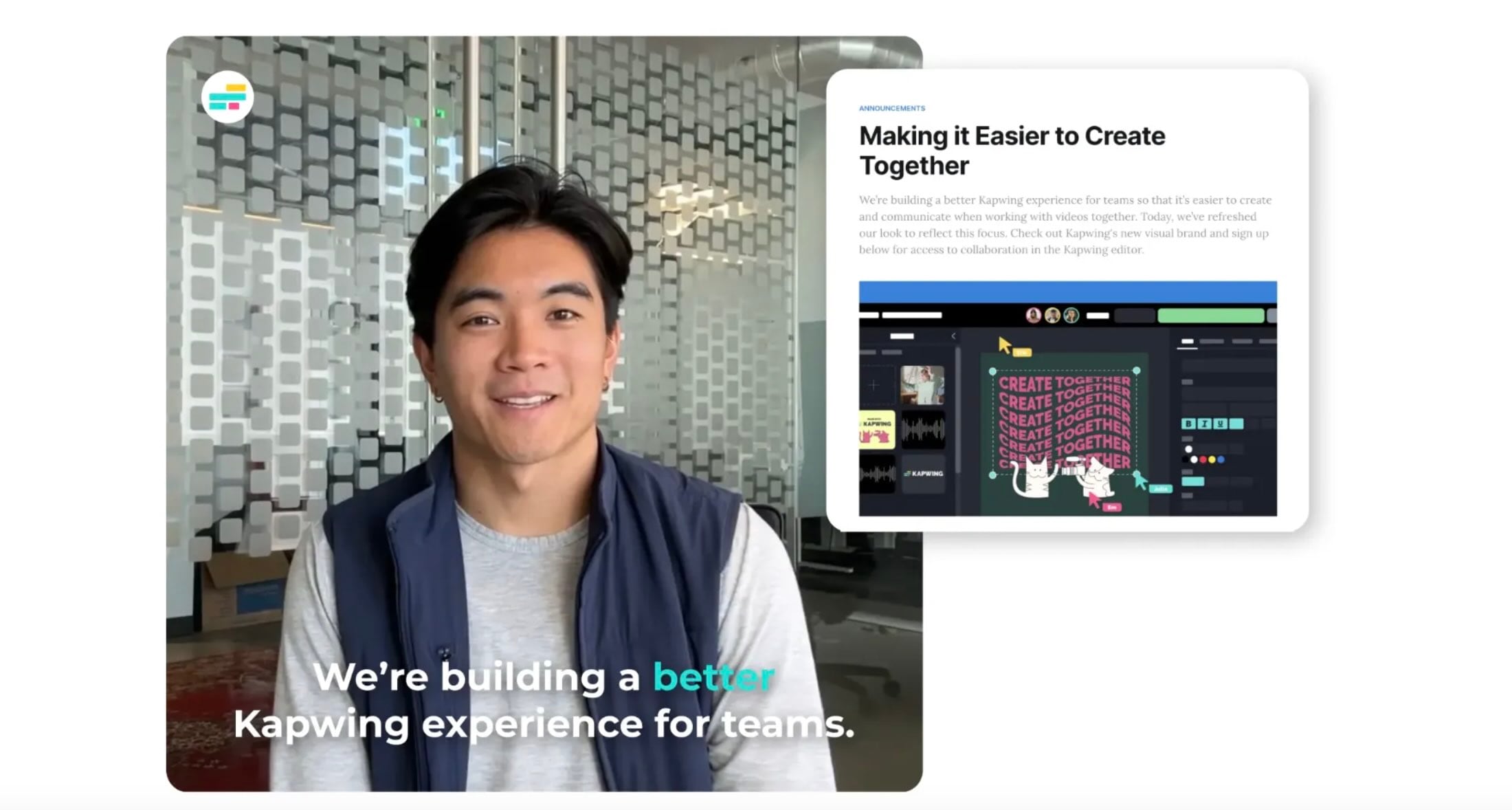
Kapwing combines blog-to-video AI with collaborative editing features. It's a flexible option for teams or creators who want both AI assistance and real-time editing tools.
- Auto text-to-video workflows
- Team collaboration
- Rapid text-to-video workflows
- Multi-format exports
- Collaborative features
- Browser-based
- Template library
- Watermark on free plan
- Free plan quotas are limited
Collaborative content workflows and AI-assisted video creation.
10. Descript
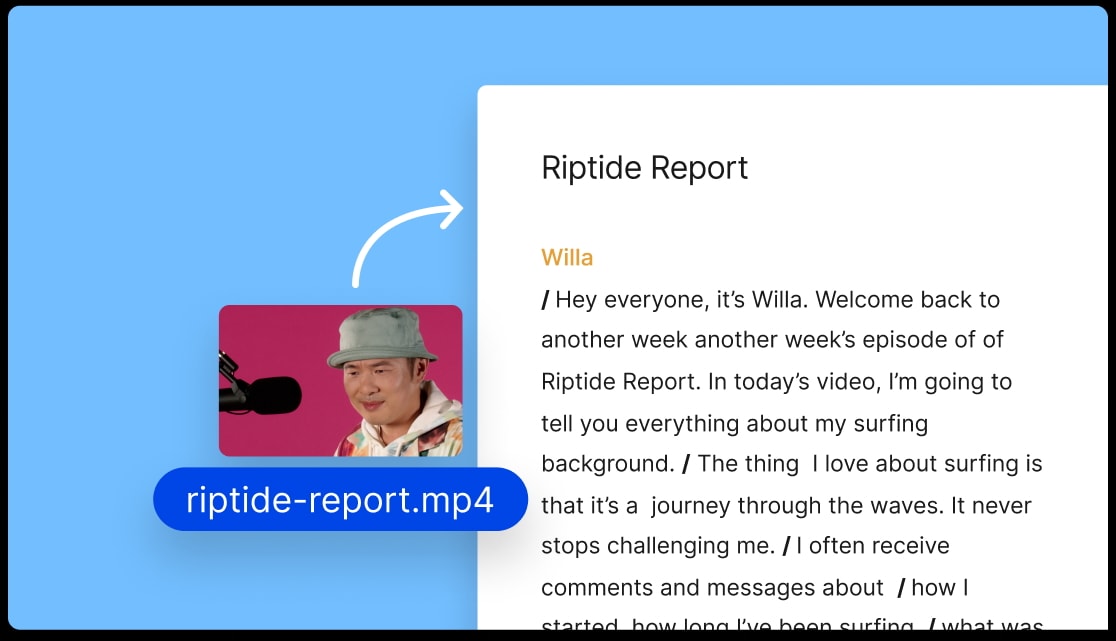
Descript is a text-based blog-to-video AI tool where editing happens through transcripts. It's ideal for creators who think in words and want precise control over narrative flow.
- Text-based video/audio editing
- Overdub voice cloning
- Script-driven video creation
- Scene reordering via text
- Edit video like editing text
- Great for detailed storytelling
- Powerful audio tools
- Watermark on free exports
- Not ideal for purely visual repurposing
Tutorials, podcasts, and script-driven editing workflows.
Looking for a Blog to Video AI Free Without a Watermark? Here's the Truth
Many creators are looking for free AI blog-to-video tools without watermarks, but the reality is more complex.
Most AI video tools rely on watermarks in their free plans to protect their tech and encourage upgrades. Completely unlimited AI blog-to-video tools without watermarks are super rare, and when they do exist, they often come with strict limits on video length, quality, or editing controls.
Nevertheless, you can still overcome these limitations without overspending if you know what to look for.
Use free quotas strategically
Some tools offer trial credits or limited free exports that allow you to test AI blog-to-video features before committing. This is ideal for one-off projects or initial experiments.
Choose low-cost upgrades over "free traps."
A beginner-level subscription is often more practical than pursuing free tools. A small monthly fee usually removes watermarks, unlocks higher resolutions, and allows for faster publishing.
Combine AI generation with manual editing
You can generate rough videos using free AI blog-to-video tools, then refine or re-export them in an editor that offers cleaner output and better customization.
Understand the difference between free and paid versions
Free versions typically limit video duration, export quality, and branding controls. Paid versions add advanced AI features, higher resolution, and consistent output quality, which is important for SEO and social media platforms.
Recommendations: If your goal is professional-looking content that can be reused across various websites, YouTube, and short-form content platforms, investing in a reliable AI blog-to-video tool is often more efficient than relying on free options that are full of watermarks.
Step-by-Step: How to Use AI Blog to Video for Maximum Engagement
Here's a practical scenario showing how to use Wondershare Filmora AI as your blog-to-video AI tool to turn a blog post into an engaging video that performs well on both search and social platforms.
Secure Download Secure Download- AI Text to Video: Best for generating a short text prompt into a scroll-stopping short video in different styles. It works well for viral-style social clips, usually around 8 to 12 seconds.
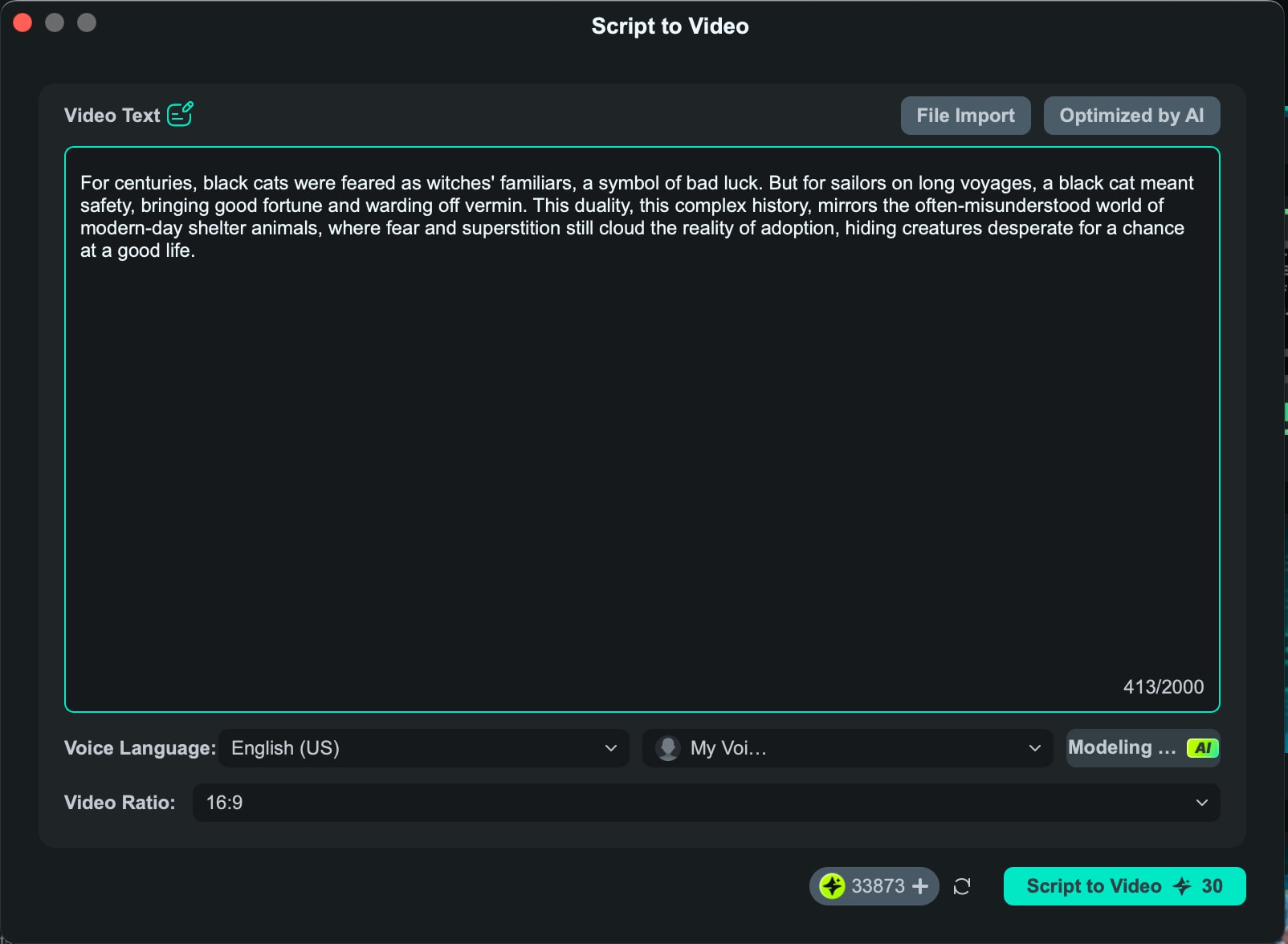
- AI Script to Video: Ideal when you already have a script or structured text. You can paste it, and Filmora will automatically add and assemble clips, along with transitions, background music, visual effects, and more.
- AI Idea to Video: Great for starting from a simple idea or concept. Filmora expands it into a short story with a longer runtime, typically up to 30 seconds.
Bonus Tip: Reverse Engineering – YouTube Video to Blog AI
While most creators focus on turning blogs into videos, there's a growing opportunity many still overlook: YouTube video to blog AI. Converting your video content into written posts is a powerful way to achieve full-channel coverage without creating new material from scratch.
If you've already published videos, especially tutorials, reviews, or explanations, you have ready-made blog content. AI makes it easy to convert spoken content into SEO-friendly articles that attract search traffic long after the video is published.
- Start with AI transcription: Use AI tools to accurately transcribe your YouTube video. This gives you a text base that reflects natural language and conversations users often search for.
- Clean and structure the content: Raw transcripts aren't ready for the blog. Use AI to remove filler words, organize ideas into headings, and turn spoken explanations into clear, easy-to-read paragraphs.
- Optimize for SEO intent: Add keywords, internal links, and meta elements that videos alone can't capture. This step transforms a transcript into a high-quality SEO blog post.
- Embed the original video: Place the YouTube video within the blog post to increase dwell time and create a stronger connection between written and video content.
- Repurpose across platforms: Once the blog is published, you can reverse the flow again by pulling key sections back into short clips or social posts, thereby creating a complete content cycle.
Conclusion
In 2026, content repurposing is no longer optional—it's a necessity for growth. Using a blog to video AI tool is the fastest way to expand your reach, improve your SEO, and connect with audiences who prefer visual storytelling.
Whether you are looking for a free blog to video AI for quick social clips or a professional power-house like Wondershare Filmora to create high-quality, branded content, the tools are now more accessible than ever. Don't let your valuable written posts sit idle. Transform them into engaging videos and give your content the global visibility it deserves.

FAQ
-
Which is the best blog on video AI for beginners?
Filmora AI is a strong choice for beginners who want guidance plus editing control. Tools like InVideo AI and Lumen5 are also beginner-friendly thanks to their templates and simple workflows. -
Can I use Blog to video AI free for commercial use?
Most free plans, including the free version of Filmora, are best suited for testing. They often include watermarks or usage limits. For commercial use, an upgrade to a paid plan is usually required. -
How does blogging to video impact Google rankings?
Embedding videos created with tools like Filmora can increase dwell time and engagement, which supports SEO. Videos also help drive traffic from YouTube and social platforms back to your blog.
