Explore Cute Baby Fox Prompts
Browse cute baby fox prompts for realistic wildlife portraits, cozy den scenes, meadow photos, snowy mornings, forest wallpapers, and soft illustrated fox cub ideas. Use them for video templates, wallpapers, thumbnails, reels, and nature-themed content.
Loading more cute baby fox prompts...
 Category:
 Duration:
 Aspect Ratio:
Why Use Cute Baby Fox Prompts for AI Animal Images?
A strong fox cub prompt balances softness, natural detail, lighting, and setting. By describing fur texture, expression, season, lens style, and environment, you can guide AI toward adorable images that still feel polished and usable.
Generate Adorable Fox Cub Portraits
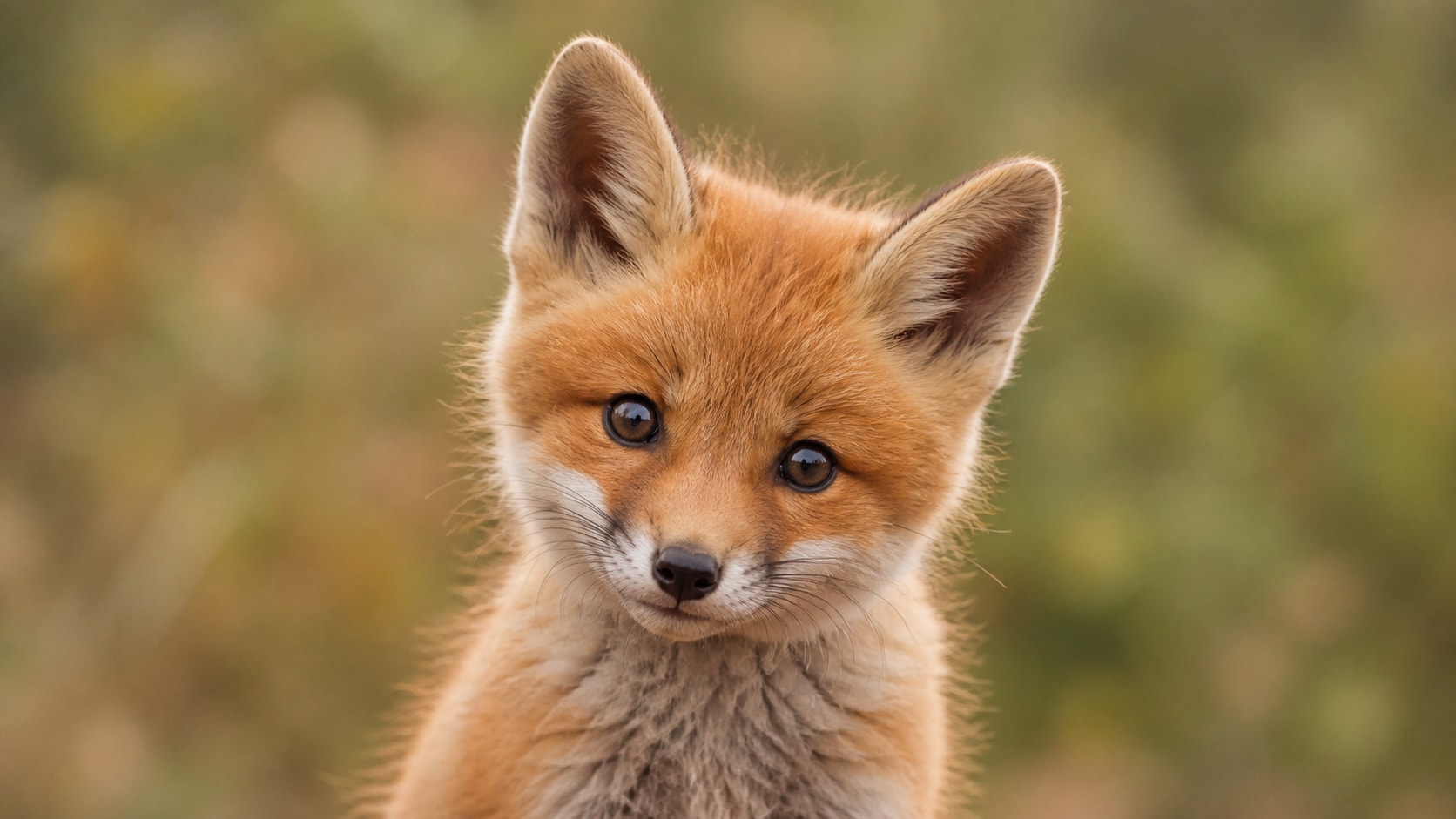
Generate Adorable Fox Cub Portraits
A cute baby fox photo prompt works best when it names expression, fur texture, camera distance, and lighting. Soft eyes, tiny ears, fluffy orange fur, and shallow depth of field can make the result feel warm and lifelike.
- Portrait Detail - Describe eye contact, small paws, fluffy ears, and delicate fur texture.
- Soft Lighting - Use golden hour, cloudy forest light, window glow, or gentle backlight.
- Camera Feel - Add close-up, macro, wildlife portrait, or dreamy shallow depth of field.
Create Forest, Meadow, and Snowy Scenes
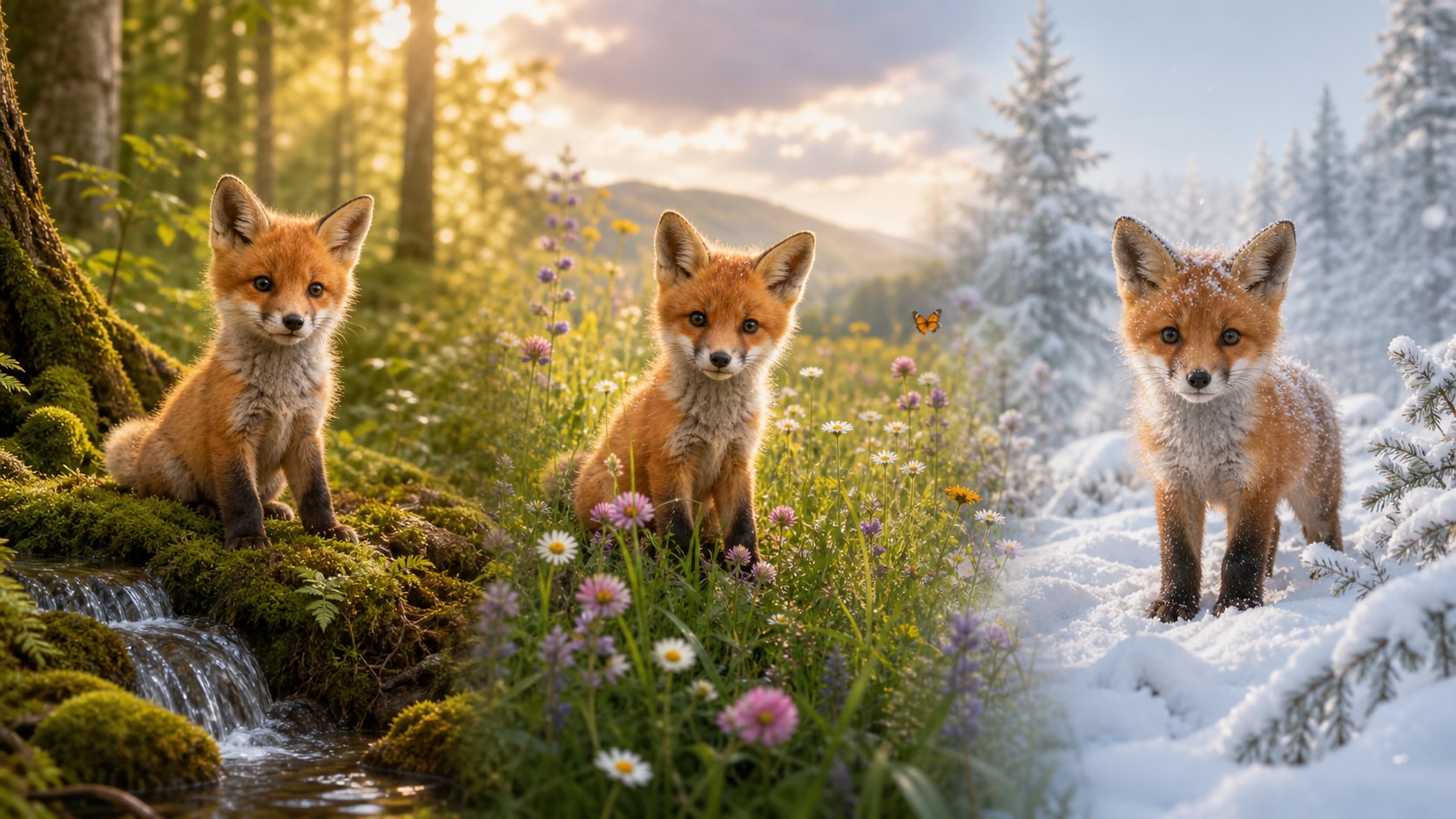
Create Forest, Meadow, and Snowy Scenes
For cute baby fox in forest prompt ideas, describe the habitat as carefully as the fox. Moss, ferns, flowers, snowflakes, hollow logs, and warm leaves can turn a simple fox cub into a complete visual story.
- Natural Setting - Use mossy forests, wildflower meadows, snowy paths, streams, or cozy dens.
- Seasonal Mood - Guide the color palette with spring blossoms, autumn leaves, winter snow, or summer grass.
- Visual Story - Add a gentle action like peeking, sleeping, exploring, or following butterflies.
Design Wallpapers and Social Covers
Design Wallpapers and Social Covers
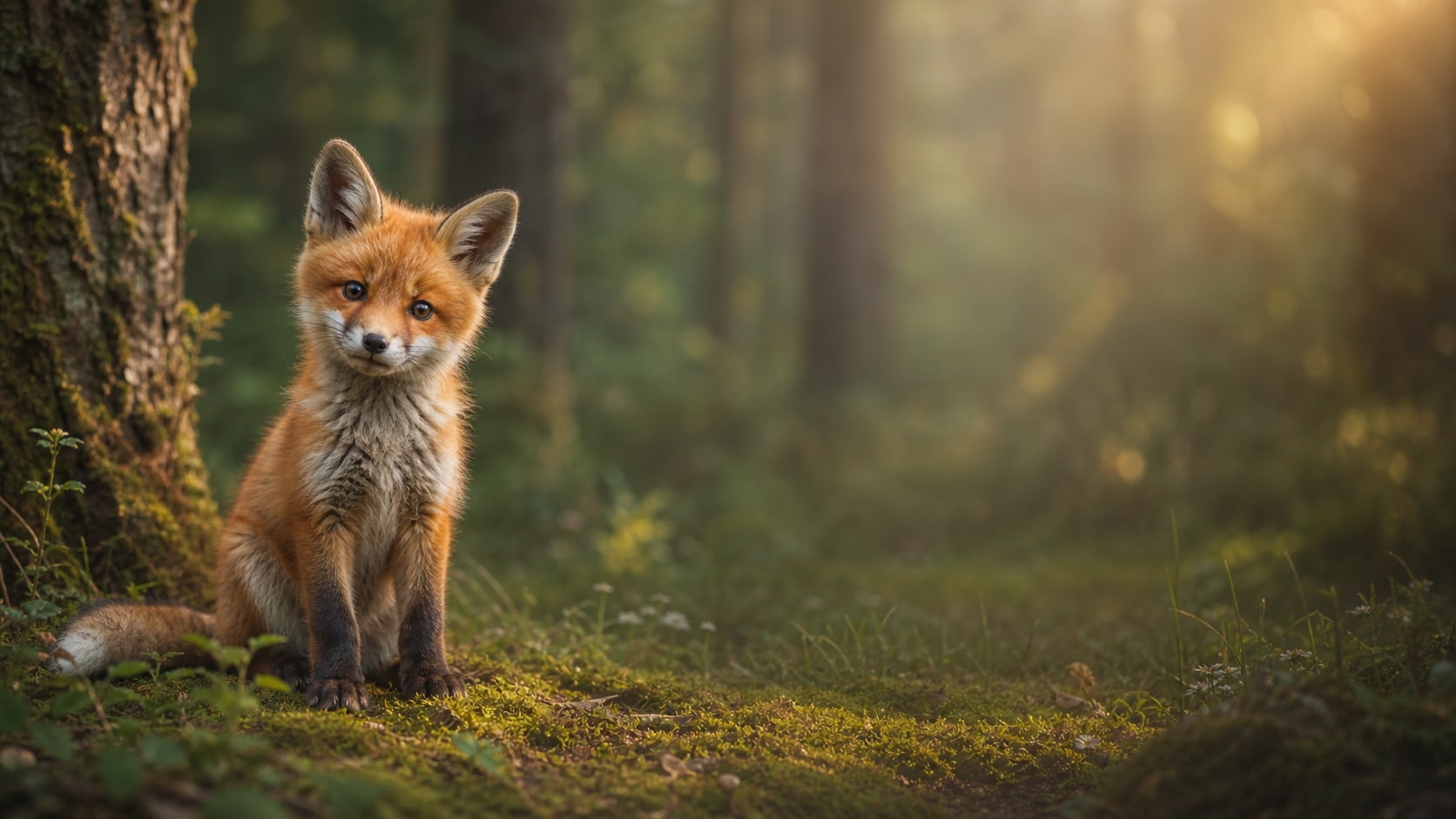
A cute baby fox wallpaper AI prompt needs clean composition and enough negative space for cropping. Generate wide forest wallpapers, vertical mobile covers, or square social portraits with consistent lighting and focus.
- Wide Layouts - Use 16:9 for desktop wallpapers, banners, and video backgrounds.
- Vertical Covers - Use 9:16 for phone wallpapers, stories, reels, and short-form covers.
- Clean Crops - Keep the fox cub centered or slightly offset with uncluttered background space.
Turn Fox Cub Images into Video Moments
Turn Fox Cub Images into Video Moments
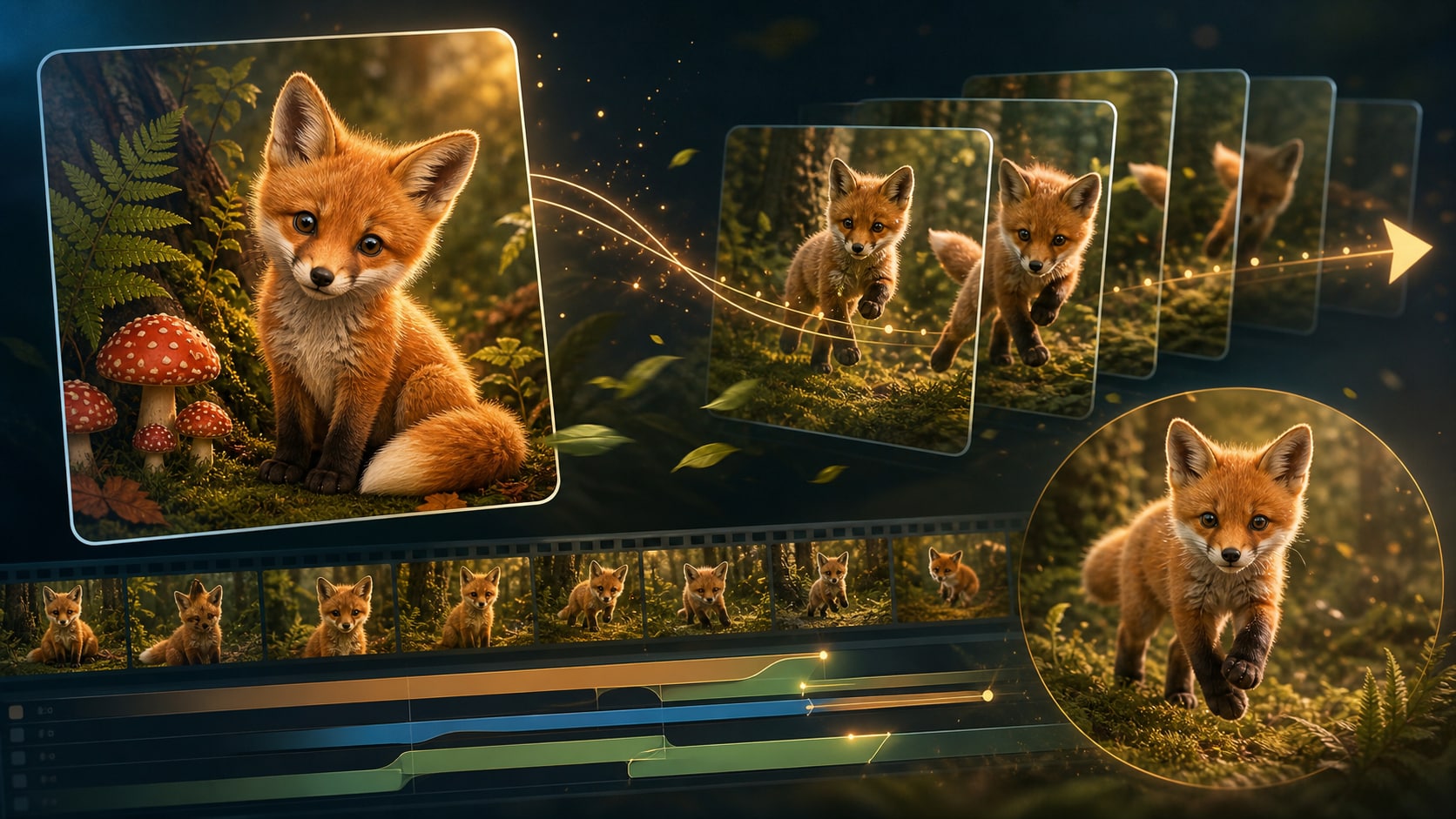
After generating a still fox cub image, Filmora can help add motion, atmosphere, titles, and transitions. A soft cute baby fox prompt can become a wallpaper, reel intro, nature short, or gentle story clip.
- Motion Ideas - Animate falling leaves, drifting snow, sunlight, butterflies, or subtle camera movement.
- Editing Polish - Add color grading, soft titles, music, and transitions after generation.
- Multi-Use Assets - Export still images, phone covers, thumbnails, and animated video versions.
Frequently Asked Questions About Cute Baby Fox Prompts
How to Generate Cute Baby Fox Images With Prompts
Turn a fox cub idea into a soft portrait, forest wallpaper, or video-ready animal visual using Filmora's AI image workflow.
Step 1 Choose a Baby Fox Prompt

Step 2 Customize Style and Ratio

Step 3 Generate, Refine, and Export

-
1: Choose a Baby Fox Prompt
Pick a prompt style such as realistic fox cub portrait, snowy morning scene, forest wallpaper, meadow photo, or soft storybook fox illustration. -
2: Customize Style and Ratio
Paste the prompt into Filmora's AI Image tool, choose 16:9, 9:16, or 1:1, and refine the lighting, fur detail, forest setting, and mood. -
3: Generate, Refine, and Export
Generate the baby fox image, polish color and crop in Filmora, add motion if needed, then export it as a wallpaper, cover, thumbnail, or short video asset.
Cute Baby Fox Prompts: Create Adorable Forest Portraits and Wallpapers
Looking for the perfect cute baby fox prompt? From fluffy fox cub portraits and mossy forest scenes to snowy mornings, wildflower meadows, cozy dens, and dreamy wallpapers, Filmora helps you generate, refine, animate, and export adorable animal visuals in one workflow.