Explore Cute Rabbit AI Prompts
Browse cute rabbit AI prompts for fluffy bunny portraits, spring meadows, pastel room scenes, kawaii stickers, Easter baskets, 4:5 social crops, and soft storybook illustrations. Use these ideas for video templates, posts, thumbnails, wallpapers, greeting visuals, and pet content.
Loading more cute rabbit AI prompts...
 Category:
 Duration:
 Aspect Ratio:
Why Use Cute Rabbit AI Prompts for Bunny Images?
Rabbit images become more adorable when the prompt controls fur texture, ear shape, pose, color palette, and seasonal setting. Clear detail helps AI create bunny portraits, stickers, and holiday visuals that feel soft, polished, and easy to reuse.
Create Photorealistic Bunny Portraits
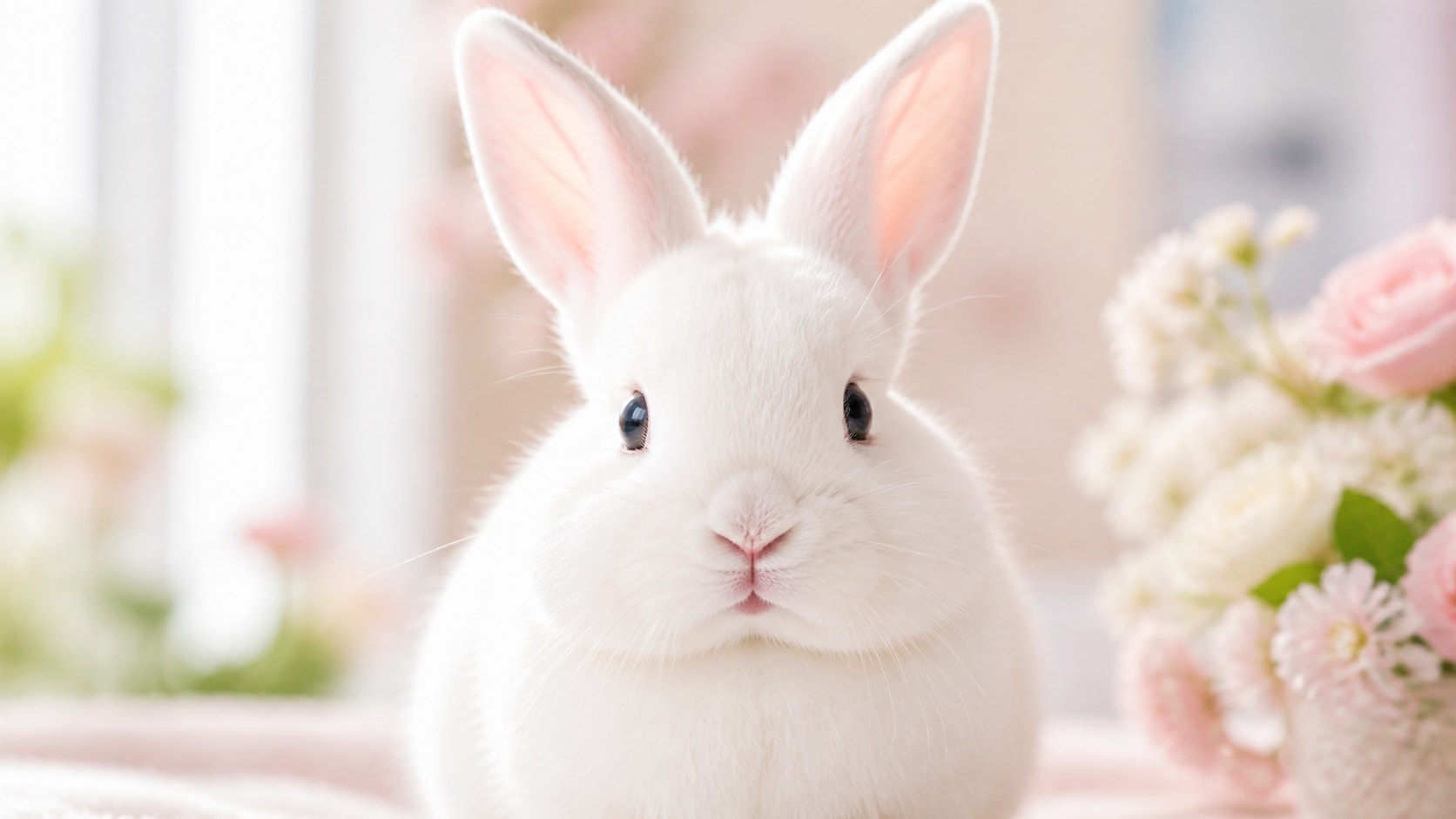
Create Photorealistic Bunny Portraits
A photorealistic bunny prompt should name fur texture, eye reflections, ear shape, and lighting. Soft daylight, macro lens detail, and a simple background help the rabbit look lifelike and gentle.
- Fur Detail - Mention fluffy cheeks, soft whiskers, velvet ears, and realistic eye reflections.
- Lighting - Use window light, spring morning sun, softbox studio light, or golden hour.
- Composition - Choose close-up portrait, 4:5 crop, square feed image, or wide wallpaper.
Design Kawaii Rabbit Stickers
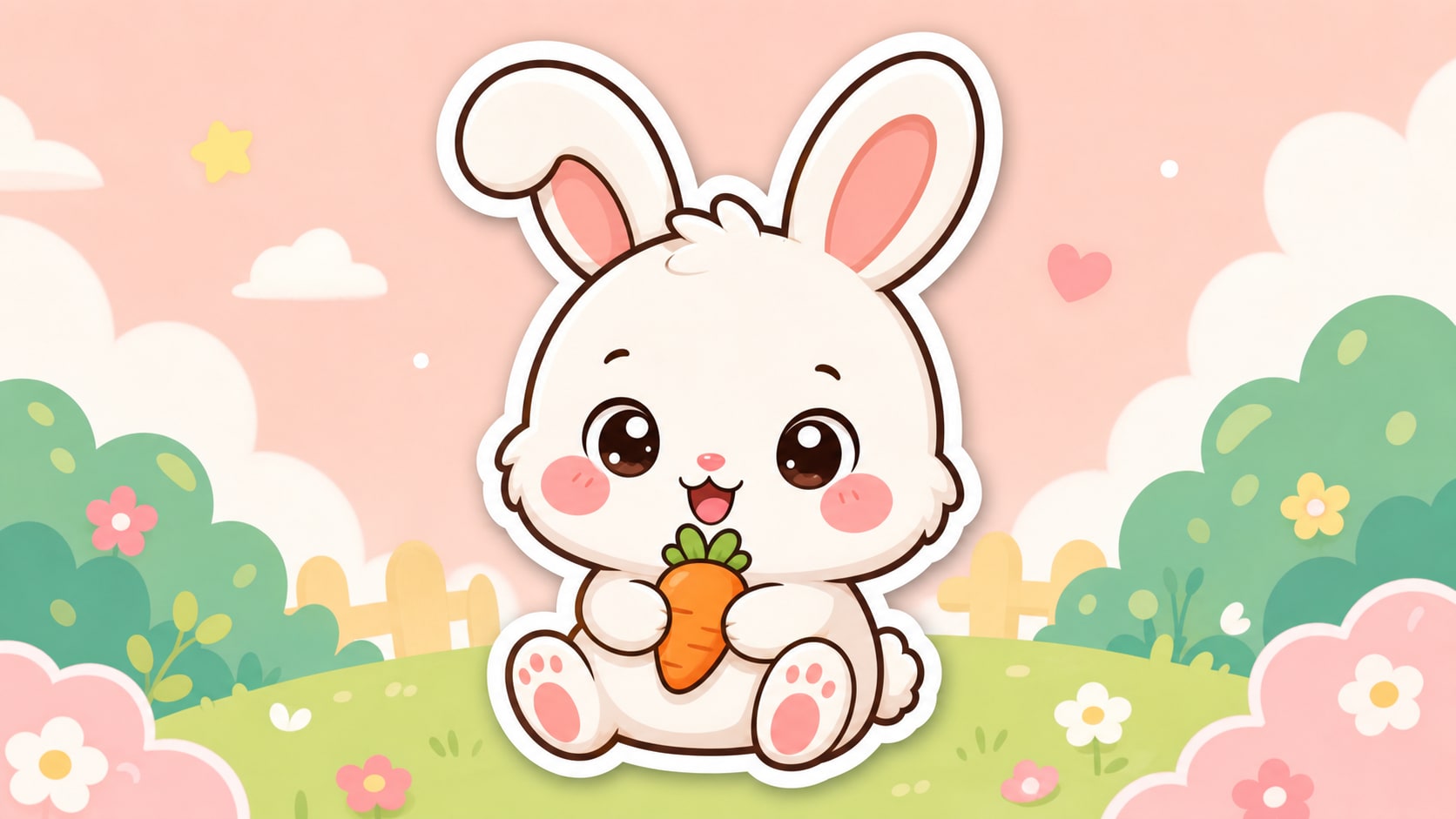
Design Kawaii Rabbit Stickers
For kawaii rabbit sticker prompts, simplify the shape language. Ask for rounded cheeks, tiny paws, expressive ears, bold outline, and a clean background so the result works as a sticker or overlay.
- Sticker Shape - Use centered composition, bold outline, and simple readable silhouette.
- Cute Expression - Add blush cheeks, happy smile, shy pose, or tiny carrot prop.
- Clean Output - Request no generated text, no logo, and no watermark.
Build Easter and Spring Scenes
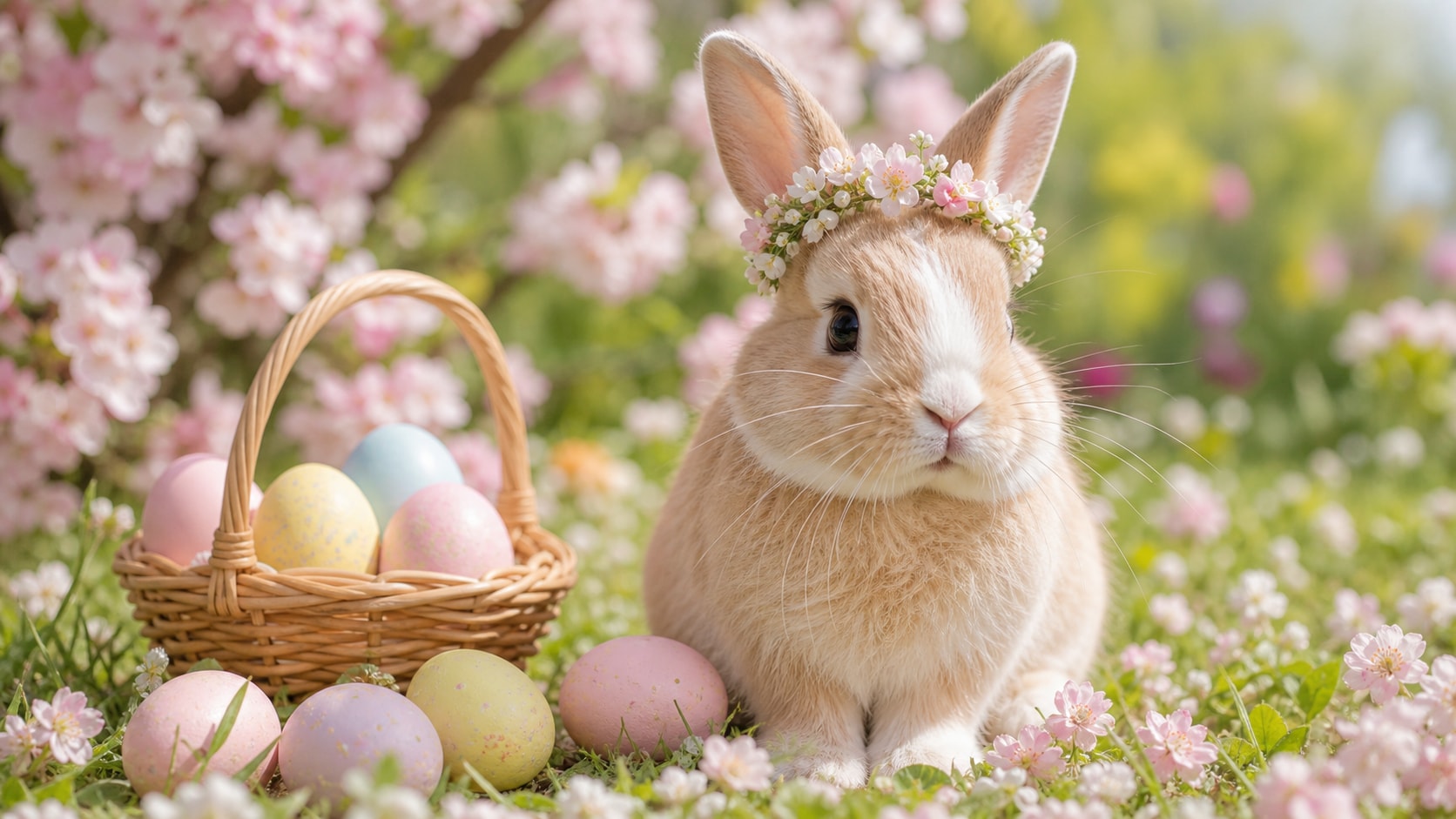
Build Easter and Spring Scenes
An Easter bunny portrait AI prompt works best when the holiday props support the rabbit rather than overcrowd it. Use baskets, painted eggs, blossoms, grass, and soft spring color sparingly.
- Seasonal Props - Use pastel eggs, flower crowns, baskets, carrots, or meadow grass.
- Soft Palette - Try lavender, mint, butter yellow, sky blue, and warm cream tones.
- Social Fit - Use 4:5, 1:1, or 9:16 crops for greeting posts and reels.
Turn Rabbit Images into Video Assets
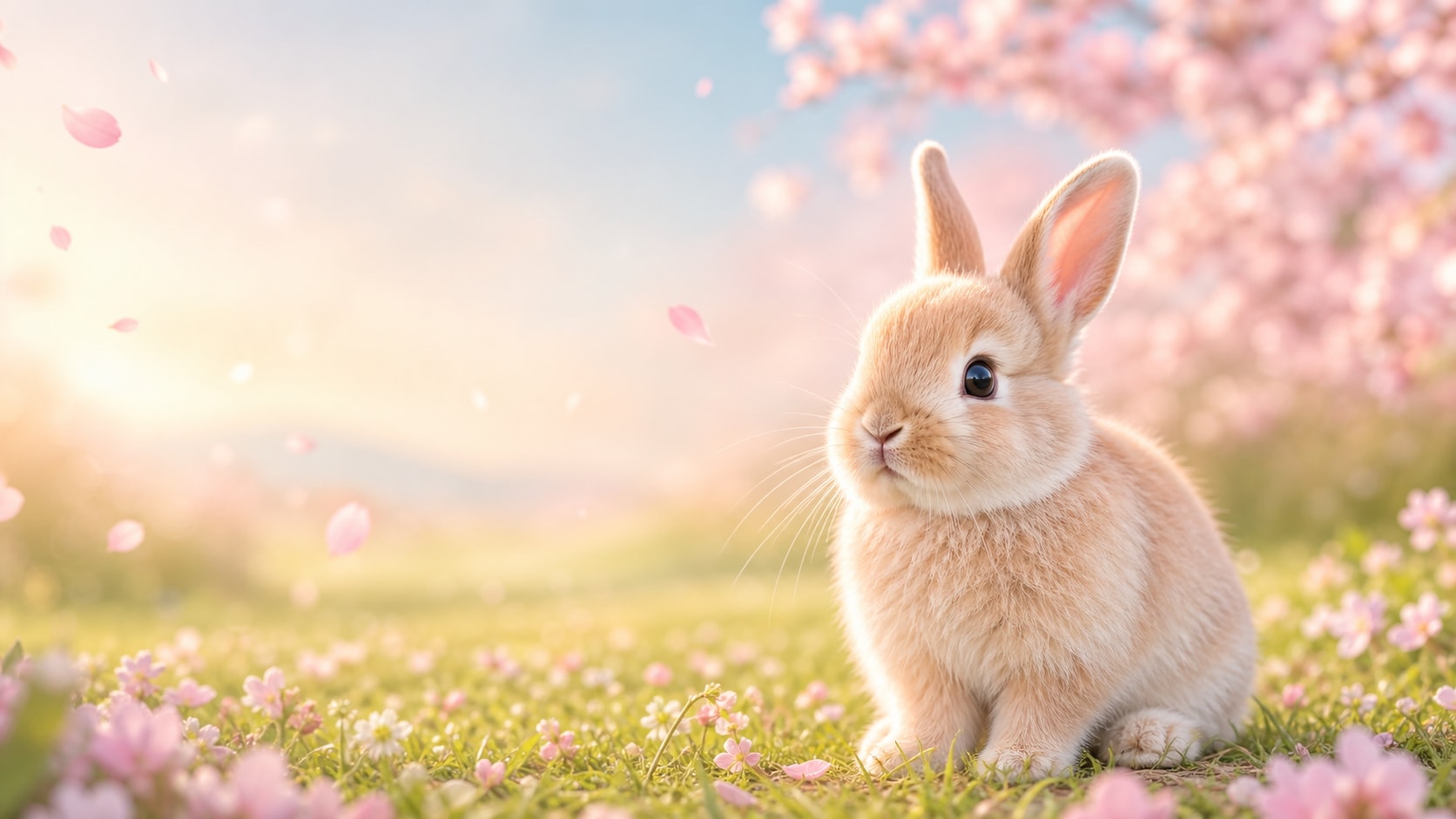
Turn Rabbit Images into Video Assets
After generating a still rabbit image, use Filmora to add camera movement, petals, titles, captions, or greeting-card motion. A cute rabbit AI prompt can become a reel cover, holiday intro, or pet channel visual.
- Motion Ideas - Animate petals, ears, soft zoom, sparkles, or floating greeting elements.
- Clean Titles - Add final readable words in Filmora after generation.
- Multi-Use - Export still images, mobile covers, thumbnails, and short video versions.
Frequently Asked Questions About Cute Rabbit AI Prompts
How to Generate Cute Rabbit Images With Prompts
Turn a rabbit idea into a photorealistic bunny portrait, kawaii sticker, Easter visual, or social-ready pet image using Filmora's AI image workflow.
Step 1 Choose a Rabbit Prompt

Step 2 Customize Style and Ratio

Step 3 Generate, Refine, and Export

-
1: Choose a Rabbit Prompt
Pick a prompt style such as photorealistic bunny portrait, kawaii sticker, Easter basket scene, meadow photo, or pastel room image. -
2: Customize Style and Ratio
Paste the prompt into Filmora's AI Image tool, choose 16:9, 9:16, 1:1, or a social crop, and refine fur, lighting, props, and no text instructions. -
3: Generate, Refine, and Export
Generate the rabbit image, polish crop and color in Filmora, add motion or clean titles if needed, then export it for posts, greetings, or videos.
Cute Rabbit AI Prompts: Create Bunny Portraits, Stickers, and Easter Visuals
Looking for the perfect cute rabbit AI prompt? From photorealistic bunny portraits and kawaii stickers to Easter scenes, pastel bedrooms, spring meadows, and social-ready crops, Filmora helps you generate, refine, animate, and export adorable rabbit visuals in one workflow.